Creative Coding: Making Visuals with JavaScript
A course by Bruno ImbriziCreative Coder
A course by Bruno Imbrizi, Creative Coder

Learn the fundamentals of programming and discover how to develop, draw, and animate visuals and text with code
Experimenting with creative coding never gets boring—there’s always something to explore, new techniques to learn, or new images to create. For creative coder Bruno Imbrizi, it’s an opportunity to merge his interests with motion graphics and visuals with programming. He has worked for both small agencies and well-known brands including Dell, Adidas, and Universal Music.
In this course, Bruno shares his expertise to help you create engaging visuals with code. Explore the fundamentals of programming and learn how to draw with creative coding in JavaScript.
Want to take your knowledge of coding further? Check out Bruno’s second course, Creative Coding 2.0 in JS: Animation, Sound, & Color to discover more advanced techniques for creating coded compositions with color, movement, and sound.
What will you learn in this online course?
21 lessons & 39 downloads
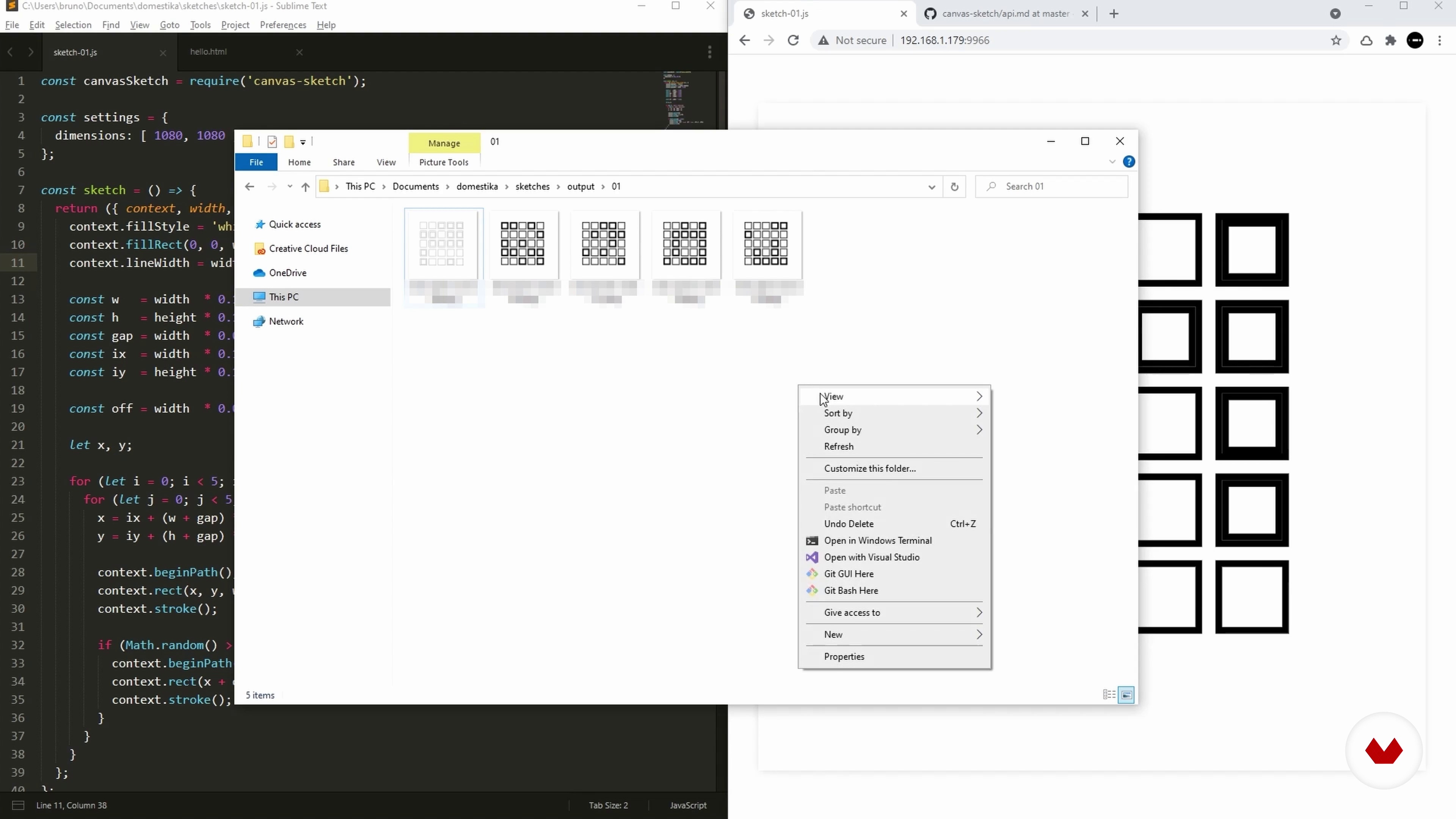
An Environment for Sketching
12 minutes, 39 seconds
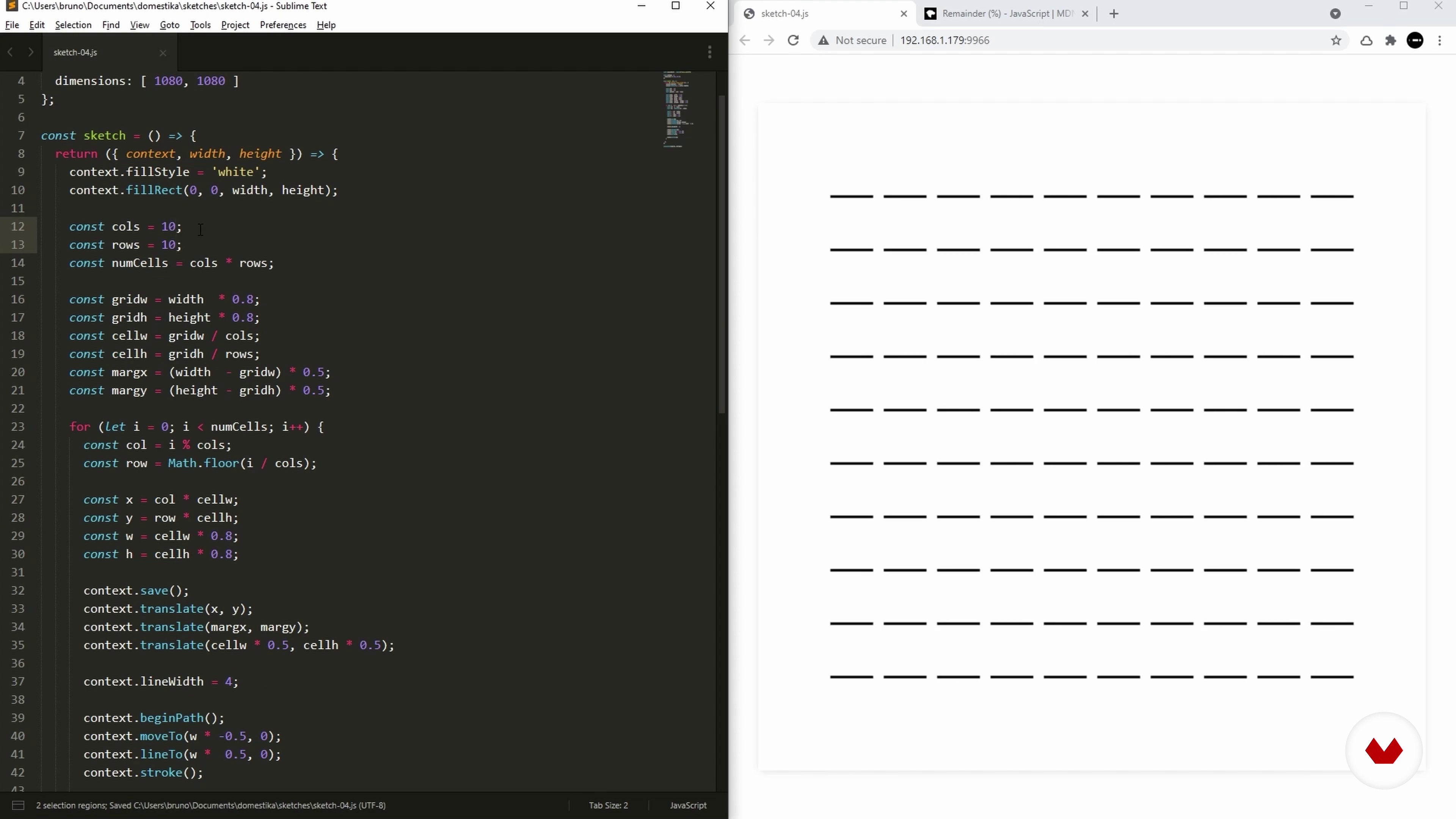
Grid
7 minutes, 51 seconds
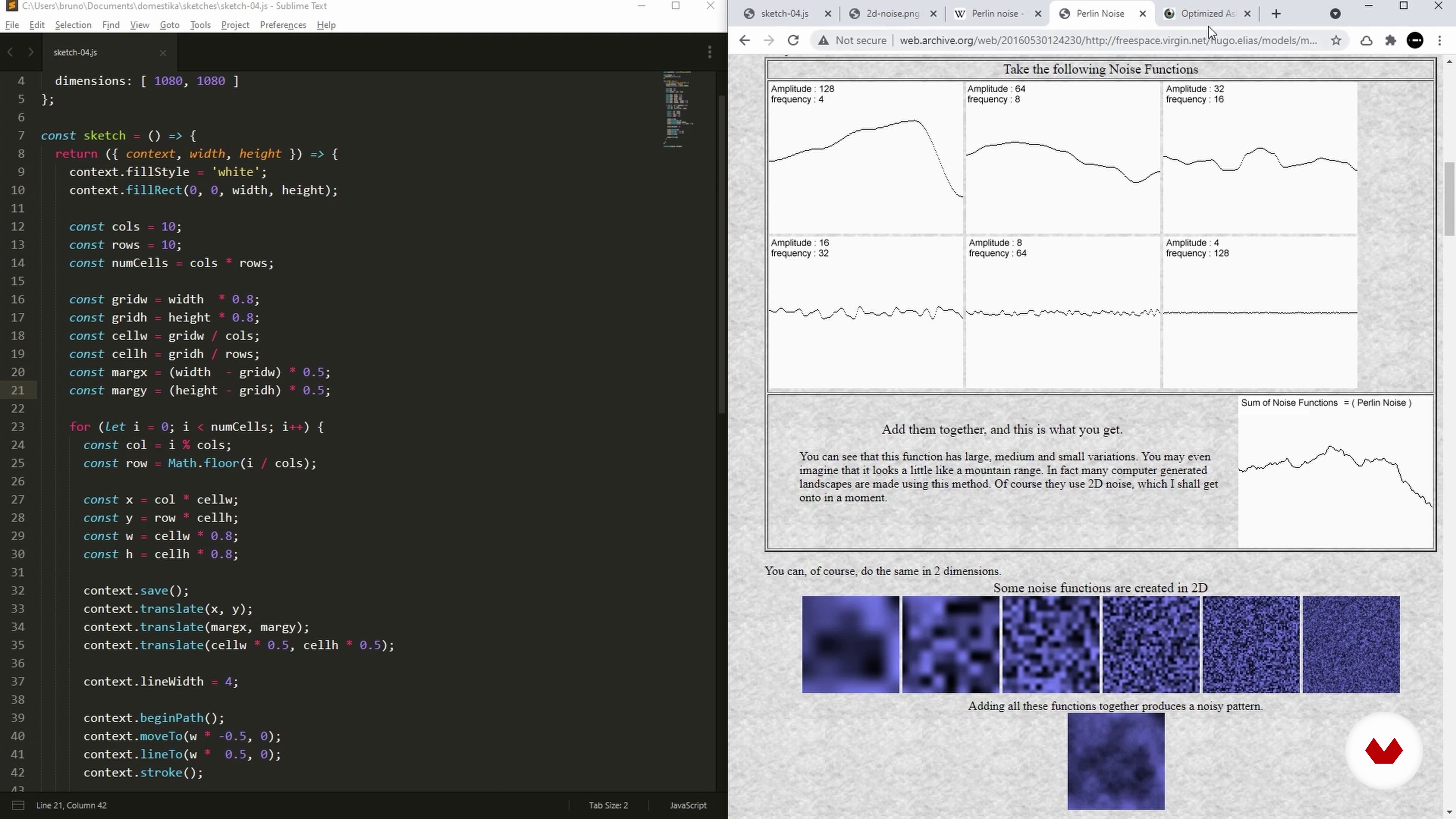
Noise
6 minutes, 40 seconds
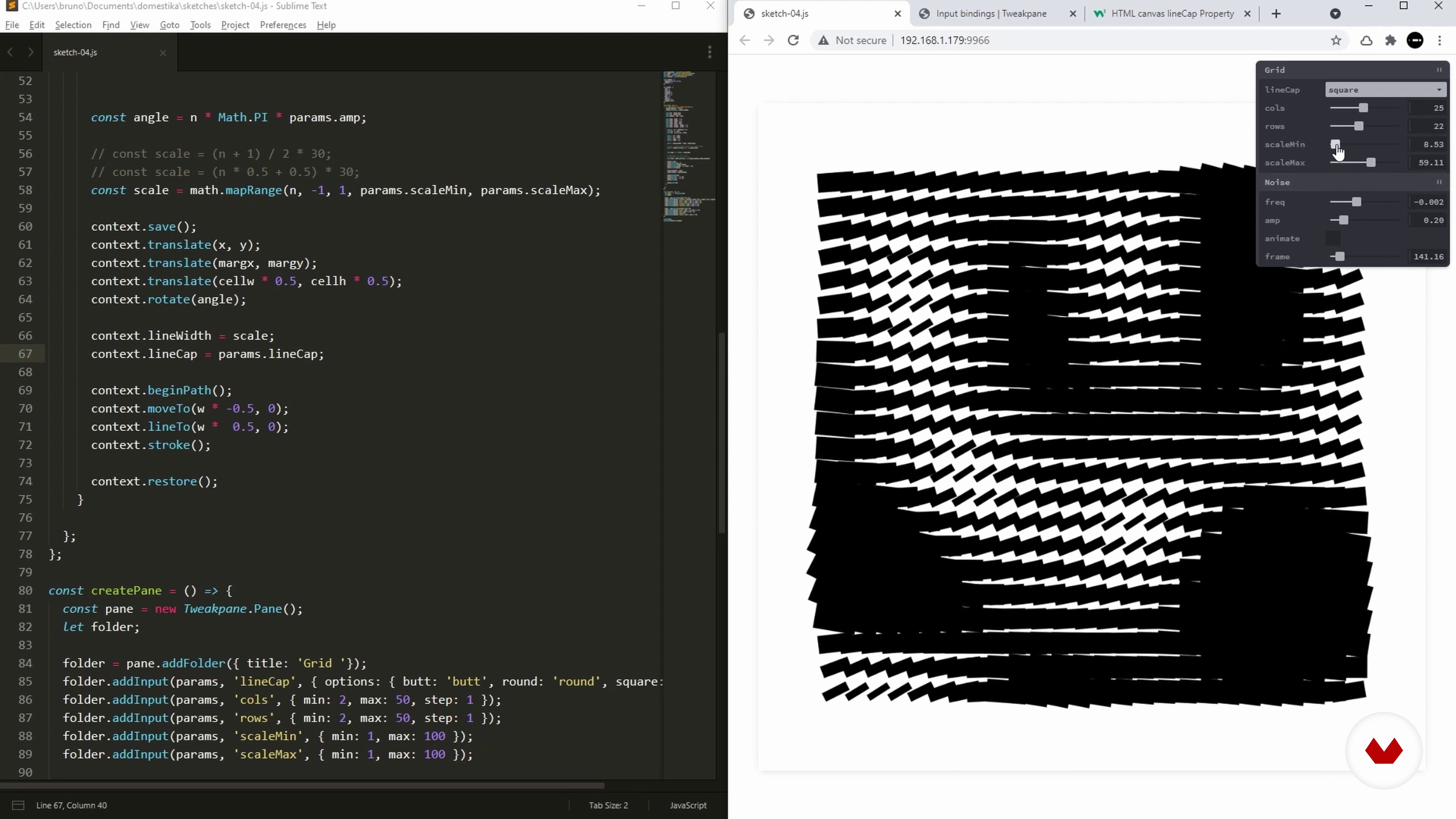
GUI
11 minutes, 12 seconds
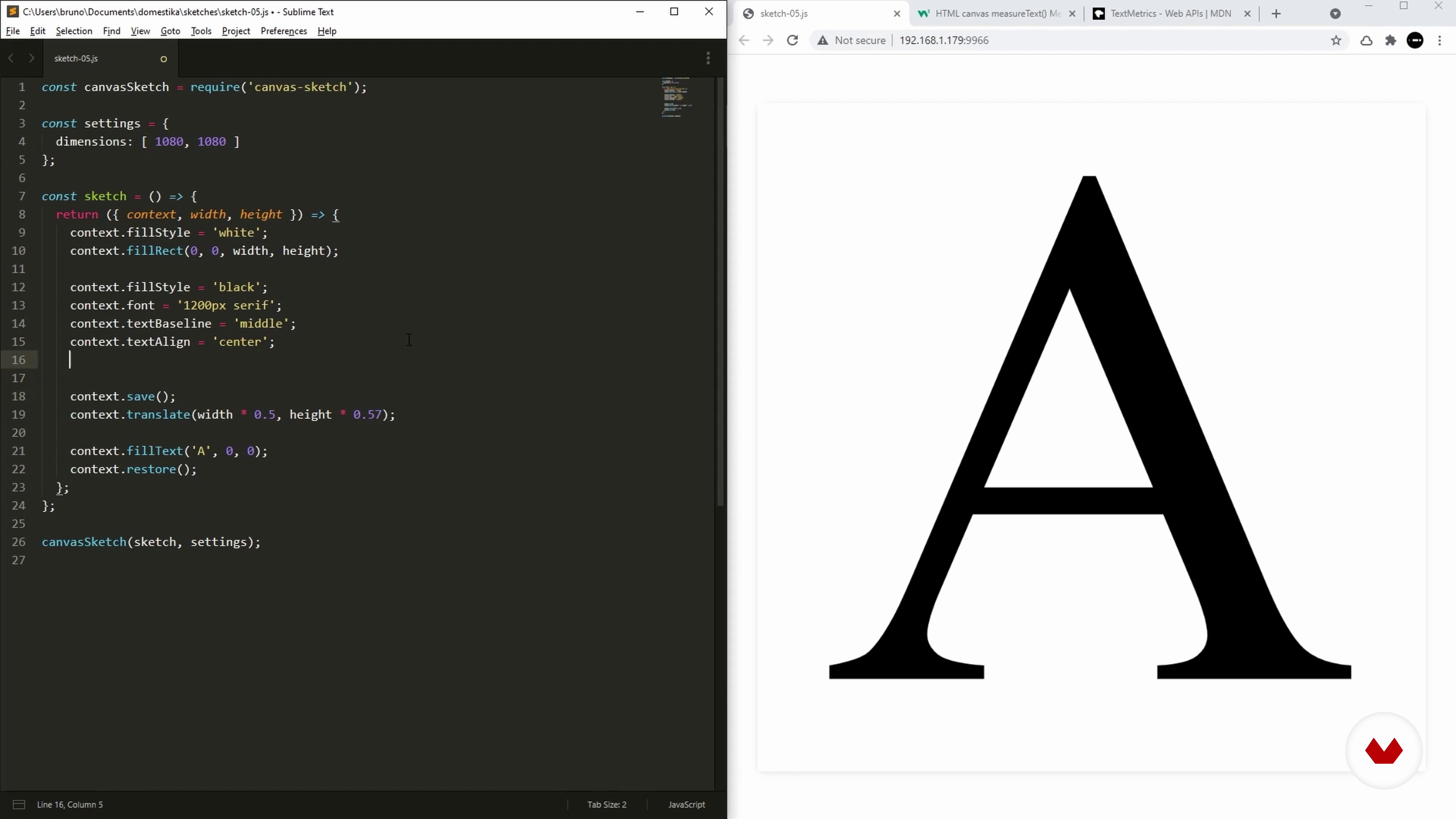
Text
9 minutes, 26 seconds
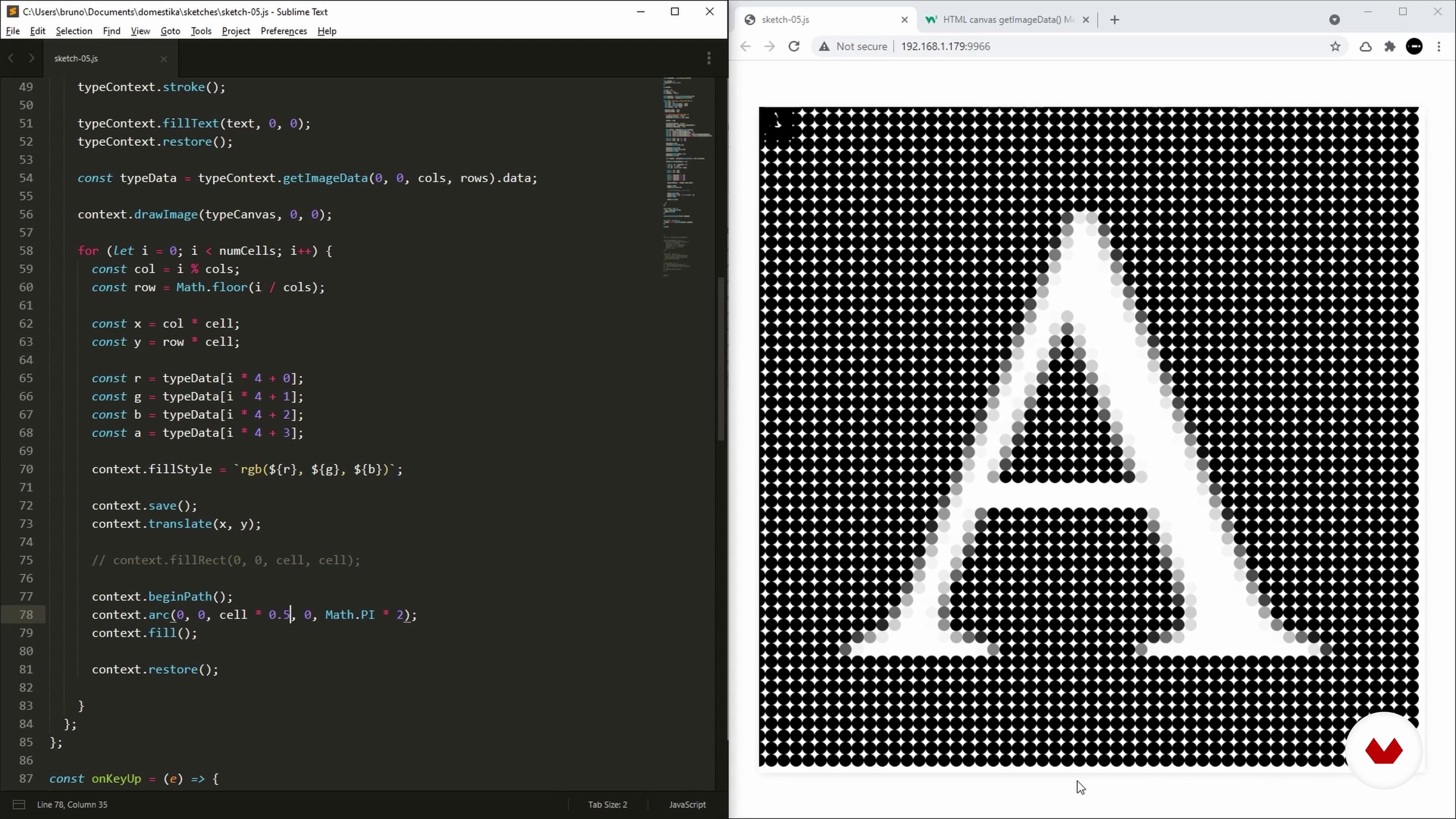
Bitmap
10 minutes, 34 seconds
What's included in this course?
Begin by getting to know creative coder, Bruno Imbrizi. He talks through his early career as a graphic designer and how he combines it with his interest in coding. Then, he discusses the platforms he likes to use and why, along with the people who have influenced his work.
Explore the fundamentals of coding. Bruno teaches you how to set up your main tools before giving an overview of programming concepts such as variables, functions, arrays, and loops. Then he demonstrates how to improve your setup before starting on a collection of sketches.
Create a new digital sketch using different canvas transformations. Then learn how to use trigonometry to distribute shapes around a circle. Learn how to scale your sketches and see how to use utility functions to facilitate your next designs. Finish your sketch by drawing arcs and playing with different values for your parameters.
Design an animated sketch with agents that move on the canvas. Learn how to draw lines between them based on their proximity before seeing how to export your animation as a video file that you can share online.
Revisit your grid and learn to make it more flexible and efficient. Then use noise generators to enhance it. Create a small control panel that allows you to update your sketches in real-time.
Finally, discover how to work with text in your compositions. Bruno shows you how to draw it, measure it, and set font properties before explaining how to update your letter using just a touch of your keyboard. Wrap up the course by learning how to read color values and put the finishing touches to your final sketch.
What is this course's project?
Design a series of creative visual compositions that can be implemented on a web browser using code.

Projects by course students

Who is this online course for?
This course is for anyone with an interest in programming and learning to create visuals through code.
Requirements and materials
Basic math skills are recommended.
Basic math skills are recommended. You will need a computer with Node.js, as well as access to a web browser, and text editor.
Operating Systems:
⦁Linux ⦁SmartOS ⦁macOS 10.7 or higher ⦁Windows 2008 or higher
System Requirements:
⦁4GB RAM ⦁10GB free space

Reviews
- 15 days ago
Great course, I wish I’d had a stronger foundation in coding before taking it.
- 1 month ago
Excellent introductory course
- 2 months ago
Great course!!!
- 2 months ago
I loved this! I learned a lot and I sincerely recommend this course.
- 4 months ago
Ótimo curso. O professor entende do assunto em profundidade e sabe transmitir muito bem o conteúdo. É uma excelente oportunidade como porta de entrada para a programação criativa.

With over 10 years of experience, he’s worked at agencies, design studios, production companies, and well-known brands including Dell, Adidas, and Universal Music. He’s been featured in online publications such as WIRED, and Londonist and won multiple awards including the Adobe Cutting Edge Award and FITC Best Digital Installation.
Content
- U1
Introduction
- About Me
- Influences
- U2
Fundamentals
- Setup
- Variables and Functions
- Arrays and Loops
- An Environment for Sketching
- U3
Sketch Transform
- Transform
- Angles
- Utility Functions
- Arcs
- U4
Sketch Agents
- Objects and Classes
- Animating Agents
- Lines
- Video Output
- U5
Sketch Noise
- Grid
- Noise
- GUI
- U6
Sketch Type
- Text
- Async
- Bitmap
- Glyphs
- FP
Final project
- Introduction to Coding for Visual Designers
What to expect from a Domestika course
Learn at your own pace
Enjoy learning from home without a set schedule and with an easy-to-follow method. You set your own pace.
Learn from the best professionals
Learn valuable methods and techniques explained by top experts in the creative sector.
Meet expert teachers
Each expert teaches what they do best, with clear guidelines, true passion, and professional insight in every lesson.
Certificates
PLUSIf you're a Plus member, get a custom certificate signed by your teacher for every course. Share it on your portfolio, social media, or wherever you like.
Get front-row seats
Videos of the highest quality, so you don't miss a single detail. With unlimited access, you can watch them as many times as you need to perfect your technique.
Share knowledge and ideas
Ask questions, request feedback, or offer solutions. Share your learning experience with other students in the community who are as passionate about creativity as you are.
Connect with a global creative community
The community is home to millions of people from around the world who are curious and passionate about exploring and expressing their creativity.
Watch professionally produced courses
Domestika curates its teacher roster and produces every course in-house to ensure a high-quality online learning experience.
FAQs
Creative coding is using programming for artistic or visual expression. This course teaches you how to use JavaScript, HTML, and Canvas to create interactive visuals and generative art through hands-on coding experiments.
This course is designed for intermediate users. Basic familiarity with JavaScript and web development is recommended, but key concepts and tools are explained step by step for those with some coding background.
You'll need a code editor like Sublime Text or Visual Studio Code, Node.js, npm, and a modern web browser. The course also covers installing and setting up all required tools for creative coding projects.
You'll learn to create generative art, interactive visuals, and prototypes using JavaScript, Canvas, and web technologies. Topics include drawing shapes, transformations, animation, exporting graphics, and using libraries like Canvas Sketch.
The course teaches you to use JavaScript Canvas API methods such as fillRect, arc, and fillStyle to draw and style rectangles, circles, and other shapes directly in the browser.
Yes, you'll learn to export your generative sketches as PNG images or video files using Canvas Sketch CLI, along with workflow tips for high-quality exports.
You'll be guided through installing Canvas Sketch, initializing projects, managing dynamic canvas dimensions, and running sketches in your browser or terminal.