Portfolio Design with Figma: Self-Promotion for Creatives
A course by Andrea JelicDigital Designer
A course by Andrea Jelic, Digital Designer

Build a digital portfolio with Figma that showcases your creative work and attracts your dream projects
Creating an online portfolio that you’re proud of is the best way to develop your design skills and grow confident in your abilities. Digital designer Andrea Jelić specializes in web design, e-commerce, and branding. Throughout her career, she’s collaborated with Holographik, Pitch, The Futur, Likely Story, Pexels, Gondi, Canva and more.
In this course, Andrea teaches you the creative process behind self-promoting and how to make yourself visible on social media. Create a striking digital portfolio that makes you stand out online using Figma. Are you ready to showcase your work with style and attract your dream projects?
What will you learn in this online course?
16 lessons & 17 downloads
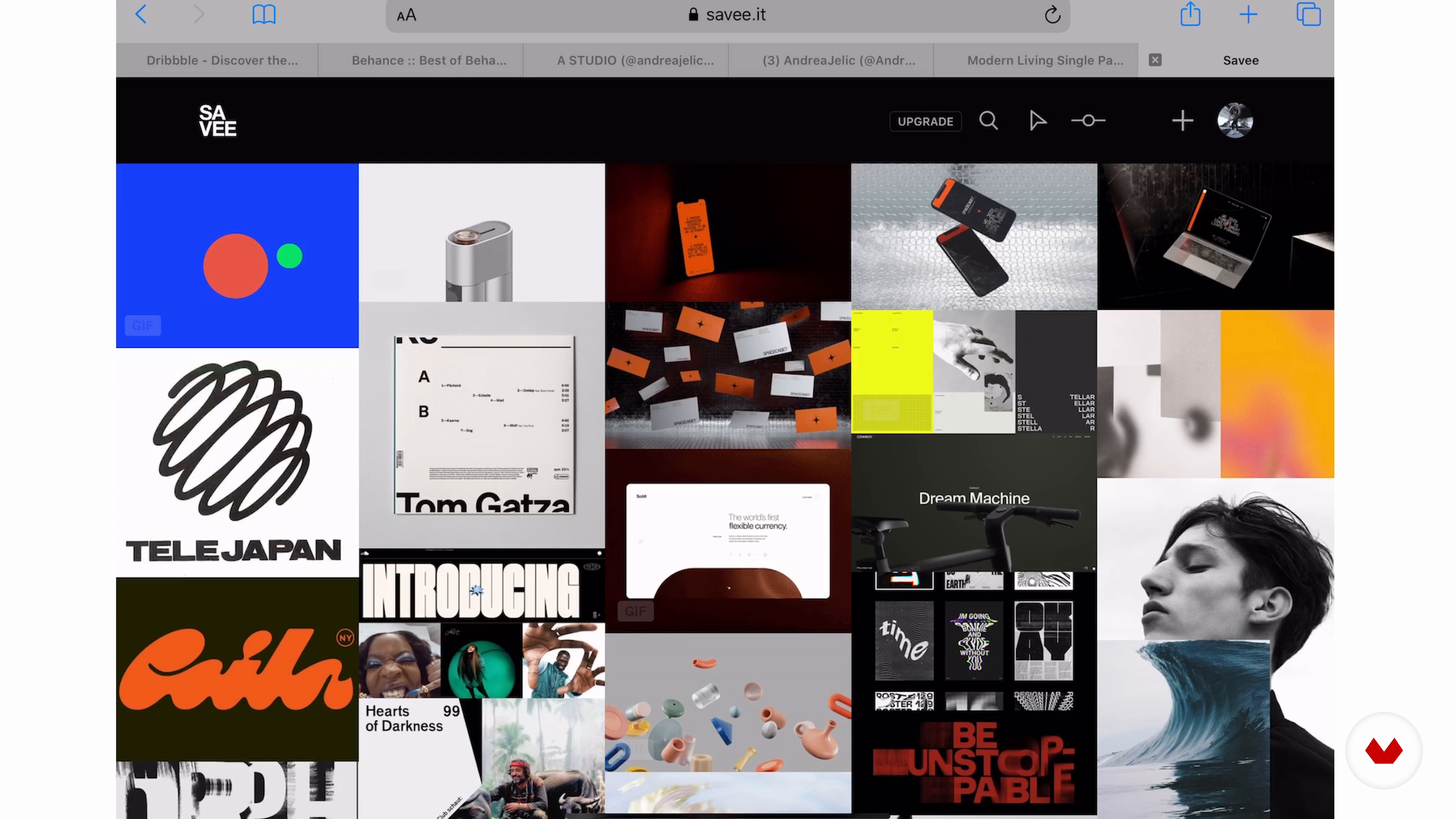
Platforms
16 minutes, 54 seconds
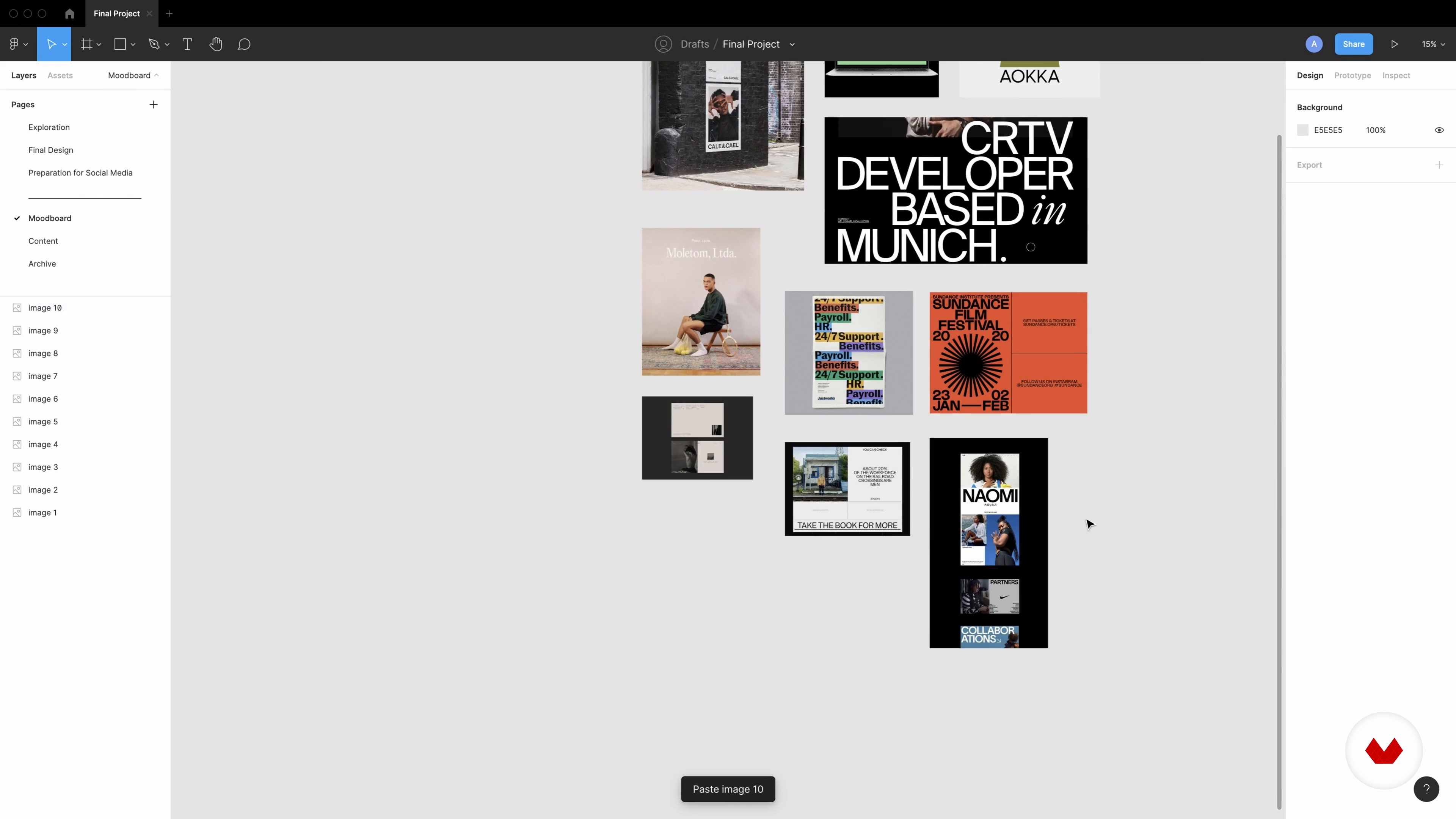
Inspiration: Defining Your Mood Board 1
15 minutes, 56 seconds
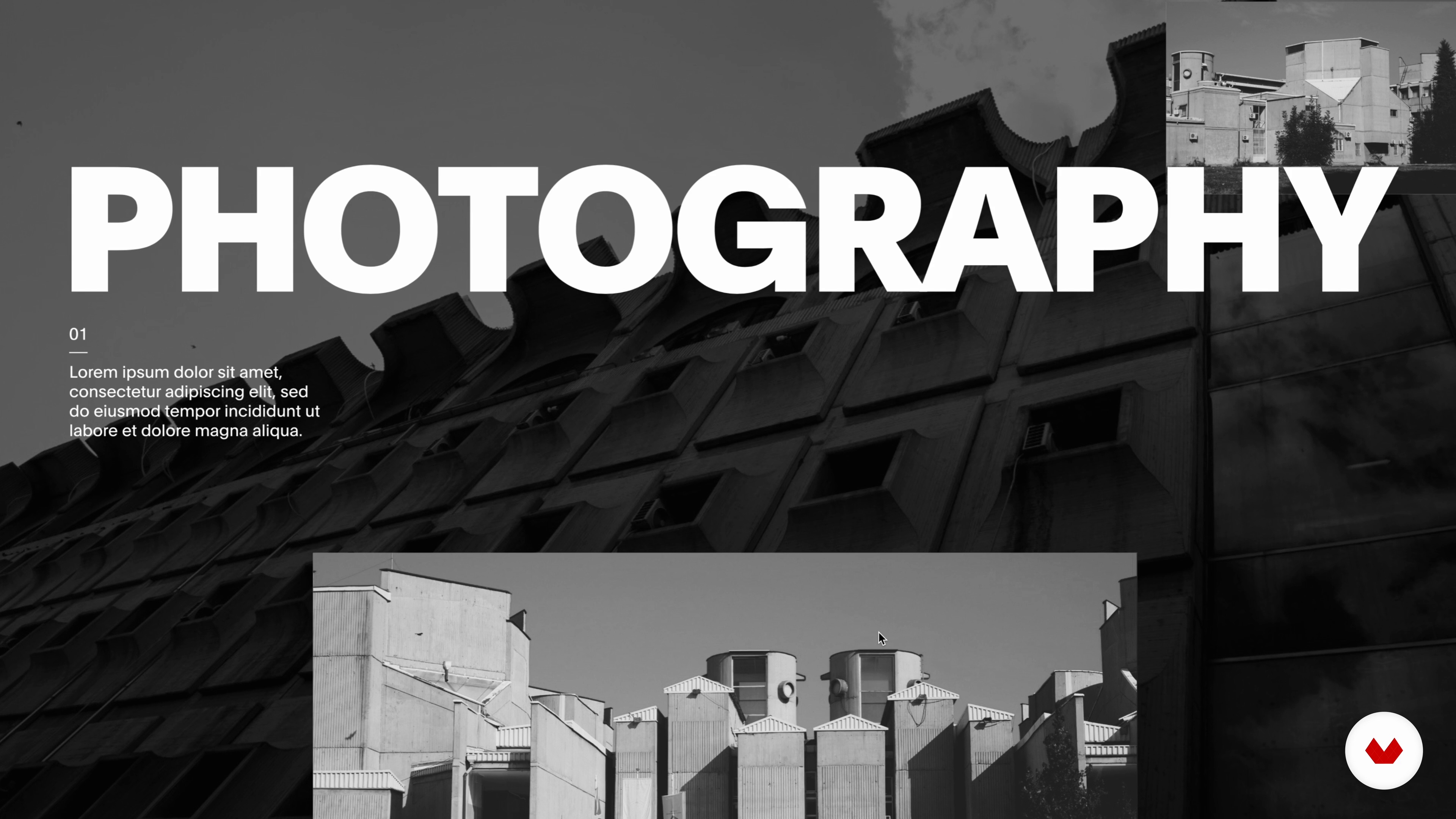
Typography and Assets 1
14 minutes, 41 seconds
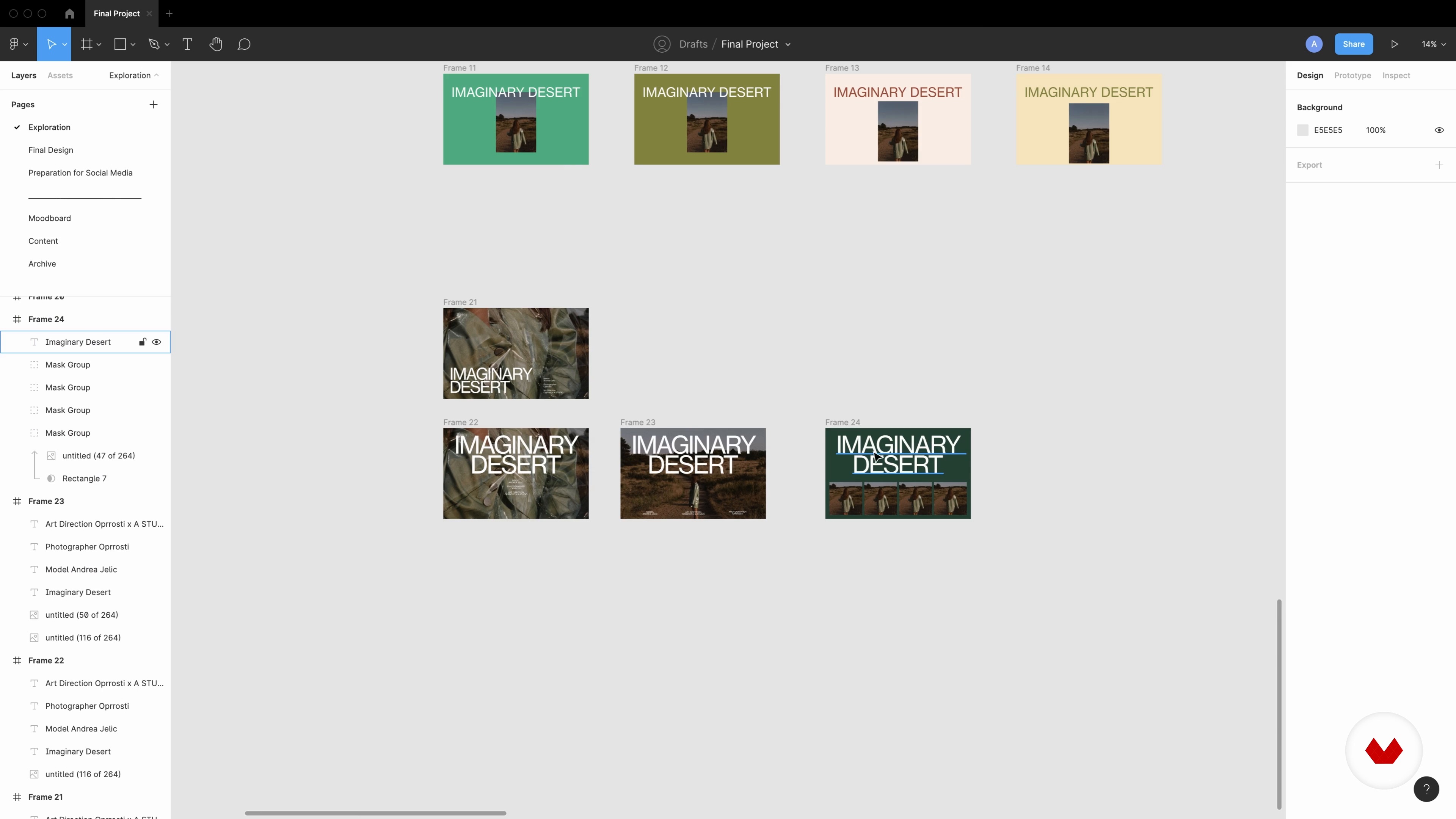
Playing with Composition 1
18 minutes, 17 seconds

Defining Color Palette, Grid and Typography Scale 1
13 minutes, 26 seconds

Defining Color Palette, Grid and Typography Scale 2
10 minutes, 21 seconds
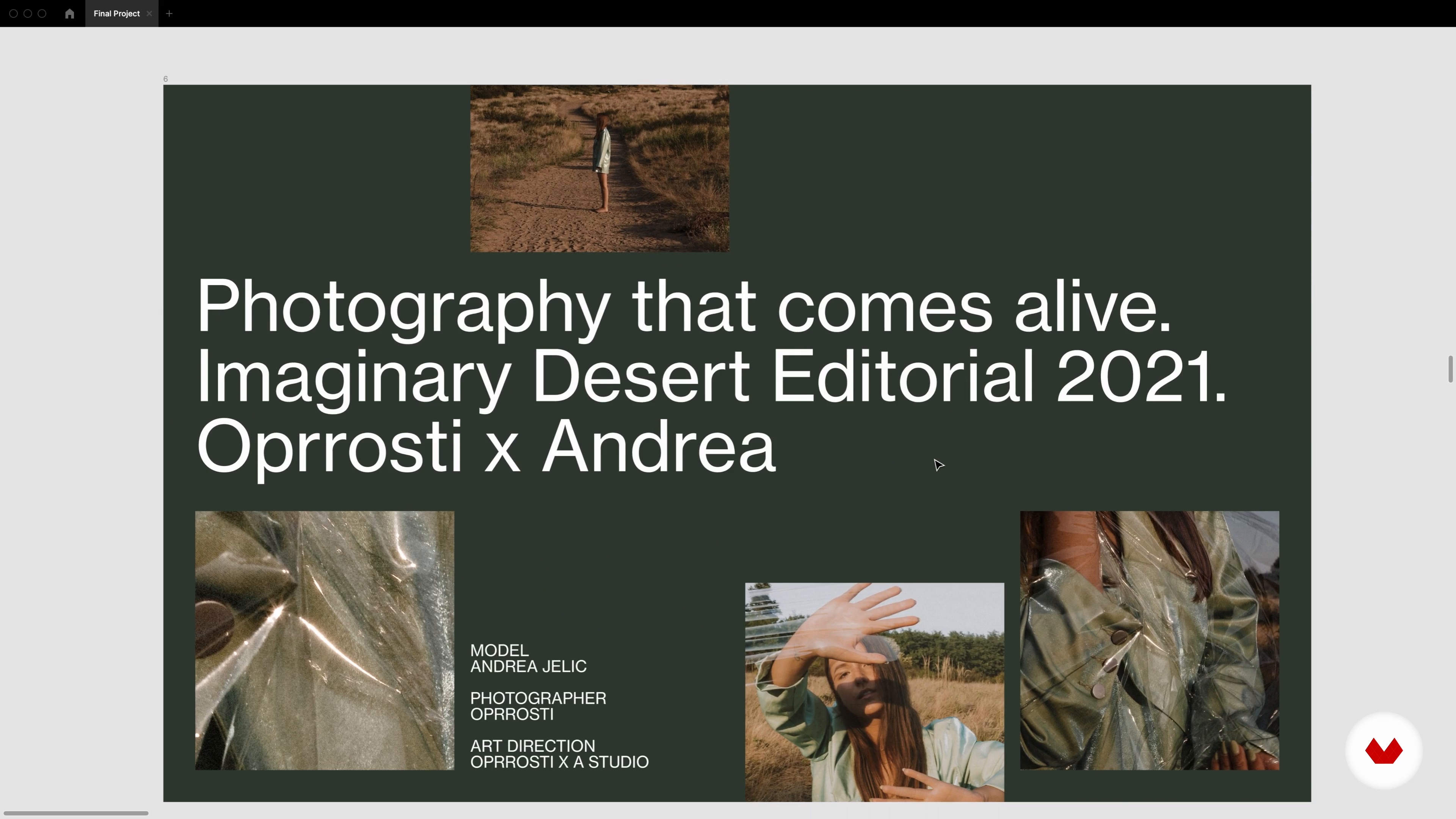
Final Design
15 minutes, 0 seconds
What's included in this course?
Begin the course by getting to know digital designer Andrea Jelić. She talks through the journey that led her from a career as a social worker to becoming a full-time designer, along with the influences that inspire her work.
Discover why building an online presence is so important. Then go behind the scenes of Andrea’s creative process and the tools you can use to create a digital portfolio, as well as their pros and cons. Get an introduction to Figma and how the program works.
Develop a concept for your portfolio, starting with creating a mood board for inspiration. Once you’ve settled on the direction you want your portfolio to go in, explore typography styles and how they can be used to convey different moods. Experiment with composition, mixing fonts and images in line with your concept.
Finalize your portfolio by defining the typography, scale, layouts, and colors, and implementing them into your portfolio ready for exporting. To finish the course, Andrea guides you through how to publish your work on social media to connect with potential clients.
Recommended software & tools for this course
What is this course's project?
Design an online portfolio that reflects your work and creative direction using Figma.
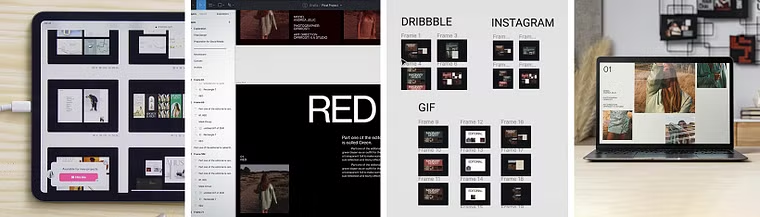
Projects by course students


Who is this online course for?
For new creatives who want to start promoting themselves or experienced creatives looking to improve their portfolio and online presence.
Requirements and materials
No previous experience is needed to take this course.
You will need a computer and a free Figma account.

Reviews
- 18 days ago
This is good course to learn figma for designing a portfolio.
- 2 months ago
Me gusta ver el proceso creativo de otras personas, lo recomiendo para esos fines.
- 4 months ago
Me está gustando, todo muy claro.
- 4 months ago
El curso es muy bueno pero la voz escogida para la traducción lo empeora considerablemente
- 6 months ago
me esta sirviendo muchisimo para crear los proyectos de mi portfolio y aprender un poco de diseño

Andrea is known for her minimal yet feminine style, that combines functionality and beauty with a strong focus on typography . She has collaborated with Holographik, Pitch, The Futur, Likely Story, Pexels, Gondi, Canva and more. She is also part of the Awwwards Jury, a community that promotes talent and brings together the best of digital creatives.
Content
- U1
Introduction
- About Me
- Influences
- U2
How to Get Started
- Online Presence
- Platforms
- Introduction to Figma
- U3
Creating the Project
- Project Overview
- Inspiration: Defining Your Mood Board 1
- Inspiration: Defining Your Mood Board 2
- Typography and Assets 1
- Typography and Assets 2
- Playing with Composition 1
- Playing with Composition 2
- U4
Finalizing the Project
- Defining Color Palette, Grid and Typography Scale 1
- Defining Color Palette, Grid and Typography Scale 2
- Final Design
- Preparing the Project for Social Media
- FP
Final project
- Portfolio Design with Figma: Self-Promotion for Creatives
What to expect from a Domestika course
Learn at your own pace
Enjoy learning from home without a set schedule and with an easy-to-follow method. You set your own pace.
Learn from the best professionals
Learn valuable methods and techniques explained by top experts in the creative sector.
Meet expert teachers
Each expert teaches what they do best, with clear guidelines, true passion, and professional insight in every lesson.
Certificates
PLUSIf you're a Plus member, get a custom certificate signed by your teacher for every course. Share it on your portfolio, social media, or wherever you like.
Get front-row seats
Videos of the highest quality, so you don't miss a single detail. With unlimited access, you can watch them as many times as you need to perfect your technique.
Share knowledge and ideas
Ask questions, request feedback, or offer solutions. Share your learning experience with other students in the community who are as passionate about creativity as you are.
Connect with a global creative community
The community is home to millions of people from around the world who are curious and passionate about exploring and expressing their creativity.
Watch professionally produced courses
Domestika curates its teacher roster and produces every course in-house to ensure a high-quality online learning experience.
FAQs
Yes, this course is designed for beginners and covers the fundamentals of building an online design portfolio, including practical steps and essential skills.
You will need access to design tools like Figma and Sketch, as well as accounts on platforms like Dribbble, Behance, and popular social media sites for portfolio sharing.
You’ll learn how to create a professional design portfolio, develop a personal visual identity, use photography in design projects, and showcase your work effectively online.
The course teaches step-by-step how to gather inspiration, categorize visuals, and use Figma tools to build structured, visually cohesive mood boards for your projects.
Yes, you’ll learn photography basics, including fashion and architecture photography, and how to integrate original or stock images into your design projects and portfolio.
Absolutely. The course covers online portfolio platforms, posting strategies, and community engagement to help increase your visibility and attract job opportunities.
You’ll explore Dribbble, Behance, Instagram, Twitter, and Save, learning the strengths of each and how to choose the best platform(s) for your style and goals.