Creating Animated Stories with After Effects
A course by Novenero StudioAnimation and Motion Design Studio
A course by Novenero Studio, Animation and Motion Design Studio

Learn the complete process for creating loop motion design projects, from the initial sketch to the final animation
Keep content simple: this is the key to animating engaging stories and the underlying philosophy at Novenero, a motion design studio that has worked with clients like Facebook, HP, and Tommy Hilfiger. Bring your ideas to life by transforming simple sketches into illustrations in motion and create vibrant visual metaphors that capture your audience's attention.
In this course, learn how to direct and design an animated story in After Effects alongside Andrea and Giulio, founders of studio Novenero. They teach you the step-by-step process for compelling motion design projects, from the initial sketches to animating the final artboards and art direction for audio.
What will you learn in this online course?
48 lessons & 25 downloads
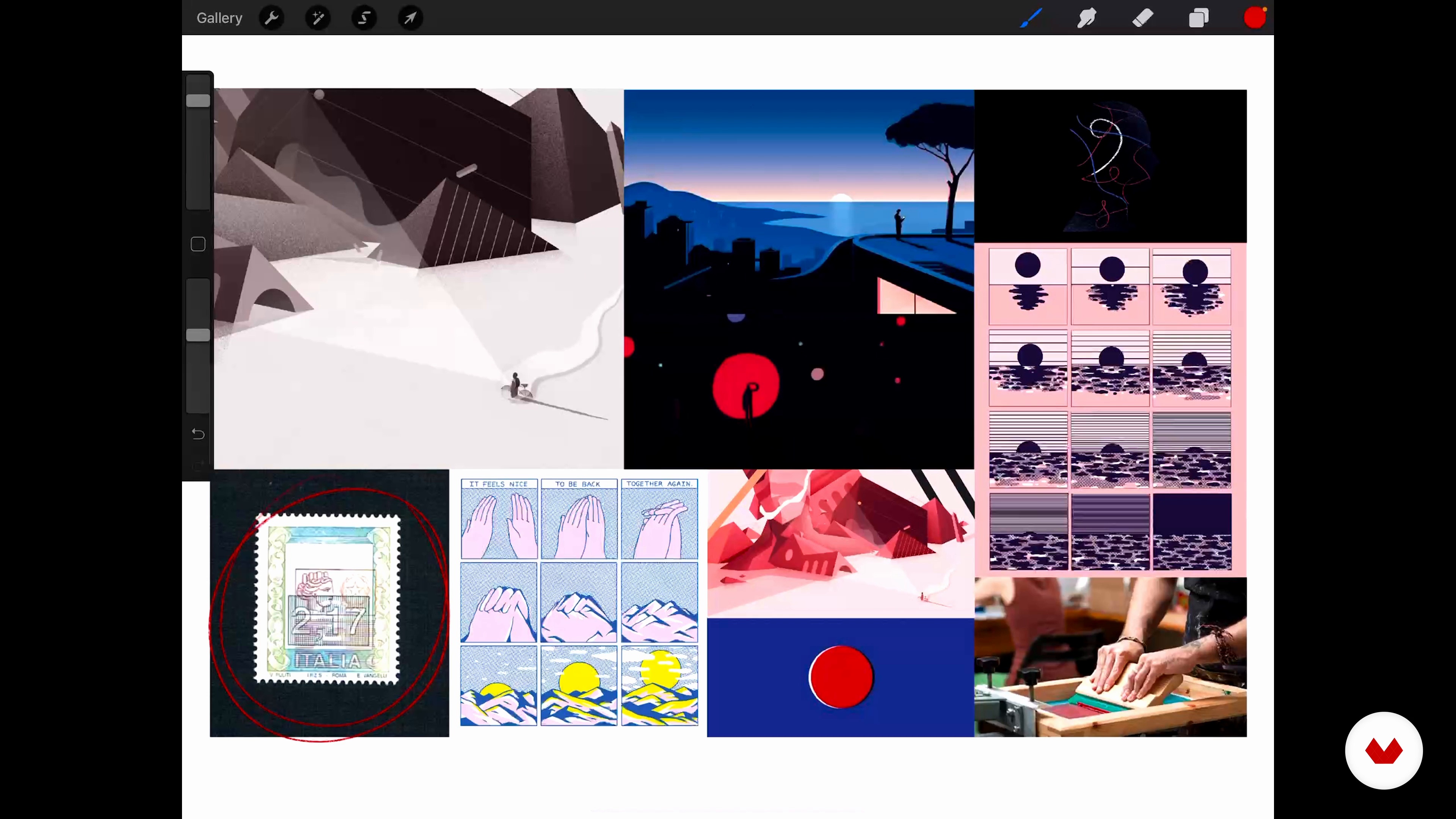
From Idea to Sketch and Back 1
19 minutes, 50 seconds
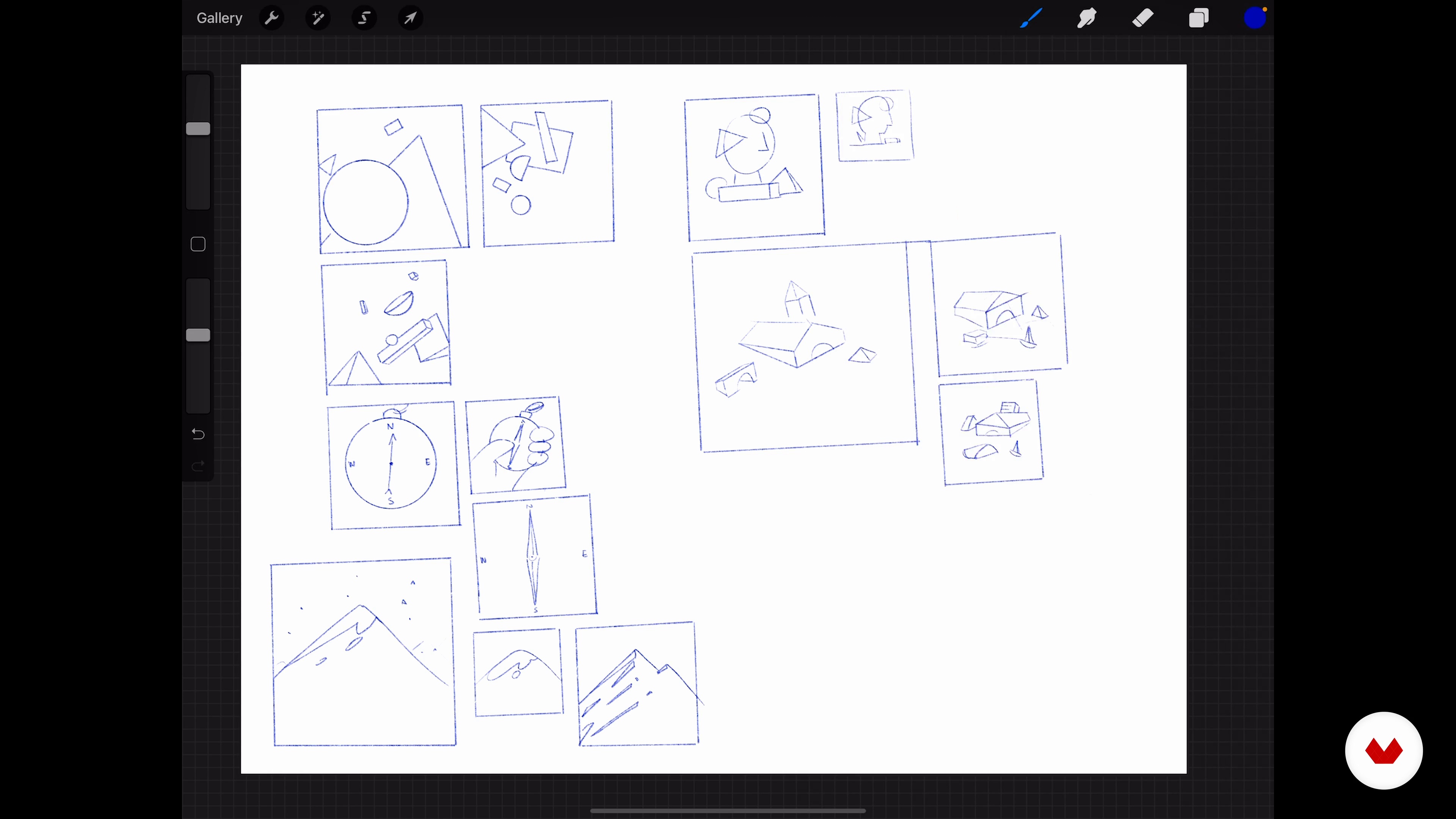
From Idea to Sketch and Back 2
19 minutes, 58 seconds
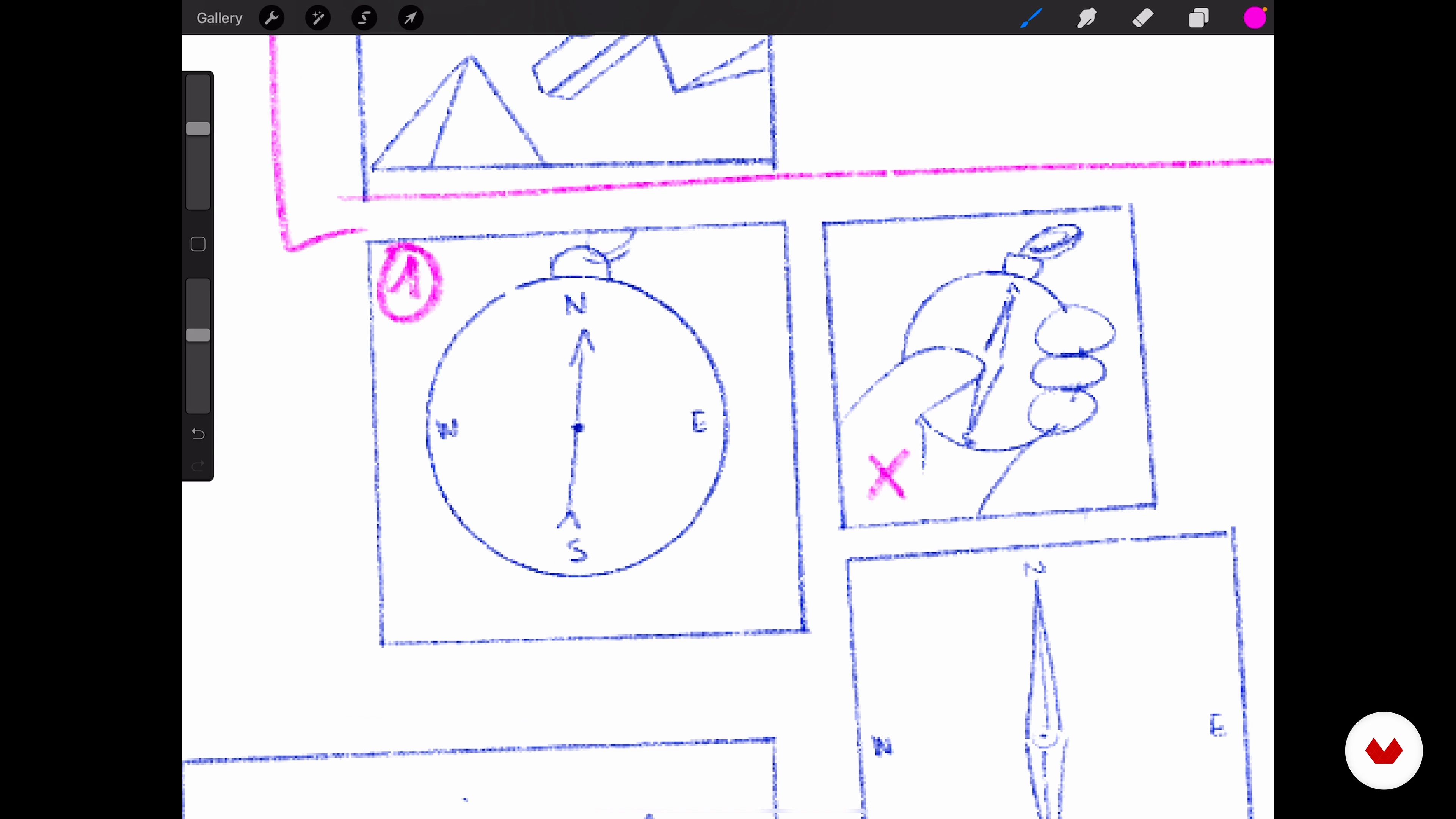
Composition and Storyboarding 1
17 minutes, 44 seconds
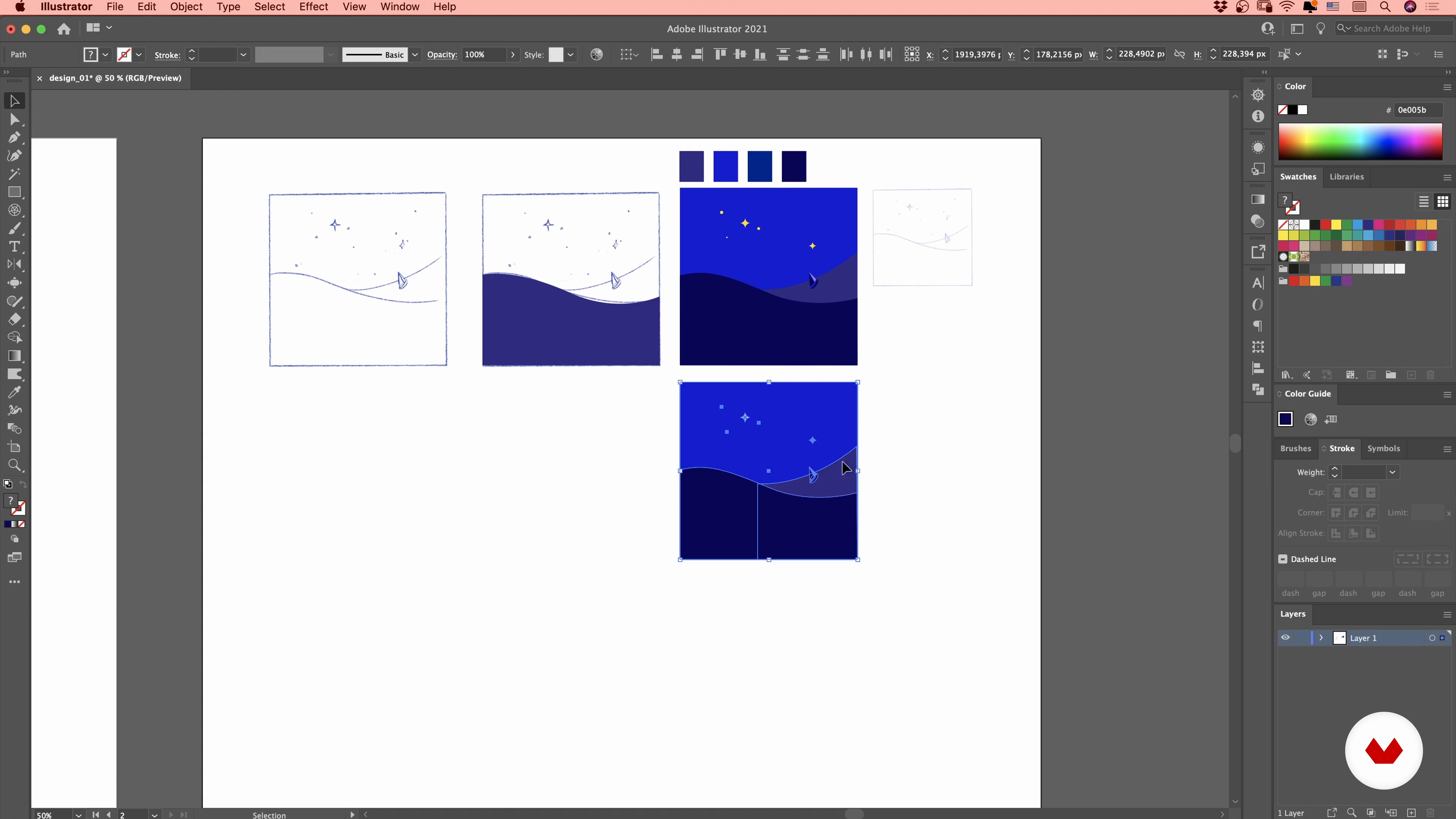
Style, Color and Details 1
16 minutes, 55 seconds
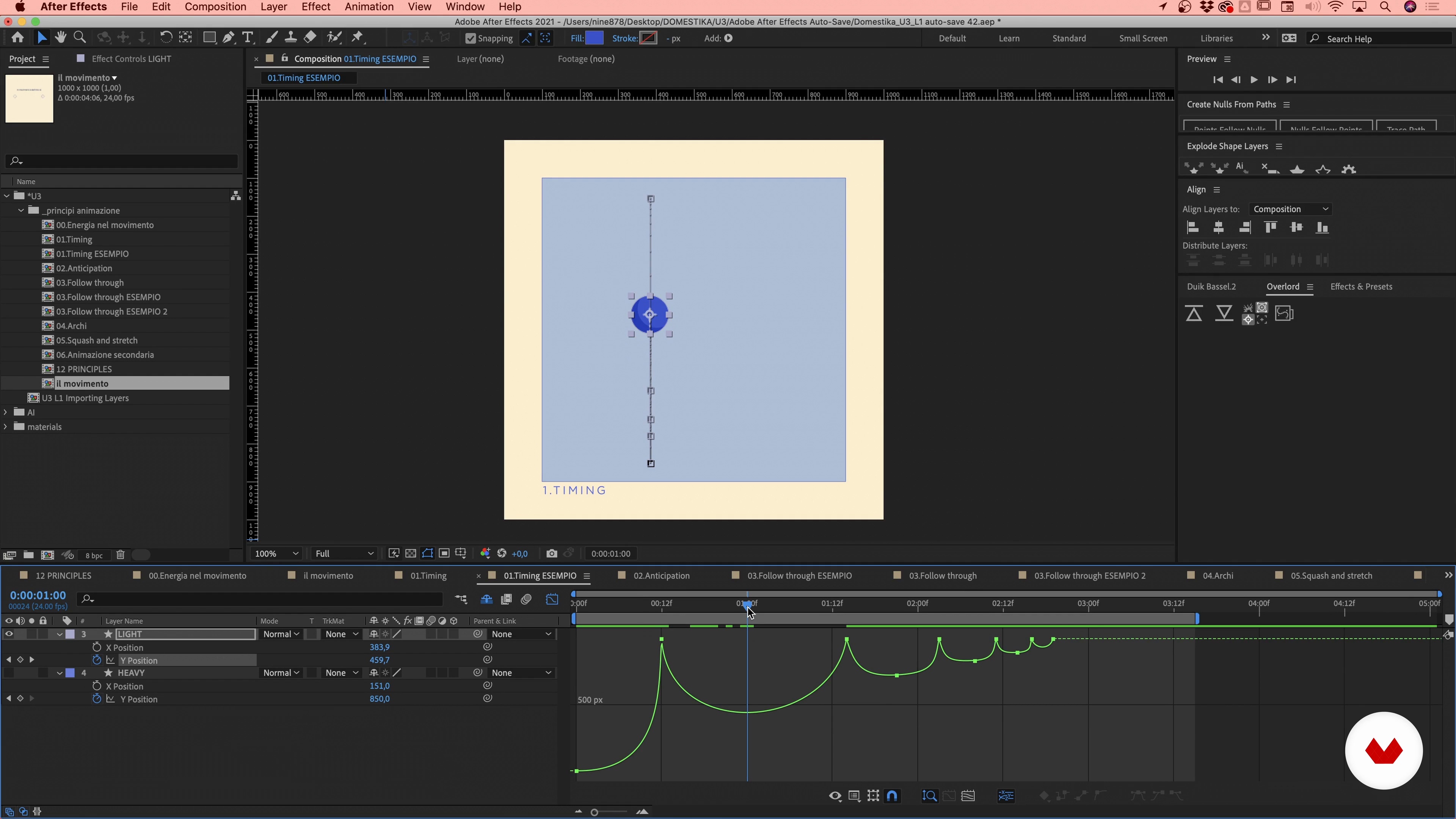
Principles of Animation in After Effects 1
14 minutes, 50 seconds
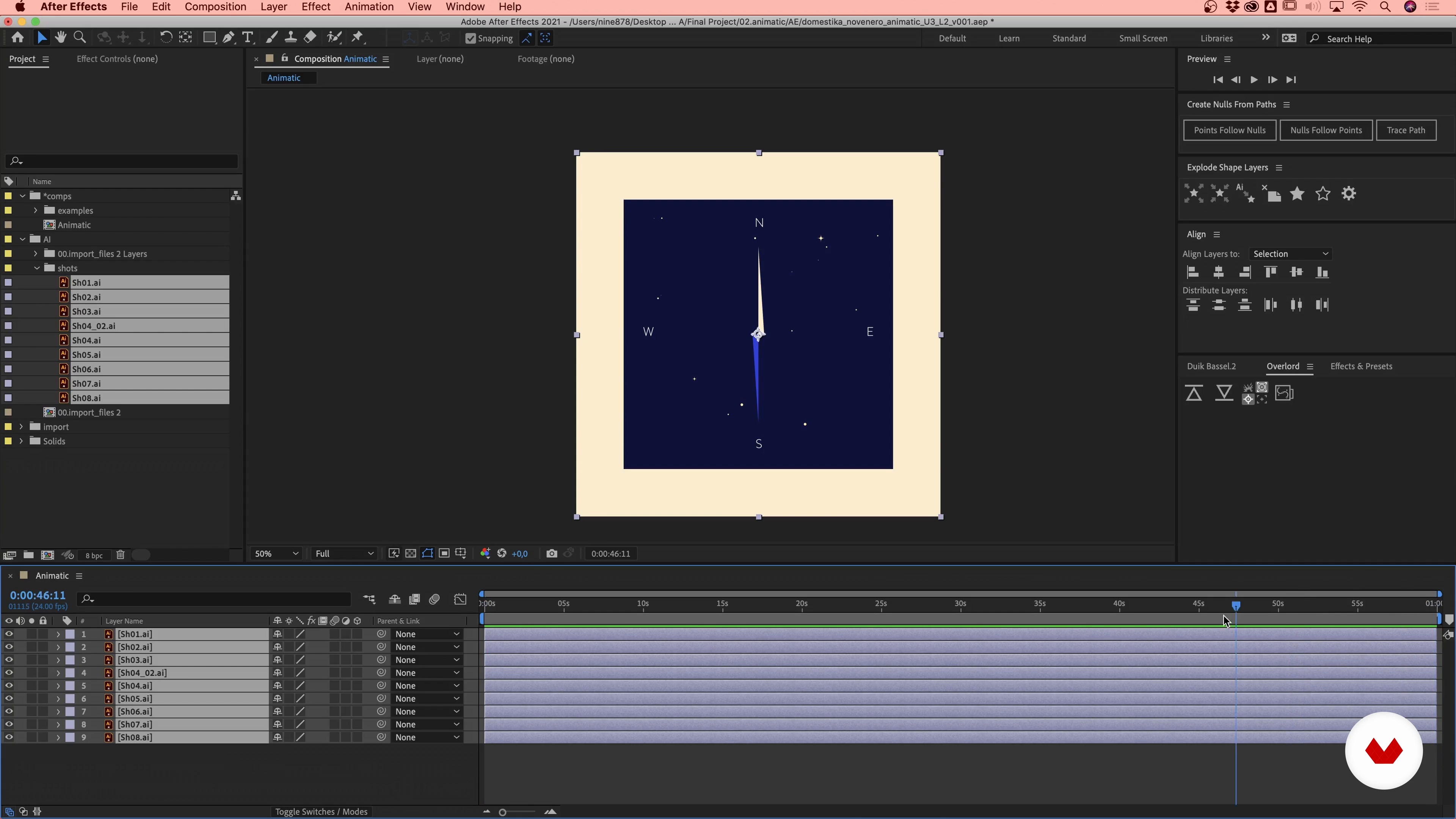
Starting the Project 1
16 minutes, 51 seconds
What's included in this course?
Andrea and Giulio get the ball rolling by telling you about their individual careers, how their paths crossed, and what led them to open Novenero, along with the artists that have influenced their work.
Start with a brainstorming session to generate ideas based on a specific concept that you can develop into a story. Translate your initial ideas into rough sketches with notes and search for reference images to help you decide on the style and mood of your project.
Pick out the best ideas and continue to refine them until you've got a set of detailed compositions and designs arranged in a storyboard. Then make a key visual to lay out the theme for the rest of your material. Recreate your artboards in Illustrator and vectorize your designs before working on the finer details and trying out different color palettes.
Learn the basics principles of animation, import your illustrations into the After Effects timeline, and start animating your first scenes and transitions. Once you've finished the primary animation, move on to the secondary animation and smooth over any rough parts.
Round out your project by creating and adding special effects. To wrap up the course, Andrea and Giulio give you some tips on creative direction for audio and show you how to export your video in high resolution.
Recommended software & tools for this course
What is this course's project?
Design and develop a looped vector animation from start to finish that tells a story.
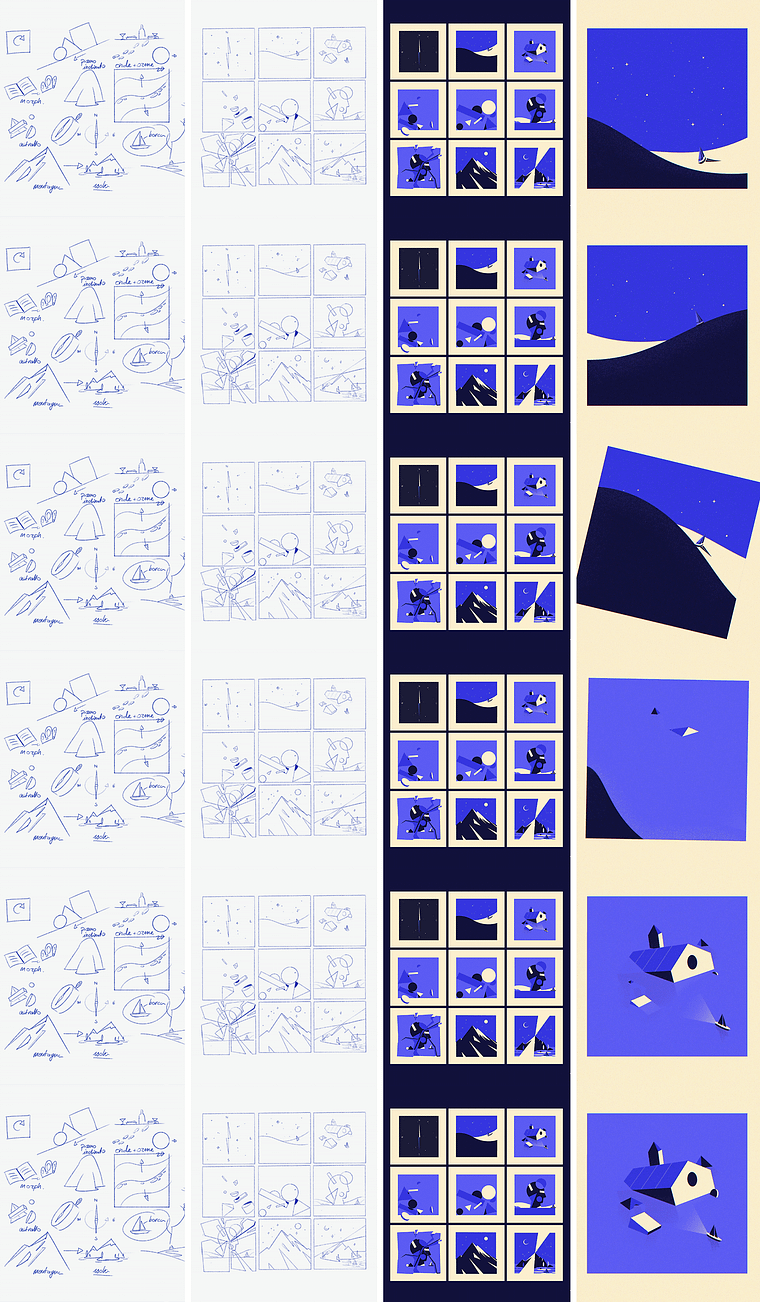
Projects by course students


Who is this online course for?
Anyone who wants to gain a thorough understanding of motion design and direction and who is interested in working in the animation field.
Requirements and materials
Basic knowledge of Adobe Illustrator and Adobe After Effects are essential for this course. The only materials you need are a computer with these two programs and an iPad with Procreate.
Reviews
- 5 months ago
Right now i am stage of exploration & selection of frames it been more than 2 weeks but i have selected 5 frames just for rough drawing after this come to illustration & start creating frames . But what i see this studio makes complex thing in very easy way . i really liking this studio work
- ajaykumarg700PLUS7 months ago
Great course. Perfect for starting motion graphics.
- 7 months ago
Curso de qualidade, com projeto bem pratico.
- 7 months ago
A clear and inspiring course. Well explained, well-structured and easy to follow. Highly recommended.
- 11 months ago
buen curso

Andrea is a self-taught motion designer with a background in chemistry and pharmaceutical technology who discovered his passion for this art form later in life. In 2006, he also moved to the Netherlands and honed his skills working for several studios and agencies.
Giulio and Andrea met in Amsterdam thanks to the Hello Savants collective. Together they founded the animation and motion graphics studio Novenero, which has collaborated with a variety of brands over the years, including Facebook, HP, and Tommy Hilfiger.
Content
- U1
Introduction
- About Us
- Reference Models
- U2
Concept and Design
- Concept
- From Idea to Sketch and Back 1
- From Idea to Sketch and Back 2
- Composition and Storyboarding 1
- Composition and Storyboarding 2
- Composition and Storyboarding 3
- Composition and Storyboarding 4
- Style, Color and Details 1
- Style, Color and Details 2
- Style, Color and Details 3
- Style, Color and Details 4
- Style, Color and Details 5
- Style, Color and Details 6
- U3
Begin to Animate
- Principles of Animation in After Effects 1
- Principles of Animation in After Effects 2
- Starting the Project 1
- Starting the Project 2
- Reproduce the Wave Motion 1
- Reproduce the Wave Motion 2
- Reproduce the Wave Motion 3
- Reproduce the Wave Motion 4
- Reproduce the Wave Motion 5
- Create 3D Solids 1
- Create 3D Solids 2
- Create 3D Solids 3
- Create 3D Solids 4
- Dynamic Compositions 1
- Dynamic Compositions 2
- Dynamic Compositions 3
- Dynamic Compositions 4
- Dynamic Compositions 5
- Dynamic Compositions 6
- Dynamic Compositions 7
- Dynamic Compositions 8
- Dynamic Compositions 9
- U4
Continue the Animation
- Mirrors and Reflections 1
- Mirrors and Reflections 2
- Mirrors and Reflections 3
- Perspective and Parallax 1
- Perspective and Parallax 2
- Perspective and Parallax 3
- Secondary Animations and Details 1
- Secondary Animations and Details 2
- Secondary Animations and Details: The Effects
- U5
The Post-production
- Tips for Audio Creative Direction
- Export of the Different Versions
- FP
Final project
- Creating Animated Stories with After Effects
What to expect from a Domestika course
Learn at your own pace
Enjoy learning from home without a set schedule and with an easy-to-follow method. You set your own pace.
Learn from the best professionals
Learn valuable methods and techniques explained by top experts in the creative sector.
Meet expert teachers
Each expert teaches what they do best, with clear guidelines, true passion, and professional insight in every lesson.
Certificates
PLUSIf you're a Plus member, get a custom certificate signed by your teacher for every course. Share it on your portfolio, social media, or wherever you like.
Get front-row seats
Videos of the highest quality, so you don't miss a single detail. With unlimited access, you can watch them as many times as you need to perfect your technique.
Share knowledge and ideas
Ask questions, request feedback, or offer solutions. Share your learning experience with other students in the community who are as passionate about creativity as you are.
Connect with a global creative community
The community is home to millions of people from around the world who are curious and passionate about exploring and expressing their creativity.
Watch professionally produced courses
Domestika curates its teacher roster and produces every course in-house to ensure a high-quality online learning experience.
FAQs
The course covers the basics and advanced techniques of motion design, from animating titles and infographics to visual storytelling, using After Effects, Procreate, and Illustrator to create original animated content.
Yes, this course is designed for students with basic graphic and illustration skills who want to deepen their animation and visual storytelling techniques.
To follow the course, it’s recommended to have access to and basic knowledge of Adobe After Effects, Illustrator, and Procreate, which will be used for practical exercises.
You’ll learn how to create storyboards, loop animations, creative transitions, manage complex projects, develop a personal style, and use visual metaphors to strengthen graphic storytelling.
Basic knowledge of After Effects is recommended; the course doesn’t start from zero but builds on tools and techniques for an intermediate level.
Yes, the course will teach you how to design effective videos for social media, including square formats, graphic covers, and eye-catching animated transitions.
Topics include motion graphics, visual storytelling, graphic composition, creative use of layers, animating geometric elements and vector illustrations, plus managing workflow across software.