Vector Illustration for Beginners
A course by Aarón MartínezDesigner and Illustrator
A course by Aarón Martínez, Designer and Illustrator

Learn the basics of digital illustration with Adobe Illustrator
For Aarón Martínez, illustrator and designer specialized in character creation, simplicity is not the enemy of personality. In fact, his portfolio is overflowing with amazing projects that prove it. Using basic shapes, meticulous line work and fun color schemes, he's developed a personal style that has won over big-name brands like Apple, Domino's Pizza, Volkswagen, Coca-Cola, and many more.
While he focused on the three-dimensional universe in his previous courses, 3D illustration with Cinema 4D and Design of Characters in Cinema 4D: from the Sketch to 3D Printing, in this one, he teaches you the basics of vector illustration and how to master the tools in Adobe Illustrator to create stunning illustrations.
If you're new to vector graphics and want to learn how to create them in Illustrator, Aarón teaches you how to use the program from scratch in his course Introduction to Adobe Illustrator.
What will you learn in this online course?
36 lessons & 15 downloads
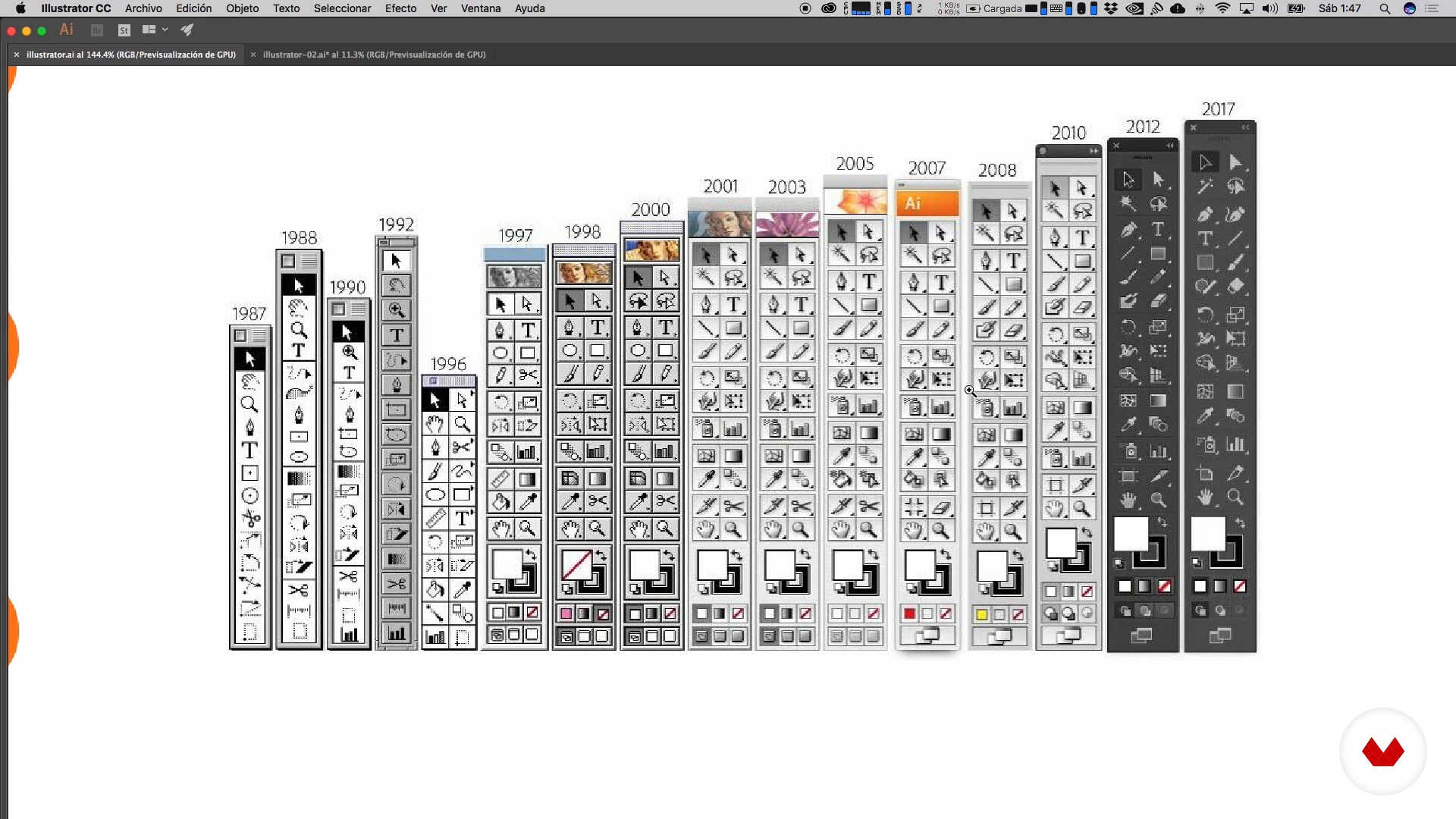
What is Illustrator?
10 minutes, 49 seconds
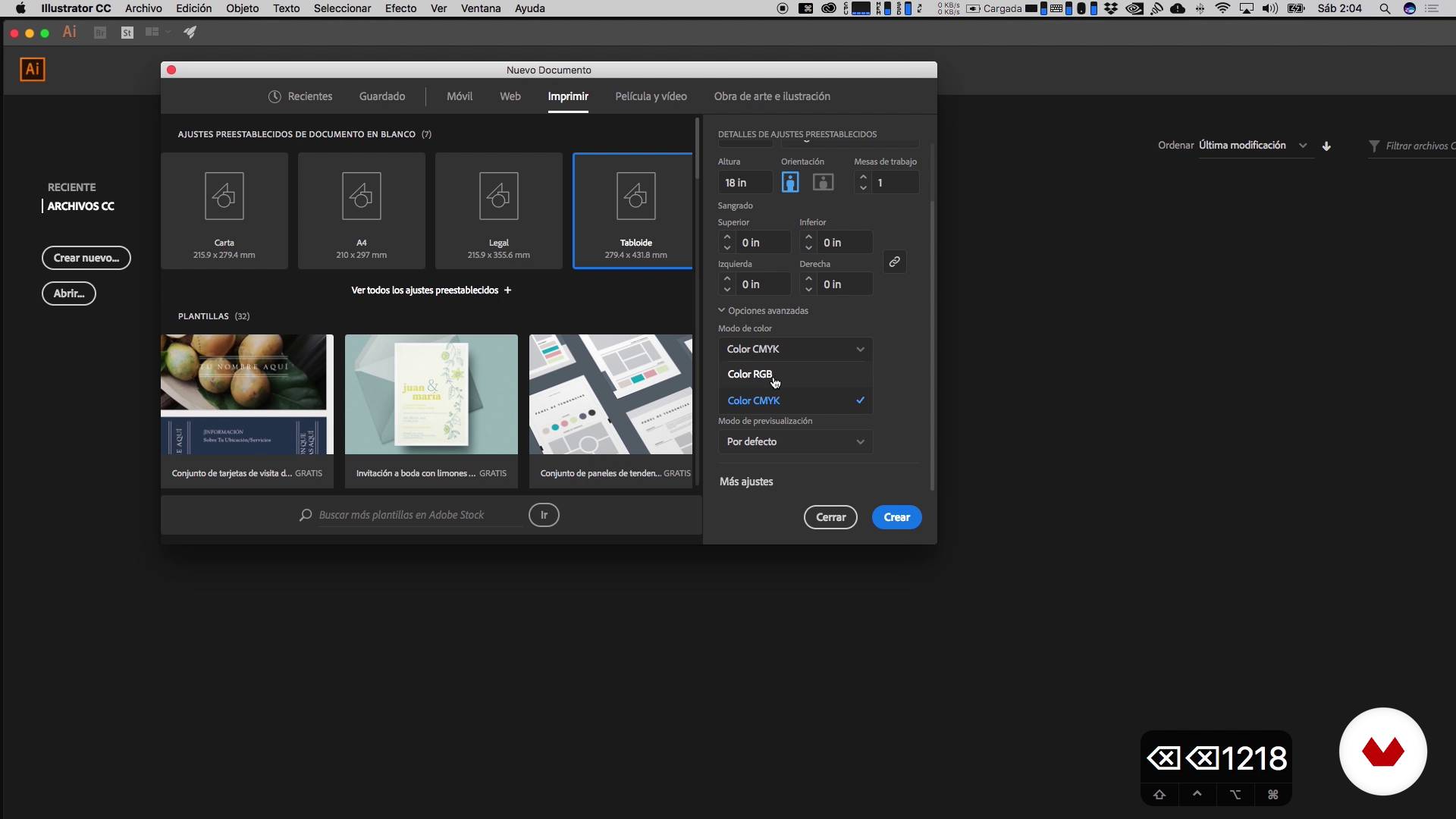
Formats and work tables
6 minutes, 29 seconds
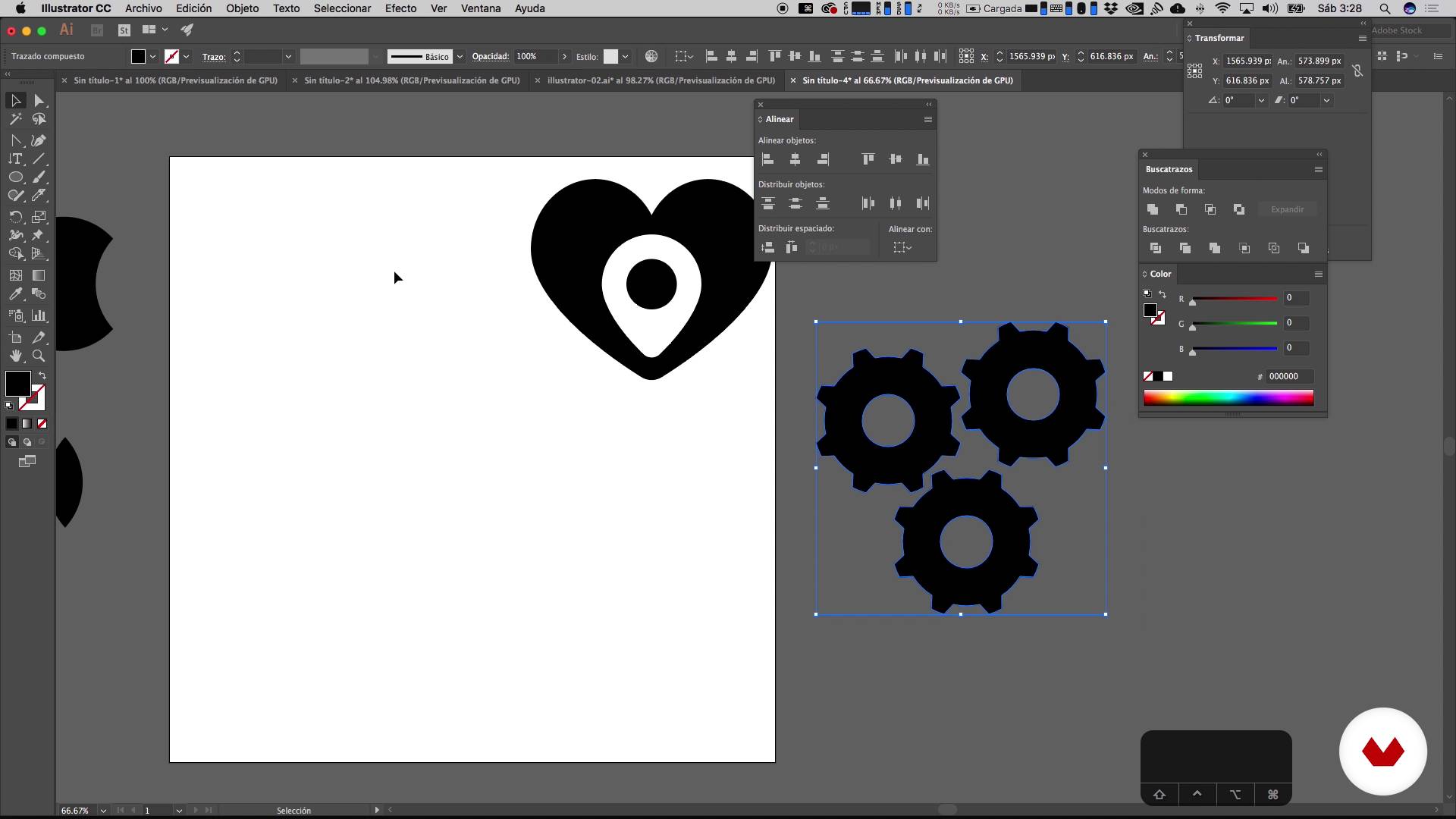
Pathfinder
17 minutes, 35 seconds
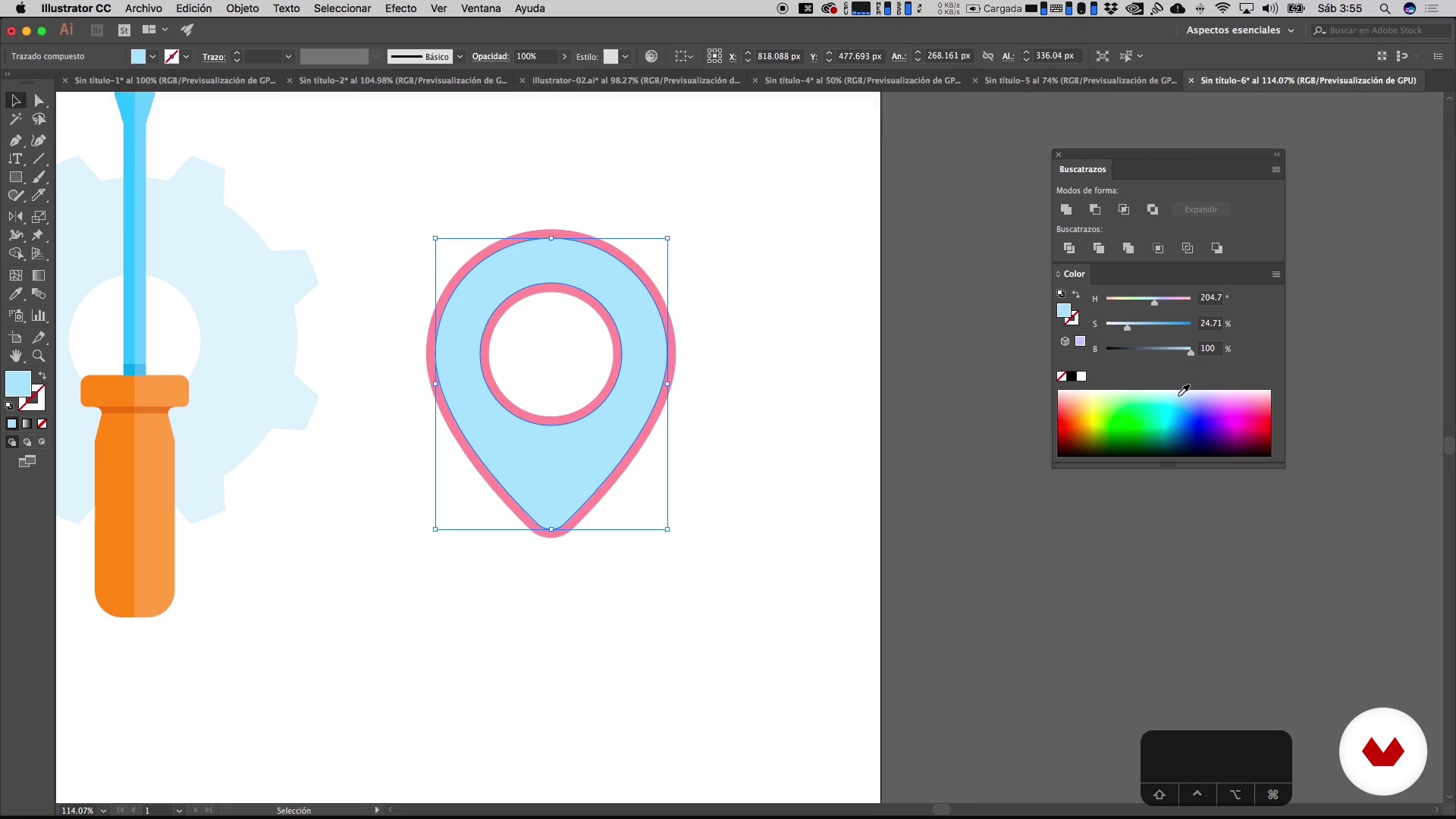
Color in plasta
14 minutes, 9 seconds
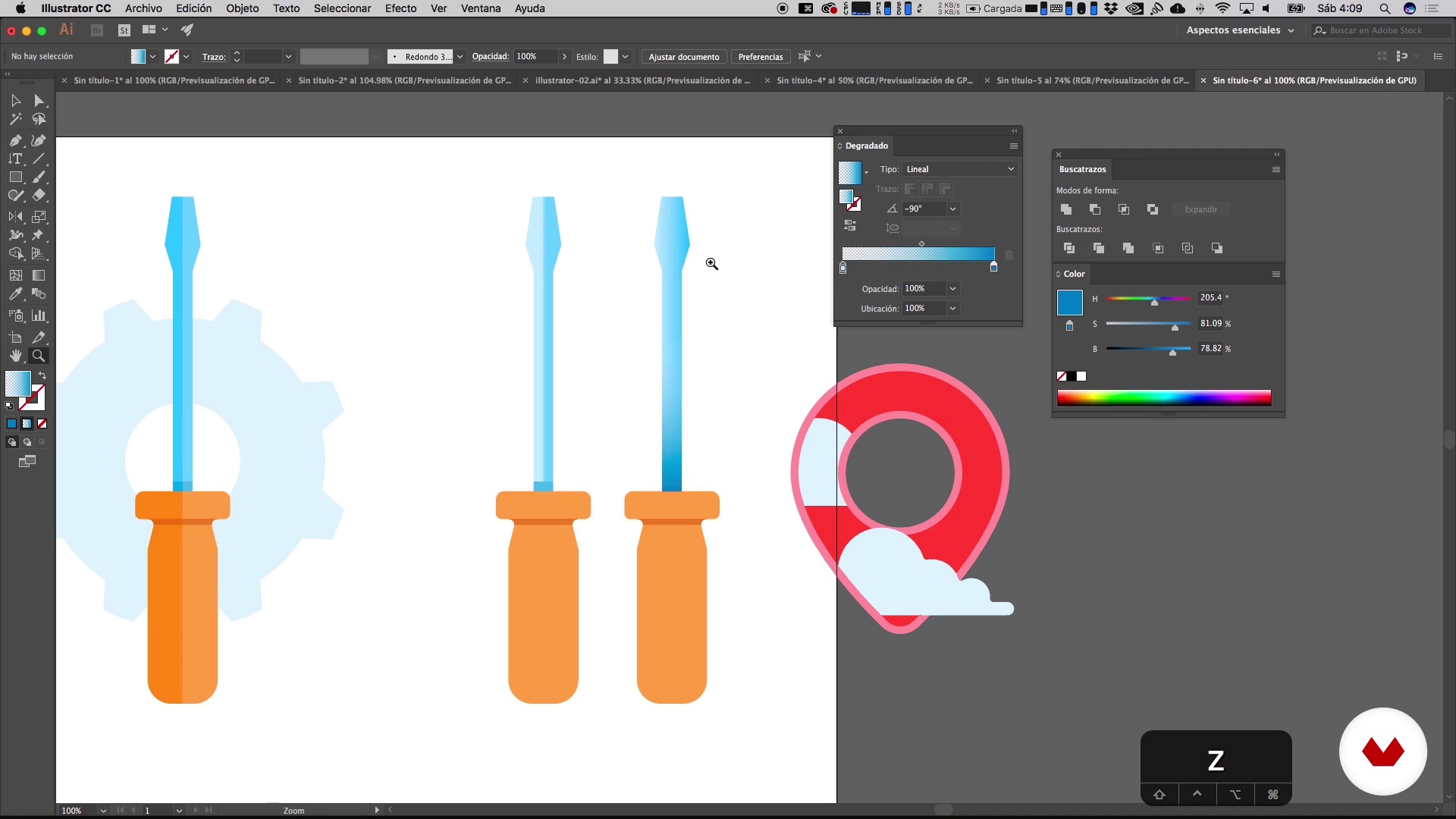
Gradient
21 minutes, 28 seconds
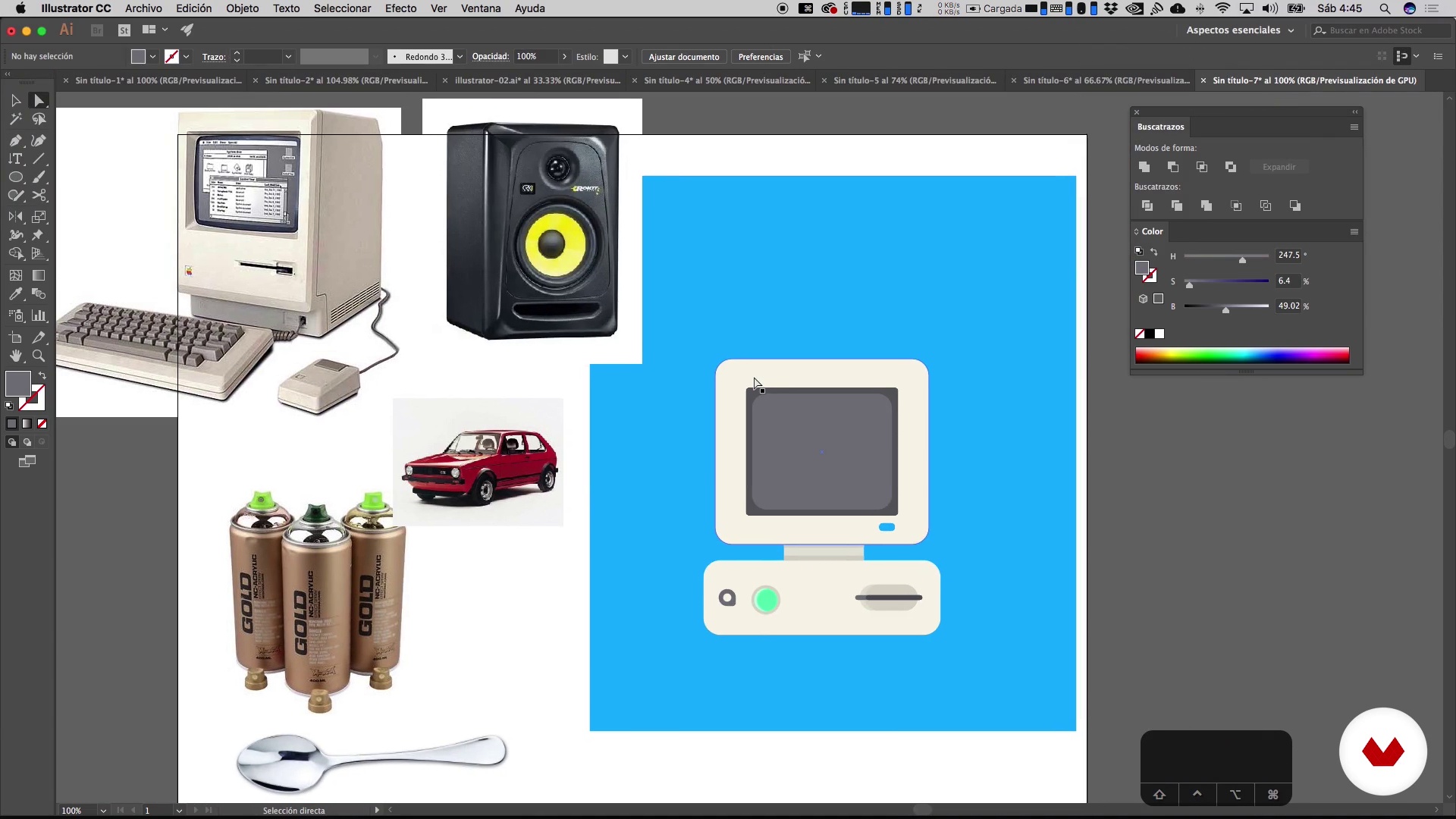
Creation of everyday objects 1
14 minutes, 25 seconds
What's included in this course?
Meet your teacher for the course, Aarón Martínez. He tells you about his work and the influences that have shaped his style before giving you an introduction to Illustrator—the leading digital illustration software on the market.
Discover what artboards are and explore the program's main tools and features. Aarón then teaches you how to work with geometric shapes, the building blocks for your first illustrations.
Move on to working with text and learn to bend shapes into curves to create custom letters loaded with personality.
Discover the Pathfinder tool, a must-have for digital illustration, and see how to use it to cut and join paths. Then, find out how to brighten up your designs with both solid colors and gradients.
Once you've got the hang of the tools, get some practice by designing everyday objects like food, animals, and even people.
Wrap up the course by composing an entire piece and bring it to life with the perfect color palette.
Recommended software & tools for this course
What is this course's project?
Design a visual identity for a brand using the vector illustration tools and techniques you learned throughout the course.
Projects by course students


Who is this online course for?
Designers, artists, illustrators, and anyone who wants to learn the basics of vector illustration.
Requirements and materials
No previous knowledge is required, as Aarón teaches you everything you need to know to get started in vector illustration.
The only materials you need are a computer with Adobe Illustrator installed.

Reviews
- 2 months ago
excelente curso
- strabellimarianePLUS2 months ago
muito bom, adorei
- 3 months ago
muito bom!
- 4 months ago
muy buen curso paso a paso
- 5 months ago
Maravilhoso
In his spare time, he enjoys creating characters and their worlds, basing his ideas on the question, "What do they do when no one is watching?" He enjoys playing with words and contradictions and always tries to add a surreal touch to his storytelling.
Aarón also enjoys observing the small details of things because it helps him understand how to model. Although most of his projects are destined for print or web, he treats each piece as if it were going to be physically reproduced in 3 dimensions.
He has worked for Coca-Cola, Nike, Miroculus, and Aquacific, among others.
Content
- U1
Introduction
- Presentation
- Influences
- U2
Interface
- What is Illustrator?
- Formats and work tables
- Toolbar
- Geometric forms
- Text
- U3
Pathfinder and color
- Pathfinder
- Color in plasta
- Gradient
- U4
Creation of complex elements
- Creation of everyday objects 1
- Creation of everyday objects 2
- Creation of everyday objects 3
- Creating food 1
- Creating food 2
- Creating food 3
- Creating animals 1
- Creating animals 2
- Creating animals 3
- Creating people 1
- Creating people 2
- Creating people 3
- U5
Composition
- References of compositions
- Conceptualization
- Composition
- Color palette 1
- Color palette 2
- Export my files
- U6
Illustrated identity
- References of illustrated identities
- Conceptualization of identity
- Selection of color palette
- Stroke
- Text
- Variants 1
- Variants 2
- Presentation of the identity
- FP
Final project
- Vector illustration for beginners
What to expect from a Domestika course
Learn at your own pace
Enjoy learning from home without a set schedule and with an easy-to-follow method. You set your own pace.
Learn from the best professionals
Learn valuable methods and techniques explained by top experts in the creative sector.
Meet expert teachers
Each expert teaches what they do best, with clear guidelines, true passion, and professional insight in every lesson.
Certificates
PLUSIf you're a Plus member, get a custom certificate signed by your teacher for every course. Share it on your portfolio, social media, or wherever you like.
Get front-row seats
Videos of the highest quality, so you don't miss a single detail. With unlimited access, you can watch them as many times as you need to perfect your technique.
Share knowledge and ideas
Ask questions, request feedback, or offer solutions. Share your learning experience with other students in the community who are as passionate about creativity as you are.
Connect with a global creative community
The community is home to millions of people from around the world who are curious and passionate about exploring and expressing their creativity.
Watch professionally produced courses
Domestika curates its teacher roster and produces every course in-house to ensure a high-quality online learning experience.
FAQs
You’ll learn how to create original vector illustrations, master essential Illustrator tools, build characters, apply color palettes, gradients, and effects, and bring your designs to life on physical or digital products.
This is an intermediate-level course, ideal for those who already know the basics of Illustrator and want to dive deeper into advanced vector illustration and digital design techniques.
You’ll need a computer with Adobe Illustrator installed, basic knowledge of the program, and a passion for learning advanced digital illustration skills.
The course covers character creation, using tools like Pathfinder and gradients, composition, color palettes, graphic synthesis, basic 3D modeling, web iconography, and preparing files for print or cutting.
Yes, you’ll learn how to design vector characters and turn your digital illustrations into physical objects using techniques like MDF cutting, vinyl, screen printing, and basic modeling.
Pathfinder lets you combine, subtract, intersect, and exclude shapes to create complex silhouettes and objects—an essential skill for crafting detailed and original vector illustrations.
Yes, you’ll learn to use linear and radial gradients, as well as simulate volume, shadows, and highlights using Illustrator’s tools and blending modes.