Typography for Printed and Digital Projects
A course by Leandro RodriguesGraphic Designer and Art Director
A course by Leandro Rodrigues, Graphic Designer and Art Director

Learn to select, combine, and stylize optimal fonts for titles, taglines, and longer texts, as well as design layouts for publications
If text is the lyrics of a project, then typography is the tone of voice. Art director and graphic designer Leandro Rodrigues has been working with this premise for more than a decade, developing graphic pieces both for printed and digital projects.
In this online course, learn to effectively apply typography in your editorial projects. Leandro teaches you how to choose and combine fonts to design coherent and visually expressive publications.
If you want to master Adobe InDesign and its multitude of resources, take a look at Leandro Rodrigues' Domestika Basics Adobe InDesign from Beginner to Advanced.
What will you learn in this online course?
15 lessons & 16 downloads
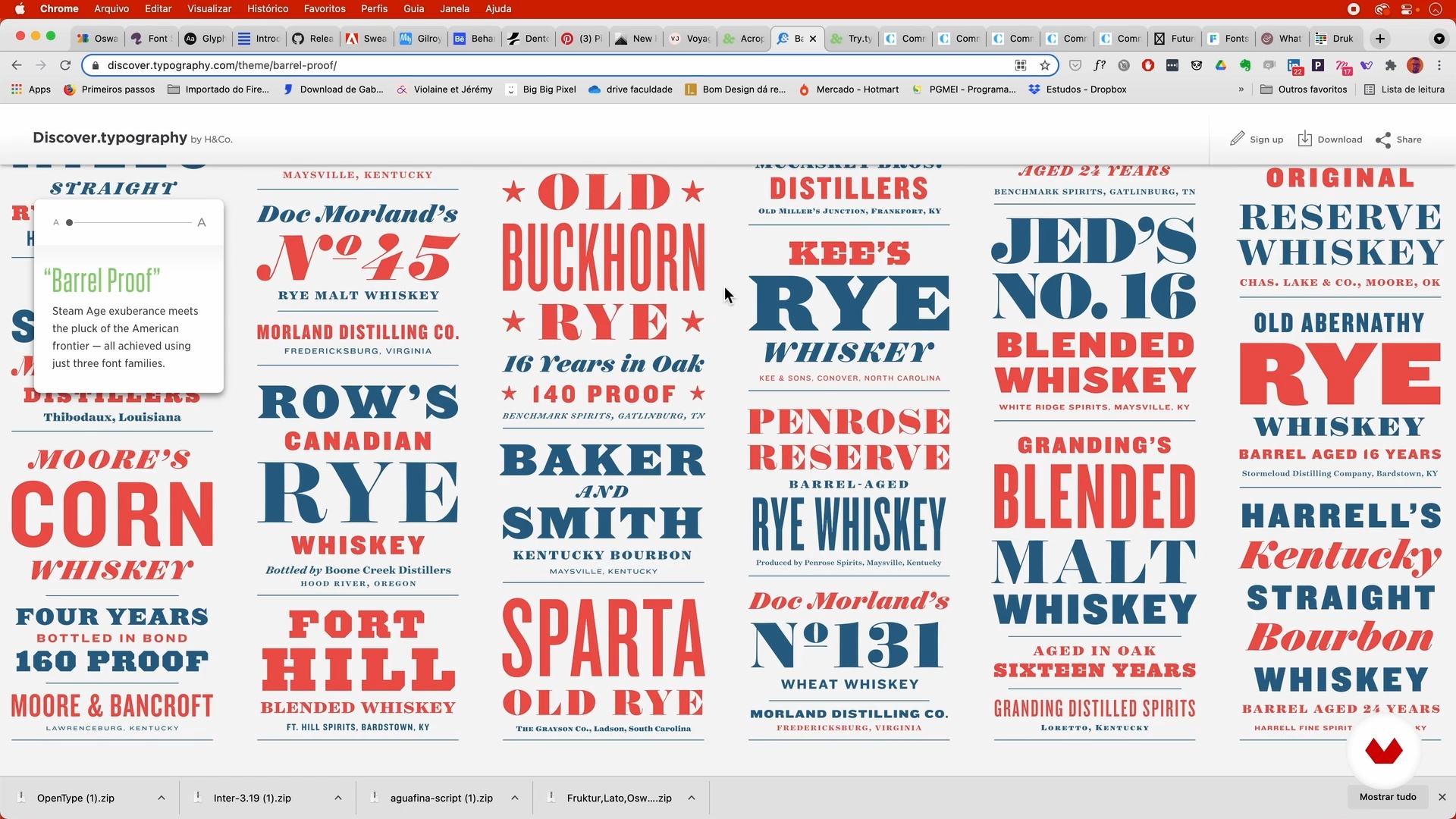
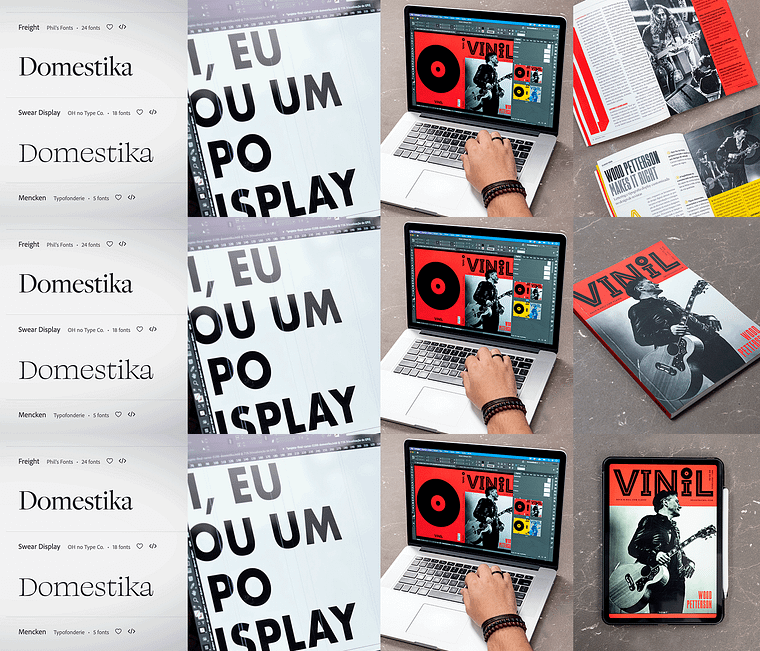
How and where to find good fonts
11 minutes, 38 seconds
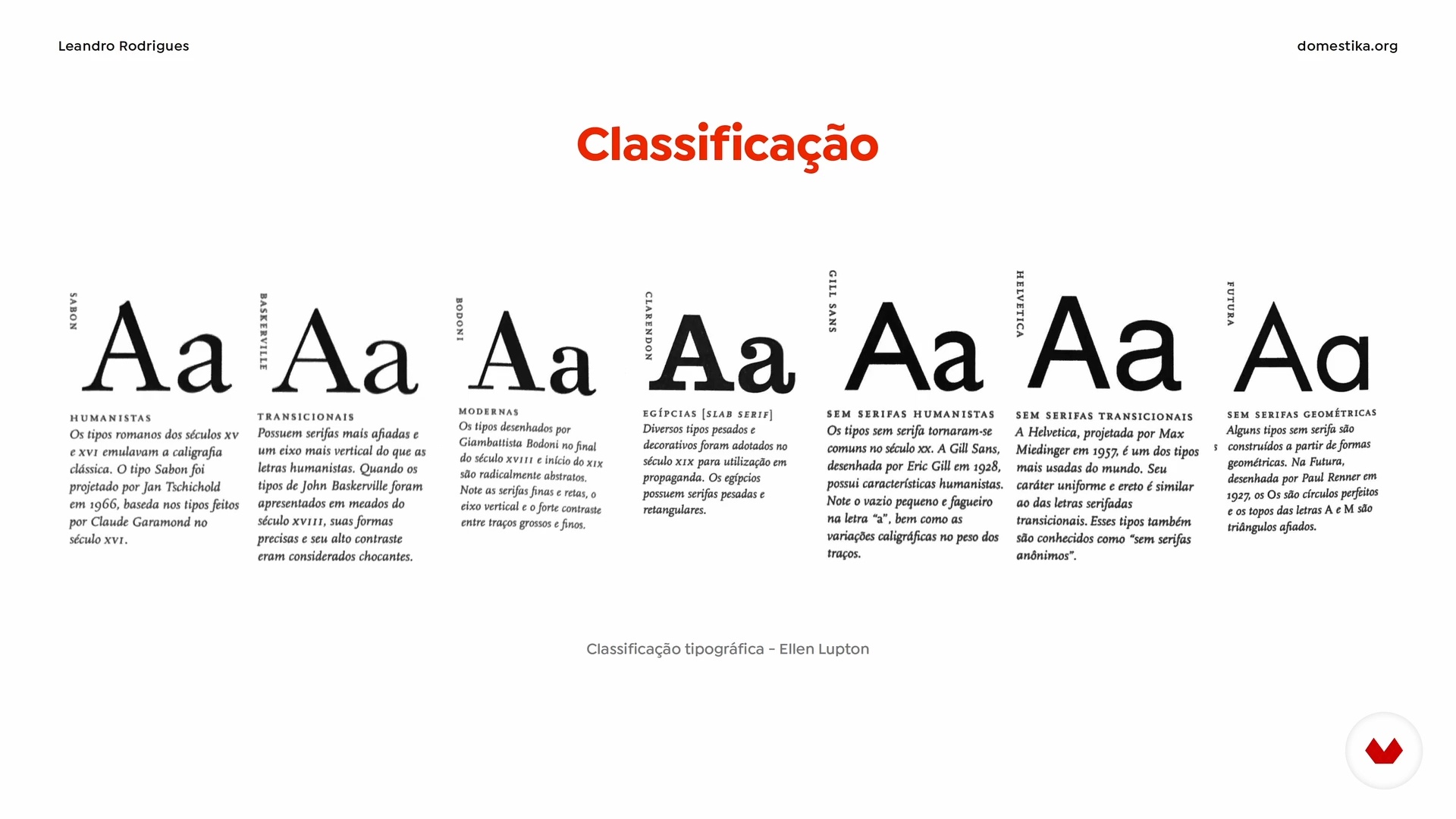
Typographic classification and categorization
15 minutes, 35 seconds
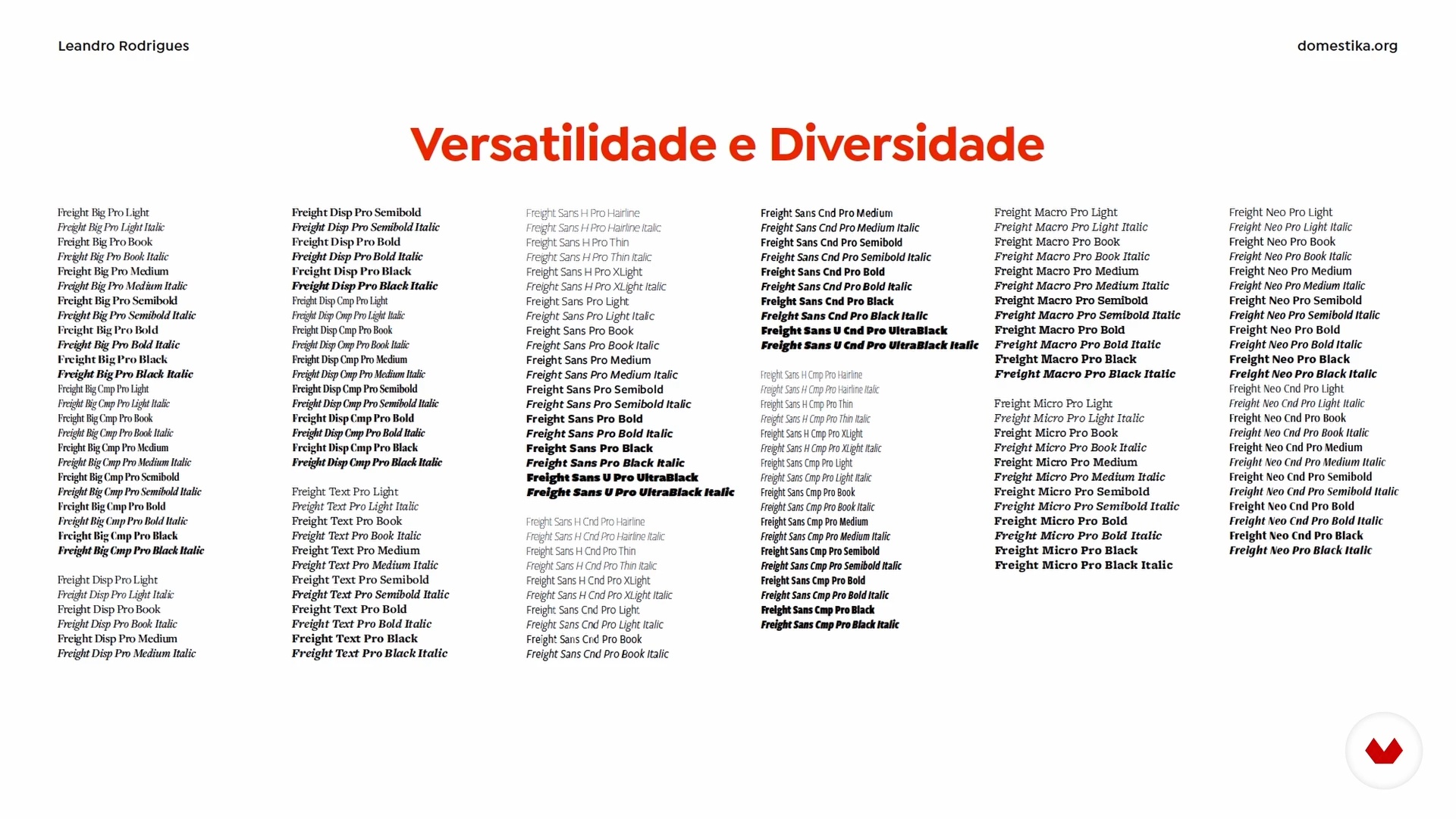
Flowing text, usability and subtitles
19 minutes, 34 seconds

Display typography
8 minutes, 47 seconds
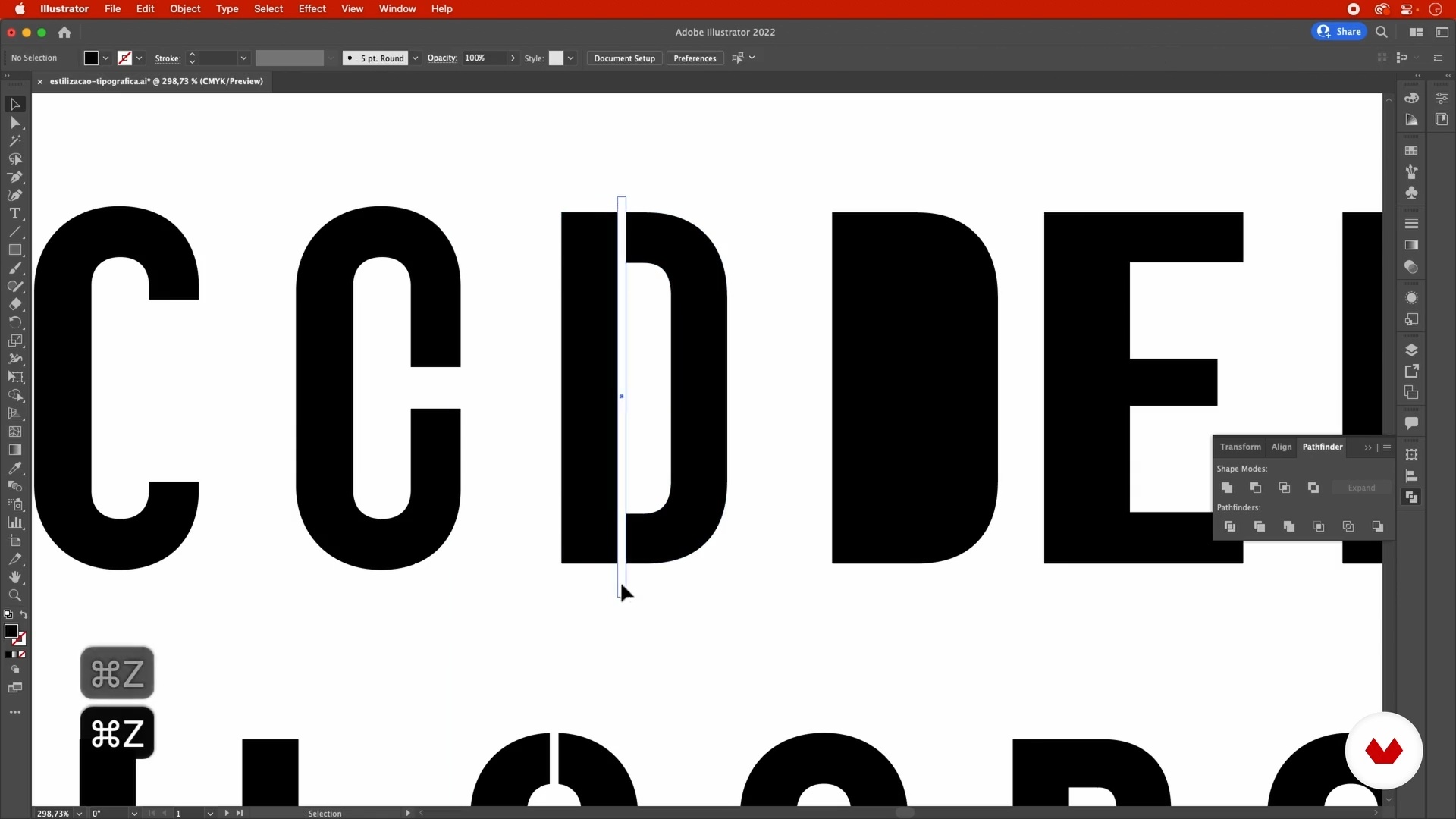
Typographic manipulation and styling
11 minutes, 16 seconds
where to look for references
9 minutes, 50 seconds
What's included in this course?
Begin by hearing a little about your teacher, Leandro Rodrigues, and his journey so far in the world of design. He talks about his educational background and his biggest influences when it comes to editorial projects.
Then discover where to find good fonts and how to classify them, as well as how to select the best typography for each type of text, using their shapes and anatomy to help convey ideas.
Now it's time to create your publication! After looking for references, start to develop the first elements: title, logo, and format. Next, turn your attention to the inside pages and look at typographic variations, working with columns, and approaching cover design, including layouts and tagline styles.
To bring the course to a close, Leandro shows you how to adapt your publication to different digital formats, along with how to present your project using mockups. Also discover some great platforms for publishing your work.
Recommended software & tools for this course
What is this course's project?
Develop a graphic project for a magazine in both print and digital format.
Who is this online course for?
Graphic designers and anyone interested in art, magazines, or typography who wants to learn to design layouts and create publications.
Requirements and materials
You need basic knowledge of graphic design to take this course.
In terms of materials, all you need is a computer with Adobe InDesign installed.
Reviews
- 6 months ago
Curso otimo, bem completo para quem quer aprender mais sobre a tipografia no design.
- 11 months ago
Exelente para portadas y diseño grafico
- 2 years ago
Amei o curso! Passa todos os detalhes imprescindíveis da tipografia, faria mais cursos desse professor!
- 2 years ago
No he podido terminar el curso porque habla demaciado rápido. Si eres nativo de su idioma pues no hay mucho problema.
- 3 years ago
Amazing!

With studies in graphic design and a postgrad degree in Art Direction for Communication from the Centro Universitário SENAC in São Paulo, Leandro has worked for over ten years in publishing and as a professor.
He has held art director and graphic design positions at the publishing house Maquinaria Studio and the digital marketing agency AgMN. He is a visiting Digital Design professor at SENAC São Paulo, as well as a director and art editor for Oeste magazine. Today, he is a Senior Designer in a branding consulting studio.
Content
- U1
Introduction
- About Me
- Influences
- U2
Knowing and manipulating typography
- How and where to find good fonts
- Typographic classification and categorization
- Flowing text, usability and subtitles
- Display typography
- Typographic manipulation and styling
- U3
Creating a graphic design
- where to look for references
- Title, logo and physical format
- Internal pages and openings
- Productivity and efficiency tips
- Cover and header layouts
- U4
Final recommendations
- Adaptations for digital
- Output formats
- Presentation and portfolio
- FP
Final project
- ypography for Printed and Digital Projects
What to expect from a Domestika course
Learn at your own pace
Enjoy learning from home without a set schedule and with an easy-to-follow method. You set your own pace.
Learn from the best professionals
Learn valuable methods and techniques explained by top experts in the creative sector.
Meet expert teachers
Each expert teaches what they do best, with clear guidelines, true passion, and professional insight in every lesson.
Certificates
PLUSIf you're a Plus member, get a custom certificate signed by your teacher for every course. Share it on your portfolio, social media, or wherever you like.
Get front-row seats
Videos of the highest quality, so you don't miss a single detail. With unlimited access, you can watch them as many times as you need to perfect your technique.
Share knowledge and ideas
Ask questions, request feedback, or offer solutions. Share your learning experience with other students in the community who are as passionate about creativity as you are.
Connect with a global creative community
The community is home to millions of people from around the world who are curious and passionate about exploring and expressing their creativity.
Watch professionally produced courses
Domestika curates its teacher roster and produces every course in-house to ensure a high-quality online learning experience.
FAQs
The course is intermediate level, ideal for those who already have basic knowledge of graphic or editorial design and want to deepen their skills in typography, visual identity, and editorial projects.
It’s recommended to have basic graphic design knowledge and be familiar with software like Adobe InDesign and Illustrator. Prior experience with typography will help you get the most out of the course.
You will learn how to develop visual identities, design book and magazine covers, customize typefaces, combine fonts, manipulate layouts, and apply advanced editorial layout techniques.
The lessons cover visual analysis, layout techniques, typographic selection and customization, as well as creative variations for printed or digital book and magazine covers.
You’ll learn how to design custom typefaces, create tailored font families, apply visual effects to logos, and experiment with different typographic styles and contrasts.
Yes, the course teaches where to find free and paid fonts, how to filter by style, test fonts on Adobe Fonts, purchase on MyFonts, rent on Fontstand, and offers tips for responsible license use.
Yes, the course equips you to create complete visual identities—from choosing typography to integrating logos, layouts, and digital or print formats.