Kinetic Typography: Create a Visual Concept in Motion
A course by Simon FrançoisGraphic Designer
A course by Simon François, Graphic Designer

Learn how to create coded motion typography with Illustrator and After Effects
Simon François is passionate about all things language- and graphics-related, and loves nothing more than playing around with the letters, shapes, and sounds of words. In this course, he shares his love for the demanding art of animated typography. A little creativity, a few exercises, and a strong semantic concept can work wonders!
Learn how to make a typographic animation with moving coded elements using Illustrator and After Effects in turn. By the end of this course, you'll be able to make letters dance to your rhythm with finesse and creative energy.
What will you learn in this online course?
11 lessons & 18 downloads
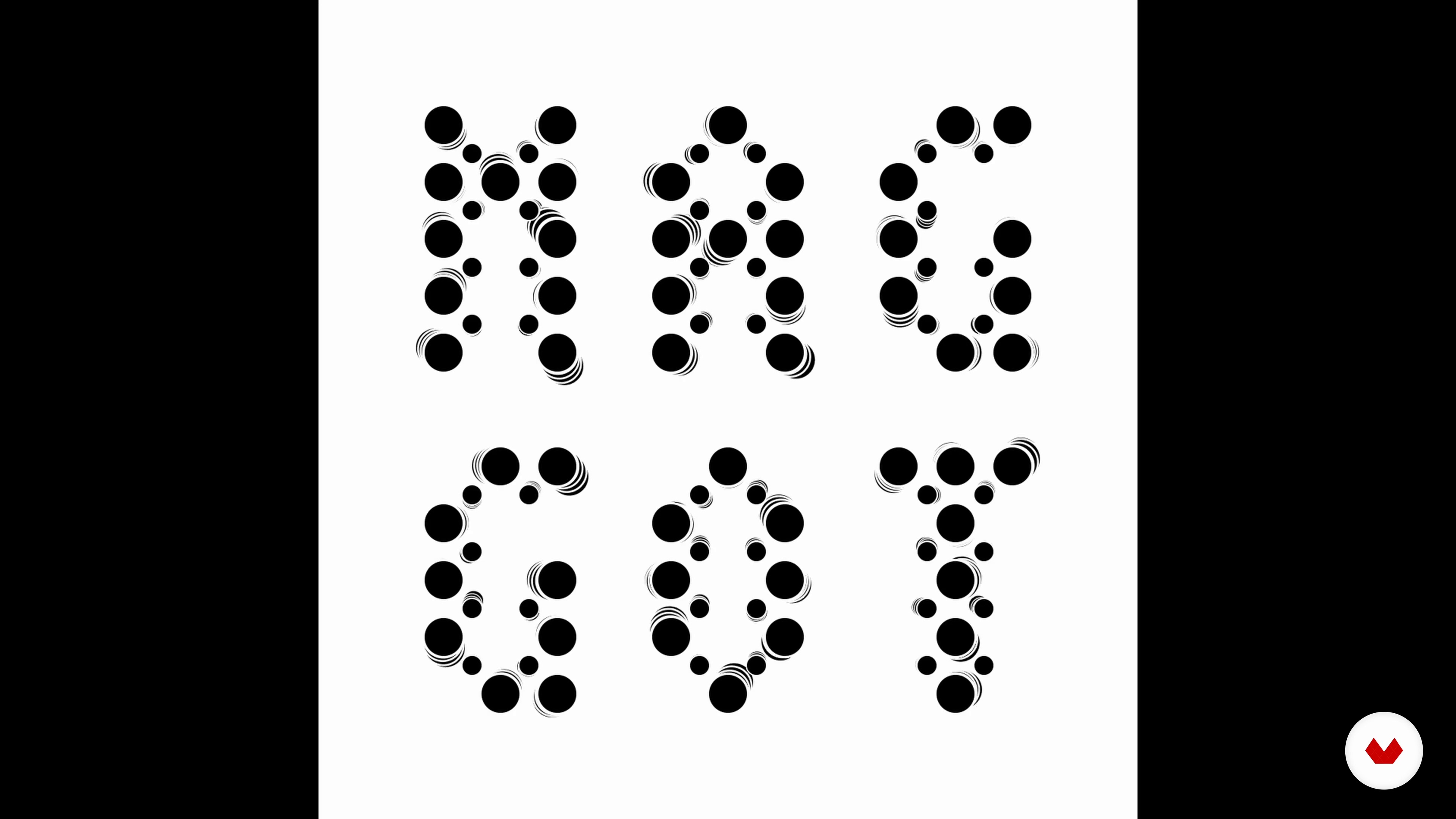
Introduction to Kinetic Typography
3 minutes, 52 seconds
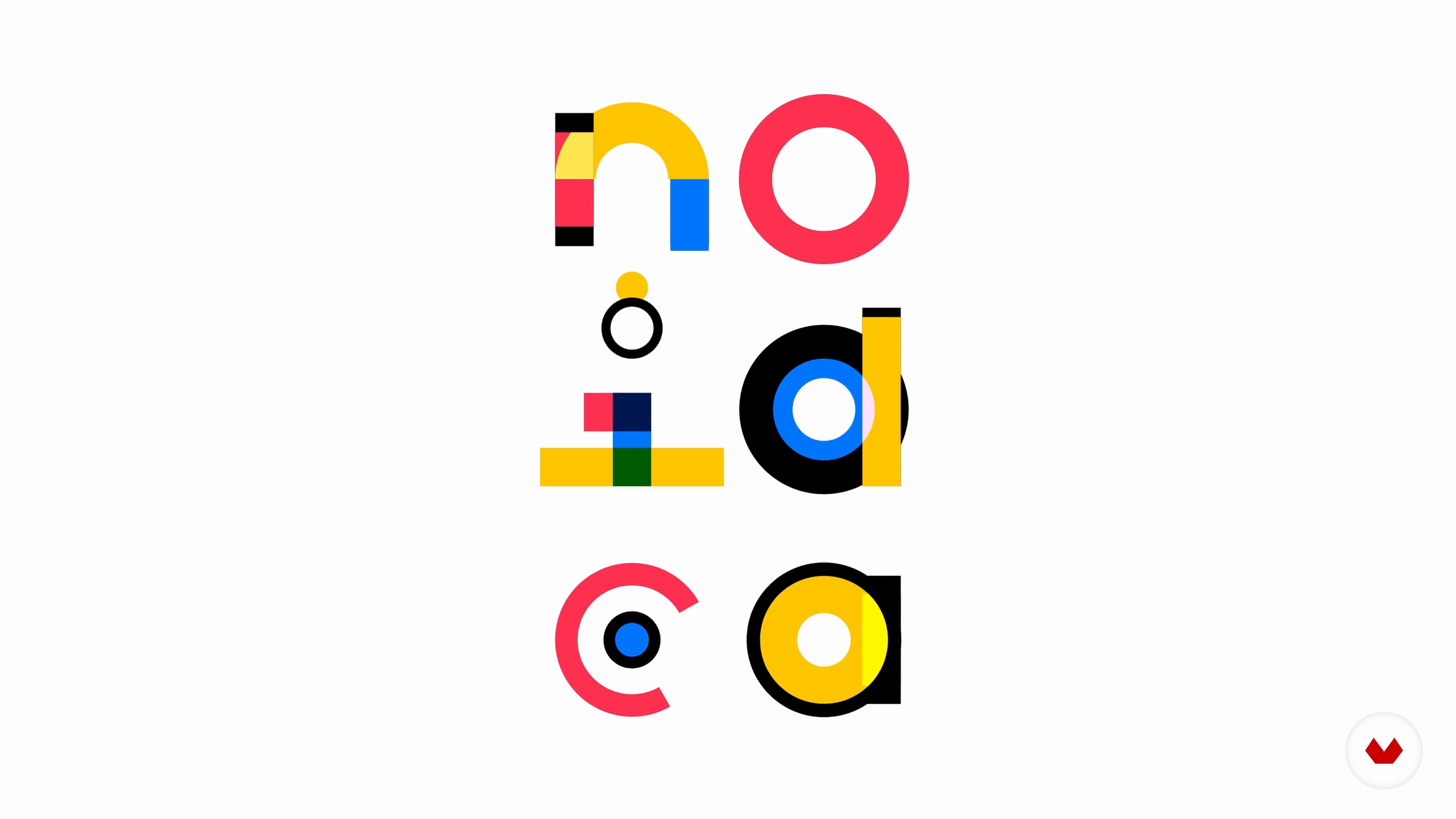
Where to look for inspiration
2 minutes, 22 seconds
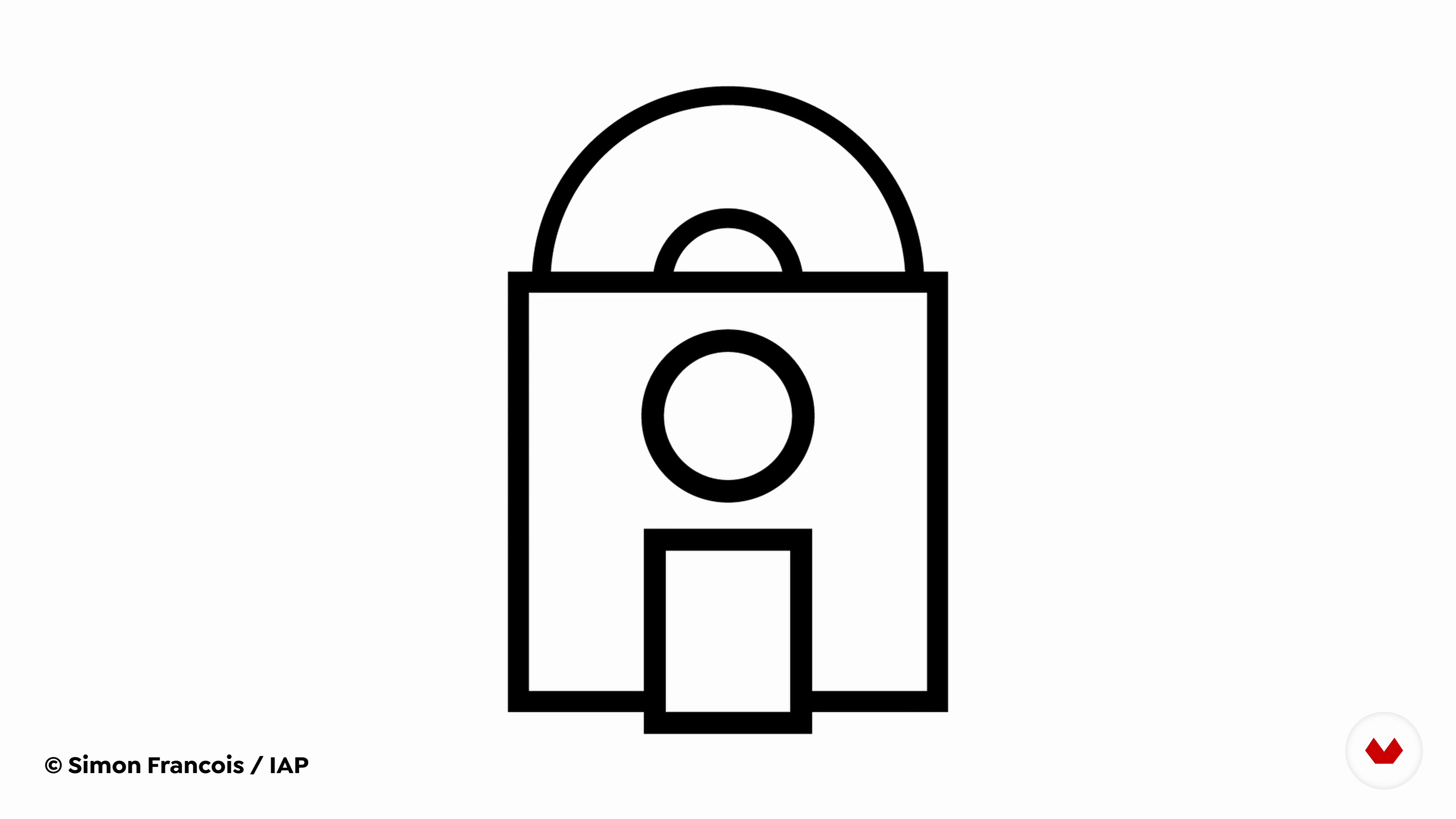
Format your text
2 minutes, 23 seconds
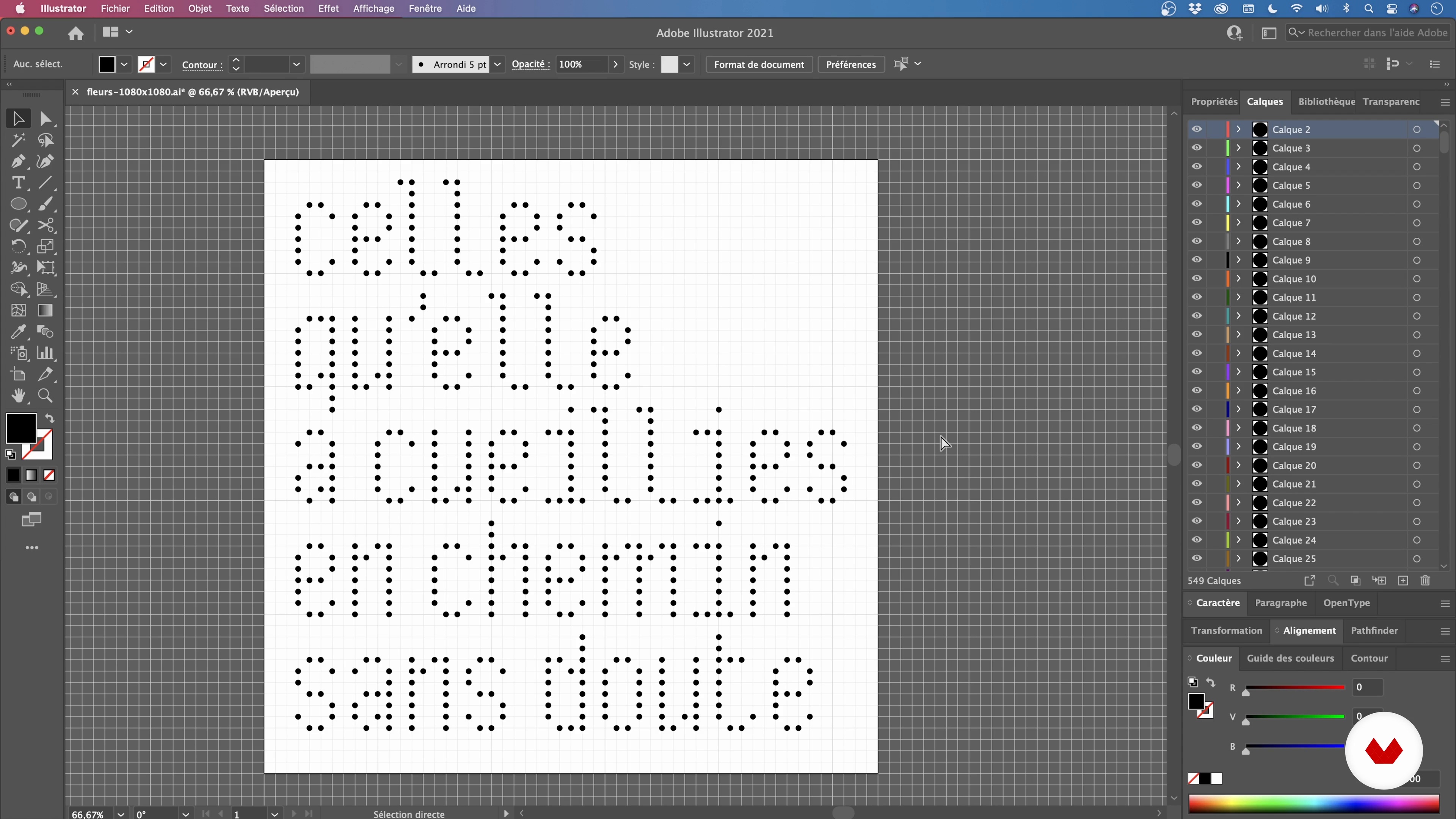
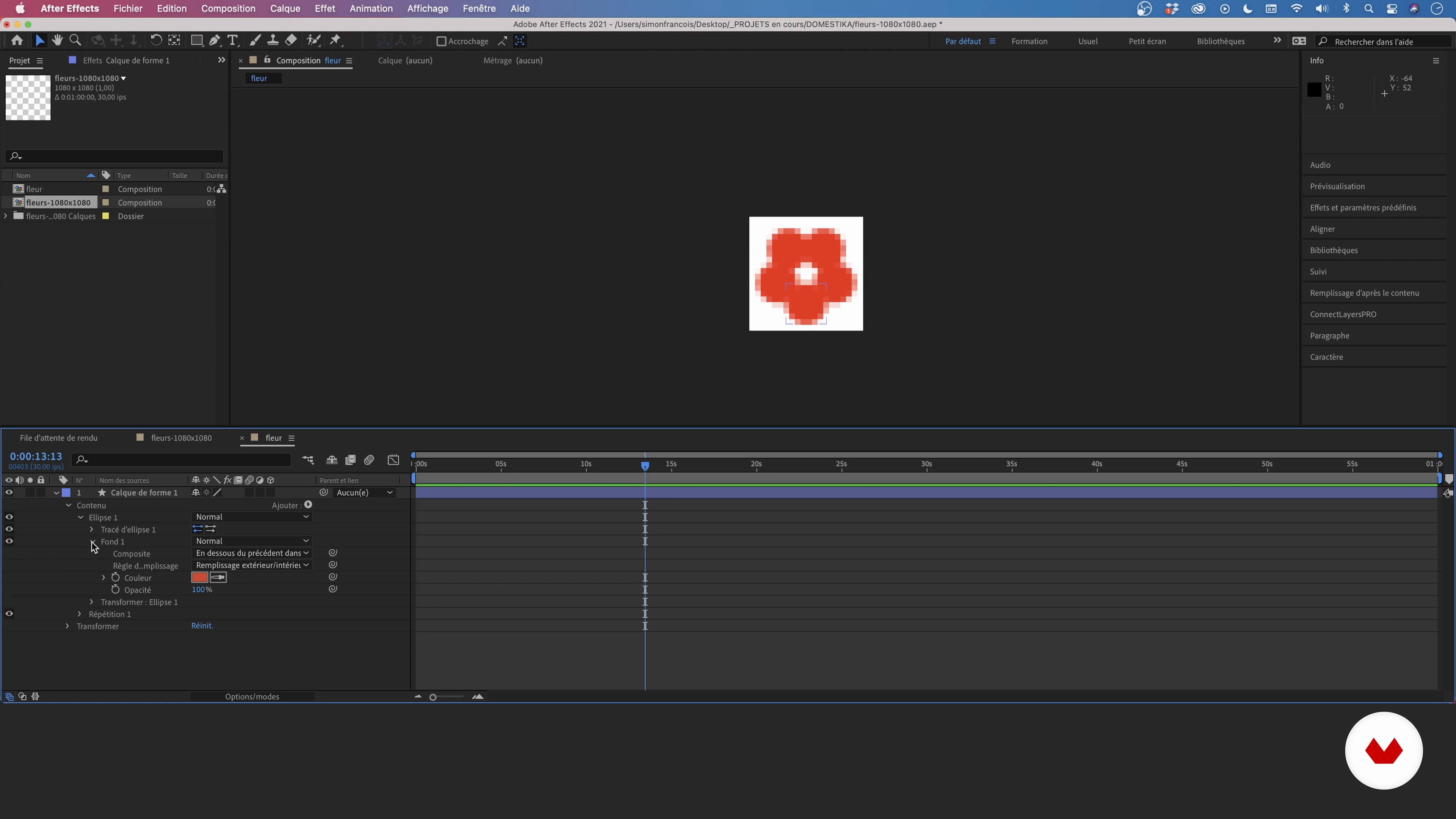
build the letters
16 minutes, 40 seconds
Generate Variations
16 minutes, 20 seconds
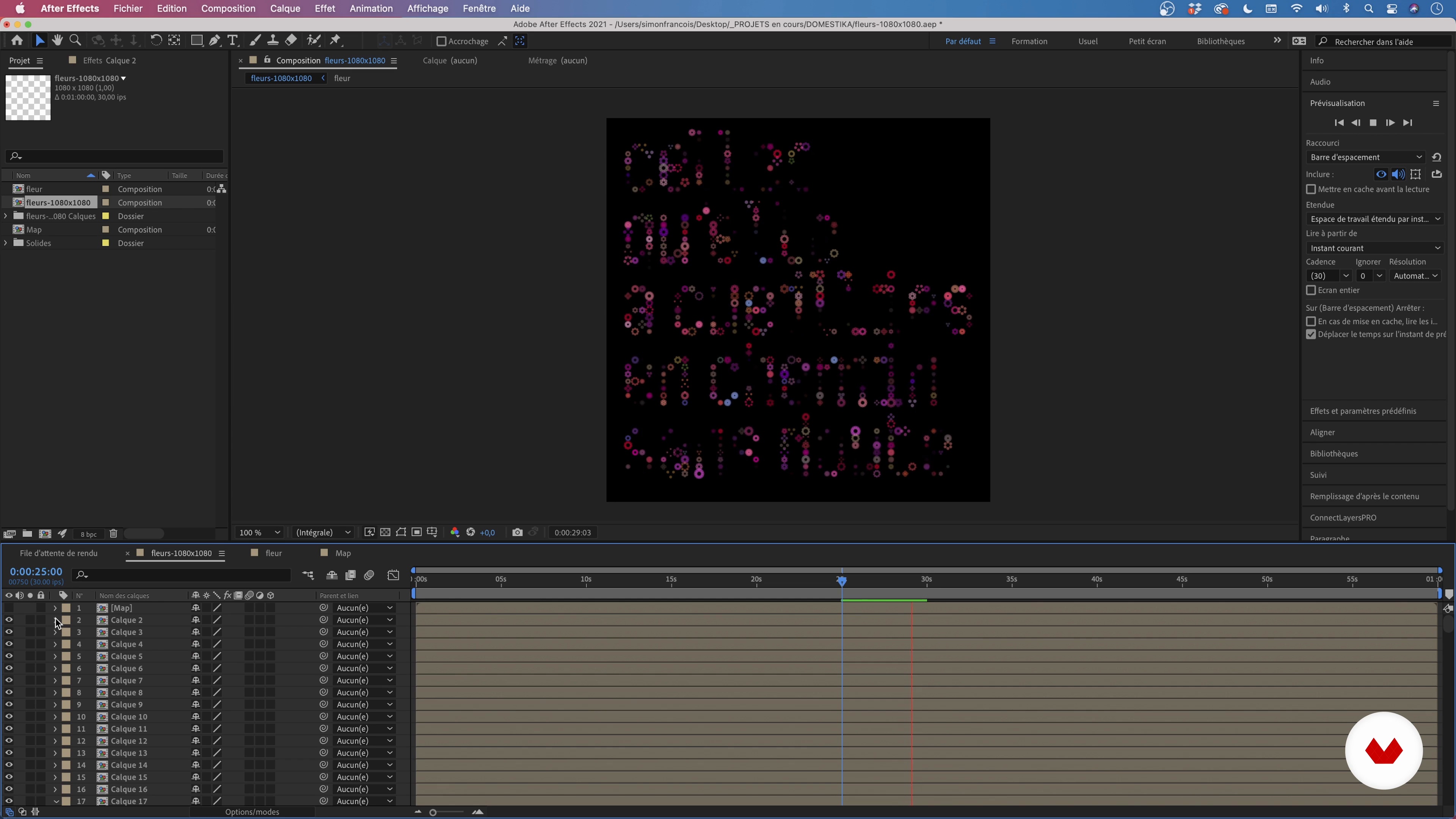
Orchestrate the whole
15 minutes, 57 seconds
What's included in this course?
Simon François starts by introducing himself and talking about his approach to graphic and motion design. From Studio Thonik to Michal Rovner and Chuck Jones, his influences stretch far and wide.
He gives you a short introduction to kinetic typography, with a focus on matrix compositions. Learn how to find inspiration, whether visual or poetic, before thinking about the semantic construction of your typography, its foundations, and how you want it to unfold.
Time to roll up your sleeves! With Simon's help, draw the letters in Illustrator before animating them in After Effects. To do this, create a coded animation sequence and a displacement map as your base. Learn to use the Turbulent Noise effect to generate a fluid and moving visual piece. Your composition is now ready to be exported!
To wrap up the course, Simon teaches you some other ways to generate movement in After Effects and how to share your creations on social media to boost your visibility.
Recommended software & tools for this course
What is this course's project?
Create kinetic typography in Illustrator and animate it with coded movements in After Effects.

Projects by course students
Who is this online course for?
Anyone who wishes to deepen their knowledge of typographic animation.
Requirements and materials
Knowledge of animation and expression is necessary for this course, as well as beginner-level Illustrator and intermediate-level After Effects experience.
You also need a computer installed with the two software.

Reviews
- 10 months ago
such a innovative course
- 1 year ago
super informative i love this thank you!
- 1 year ago
cool
- 1 year ago
Great course, thanks!
- 2 years ago
Excelente, justo lo que necesitaba en este momento para darle vida a mi nueva tipografía

Largely influenced by Dutch culture, he likes to build conceptual micro-narratives where animation breaks the austerity of abstract visuals. His other passions, language and poetry, also inspire his work.
Content
- U1
Introduction
- Presentation
- Professional and artistic encounters
- U2
words in motion
- Introduction to Kinetic Typography
- Where to look for inspiration
- Format your text
- U3
Assemble your orchestra
- build the letters
- Generate Variations
- Orchestrate the whole
- Export all
- U4
For further
- Exploration of other techniques
- Share your work on social networks
- FP
Final project
- Kinetic Typography: Create a Visual Concept in Motion
What to expect from a Domestika course
Learn at your own pace
Enjoy learning from home without a set schedule and with an easy-to-follow method. You set your own pace.
Learn from the best professionals
Learn valuable methods and techniques explained by top experts in the creative sector.
Meet expert teachers
Each expert teaches what they do best, with clear guidelines, true passion, and professional insight in every lesson.
Certificates
PLUSIf you're a Plus member, get a custom certificate signed by your teacher for every course. Share it on your portfolio, social media, or wherever you like.
Get front-row seats
Videos of the highest quality, so you don't miss a single detail. With unlimited access, you can watch them as many times as you need to perfect your technique.
Share knowledge and ideas
Ask questions, request feedback, or offer solutions. Share your learning experience with other students in the community who are as passionate about creativity as you are.
Connect with a global creative community
The community is home to millions of people from around the world who are curious and passionate about exploring and expressing their creativity.
Watch professionally produced courses
Domestika curates its teacher roster and produces every course in-house to ensure a high-quality online learning experience.
FAQs
This course is aimed at intermediate learners who already have some graphic or motion design knowledge. It’s recommended to be familiar with the basics of Illustrator and After Effects to get the most out of the content.
You’ll mainly need Adobe Illustrator for typographic creation and After Effects for animation. Using Adobe Media Encoder is also recommended for exporting and compressing videos.
By the end of the course, you’ll be able to create and animate minimalist typography, work with grids, automate animations using scripts, and export your projects for various platforms, especially social media.
The minimalist style focuses on simplifying animated visuals, streamlining shapes, and emphasizing message clarity, while maintaining a strong graphic and narrative identity.
The course covers assembling typography on grids, animating letters, using scripts for automatic variation, and applying turbulence maps to enrich motion.
You don’t need to be an expert in typographic drawing, but having basic vector creation skills in Illustrator will help you follow the exercises more easily.
You’ll create short animations, kinetic typography compositions, neon urban installations, and artistic LED displays, tailored for the cultural and event sectors.