Playful 3D Design and Animation of Fun Objects
A course by Vincent Schwenk3D Artist and Designer
A course by Vincent Schwenk, 3D Artist and Designer

Learn how to create soft and organic animated objects and scenes by exploring and experimenting in Cinema 4D and other graphic software
The world of 3D animation is a space to have fun while experimenting with colors, shapes, and textures. For 3D artist Vincent Schwenk, it’s a creative world where the only limit is his imagination. His creations feature abstract shapes and elements, with realistic textures and smooth animations, and he has worked with clients like Microsoft, Tylko, and the Reeperbahn Festival.
In this course, he teaches how to create and animate a fun scene with organic objects. Discover how color, textures, and light influence each other, then experiment with different light setups and color compositions. Develop your digital software skills and learn innovative design techniques to create abstract animations.
What will you learn in this online course?
26 lessons & 22 downloads
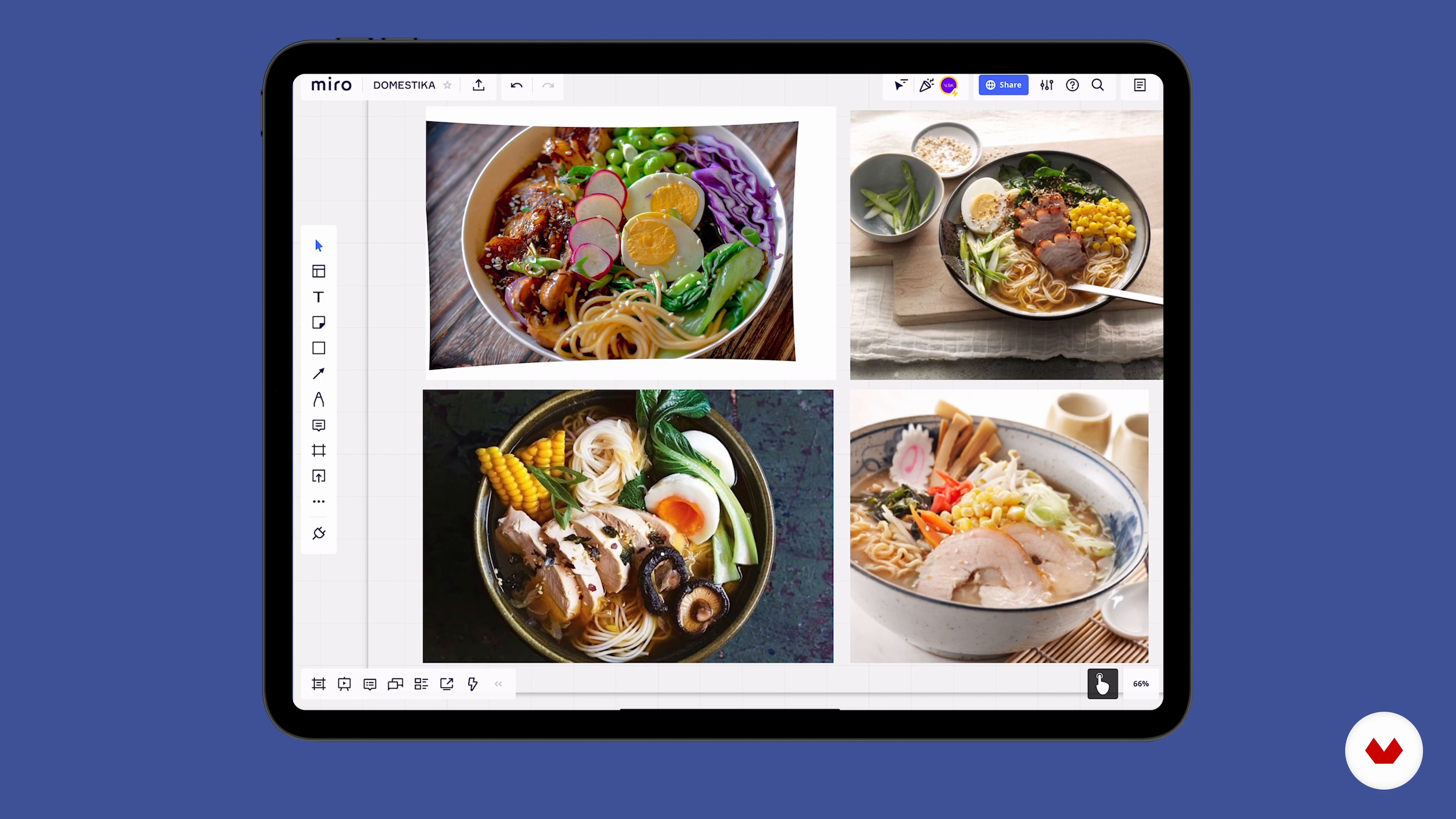
Miro-Board
3 minutes, 8 seconds
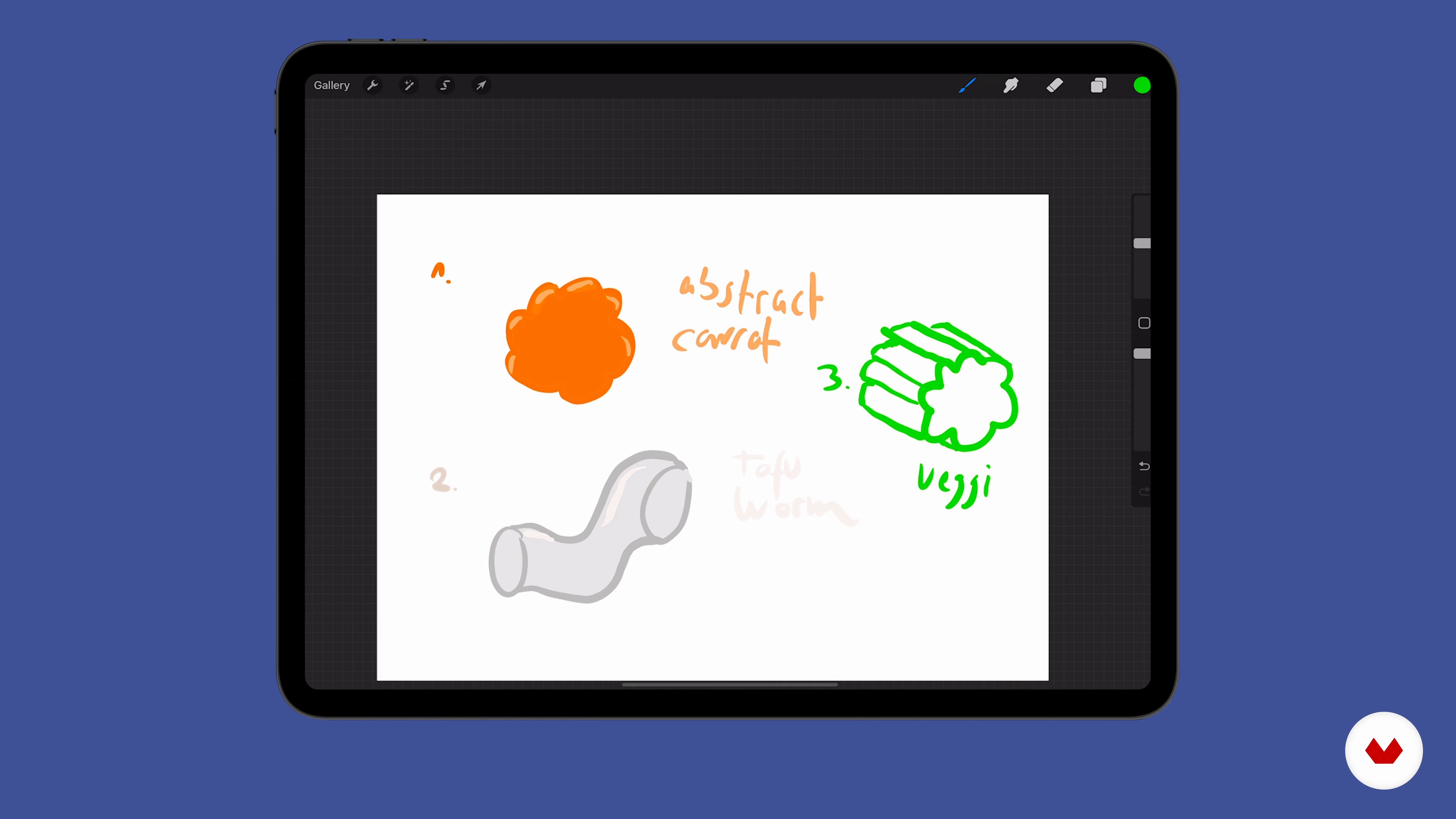
Sketching
2 minutes, 56 seconds
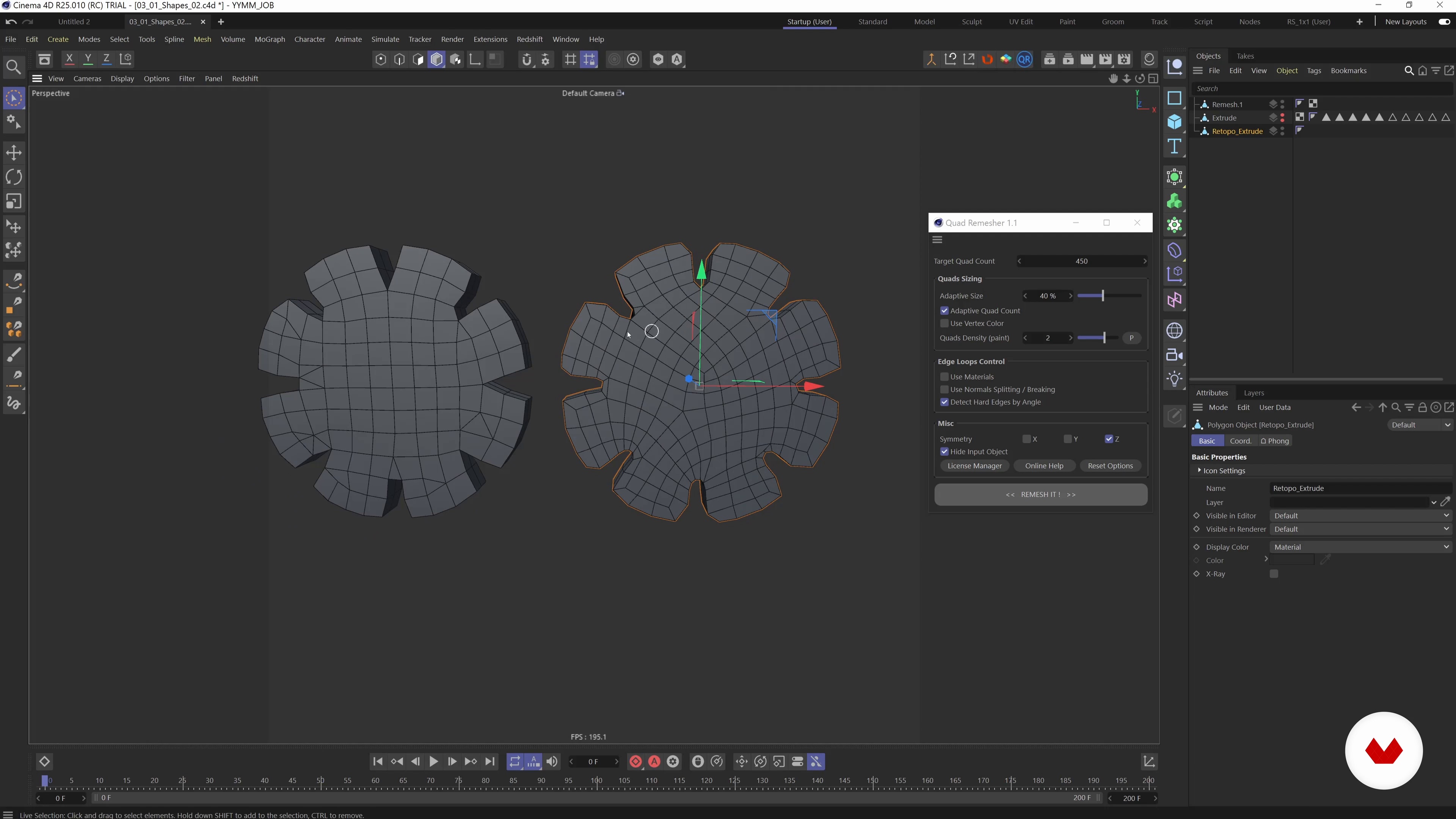
Modeling and Retopologizing: Organic Shapes 1
14 minutes, 21 seconds
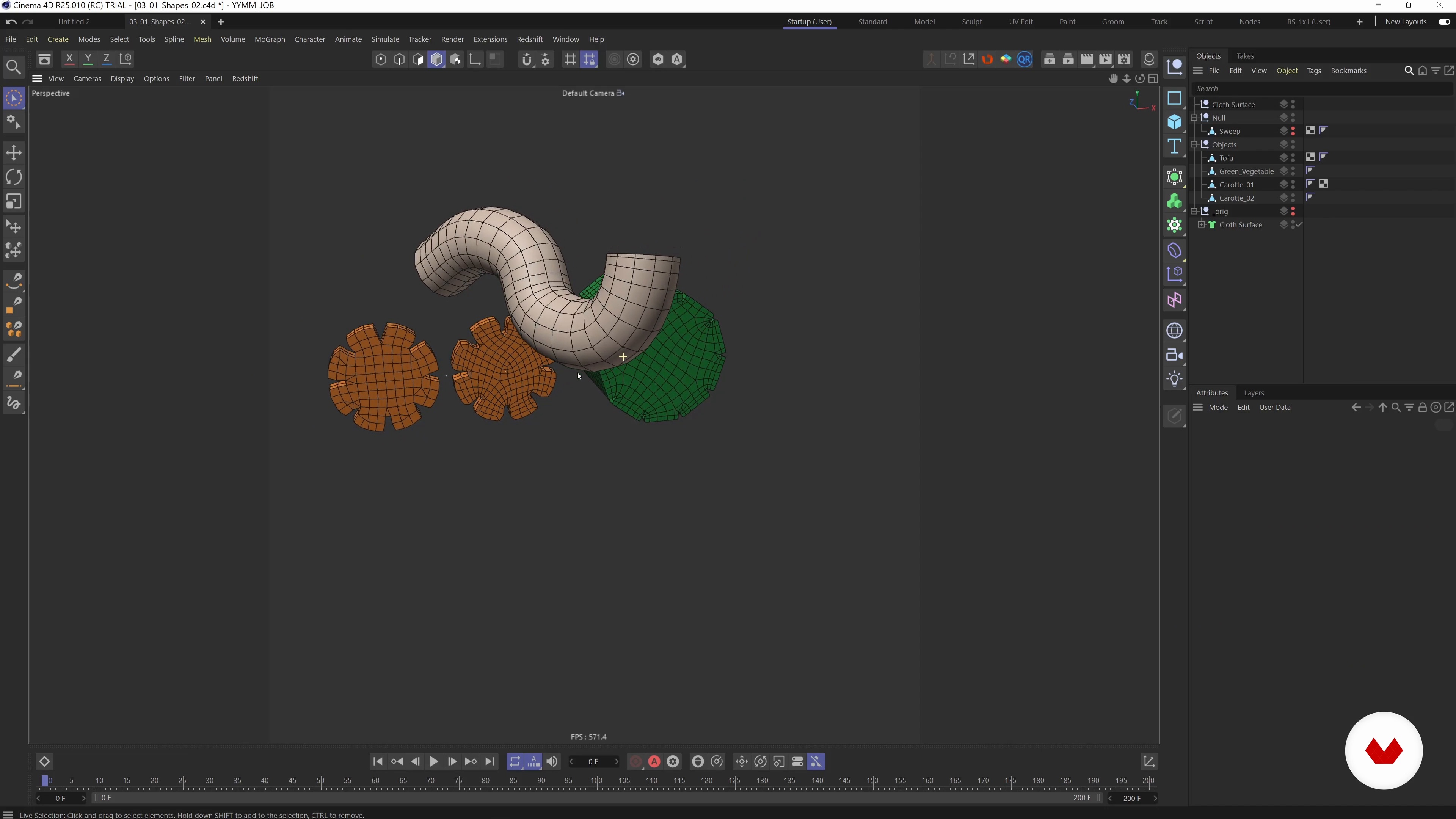
Modeling and Retopologizing: Organic Shapes 2
9 minutes, 6 seconds
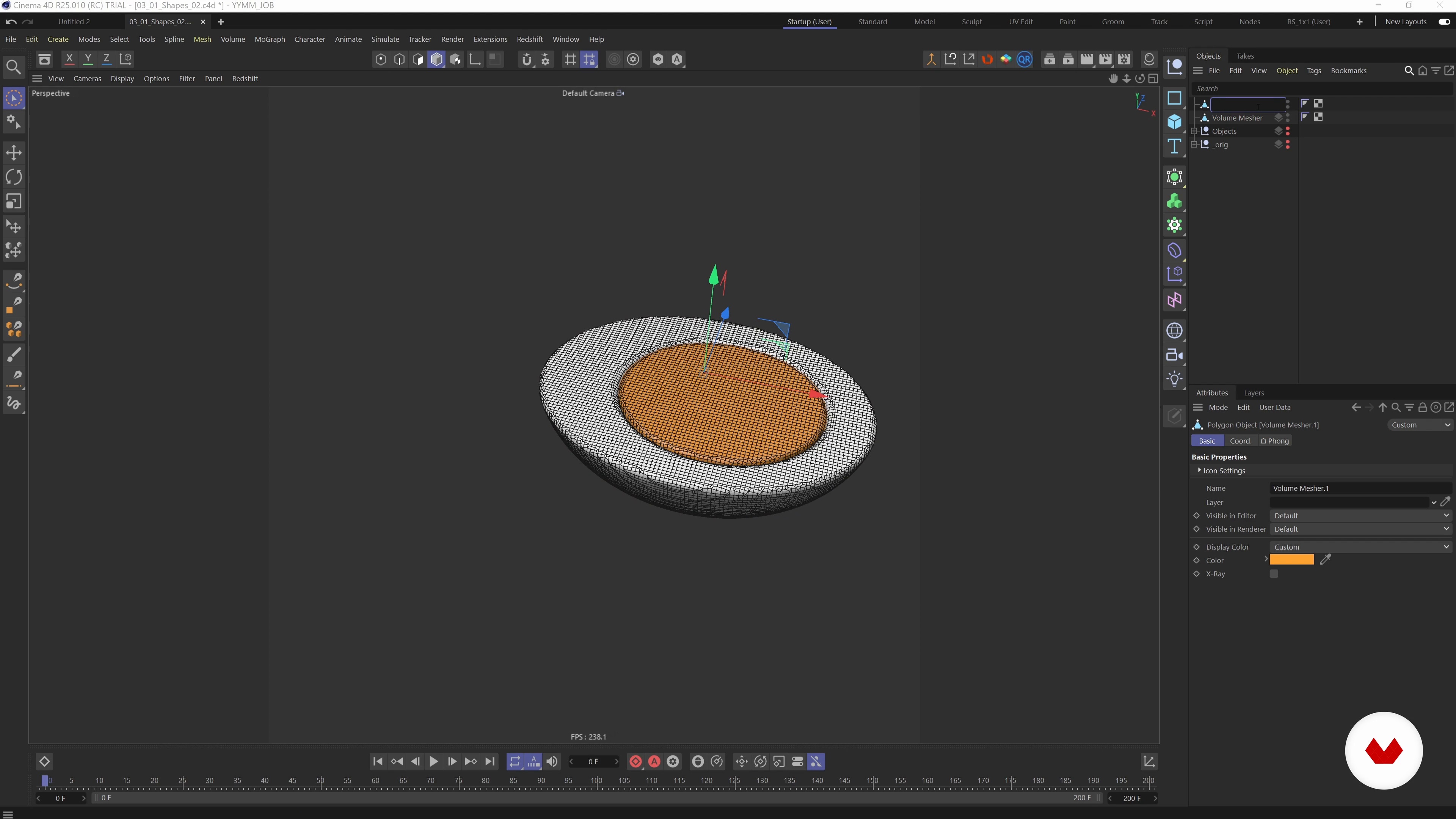
Modeling and Retopologizing: Techniques
17 minutes, 17 seconds
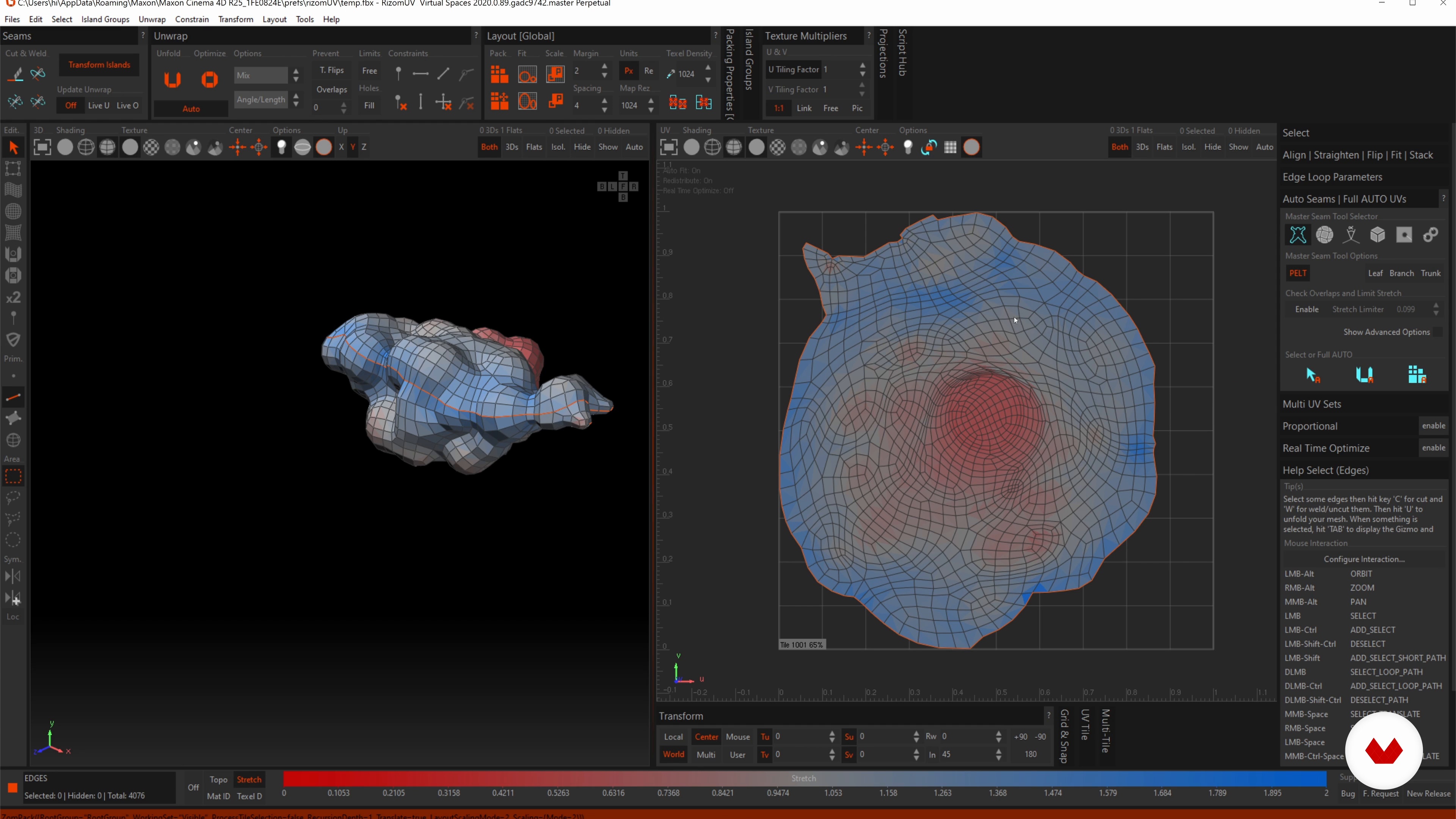
UV Unwrapping
14 minutes, 9 seconds
What's included in this course?
Begin the course by getting to know 3D artist Vincent Schwenk. He shows how an interest in photography developed into a career in 3D design and shares the influences that shape his work.
Dive into the materials needed for the course. Then gather inspiration and create a mood board of ideas. Use your board to draw the first conceptual sketches for your animation.
Familiarize yourself with Cinema 4D and start creating your abstract objects. Explore different modeling techniques like retopology and UV unwrapping, before designing a final composition and animating key elements.
Continue adding elements to your design, then set up your first softbody simulation to give them realistic physical properties. Experiment with different settings while learning to identify and correct errors. Tweak and optimize your animation, before saving everything in a process known as baking.
Switch to Redshift and start adding light, color, and texture. Improve the lighting setup before adding shaders to create realistic organic textures. Finetune the scene and add the final textures to blend everything together.
Begin the rendering process, correct any colors, and add sound to your clip. Once you have your final animation, export it as an mp4. Finally, to finish the course, Vincent shares his advice for posting your work on social media.
Recommended software & tools for this course
What is this course's project?
Model an abstract but tasty-looking bowl of ramen, or another organic object of choice, using 3D animation software.
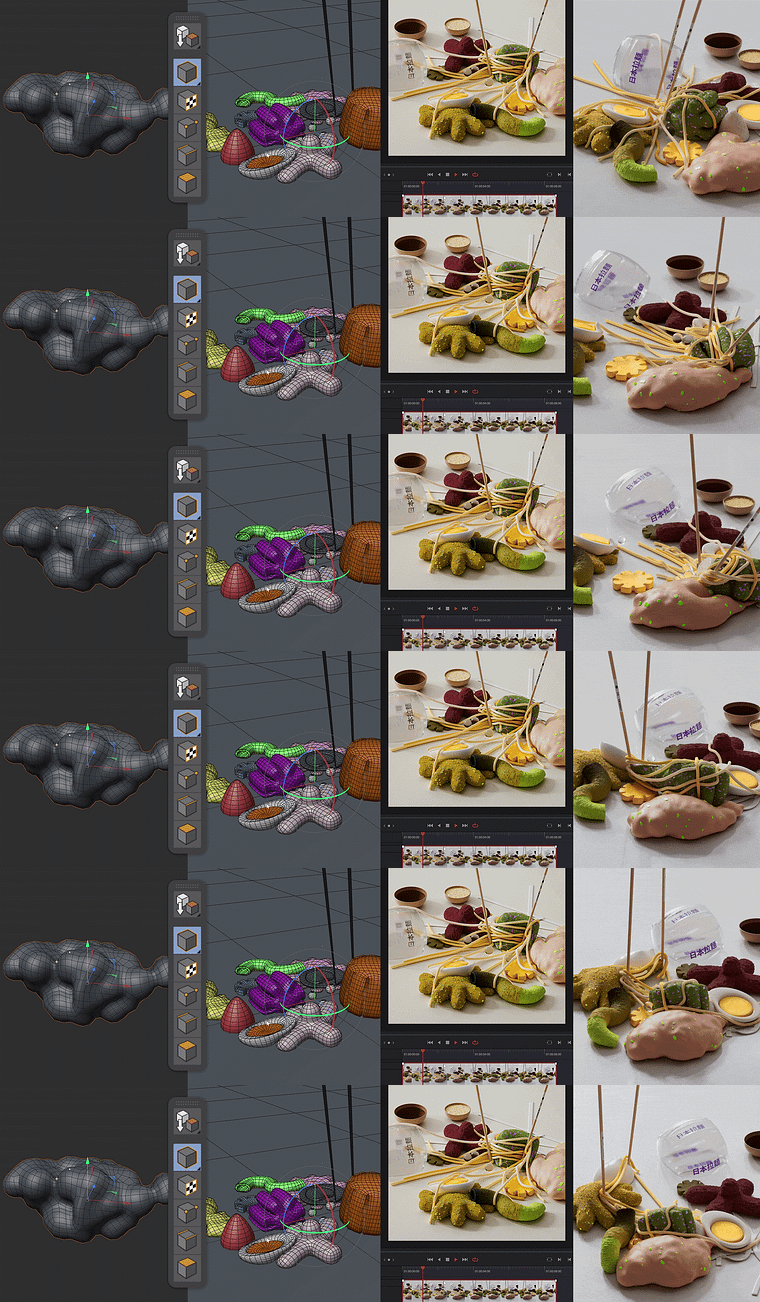
Projects by course students
Who is this online course for?
This course is for 3D design enthusiasts who want to enhance their skills in 3D modeling.
Requirements and materials
Basic knowledge of Cinema 4D and Redshift is required.
In terms of equipment, you’ll need access to a computer with Cinema 4D, Redshift, and Adobe Premiere or DaVinci Resolve.
Reviews
- 2 years ago
amazing!!
- 2 years ago
amazing course. Learnt alot about 3D.
- 3 years ago
It is a good course to learn specifically the use of soft bodies.
- 3 years ago
Bien fait.
- 3 years ago
Great course and direction by Vincent, definitely recommend it.

His vibrant and futuristic designs have been used for all sorts of projects, from album sleeves to corporate branding projects, and his clients include Microsoft, Tylko, and the Reeperbahn Festival. He also educates others on how to become better 3D artists through lectures and online workshops, and showcases his work on his website and social media.
Content
- U1
Introduction
- About Me
- Influences
- U2
Preparation
- Materials
- Miro-Board
- Sketching
- U3
Project Development
- Modeling and Retopologizing: Organic Shapes 1
- Modeling and Retopologizing: Organic Shapes 2
- Modeling and Retopologizing: Techniques
- UV Unwrapping
- Setting up a Scene
- Chopsticks Modeling and Animation
- U4
Part Two of the Process
- Creating the Noodles
- Setting up Our First Softbody Simulations 1
- Setting up Our First Softbody Simulations 2
- Noodle Simulation
- Last Steps of Simulation and Animation 1
- Last Steps of Simulation and Animation 2
- U5
Getting Started with Redshift
- First Steps in Redshift
- Redshift SSS Material 1
- Redshift SSS Material 2
- Setting up Materials
- Fine-tune and Colors 1
- Fine-tune and Colors 2
- Final Textures
- U6
Postproduction
- Rendering
- Compositing, Sound and Exporting for Social Media
- FP
Final project
- Playful 3D Design and Animation of Fun Objects
What to expect from a Domestika course
Learn at your own pace
Enjoy learning from home without a set schedule and with an easy-to-follow method. You set your own pace.
Learn from the best professionals
Learn valuable methods and techniques explained by top experts in the creative sector.
Meet expert teachers
Each expert teaches what they do best, with clear guidelines, true passion, and professional insight in every lesson.
Certificates
PLUSIf you're a Plus member, get a custom certificate signed by your teacher for every course. Share it on your portfolio, social media, or wherever you like.
Get front-row seats
Videos of the highest quality, so you don't miss a single detail. With unlimited access, you can watch them as many times as you need to perfect your technique.
Share knowledge and ideas
Ask questions, request feedback, or offer solutions. Share your learning experience with other students in the community who are as passionate about creativity as you are.
Connect with a global creative community
The community is home to millions of people from around the world who are curious and passionate about exploring and expressing their creativity.
Watch professionally produced courses
Domestika curates its teacher roster and produces every course in-house to ensure a high-quality online learning experience.
FAQs
This course is designed for intermediate artists with some experience in digital art or 3D modeling, rather than complete beginners. Basic knowledge of key creative software is recommended.
You’ll need access to Cinema 4D, Redshift, Procreate, Photoshop, Miro, and optionally DaVinci Resolve and After Effects. A computer with a capable GPU is also recommended for rendering tasks.
You’ll learn to create, animate, and render soft body objects in Cinema 4D, apply advanced retopology, use reference images, build mood boards, and optimize workflows for professional motion graphics projects.
The course guides you through personal project creation, portfolio curation, and showcasing your work using industry techniques—helping you attract clients and stand out in the 3D design field.
Yes, a computer with a capable GPU is highly recommended, especially for GPU-based rendering with Redshift, to ensure smooth workflow and fast rendering times.
Yes, you’ll learn how to collect reference images, create collaborative mood boards in Miro, and organize visual inspiration for your projects.
Absolutely. The course teaches digital sketching in Procreate, using Photoshop for flyer design, and leveraging these sketches as the basis for 3D modeling workflows.