Photography for Image Databases
A course by Muna EstudioPhotography studio
A course by Muna Estudio, Photography studio

Learn the keys to become a collaborator for microstock sites and sell your photos
The new technologies and the irruption of digital photography, which has made available to all high quality cameras that fit in our pocket, have served many amateur photographers to turn their hobby into a source of income. The photographers Verónica Gomez and Silvia Boratti, working together under the name of Muna Estudio, have managed to make stock photography their livelihood and in this course they will teach you how to plan and make your photographs to sell them in banks of images and make money with them.
Based on the experience that has given them working with platforms such as iStockphoto, Shutterstock, Fotolia, and having published their photographs in Reader Digest, Clarin or The Washington Post, Veronica and Silvia will show you how to convert your photos into income through the banks of images. They will tell you how to use the means you have at your disposal to plan a photo shoot and market the images in microstock sites, even if you only take pictures as an amateur or with your smartphone.
What will you learn in this online course?
15 lessons & 27 downloads
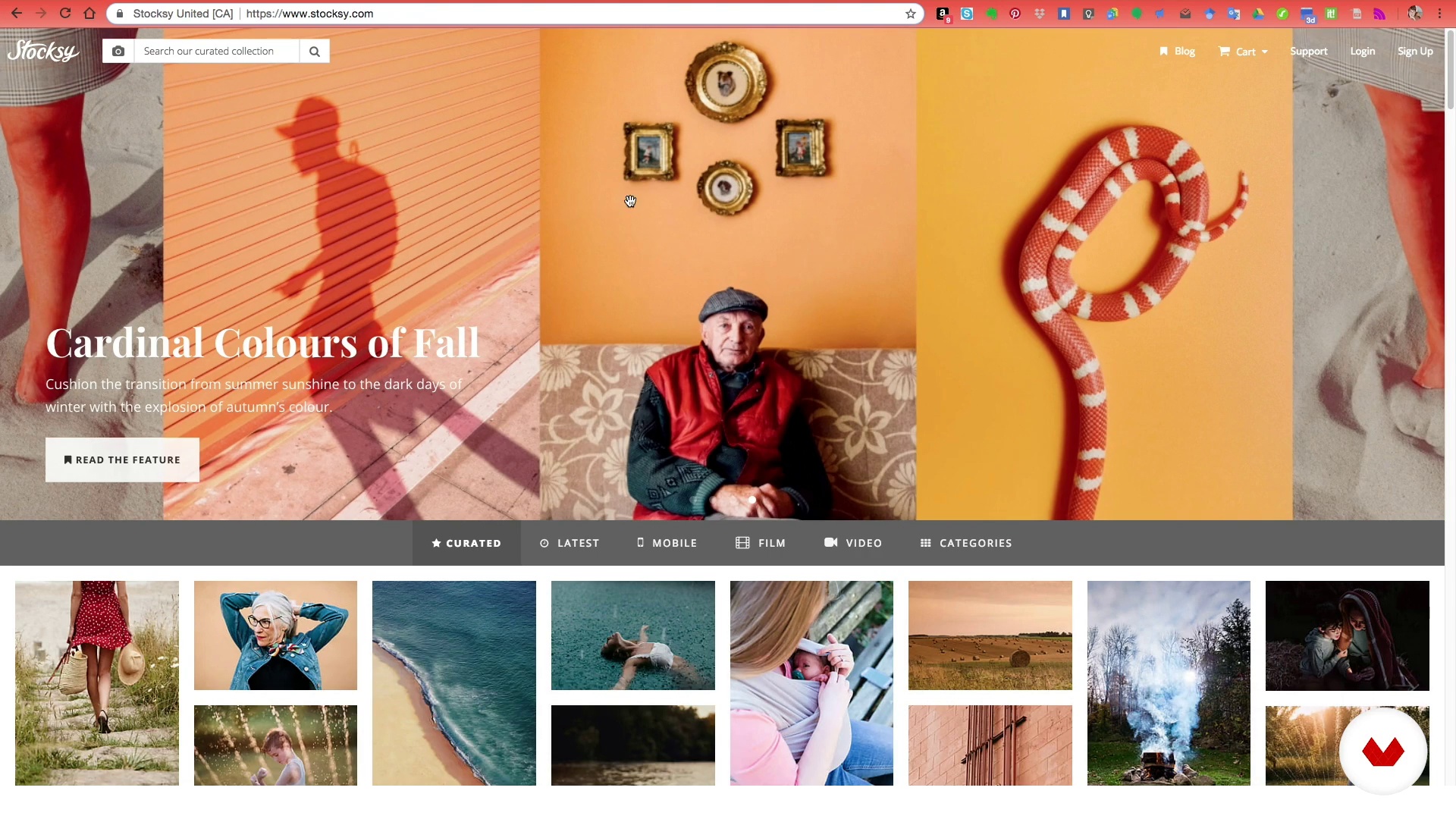
What is an image bank?
12 minutes, 0 seconds
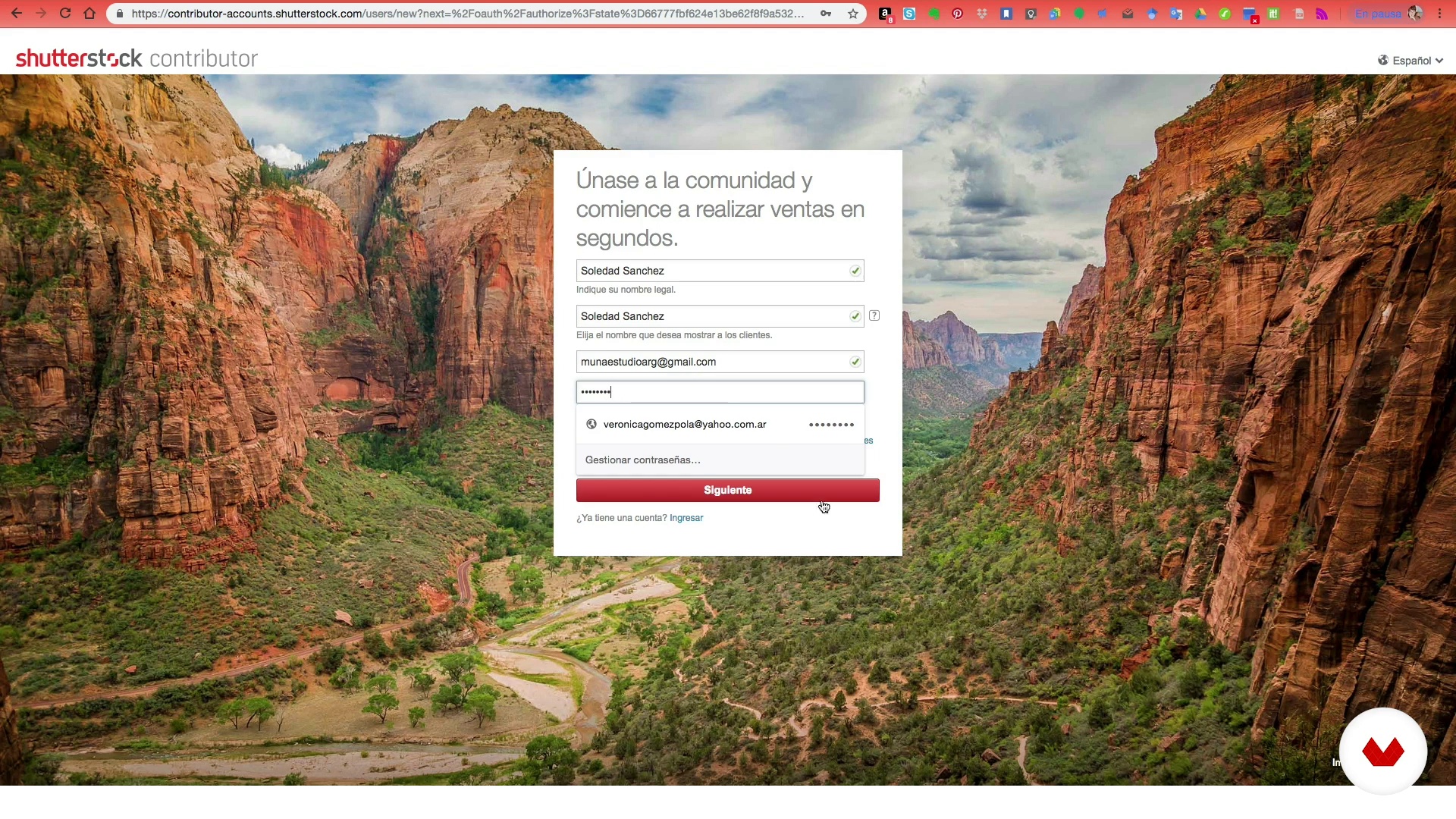
How to create an account
8 minutes, 26 seconds

We chose the theme of the photo
10 minutes, 54 seconds
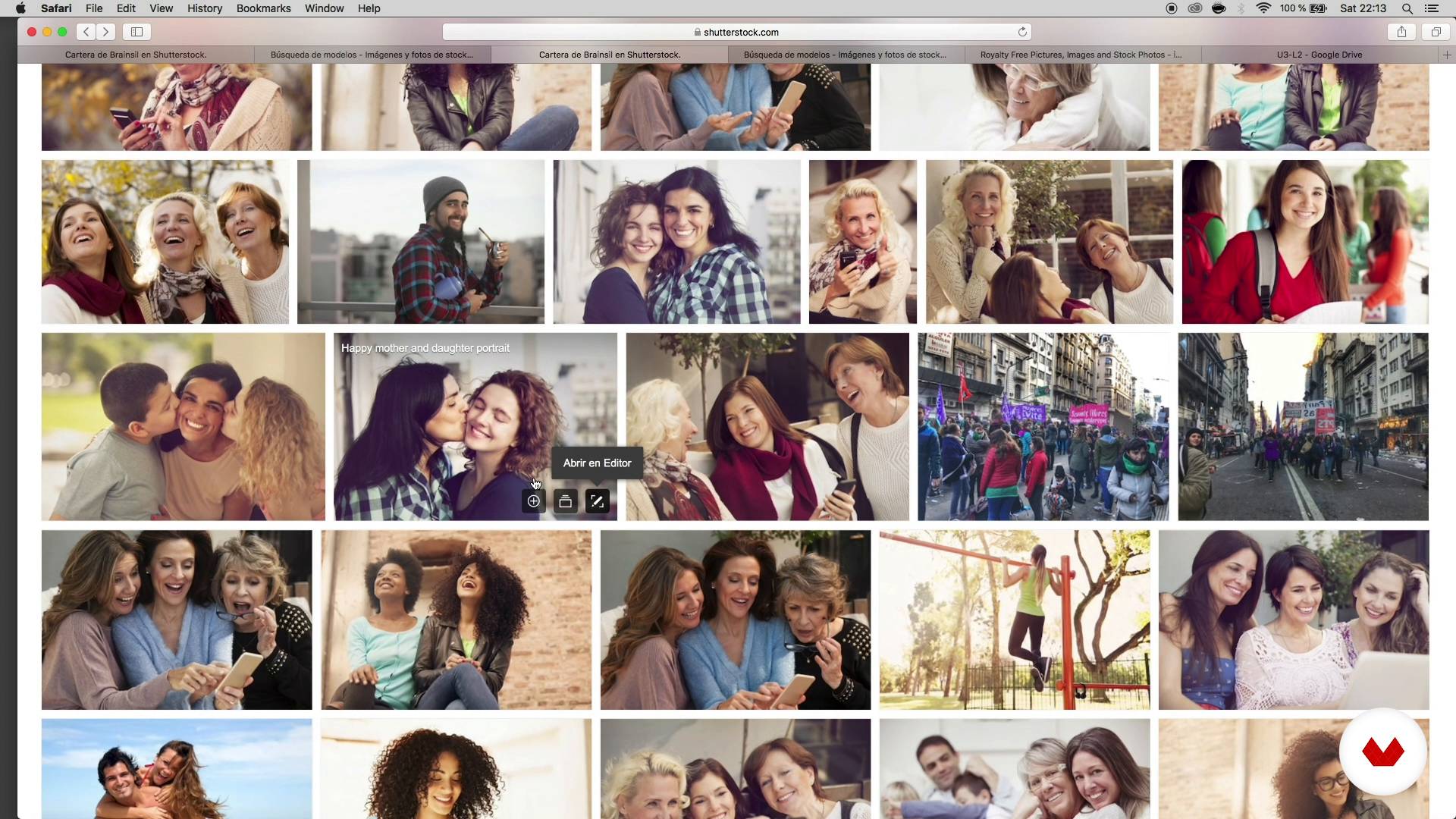
What to look for in a model?
10 minutes, 11 seconds
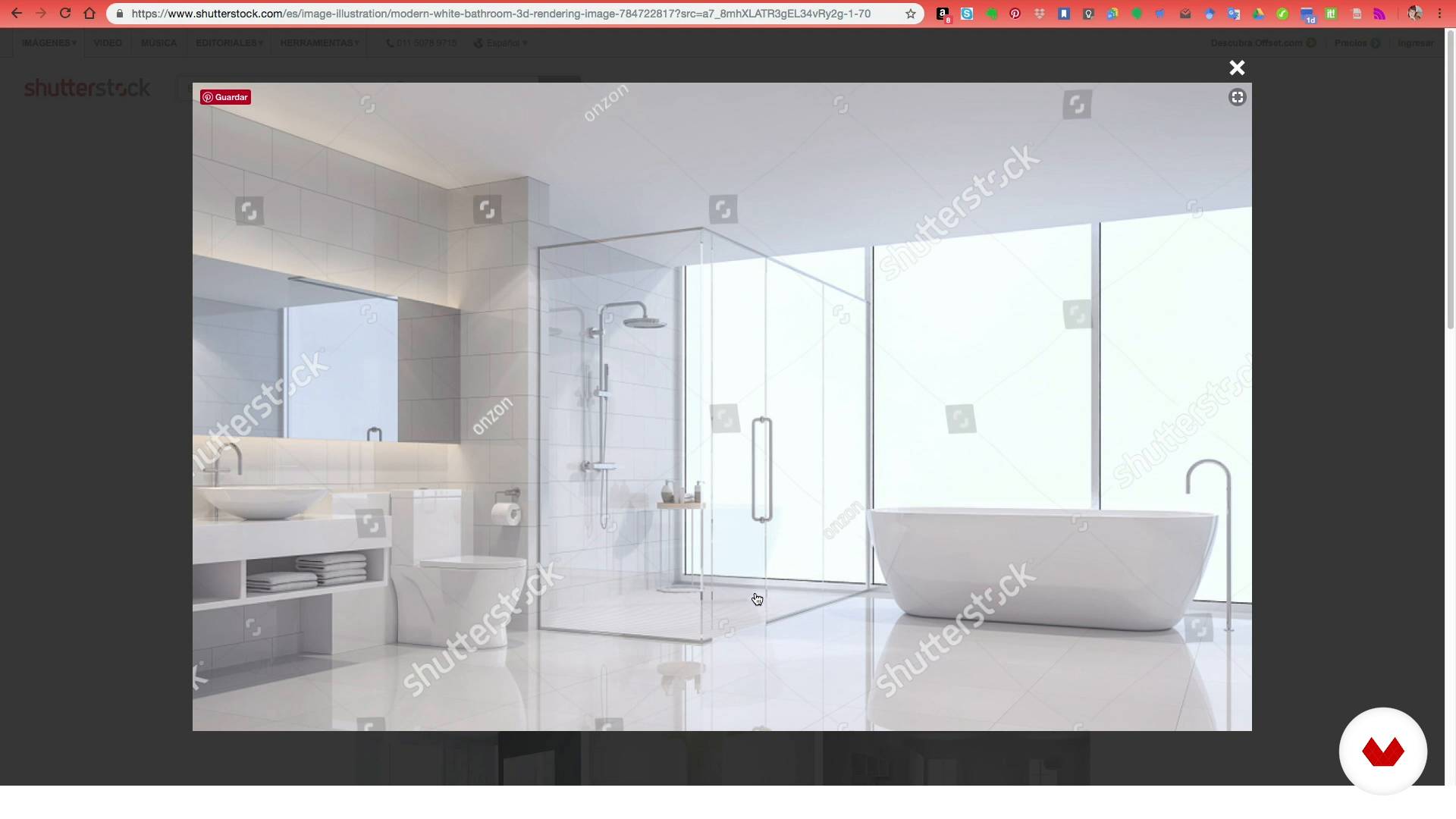
Selection of locations
9 minutes, 20 seconds
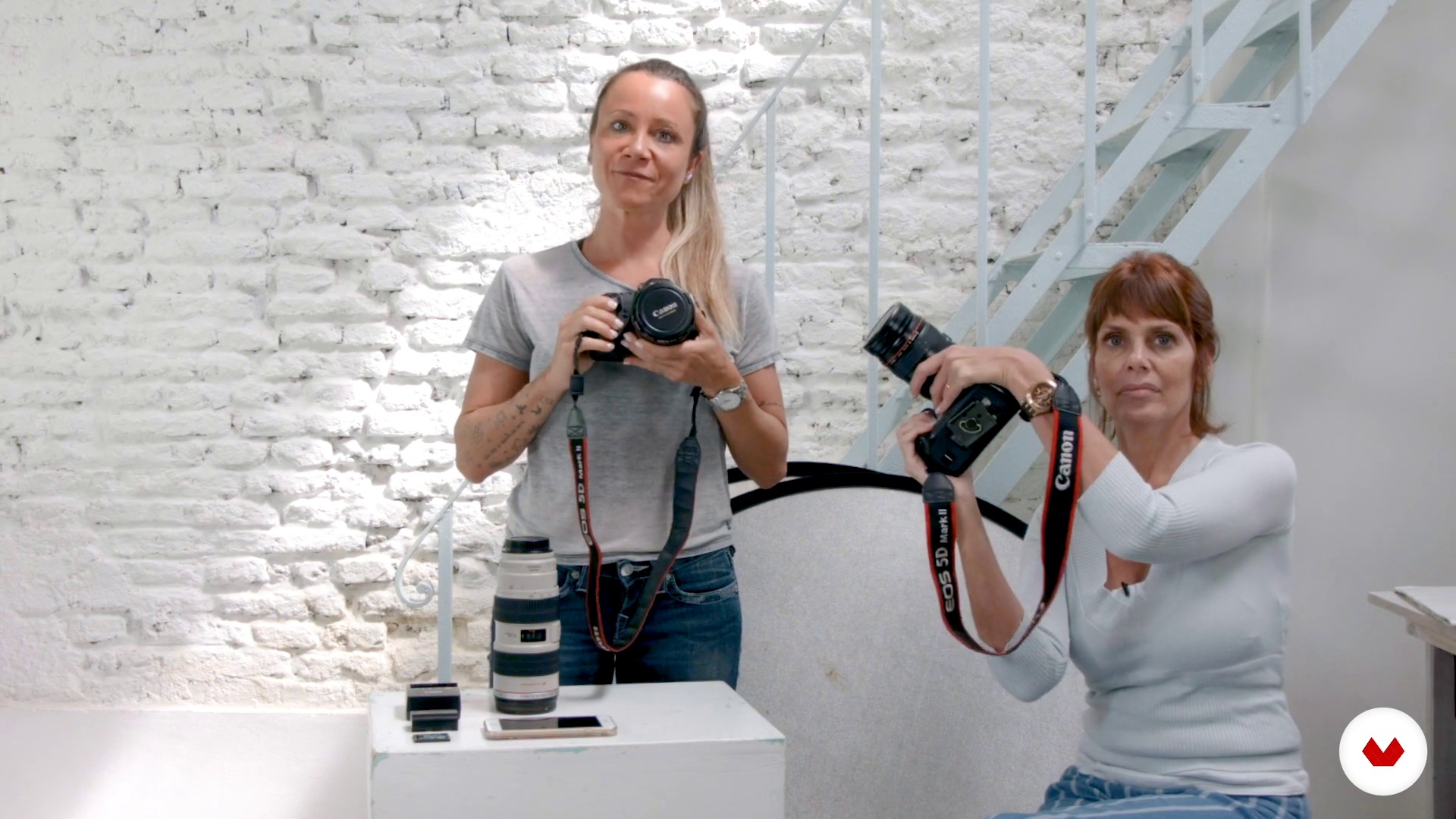
materials
3 minutes, 0 seconds
What's included in this course?
You will start knowing the professional career of Verónica Gomez and Silvia Boratti, who will tell you how, despite not having initial training as photographers, they have ended up forming Muna Estudio and working as regular collaborators in microstock sites. In addition, they will show you some of their biggest influences in the world of photography.
Then they will tell you what a bank of images is, how they work and they will guide you in your first steps to becoming a collaborating photographer.
Then, taking into account the means at your disposal, you will select a commercially viable theme, define the set and choose the models of your photographs.
Once you have defined all the variables you will get to work and perform the shooting; You will select the best photographs and make the necessary adjustments so that the image is perfect.
Finally, you will upload your photographs to the image banks and tag them with keywords or keywords.
Recommended software & tools for this course
What is this course's project?
You will plan and make a photo shoot that you will publish in microstock sites with the aim of becoming a regular contributor to image banks.

Projects by course students


Who is this online course for?
To photographers and amateurs who want to discover how to become collaborators of image banks with the means at their disposal.
Requirements and materials
You must have basic knowledge of photography and digital retouching.
With regard to materials you will need a camera (it is not necessary to be professional, you can use your smartphone), your favorite lens, a reflector or light diffuser and a computer with Adobe Bridge and Photoshop.

Reviews
- 4 months ago
Hasta el momento un buen curso, agregaria aprender a fotografiar mas temas aparte de retrato.
- 2 years ago
demasiado informativo y detallado.
- 3 years ago
Buen curso para iniciarse en el mundo del stock.
- 3 years ago
El curso abarca todos los aspectos para iniciarse el en stock sin inconvenientes
- 3 years ago
Ideal para iniciarse en el mundo del stock.

Veronica began the career of sociology, although she soon left it for something that called her attention much more: makeup. Working in Dior Parfums, she had to experience the photo shootings closely, where she got to know the world of flashes, something that encouraged her to take photography classes. Finally, what started as a hobby became a profession and a way of life.
Together, they form Muna Estudio, where they have been making photographs for image banks and microstock sites for more than a decade.
Content
- U1
Introduction
- Presentation
- Influences
- U2
The world of image banks and their classifications
- What is an image bank?
- How to create an account
- U3
Plan a photo shoot
- We chose the theme of the photo
- What to look for in a model?
- Selection of locations
- U4
Make the photos
- materials
- Staging: the importance of natural light
- I work with the models
- Photoshoot
- U5
Selection of photos and basic touch-up
- Selection and organization of material
- Retouching and technical details
- Metadata and keywords
- Conclusions
- FP
Final project
- Realization and marketing of photographs in image banks
What to expect from a Domestika course
Learn at your own pace
Enjoy learning from home without a set schedule and with an easy-to-follow method. You set your own pace.
Learn from the best professionals
Learn valuable methods and techniques explained by top experts in the creative sector.
Meet expert teachers
Each expert teaches what they do best, with clear guidelines, true passion, and professional insight in every lesson.
Certificates
PLUSIf you're a Plus member, get a custom certificate signed by your teacher for every course. Share it on your portfolio, social media, or wherever you like.
Get front-row seats
Videos of the highest quality, so you don't miss a single detail. With unlimited access, you can watch them as many times as you need to perfect your technique.
Share knowledge and ideas
Ask questions, request feedback, or offer solutions. Share your learning experience with other students in the community who are as passionate about creativity as you are.
Connect with a global creative community
The community is home to millions of people from around the world who are curious and passionate about exploring and expressing their creativity.
Watch professionally produced courses
Domestika curates its teacher roster and produces every course in-house to ensure a high-quality online learning experience.
FAQs
Stock photography involves creating and uploading photos to digital platforms like Shutterstock or iStock to sell to third parties. To get started, you need to create an account, prepare your portfolio, and meet each platform’s technical and legal requirements.
The course is aimed at people with intermediate photography skills but is accessible to those with basic knowledge who want to learn how to sell photos on stock sites and improve their commercial technique.
You only need a digital camera (DSLR, mirrorless, or an advanced smartphone), a standard lens, and access to a computer with editing software like Photoshop. Expensive professional gear is not required.
You’ll learn how to plan shoots, select models and locations, manage image rights, edit and retouch photos, organize your portfolio, and optimize uploading and selling images on microstock platforms.
The course teaches you how to plan themes, create moodboards, choose models and props, pick locations, and control natural lighting to produce commercial, marketable images.
Yes, many platforms accept smartphone photos as long as they meet quality standards. The course includes techniques to maximize your smartphone’s potential for commercial photography.
You’ll learn how to create accounts, upload images, attach model releases, assign keywords and descriptions, and select categories to boost your photos’ visibility and sales.