Conceptual Still Life Photography
A course by Paris se quemaPhotography Studio
A course by Paris se quema, Photography Studio

Learn to shoot still life photographs, from concept definition to editing in Photoshop, and explore set design, framing, and lighting
Whether it's a cauliflower or the latest fashion accessory, Anaïs Harel and Nicolas Ocante are passionate about object photography in all its forms. They specialize in eye-catching set design, a mastery of graphic design tools, and unique experimention with materials and colors.
In this online course, learn how to create a conceptual object photo series. Explore all the steps in the creative process, from art direction to editing, set creation, shooting, and lighting. Get ready to create a one-of-a-kind, modern still life!
What will you learn in this online course?
18 lessons & 18 downloads
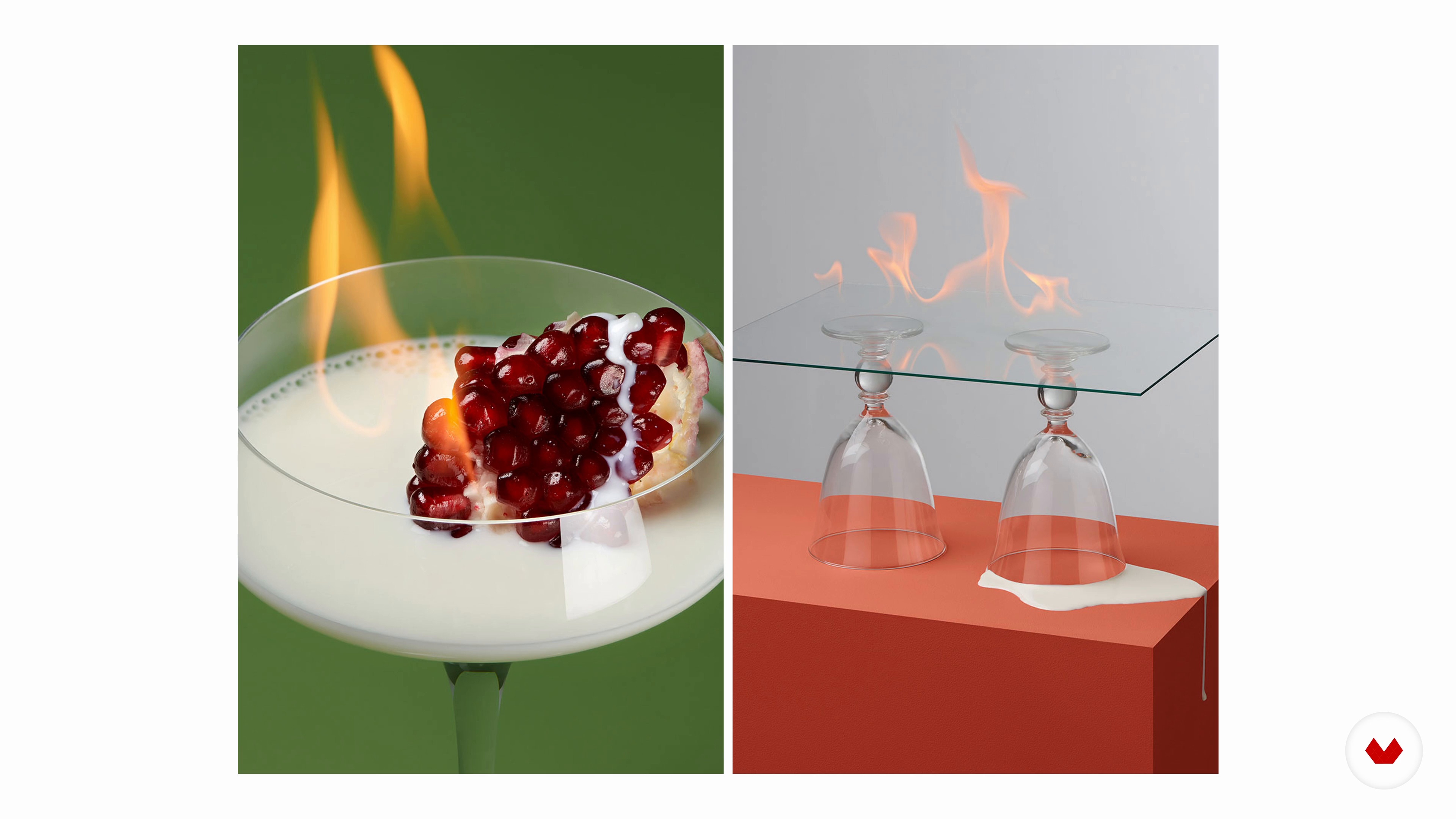
The Value of Personal Projects
3 minutes, 40 seconds
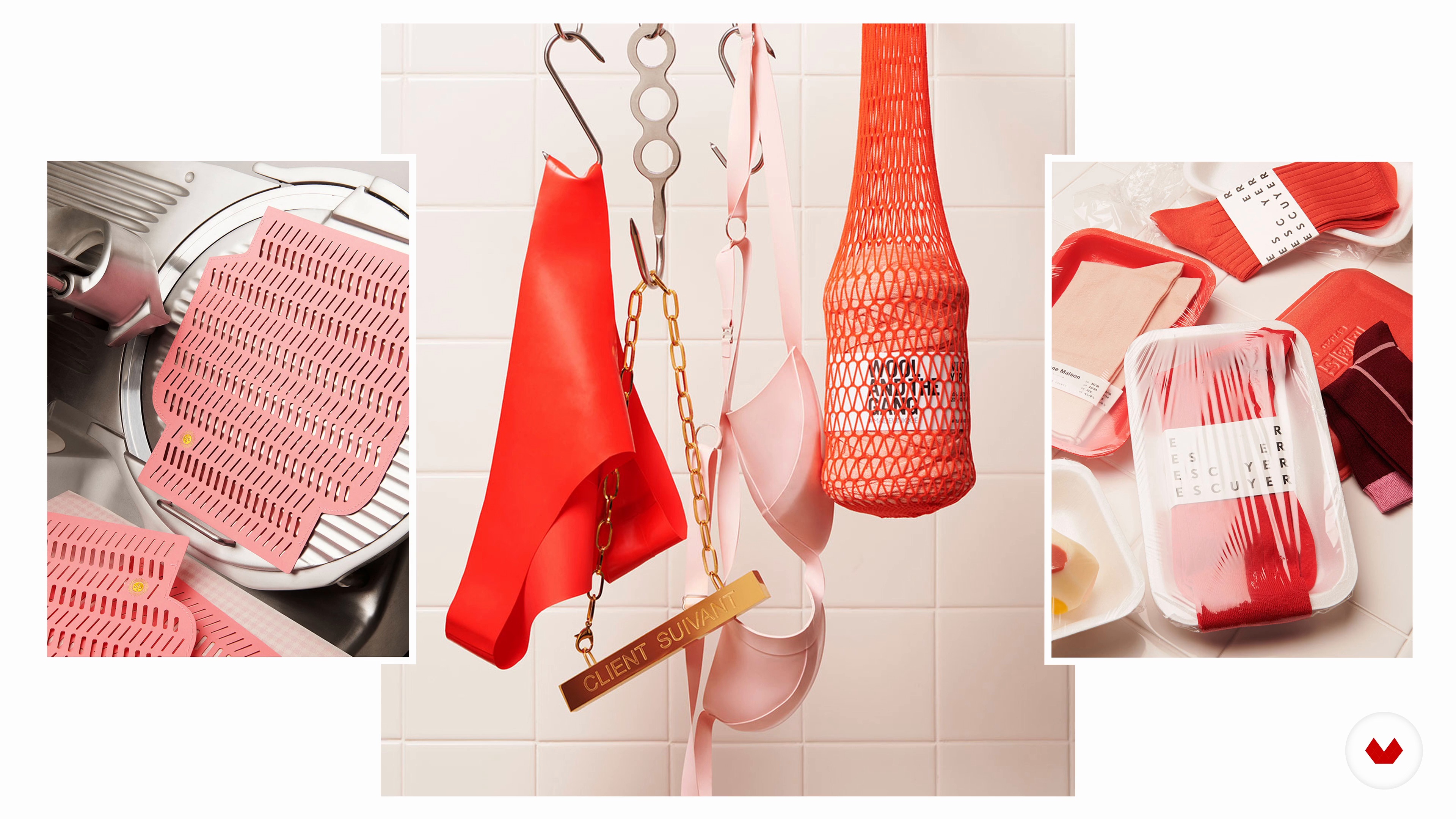
Building of a Coherent Series
3 minutes, 48 seconds
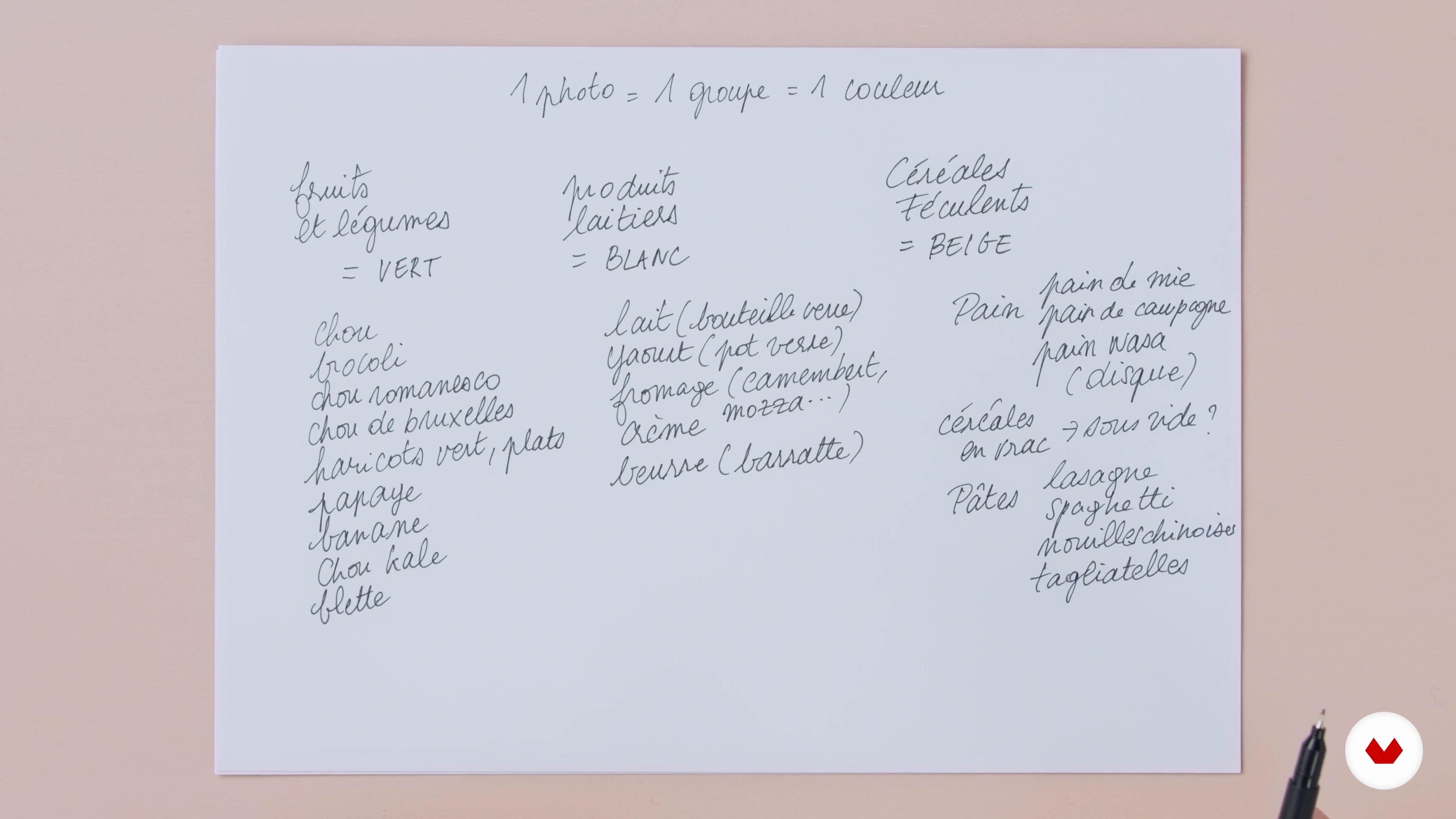
Defining the Theme
9 minutes, 48 seconds
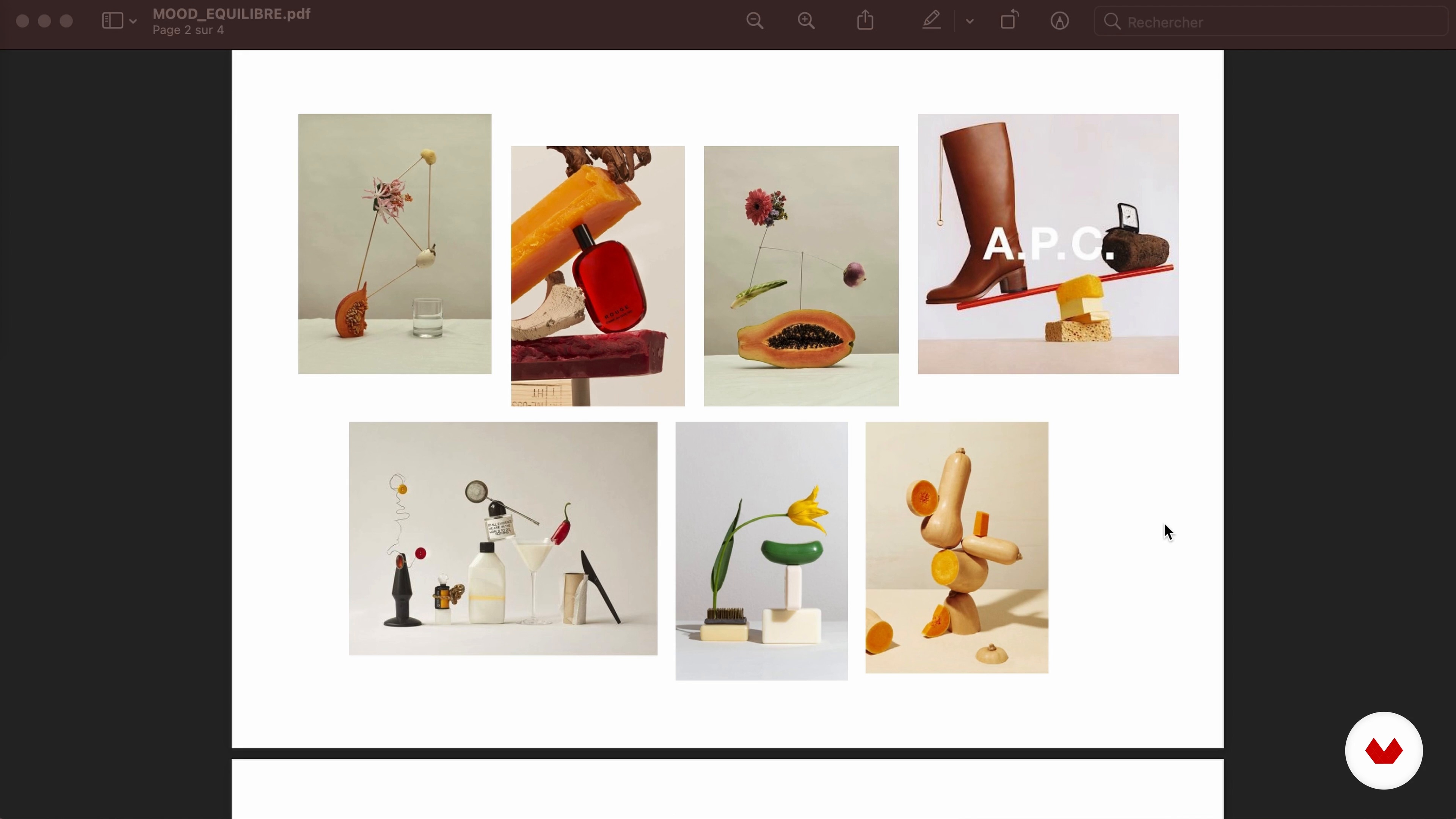
Search for Inspiration and Mood Board
7 minutes, 3 seconds
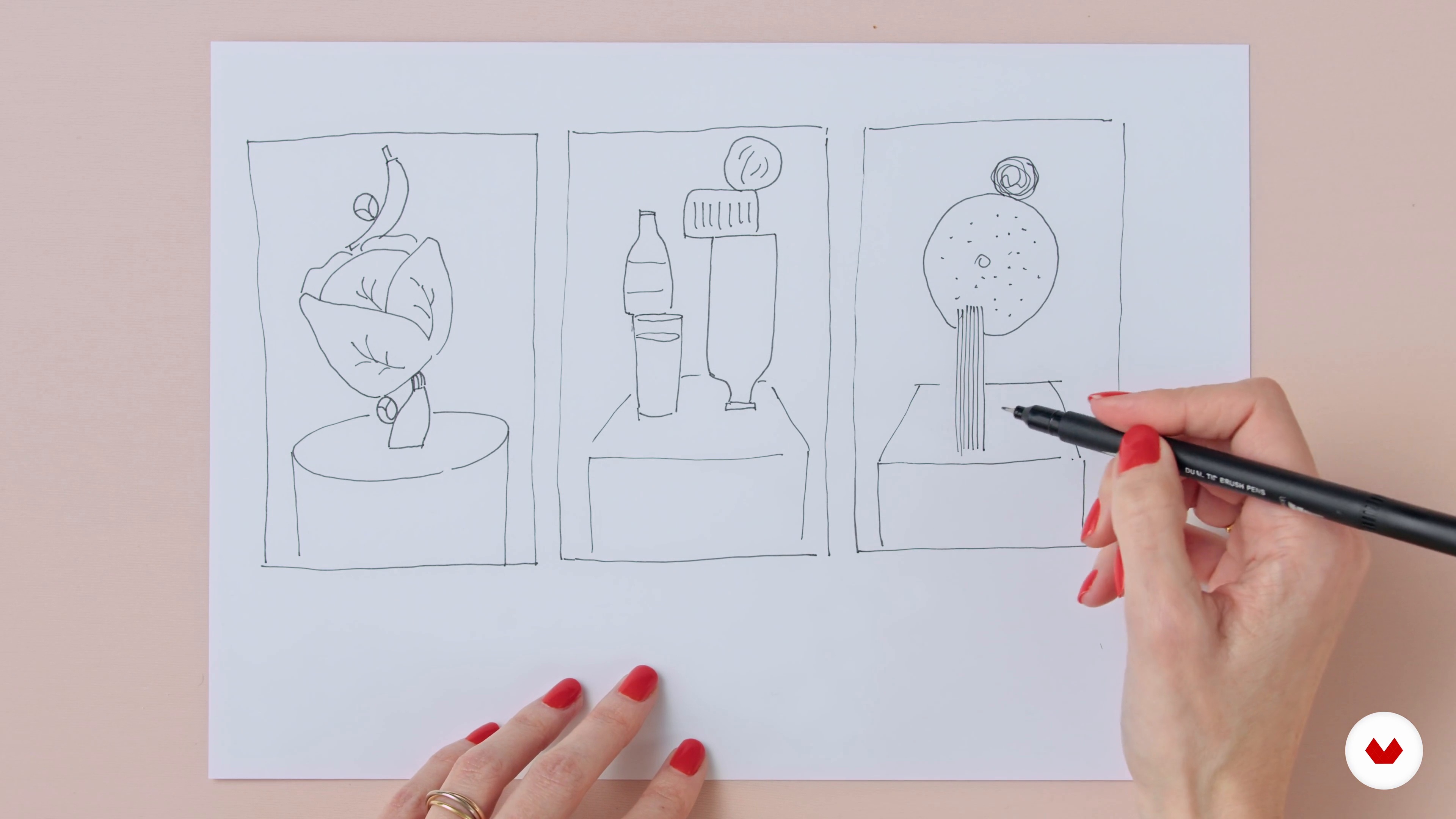
The Sketches
6 minutes, 43 seconds
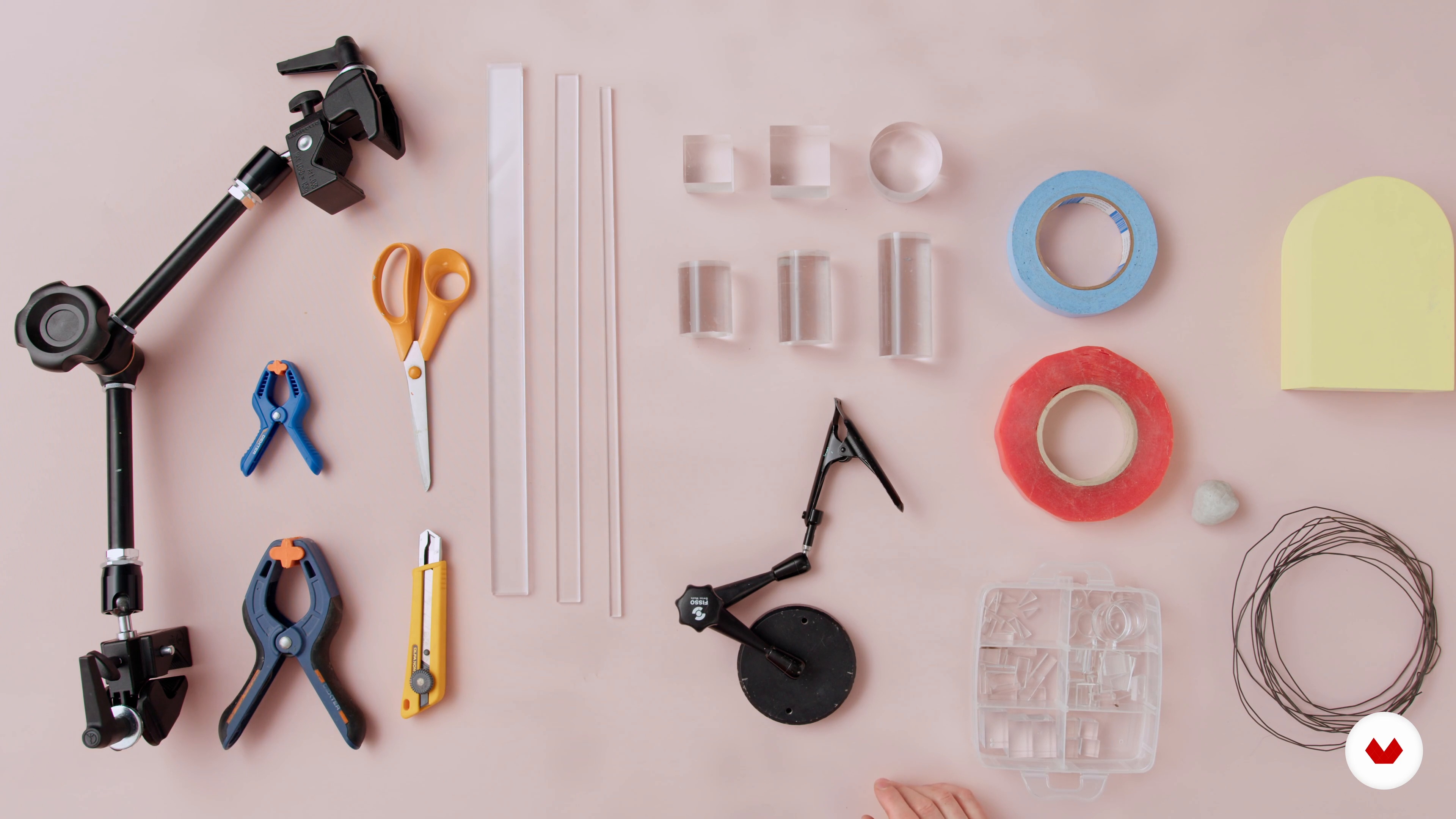
The Set Design and Some Tips
18 minutes, 37 seconds
What's included in this course?
Start by hearing about the professional backgrounds of Anaïs and Nicolas, how they met as graphic designers, and how they founded their own photo studio: Paris se quema.
Look at the importance of creative photography and developing your own personal projects, then explore ways to make your shots more cohesive.
Move on to the design phase of your series. Decide on a concept and theme before sparking your inspiration with a mood board. After the first sketches to structure your ideas, Anaïs and Nicolas give you some advice on set design and lighting.
Next, move on to the photoshoot. Discover the main camera settings and assemble your set. Time to get to work! Take a series of three photos then export them using Capture One and Helicon Focus, a focus stacking software.
Next up, learn how to edit your shots. Play around with Photoshop's clipping tools and blend with Layer Masks before cleaning your images. Finish up by adjusting the color and contrast.
Once your pictures are ready, create an animated GIF and set your export formats. Now all that's left to do is to publish them!
Recommended software & tools for this course
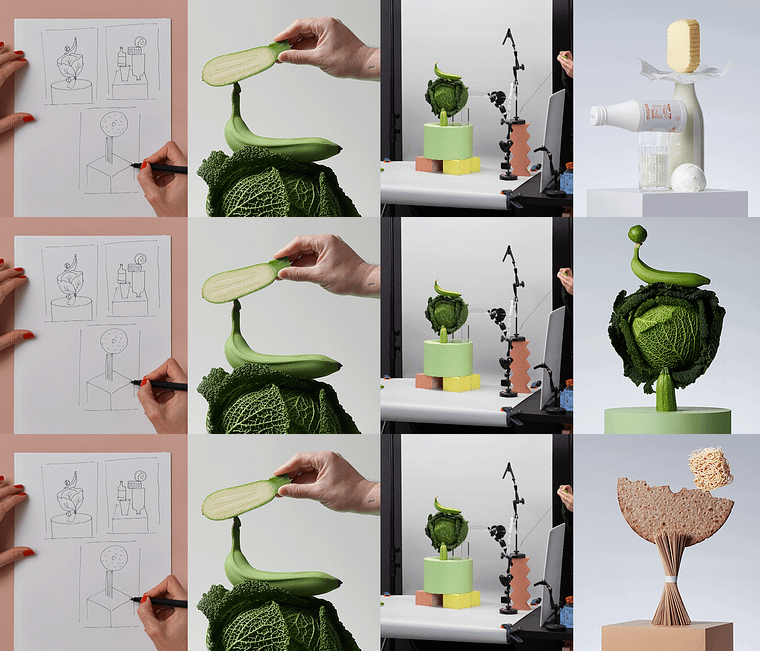
What is this course's project?
Create a series of three conceptual still life photos.
Who is this online course for?
Photographers who want to discover all the steps involved in a still life photography project.
Requirements and materials
You need basic photography skills and intermediate-level knowledge of Photoshop.
As for materials, you need a digital SLR camera, tripod, flash and accessories of your choice for the set, as well as a computer installed with Capture One, Helicon Focus, and Photoshop.
Reviews
- 2 months ago
Yes DUROSIER CHINAYTON 509 4254-0268
durosierchinayton0@gmail.com
Haiti
- mathieu_mPLUS1 year ago
Très bien !
- 2 years ago
Corso ben fatto e chiaro, ricco di spunti e idee. Molto interessante la parte di progettazione/preparazione al progetto. (avrei approfondito maggiormente questa parte)
La seconda parte è incentrata sulla post produzione e bisogna conoscere i fondamenti di Fotografia e Photoshop (Capture One e Helicon Focus vengono comunque spiegati a somme linee)
Comunque OTTIMO CORSO e lo studio PARIS SE QUEMA è un vulcano di creatività elegante e raffinata
- 2 years ago
Khóa học tuyệt vời!
- 3 years ago
Très bien expliqué et bien organisé.

Their clients include big-name brands like Sephora and Izipizi, as well as Netflix and the magazine Mint.
Content
- U1
Introduction
- About Me
- Influences
- U2
Creative Photography: The Fundamentals
- The Value of Personal Projects
- Building of a Coherent Series
- U3
Project Design
- Defining the Theme
- Search for Inspiration and Mood Board
- The Sketches
- The Set Design and Some Tips
- The Lights
- U4
The Photoshoot
- The Basic Settings
- Set Installation
- The First Photograph
- The Second Photograph
- The GIF: Animated Photography
- Exporting Images
- U5
Post-production in Photoshop
- Editing the Shots
- Retouching: Cleaning and Chroma
- GIF Editing and Finalization
- FP
Final project
- Conceptual Still Life Photography
What to expect from a Domestika course
Learn at your own pace
Enjoy learning from home without a set schedule and with an easy-to-follow method. You set your own pace.
Learn from the best professionals
Learn valuable methods and techniques explained by top experts in the creative sector.
Meet expert teachers
Each expert teaches what they do best, with clear guidelines, true passion, and professional insight in every lesson.
Certificates
PLUSIf you're a Plus member, get a custom certificate signed by your teacher for every course. Share it on your portfolio, social media, or wherever you like.
Get front-row seats
Videos of the highest quality, so you don't miss a single detail. With unlimited access, you can watch them as many times as you need to perfect your technique.
Share knowledge and ideas
Ask questions, request feedback, or offer solutions. Share your learning experience with other students in the community who are as passionate about creativity as you are.
Connect with a global creative community
The community is home to millions of people from around the world who are curious and passionate about exploring and expressing their creativity.
Watch professionally produced courses
Domestika curates its teacher roster and produces every course in-house to ensure a high-quality online learning experience.
FAQs
Yes, this course is mainly designed for those who already have basic skills in photography or visual creation and want to deepen their expertise in set design and creating creative photo series.
Basic knowledge of photography and experience using a camera or software like Photoshop is recommended. Having photography gear and creative tools will be helpful for experimenting during the course.
You’ll learn how to design and organize a set, create props, experiment with lighting, produce cohesive photo series, develop a unique visual signature, and manage post-production with suitable software.
Yes, the course guides you step-by-step to define a theme, organize your ideas, select consistent visual elements, and structure a powerful, coherent photo series.
The course encourages experimentation, analyzing sources of inspiration, and reflecting on visual coherence to help you establish a unique artistic identity.
Yes, you’ll explore various prop-making techniques, including laser cutting and using everyday materials, and learn how to seamlessly integrate them into your compositions.
Yes, several modules focus on lighting management, using accessories, working with shadows, backlighting, and lighting transparent objects like glass.