Editorial Design for Magazines for beginners
A course by Stefano CipollaJournalist and Art Director
A course by Stefano Cipolla, Journalist and Art Director

Learn the ins and outs of graphic design for magazine articles, from format analysis to text and image layout
What exactly is a magazine? What are the different parts and how are they arranged? How are articles laid out for the most effective communication? In this online course, learn the answers to these questions and the secrets to magazine design alongside Stefano Cipolla, journalist and art director at L’Espresso.
Stefano teaches you how to combine images and text to create an eye-catching four-page article that draws your reader in. Start with a thorough analysis of magazine formatting, then learn how to arrange text with proper spacing before inserting photos and images to create a coherent and well-balanced layout. Finally, see how to enhance the content of an article through attention to detail.
What will you learn in this online course?
16 lessons & 32 downloads
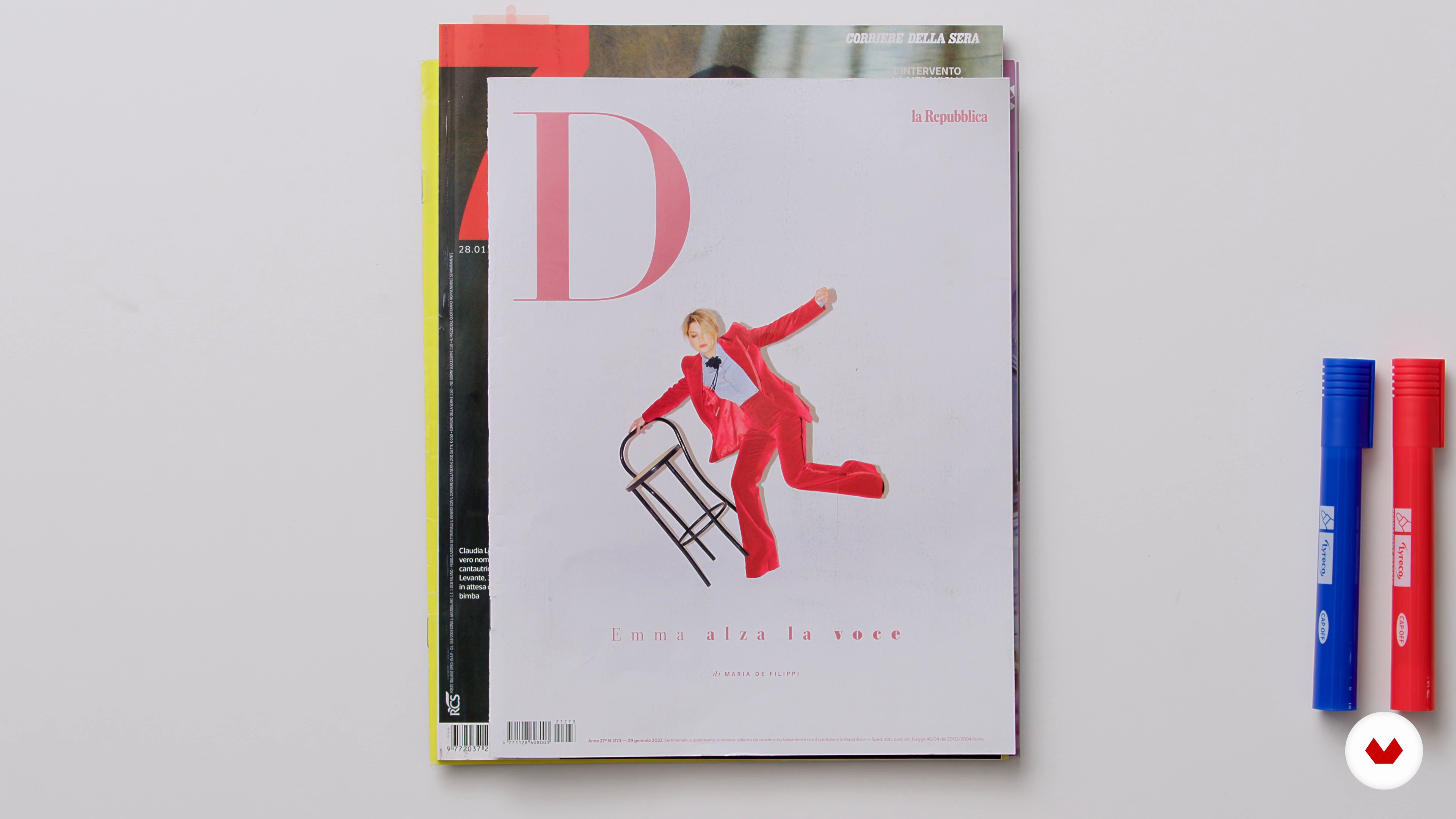
What Is a Magazine
15 minutes, 49 seconds
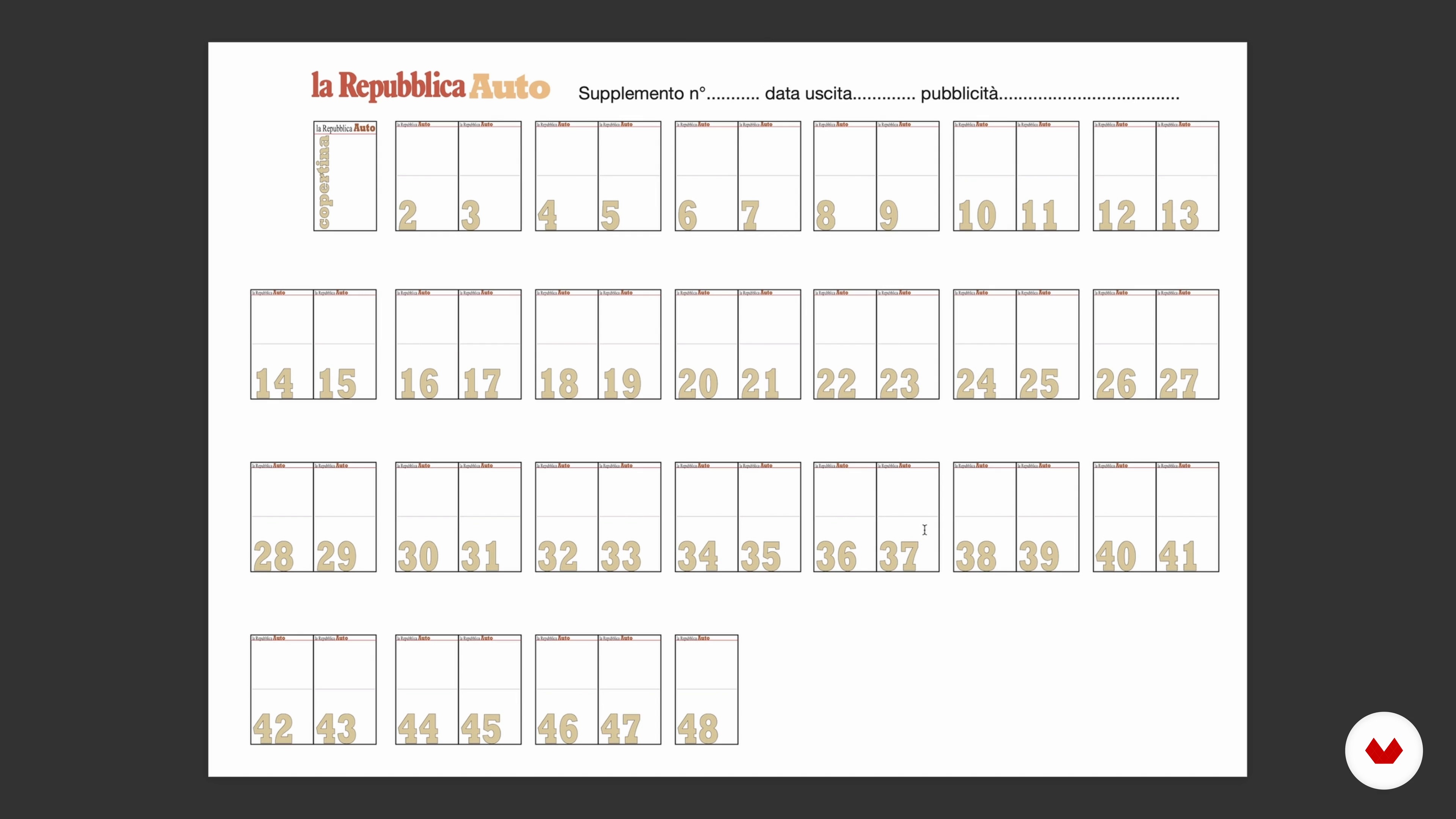
Let's Analyze the Sections of a Newspaper
10 minutes, 57 seconds
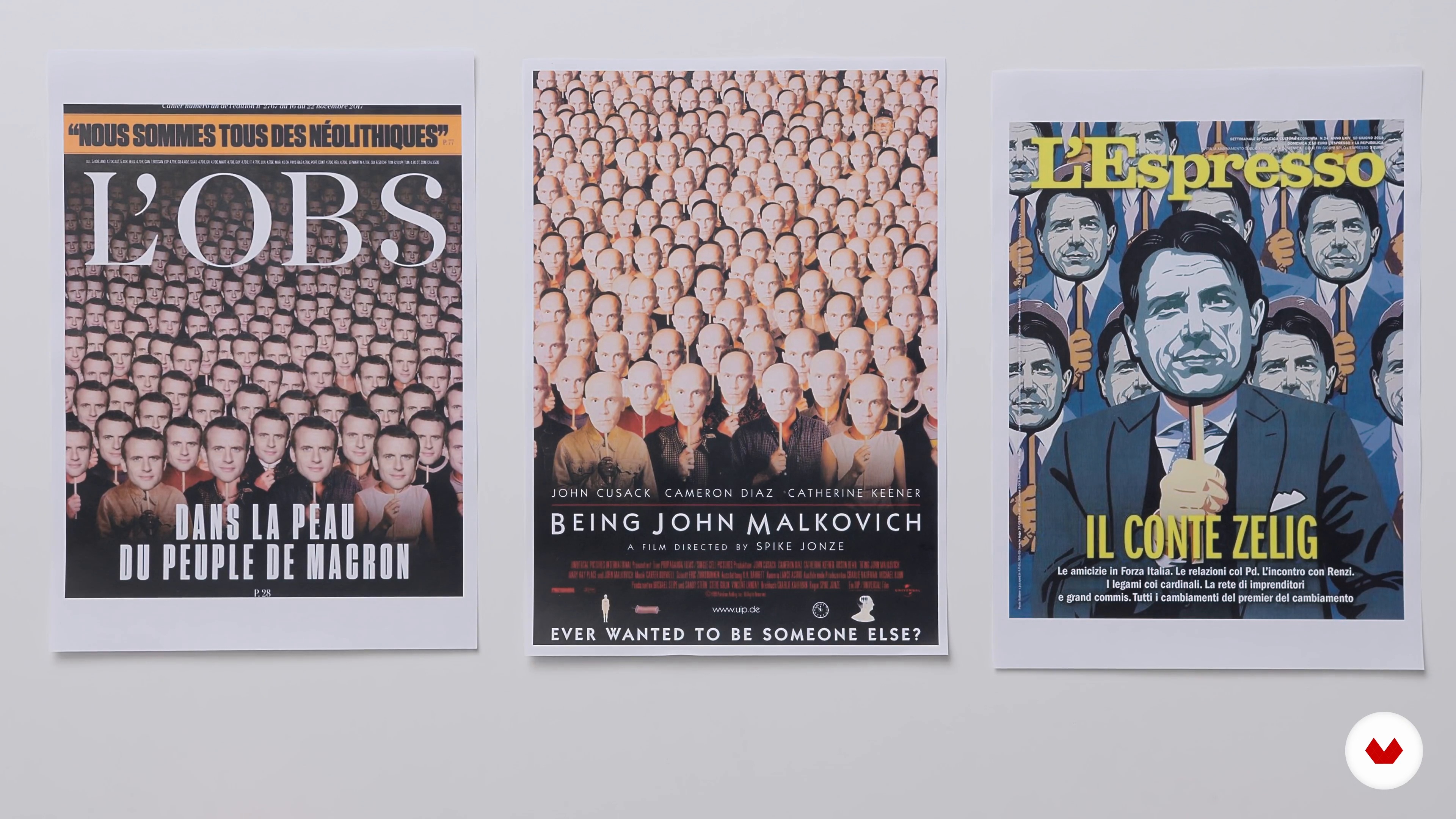
Understanding, Interpreting, and Reporting the News
6 minutes, 47 seconds
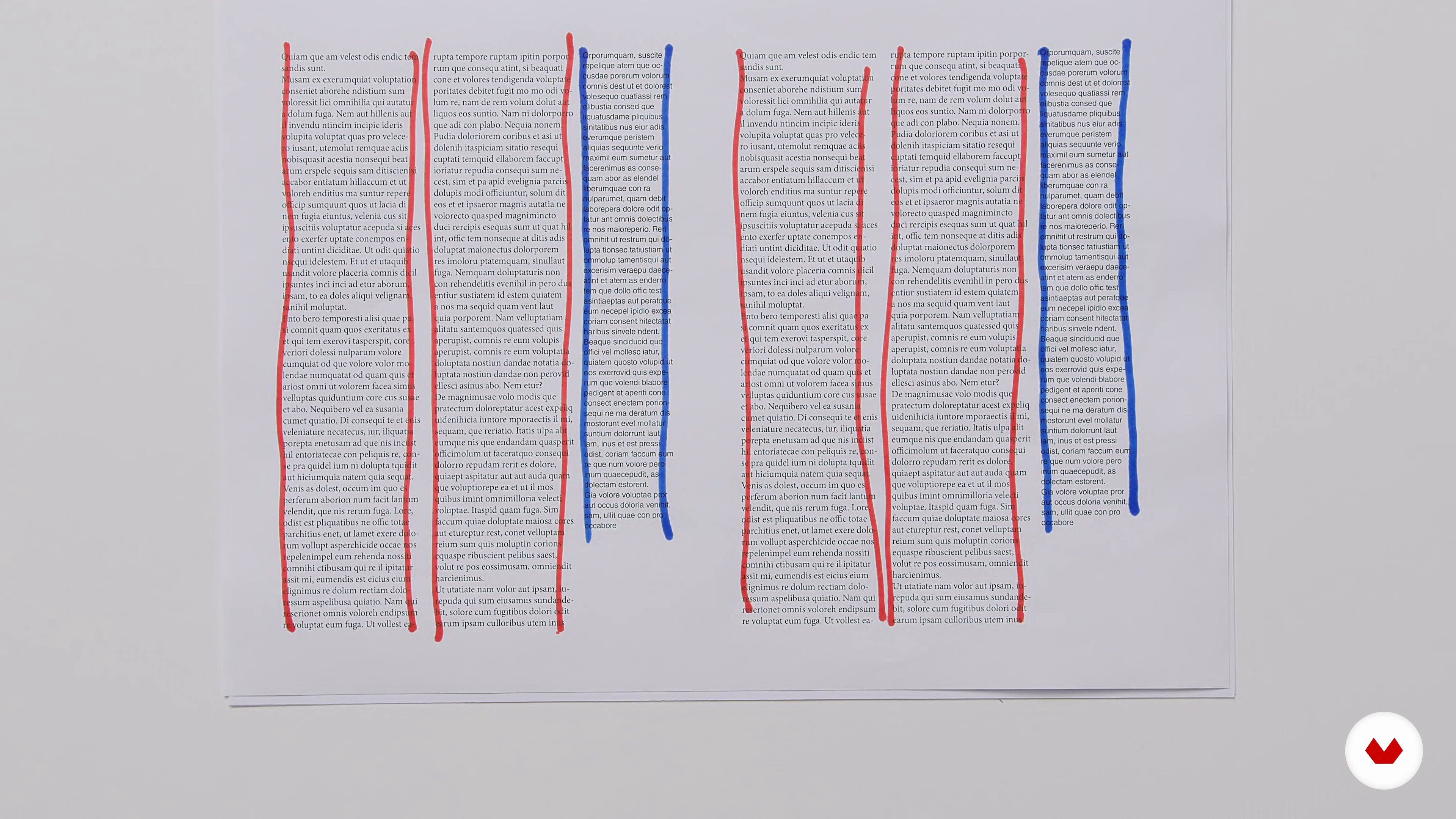
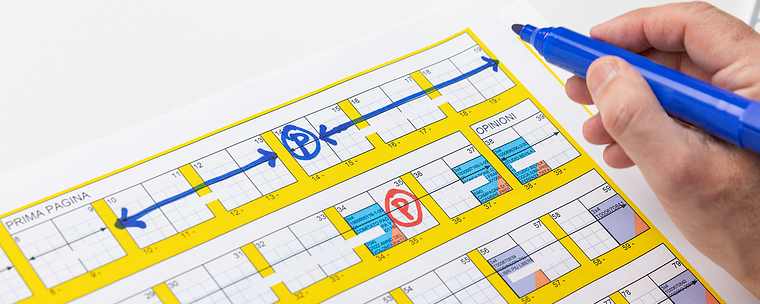
Preparing the Grid on Paper and Digitally
14 minutes, 41 seconds
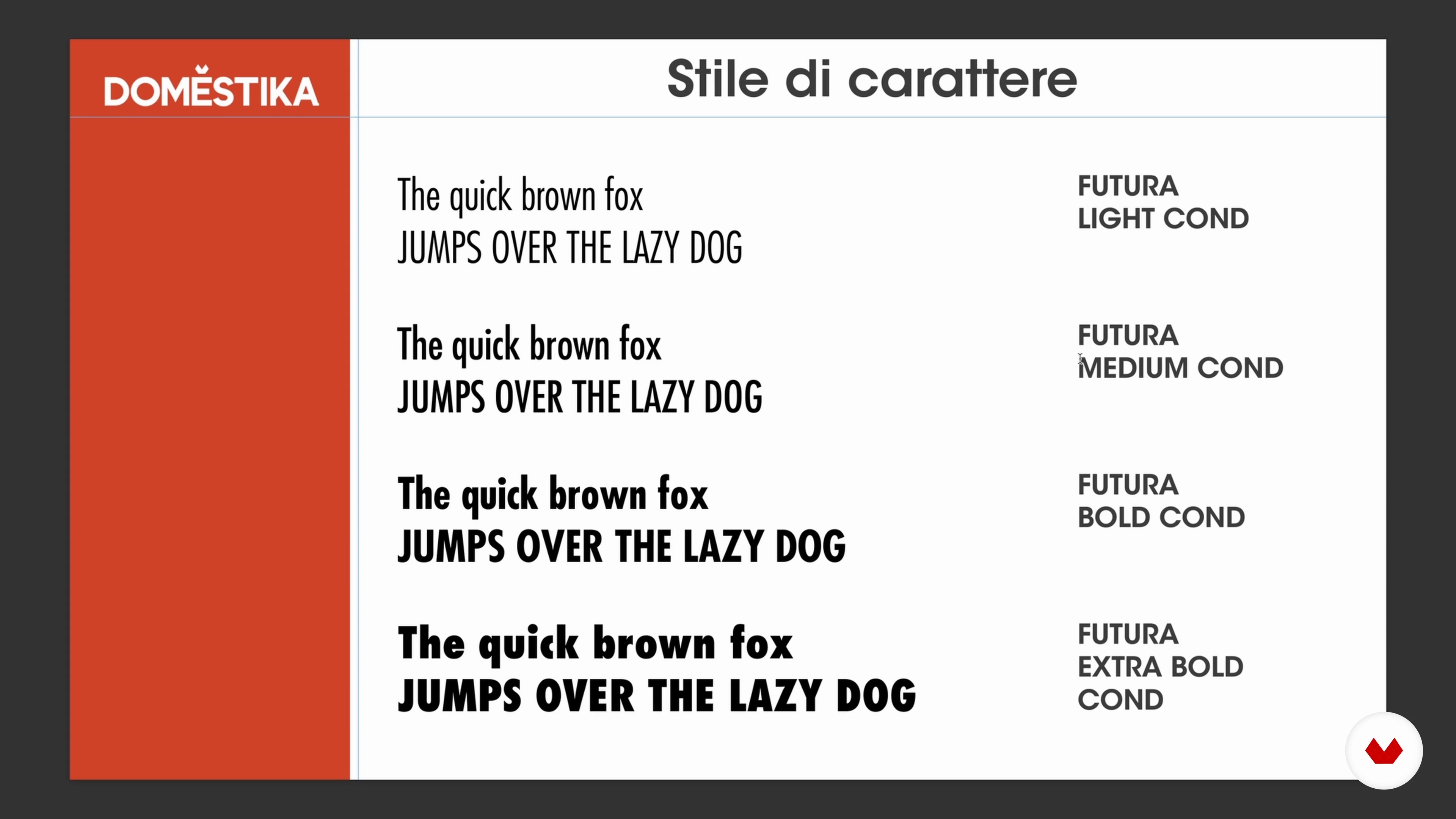
Working with the Text
12 minutes, 1 second
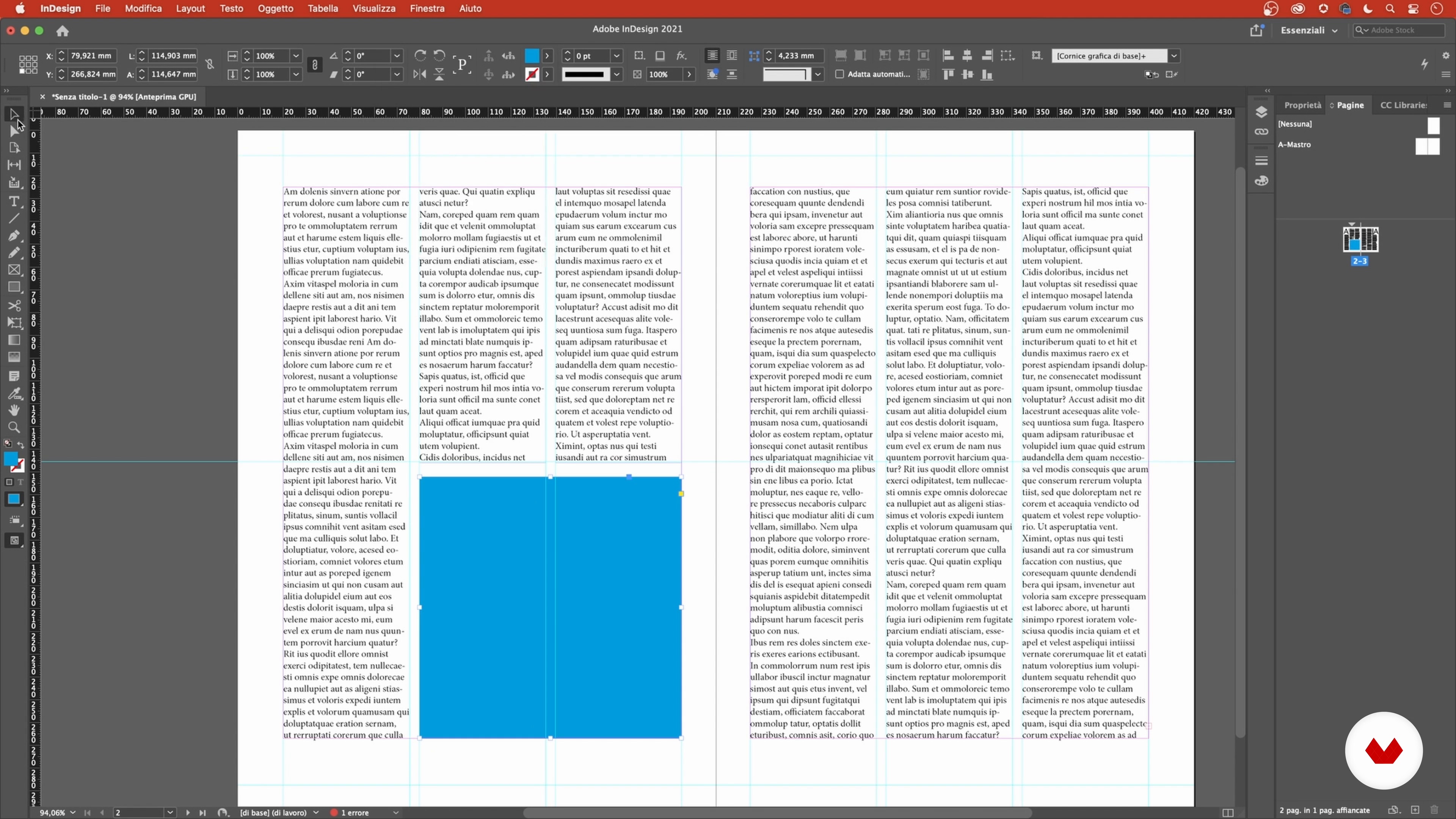
Insert Texts and Dimensions 1
12 minutes, 32 seconds
What's included in this course?
Meet Stefano Cipolla, art director and your teacher for the course. He tells you about his professional career in communication as well as the people that have influenced his work.
Begin your journey into the print world by studying a variety of magazines and newspapers to understand the individual parts that make them up. Stefano also teaches you about tone of voice and the different ways you can present the same information depending on the reader and the materials you have available.
Now it's time to start working on your final project. Create a column grid, first on paper and then digitally, and experiment with text formatting and spacing. Then learn how to identify font types and choose the one that best fits your design.
Continue with an in-depth look at images. Discover the different types, such as photographs, illustrations, and infographics, as well as when and how to use them. Complete your layout by inserting multiple images into your grid and then do a final check of your overall design before sending it to print.
To round out the course, Stefano explains the inner workings of a newsroom, including the people involved, their role in creating a magazine, and why teamwork is so crucial for seamless collaboration.
What is this course's project?
Design the layout for a four-page article in an imaginary magazine.
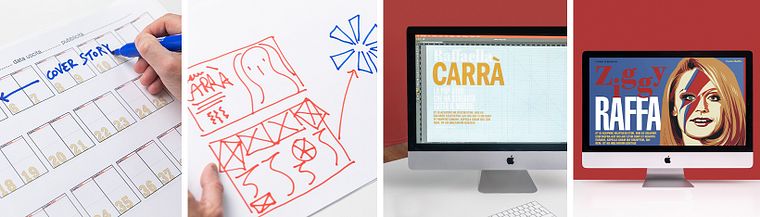
Projects by course students


Who is this online course for?
Anyone who loves the world of print and images and wants to learn how to design and format articles.
Requirements and materials
Basic knowledge of digital layout and design programs like Adobe InDesign and Photoshop are necessary for this course. In terms of materials, all you need is a computer with both programs.
Reviews
- 4 months ago
Great course
- 11 months ago
Corso fantastico! Chiaro e sopratutto molto completo
- 1 year ago
Bon cours, très bien assimilé. Merci
- 2 years ago
Thank you for this course, which took me from one level to another, but I have a question: If I am designing an annual report for a charitable organization, what is the ideal photo frame? Should I make a curve from the corner of the photo or leave it to be sharp?
- 2 years ago
es un curso excelente, aporta mucha información valiosa.

Since then, he's worked for different magazines and newspapers such as Il Manifesto, La Repubblica, and L’Espresso, where he's held the position of art director since 2018. He spent 12 years teaching history of graphic design and infographics at the IED in Rome and currently teaches editorial design at the Scuola di giornalismo in Urbino. He also gives lectures and runs workshops at Mimaster in Milan and the IED in Turin.
Content
- U1
Introduction
- About Me
- Influences
- U2
Inside the News
- What Is a Magazine
- Let's Analyze the Sections of a Newspaper
- Understanding, Interpreting, and Reporting the News
- U3
From Words to Text
- Preparing the Grid on Paper and Digitally
- Working with the Text
- Insert Texts and Dimensions 1
- Insert Texts and Dimensions 2
- U4
A passion for Images
- Working with Images: Photos
- Commission an Illustration
- The Value of an Infographic
- We Layout Our Images 1
- We Layout Our Images 2
- U5
Attention to Details
- Alignment and Approval
- The Importance of Teamwork
- FP
Final project
- Fundamentals of Editorial Design for Magazines
What to expect from a Domestika course
Learn at your own pace
Enjoy learning from home without a set schedule and with an easy-to-follow method. You set your own pace.
Learn from the best professionals
Learn valuable methods and techniques explained by top experts in the creative sector.
Meet expert teachers
Each expert teaches what they do best, with clear guidelines, true passion, and professional insight in every lesson.
Certificates
PLUSIf you're a Plus member, get a custom certificate signed by your teacher for every course. Share it on your portfolio, social media, or wherever you like.
Get front-row seats
Videos of the highest quality, so you don't miss a single detail. With unlimited access, you can watch them as many times as you need to perfect your technique.
Share knowledge and ideas
Ask questions, request feedback, or offer solutions. Share your learning experience with other students in the community who are as passionate about creativity as you are.
Connect with a global creative community
The community is home to millions of people from around the world who are curious and passionate about exploring and expressing their creativity.
Watch professionally produced courses
Domestika curates its teacher roster and produces every course in-house to ensure a high-quality online learning experience.
FAQs
This course is aimed at intermediate users who already have a basic understanding of graphic design or publishing experience. It’s perfect for those wanting to deepen their skills in advanced layout and editorial design techniques.
It’s recommended to have Adobe InDesign, Photoshop, and Illustrator. For some lessons, an iPad with layout apps and tools for creating infographics or digital illustrations can also be helpful.
You’ll learn how to design and lay out magazines, newspapers, and supplements, manage double-page spreads, insert images, infographics, and contents lists, craft covers and color palettes, plus understand editorial roles and workflows.
The course covers newspaper and magazine layout, typography, image and infographic management, cover design, redesign projects, editorial structure, art direction, copyright, and printing techniques.
No drawing skills are required. The course also covers how to select, manage, and integrate photos, illustrations, and infographics, with a focus on graphic design and layout.
The course guides you step-by-step through creating double-page spreads—from grid setup to adding text, images, columns, and infographics—ensuring professional consistency and readability.
Yes, there are dedicated modules on designing covers for magazines, weeklies, and books, including practical examples and case studies.