Introduction to Risograph Printing
A course by RISOTTO StudioRisograph Print and Design Studio
A course by RISOTTO Studio, Risograph Print and Design Studio

Experiment with color, composition, patterns, and stencils to create vibrant artwork using creative Riso printing techniques
Risograph printing is an easy and affordable way to bring your artwork to life with vivid colors and unique textures. Gabriella Marcella is a designer and the founder of RISOTTO Studio, one of Scotland's longest-running Risograph specialists. Through her studio, she has collaborated with major brands such as Apple, MINI, Puma, and Swatch, as well as on projects ranging from public art commissions to exhibit design
In this online course, learn the fundamentals of Riso printing and explore a new outlet for your art. Gabriella teaches you the basic techniques before walking you through the design and production process from start to finish. Play with color, composition, patterns, and stencils to transform your creative ideas into beautiful printed products.
What will you learn in this online course?
17 lessons & 21 downloads
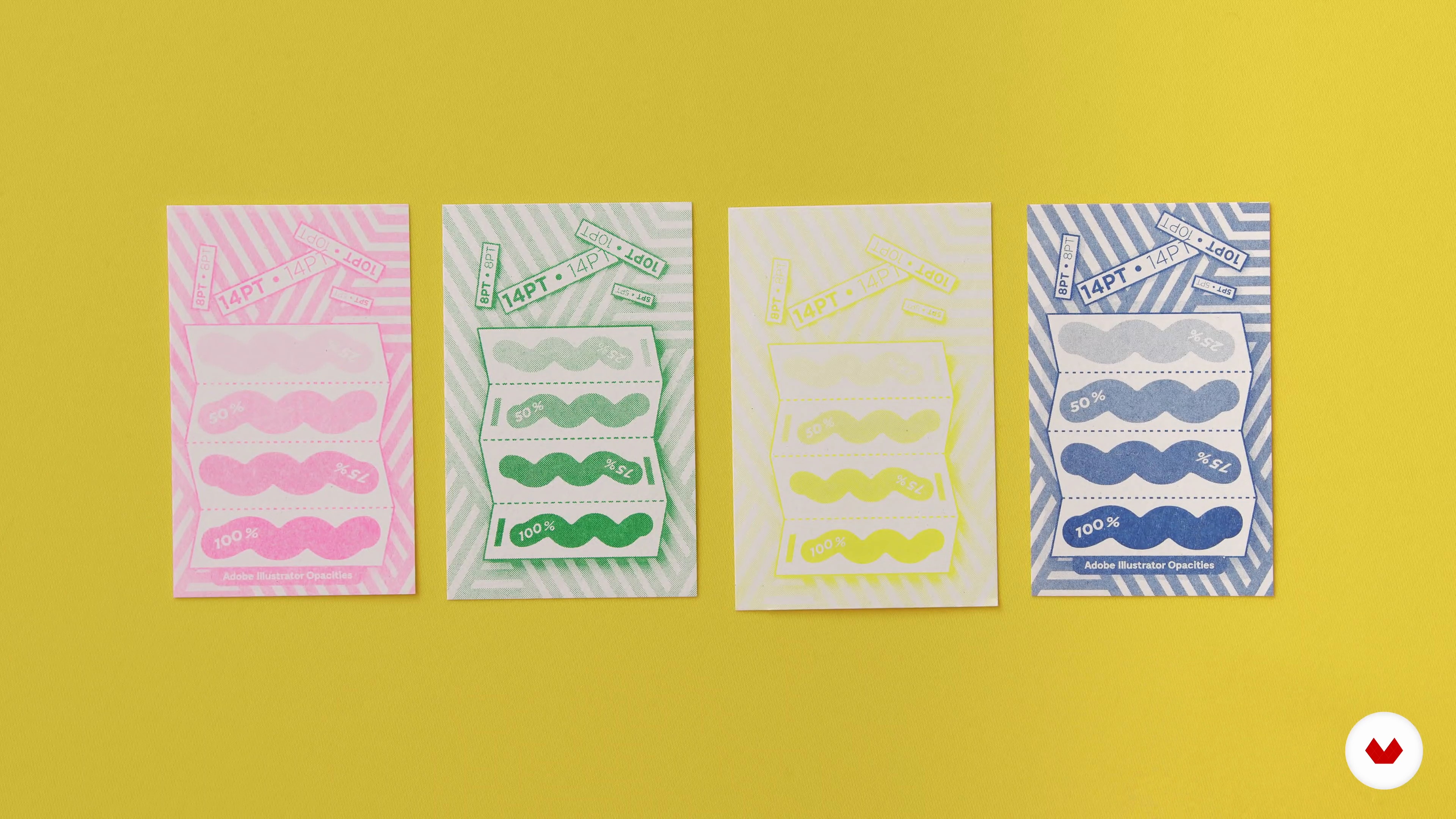
The Risograph
4 minutes, 41 seconds
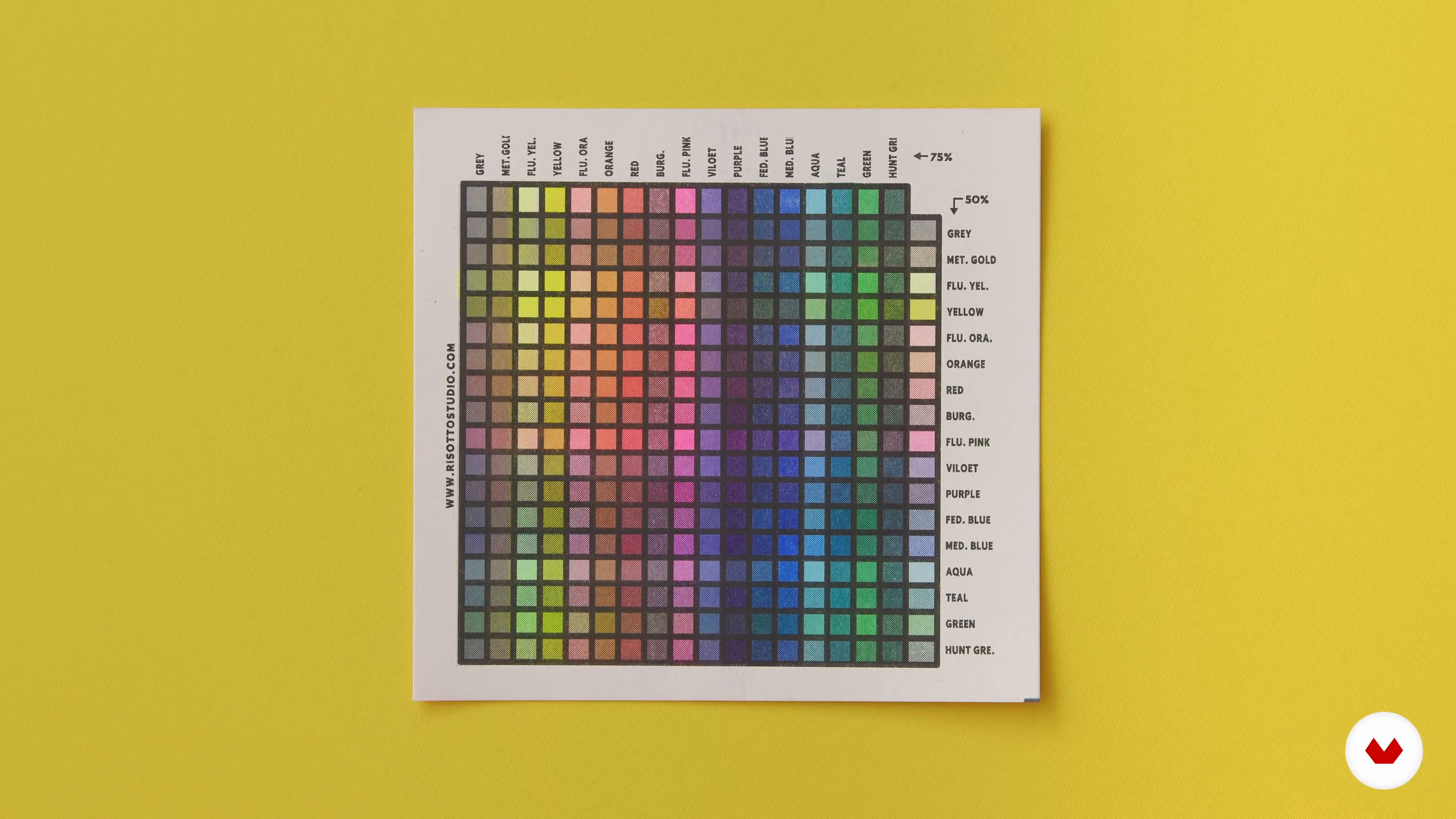
Inks and Colour
4 minutes, 18 seconds
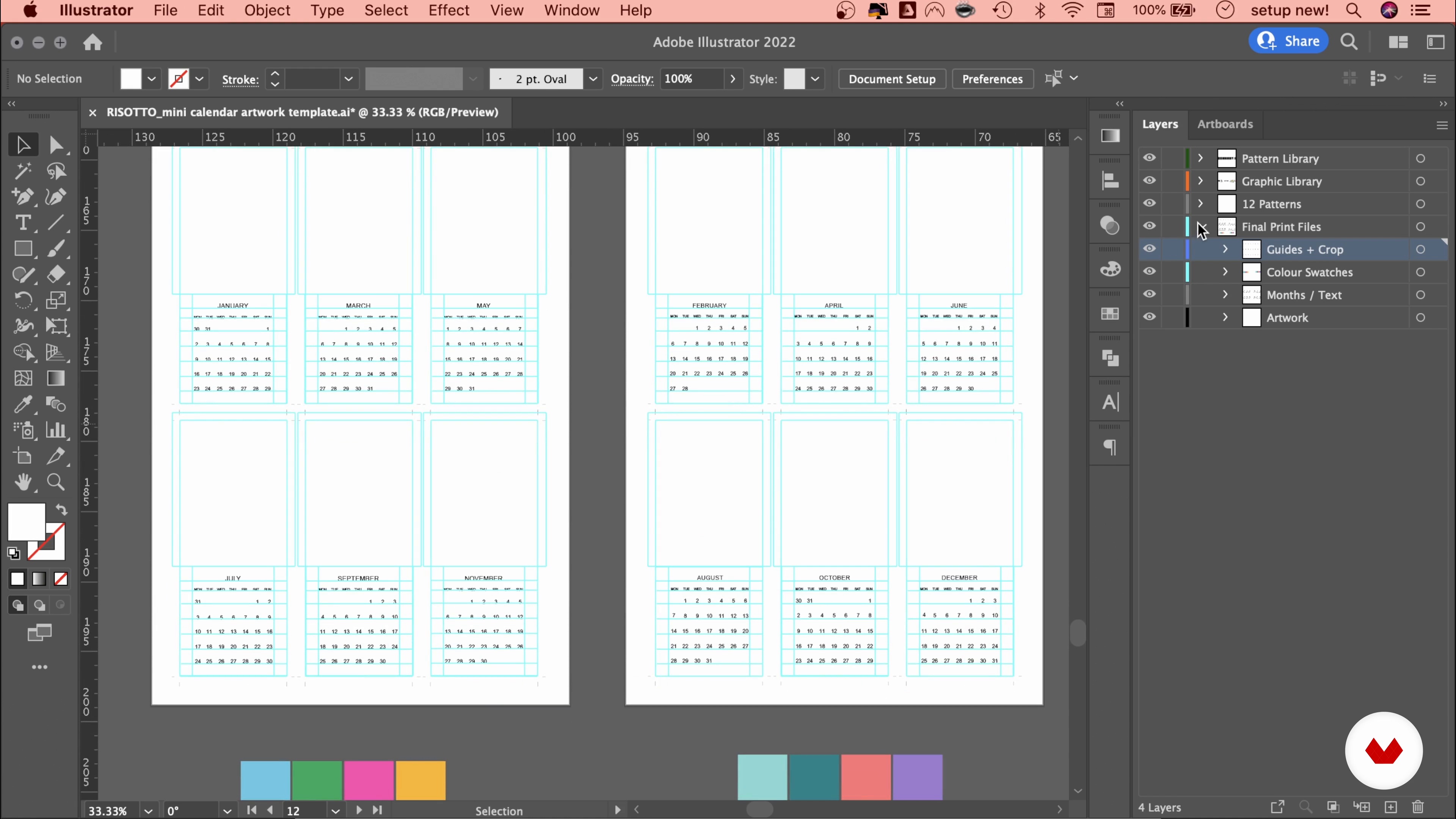
The Digital Workspace
5 minutes, 59 seconds
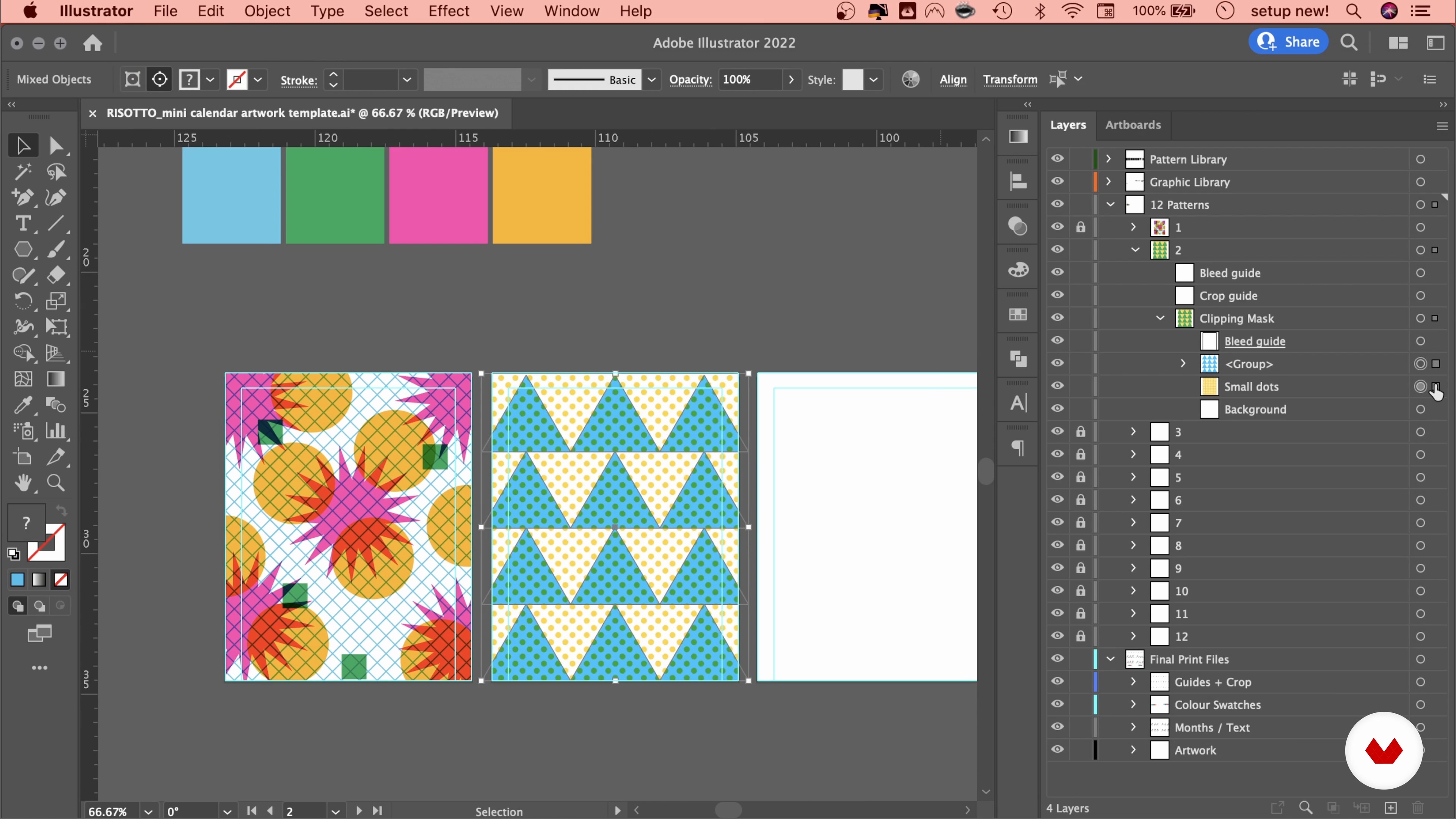
Creating Compositions 1
15 minutes, 20 seconds
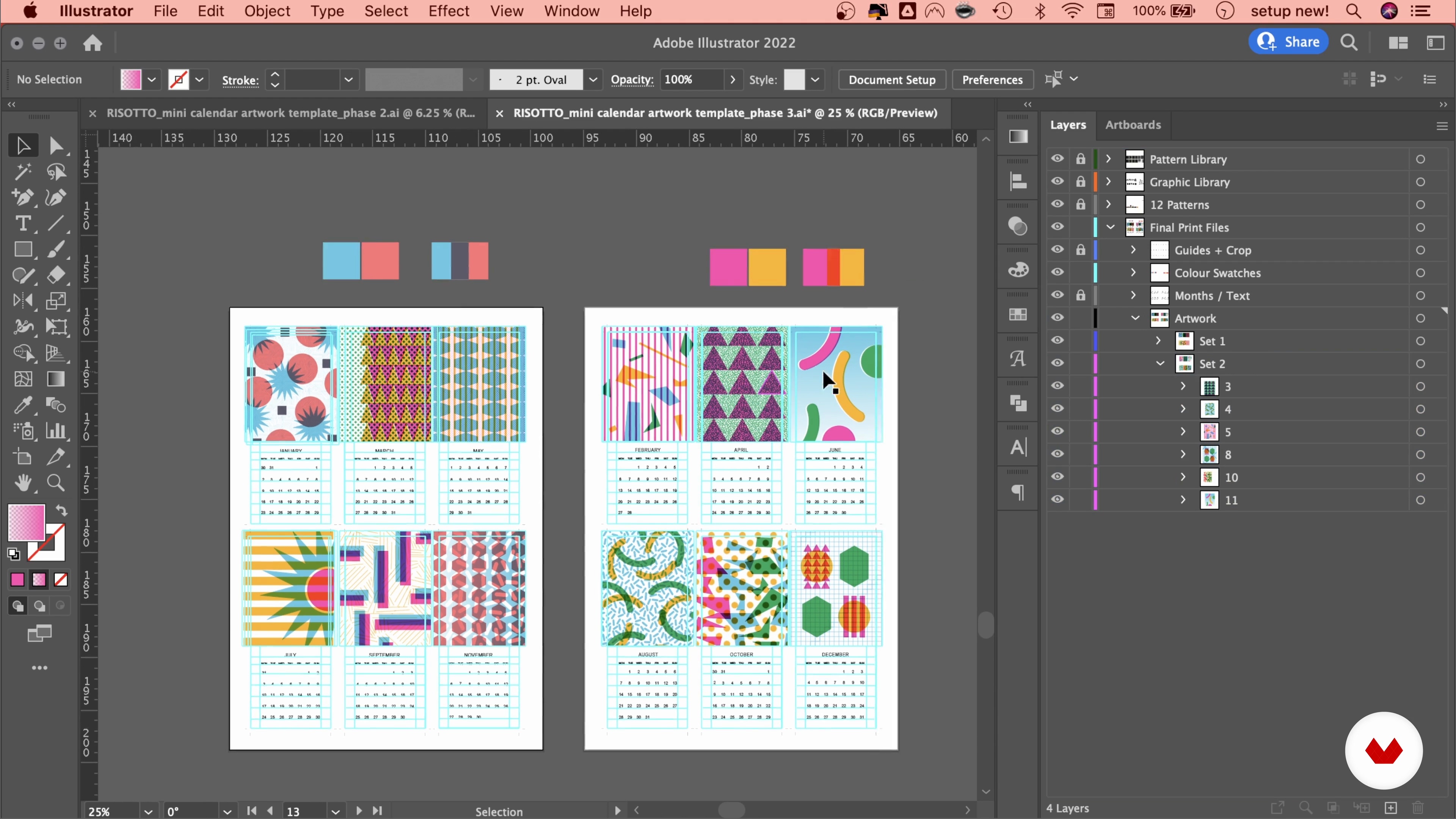
Developing the Designs
17 minutes, 15 seconds
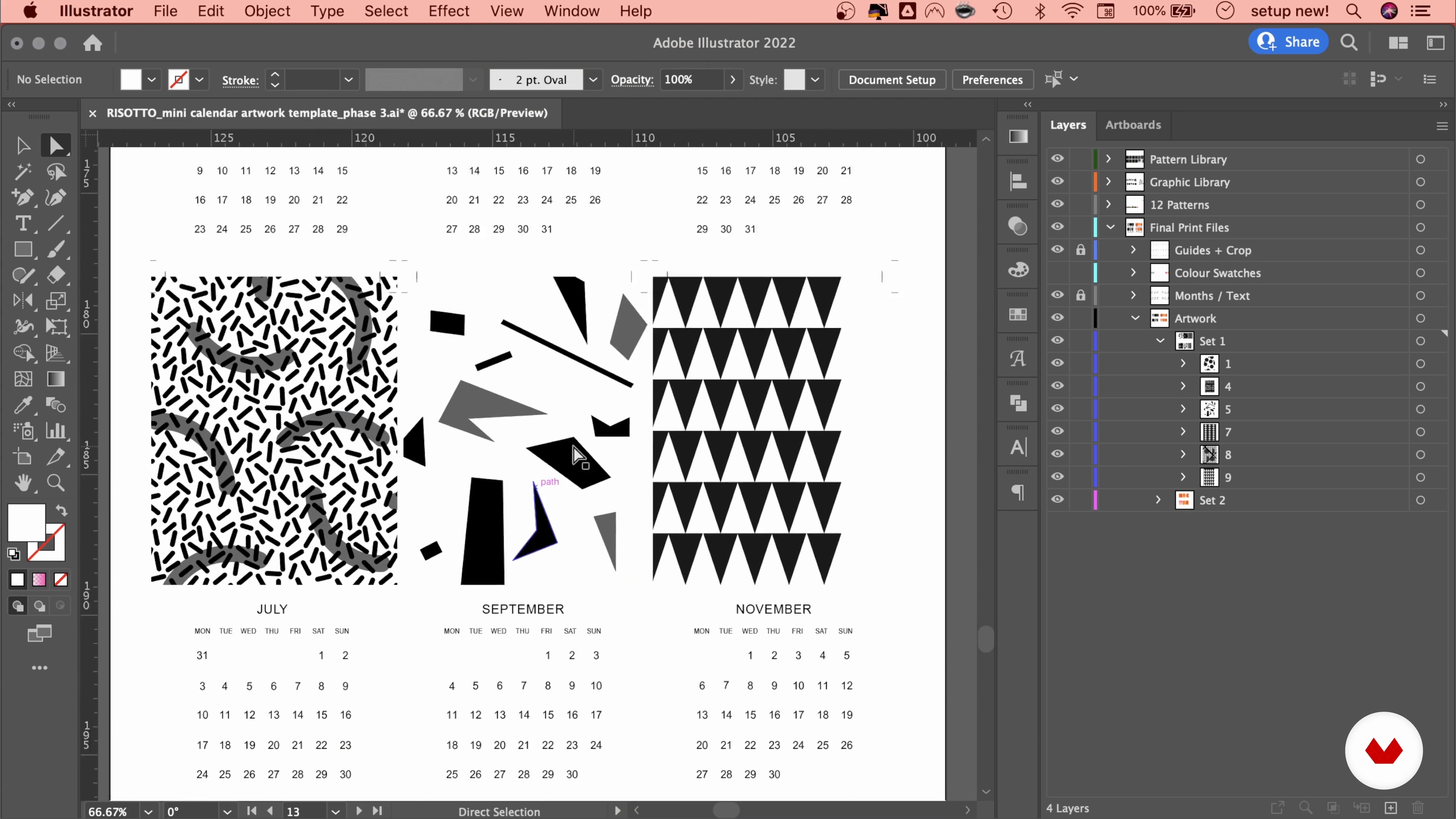
Saving the Artwork in Black and White
4 minutes, 45 seconds
What's included in this course?
Begin by getting to know Gabriella Marcella. She tells you about her creative background and the calendar that launched her career, along with the influences that inspire her.
Next, she introduces you to the Risograph, its ink palette, and how it behaves. Learn about the importance of black-and-white stencils, as well as the limitations of the Riso process and how it can actually fuel your creativity.
Move on to Illustrator and start designing your calendar. See how to use a product template and create your own pattern library before playing around with composition and enriching your artwork with depth, gradients, and texture. Your teacher then explains how to adapt your designs for the best outcome.
Prepare the calendar for printing by converting it to black and white and exporting the files. After proofing your images in Photoshop, Gabriella teaches you all about the technical aspects, from choosing paper to printer specifications.
Finally, review your printed designs and follow your teacher’s step-by-step instructions to put together your calendar.
What is this course's project?
Design and print a risograph calendar using Adobe Illustrator and Photoshop.
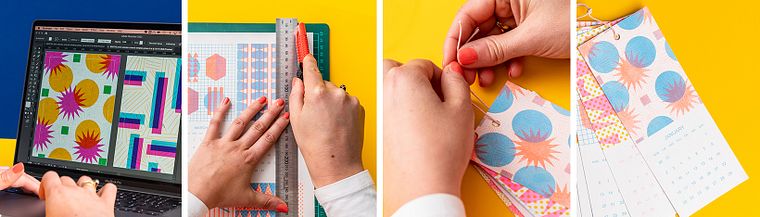
Projects by course students


Who is this online course for?
Anyone interested in exploring the Risograph technique, as well as illustrators, designers, and artists who want to turn their artwork into beautiful printed products.
Requirements and materials
A working knowledge of Adobe Photoshop and Illustrator is required for this course.
As for materials, you need a computer with these two programs and access to a Risograph printer.

Reviews
- 2 months ago
I love the way the teacher showed the design process very clear and detailed. Definitely gonna print out my calendar!
- 6 months ago
I enjoyed this course
- 6 months ago
So helpful! The extra files are extremely handy.
- 7 months ago
This course exceeded my expectations. It is detailed, clear, and provides a strong foundation for understanding how risograph printing works and how to get the most out of it. Definitely worth the price.
- 8 months ago
Learned so much! Thanks!!

RISOTTO specializes in printing services tailored to the creative industry, although it’s best known for its vibrant stationery collections and graphic T-shirts, which can be found on store shelves in almost every continent. The quality of their work, along with their environmentally conscious approach, has led them to collaborate with brands such as Apple, MINI, Puma, and Swatch, as well as on projects ranging from public art commissions to exhibit design. The studio also hosts monthly workshops to introduce people to the art of Riso printing.
Content
- U1
Introduction
- About Me
- Influences
- U2
The Possibilities of Risograph Printing
- The Risograph
- Inks and Colour
- Black-and-White Stencils
- Rules of Play
- U3
The Pattern Design
- The Digital Workspace
- Creating Compositions 1
- Creating Compositions 2
- Developing the Designs
- Designing for Perfect Imperfections
- U4
Preparing the Artwork for Print
- Saving the Artwork in Black and White
- Exporting the Art
- Proofing the Artwork
- Printer Specifications
- U5
Making the Calendar
- Reviewing the Prints
- Creating the Calendar
- FP
Final project
- Introduction to Risograph Printing
What to expect from a Domestika course
Learn at your own pace
Enjoy learning from home without a set schedule and with an easy-to-follow method. You set your own pace.
Learn from the best professionals
Learn valuable methods and techniques explained by top experts in the creative sector.
Meet expert teachers
Each expert teaches what they do best, with clear guidelines, true passion, and professional insight in every lesson.
Certificates
PLUSIf you're a Plus member, get a custom certificate signed by your teacher for every course. Share it on your portfolio, social media, or wherever you like.
Get front-row seats
Videos of the highest quality, so you don't miss a single detail. With unlimited access, you can watch them as many times as you need to perfect your technique.
Share knowledge and ideas
Ask questions, request feedback, or offer solutions. Share your learning experience with other students in the community who are as passionate about creativity as you are.
Connect with a global creative community
The community is home to millions of people from around the world who are curious and passionate about exploring and expressing their creativity.
Watch professionally produced courses
Domestika curates its teacher roster and produces every course in-house to ensure a high-quality online learning experience.
FAQs
Risograph printing is a stencil-based printmaking process that uses soy-based inks to produce vibrant, layered prints. It works by creating a stencil for each color and pushing ink through it onto paper, resulting in unique textures and color overlays.
This course is designed for intermediate learners, so some familiarity with graphic design or printmaking basics is recommended. However, beginners with a strong interest can also benefit from the step-by-step guidance provided.
You’ll need access to graphic design software like Adobe Illustrator or Photoshop, digital artwork files, and ideally a Risograph printer or access to a print studio. The course also covers how to find local or online Risograph print services.
You’ll learn how to design, prepare, and produce multi-color Risograph prints, including working with stencils, color separation, ink layering, pattern creation, and file preparation for professional printing.
The course covers print studio setup, including selecting Risograph machines, managing inks, preparing digital files, and organizing your workspace for efficient production and collaborative projects.
Yes, Risograph printing is ideal for producing items like mini calendars, stationery, large-scale wallpapers, and art prints. The course teaches techniques for designing and printing these products.
You’ll learn to separate artwork into color layers, adjust opacity and grayscale, and export print-ready files with crop marks and correct layer naming for professional results.