Design a Mobile App
A course by Christian VizcarraSenior Product Designer
A course by Christian Vizcarra, Senior Product Designer

Learn the basic principles of UX and UI to design the interface for an app with Sketch
There's almost no problem that can't be fixed with a mobile app. You can even design that app yourself based on your specific needs. Christian Vizcarra, Senior UI & UX Product Designer, has been working in this sector for more than eight years and has been recognized by CSS Design Awards, Behance, and Awwwards for the high quality of his digital products.
In this course, learn the entire process of designing a mobile app, from identifying the need and its solution to designing the interface in Sketch.
What will you learn in this online course?
25 lessons & 18 downloads

Introduction to the world of apps
8 minutes, 20 seconds
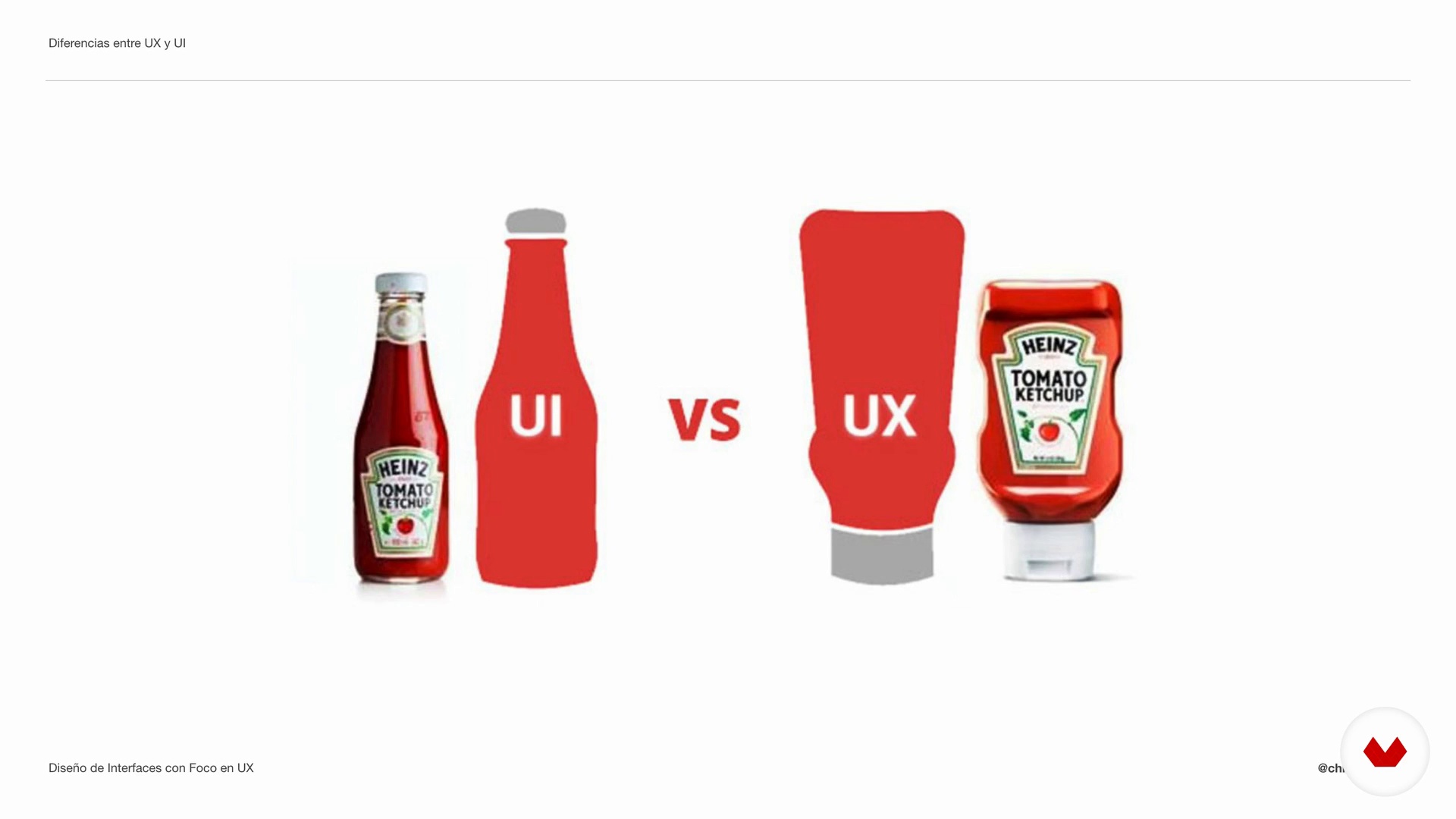
Differences between UX and UI
7 minutes, 44 seconds
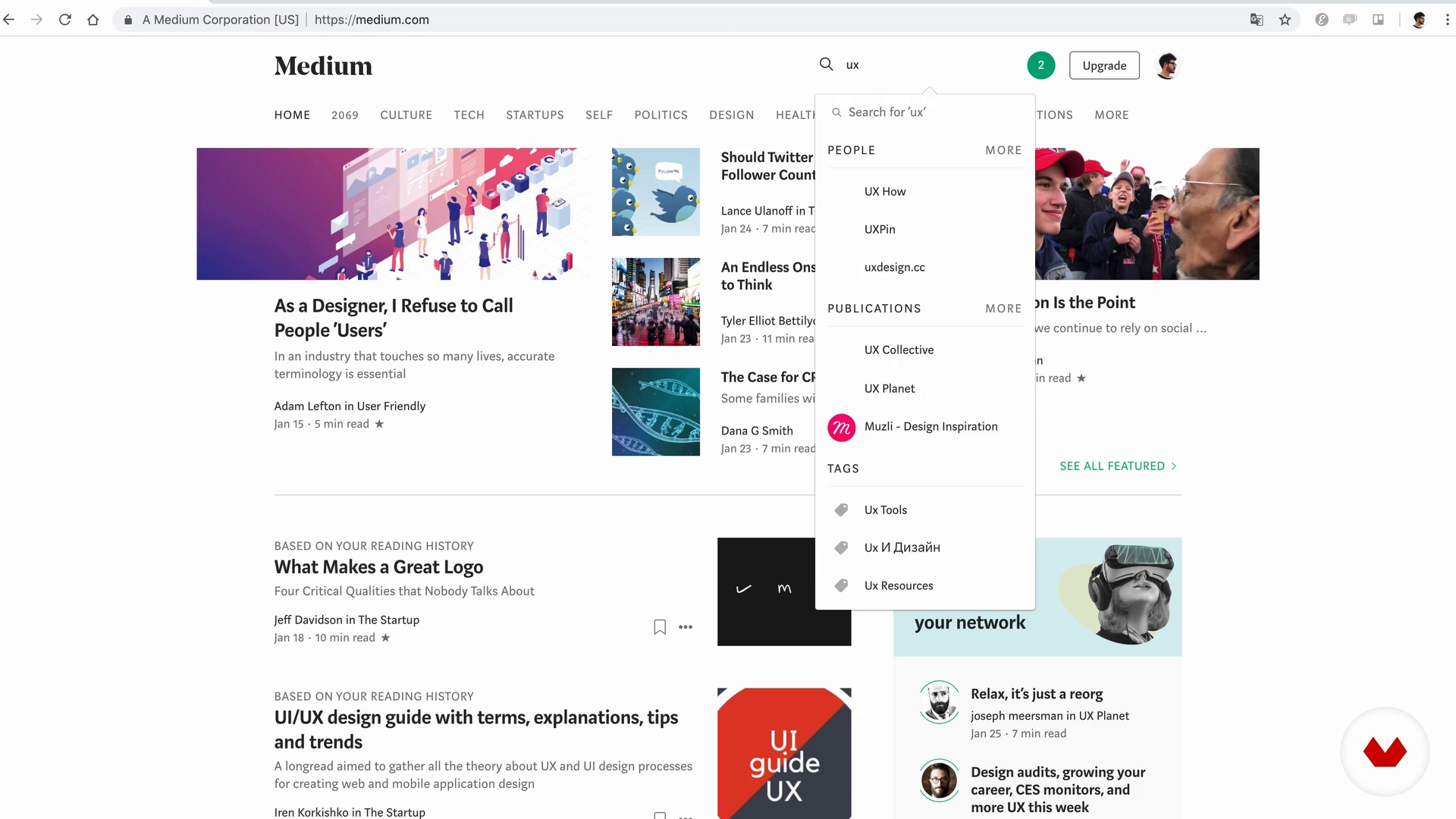
References to design your app
15 minutes, 4 seconds

How to open your mind?
5 minutes, 32 seconds
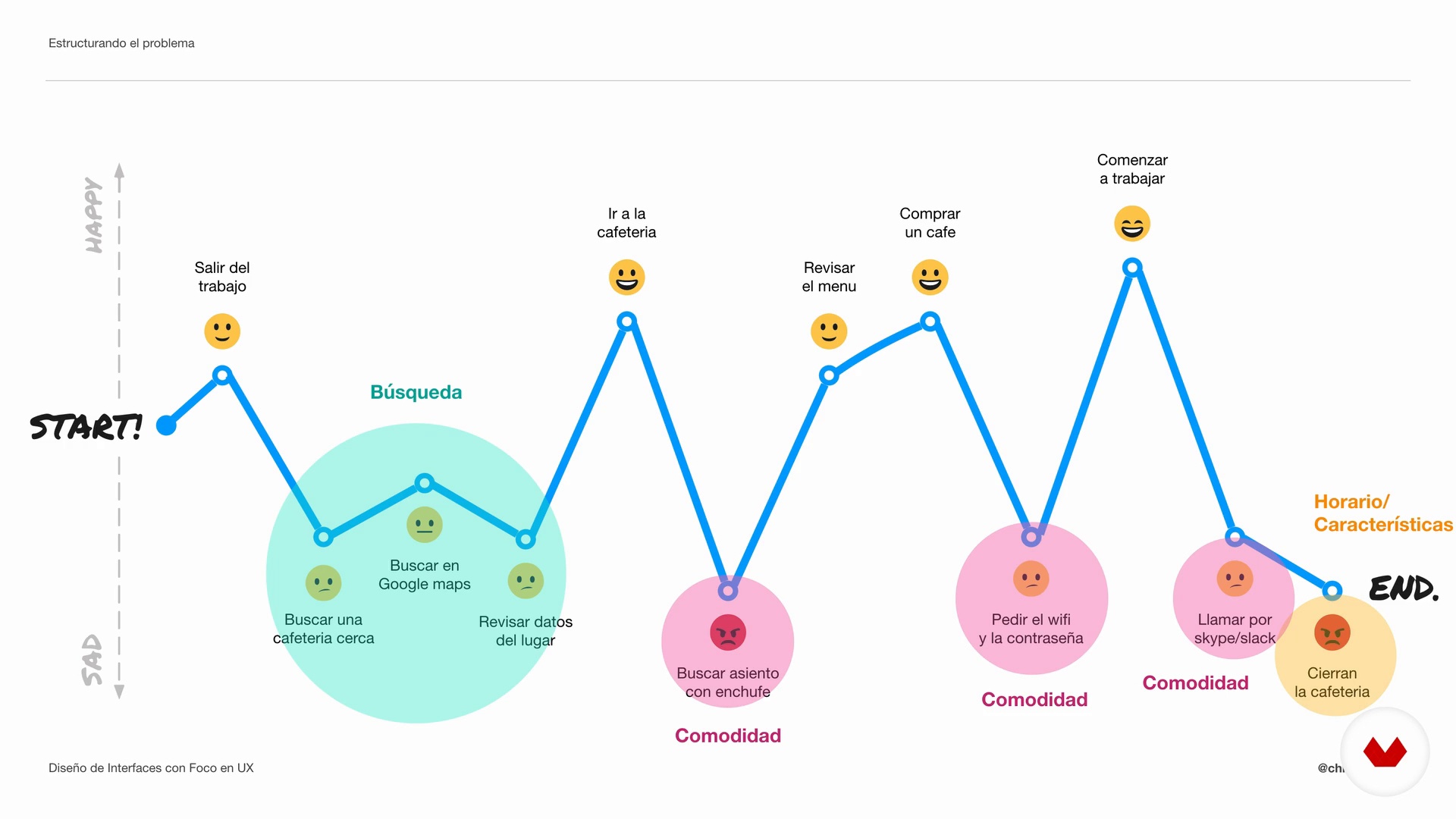
Structure the problem
10 minutes, 26 seconds
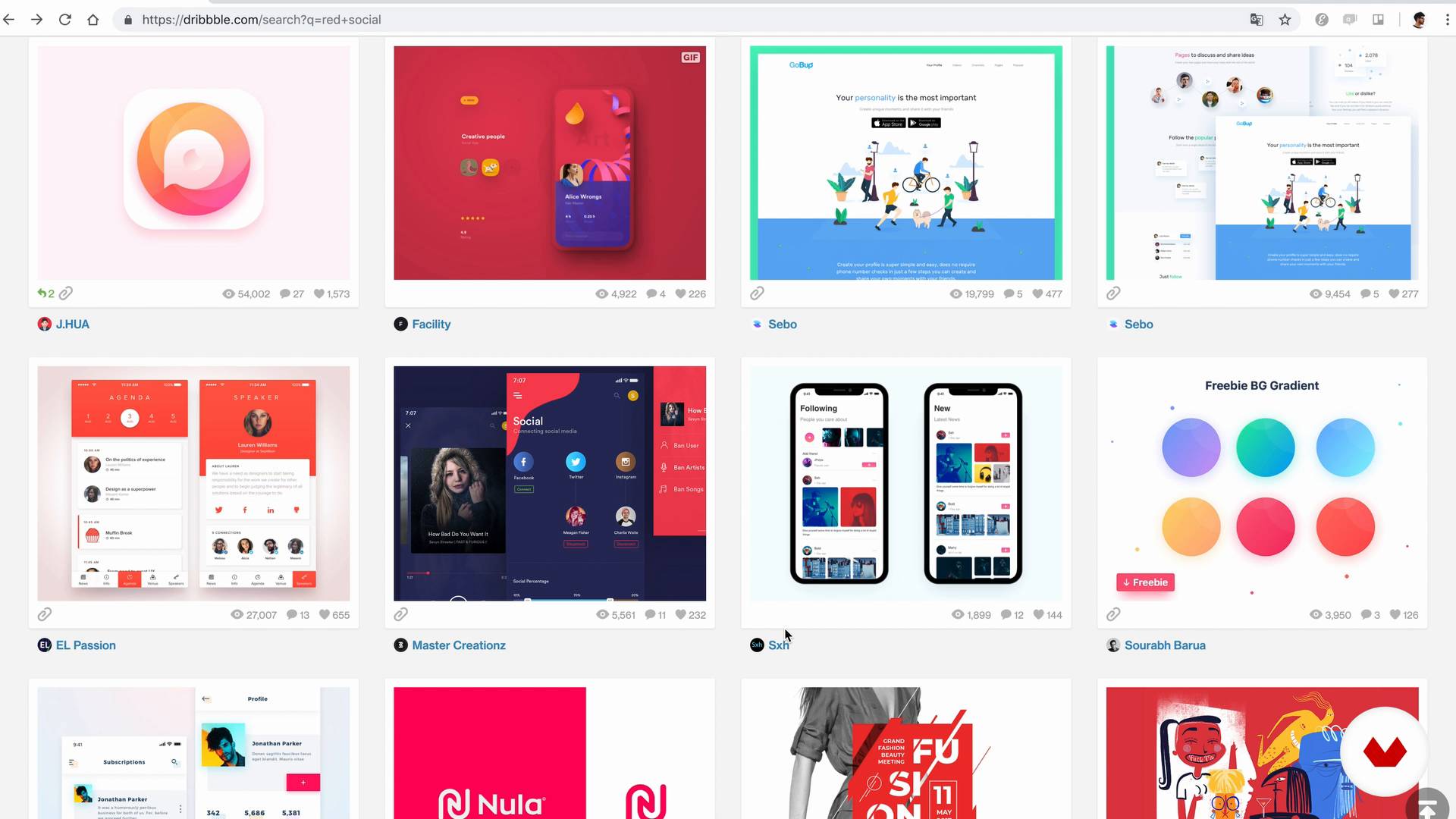
Inspirational search
15 minutes, 16 seconds
What's included in this course?
Start by meeting Christian Vizcarra, who tells you about his professional journey of becoming a UX & UI designer and his experience working around the world for different startups and companies.
Dive into the world of applications, taking a look at the similarities and differences between UX and UI and the importance of good design in an app.
Every digital product must respond to a need, so one of the first things you do in the course is identify a real problem in your day-to-day life that you can solve with an app.
Then, look for the solution to your problem. Carry out a brief search for applications to use as a reference and create an inspirational mood board.
Apply the UX bases to define the main screens of the application and the objective of each one—or in other words, the user experience. Learn what a wireframe is and what it is used for. Christian then gives you some tips to create your own.
Get to know the basic fundamentals of UI—color, typography, and iconography—and put them into practice in Sketch. In addition, discover the native components of iOS and Android to design screens with all the key elements.
To finish, share your project on some networks recommended by Christian to get feedback from other professionals, improve your proposal, and promote your app.
Recommended software & tools for this course
What is this course's project?
Design two or more screens for an application that represents the solution to a problem in your daily life with strategic criteria at the visual (UI) and experience (UX) level.

Projects by course students


Who is this online course for?
This course is for designers who want to migrate to the world of UI/UX and anyone interested in gaining a different perspective on how to design digital products.
Requirements and materials
You need to have basic design knowledge and understand the interface of Sketch, but you can also use other interface design programs, such as Figma, Adobe XD, or Invision Studio.
Regarding the materials, you need a computer with Sketch (or your favorite program) installed.

Reviews
- eagledgvPLUS2 months ago
je n'ai pas de critique sur ce cours que j'attendais depuis longtemps. la qualité de l'image et le contenu me donne envie de rester coller a ma chaise pour finir.
- isahbPLUS7 months ago
Muy buena planeación, es fácil de entender y bastante entretenido!
- 1 year ago
Me gusta mucho
- 1 year ago
este curso me pareció muy bueno
- 1 year ago
Muy completo todo, de verdad que es de mucha utilidad, muy bien explicado. Vale totalmente la pena

As passionate about ideas as he is about product design, he always explores new ways to learn new skills and techniques to evolve as a designer, hence his personal project called The Design Project, a 60-day nonstop design challenge. His work has been recognized by Awwwards, Behance, and CSS Design Awards.
Content
- U1
Introduction
- Presentation
- Influences
- U2
The wonderful world of applications
- Introduction to the world of apps
- Differences between UX and UI
- References to design your app
- U3
How to look for a problem
- How to open your mind?
- Structure the problem
- U4
Finding the solution
- Inspirational search
- Creating an inspirational moodboard
- U5
Defining UX
- Defining objectives
- Creating a wireframe
- Digitizing a wireframe part 1
- Digitizing a wireframe part 2
- U6
Designing your proposal
- Introduction to Sketch
- Fundamentals of UI part 1
- Fundamentals of UI part 2
- Fundamentals of UI part 3
- Fundamentals of UI part 4
- Knowing the native components
- Designing the application part 1
- Designing the application part 2
- Designing the application part 3
- U7
Sharing with the world
- The importance of sharing
- Where to share
- Taking advantage of the feedback
- FP
Final project
- Final project
What to expect from a Domestika course
Learn at your own pace
Enjoy learning from home without a set schedule and with an easy-to-follow method. You set your own pace.
Learn from the best professionals
Learn valuable methods and techniques explained by top experts in the creative sector.
Meet expert teachers
Each expert teaches what they do best, with clear guidelines, true passion, and professional insight in every lesson.
Certificates
PLUSIf you're a Plus member, get a custom certificate signed by your teacher for every course. Share it on your portfolio, social media, or wherever you like.
Get front-row seats
Videos of the highest quality, so you don't miss a single detail. With unlimited access, you can watch them as many times as you need to perfect your technique.
Share knowledge and ideas
Ask questions, request feedback, or offer solutions. Share your learning experience with other students in the community who are as passionate about creativity as you are.
Connect with a global creative community
The community is home to millions of people from around the world who are curious and passionate about exploring and expressing their creativity.
Watch professionally produced courses
Domestika curates its teacher roster and produces every course in-house to ensure a high-quality online learning experience.
FAQs
UX/UI design focuses on user experience and interface in digital products. It’s about crafting visual and functional solutions that enhance how users interact with apps or websites, boosting satisfaction and ease of use.
Yes, this course is designed for those with basic knowledge who want to dive deeper into processes, tools, and strategies for creating user-centered digital products.
You just need basic digital design skills and a computer with design software (like Sketch). Advanced programming knowledge isn’t required.
You’ll learn how to analyze user needs, distinguish between UX and UI, create wireframes, prototypes, moodboards, gather and evaluate feedback, find creative inspiration, and boost your professional presence on platforms like Behance.
UX focuses on the overall user experience — usability, needs, emotions — while UI deals with the visual look and direct interaction with the interface.
Tools like Sketch, plus resources from Behance, Dribbble, Codrops, and plugins are used to build wireframes, moodboards, and interactive prototypes.
Yes, the course covers how to validate UI prototypes, analyze feedback, and make iterative improvements to digital products.