Intro to Creative Coding: Create Graphic Objects
A course by Julien GachadoatArtist
A course by Julien Gachadoat, Artist

Get started in creative programming and learn classic generative design algorithms to create animated words and shapes
Want to generate genuine art from algorithms and play with abstract forms, monochromes, repetition, and randomized operations? Join Julien Gachadoat and combine the precision of code with the poetry of generative design.
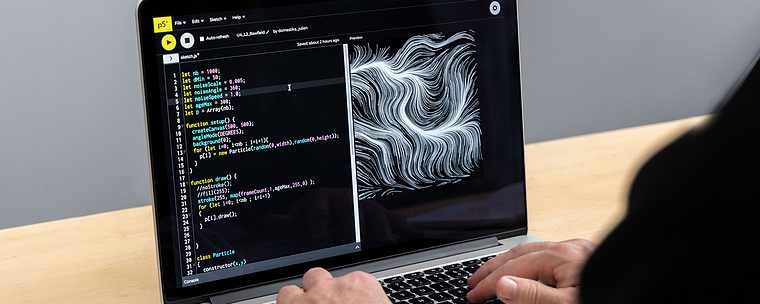
In this online course, he teaches you the basics of programming with Processing and p5.js to create interactive graphic objects using classic visual composition algorithms. Learn how to generate complex shapes and create stunning animated typography. The world of creative coding is yours to be explored!
What will you learn in this online course?
24 lessons & 30 downloads
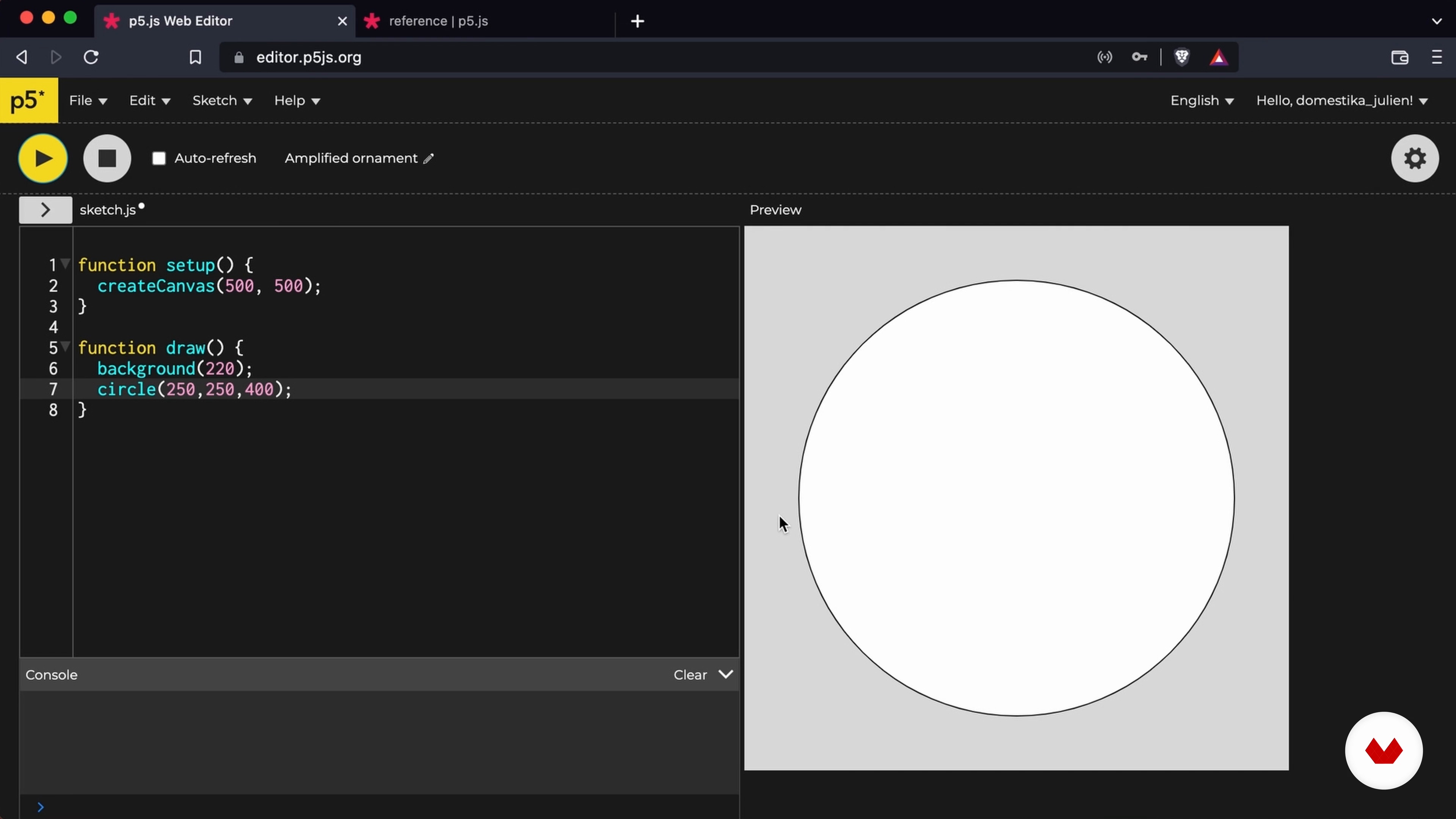
Fundamentals and Drawing Basic Shapes 1
18 minutes, 58 seconds
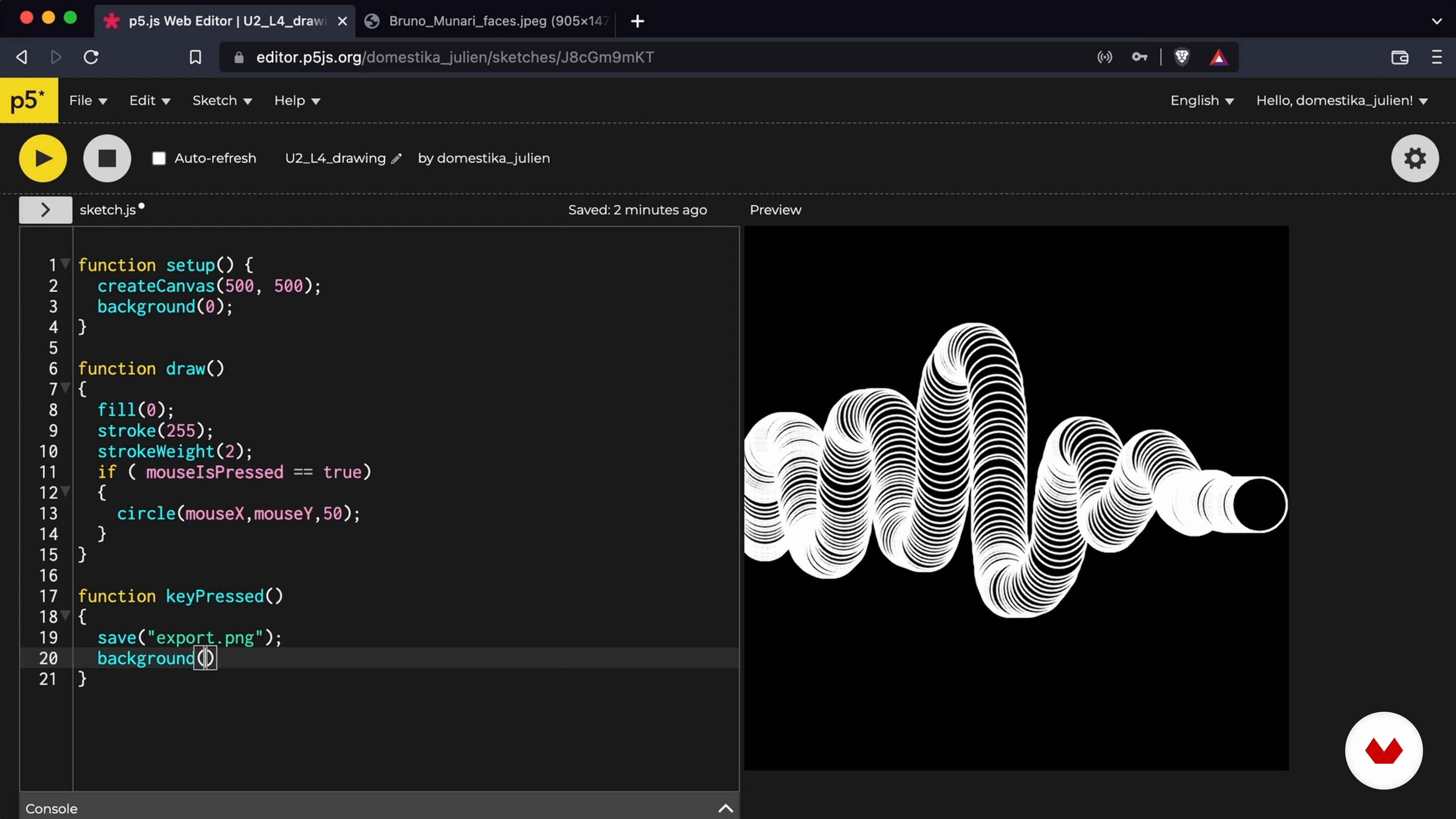
The basics of programming 1
14 minutes, 59 seconds
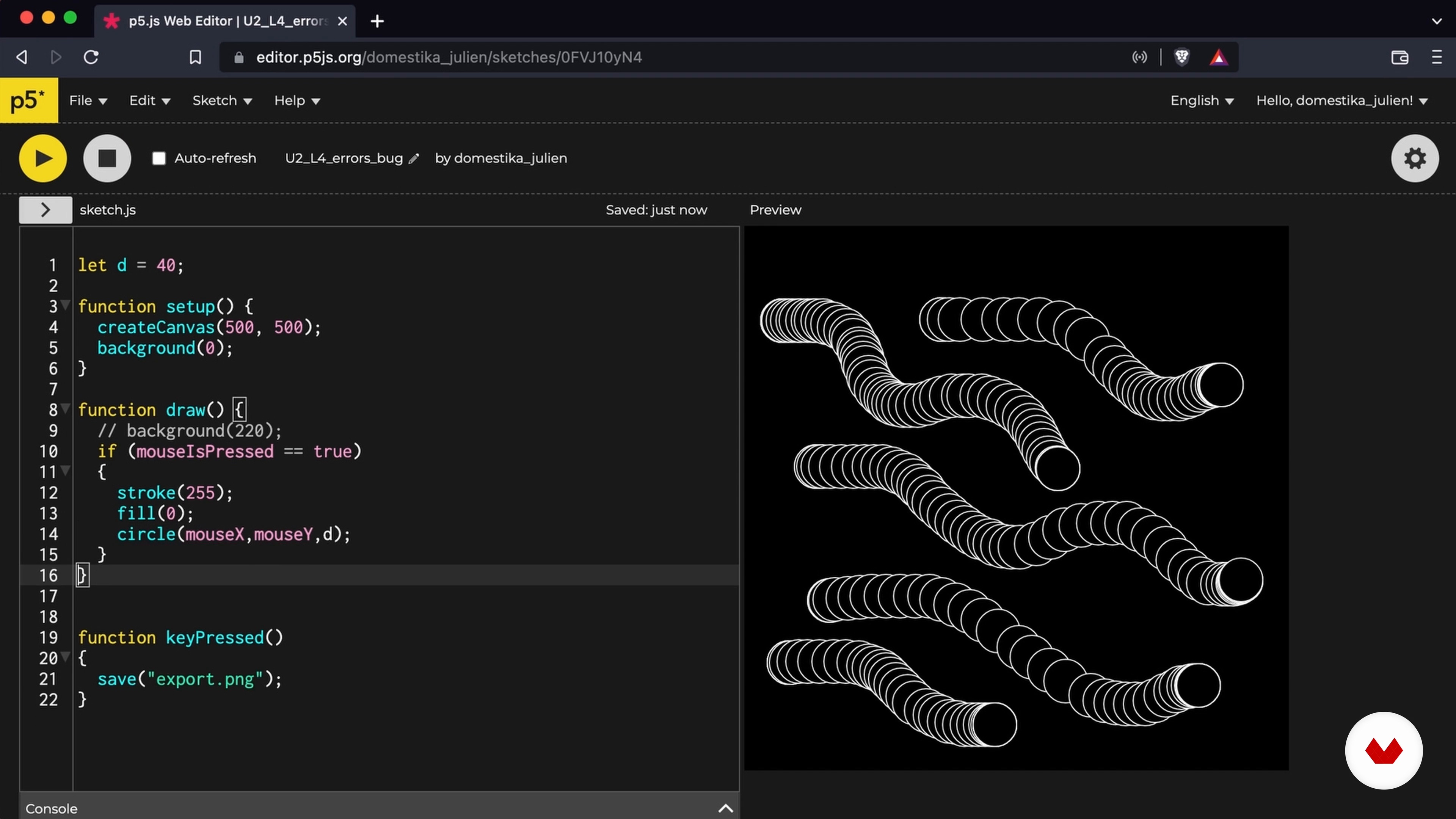
Errors and bugs
9 minutes, 29 seconds
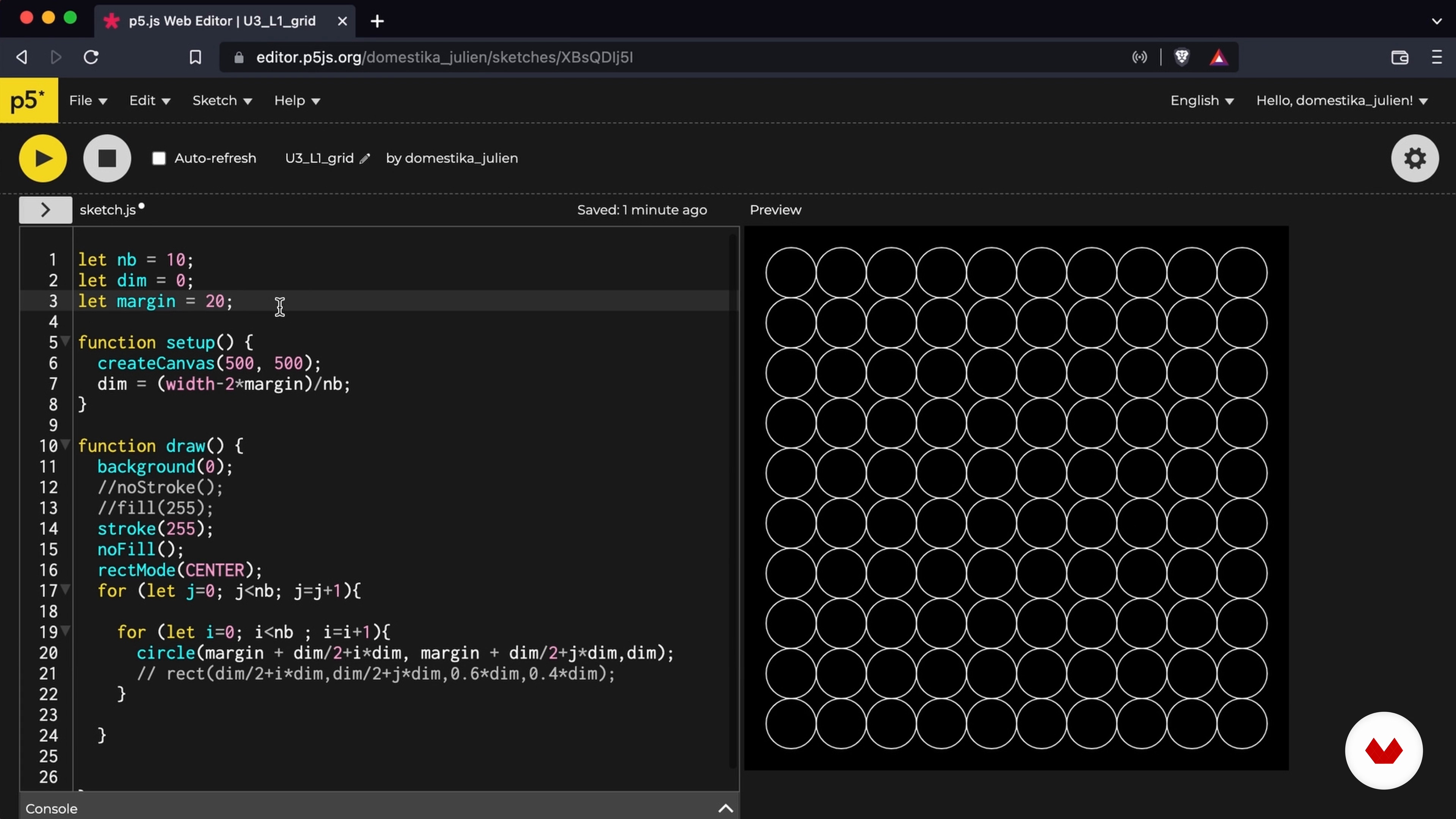
Pattern grids 1
16 minutes, 31 seconds
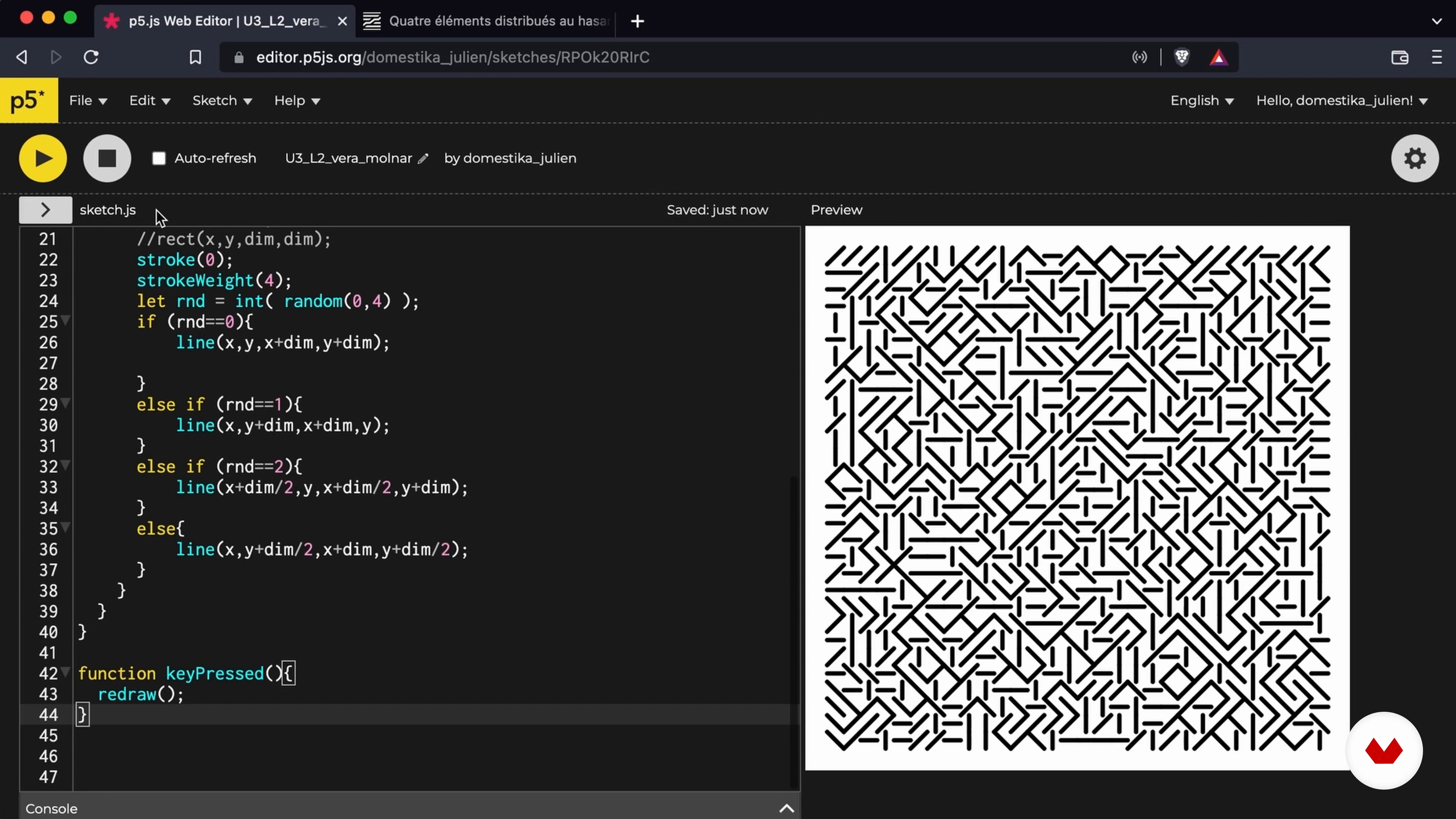
Grids and Combinations
19 minutes, 37 seconds
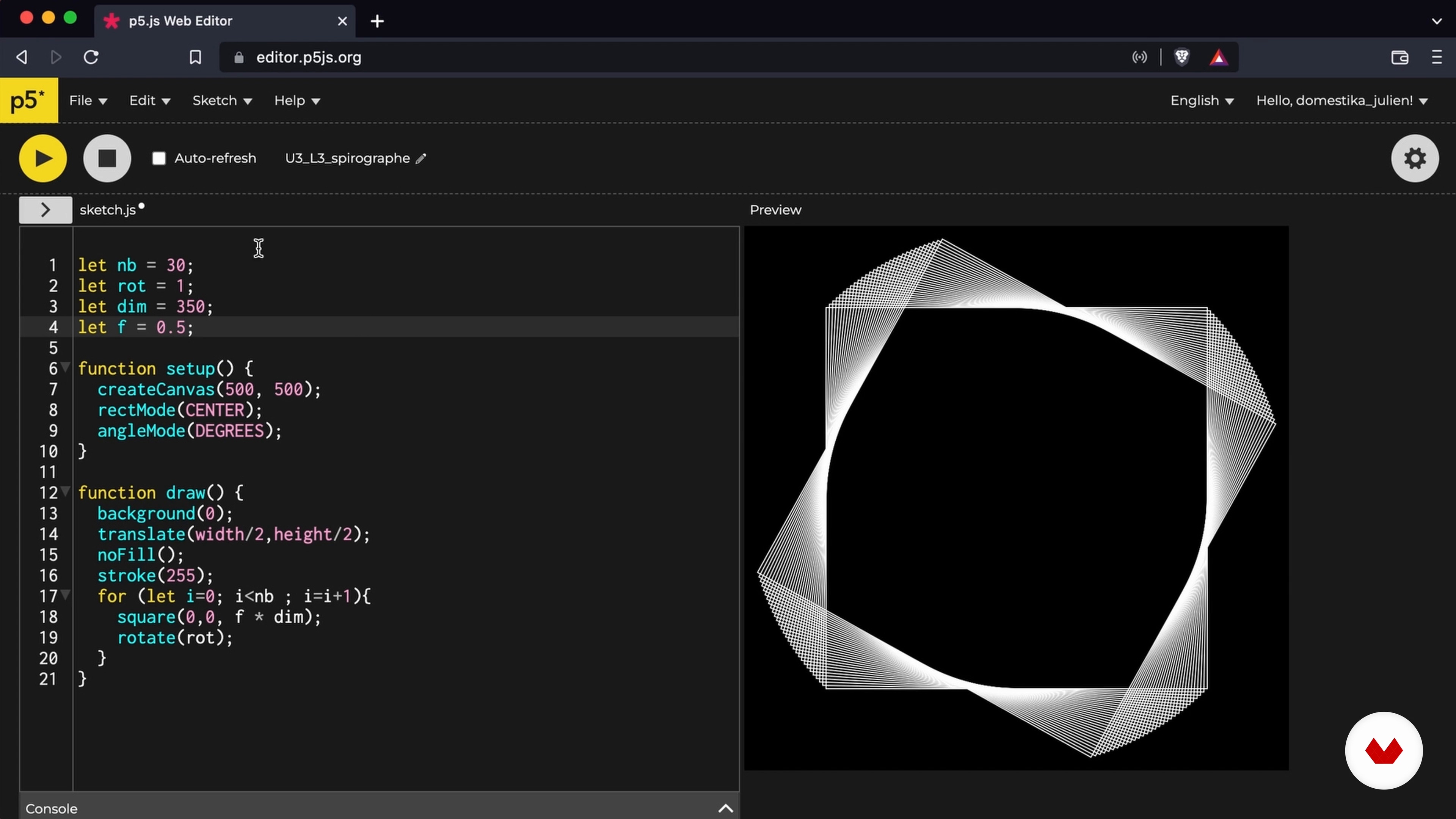
Compound Shapes 1
18 minutes, 26 seconds
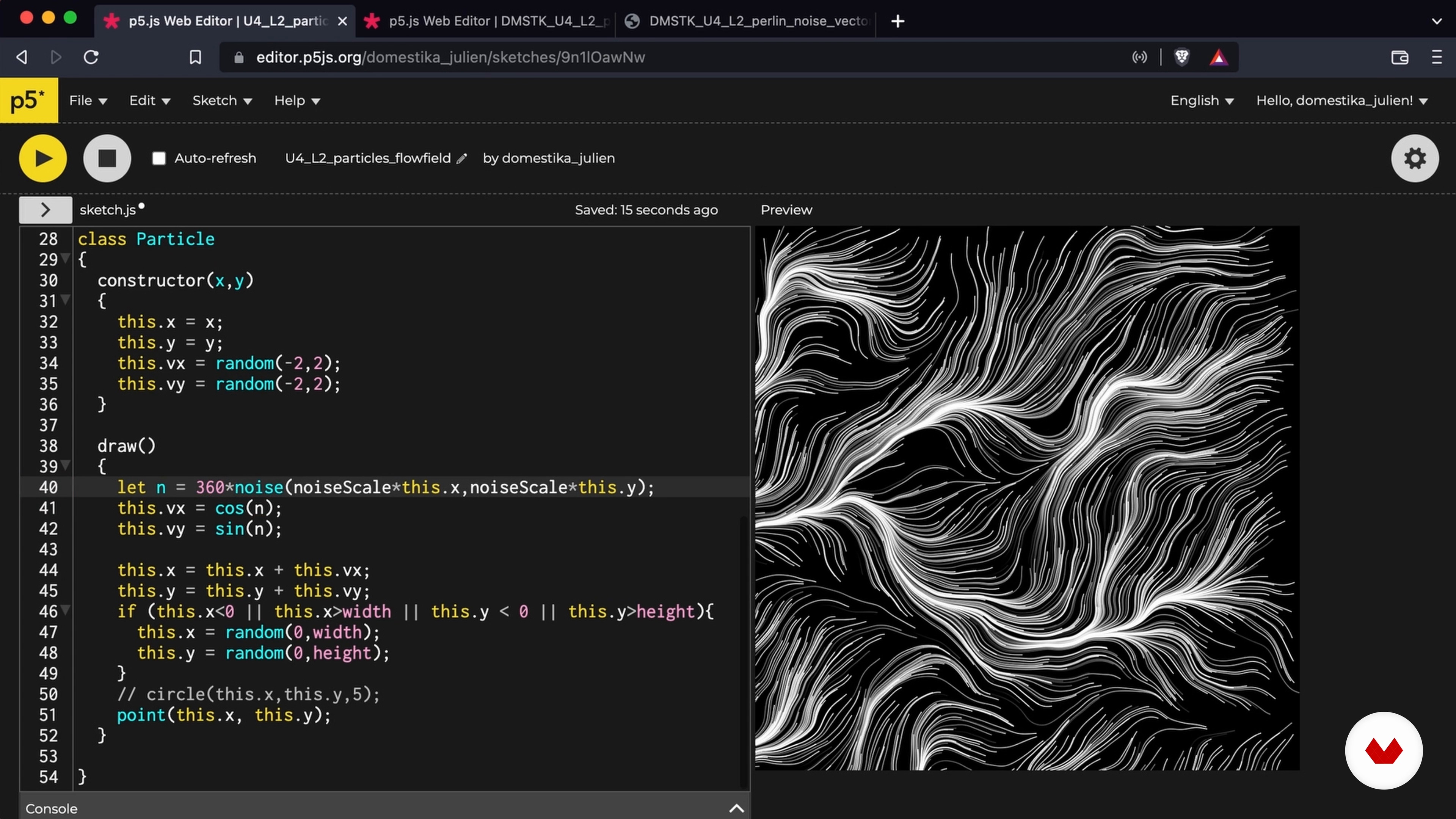
Flow Fields
15 minutes, 22 seconds
What's included in this course?
Start the course by getting to know Julien and his passion for creative coding. He tells you about his background and some of the artists who inspire him, like Michael Noll and Georg Nees.
Next, he gives you a general overview of graphic programming and its tools before introducing you to p5.js and its easy-to-use interface. Look at how to program simple geometric shapes, followed by more complex objects using code structures.
After mastering the basics of programming, move on to working with algorithms to create grids of animated patterns, then generate compound shapes like a spirograph.
Learn how to model particles that move around the screen and how to draw letters.
For the final project, create your own animated word. Push the animation a little further using the notion of propagation according to time and interactivity with the mouse. Now you've got all the skills to create your very own interactive alphabet!
What is this course's project?
Create an animated font (or any shape of your choice) generated by code. This is the final step in a whole series of creative programming that involves:
⦁ creating an interactive grid of geometric patterns ⦁ creating spirographs ⦁ creating particle systems
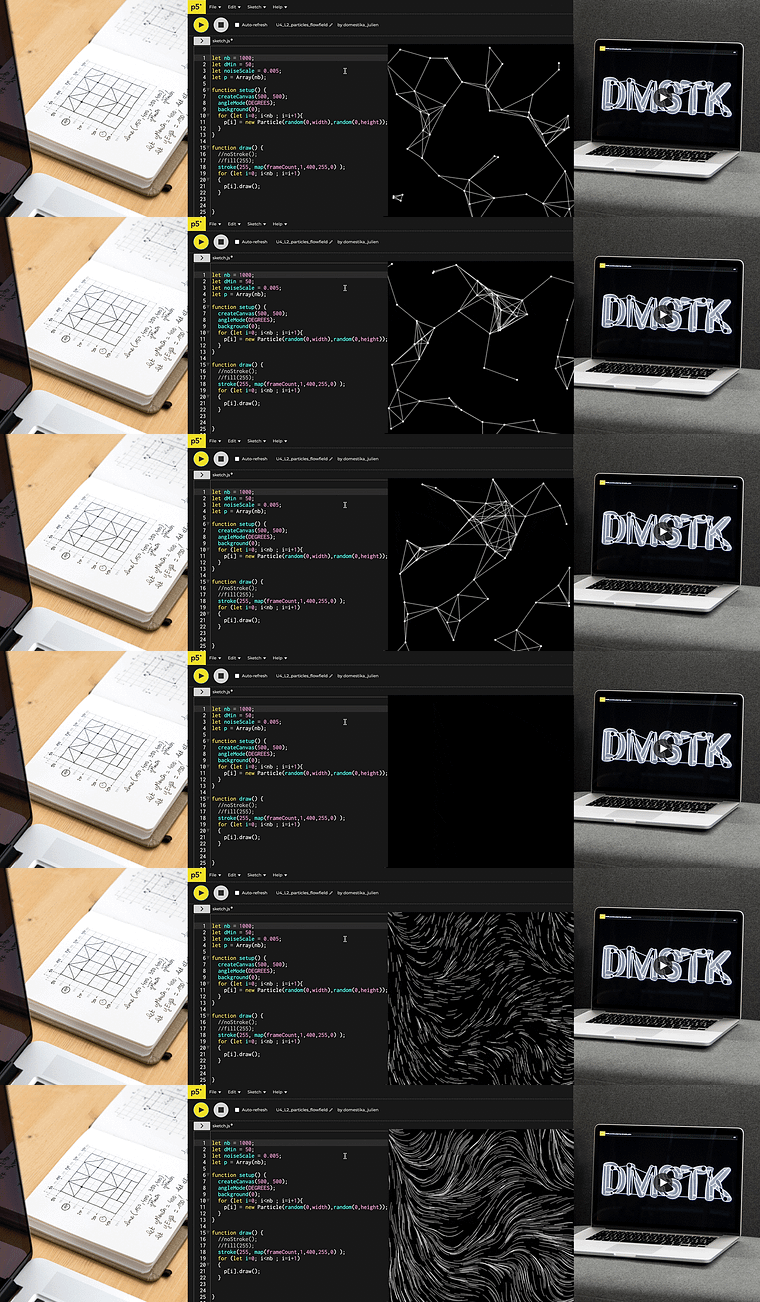
Projects by course students


Who is this online course for?
Anyone interested in exploring the crossroads between design and coding, regardless of their experience.
Requirements and materials
To take the course, you need a computer with a browser and an internet connection...and the desire to code!
Reviews
- centauros02PLUS4 months ago
Excelente curso, muito bem explicado, recomendo tranquilamente.
- 4 months ago
Starting from the very basics this course gives you every tool to start coding your own graphics. Loved the in detail explanation of every line of command
- 4 months ago
perfect!
- 7 months ago
Buen Curso y también las referencias y los proyectos resultan inspiradores :)))
- 8 months ago
Es hermoso este lenguaje y me gusta mucho como es llevado por el profe. Recomendable sobre todo para aquellos que quieren empezar a aprender a programar.

He has developed his own creative tools from simple graphic rules and has built a strong international community of followers on social media. In addition to participating in numerous exhibitions, he cofounded the interactive digital art studio 2Roqs with Michaël Zancan, working on multiple interactive installations.
Content
- U1
Introduction
- About Me
- My Sources of Inspiration
- U2
Introduction to Graphic Programming
- Presentation of the Processing environment
- Fundamentals and Drawing Basic Shapes 1
- Fundamentals and Drawing Basic Shapes 2
- Fundamentals and Drawing Basic Shapes 3
- Composition 1
- Composition 2
- The basics of programming 1
- Basics of Programming 2
- The basics of programming 3
- Errors and bugs
- U3
Implementation
- Pattern grids 1
- Pattern Grids 2
- Pattern Grids 3
- Grids and Combinations
- Compound Shapes 1
- Compound Shapes 2
- U4
Other Techniques
- The Particle System 1
- The Particle System 2
- Flow Fields
- Creating Typography
- U5
Project Implementation
- Construction of interactive words 1
- Construction of interactive words 2
- FP
Final project
- Intro to Creative Coding: Create Graphic Objects
What to expect from a Domestika course
Learn at your own pace
Enjoy learning from home without a set schedule and with an easy-to-follow method. You set your own pace.
Learn from the best professionals
Learn valuable methods and techniques explained by top experts in the creative sector.
Meet expert teachers
Each expert teaches what they do best, with clear guidelines, true passion, and professional insight in every lesson.
Certificates
PLUSIf you're a Plus member, get a custom certificate signed by your teacher for every course. Share it on your portfolio, social media, or wherever you like.
Get front-row seats
Videos of the highest quality, so you don't miss a single detail. With unlimited access, you can watch them as many times as you need to perfect your technique.
Share knowledge and ideas
Ask questions, request feedback, or offer solutions. Share your learning experience with other students in the community who are as passionate about creativity as you are.
Connect with a global creative community
The community is home to millions of people from around the world who are curious and passionate about exploring and expressing their creativity.
Watch professionally produced courses
Domestika curates its teacher roster and produces every course in-house to ensure a high-quality online learning experience.
FAQs
This course is aimed at learners with some programming or digital art background. It’s intermediate level and best suited if you already know basic coding concepts or want to deepen your creative programming skills.
It’s recommended to have basic programming knowledge (especially in JavaScript or Processing) and an interest in digital art creation. You’ll need a computer with internet access and the ability to install Processing or use P5JS.
You’ll learn how to create generative artworks using Processing and P5JS, apply algorithms to draw, manipulate shapes, colors, and animations, explore plotter printing, and understand the history and impact of digital tools on art.
This course dives into generative art, creative coding with Processing and P5JS, interactive installations, plotter use, algorithmic pattern creation, and the history of generative art, blending theory, practice, and historical context.
Yes, it’s recommended to install Processing on your computer and use either the online or local P5JS environment to work on the sketches and graphic experiments in the course.
You’ll be able to create generative graphic compositions, interactive animations, plotter-printed artworks, algorithmic patterns, and digital installations using Processing and P5JS.
Yes, the course covers algorithmic creation for plotter printing, helping you understand how to generate and export graphics for drawing robots like the Axidraw.