Color Grading from Scratch: Technique and Narrative
A course by Cassiana UmetsuColorist
A course by Cassiana Umetsu, Colorist

Learn to treat the color, contrast, and saturation of audiovisual images with DaVinci Resolve and transmit messages through a coherent aesthetic
Tones, shades, and nuances are communication tools whether a comedy film or a drama, a horror or adventure series. Cassiana Umetsu specializes in color grading and has worked on productions for production companies such as Netflix, Disney+, and Globo. In this online course, she teaches you the basics necessary to color an audiovisual product, whether for an Instagram video or a cinematographic piece.
Cassiana explains how to improve and give visual coherence to moving images and as well as to tell a story based on colors. Learn digital post-production techniques and tools, such as Davinci Resolve, and understand how to engage with the subject and preserve the director's vision. Get ready to transform audiovisual pieces with the subtlety of colors!
What will you learn in this online course?
13 lessons & 12 downloads
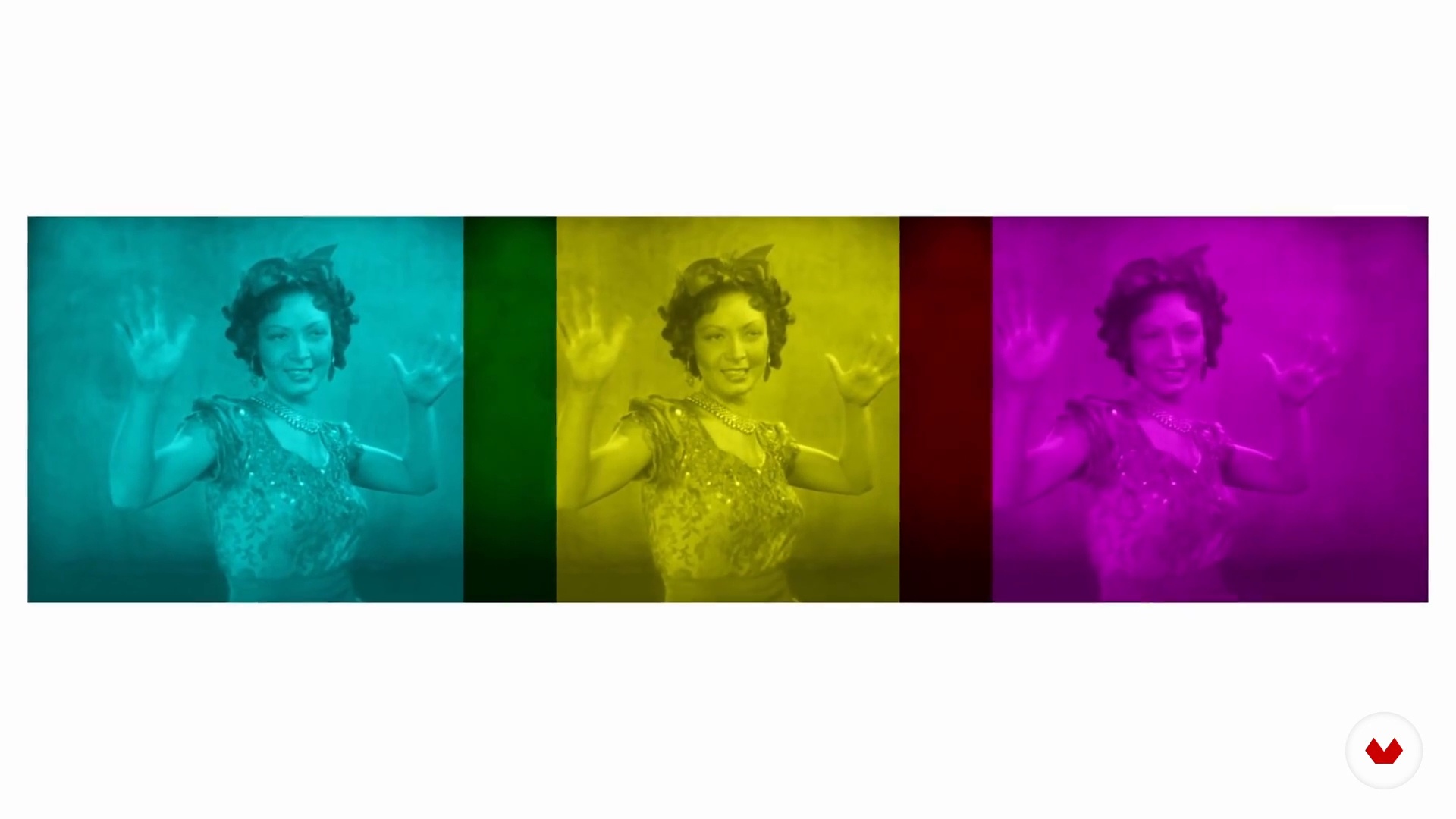
A Brief History of the Colorist in Cinema
6 minutes, 9 seconds
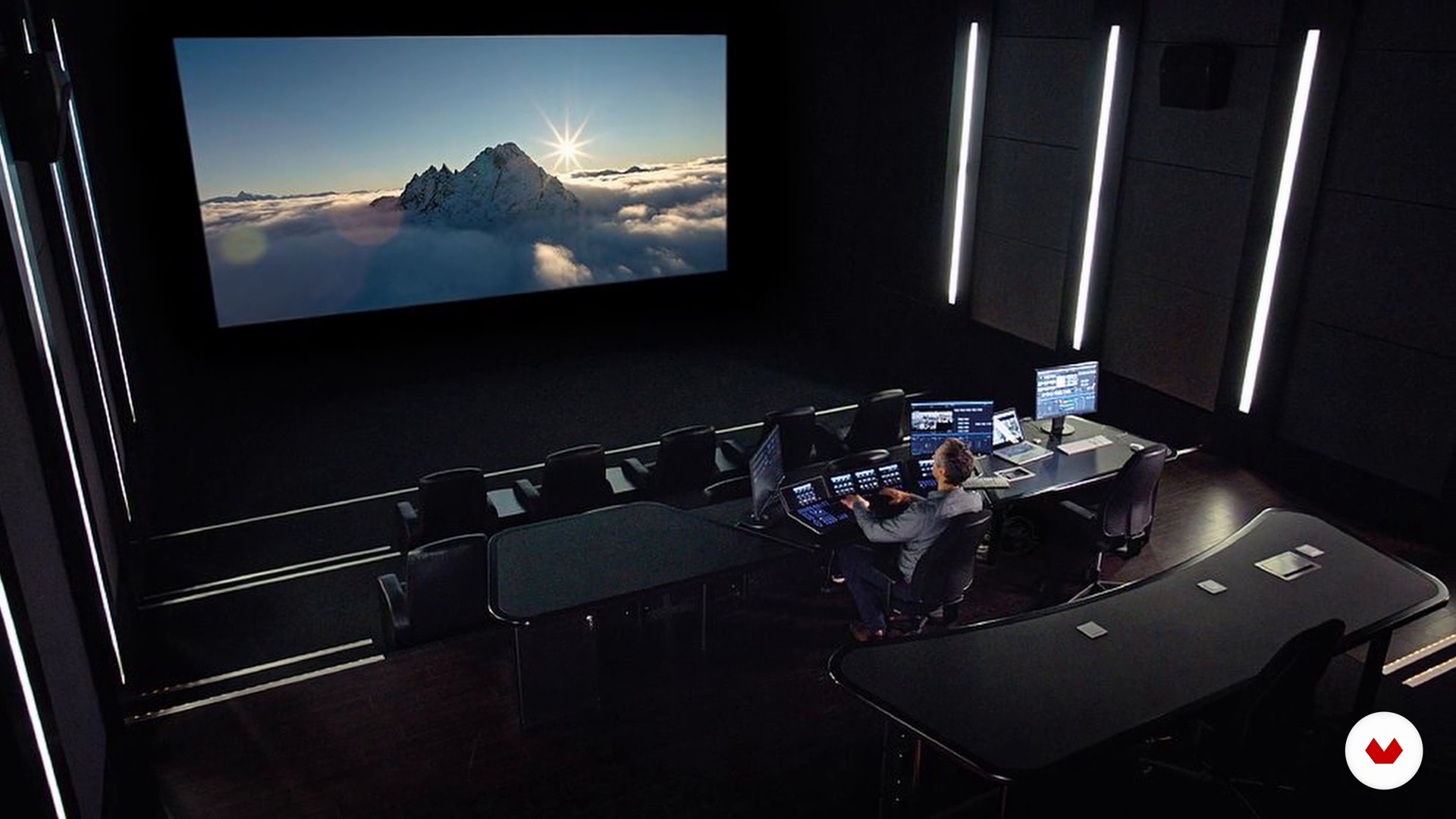
Software and Its Different Applications
4 minutes, 26 seconds
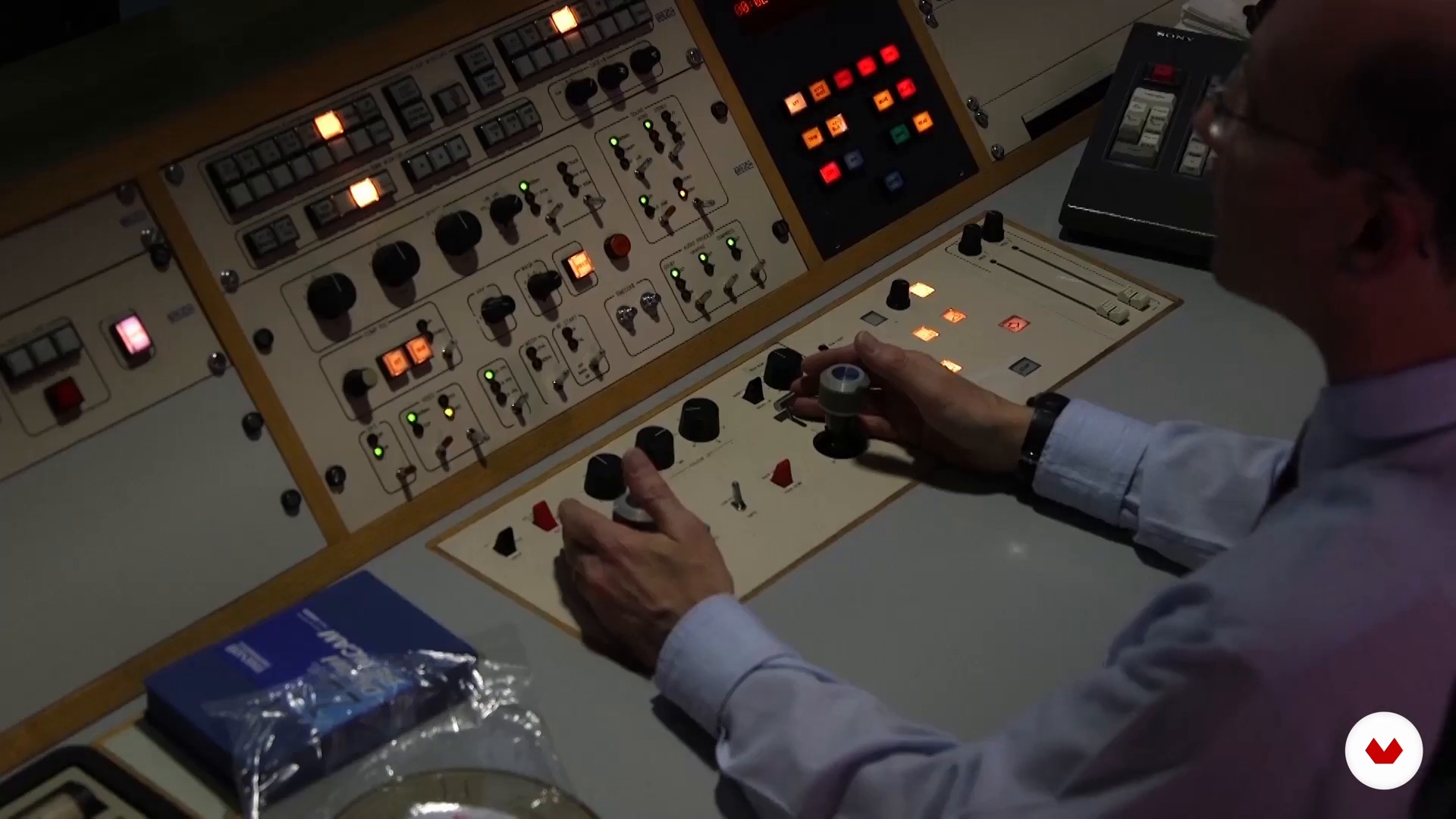
Equipment
6 minutes, 12 seconds
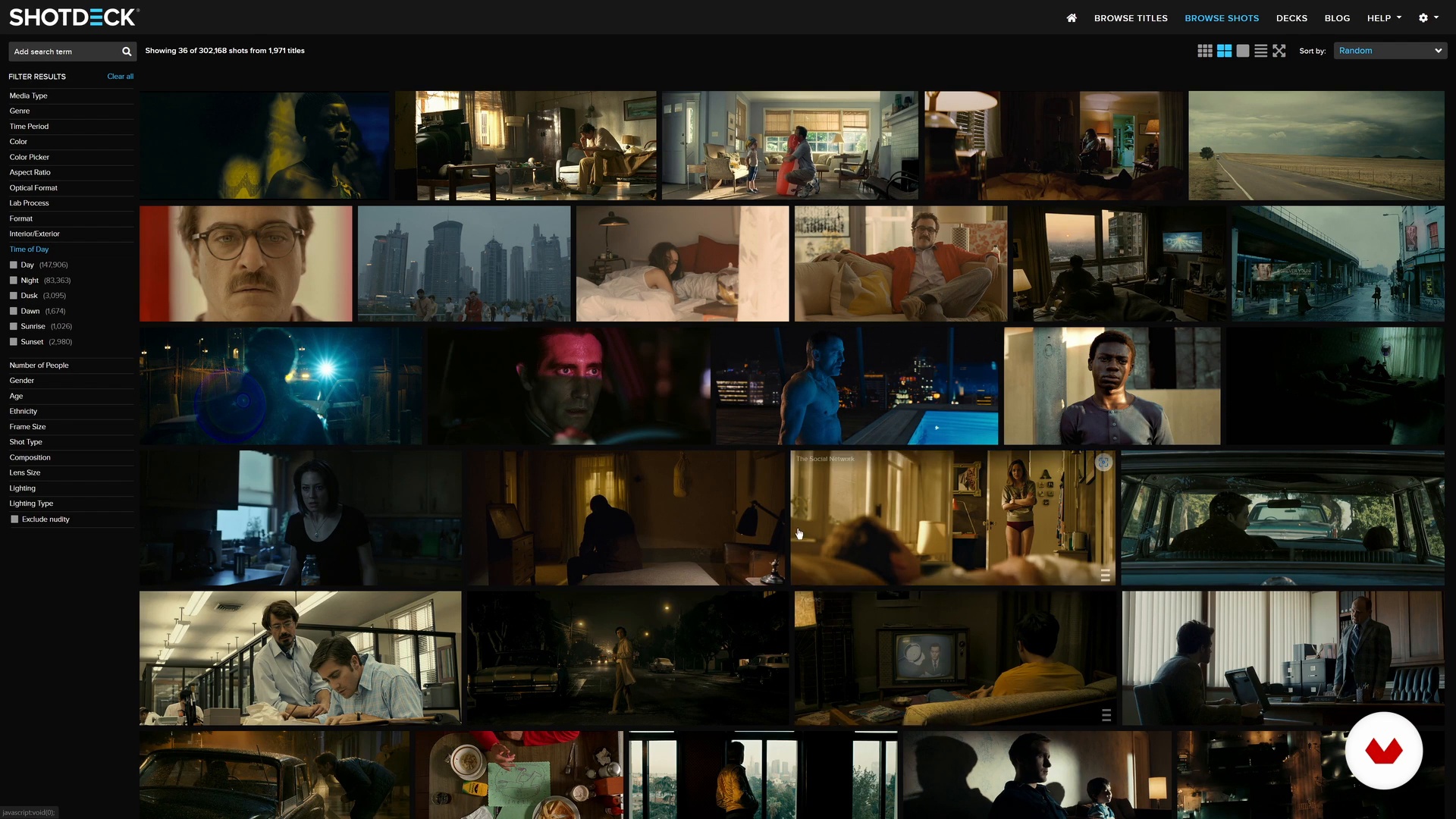
Searching the Footage
8 minutes, 17 seconds
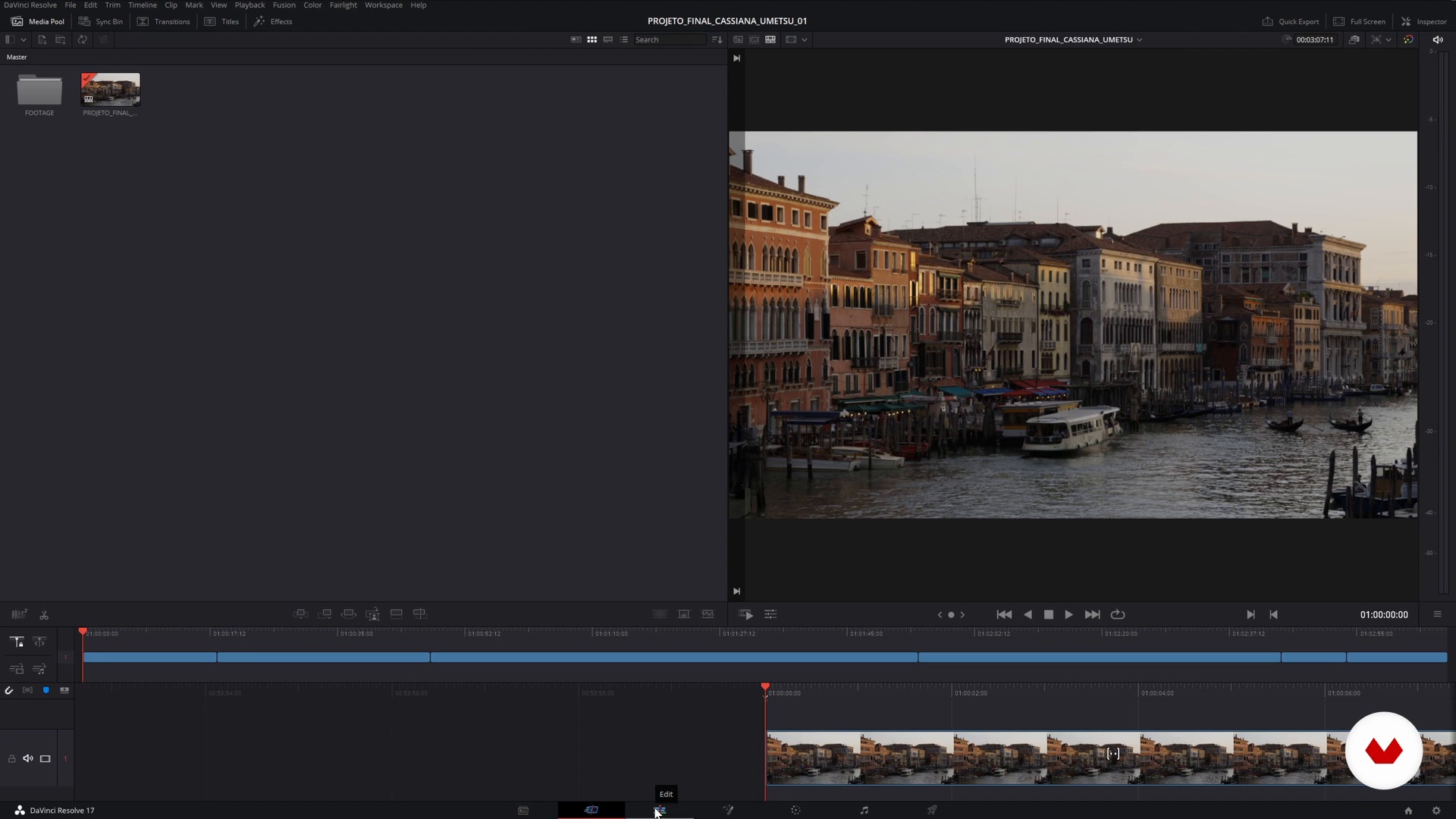
Conforming
7 minutes, 19 seconds
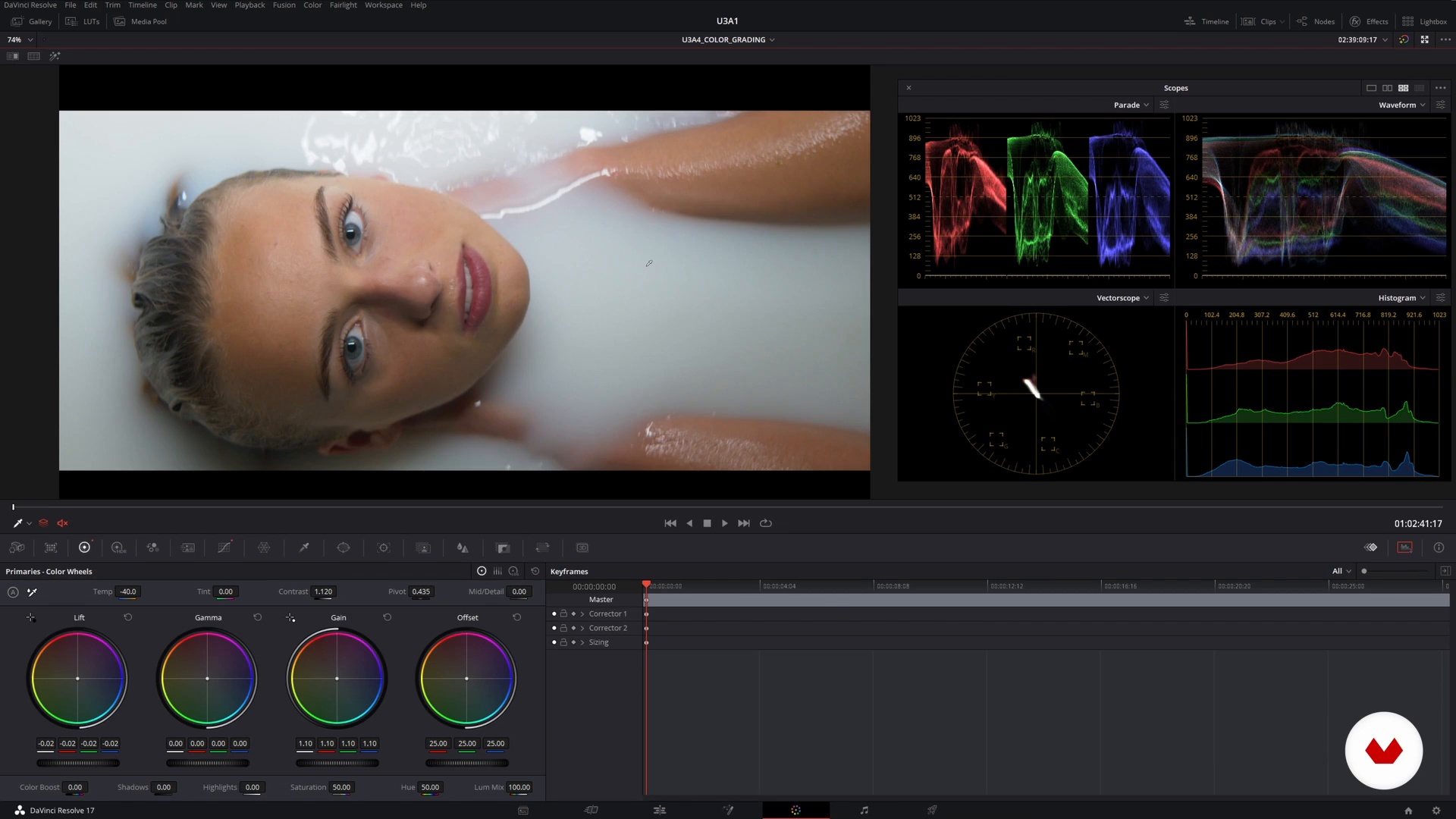
Color Correction: The Theory
7 minutes, 24 seconds
What's included in this course?
Begin by hearing Cassiana Umetsu talk about her studies, how she entered the world of audiovisual post-production, and her main works to date. She also introduces the colorists, studios, and films that inspire her and explains how she analyzes each one.
Then learn about the role and history of color grading in film, from black and white times to the present day. See the most used programs, such as Davinci Resolve, and the equipment available on the market. Moving on, Cassiana shows you how to look for and organize visual references and where to find material to practice.
Before learning how to start a new project, familiarize yourself with Concord—a process that connects various sectors of post-production. With all this in mind, your teacher explains how color treatment can change the message of an image and discusses technical aspects like Color Space and LUT.
From this theoretical base, it's time to get to work! Following Cassina's advice, adjust the primary colors, contrast, and saturation to create an aesthetic with a clear narrative. To wrap up, your teacher shows you what RAW is and how to export the material with the appropriate Codecs and formats.
What is this course's project?
Color grade a sequence of clips of your choice.
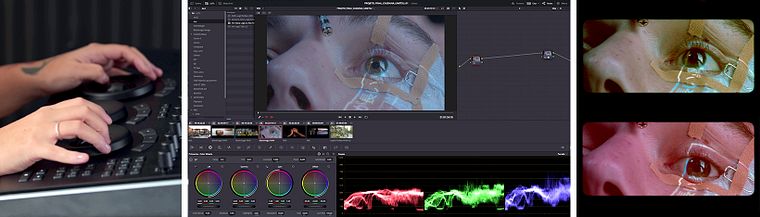
Projects by course students
Who is this online course for?
To any and every audiovisual post-production enthusiast.
Requirements and materials
To take the course, you need prior knowledge of some image editing software, in addition to the program installed on your computer. Cassiana uses DaVinci Resolve during the course, but you can opt for another software.
Reviews
- 16 days ago
Excelente curso, con este curso, aprendí a amar el color.
- 3 months ago
Muito prático, super recomendo!
- 1 year ago
Muy recomendable!
- 1 year ago
This course is amazing! The teacher explains everything, and I now understand color more that I used to.
- 1 year ago
ES UN CURSO BOM PERO TEM POUCA PRATICA! SERIA MUI6TO BOM ELA FAZER UM INTENSIVO

In addition, Cassiana has collaborated with her unique sensitivity and technique in the post-production of films recognized by critics, including the short film Seiva Bruta, which was preselected for the 2022 Oscars, and the feature film Babenco, awarded at the Venice Film Festival. Other works that have marked her career are Música para morrer de amor, Medus, O ponto firme, A Batalha de Shangri-lá, and Abestalhados 2.
Content
- U1
Introduction
- About Me
- Influences
- U2
Introduction to Color Grading
- A Brief History of the Colorist in Cinema
- Software and Its Different Applications
- Equipment
- Searching the Footage
- U3
Coloring the Film
- Conforming
- Color Correction: The Theory
- Color Correction: The Practice
- Color Grading: The Theory
- Color Grading: The Practice
- U4
The Export
- Formats and Codecs
- Do the Export
- FP
Final project
- Color Grading from Scratch: Technique and Narrative
What to expect from a Domestika course
Learn at your own pace
Enjoy learning from home without a set schedule and with an easy-to-follow method. You set your own pace.
Learn from the best professionals
Learn valuable methods and techniques explained by top experts in the creative sector.
Meet expert teachers
Each expert teaches what they do best, with clear guidelines, true passion, and professional insight in every lesson.
Certificates
PLUSIf you're a Plus member, get a custom certificate signed by your teacher for every course. Share it on your portfolio, social media, or wherever you like.
Get front-row seats
Videos of the highest quality, so you don't miss a single detail. With unlimited access, you can watch them as many times as you need to perfect your technique.
Share knowledge and ideas
Ask questions, request feedback, or offer solutions. Share your learning experience with other students in the community who are as passionate about creativity as you are.
Connect with a global creative community
The community is home to millions of people from around the world who are curious and passionate about exploring and expressing their creativity.
Watch professionally produced courses
Domestika curates its teacher roster and produces every course in-house to ensure a high-quality online learning experience.
FAQs
This course is designed for those with intermediate audiovisual or post-production knowledge who want to deepen their skills in color grading, specialized software, and professional workflows.
Basic video editing experience and fundamental knowledge of editing software are recommended, along with an interest in post-production and color correction for audiovisual media.
You will learn to analyze references, apply advanced color grading techniques, use software like DaVinci Resolve, Premiere, and After Effects, set up post-production pipelines, and create professional visual looks.
The course covers DaVinci Resolve, Premiere, After Effects, Baselight, Scratch, Final Cut, and techniques for integrating different post-production platforms.
It’s recommended to have a computer with a good graphics card, a calibrated monitor, and editing software installed. For best results, a controlled lighting environment can be helpful.
You’ll improve skills in color correction, contrast adjustment, LUT application, RAW image processing, monitor calibration, timeline organization, and exporting professional projects.
Yes, the course teaches how to build and present a portfolio using various materials, visual references, and mood boards to showcase your personal or professional work.