Exploring Illustration: Manual and Digital Techniques
A course by Larissa RibeiroIllustrator and graphic artist
A course by Larissa Ribeiro, Illustrator and graphic artist

Create dynamic illustrations combining manual and digital techniques, exploring creativity and overcoming the fear of the blank sheet
Discover how to unleash your creativity and overcome the fear of blank paper with a practical and inspiring course. Learn to explore illustration techniques that combine manual and digital techniques, using accessible materials to create your own graphic vocabulary. Awaken your artistic side by experimenting with crayons, India ink, paper cutouts, and various media, transforming stains and graphics into expressive compositions.
Through dynamic lessons, you'll develop skills for digitizing your creations, editing images, and creating a color palette inspired by works of art. Explore free image research and creating a personal image bank to enrich your illustrations. Finish your project with typographic interventions, learning how to harmoniously integrate text and image. Finally, export your illustrations to digital and print media, creating unique pieces that reflect your personality and style.
What will you learn in this online course?
15 lessons & 15 downloads
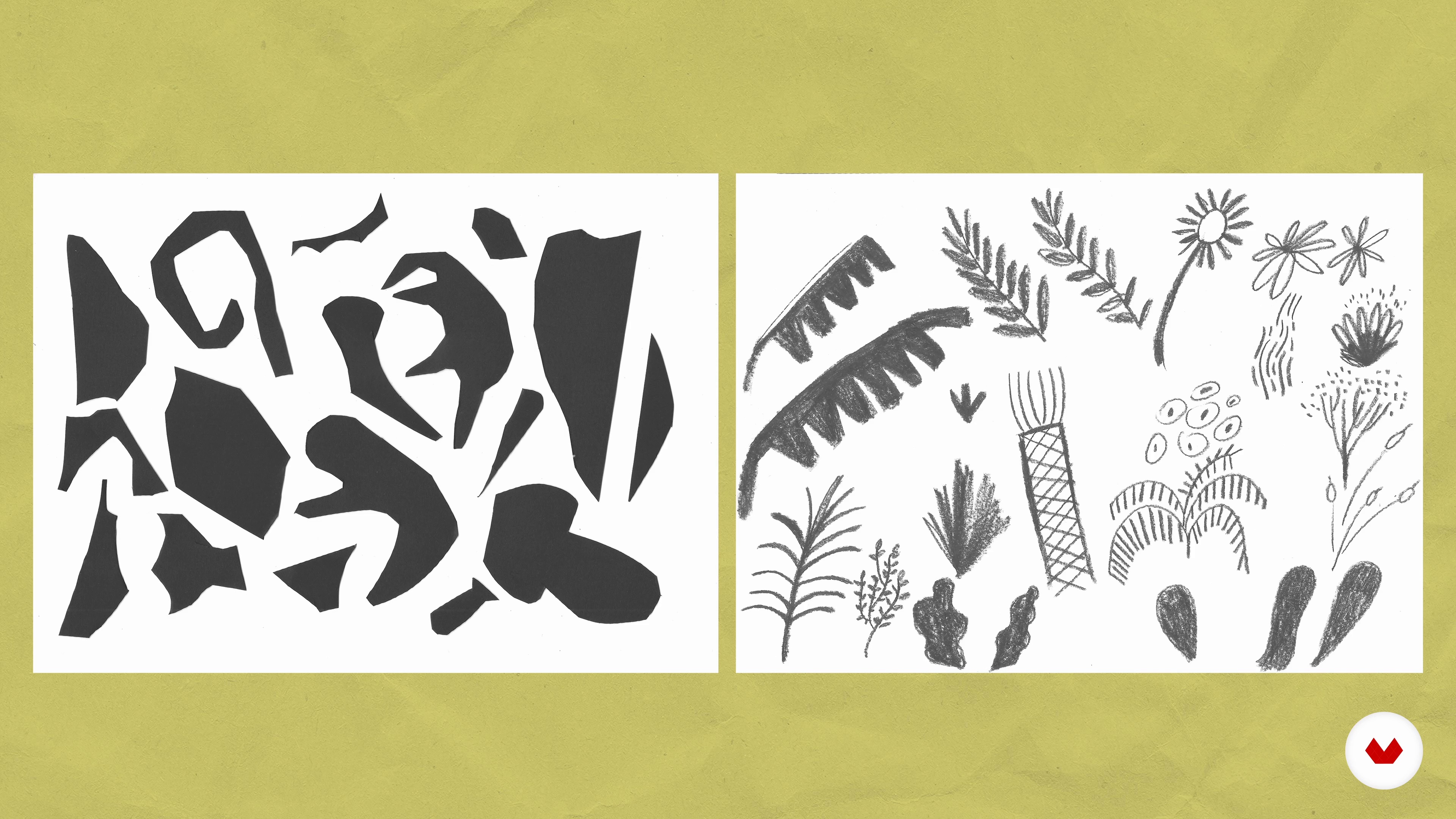
The fear of the blank page
6 minutes, 16 seconds
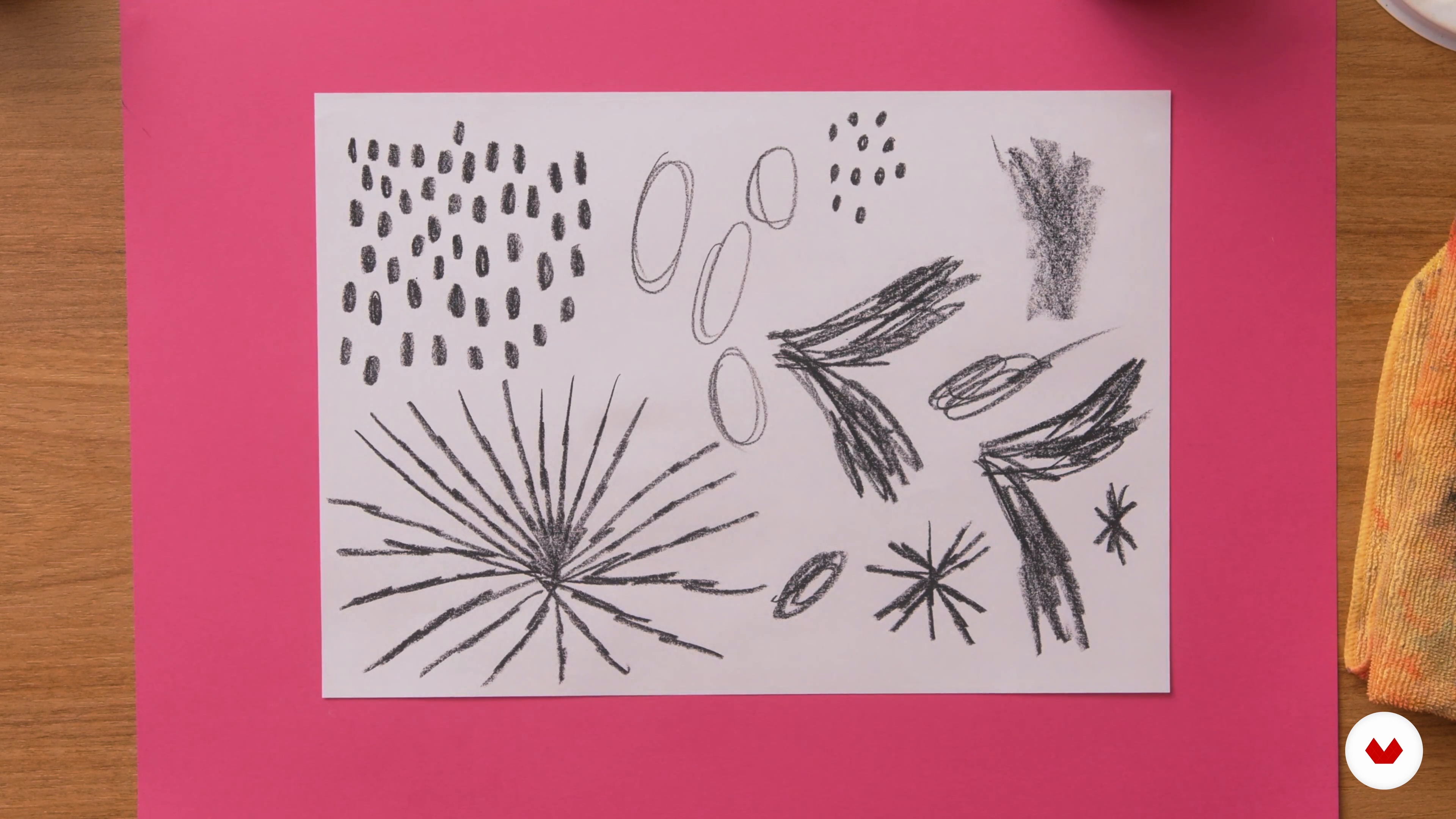
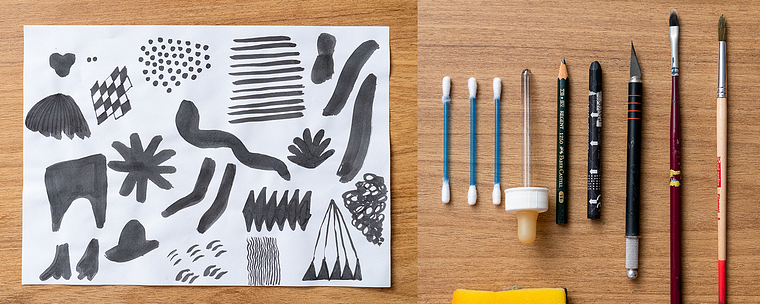
Creation of the input library
13 minutes, 23 seconds
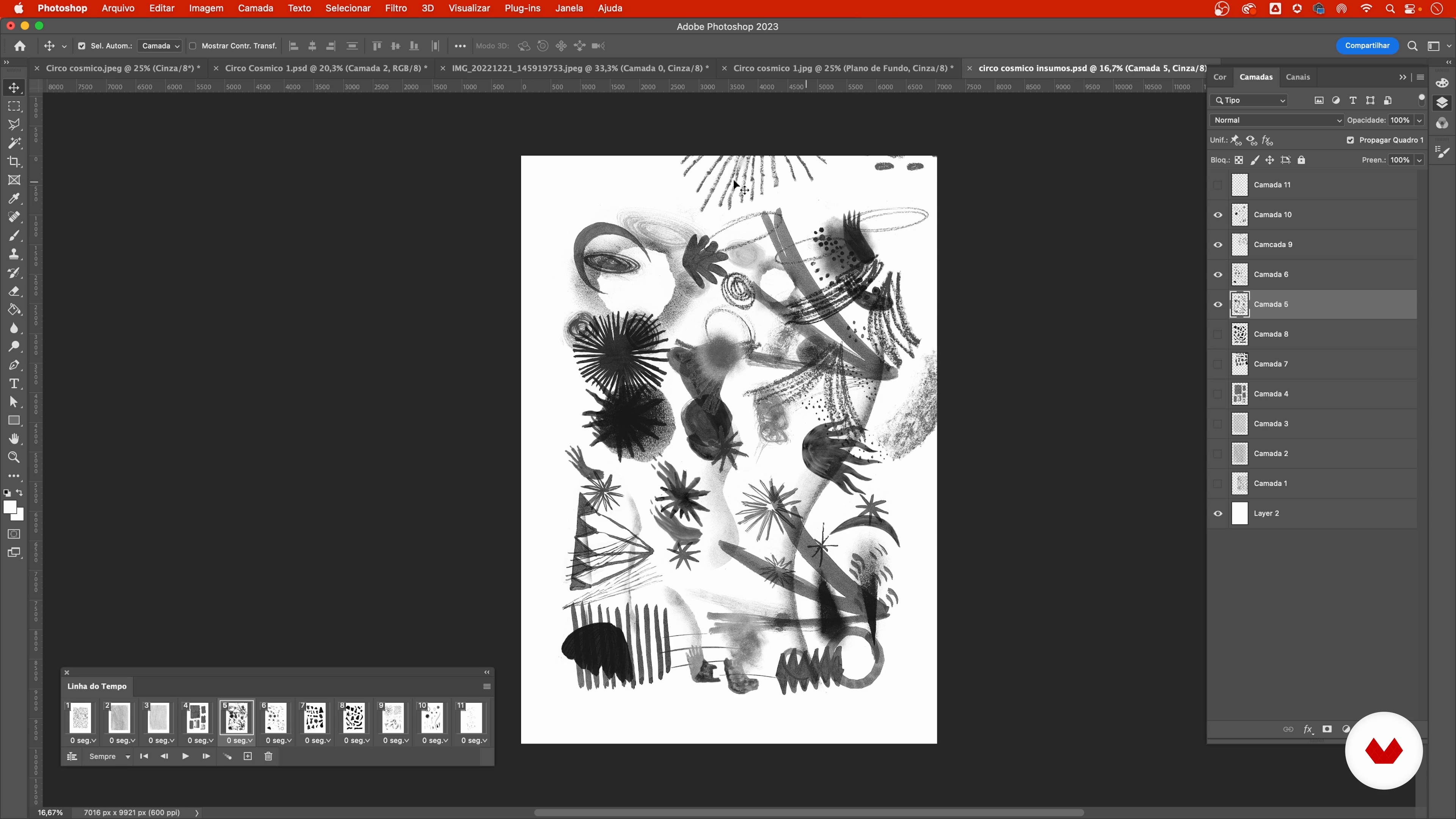
Image processing and preparation
16 minutes, 52 seconds
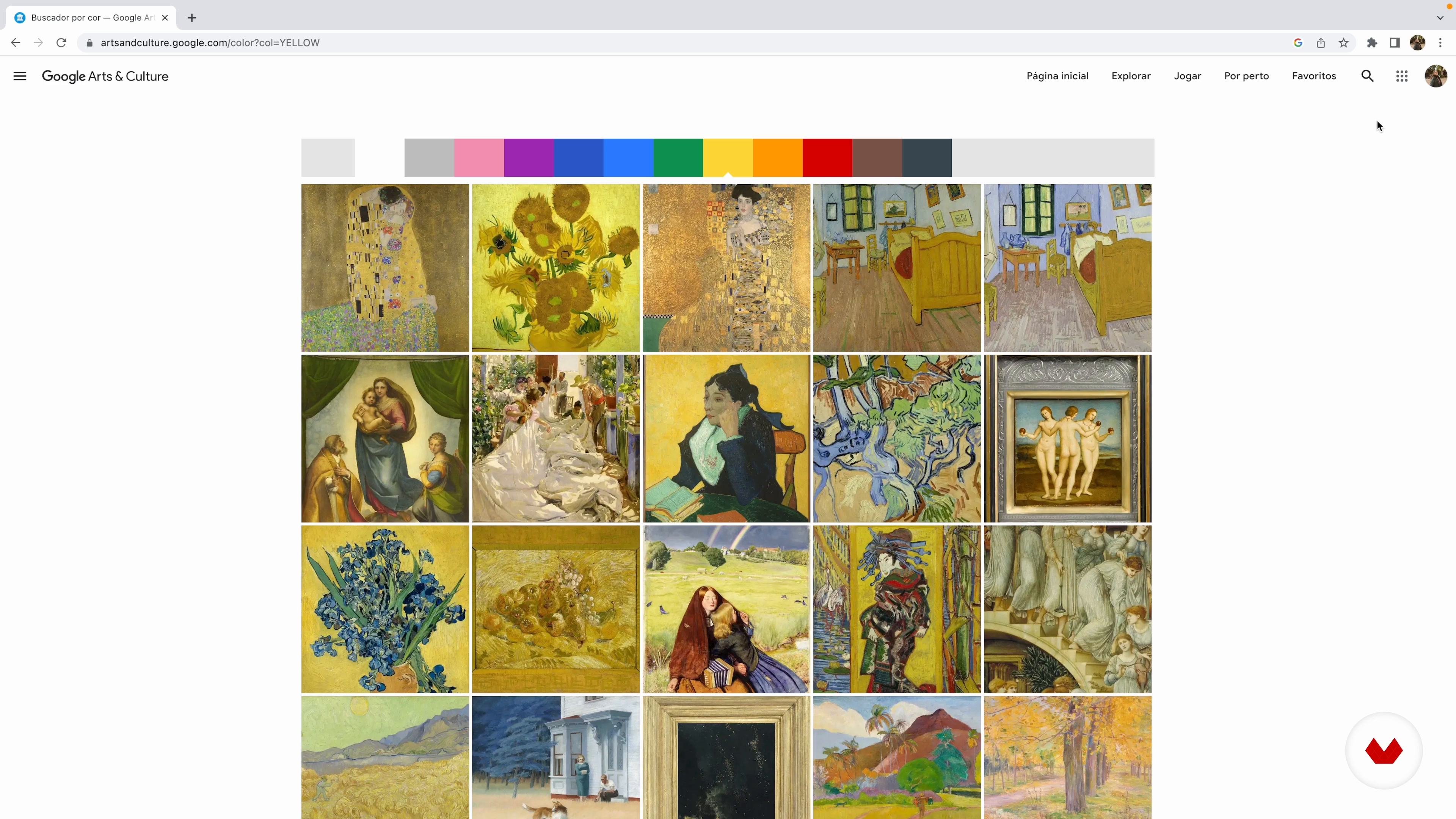
Color palette
5 minutes, 15 seconds
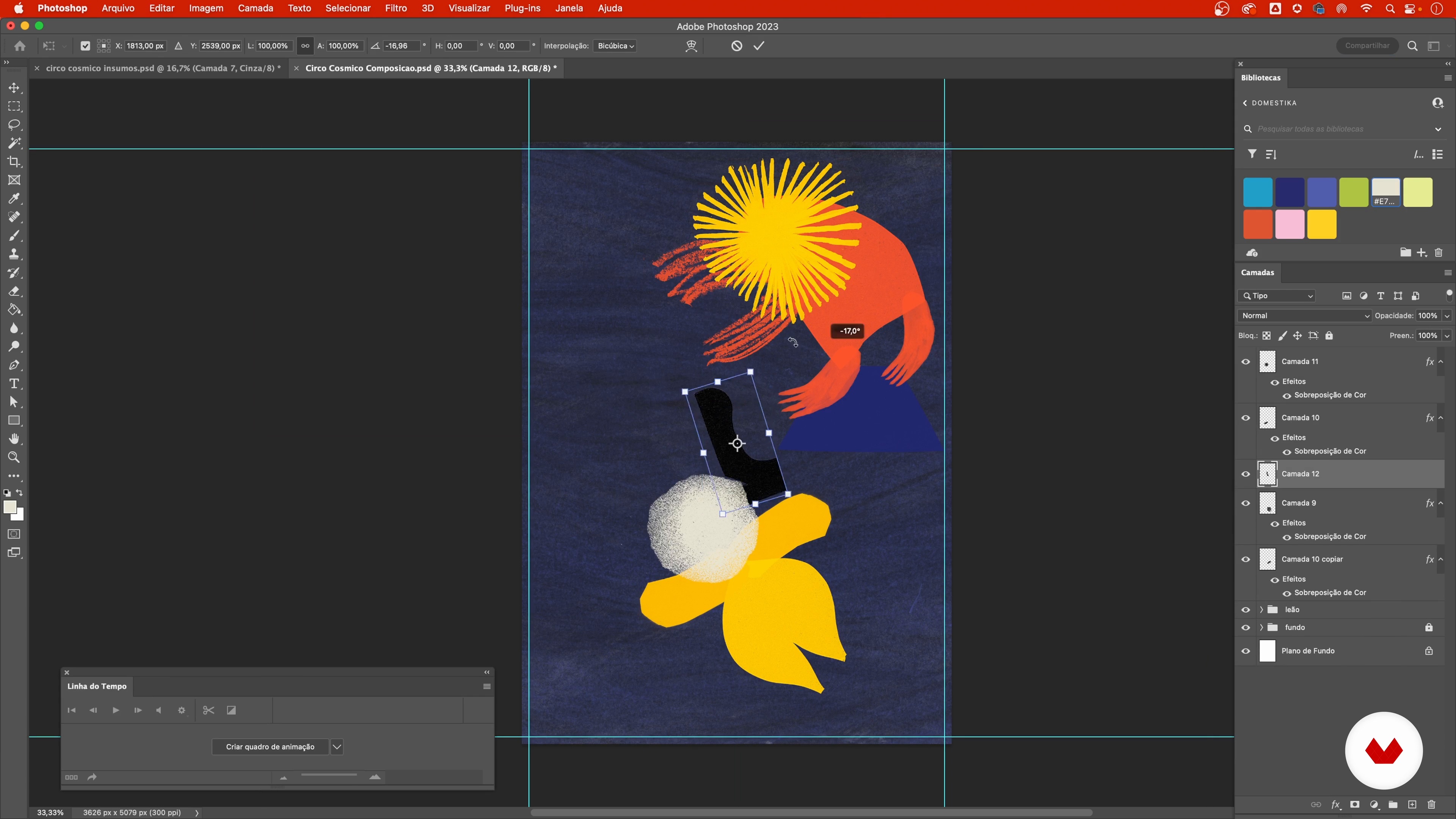
Composition: playing with shapes
19 minutes, 34 seconds
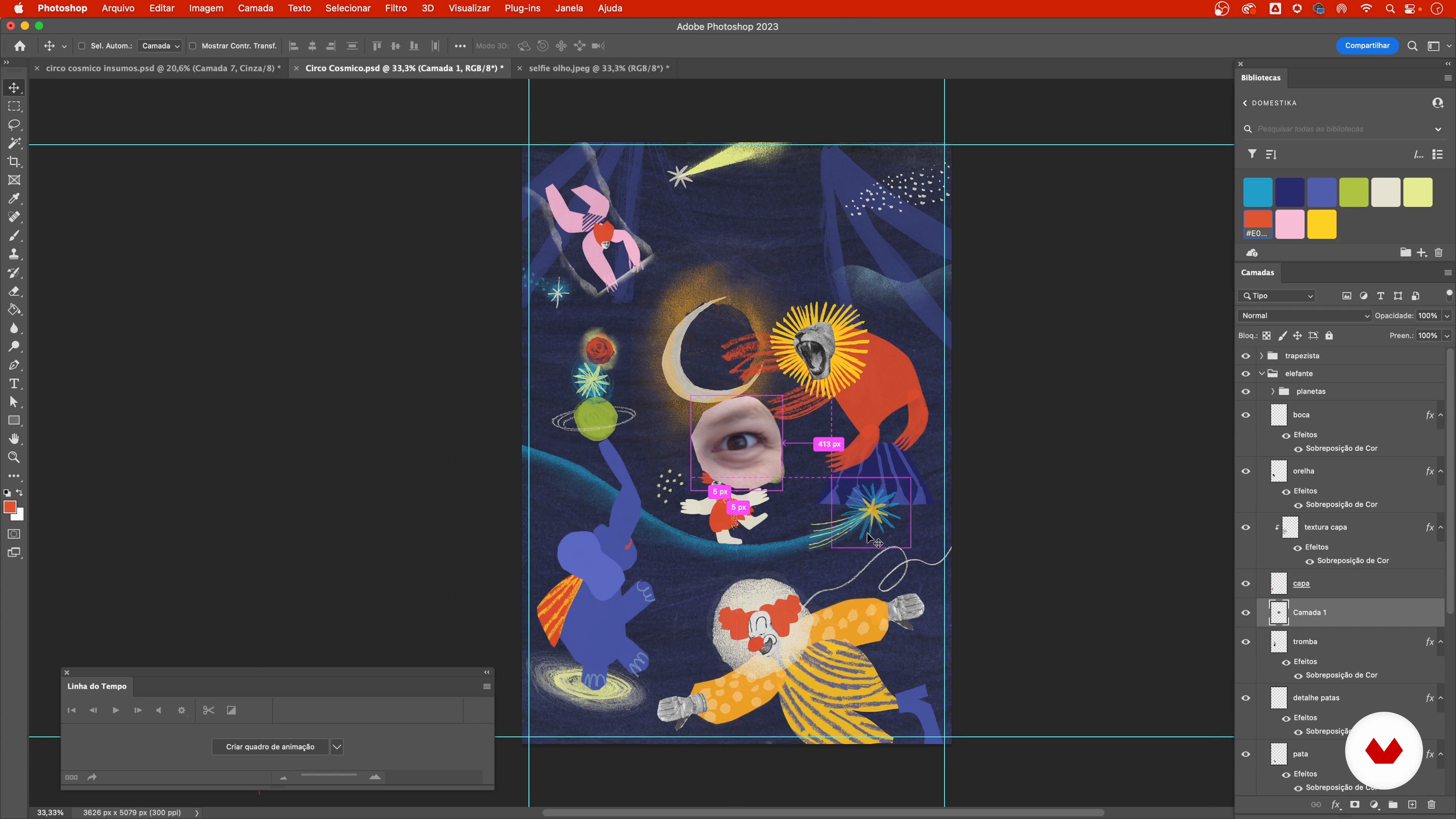
Personal image bank
4 minutes, 49 seconds
What's included in this course?
Discover ways to overcome creative block and take the first steps toward artistic expression without fear of the blank page. Learn to explore different illustration techniques, combining manual and digital methods in a fun and intuitive way. Develop a personal graphic vocabulary by experimenting with a variety of materials, such as India ink, crayons, pencils, and paper cutouts. Throughout the lessons, you'll understand how limitations can be liberating and how creating simple rules can stimulate your creativity.
Delve deeper into the illustrative composition process by creating and digitizing your own library of graphic materials. Discover how to research and apply inspiring color palettes, as well as explore the use of typography and photomontage elements. With tips on scanning and image processing, prepare to finish your project with a personal touch. Once finished, be ready to export your creations for print or digital media, expanding your possibilities for sharing and artistic expression.
Recommended software & tools for this course
What is this course's project?
Develop an illustration combining manual and digital techniques, such as drawing, painting, collage, photography, and typography, exploring creativity and personal expression, resulting in a work rich in color and dynamism.
Who is this online course for?
People who want to explore the world of illustration, whether beginners or experienced, seeking to unlock creativity and experiment with new creative techniques, using diverse materials and combining manual and digital methods in their artistic projects.
Requirements and materials
No prior knowledge is necessary. All you need are drawing materials such as pencils, crayons, Indian ink, paper, scissors, and glue. A scanner or smartphone camera for digitizing. Adobe Photoshop or another image editor is required.
Reviews
- 1 month ago
Dieser Kurs ist nah an der Praxis und macht Spaß. Alle Schritte werden sehr gut und nachvollziehbar erklärt. Ich habe viele Anregungen bekommen, die ich umsetzen werde.
- 1 month ago
Very good course! Thank you
- 2 months ago
Adorei o curso! A professora explica de forma clara e objetiva. Tive várias ideias de como aplicar o método do curso no meu trabalho. Curso bastante prático e organizado.
- 4 months ago
Excellent cours ! la professeure propose une vraie pratique libre et créative. C'est un moment tres agréable
- 5 months ago
Muito bom, didática excelente.

Content
- U1
Introduction
- Presentation
- Influences
- U2
Tools for dealing with blank paper
- The fear of the blank page
- Style and materials
- Thinking about the topic
- U3
Creation of the composition
- Creation of the input library
- Digitization: scanning and photography with a cell phone
- Image processing and preparation
- Color palette
- Composition: playing with shapes
- Composition: refining and adding details
- Image search
- Personal image bank
- U4
Finalization
- Typography
- Export the file
- FP
Final project
- Exploring Illustration: Manual and Digital Techniques
What to expect from a Domestika course
Learn at your own pace
Enjoy learning from home without a set schedule and with an easy-to-follow method. You set your own pace.
Learn from the best professionals
Learn valuable methods and techniques explained by top experts in the creative sector.
Meet expert teachers
Each expert teaches what they do best, with clear guidelines, true passion, and professional insight in every lesson.
Certificates
PLUSIf you're a Plus member, get a custom certificate signed by your teacher for every course. Share it on your portfolio, social media, or wherever you like.
Get front-row seats
Videos of the highest quality, so you don't miss a single detail. With unlimited access, you can watch them as many times as you need to perfect your technique.
Share knowledge and ideas
Ask questions, request feedback, or offer solutions. Share your learning experience with other students in the community who are as passionate about creativity as you are.
Connect with a global creative community
The community is home to millions of people from around the world who are curious and passionate about exploring and expressing their creativity.
Watch professionally produced courses
Domestika curates its teacher roster and produces every course in-house to ensure a high-quality online learning experience.
FAQs
This course is ideal for people with intermediate skills in illustration or drawing who already have a foundation and want to expand their experimental techniques and creativity.
You'll need a variety of papers, pencils, gouache, India ink, brushes, pastel chalks, scissors, glue, a phone or scanner for digitizing, plus access to software like Photoshop for digital editing.
You'll learn techniques to create original illustrations using stains, cutouts, textures, collage, color composition, and blending analog and digital processes, along with methods to unlock your creativity.
The course teaches how to digitize illustrations using a phone or scanner, adjust levels, remove backgrounds, organize files in Photoshop, and optimize images for print or web.
You'll experiment with techniques like creative stains, cutting and collage, digital photomontage, manual texturing, improvisation, and using gouache, India ink, and pastel chalks.
Yes, the course covers illustration processes for children's books, campaigns, and editorial projects, showing how to adapt techniques for different purposes.
Basic Photoshop knowledge is recommended since the course includes editing steps, adjustments, and organizing digital files.