Calligraphy and Lettering for Instagram with Procreate
A course by Nubia Navarro (nubikini)Lettering Artist
A course by Nubia Navarro (nubikini), Lettering Artist

Learn how to combine photos with letters and create compositions to share on social media
Lettering compositions in travel photographs have gained huge success and popularity on Instagram. Designer and lettering artist Nubia Navarro, better known as Nubikini, dedicates her time and effort to these creations, working for big brands such as Marriott, adidas, Samsung, Coca-Cola, and UNICEF.
In this course, learn how to create lettering designs in Procreate to share on social media under the expert guidance of Nubikini.
What will you learn in this online course?
27 lessons & 48 downloads
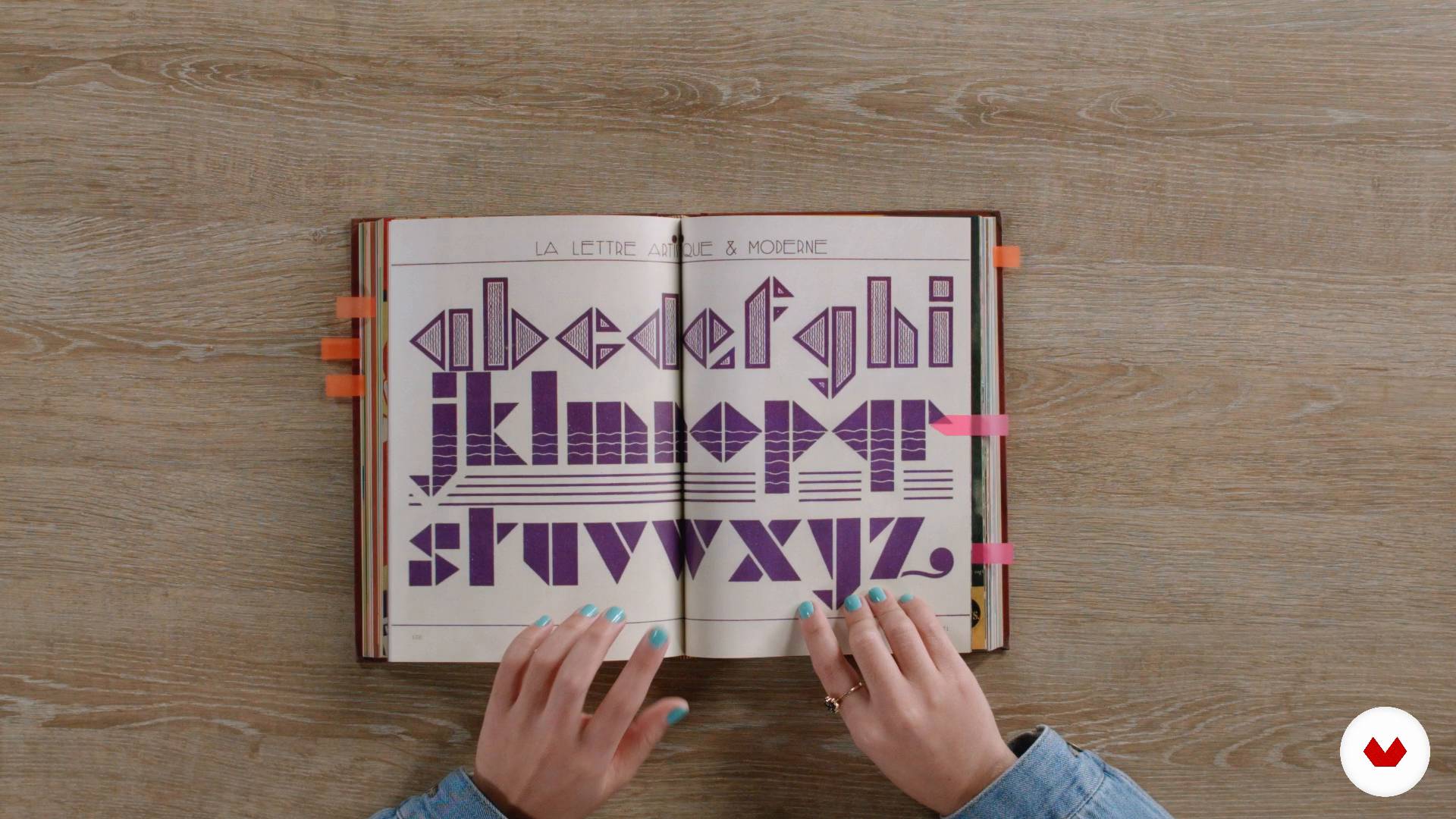
Influences II
12 minutes, 40 seconds
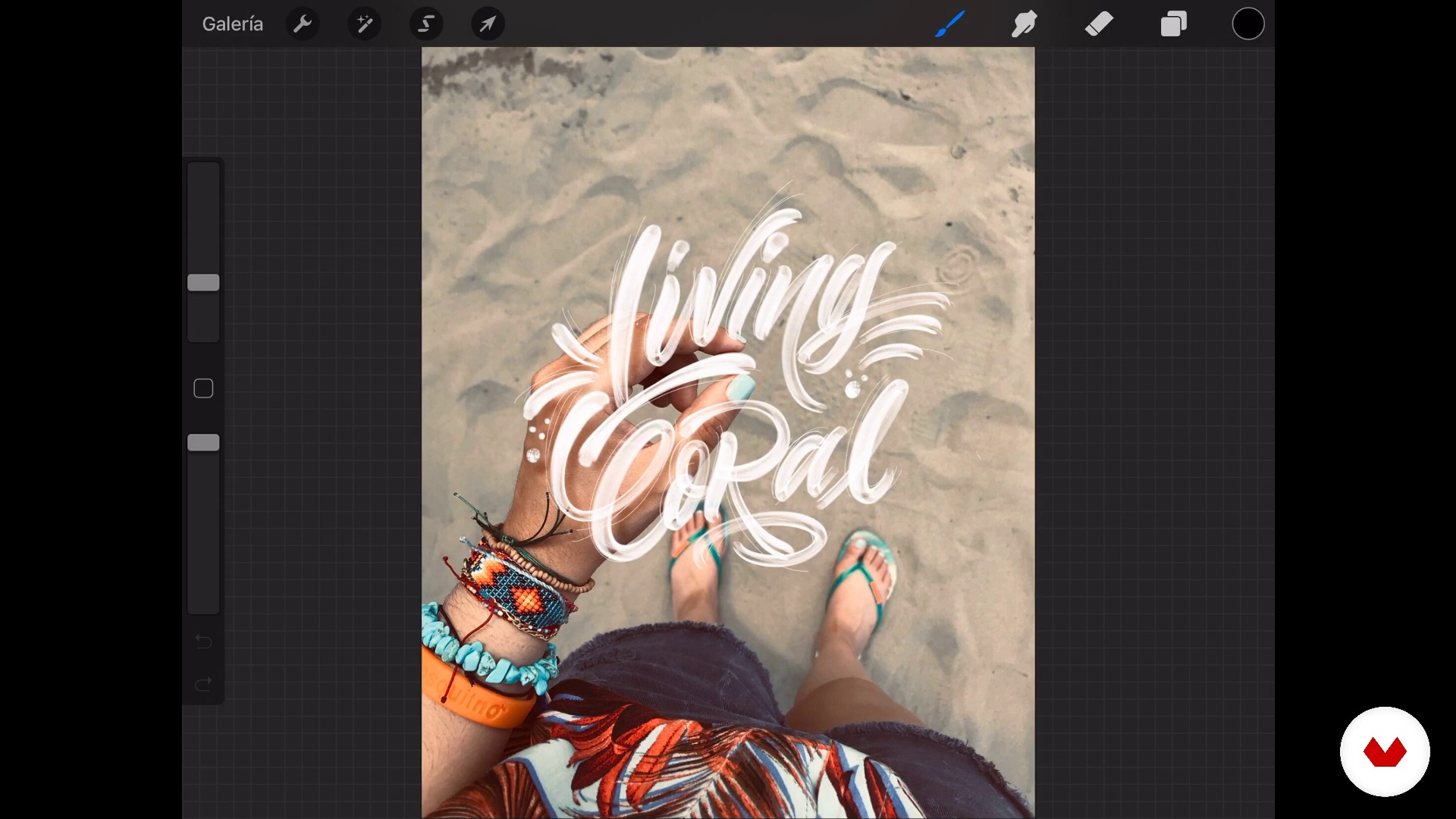
Defining the destination
3 minutes, 54 seconds
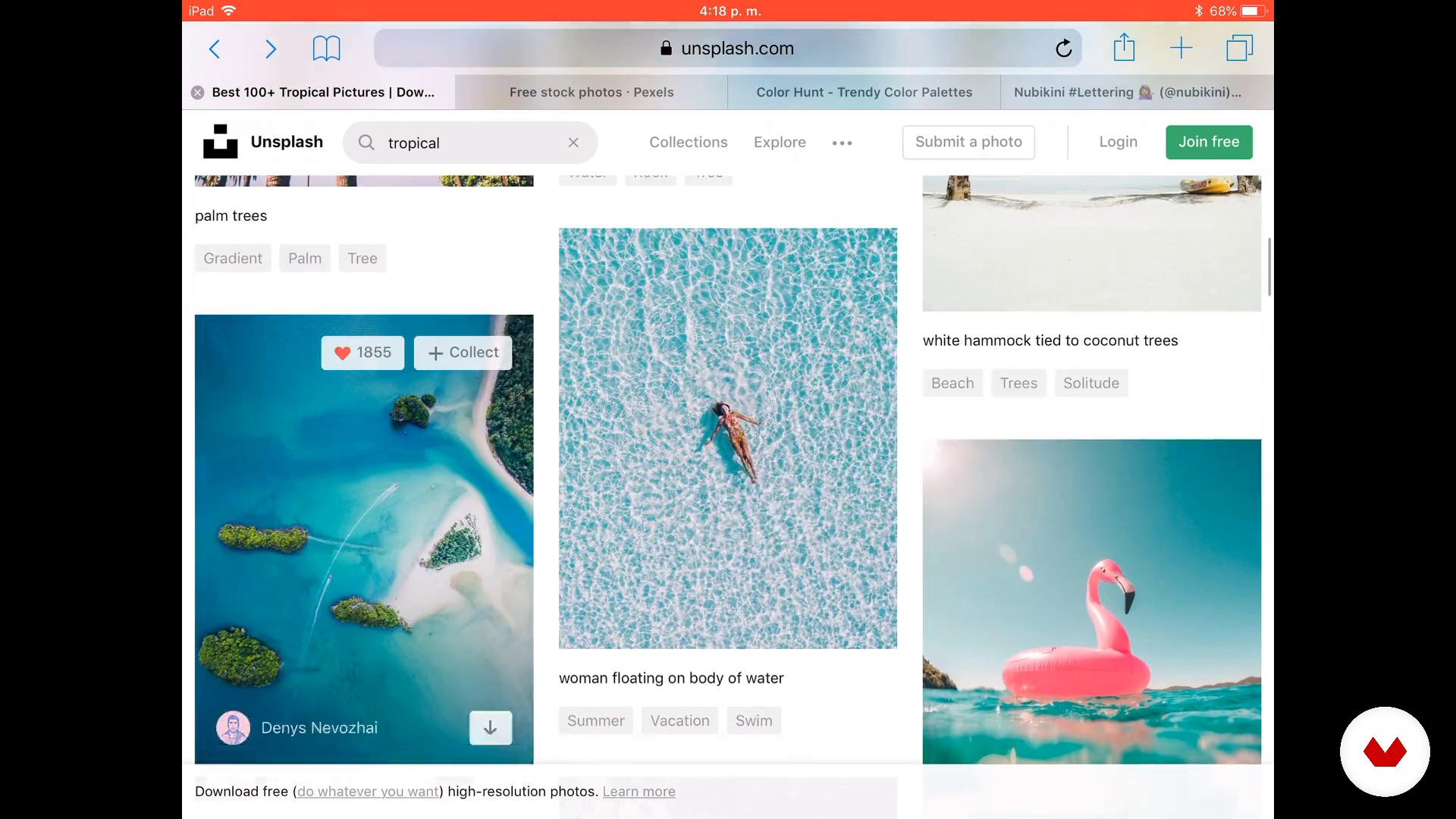
The beginning of the trip
14 minutes, 5 seconds
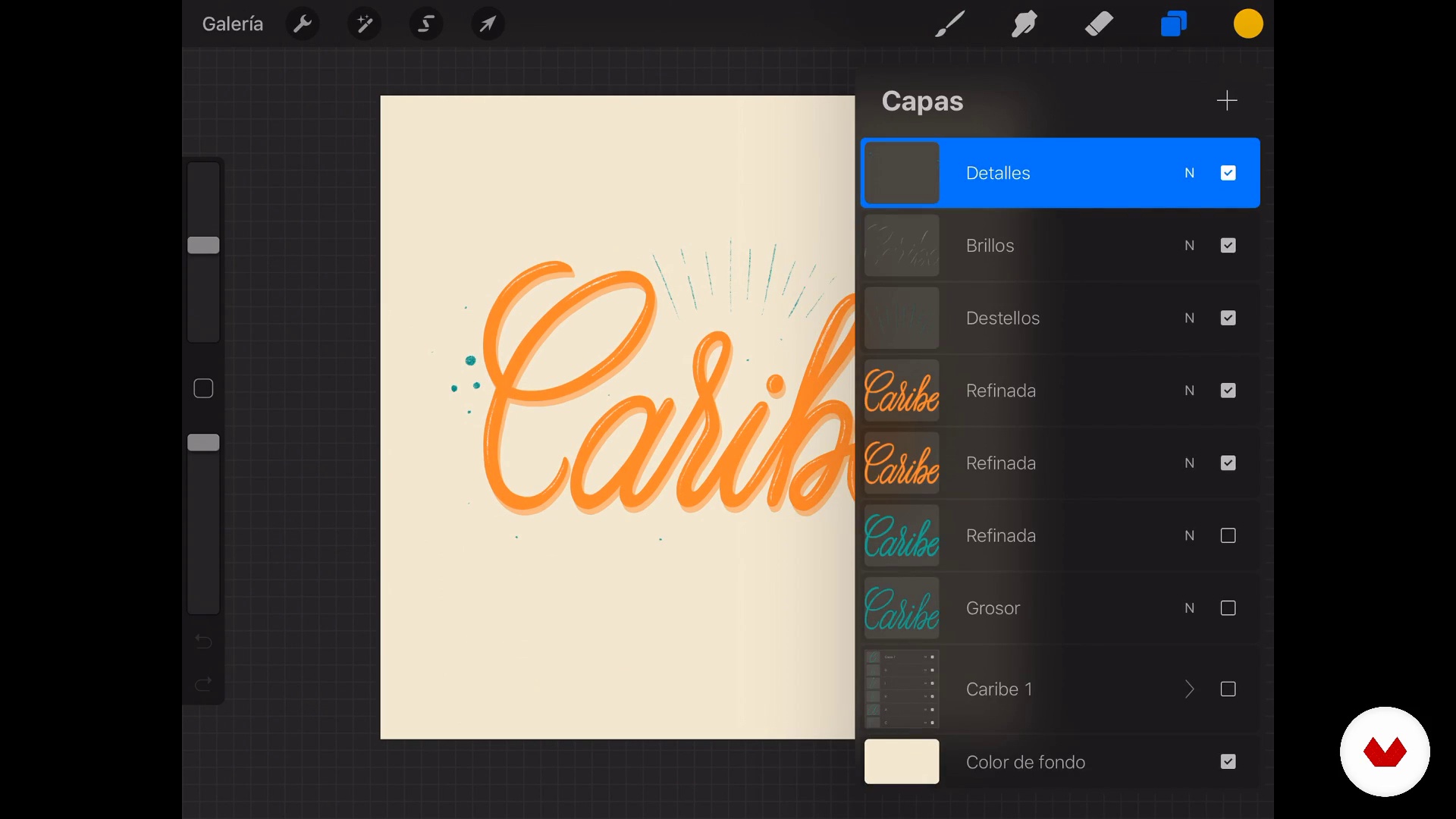
Tracing the path - Brushes and erasers I
12 minutes, 38 seconds
New on Procreate 5X I
14 minutes, 41 seconds
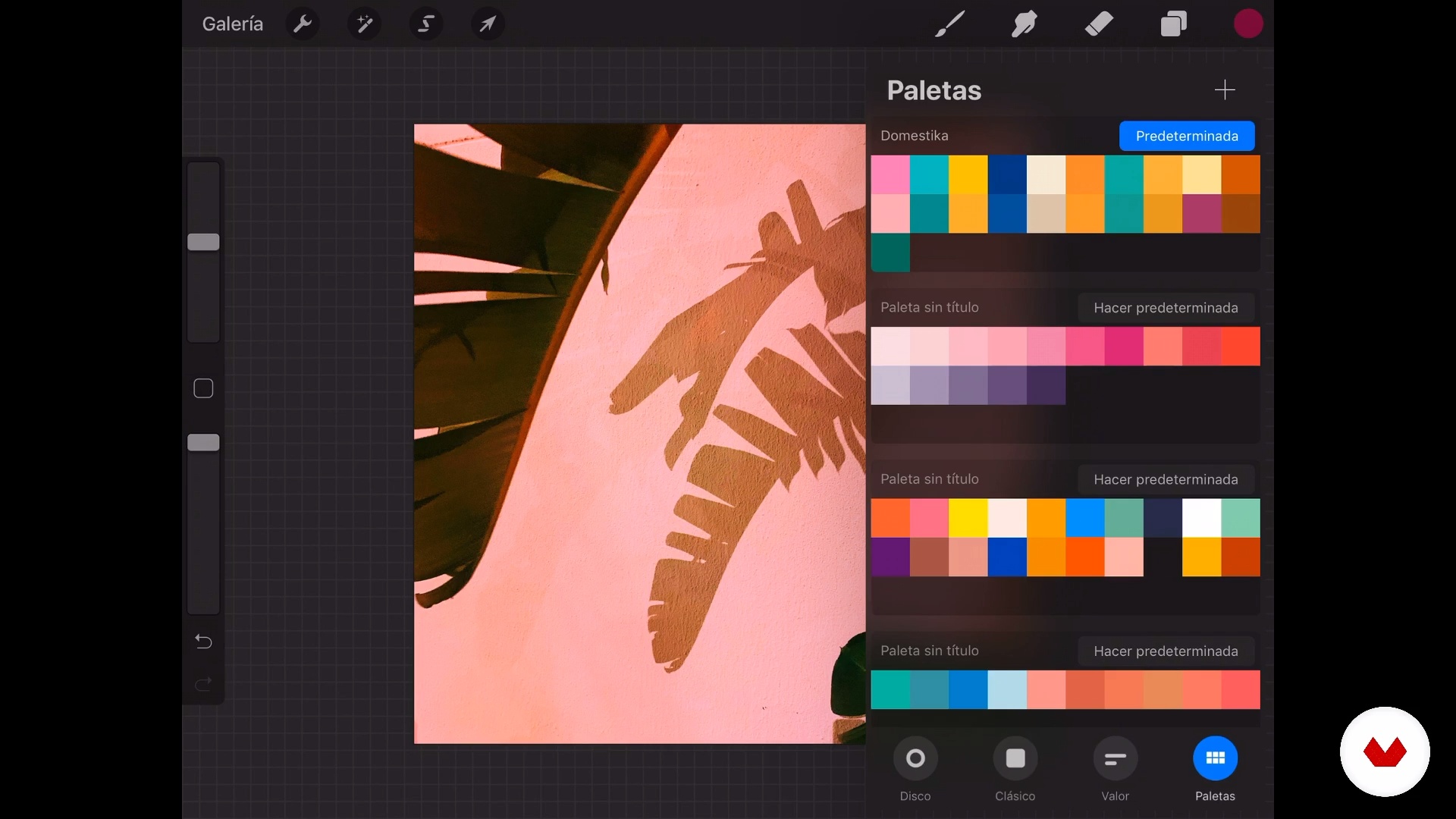
A trip of colors
9 minutes, 9 seconds
What's included in this course?
Start by getting to know Nubikini, who tells you about her journey through the wonderful world of letters, how she got into lettering, and her passion for photography. Then she shows you some of her greatest influences.
Next, choose a set of photos and phrases for the final project, which entails creating five compositions for social media with the following themes: nature, gastronomy, people, an object, and a sunset.
Nubikini talks you through the personality of letters, their ability to convey fresh and powerful messages, and the value of experimentation in order to master different styles and create contrast between them.
Get to know the ideal characteristics that your file should have to publish it on social media, then discover how to achieve an optimal workflow in Procreate.
Learn the basics of lettering and work through different exercises using cursive monoline style and Brush Script, sans serif and serif letters, and light and shadow effects, all superimposed on a photograph.
Now it’s time to apply everything you've learned to create your composition. Choose two or three styles of letters to learn how to combine them without saturating the photos.
To wrap things up, Nubikini shows you how to export the image and video of your Procreate pieces. She also gives you some great tips and advice for sharing them on social media.
Recommended software & tools for this course
What is this course's project?
Combine a travel photo with lettering or calligraphy to share on Instagram.
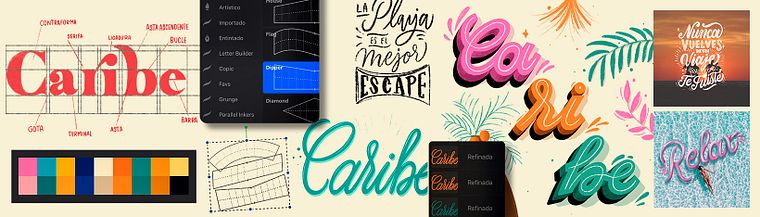
Projects by course students


Who is this online course for?
Anyone who enjoys design, letters, travel, and wants to tell stories through photographs containing original messages.
Requirements and materials
Basic writing and composition skills are needed for this course.
The only materials you need are an iPad Pro (from 2015 or later) an Apple Pen and Procreate 5. If you don't have an iPad Pro, you can also take the course with an iPad (fifth generation or higher), an iPad Air, or an iPad mini (second generation or higher).
Reviews
- 9 days ago
Muy interesante para pasar los trabajos del papel a lo digital!
- 8 months ago
¡Me está encantando el curso! Además, está genial para los que empiezan desde 0 con Procreate :)
- 10 months ago
Excelente curso!!!
- 11 months ago
Súper dinámico y con muchos consejos para maximizar la aplicación de detalles con las herramientas básicas de Procreate, generando composiciones armónicas.
- 11 months ago
Me encanto, este curso me abrio campo en el mundo de la creatividad, del arte con procreate, es muy facil e intuitivo

Nubia enjoys sharing her knowledge with people who are equally passionate about calligraphy. She is also a firm believer that letters have the power to change both brands and lives, and when combined with music, nothing can go wrong.
Content
- U1
Travel through the letters
- Presentation - Itinerary
- Influences I
- Influences II
- U2
Procreate interface optimized for social networks
- Defining the destination
- The beginning of the trip
- C of Layers
- Tracing the path - Brushes and erasers I
- Tracing the road - Brushes and erasers II
- New on Procreate 5X I
- New on Procreate 5X II
- U3
Composing lettering for social networks
- First stop - Lyrics for dummies
- A trip of colors
- Second stop - Cingiva Monoline Style
- Third stop - Brush Script I Style
- Brush Script II style
- Fourth stop - Sans Serif I
- Sans Serif II
- Fifth stop - Serif I
- Serif II
- Beach, sun and shadows
- Instagramer sunset I
- Sunset Instagramer II
- U4
Frame-by-frame animation: The trip's special
- Method 1 - Layers
- Method 2 - Frames
- U5
Check-out: Return trip
- Exporting files for social networks I
- Exporting files for social networks II
- How to go on the air - Sample of our work
- FP
Final project
- Lettering Pro with iPad Pro
What to expect from a Domestika course
Learn at your own pace
Enjoy learning from home without a set schedule and with an easy-to-follow method. You set your own pace.
Learn from the best professionals
Learn valuable methods and techniques explained by top experts in the creative sector.
Meet expert teachers
Each expert teaches what they do best, with clear guidelines, true passion, and professional insight in every lesson.
Certificates
PLUSIf you're a Plus member, get a custom certificate signed by your teacher for every course. Share it on your portfolio, social media, or wherever you like.
Get front-row seats
Videos of the highest quality, so you don't miss a single detail. With unlimited access, you can watch them as many times as you need to perfect your technique.
Share knowledge and ideas
Ask questions, request feedback, or offer solutions. Share your learning experience with other students in the community who are as passionate about creativity as you are.
Connect with a global creative community
The community is home to millions of people from around the world who are curious and passionate about exploring and expressing their creativity.
Watch professionally produced courses
Domestika curates its teacher roster and produces every course in-house to ensure a high-quality online learning experience.
FAQs
The course is designed for people with basic knowledge of Procreate and digital design. If you’re already comfortable with the app’s main features, you’ll get the most out of the intermediate and advanced content on lettering and animation.
You’ll need an iPad that supports Procreate, an Apple Pencil, and the app installed. It’s also helpful to have reference images and a willingness to explore creative lettering and digital animation techniques.
You’ll learn digital lettering techniques, typographic composition, frame-by-frame animation, using masks, creating GIFs, managing layers, custom palettes, and how to share your projects on social media.
The course covers everything from creating digital letters and visual composition to animating text and exporting GIFs, including photo intervention techniques and advanced layer management in Procreate.
You’ll learn how to add, edit, and transform text in Procreate, apply effects, distort letters, and adjust typography to create striking visual compositions.
Clipping masks let you add details, effects, or colors to specific areas without changing the original layer, enabling non-destructive designs and greater creative control in your work.
The course teaches frame-by-frame animation, how to duplicate and organize layers, adjust speed, and export your projects as animated GIFs ready to share on social media or digital libraries.