Photographic Artwork for Editorial Covers
A course by Party of One StudioCreative Studio
A course by Party of One Studio, Creative Studio

Blur the lines between photography and illustration to create dynamic editorial compositions through set design, prop styling, and typography
Editorial artwork is always tied to the article being illustrated—it uses symbolic solutions rather than literal interpretations to create pieces that invite intrigue and exploration. Melissa Deckert and Nicole Licht are the creatives behind Party of One–a studio specializing in story-driven visuals for brands, products, and publications. Alongside their commercial projects, they have created editorial illustrations for The New York Times, The Washington Post, and The Wall Street Journal.
In this online course, they teach you how to conceptualize and art-direct a photo-based editorial cover that incorporates set design, prop styling, and typography. Develop dynamic compositions that blur the lines between photography and illustration.
What will you learn in this online course?
14 lessons & 12 downloads
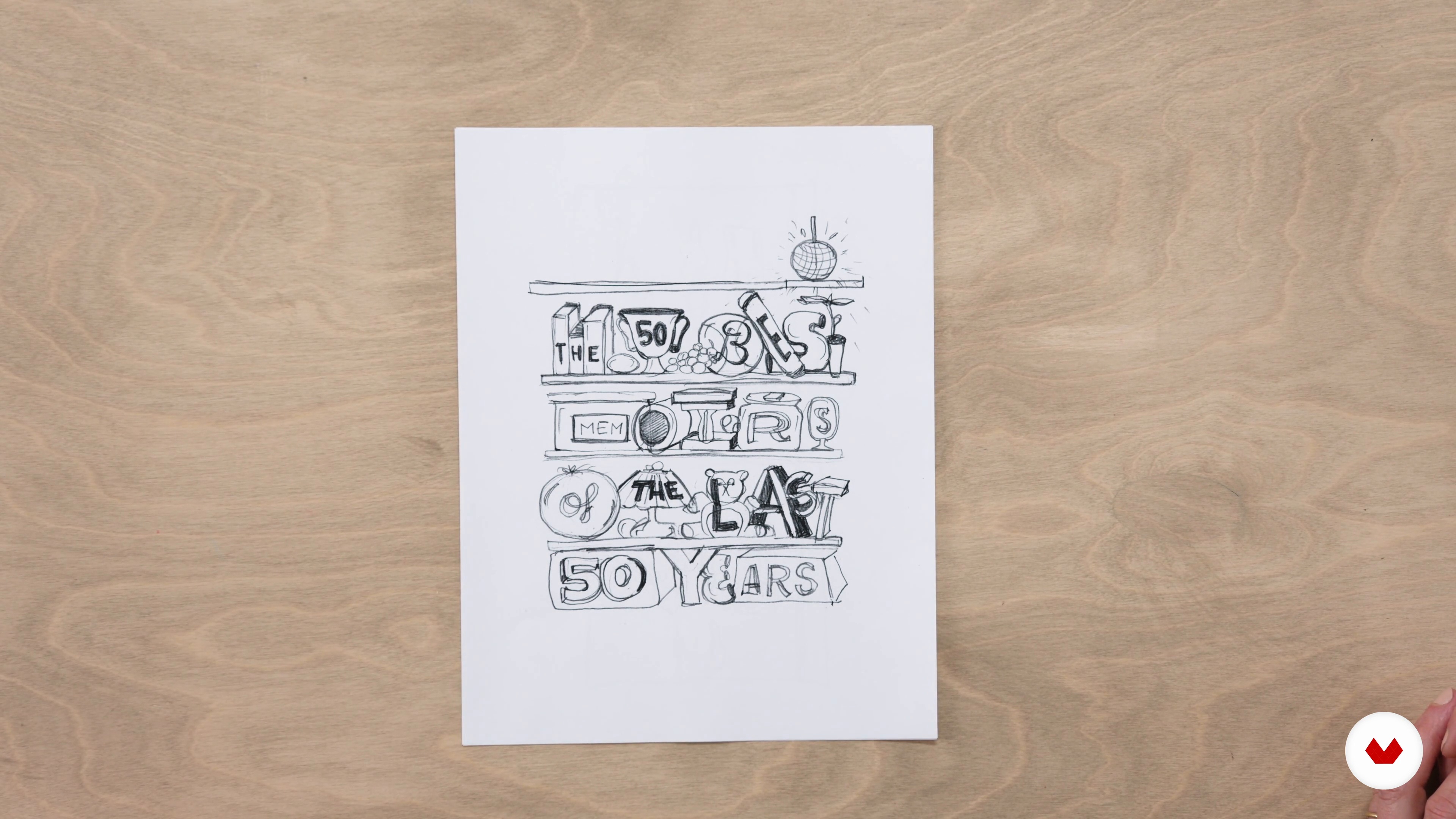
Reviewing the Brief and Brainstorming
7 minutes, 57 seconds
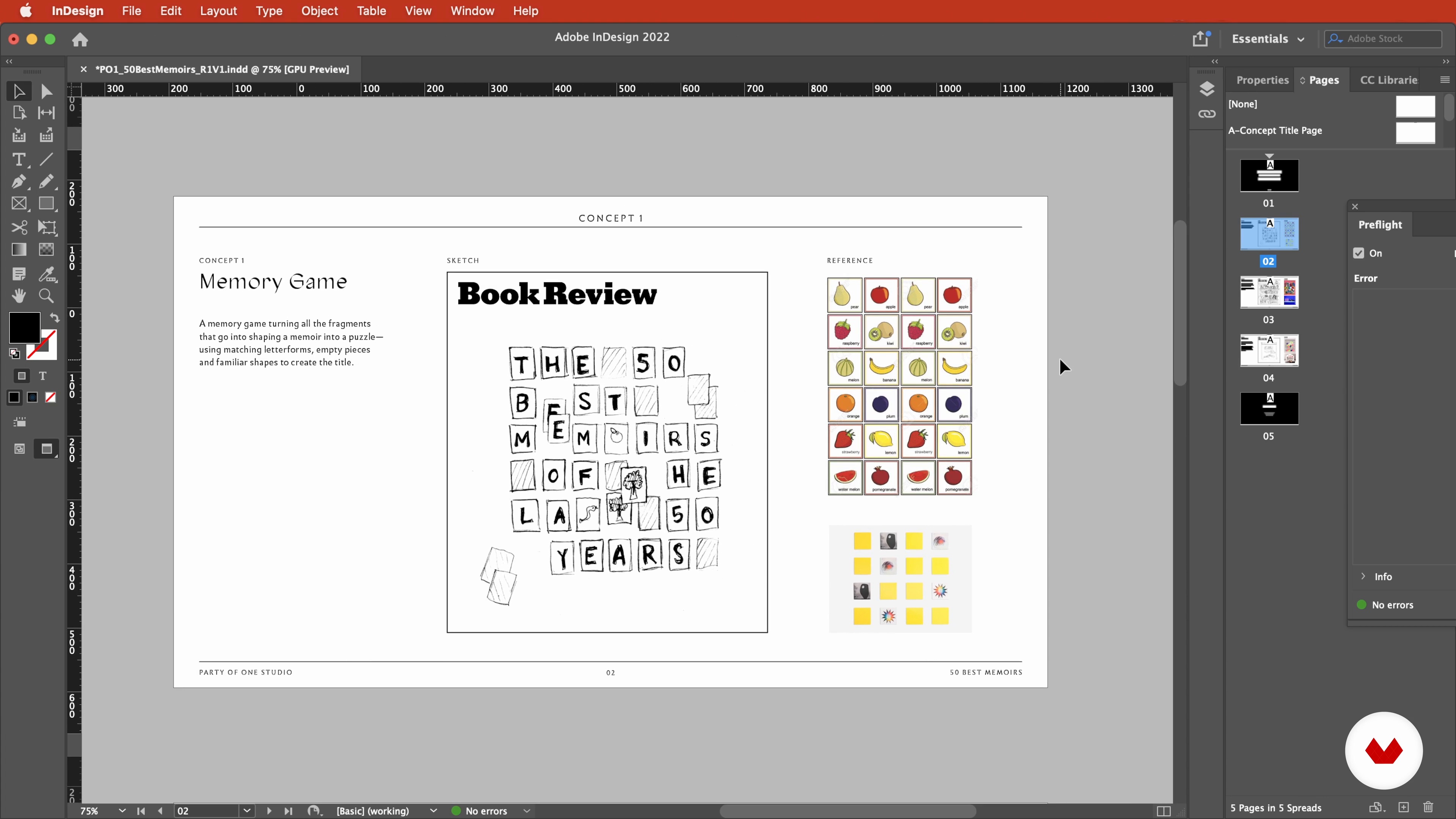
Developing the Concept Deck Using Digital References and Sketches
4 minutes, 52 seconds
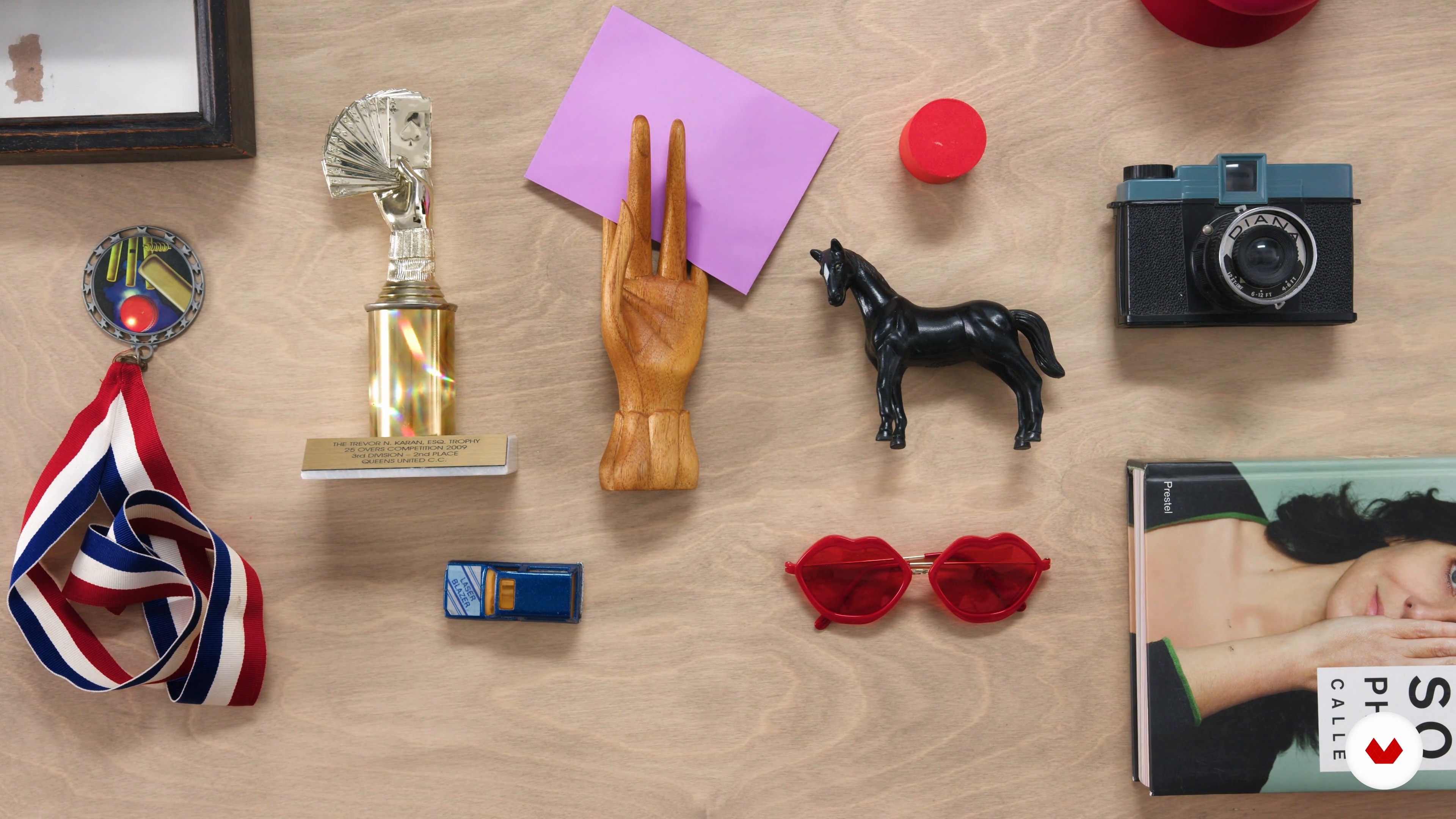
Researching and Exploring Materials
4 minutes, 46 seconds
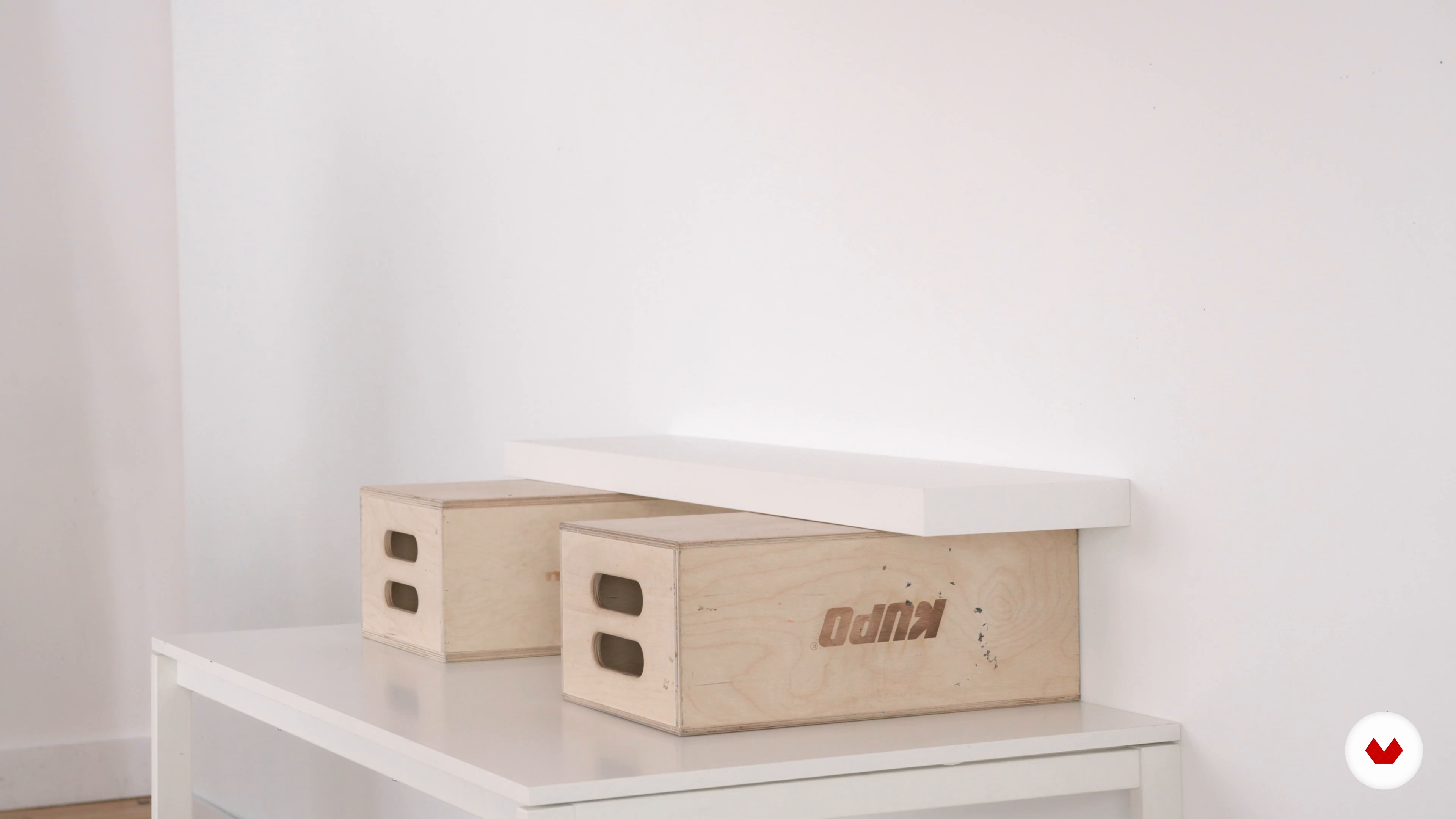
Setting up the Space
7 minutes, 40 seconds
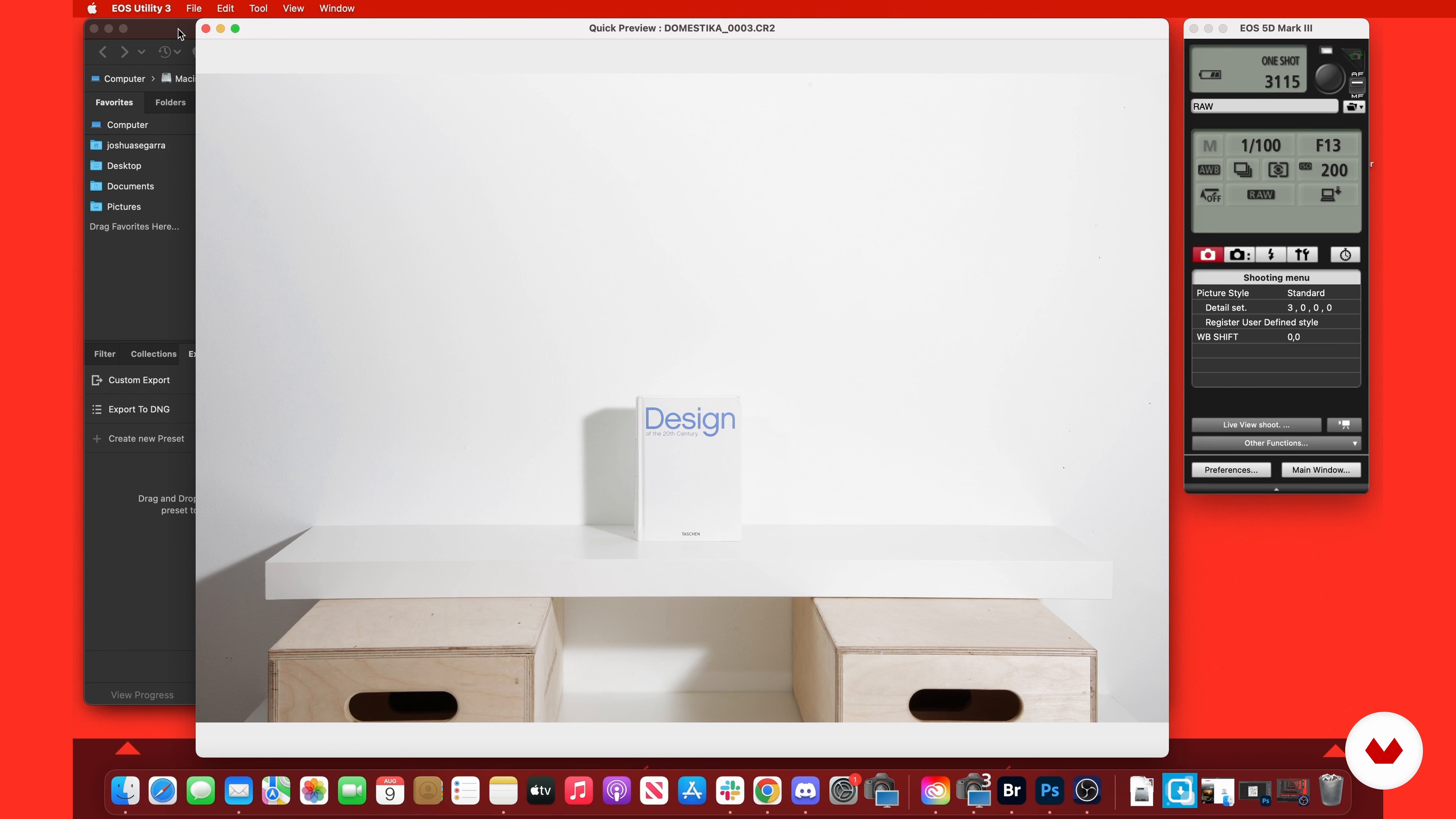
Setting up the Lights and Camera
10 minutes, 33 seconds
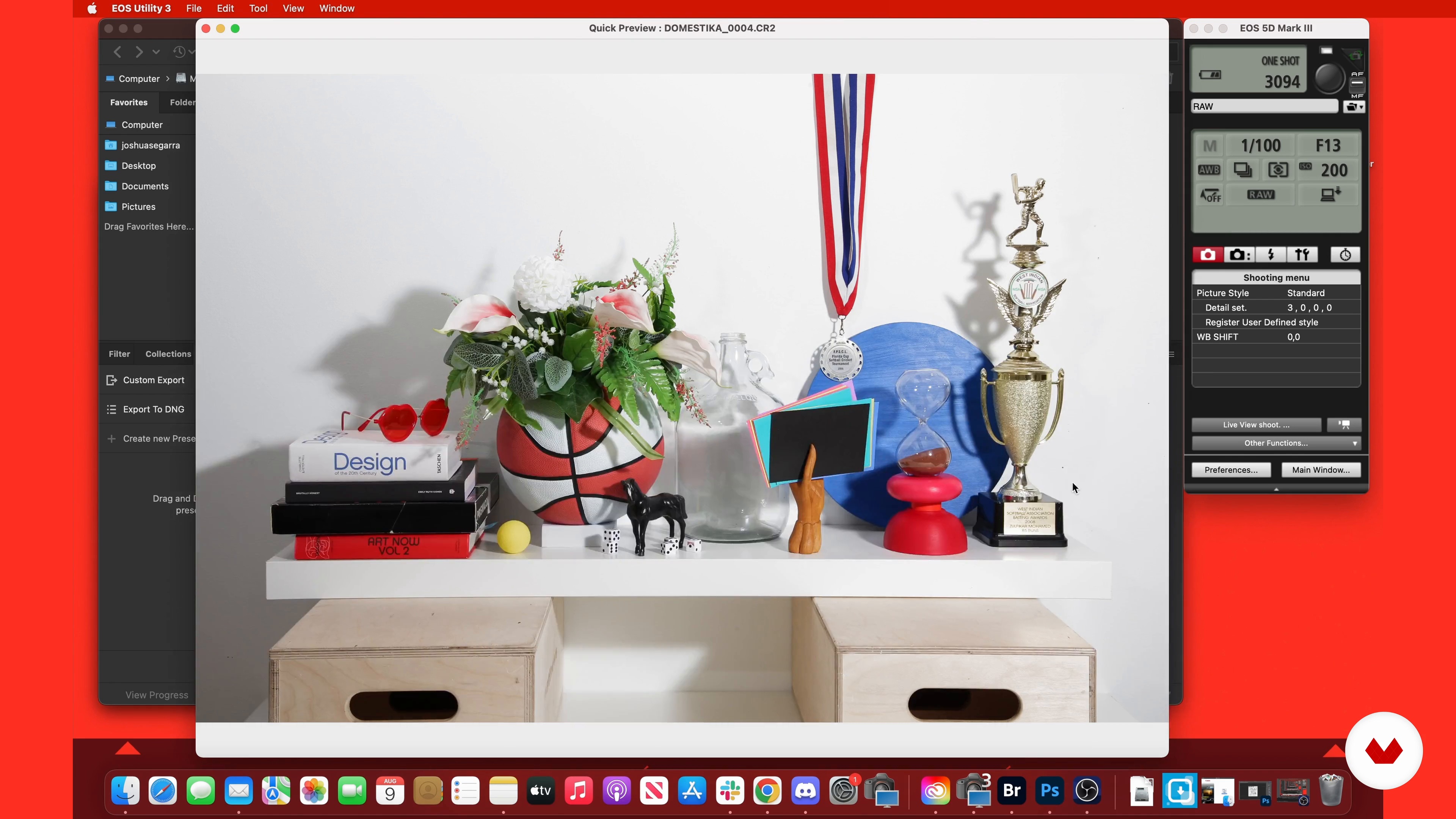
Styling and Photographing 1
15 minutes, 34 seconds
What's included in this course?
Begin the course by getting to know the creative duo behind Party of One–Melissa and Nicole. Discover the creative careers that led them to found their own studio, along with the influences that inspire them and the work they create.
Dive into the creative brief for your project and begin brainstorming and sketching your ideas. Then develop three of them into a concept deck to present to a client, before exploring and researching items for your set.
Set up your shooting space, as well as your camera and lighting. Then style your props and preview your images through a tethered setup before capturing your shots.
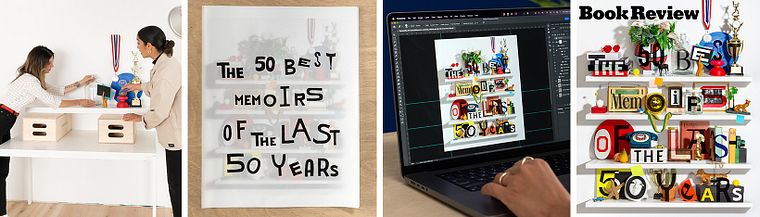
Bring all your photographic layers together into one file in Photoshop and retouch your final image. To wrap up the course, Melissa and Nicole then show you how to design custom lettering to go on top of the image, as well as how to export your finished artwork.
Recommended software & tools for this course
What is this course's project?
Create an editorial cover from start to finish, with typography, set design, photography, and retouching.
Who is this online course for?
This course is for anyone with an interest in creating photographic illustrations for editorial assignments.
Requirements and materials
Previous experience with a camera, lighting, and photo editing software is recommended.
In terms of materials, you will need access to a DSLR, lighting equipment, and an editing program like Photoshop.
Reviews
- 2 months ago
świetny, kreatywny kurs - fantastyczne nauczycieli! warto mieć i polecam bardzo:)
- 10 months ago
i like this course
- 3 years ago
Muy bien explicado. He disfrutado de su proceso creativo y creo que va a resultarme útil para mi trabajo

Melissa and Nicole work closely with clients on a wide range of projects—from set design and visual campaigns, to brand identities, and editorial illustrations. Their commercial clients include Otherland, Sunwink, and Columbia University, and they’ve also created editorial cover artwork for The New York Times, The Washington Post, and The Wall Street Journal.
Content
- U1
Introduction
- About Us
- Our Influences
- U2
Preparation
- Reviewing the Brief and Brainstorming
- Developing the Concept Deck Using Digital References and Sketches
- Researching and Exploring Materials
- U3
Production
- Setting up the Space
- Setting up the Lights and Camera
- Styling and Photographing 1
- Styling and Photographing 2
- U4
Post-production
- Preparing Your File
- Retouching and Digital Editing 1
- Retouching and Digital Editing 2
- Creating Lettering
- Finalization and Exports
- FP
Final project
- Photographic Artwork for Editorial Covers
What to expect from a Domestika course
Learn at your own pace
Enjoy learning from home without a set schedule and with an easy-to-follow method. You set your own pace.
Learn from the best professionals
Learn valuable methods and techniques explained by top experts in the creative sector.
Meet expert teachers
Each expert teaches what they do best, with clear guidelines, true passion, and professional insight in every lesson.
Certificates
PLUSIf you're a Plus member, get a custom certificate signed by your teacher for every course. Share it on your portfolio, social media, or wherever you like.
Get front-row seats
Videos of the highest quality, so you don't miss a single detail. With unlimited access, you can watch them as many times as you need to perfect your technique.
Share knowledge and ideas
Ask questions, request feedback, or offer solutions. Share your learning experience with other students in the community who are as passionate about creativity as you are.
Connect with a global creative community
The community is home to millions of people from around the world who are curious and passionate about exploring and expressing their creativity.
Watch professionally produced courses
Domestika curates its teacher roster and produces every course in-house to ensure a high-quality online learning experience.
FAQs
You'll learn how to combine handbuilt props, set design, photography, compositing, custom lettering, and digital editing to create editorial illustrations and covers. The course covers concept development, prop styling, lighting setups, and professional workflows from brainstorming to final image export.
Yes, this course is designed for intermediate learners with some experience in design or photography, looking to expand their skills in editorial illustration, prop styling, and compositing techniques.
Basic familiarity with Photoshop and InDesign is recommended, as you'll use these tools for compositing, editing, and building concept decks, but you don't need to be an expert.
You'll need access to a digital camera, tripod, props for set styling, basic craft materials, a computer with Photoshop and InDesign installed, and lighting or strobes for photography.
The course covers selecting, crafting, and arranging props to enhance visual storytelling in editorial photography, including techniques for material exploration, color schemes, and creating handmade textures.
Yes, you'll learn compositing techniques in Photoshop, including arranging layered images, correcting distortions, retouching, creating realistic shadows, and preparing images for publication.
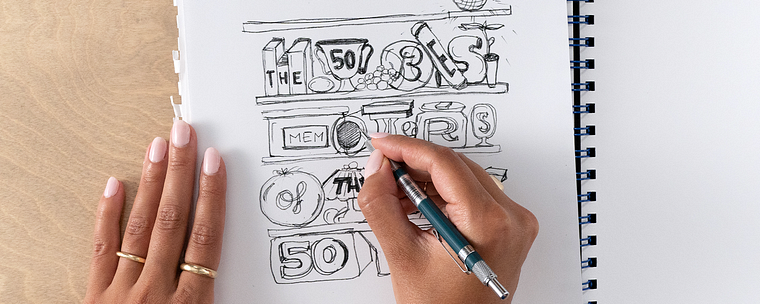
Yes, it includes hand-drawing lettering, digitizing letterforms, integrating type with photos, and using masking and texture techniques for unique editorial cover designs.