Google Sheets for Creative Projects and Small Business
A course by Pete RahoCraftsman and Entrepreneur
A course by Pete Raho, Craftsman and Entrepreneur

Learn to create effective solutions for your projects or business using spreadsheets to manage your tasks, budget, and sales using its tools and formulas
Let’s face it: Excel and Google Sheets can be daunting programs for beginners. However, they’re also a force to be reckoned with, as they are powerful tools for business and project management. Luckily, creative people like Peter Raho exist. As a craftsman and entrepreneur looking for solutions of his own, he took on the challenge to learn the program, and he’s here to teach you how to use it to your advantage.
In this online course, learn how to use Google Sheets to create personalized solutions for your project or business. Peter shares with you easy-to-follow steps on how to create custom spreadsheets to organize your workflow. Learn how to write formulas, create tasks, report data with charts, and more!
What will you learn in this online course?
16 lessons & 22 downloads
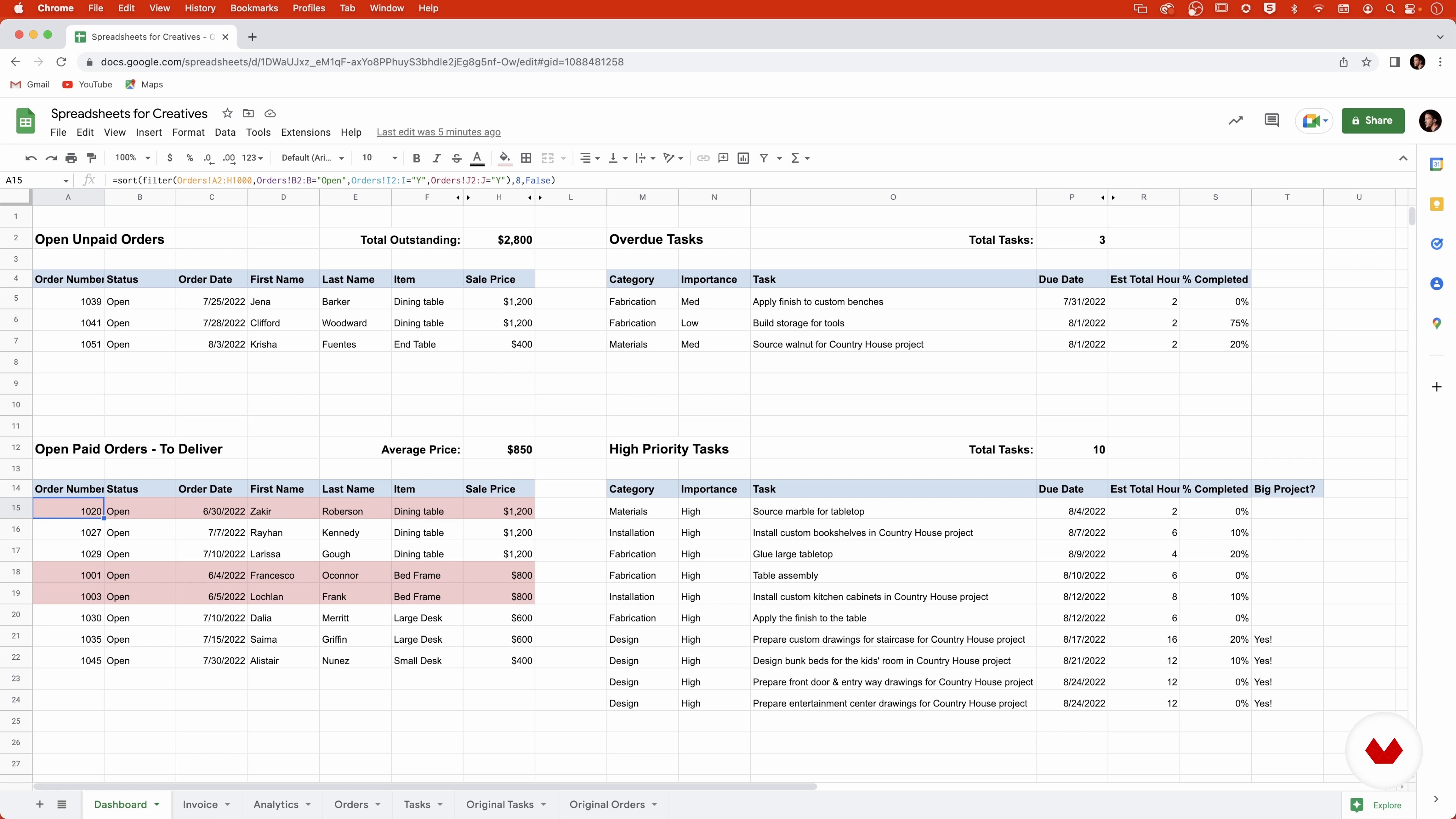
The Finished Workbook
8 minutes, 31 seconds
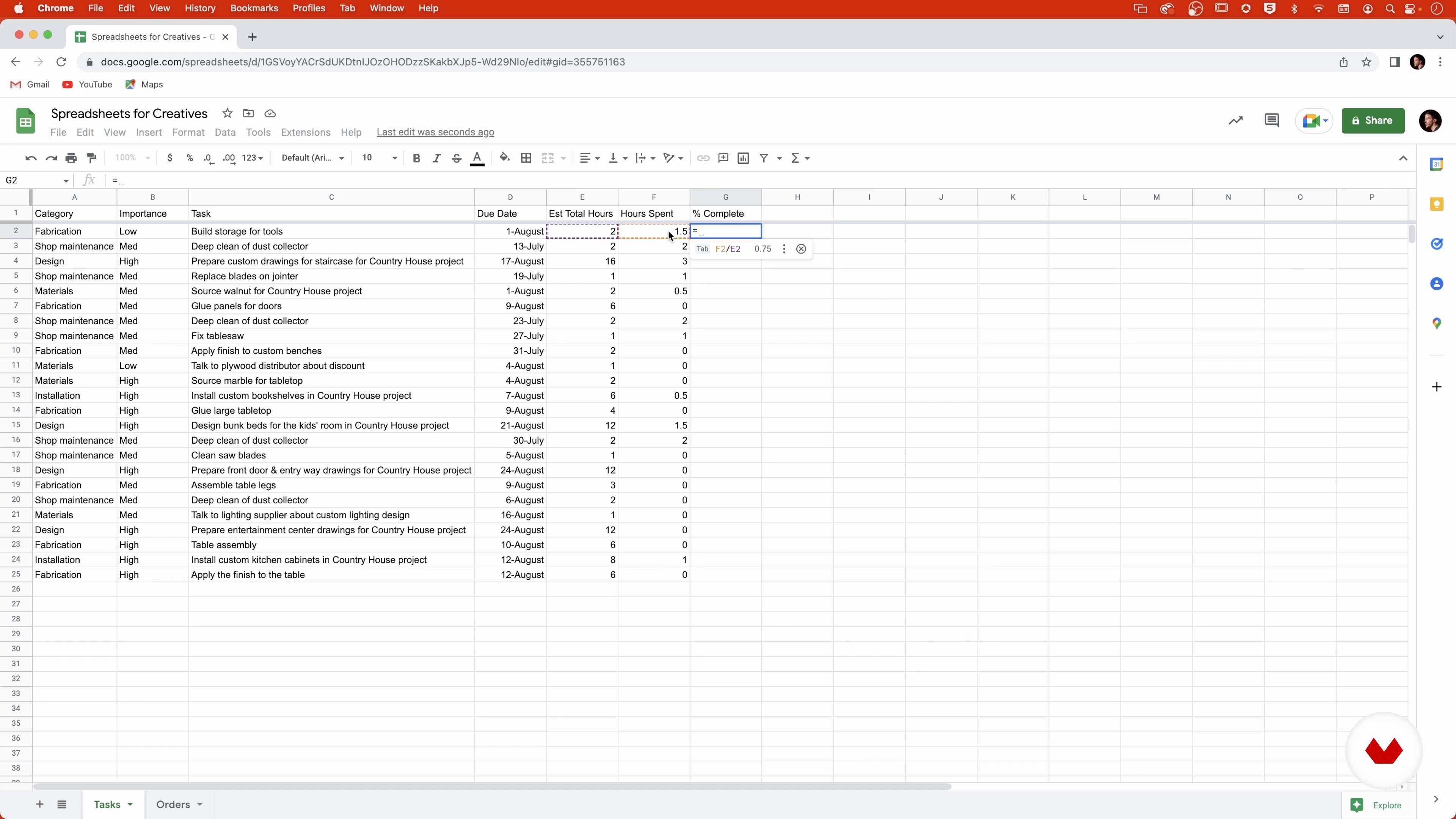
The Formulas
3 minutes, 48 seconds
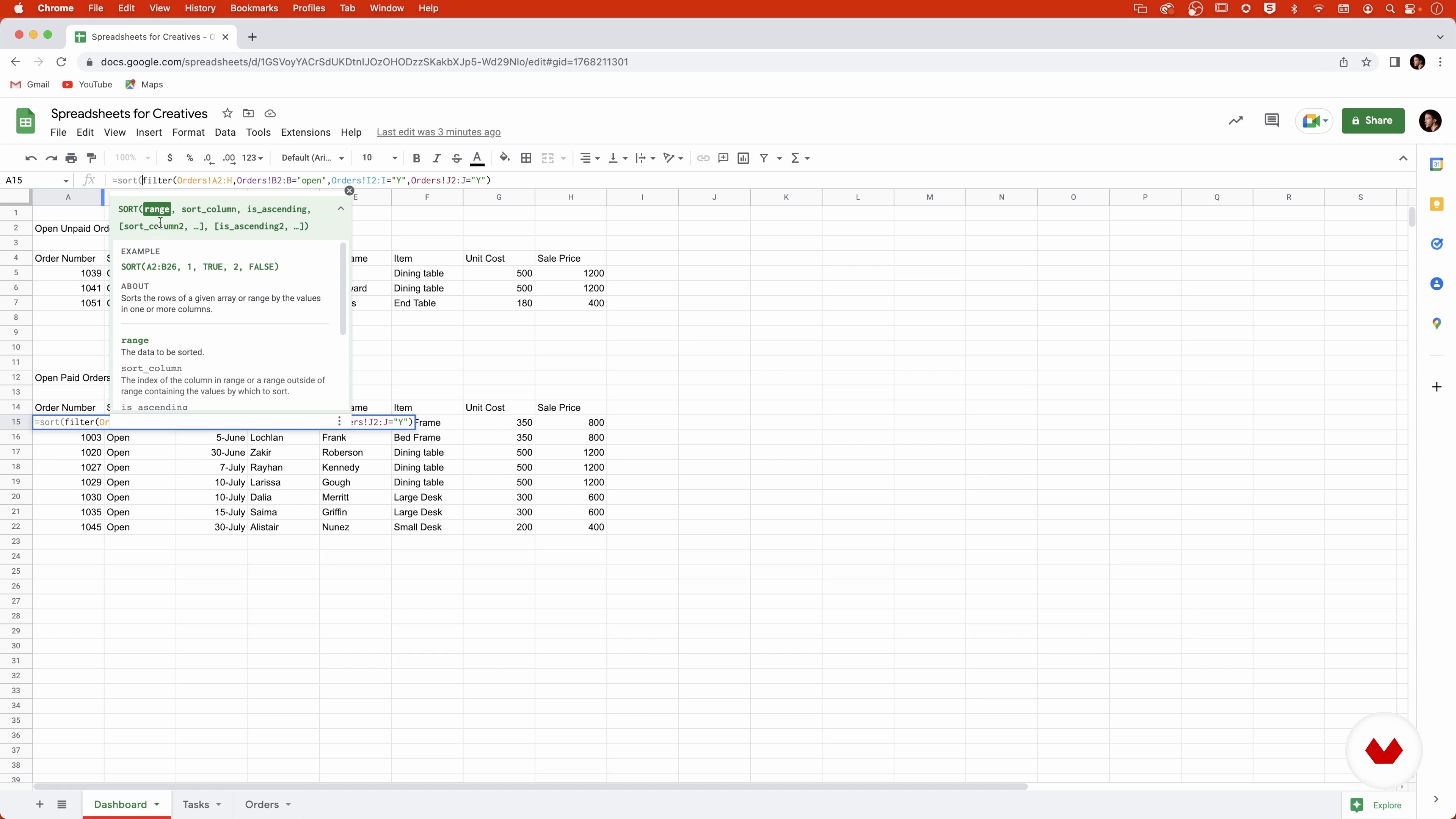
Creating the Dashboard, Orders, and the Filter Function
13 minutes, 13 seconds
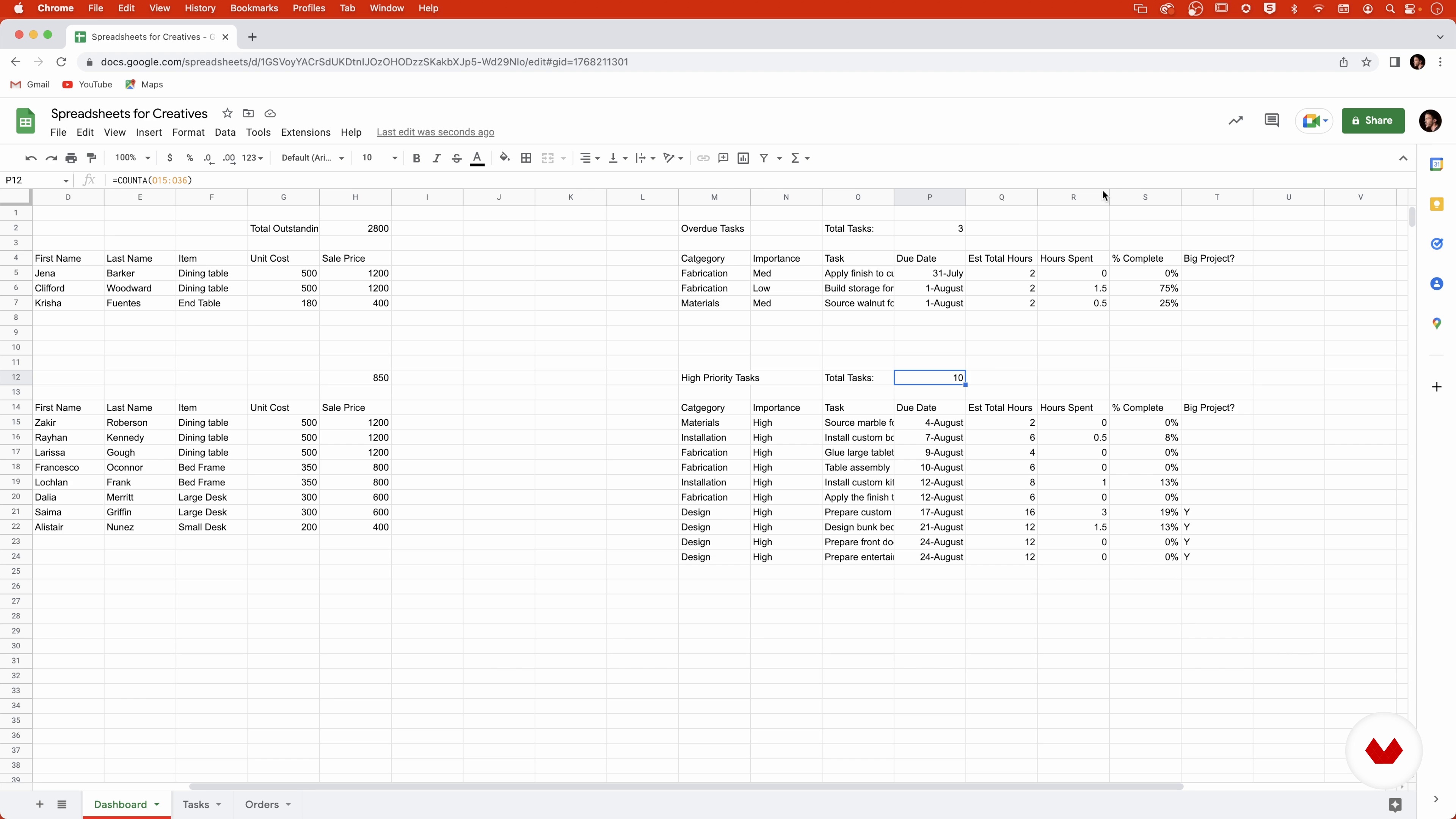
Adding Tasks to the Dashboard, Dates, and the IF Function
11 minutes, 36 seconds
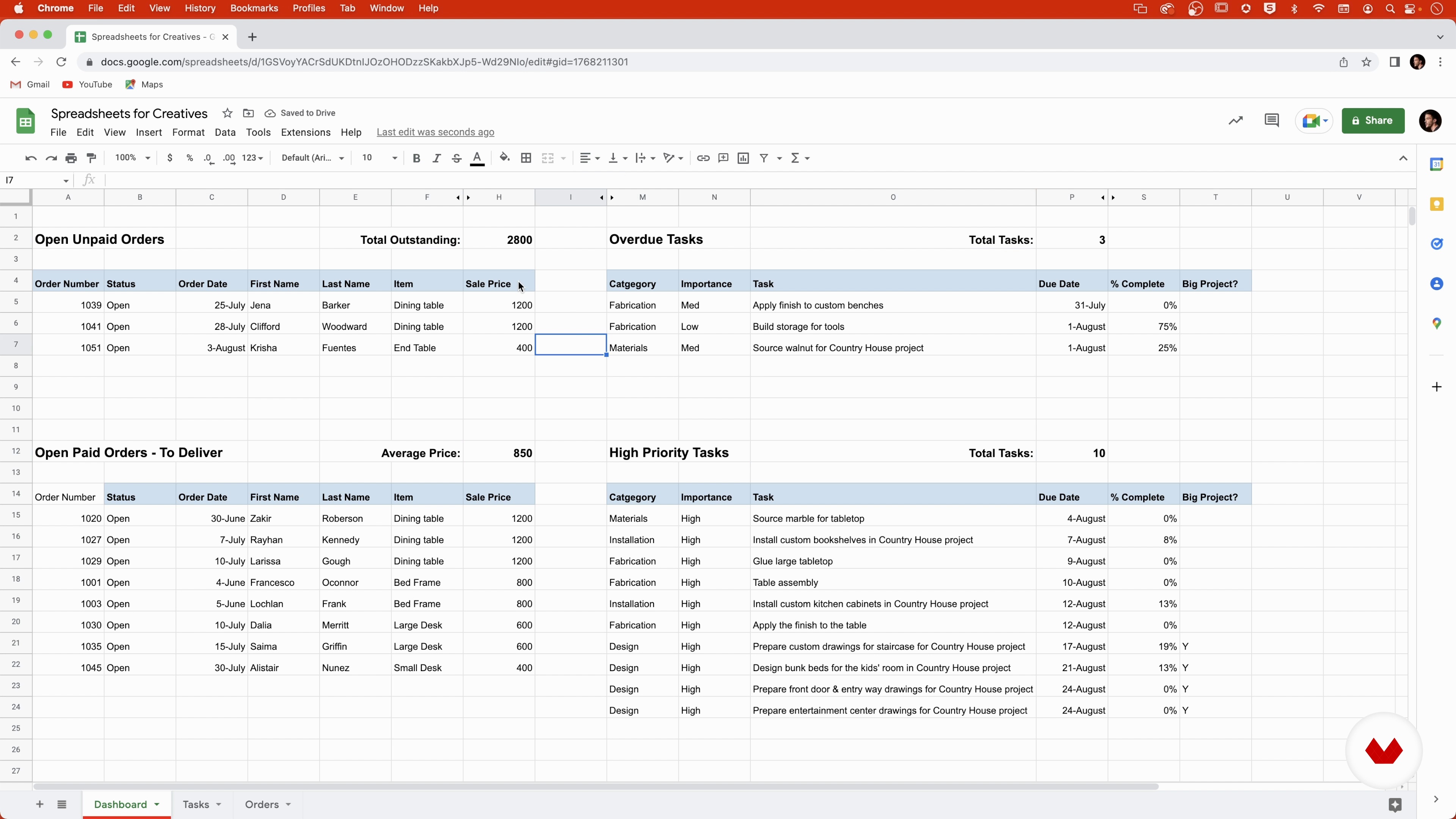
Formatting the Dashboard
7 minutes, 6 seconds
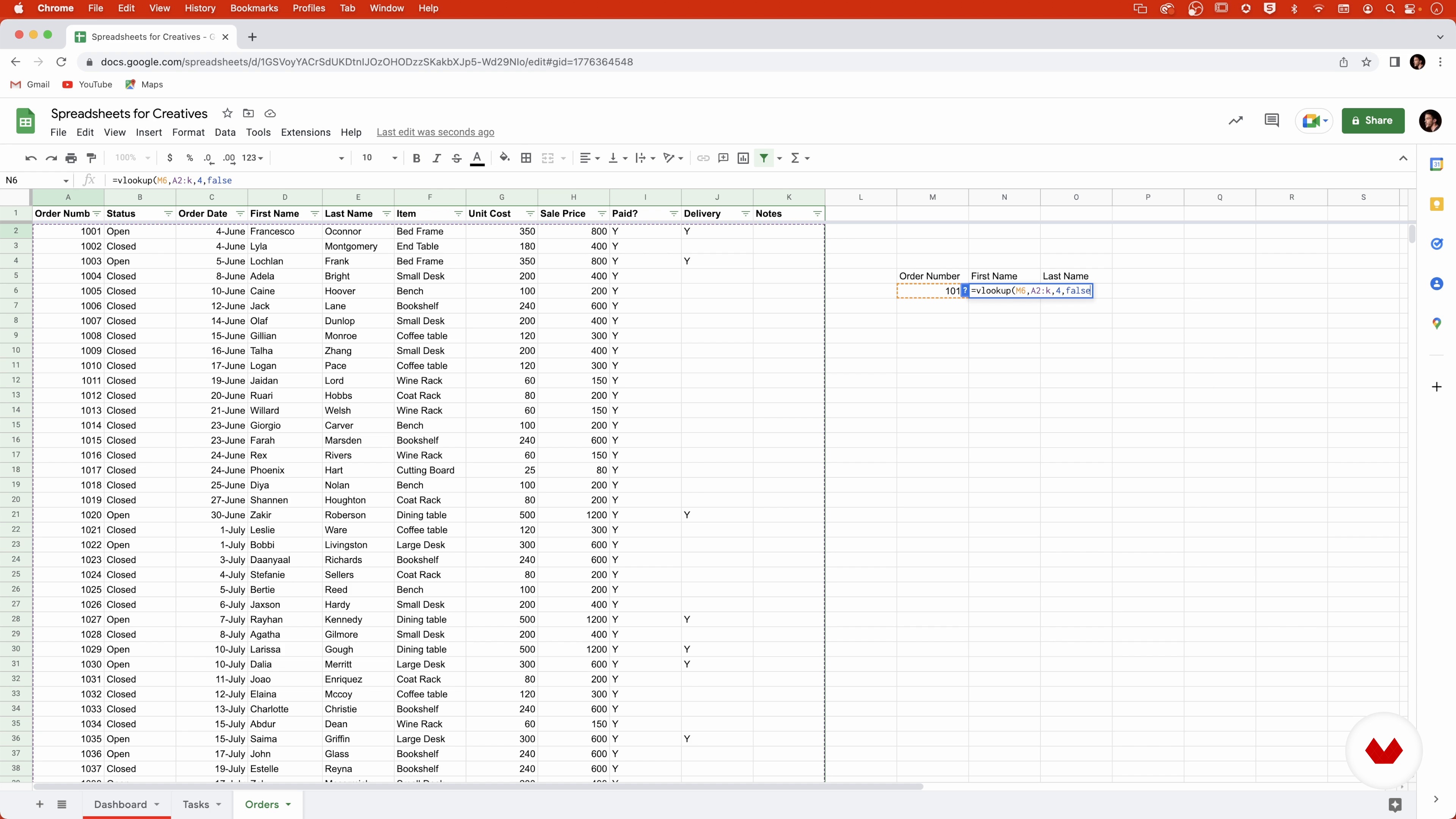
VLOOKUP and How It Works
5 minutes, 20 seconds
What's included in this course?
Meet Peter Raho, craftsman, entrepreneur, and your teacher for this course. Hear about his creative background, and the “ah ha!” moment that led him to become an expert in spreadsheet solutions. He also shares his artistic influences.
Get an overview of one of Peter’s completed workbooks and all the tools and functions available. He also introduces you to a few key formulas for spreadsheets.
See how to start creating a dashboard that gives you a summary of your business or project, such as new orders and tasks. Discover how to make your spreadsheet easy to read by exploring a lot of tricks to format it to make it clearer.
Learn how to measure performance based on data, and come up with charts. Get a deeper understanding of tasks, pivot tables, date formulas, and different types of charts.
To wrap up the course, hear some tips to ensure your sheet can print correctly, as well as some extra formulas to facilitate your business or project.
Recommended software & tools for this course
What is this course's project?
Create a workbook in Google Sheets that allows you to add information about projects, create invoices, and report data.
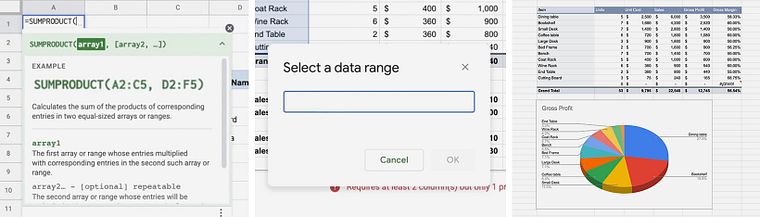
Projects by course students


Who is this online course for?
This course is for anyone who wants to create simple, customized tools for their business or project.
Requirements and materials
No previous experience required.
All you need is access to Google Sheets.
Reviews
- 2 months ago
Me ha venido muy bien este curso en lo personal, muy completo, lo recomiendo
- 4 months ago
Excelente curso para quienes buscan pasar de un nivel básico a crear herramientas funcionales en Google Sheets. Lo que más destaco es la estructura progresiva: los conceptos se presentan de forma tan clara que, incluso sin conocimientos previos, terminas entendiendo la lógica de las formulas y el manejo de datos.
- 5 months ago
La verdad, disfruté mucho este curso de Google Sheets. Llegué con lo básico, y aún así esto no significó ningún problema debido a que Peter explica todo de forma clara y sencilla. Logré aprender a escribir fórmulas que antes me parecían complicadas, aplicar nociones de conceptos con los que ta contaba, organizar tareas y hasta generar gráficos e informes que ahora usaré para mis proyectos. En general, sentí que aprendí un montón y de manera súper práctica.
- 8 months ago
Si estás arrancando desde cero, este curso es una muy buena opción. Te lleva paso a paso y te permite pasar de 0 a 100 en el tema de manejar hojas de cálculo con soltura para incorporarlas como una herramienta real dentro de tu negocio. Si bien la traducción al castellano y de algunas fórmulas podrían estar mejor resueltas, esos detalles no afectan la comprensión ni el aprovechamiento del contenido. En líneas generales un curso muy recomendable.
- 9 months ago
Muy bueno, muchas gracias.

Working as a client development analyst at the renowned Christie’s auction house for nearly a decade. He ran his own woodworking business, Gowanus Furniture, creating smart design for compact spaces. Peter was also a business analyst for the furniture retailer, West Elm. Currently, he's working in the world of audio equipment, buying and selling high-end audio tools at StereoBuyers.
Content
- U1
Introduction
- About Me
- Influences
- U2
Introduction to Spreadsheets
- The Finished Workbook
- The Formulas
- U3
Creating the Workbook
- Creating the Dashboard, Orders, and the Filter Function
- Adding Tasks to the Dashboard, Dates, and the IF Function
- Formatting the Dashboard
- VLOOKUP and How It Works
- Formulas on the Invoice
- Formatting the Invoice
- U4
The Analysis
- Measuring Performance: Tasks
- Measuring Performance: Orders with Pivot Tables
- Measuring Performance: Date Formulas
- Measuring Performance: Creating Charts
- U5
Additional Tips and Tricks
- Printing
- Getting Help with Formulas
- FP
Final project
- Excel for Creative Projects and Small Business
What to expect from a Domestika course
Learn at your own pace
Enjoy learning from home without a set schedule and with an easy-to-follow method. You set your own pace.
Learn from the best professionals
Learn valuable methods and techniques explained by top experts in the creative sector.
Meet expert teachers
Each expert teaches what they do best, with clear guidelines, true passion, and professional insight in every lesson.
Certificates
PLUSIf you're a Plus member, get a custom certificate signed by your teacher for every course. Share it on your portfolio, social media, or wherever you like.
Get front-row seats
Videos of the highest quality, so you don't miss a single detail. With unlimited access, you can watch them as many times as you need to perfect your technique.
Share knowledge and ideas
Ask questions, request feedback, or offer solutions. Share your learning experience with other students in the community who are as passionate about creativity as you are.
Connect with a global creative community
The community is home to millions of people from around the world who are curious and passionate about exploring and expressing their creativity.
Watch professionally produced courses
Domestika curates its teacher roster and produces every course in-house to ensure a high-quality online learning experience.
FAQs
Yes, this course is designed for beginners and covers foundational spreadsheet skills from the ground up, making it ideal for those with little or no prior experience.
You will need access to either Google Sheets or Microsoft Excel. Both free and paid versions are suitable, and the course covers features used in both platforms.
You'll learn how to organize business data, build dashboards, create invoices, track orders and sales, and visualize information using spreadsheets, with a focus on creative and analytical design.
Yes, the course includes step-by-step guidance on creating sales tracking templates, managing invoices, and organizing business finances within spreadsheets.
Yes, the course explains spreadsheet concepts and functions using both Google Sheets and Excel, allowing you to apply skills across platforms.
Spreadsheets let you track project progress, deadlines, and priorities, create dashboards, and use data visualization tools to manage creative projects efficiently.
Main topics include spreadsheet basics, formulas, dashboards, data visualization, project tracking, sales and invoice management, conditional formatting, and creative design principles.