Intro to Technical Podcast Production
A course by Tom KellyAudio Engineer and Podcaster
A course by Tom Kelly, Audio Engineer and Podcaster

Learn the fundamentals of audio production to record, edit, mix, and publish podcasts like a professional
Some podcasts investigate crimes, others discuss celebrity gossip, while some are pure comedy. Regardless of their content, they all rely on pristine audio to keep listeners tuned in. Tom Kelly is a professional audio engineer and podcaster who’s helped produce shows such as The Always Sunny Podcast, The Drive with Peter Attia and True Crime Obsessed. He has also edited interviews with celebrities like Hugh Jackman.
In this online course, Tom teaches you how to create professional podcasts from start to finish. Learn how to set up your own home studio, as well as the fundamentals of audio production to record, edit, and mix episodes to share with the world. Entertain your audience with an engaging audio experience.
What will you learn in this online course?
20 lessons & 17 downloads
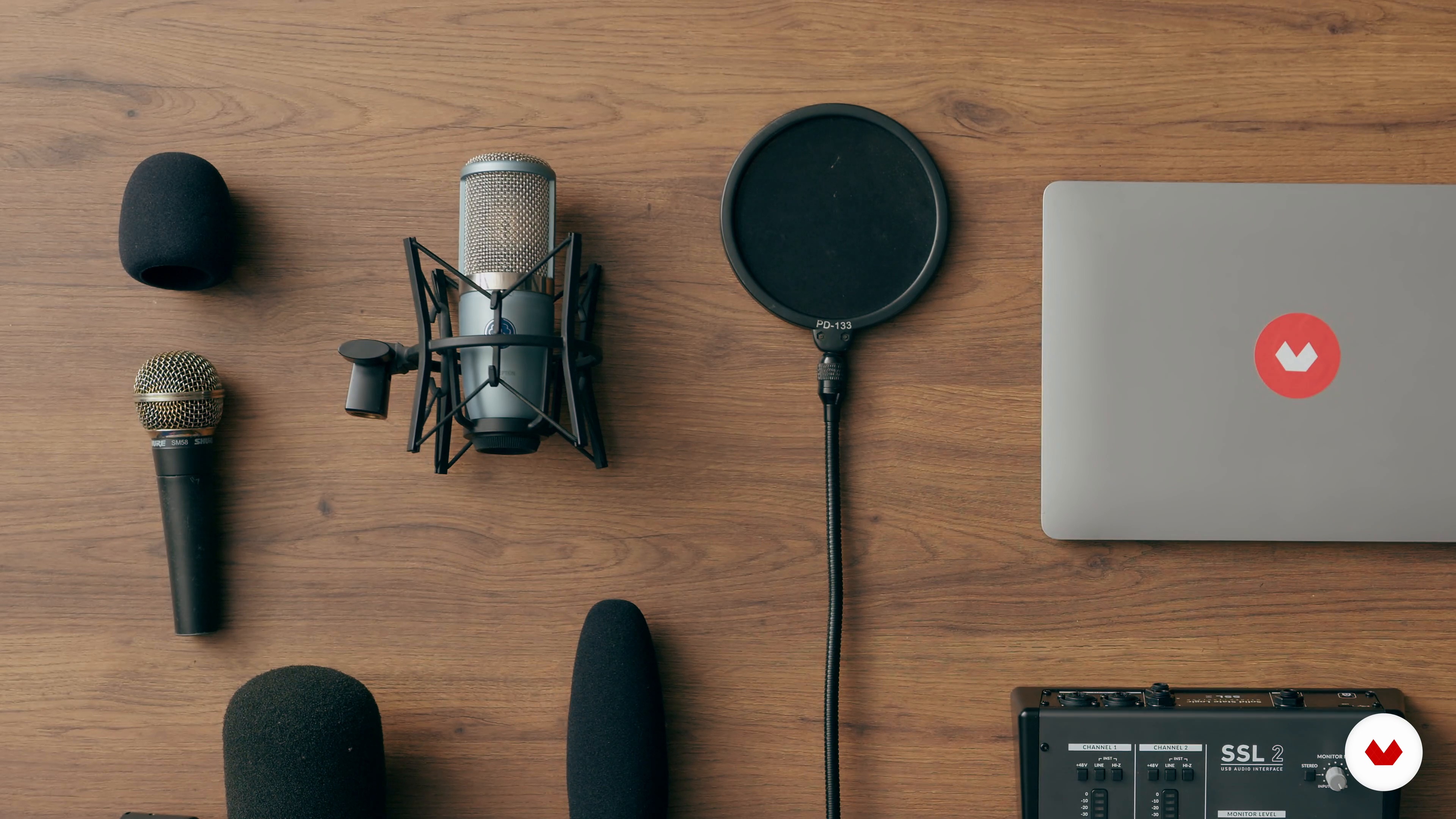
The Necessary Tools and How to Use Them
13 minutes, 34 seconds
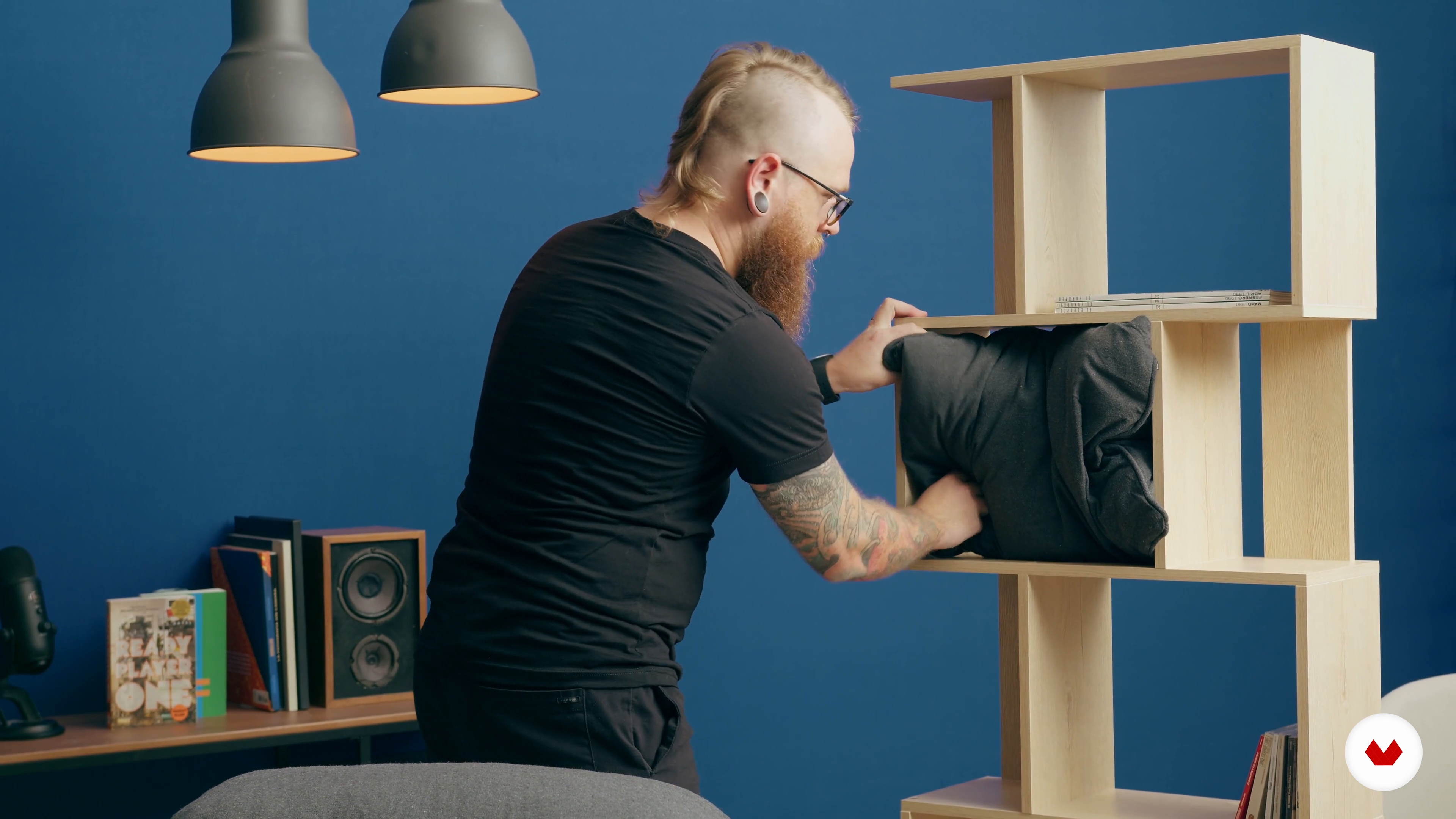
Setting up the Space for Recording
7 minutes, 50 seconds
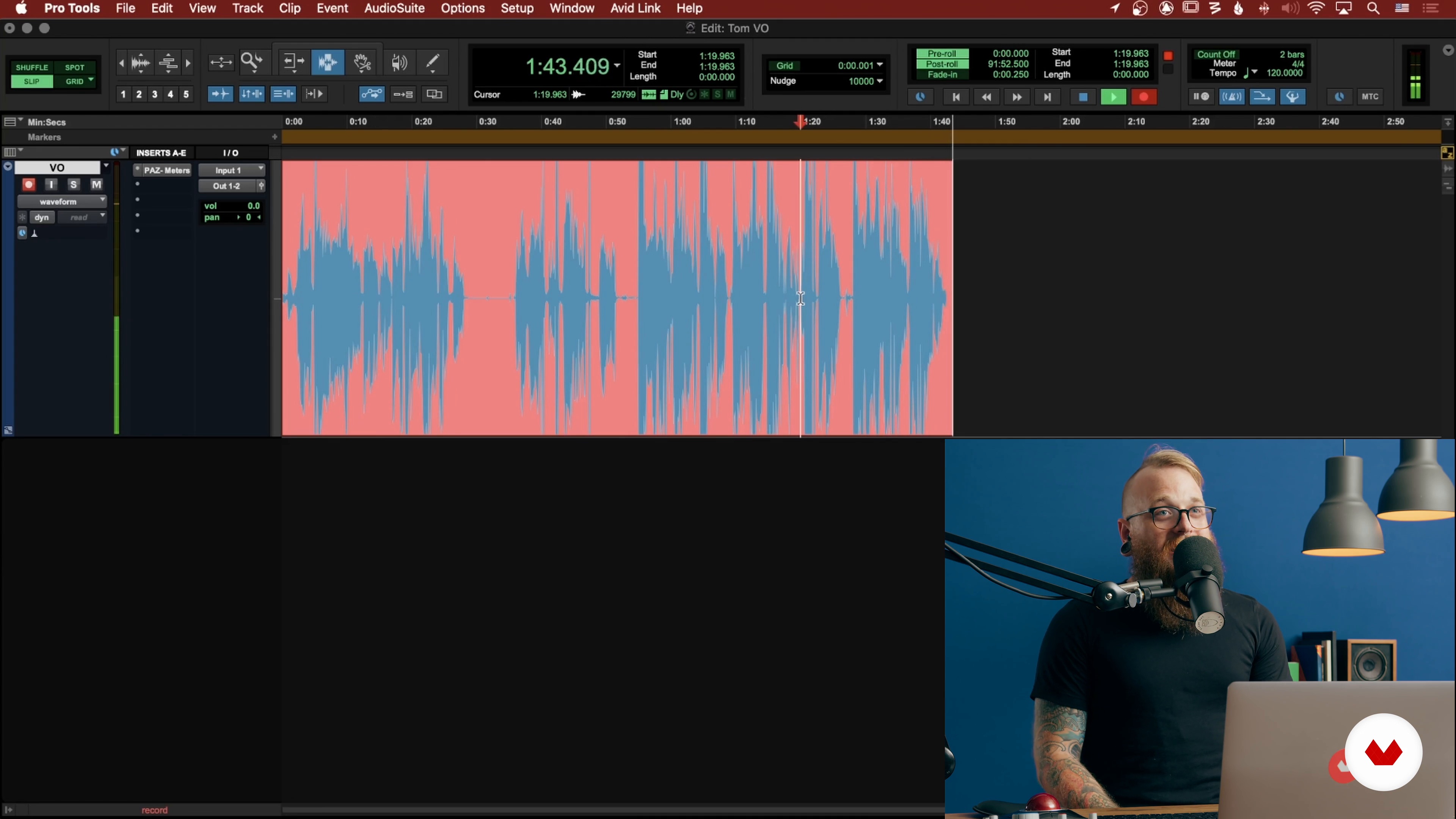
Recording Yourself
11 minutes, 23 seconds
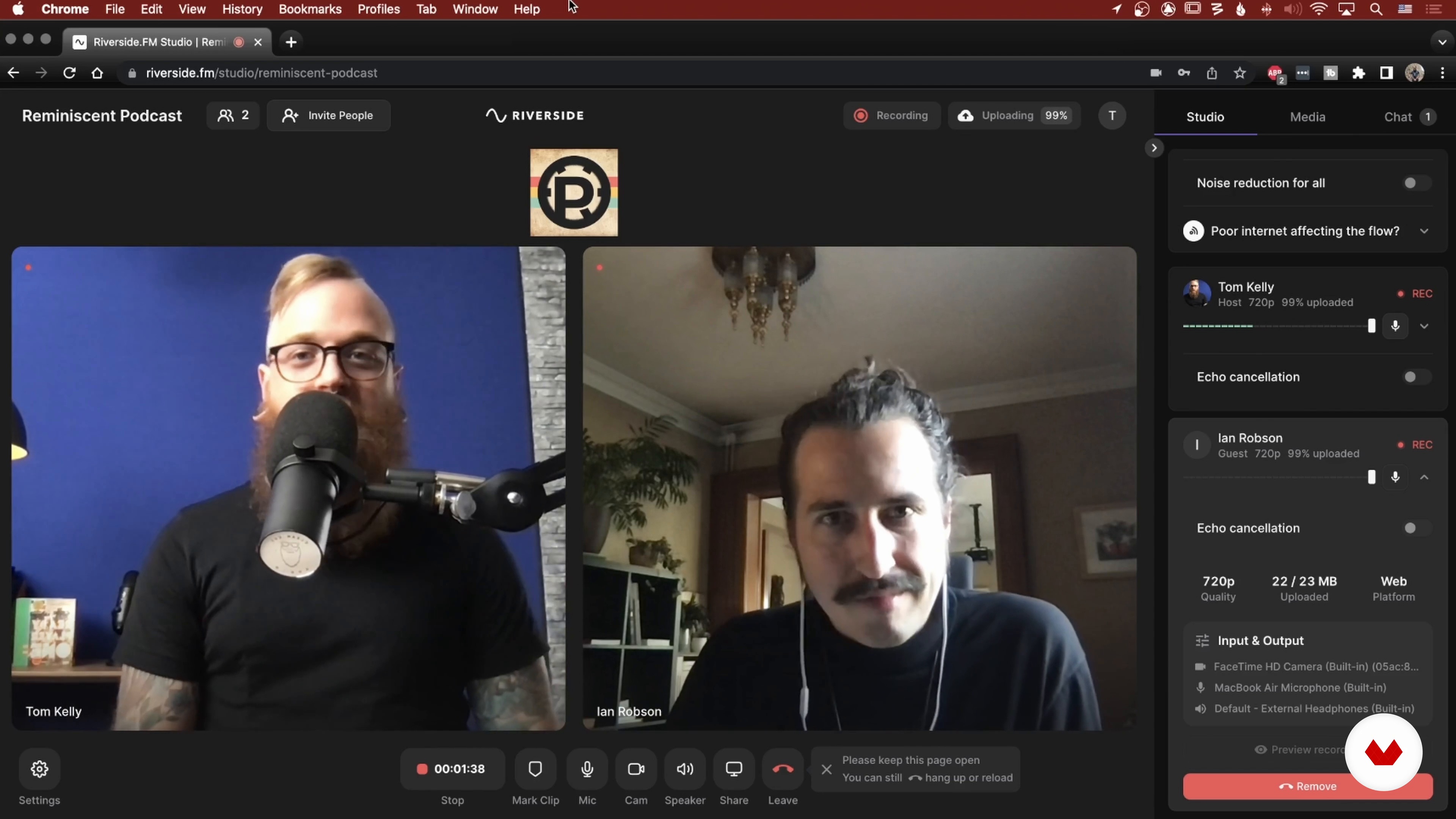
Recording with a Remote Guest
17 minutes, 14 seconds
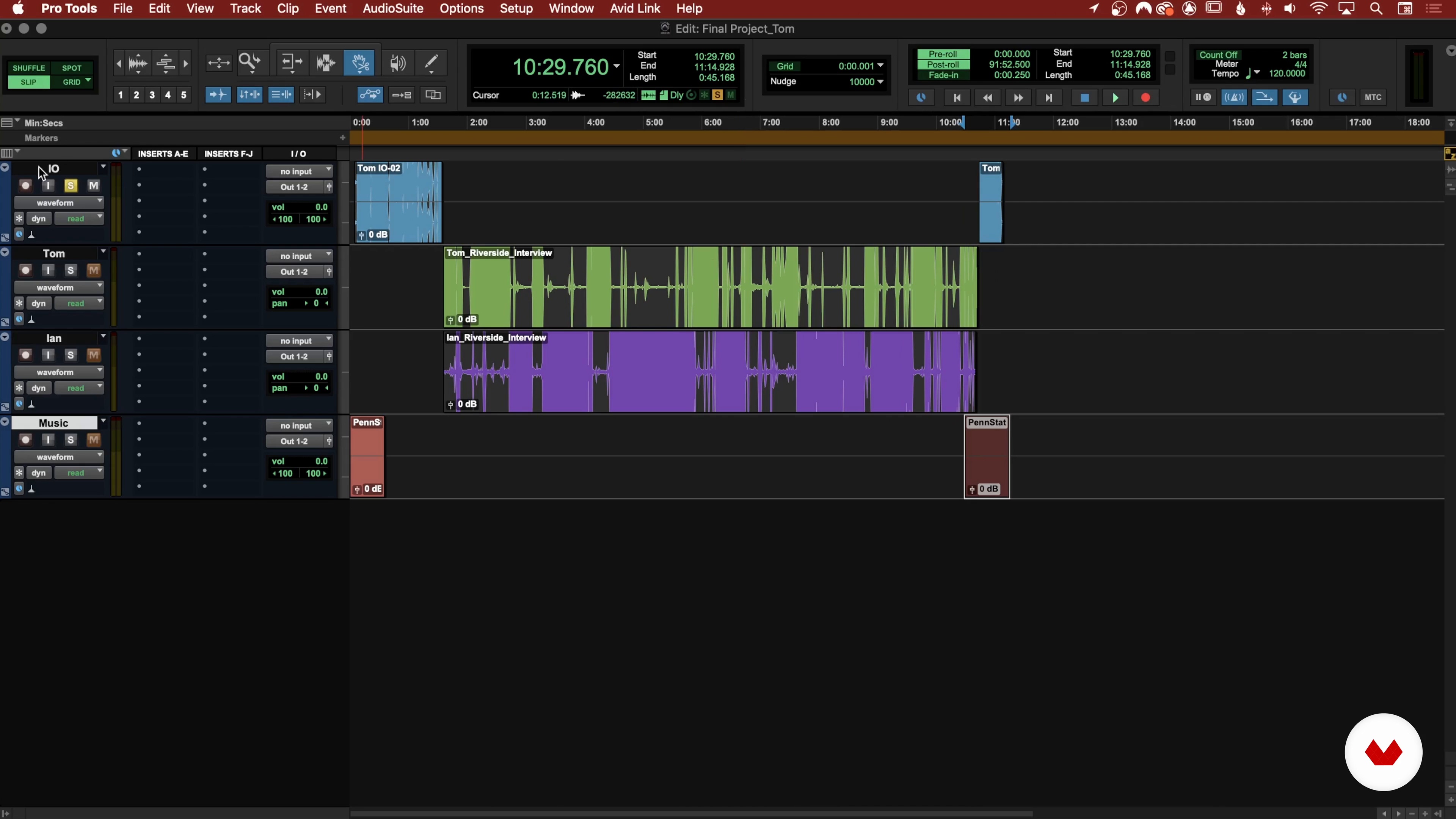
Setting up the Session
14 minutes, 32 seconds
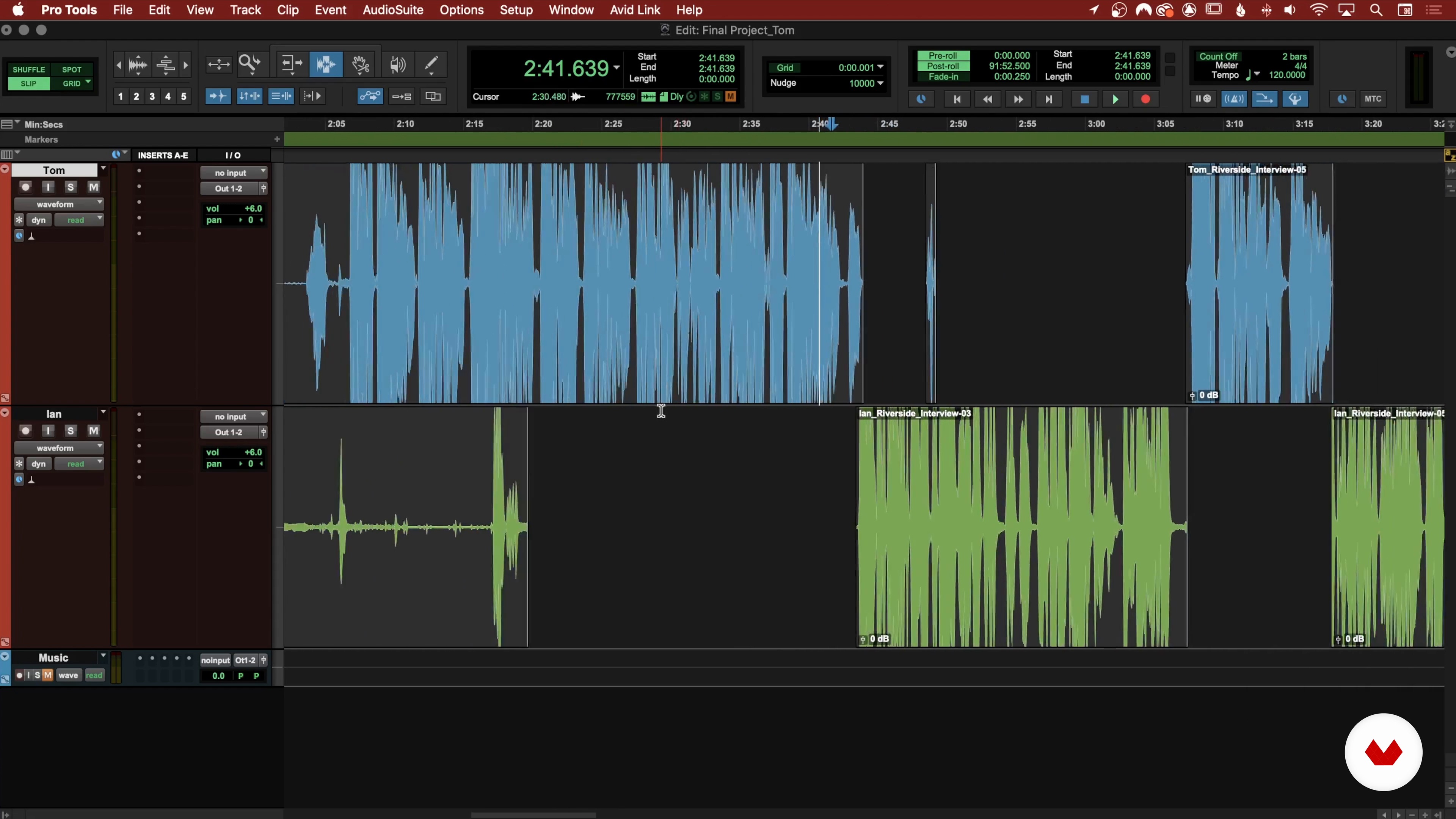
Cleaning up the Noise
13 minutes, 7 seconds
What's included in this course?
Begin the course by getting to know your teacher, Tom Kelly. Discover his creative journey, from music production to podcasting, along with his biggest influences.
Next, Tom introduces you to the tools and equipment you need for your project and how to use them. He also explains the basics of acoustics before showing you how to set up your own home studio and connect your gear.
Time to press play! Record an intro and outro for your podcast from home. Then use Riverside.fm to interview your guest remotely. Tom shares tips and tricks to employ during the process to make post-production a breeze.
Once you have all your material, move on to the editing phase. Import your recordings, clean up the audio, and make hard cuts until your episode is complete.
To wrap up, learn the ins and outs of mixing dialogue to ensure your final product is crystal clear. Discover how the ear perceives sound, and how you can achieve the best results with noise reduction, EQ, and compression. All that’s left is to export your podcast and share it with the world.
What is this course's project?
Record, edit, and mix your own short podcast episode with a guest interview.

Who is this online course for?
This course is for aspiring podcasters and anyone interested in producing podcasts with a professional sound.
Requirements and materials
Basic notions of audio recording and editing are recommended.
As for materials, you need a dynamic or condenser microphone, a microphone mount, an XLR cable, headphones, an audio interface, and a computer with an audio editing program like Pro Tools.

Reviews
- 1 year ago
Me parece genial y adaptado a recursos disponibles en el mejo acustico sin perder de vista lo cientifico y los Instrumentos comerciales. Me encantaria que le agregaran doblaje automático al español.
- 1 year ago
muy bueno! thanks!
- 1 year ago
Top das galáxias !!
- eugeniahermidaphPLUS1 year ago
Me encanto este curso!!
- 1 year ago
Excelente curso. Es de estos espacios de aprendizaje que llegas a un punto de satisfacción enorme. Muy bien preparado los temas, muy práctico, con muchos ejemplos para situarse en un caso real.

Tom has worked on some of the world’s most-listened-to podcasts, such as The Always Sunny Podcast, The Drive with Peter Attia and True Crime Obsessed. He’s also edited interviews with the likes of Hugh Jackman and Olympic gold medalist Apolo Anton Ohno.
Content
- U1
Introduction
- About Me
- Influences
- U2
Setting up the Space and Tools
- The Necessary Tools and How to Use Them
- The Acoustic of a Room
- Setting up the Space for Recording
- Setting up the Gear
- Introduction to Pro Tools and Other Software 1
- Introduction to Pro Tools and Other Software 2
- U3
Recording a Podcast
- Recording Yourself
- Recording with a Remote Guest
- U4
Editing
- Setting up the Session
- Cleaning up the Noise
- Making Hard Cuts 1
- Making Hard Cuts 2
- U5
Mixing and Delivering the Podcast
- Restoration
- Equalization 1
- Equalization 2
- Loudness, Dynamics, and Compression
- Adding Music
- Exporting the Final MP3 File
- FP
Final project
- Intro to Technical Podcast Production
What to expect from a Domestika course
Learn at your own pace
Enjoy learning from home without a set schedule and with an easy-to-follow method. You set your own pace.
Learn from the best professionals
Learn valuable methods and techniques explained by top experts in the creative sector.
Meet expert teachers
Each expert teaches what they do best, with clear guidelines, true passion, and professional insight in every lesson.
Certificates
PLUSIf you're a Plus member, get a custom certificate signed by your teacher for every course. Share it on your portfolio, social media, or wherever you like.
Get front-row seats
Videos of the highest quality, so you don't miss a single detail. With unlimited access, you can watch them as many times as you need to perfect your technique.
Share knowledge and ideas
Ask questions, request feedback, or offer solutions. Share your learning experience with other students in the community who are as passionate about creativity as you are.
Connect with a global creative community
The community is home to millions of people from around the world who are curious and passionate about exploring and expressing their creativity.
Watch professionally produced courses
Domestika curates its teacher roster and produces every course in-house to ensure a high-quality online learning experience.
FAQs
Yes, this course is designed for beginners and covers all the essentials of podcast audio engineering, from basic recording setups to editing and mixing techniques.
You’ll need a microphone, headphones, an audio interface or USB mic, a computer, and audio editing software—this course covers gear selection and setup for home studios.
You’ll learn how to record, edit, mix, and optimize podcast audio, improve room acoustics, use Pro Tools, and troubleshoot common audio issues for professional results.
Yes, the course teaches practical techniques for improving sound quality using DIY acoustic treatment, furniture placement, and common household materials in any room.
The course explains the differences between dynamic, condenser, and shotgun microphones, and guides you in selecting the best mic for your recording environment and budget.
Yes, the course provides step-by-step instructions on installing, setting up, and using Pro Tools for recording, editing, and mixing podcast audio.
Absolutely. The course includes workflow tips and setup instructions for using USB microphones, making it accessible for those without advanced audio interfaces.