Introduction to Digital Compositing in Post-production
A course by Juan OlivaresDigital VFX Composer
A course by Juan Olivares, Digital VFX Composer

Learn fundamentals and basic techniques to create a VFX shot with Nuke
In the world of audiovisual post-production you can make everything you imagine "reality" with VFX, such as transforming everyday spaces into galaxies or war zones. Everything is possible if you have the knowledge and guidance of a professional like Juan Olivares—VFX composer and specialist in digital composition—who, with 15 years of experience in the industry, has worked on Hollywood productions such as Deadpool, Guardians of the Galaxy, Furious 7, and the Oscar-winning film The Secret in Their Eyes.
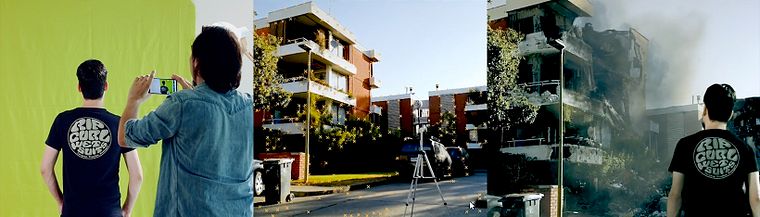
In this course, learn the fundamentals and basic techniques of digital composition using elements such as your cell phone and a homemade chroma key to transform an everyday space into a war zone.
What will you learn in this online course?
22 lessons & 20 downloads
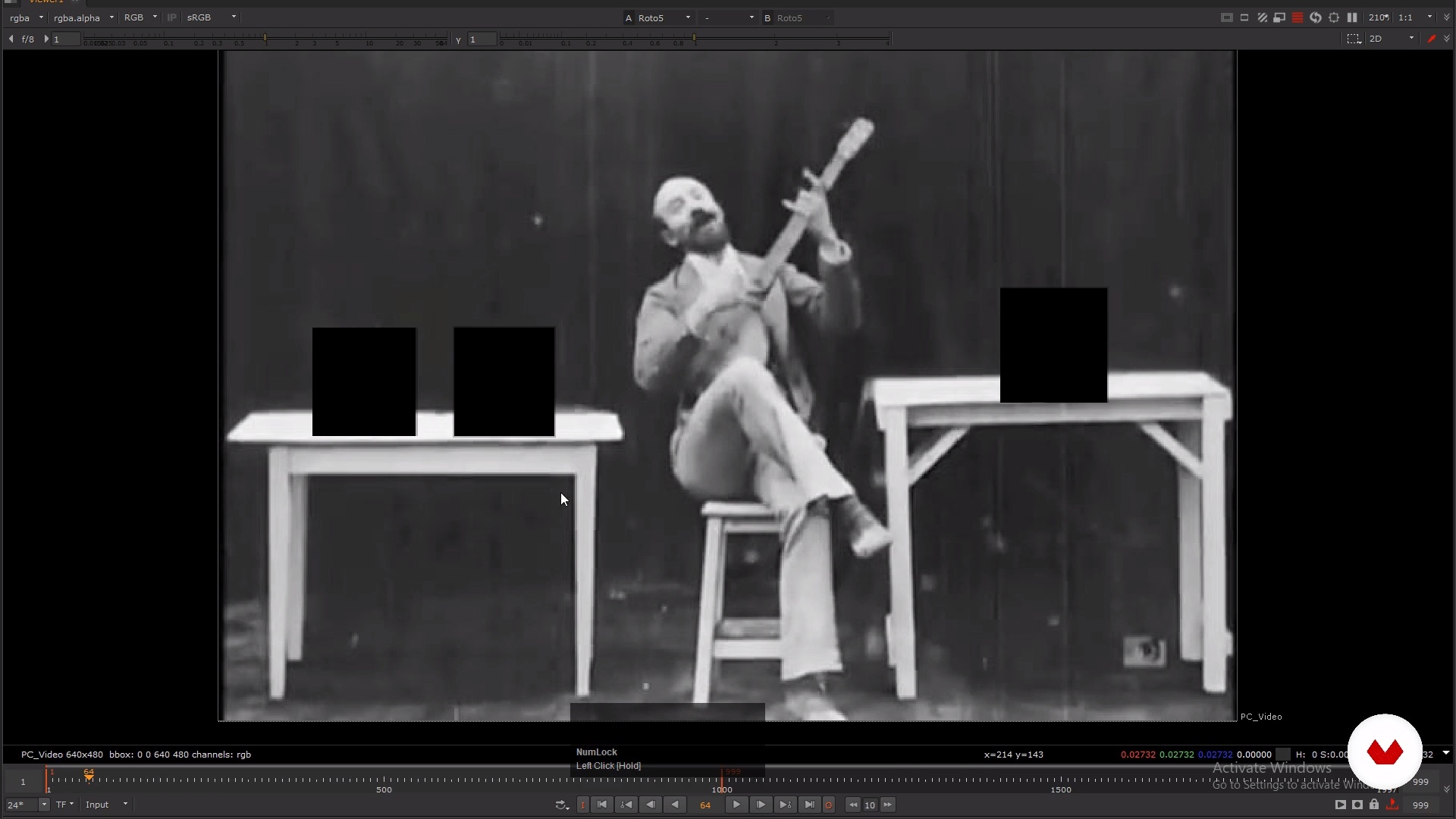
Introduction to digital composition
19 minutes, 54 seconds
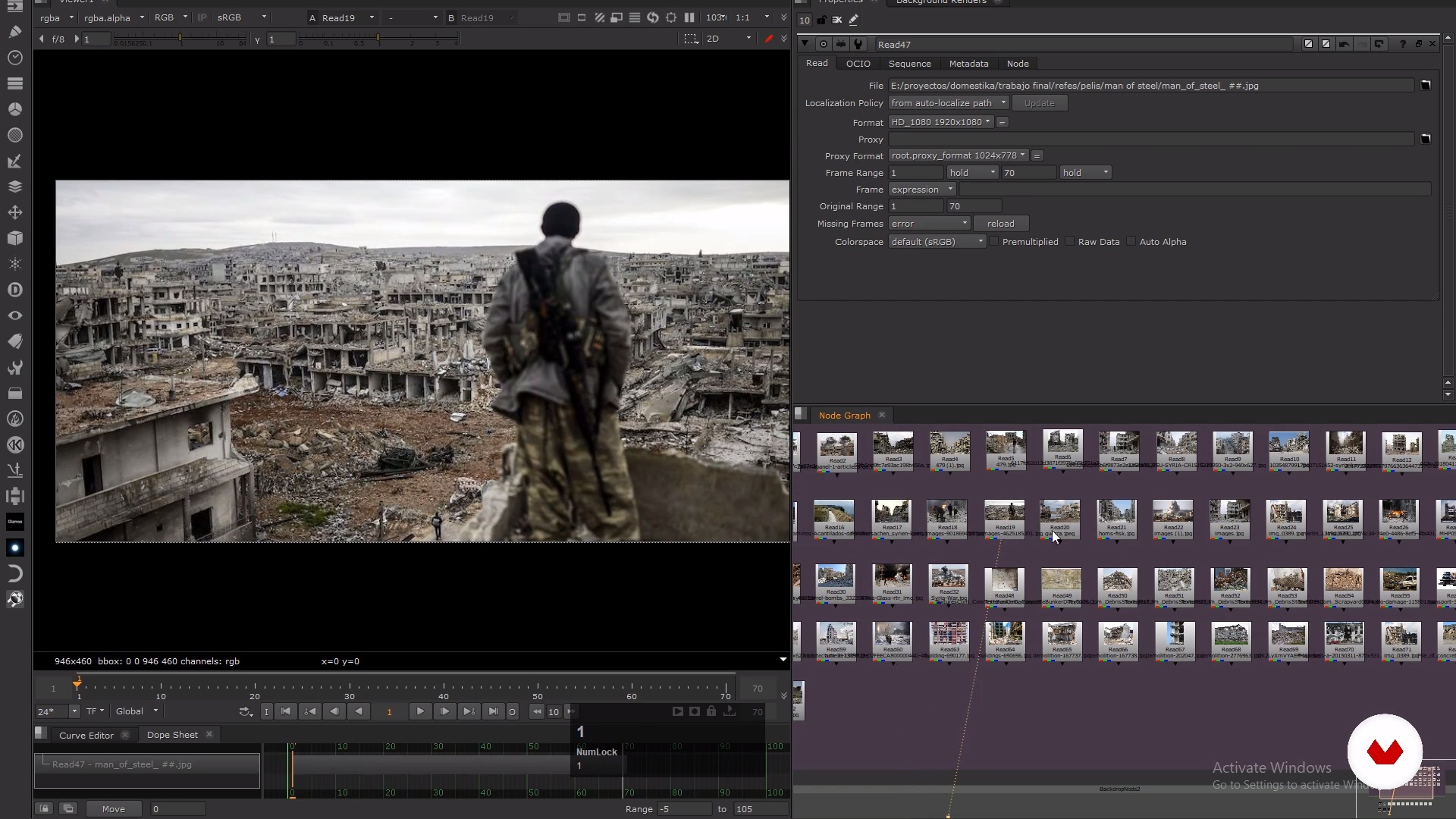
Search for references
11 minutes, 53 seconds
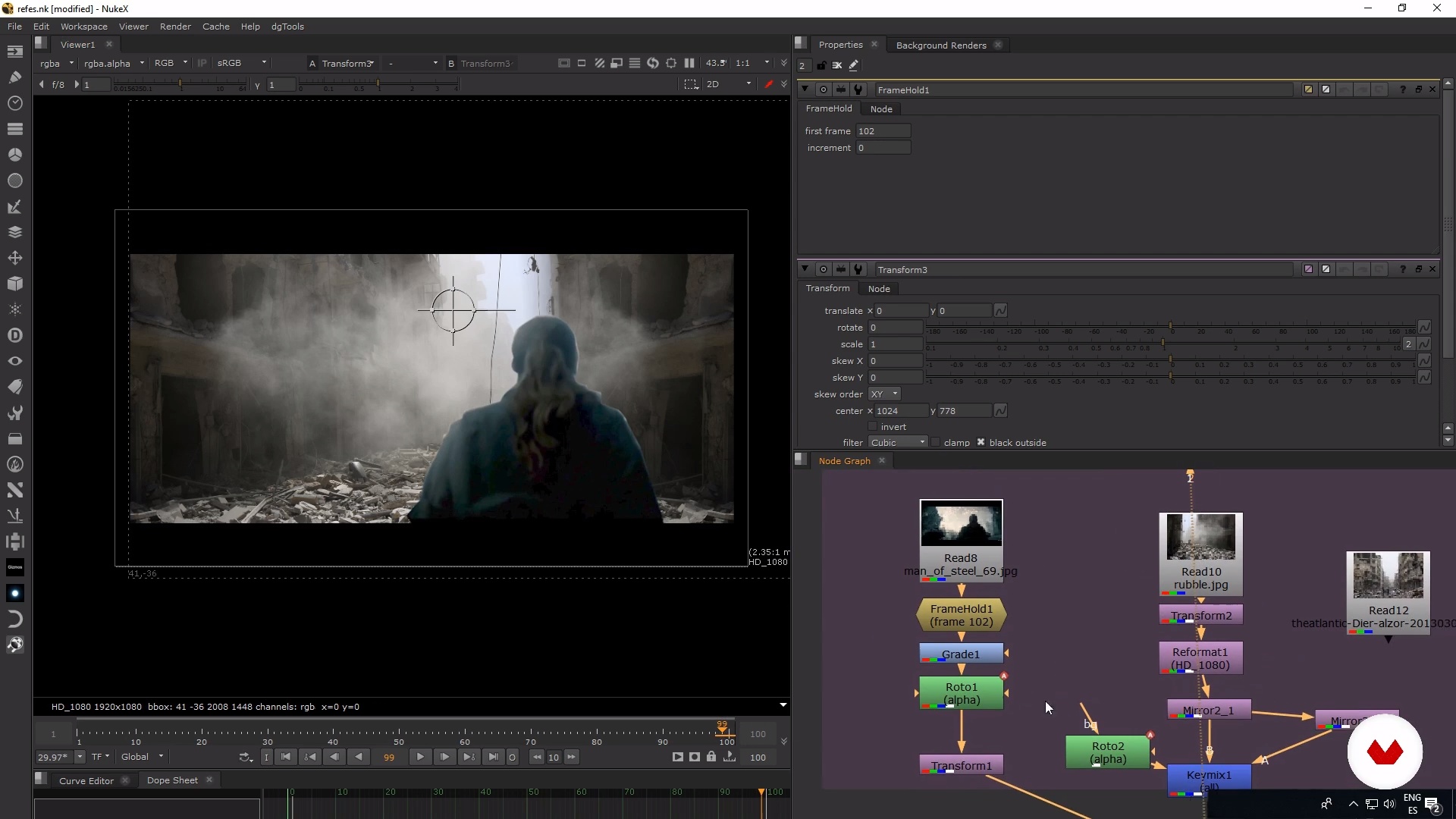
Materials and sketch
15 minutes, 19 seconds

Preparation to record
13 minutes, 33 seconds
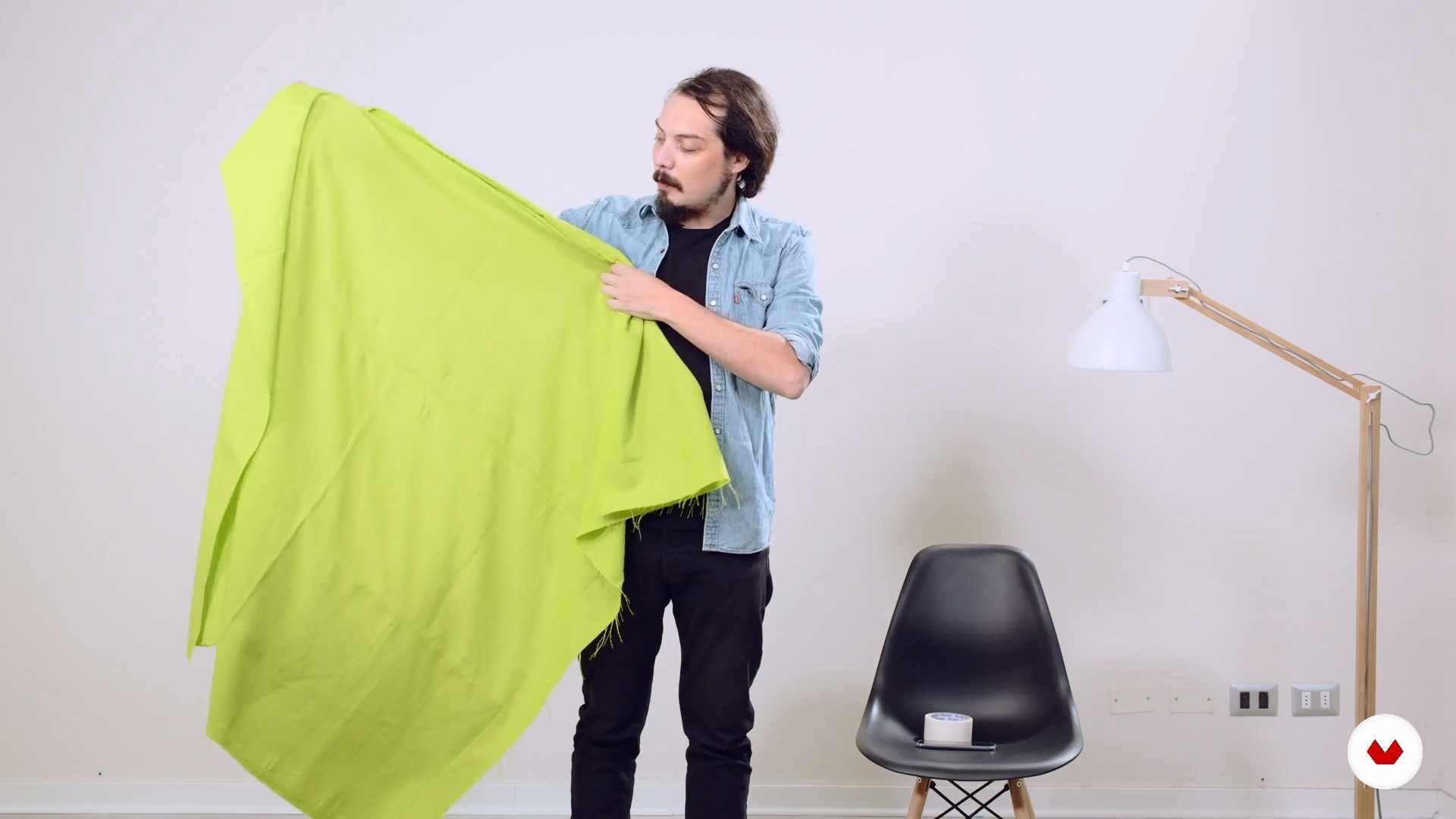
Home chrome
9 minutes, 48 seconds
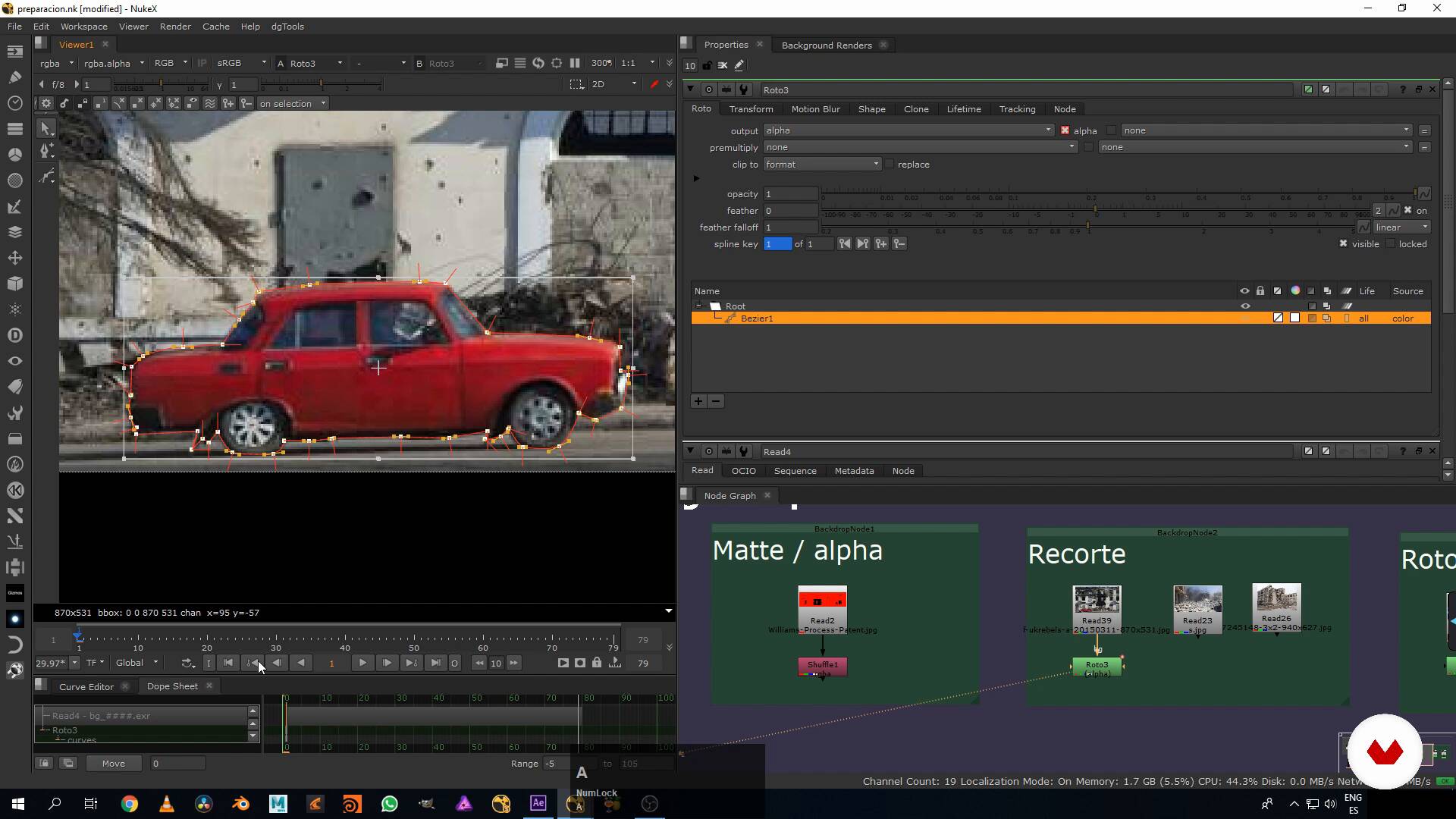
Preparation of the plane (part 1)
16 minutes, 7 seconds
What's included in this course?
Begin by learning about the work and influences of Juan Olivares, who also tells you about his first steps in the world of cinema and how he taught himself everything he knows about digital composition in post-production.
Learn what digital composition is, the basic techniques, and everything necessary to create a plan where everything seems real.
Then, prepare the workflow. Look for references and materials to integrate into your composition and begin to record your base plan using your cell-phone camera, with which you put together your first sketch.
From there, move on to the production of your project. Learn to prepare your plan by deleting elements that do not work. Juan teaches you how to build and use a homemade chroma to apply masks to everything you consider necessary and make your plan come to life.
Learn how to insert elements into the plan using 2D tracking, and then go a bit further by tracking 3D cameras to insert the elements in depth. Once you have all the elements in position and well tracked, manipulate the color to integrate them into the plan.
As the last stage of your project, carry out a technical check of your composition and do the color grading to give it a cinematographic look based on what you are narrating.
Recommended software & tools for this course
What is this course's project?
Transform the street from your house or the nearest square into a war zone using photography, textures, and elements from an audiovisual library.
Projects by course students


Who is this online course for?
This course is for anyone (both students and professionals) who is interested in learning basic digital-composition techniques to apply to their projects. It is also for anyone interested in an overview of the VFX processes in audiovisual productions.
Requirements and materials
You need basic knowledge of photography to take this course. You also need to know how to use image-editing software such as Adobe Photoshop and After Effects. Basic knowledge of Nuke is recommended as well.
What materials do you need? You need a computer with Nuke or Adobe After Effects and Photoshop, as well as a video camera (it can be your cell phone), a green or blue cloth to do the chroma key, and stock-footage materials.
Reviews
- 10 months ago
Excelente curso!
- 11 months ago
¡Excelente! Aunque no vaya a utilizar Nuke me ha permitido comprender todo el proceso en la composición de un plano. Lo recomiendo.
- 1 year ago
muy buen curso, me encanta todo lo que enseñan
- 2 years ago
Muy claro el profesor, aunque si vas a hacer el montaje en un programa que no sea nuke, te puedes tardar en acomodarte porque no todos los comandos son iguales, pero una buscadita en youtube ayuda a solucionar ese problema
- 2 years ago
Muy bueno, este curso realmente me ha ayudado un montón en mis composiciones, 100% recomendado.

He worked on innumerable Argentine productions before moving to Vancouver, Canada, where he worked in houses specializing in visual effects such as The Embassy, Zoic, and Digital Domain, with which he was able to participate in Hollywood productions such as Deadpool, Arrow, and Furious 7. Then, he crossed the ocean, this time to London, United Kingdom, where he worked at the Framestore house for the film Guardians of the Galaxy.
He is currently in Chile, his native country, where he founded a visual-effects boutique specializing in characters and creatures, called Grumpy VFX, where he is a composer and visual-effects supervisor.
Content
- U1
Introduction
- Presentation
- Influences
- U2
Introduction to the composition and preparation of the project
- Introduction to digital composition
- Search for references
- Materials and sketch
- Preparation to record
- Home chrome
- U3
Production of our plane
- Preparation of the plane (part 1)
- Preparation of the plan (part 2)
- Chroma and luminance cut (part 1)
- Chroma and luminance cut (part 2)
- 2D Tracking (part 1)
- 2D Tracking (part 2)
- 2D Tracking (part 3)
- 3D Tracking (part 1)
- 3D Tracking (part 2)
- U4
Integration, refinement and final touches
- Color Integration (Part 1)
- Color Integration (Part 2)
- Color Integration (Part 3)
- Refined (part 1)
- Refined (part 2)
- Color Grading
- FP
Final project
- Introduction to digital composition in post-production
What to expect from a Domestika course
Learn at your own pace
Enjoy learning from home without a set schedule and with an easy-to-follow method. You set your own pace.
Learn from the best professionals
Learn valuable methods and techniques explained by top experts in the creative sector.
Meet expert teachers
Each expert teaches what they do best, with clear guidelines, true passion, and professional insight in every lesson.
Certificates
PLUSIf you're a Plus member, get a custom certificate signed by your teacher for every course. Share it on your portfolio, social media, or wherever you like.
Get front-row seats
Videos of the highest quality, so you don't miss a single detail. With unlimited access, you can watch them as many times as you need to perfect your technique.
Share knowledge and ideas
Ask questions, request feedback, or offer solutions. Share your learning experience with other students in the community who are as passionate about creativity as you are.
Connect with a global creative community
The community is home to millions of people from around the world who are curious and passionate about exploring and expressing their creativity.
Watch professionally produced courses
Domestika curates its teacher roster and produces every course in-house to ensure a high-quality online learning experience.
FAQs
Digital compositing in film is the process of blending real footage with digital elements to create visually stunning scenes. It lets you remove, add, or alter objects and environments, achieving effects that aren’t possible with traditional filming.
This is an intermediate-level course, perfect for those with basic editing or post-production knowledge who want to dive deeper into professional VFX and digital compositing techniques.
You’ll need access to software like Nuke and After Effects, plus a computer powerful enough for video editing and digital effects. DaVinci Resolve is also recommended for color grading, and an internet connection to download resources.
You’ll learn rotoscoping, chroma keying, 2D/3D tracking, digital element integration, color correction, matte painting, mask cutting and animation, and how to blend practical and digital effects in film.
The course teaches you how to cut out backgrounds, apply masks, use chroma key and tracking to insert digital elements into video, creating seamless and realistic integration with the original footage.
Yes, you’ll learn how to digitally remove unwanted objects and create wounds or other physical effects using advanced compositing tools and digital painting.
The course covers how to combine practical effects like animatronics and stop motion with digital effects, producing hyper-realistic and believable cinematic scenes.