Guided Course: Design Pictograms
A course by Romualdo FauraGraphic Designer and Illustrator
A course by Romualdo Faura, Graphic Designer and Illustrator

Design unique spatial pictograms using sketching, grid, and color techniques in creative projects
Explore the fascinating world of pictogram design for a space mission. Learn how to transform abstract ideas into clear and effective visual symbols. The first step is to conceive the pictogram, where a conceptual map is created to help define the project. With a solid foundation, it's time to sketch and create a grid, both by hand and on a computer, ensuring consistency and precision in every stroke.
The next stage focuses on digital design, exploring the production of the pictogram body, its decomposition and duplication, as well as the creation of more complex elements such as the time machine and the UFO landing strip. Finally, the creative process culminates with retouching and color application, bringing life and personality to your designs. Immerse yourself in a unique learning experience that will enhance your creative skills and allow you to communicate messages in a visual and engaging way.
What will you learn in this online course?
11 lessons & 12 downloads
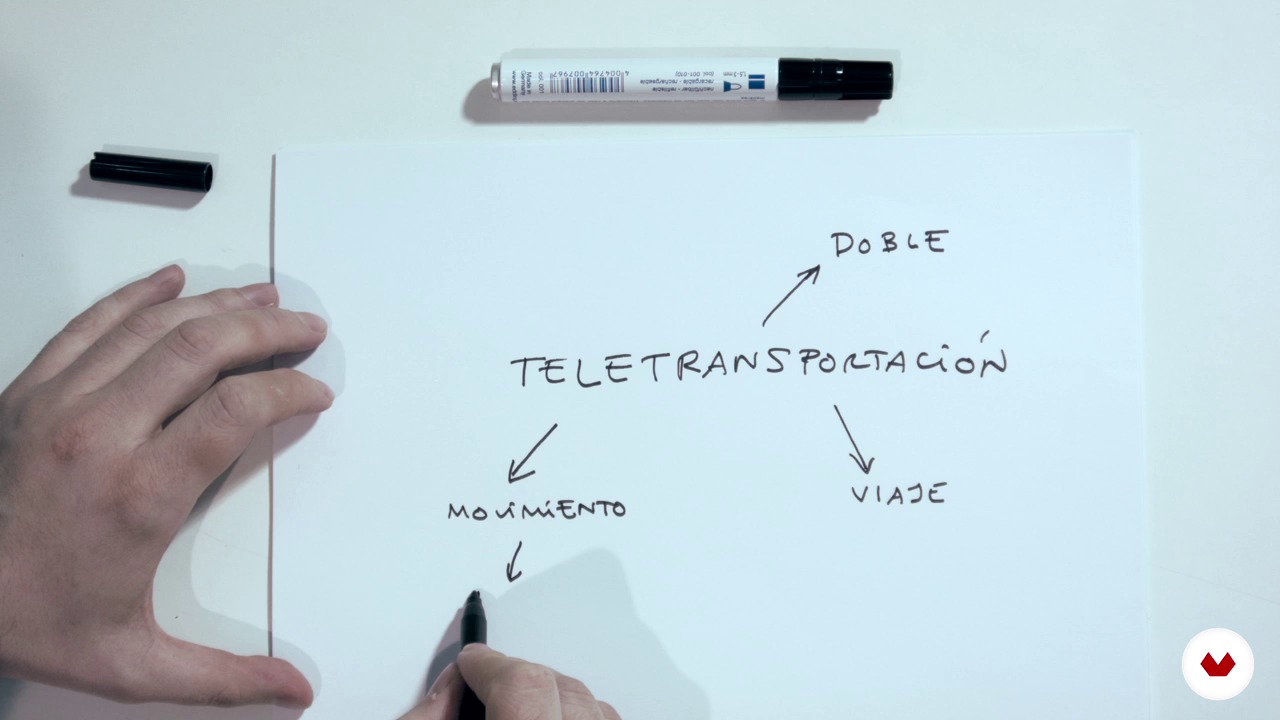
Prepare a conceptual map
4 minutes, 13 seconds
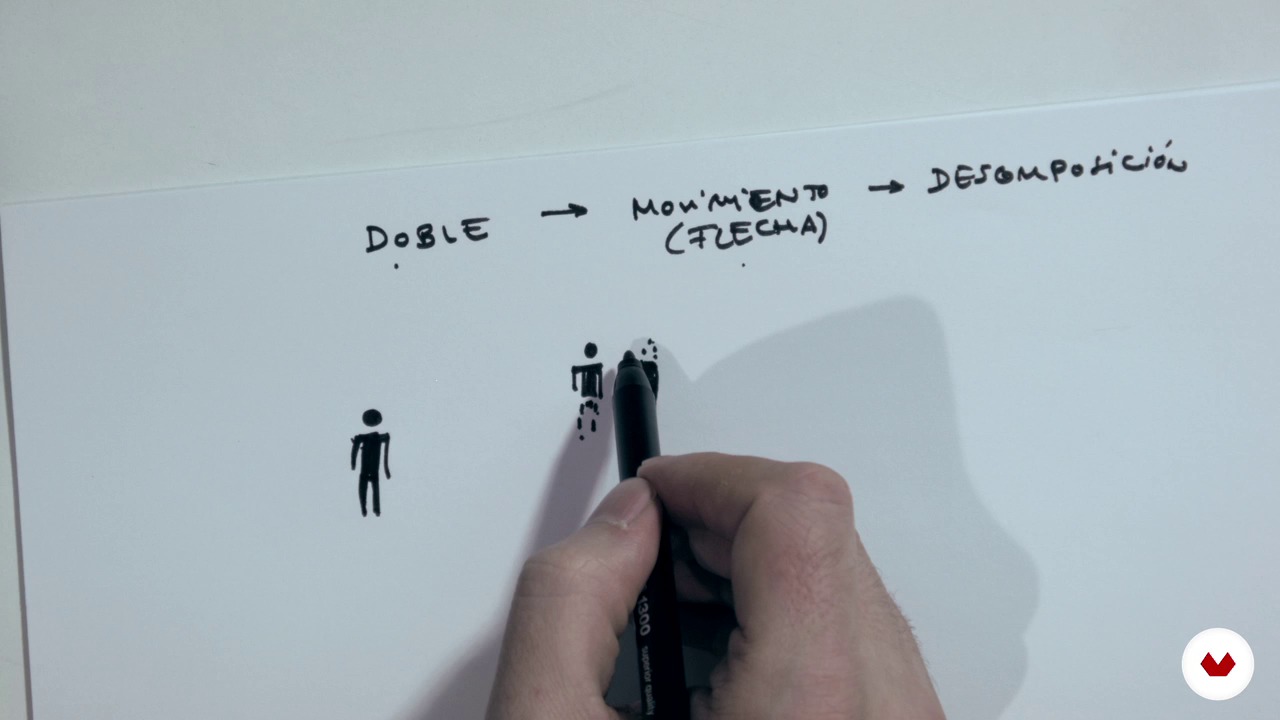
Sketches
7 minutes, 40 seconds

Reticle (by hand and on computer)
7 minutes, 0 seconds
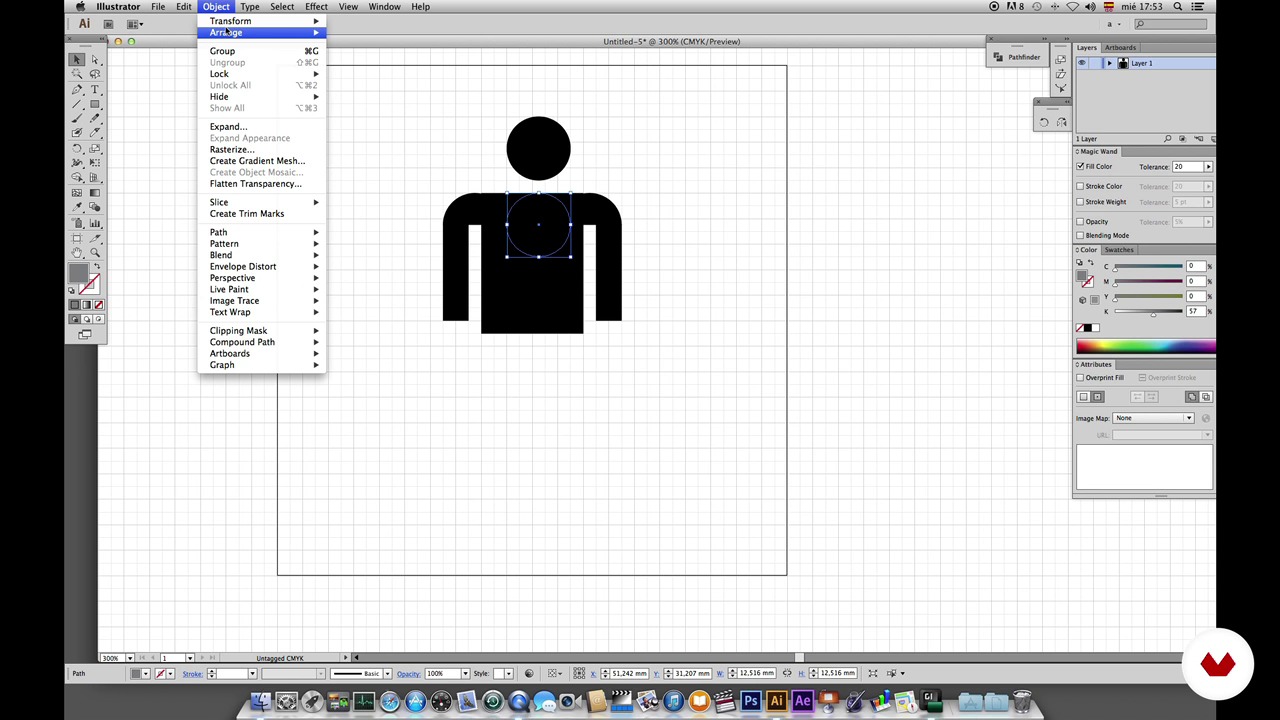
Production I. The Body.
10 minutes, 12 seconds
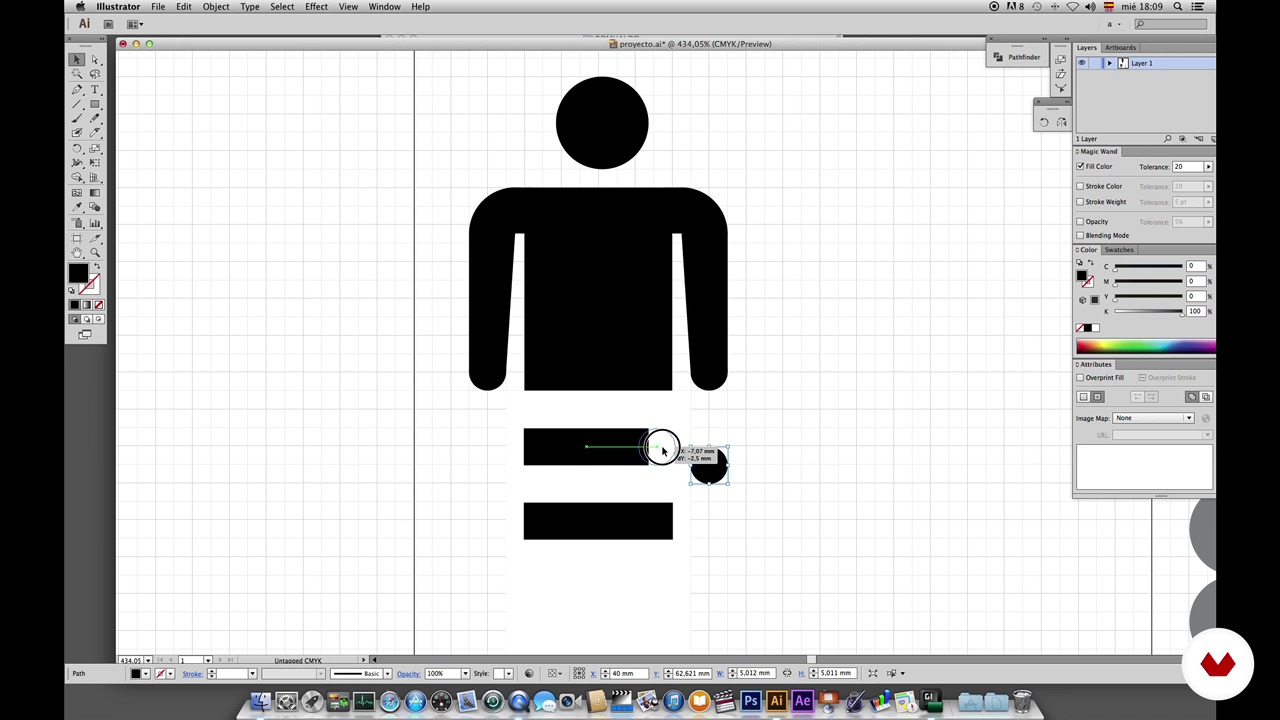
Production II. Decomposition.
4 minutes, 35 seconds
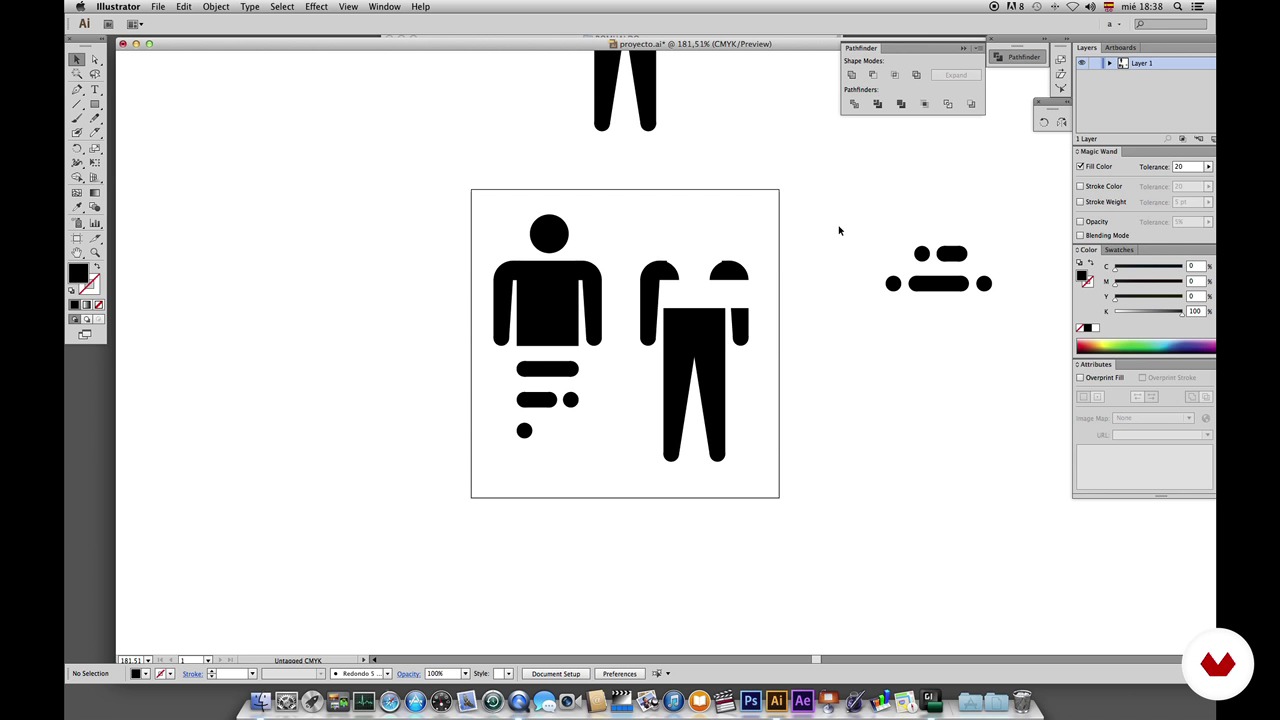
Production III. Duplication of the body.
9 minutes, 44 seconds
What's included in this course?
You'll learn to design unique and functional pictograms for a space mission, starting by understanding the importance of the concept behind each symbol. You'll develop a concept map that will help you define the message and function of your pictograms, ensuring that each one effectively fulfills its purpose. This phase is crucial for laying the foundation for a solid and coherent design, tailored to the specific requirements of a space mission.
Once the concepts are established, you'll move on to sketching and digital production. You'll experiment with different sketches, using grids both by hand and on a computer, to refine your ideas and ensure the accuracy of the final design. Additionally, you'll learn production techniques that will allow you to decompose and duplicate elements, creating dynamic and versatile pictograms. Finally, you'll focus on final touches and color application, key elements for communicating effectively in a spatial context. This comprehensive process will provide you with the skills necessary to create pictograms that are not only aesthetically appealing but also functional and clear.
Recommended software & tools for this course
What is this course's project?
The project involves designing pictograms for a space mission. Students will create initial sketches, develop a concept map, and use digital tools to refine the final design. They will also apply retouching and color techniques to achieve a professional result.
Who is this online course for?
Graphic designers, illustrators, and creatives interested in pictogram design will find this course an opportunity to enhance their skills. Students and professionals who wish to experiment with visual concepts and digital sketching techniques will benefit from the content.
Requirements and materials
No extensive prior knowledge is required, but a basic understanding of graphic design and design software is helpful. Paper, pencil, a computer with design software, and internet access are required to follow the content and practical exercises.

He has collaborated with clients such as El País, Bloomberg Markets, Volta Charging, LittleCrowd, Elsevier, Fast Company, Yorokobu, Ling, and BBVA, and has taught at the Universidad de Monterrey, the Instituto Tecnológico y de Estudios Superiores de Occidente, the CEDIM, the Escuela Superior Internacional de Murcia and the Universidad de Istmo.
In his projects, he strives to use precise colors, flat geometric shapes, and minimal details: he believes simplicity is the key to responsible design.
Content
Guided Course: Design Pictograms
- Podcast: The Birth of Icons
- Project Statement
- Prepare a conceptual map
- Sketches
- Reticle (by hand and on computer)
- Production I. The Body.
- Production II. Decomposition.
- Production III. Duplication of the body.
- Production IV. Time Machine and UFO Landing Strip.
- Retouching
- The color
- Final project
What to expect from a Domestika course
Learn at your own pace
Enjoy learning from home without a set schedule and with an easy-to-follow method. You set your own pace.
Learn from the best professionals
Learn valuable methods and techniques explained by top experts in the creative sector.
Meet expert teachers
Each expert teaches what they do best, with clear guidelines, true passion, and professional insight in every lesson.
Certificates
PLUSIf you're a Plus member, get a custom certificate signed by your teacher for every course. Share it on your portfolio, social media, or wherever you like.
Get front-row seats
Videos of the highest quality, so you don't miss a single detail. With unlimited access, you can watch them as many times as you need to perfect your technique.
Share knowledge and ideas
Ask questions, request feedback, or offer solutions. Share your learning experience with other students in the community who are as passionate about creativity as you are.
Connect with a global creative community
The community is home to millions of people from around the world who are curious and passionate about exploring and expressing their creativity.
Watch professionally produced courses
Domestika curates its teacher roster and produces every course in-house to ensure a high-quality online learning experience.
FAQs
You’ll learn how to design original pictograms for futuristic concepts, use concept maps, work with manual and digital grids, experiment with styles and graphic synthesis techniques, and tailor your designs for multicultural and tech-savvy contexts.
This is an intermediate-level course. Basic knowledge of graphic design, drawing, and digital tools like Illustrator is recommended.
You’ll need graph paper, a pencil, a computer with Illustrator or another vector design program, and internet access.
You’ll learn brainstorming, creative association, and concept mapping techniques to develop original pictograms—even without prior visual references.
Yes, the course covers creating and setting up grids both manually and in Illustrator, plus techniques for fitting sketches and adjusting proportions within the grid.
Yes, the skills you gain apply to signage projects, visual systems, universal communication, and innovative icon design.
The course teaches how to create and use concept maps to organize ideas, pick key terms, and guide the creative development of pictograms.