Design interactive educational materials with Canva
A course by Rosa Liarte AlcaineSecondary School Teacher
A course by Rosa Liarte Alcaine, Secondary School Teacher

Create interactive learning units with Canva, enhance your classes with presentations, infographics, and visual rubrics
Transform your teaching with Canva, the all-in-one design tool that will enhance your classes. Learn to create visual and interactive learning units, design presentations, infographics, and dynamic activities that capture your students' attention. Discover how to facilitate the understanding of complex content through engaging and easy-to-follow visual resources. Plus, organize and share your materials collaboratively and efficiently, ready for classroom use.
Immerse yourself in the world of educational design, no prior experience necessary. Create clear and visual assessment rubrics that allow your students to easily understand learning criteria. Explore Canva's AI tools to streamline material creation, develop creative activities, and generate custom images. Take advantage of teamwork, design sharing, and transform your classes into a more engaging and meaningful experience. Take teaching to the next level with digital resources that speak the same visual language as today's students.
What will you learn in this online course?
16 lessons & 11 downloads
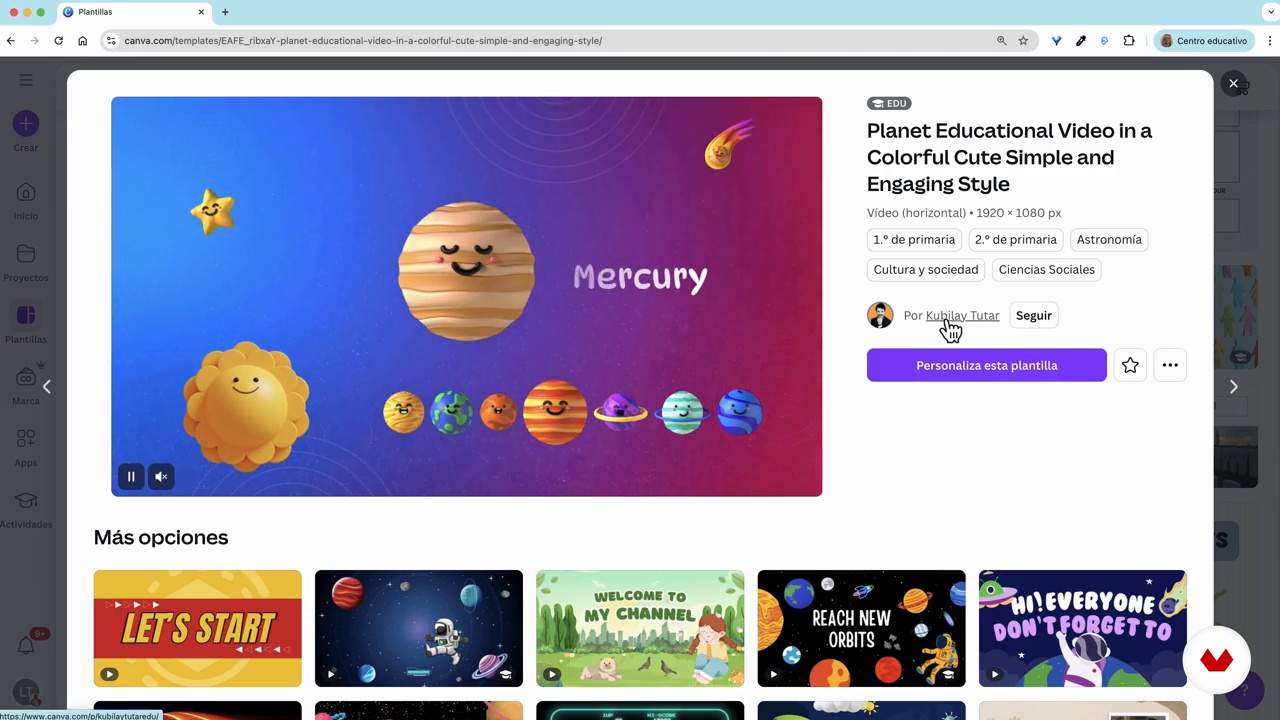
Educational template library
8 minutes, 33 seconds
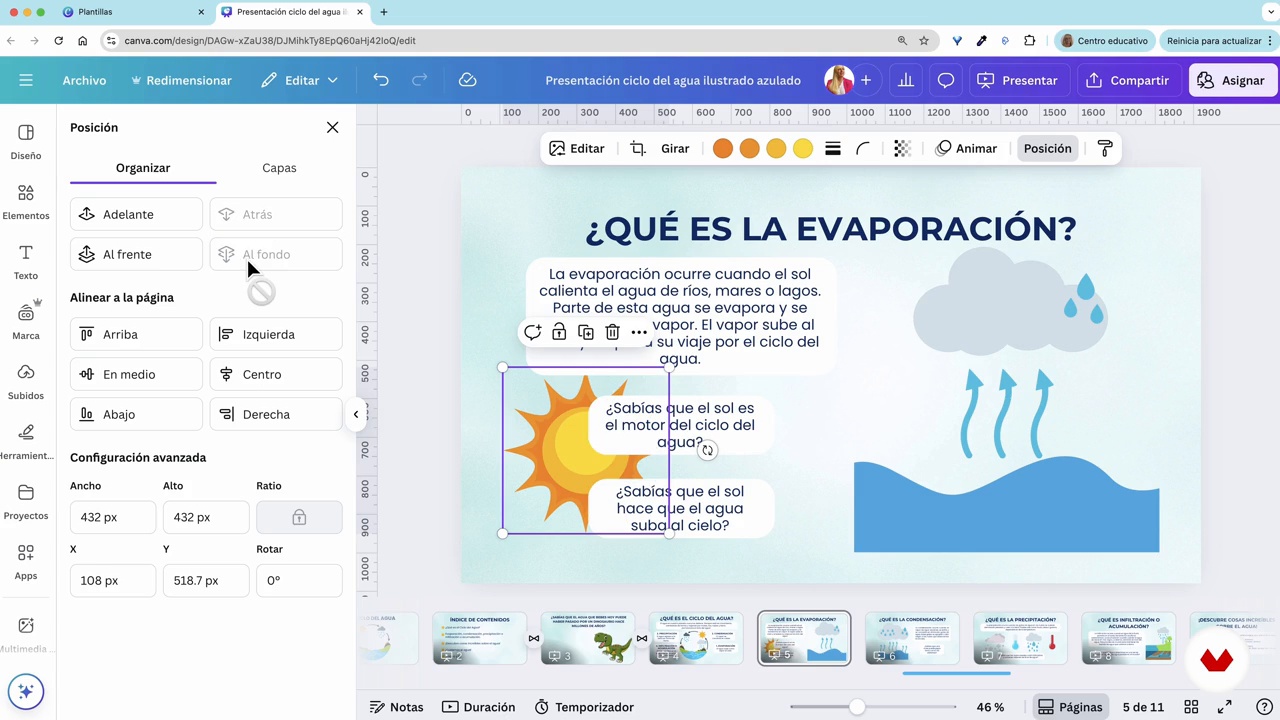
Educational designs: presentations
16 minutes, 44 seconds
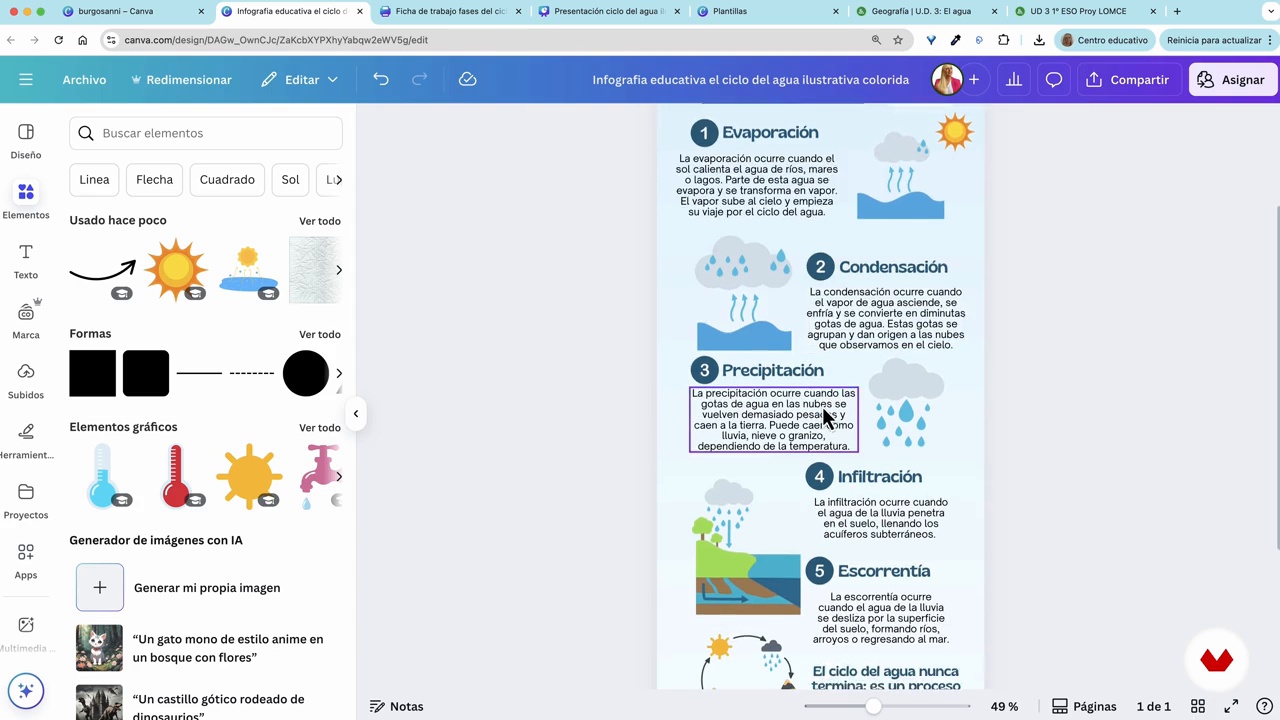
Infographics, fact sheets, QR codes, hyperlinks and interactivity
13 minutes, 38 seconds
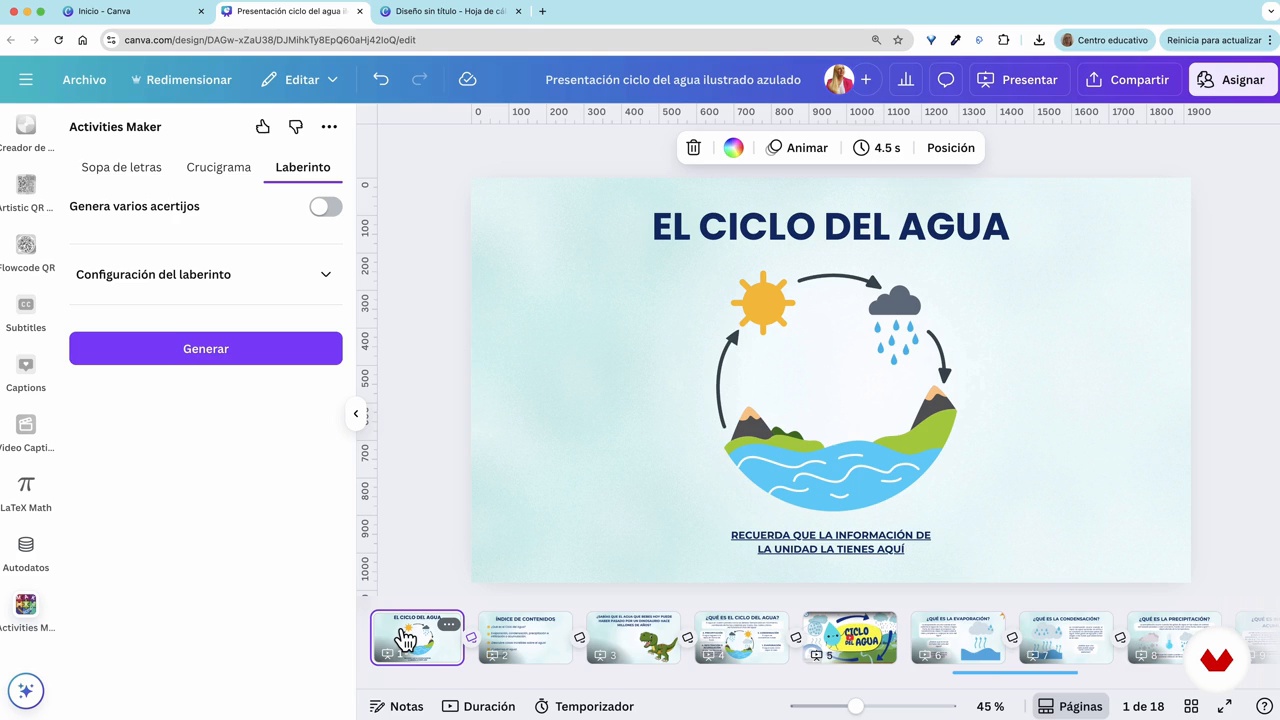
Creation of activities and poster
12 minutes, 9 seconds
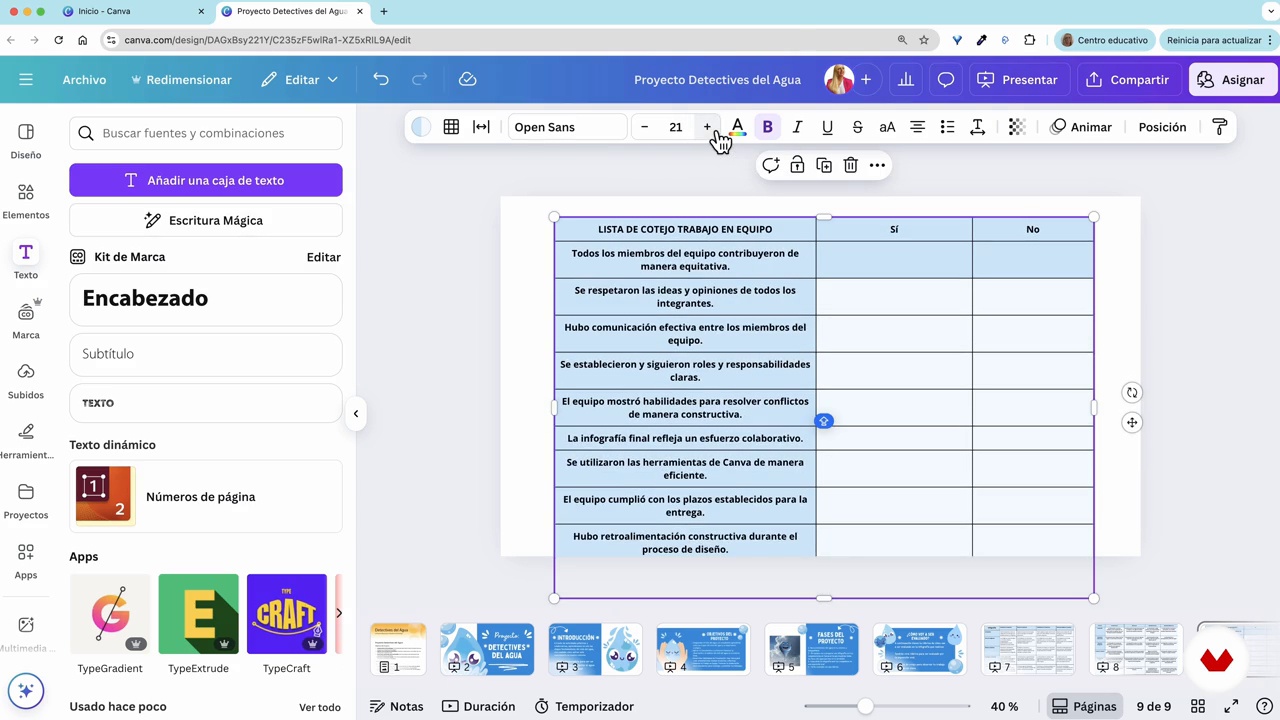
Creating rubrics and checklists
8 minutes, 36 seconds
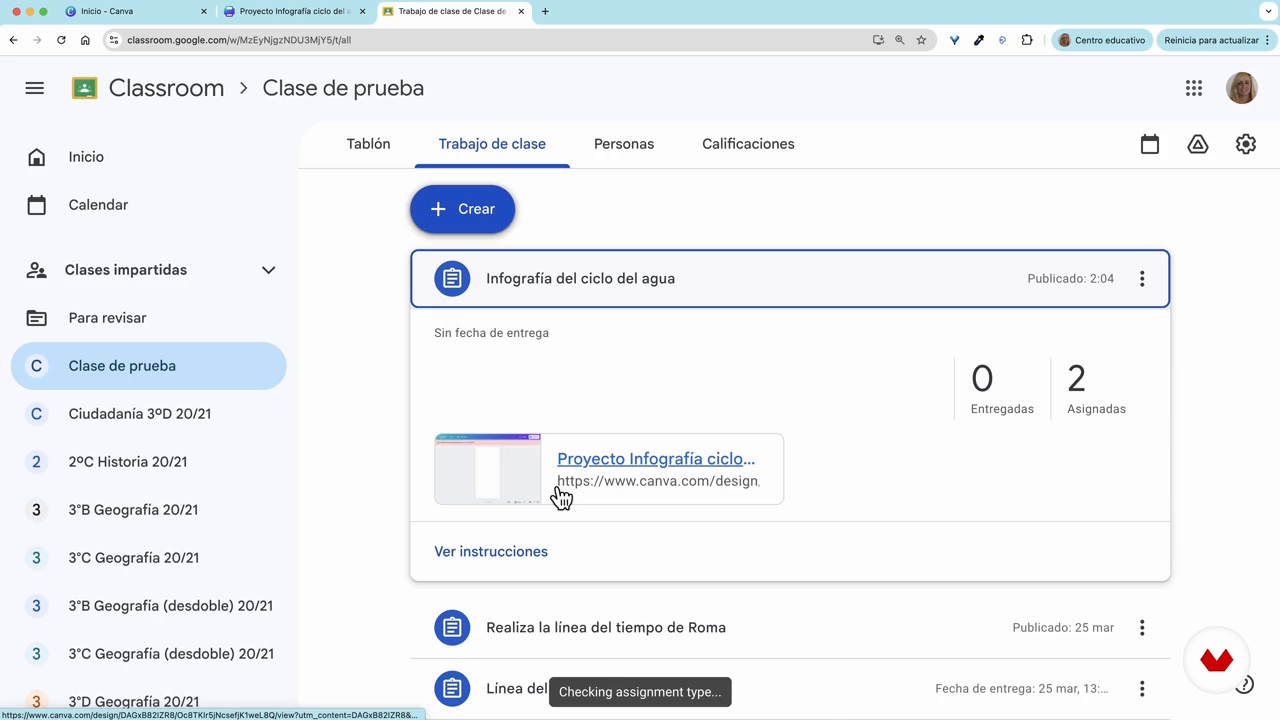
Share in Google Classroom or Microsoft Teams
2 minutes, 31 seconds
What's included in this course?
Discover how to revolutionize your classes with Canva for Education, a design tool that lets you create visual and interactive learning materials. You'll learn how to navigate the Canva interface, design engaging presentations and infographics, and create activities that captivate your students. You'll be able to develop clear and dynamic assessment rubrics, facilitating comprehension and learning. Furthermore, you'll learn how to organize your materials and work collaboratively, sharing your designs in various formats ready for classroom use.
Explore Canva's potential to transform your teaching methods. Learn to integrate interactive elements like hyperlinks and QR codes to enrich your projects. Discover how Canva's AI tools can optimize resource creation, allowing you to generate personalized images and design creative activities. By the end, you'll have the skills to design a complete, visual, and ready-to-implement learning unit, making your classes more engaging and inclusive.
Recommended software & tools for this course
What is this course's project?
Design an interactive learning unit in Canva that includes a cover page, presentation, explanatory infographic, interactive activity, and assessment rubric. When you finish, you'll have a dynamic and visual resource ready for your classes.
Projects by course students


Who is this online course for?
Aimed at teachers of all educational levels who wish to create visually appealing materials for their students, educators interested in graphic design in the classroom, and training professionals seeking to enhance presentations and educational activities without prior design experience.
Requirements and materials
No prior graphic design experience is required. All you need is a computer with internet access and to create a free Canva for Education account. Learn to use the tool intuitively and enhance your classes with visual resources.
Reviews
- stav_shvedPLUS16 days ago
I really enjoyed the course.
- oicor02PLUS24 days ago
buen curso, la maestra explica muy bien, lo recomiendo
- 6 months ago
Buen curso
- 6 months ago
Gostei muito do curso
- 7 months ago
Gostei muito do curso fiquei a conhecer melhor o canva educação e a formadora explicou muito bem todos os conteúdos.

Passionate about design as a learning tool, Rosa is a Canvassador and part of the exclusive Canva Experts program, comprised of only 40 people worldwide, making her the only one with this recognition in the educational field. Through her training sessions, conferences, and content, she demonstrates how Canva can transform the classroom, facilitating creativity, assessment, and project-based learning in a visual and inclusive way.
Content
- U1
Introduction
- Presentation
- Influences
- U2
Canva Education
- How to create your Canva Education account
- Educational template library
- Canva interface
- Folders and organization of designs
- Share designs and permissions
- U3
Design educational materials with Canva
- Educational designs: presentations
- Present the presentations
- Infographics, fact sheets, QR codes, hyperlinks and interactivity
- Creation of activities and poster
- U4
Evaluate and share
- Project design with magical writing and magical multimedia
- Creating rubrics and checklists
- Assigning and correcting tasks in Canva
- Share in Google Classroom or Microsoft Teams
- Podcast: Teaching Beyond the Screen
- FP
Final project
- Canva for Education
What to expect from a Domestika course
Learn at your own pace
Enjoy learning from home without a set schedule and with an easy-to-follow method. You set your own pace.
Learn from the best professionals
Learn valuable methods and techniques explained by top experts in the creative sector.
Meet expert teachers
Each expert teaches what they do best, with clear guidelines, true passion, and professional insight in every lesson.
Certificates
PLUSIf you're a Plus member, get a custom certificate signed by your teacher for every course. Share it on your portfolio, social media, or wherever you like.
Get front-row seats
Videos of the highest quality, so you don't miss a single detail. With unlimited access, you can watch them as many times as you need to perfect your technique.
Share knowledge and ideas
Ask questions, request feedback, or offer solutions. Share your learning experience with other students in the community who are as passionate about creativity as you are.
Connect with a global creative community
The community is home to millions of people from around the world who are curious and passionate about exploring and expressing their creativity.
Watch professionally produced courses
Domestika curates its teacher roster and produces every course in-house to ensure a high-quality online learning experience.
FAQs
Canva Education is a free platform for teachers that makes it easy to design visual, interactive, and collaborative materials. It offers templates, AI tools, and teamwork features to transform teaching and engage students.
No, this course is designed for those with intermediate knowledge of educational technology, but no prior design experience is required. You’ll learn everything from the basics to advanced techniques for creating visual educational resources.
All you need is a teacher’s institutional email and internet access. The course guides you through registering, verifying, and setting up your Canva Education account to unlock all premium tools.
You’ll learn how to create presentations, interactive infographics, maps, visual rubrics, hyperlink activities, and custom resources using Canva and its AI, plus how to manage classes and collaborative projects.
The course walks you through how to register your account, upload the necessary documents, and get official verification to access Canva Education’s premium features.
You can design presentations, infographics, interactive maps, rubrics, educational games, digital activities, print materials, and social media resources for platforms like Instagram and Google Classroom.
Canva lets you share public links, collaborate in real time, control editing permissions, and link educational accounts to teams or groups for collaborative projects.