Product Photography
A course by Martí SansPhotographer
A course by Martí Sans, Photographer

Learn to photograph your corporate identity and products professionally
Want to know how to photograph your creations to make them stand out? Martí Sans, also known as studio 365mm, is a food and commercial photographer for companies, publications, and communications agencies. In this online course, join him to learn how to use simple techniques to obtain high-quality images and post-production tricks to get perfect results.
What will you learn in this online course?
15 lessons & 10 downloads
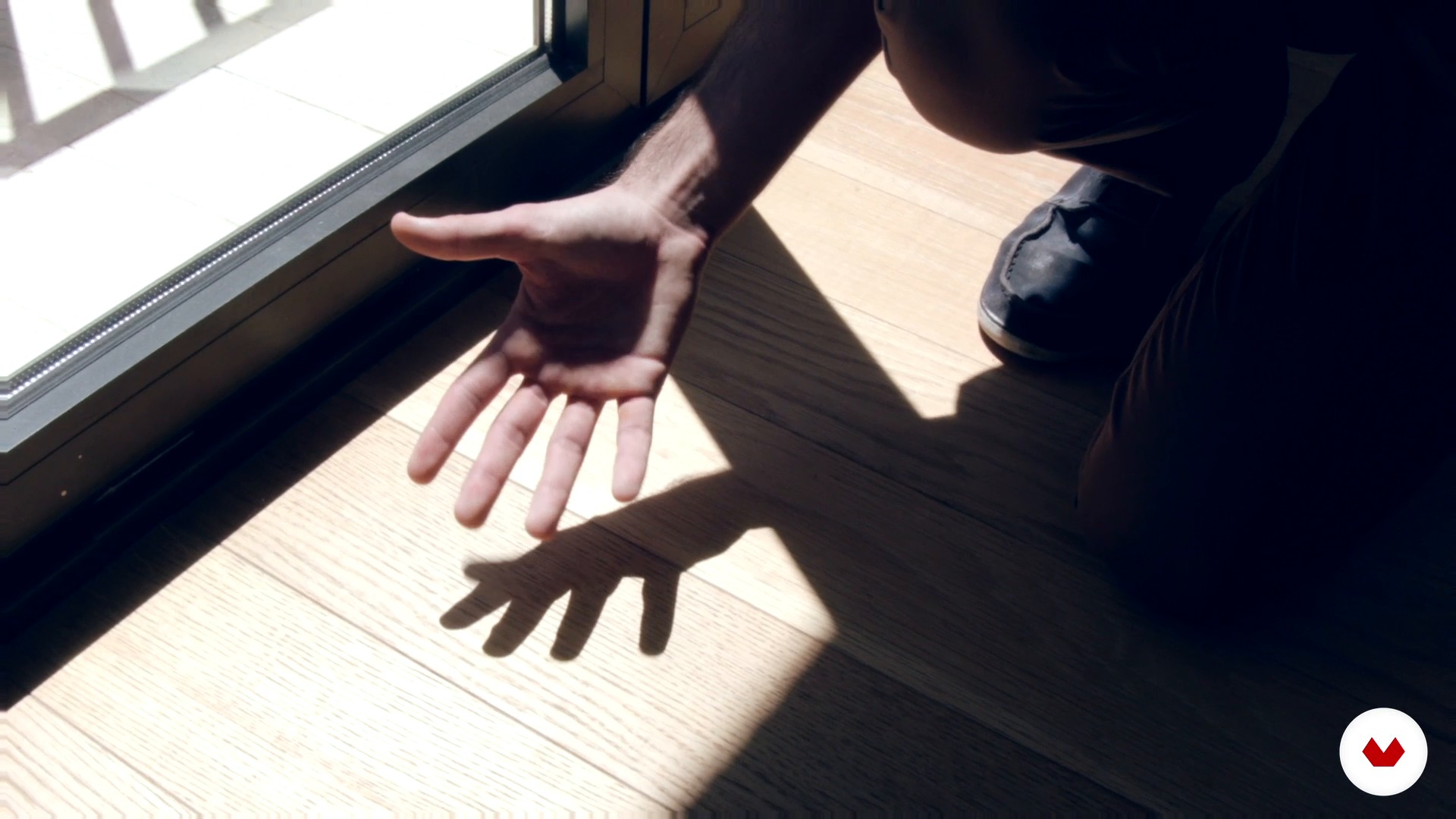
Lighting: flash vs. natural light
9 minutes, 19 seconds
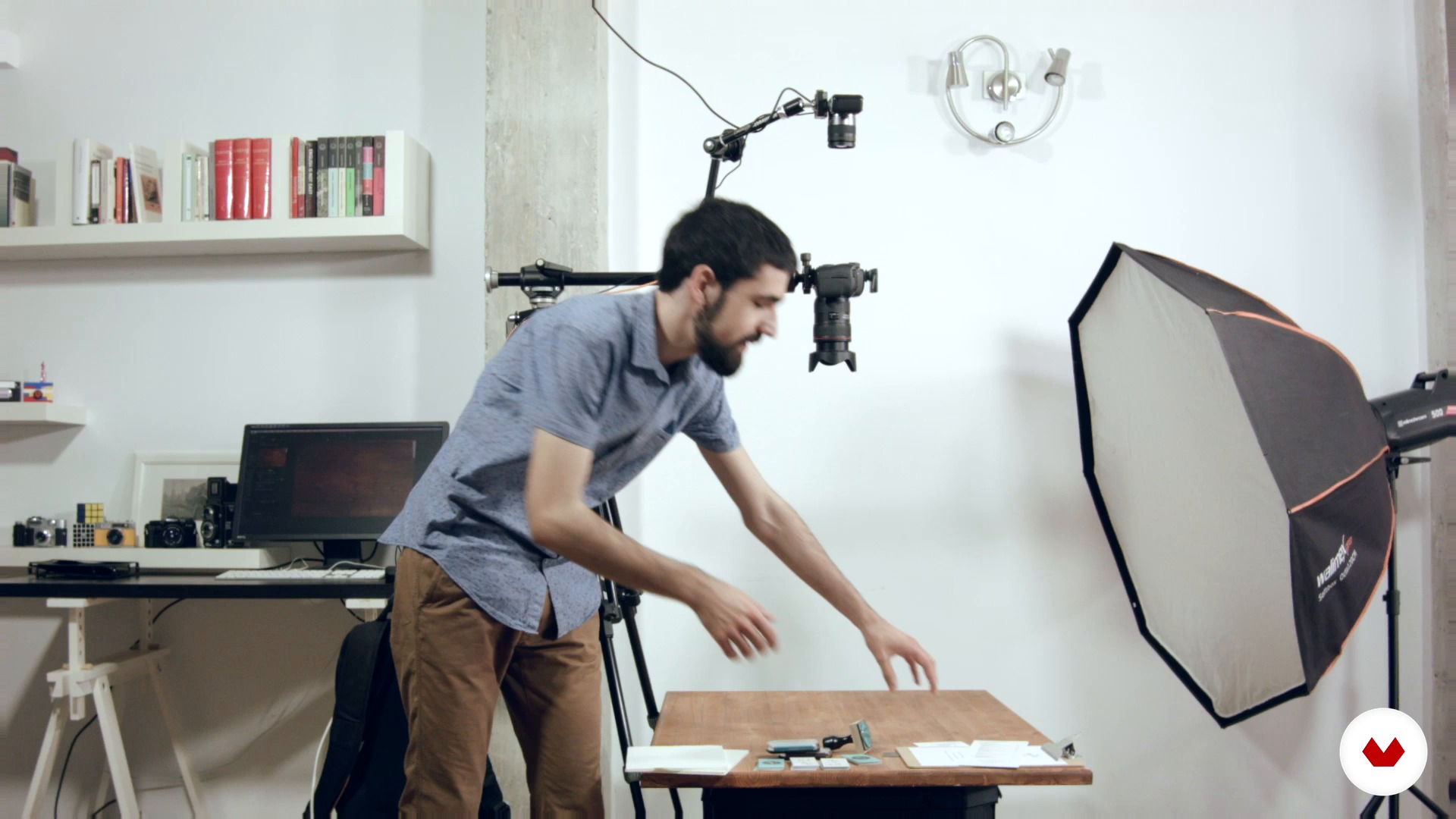
Aerial photo I
9 minutes, 25 seconds
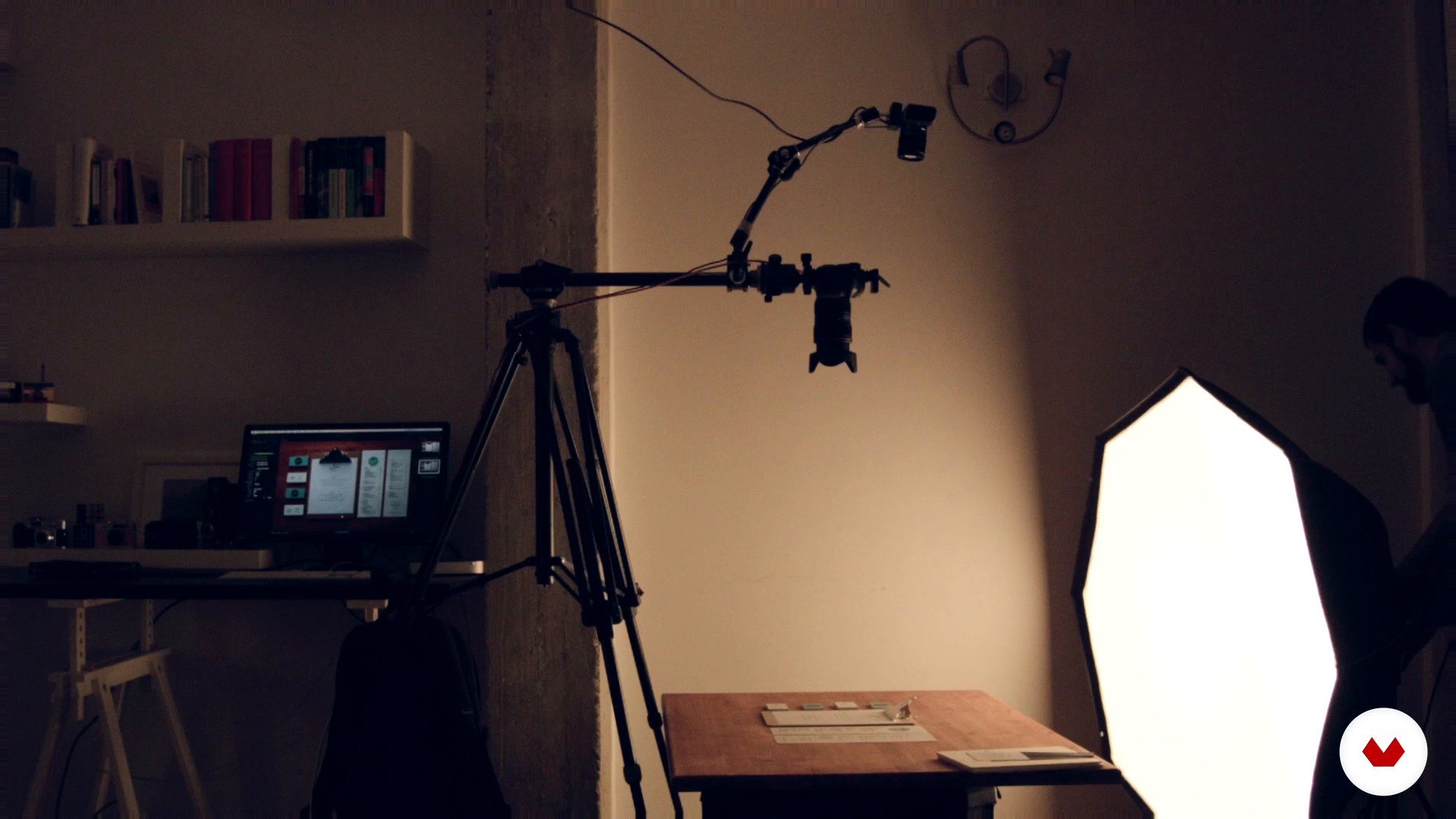
Aerial photo II
11 minutes, 36 seconds
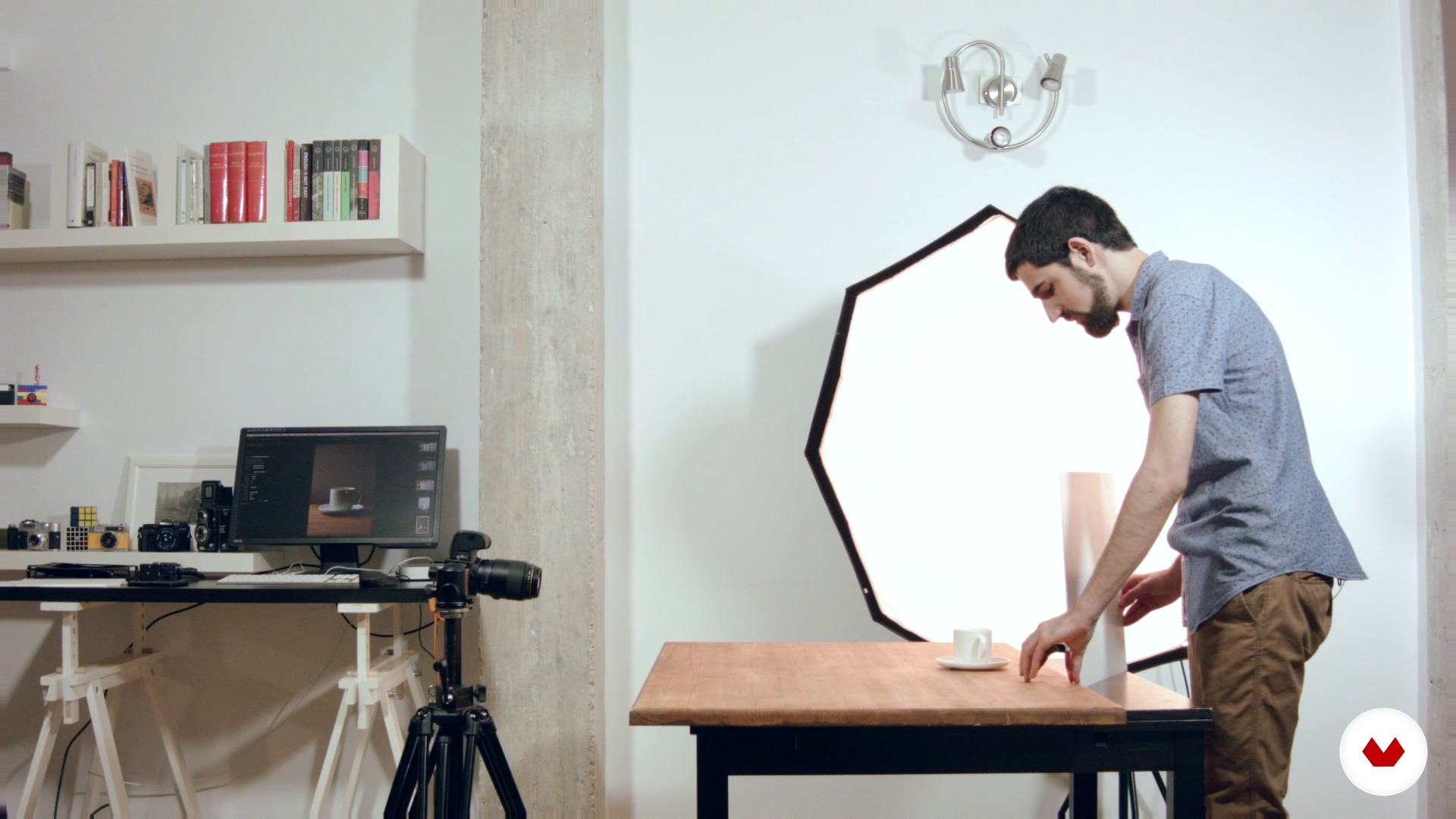
Product photo
10 minutes, 55 seconds
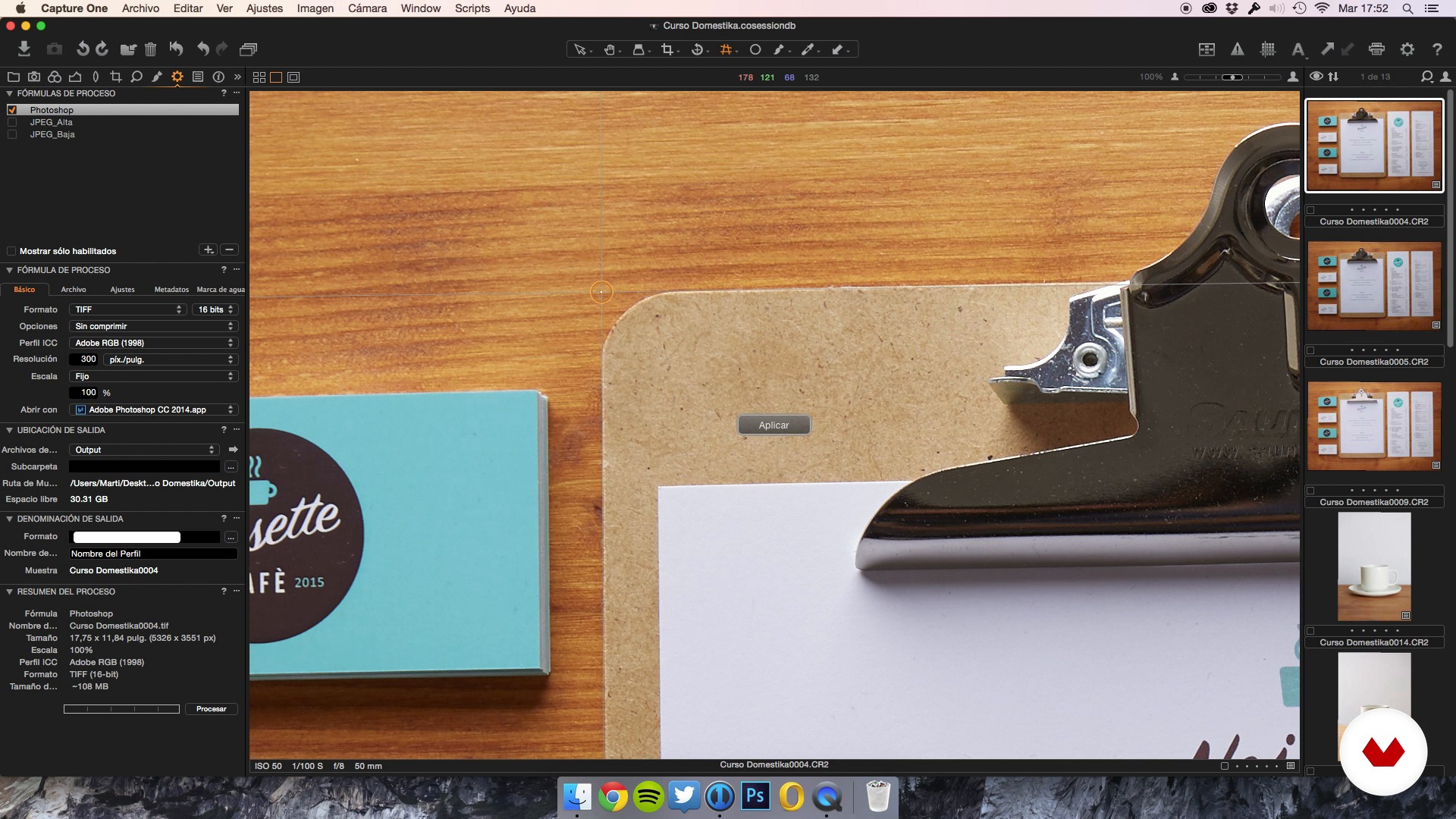
Revealed I
18 minutes, 38 seconds
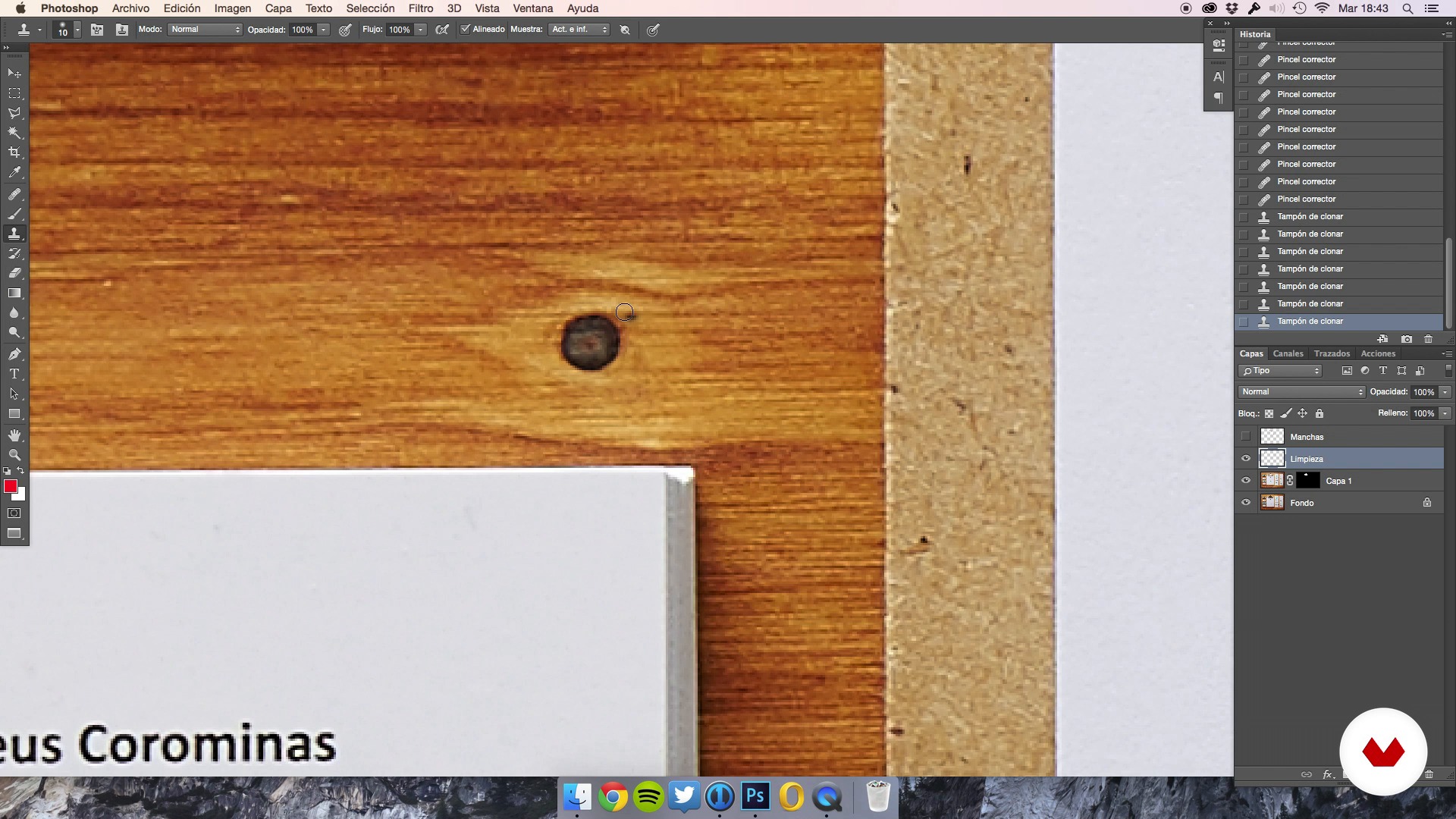
Edition I
19 minutes, 47 seconds
What's included in this course?
Start by learning about Martí Sans's career path and influences.
Then, learn how to organize your ideas and capture them in a photograph. To do so, Martí guides you through the development of a concept board and teaches you how to create the first sketches and carry out the pre-production for a shoot. In addition, he shows you the cameras and accessories he uses daily in detail.
Once you know what you want to photograph, it's time to get to work. Learn lighting techniques and how to work with them based on the type of shot (overhead photo, product photo, and detail photo).
To finish up, in the post-production phase Martí shows you some image-development and editing tricks to help you perfect your images.
Recommended software & tools for this course
What is this course's project?
Photograph a corporate identity and product in a new and original way.
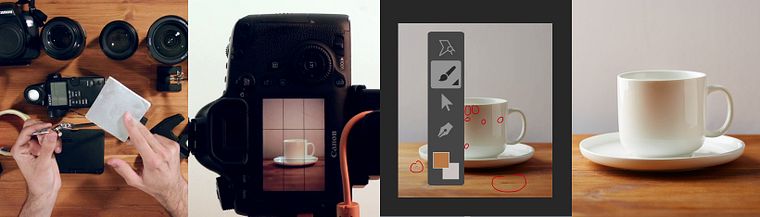
Projects by course students


Who is this online course for?
This course is for designers who want to photograph their projects, artisans who are interested in introducing their products to the world, and photographers who want to expand their knowledge of studio photography.
Requirements and materials
You need basic knowledge of photography and familiarity with Instagram. As for materials, you need a camera with manual settings and a computer with Capture One installed.
Reviews
- 9 days ago
Buen curso.
- 7 months ago
Me esta fascinando este curso
- 10 months ago
meeeh, hay mejores cursos
- 10 months ago
Great!
- 1 year ago
Muy buen curso. Super claro en su explicación. Ya hice otros cursos con él y lo super recomiendo.

He currently carries out commissioned photoshoots for companies, forms part of the cooperative Stocksy, and teaches in several cities all over Spain.
Content
- U1
Introduction
- Presentation
- Influences
- U2
Specifying the idea
- Organize an idea: Concept board
- Sketches and references document
- Preproduction of the shooting
- Camera and accessories
- U3
Let's do it!
- Lighting: flash vs. natural light
- Aerial photo I
- Aerial photo II
- Product photo
- Photo detail
- U4
Post-production
- Revealed I
- Revealed II
- Edition I
- Edition II
- FP
Final project
- Product photography
What to expect from a Domestika course
Learn at your own pace
Enjoy learning from home without a set schedule and with an easy-to-follow method. You set your own pace.
Learn from the best professionals
Learn valuable methods and techniques explained by top experts in the creative sector.
Meet expert teachers
Each expert teaches what they do best, with clear guidelines, true passion, and professional insight in every lesson.
Certificates
PLUSIf you're a Plus member, get a custom certificate signed by your teacher for every course. Share it on your portfolio, social media, or wherever you like.
Get front-row seats
Videos of the highest quality, so you don't miss a single detail. With unlimited access, you can watch them as many times as you need to perfect your technique.
Share knowledge and ideas
Ask questions, request feedback, or offer solutions. Share your learning experience with other students in the community who are as passionate about creativity as you are.
Connect with a global creative community
The community is home to millions of people from around the world who are curious and passionate about exploring and expressing their creativity.
Watch professionally produced courses
Domestika curates its teacher roster and produces every course in-house to ensure a high-quality online learning experience.
FAQs
You’ll learn simple lighting techniques, composition, overhead photography, handling light both in studio and at home, creating moodboards, and organizational tools for shoots and post-production of product and food images.
This is an intermediate-level course, perfect if you already have basic photography knowledge and want to specialize in food and product photography in studio or at home.
You’ll need a camera (DSLR, mirrorless, or film), a tripod, a macro or standard lens, simple diffusers, and access to a computer with editing software like Capture One or Photoshop.
This course combines professional lighting techniques, creative composition, shoot organization, visual referencing with Pinterest, and post-production — all tailored for both studio and home settings, focusing on food and corporate identity photography.
You’ll be able to create overhead product shots, food still lifes, images for corporate branding, photos of artisanal packaging, and creative compositions in both color and black & white.
Yes, you’ll learn workflows for RAW processing, organizing and editing in Photoshop, color correction, digital cleanup, and advanced adjustments for product photos.
Yes, the course covers how to prepare materials, create and use checklists, manage pre-production, and streamline the organization of professional shoots.