Create innovative motion graphics with artificial intelligence and After Effects
A course by Darwin PachecoDesigner and Animator
A course by Darwin Pacheco, Designer and Animator

Create shocking motion graphics with AI and After Effects, learn to integrate animations and texts in high quality videos
Discover how to merge the magic of motion graphics with artificial intelligence and take your projects to the next level. You'll learn to generate stunning images using Freepik's advanced artificial intelligence technology. Then, you'll create stunning videos with the Flux Kontext model, which offers multiple options to explore. Once you have your high-quality video, you'll integrate it into After Effects, where you'll focus on bringing the graphic elements and text to life with dynamic, fluid animations.
You'll use the Motion Track tool to track specific parts of your videos, improving the integration of text into the AI-generated piece. Upon completion, you'll have a professional-quality project ready to share on your social media. You'll also develop skills to create your own prompts on the Freepik platform, allowing you to obtain high-quality images to inspire you daily. With this course, you'll boost your creativity and master the most innovative tools of digital design.
What will you learn in this online course?
10 lessons & 1 download
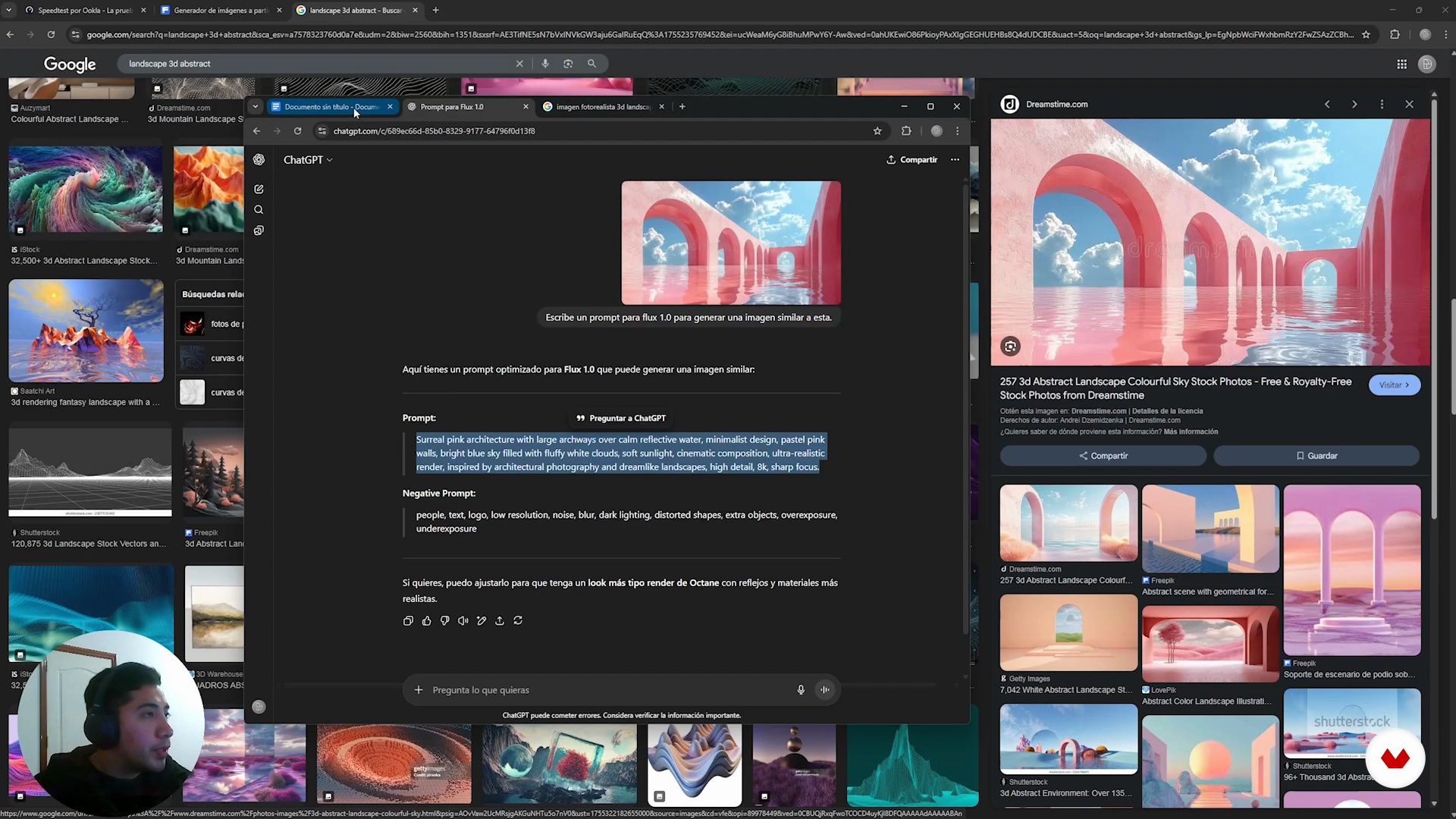
Creating our Product Shot with AI
13 minutes, 36 seconds
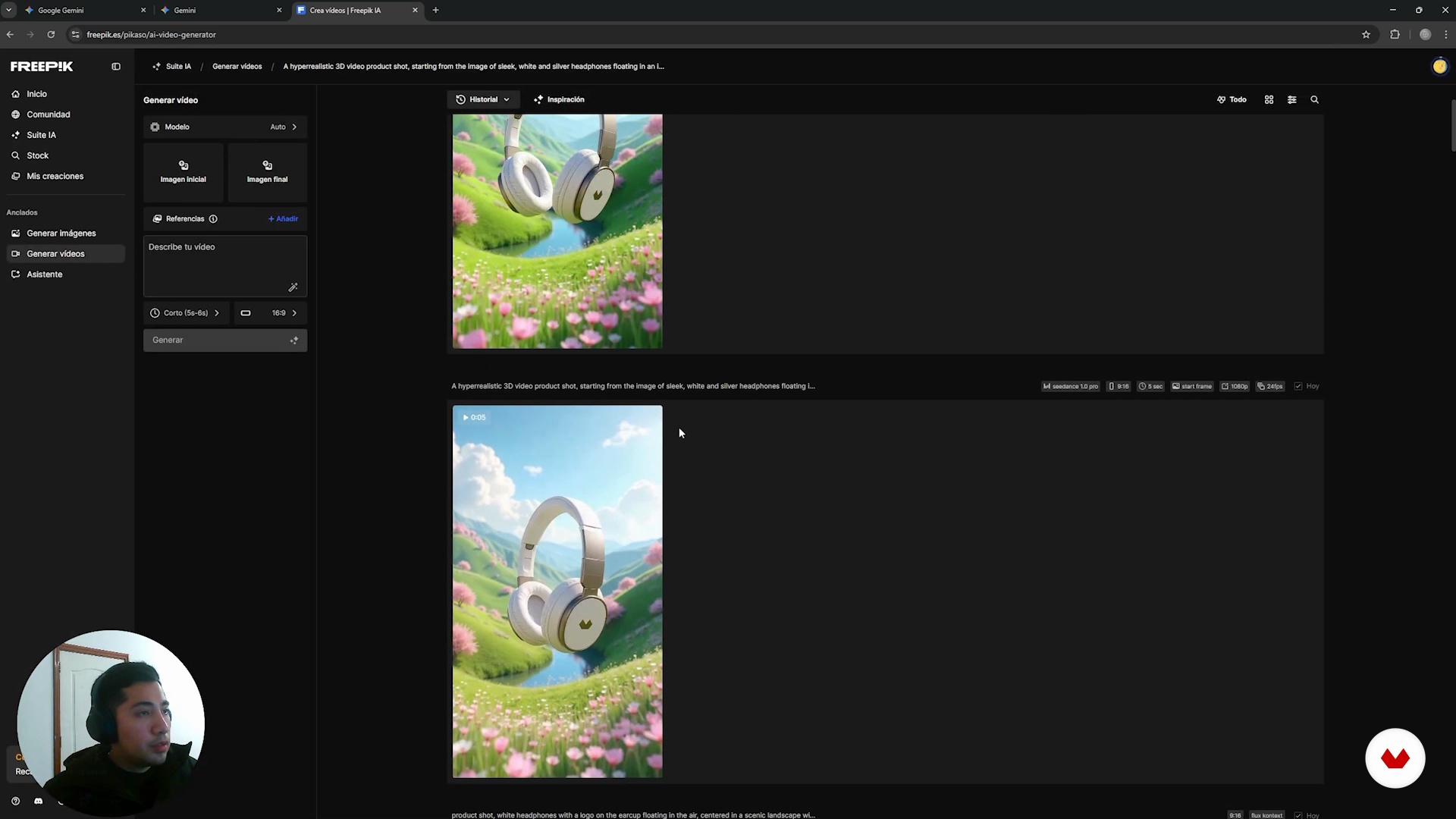
Generating video
6 minutes, 10 seconds
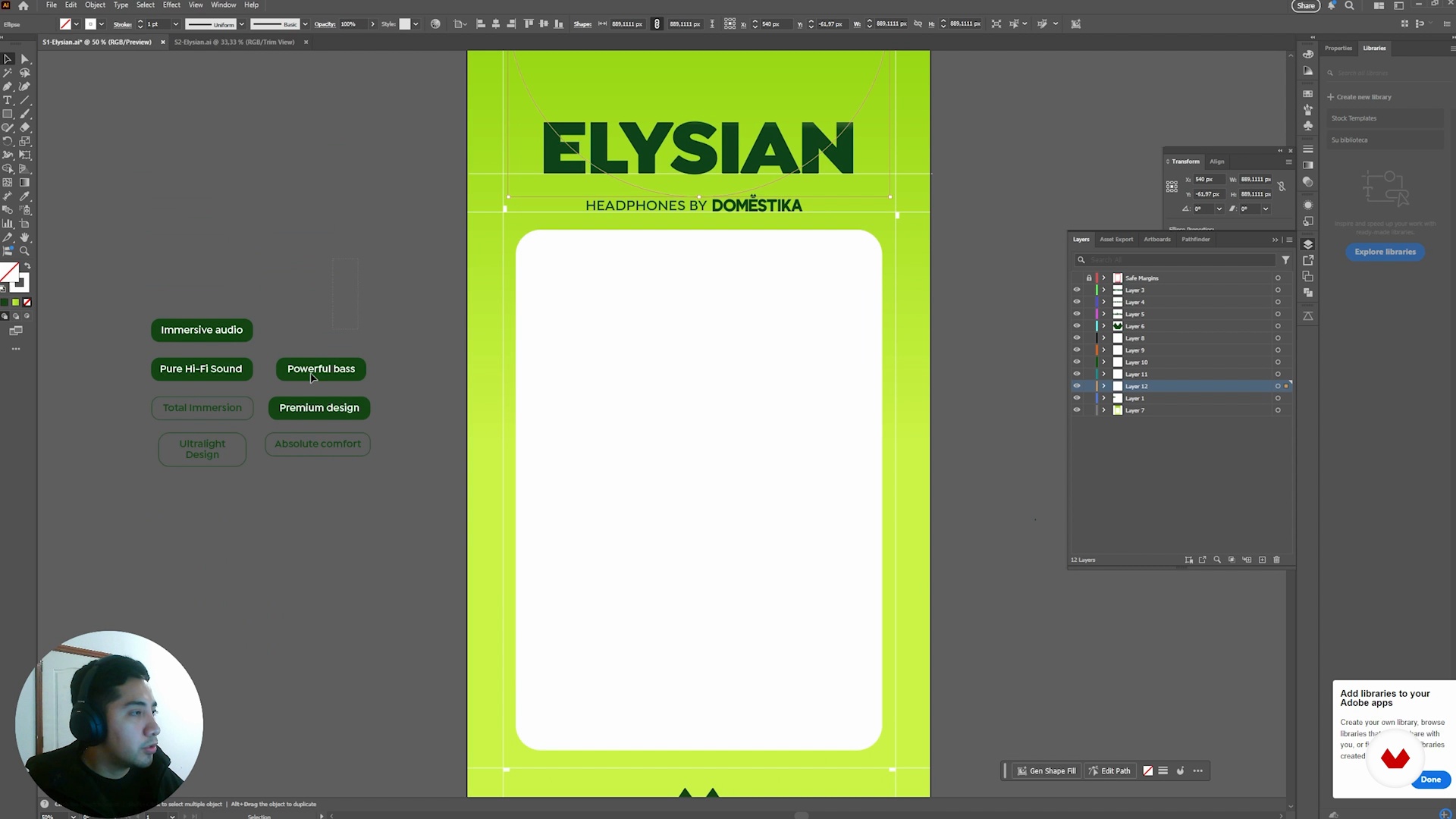
Preparing design boards
7 minutes, 19 seconds
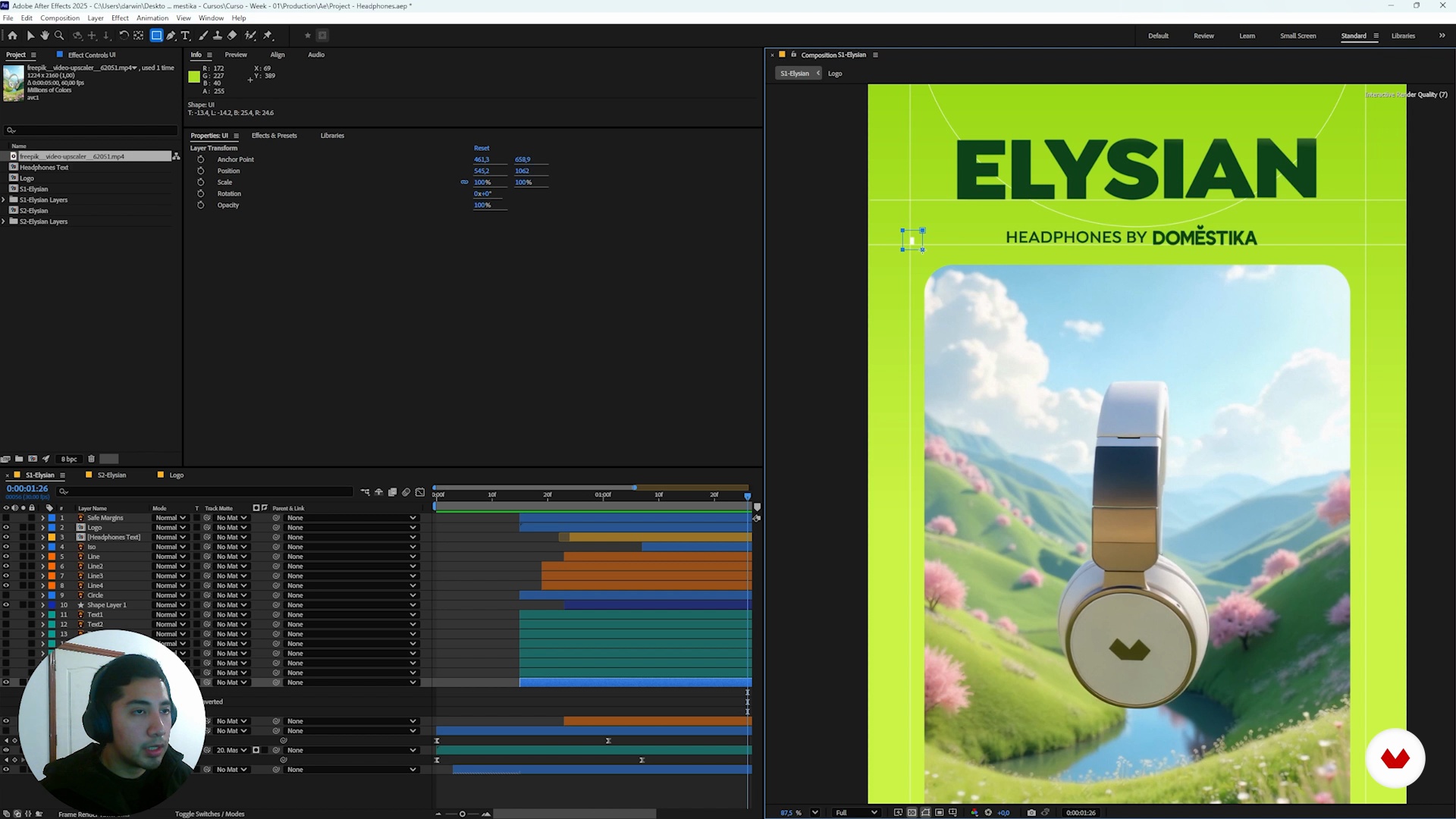
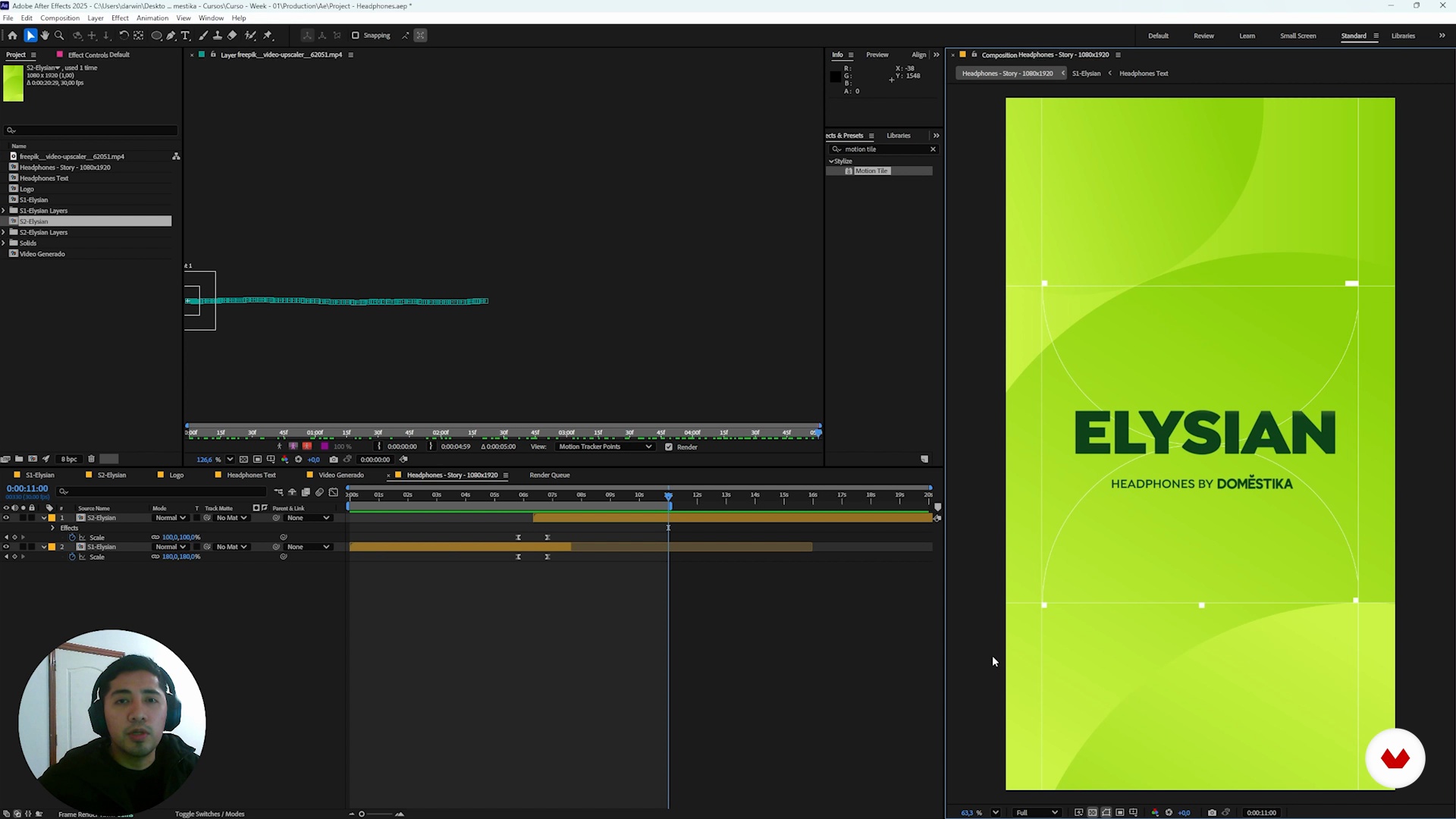
Animating in After Effects Part 2
16 minutes, 15 seconds
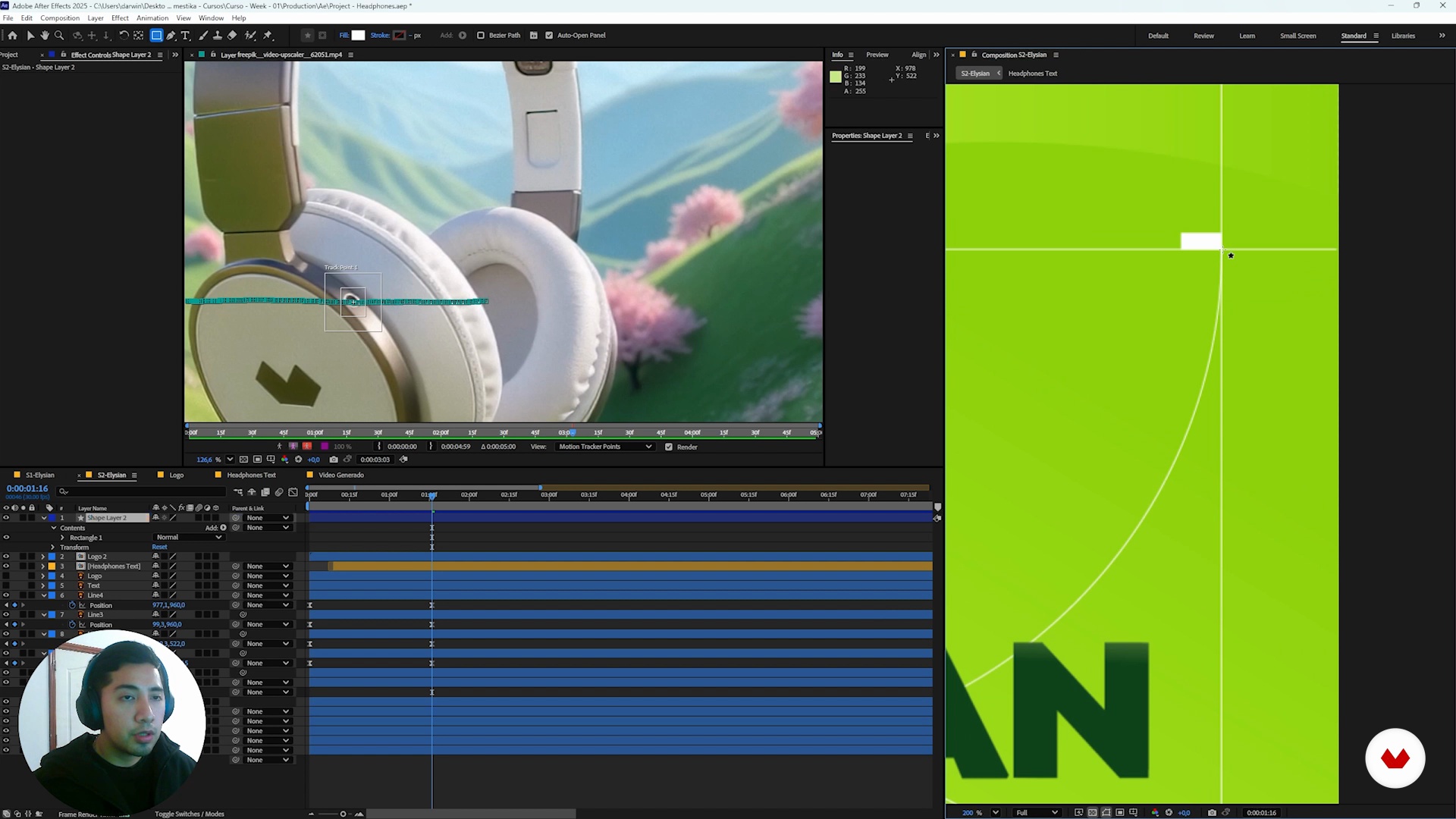
Motion Track and Final Render
16 minutes, 45 seconds
Final words
1 minute, 9 seconds
What's included in this course?
You'll learn to create stunning motion graphics by combining artificial intelligence and After Effects. You'll begin by generating images using Freepik, an AI platform that offers a variety of creative tools. You'll then explore the Flux Kontext model to transform these images into videos, ensuring high visual quality that you can integrate into After Effects. In this environment, your focus will be on animating elements and text, increasing the dynamics and visual impact of your projects. Additionally, you'll become familiar with the Motion Track tool, which will allow you to follow specific sections within your videos, ensuring that the text is seamlessly integrated into your creations.
Upon completion, you'll have a high-quality project ready to share on social media. You'll learn how to create your own prompts, allowing you to create personalized, high-quality images. You'll discover how to explore the Freepik community for inspiration by observing emerging trends and styles. Finally, you'll understand how to organize and structure your projects to optimize your workflow, from image generation to animation and final editing, ensuring your skills are strengthened and allowing you to continue creating innovative, high-quality content.
Recommended software & tools for this course
What is this course's project?
Students will generate images with artificial intelligence, create high-quality videos using advanced models, and integrate them into After Effects to animate graphics and text, culminating in an engaging visual project ready to share on social media.
Who is this online course for?
Ideal for creatives and designers looking to integrate artificial intelligence with After Effects in motion graphics projects, exploring new animation techniques to generate high-quality images and videos, perfect for social media and striking visual presentations.
Requirements and materials
You'll learn how to create motion graphics with AI and After Effects, without having to master the subject. You'll need a computer with After Effects installed and an internet connection to access Freepik. With basic knowledge of graphic design and animation, you can easily follow this course.
Reviews
- 4 months ago
Buen curso.
- 5 months ago
Muy bueno!!
- 5 months ago
empezando, espero lo mejor
- 7 months ago
I liked the course, I felt that the second part where design is needed was explained very little. at the end I was indeed able to create a video of a real product.
- 8 months ago
Excelente! Muy buen curson!

One of Darwin’s great passions is creating a visual language through design and animation. He hasn’t stopped investigating the subject since he discovered it. Since making the shift to freelance, he dedicates most of his time exploring the realm of visual communication possibilities with this creative discipline.
Content
Create innovative motion graphics with artificial intelligence and After Effects
- Welcome to the course
- Generating Images with AI
- Creating our Product Shot with AI
- Integrating the product into the landscape
- Generating video
- Preparing design boards
- Intro to After Effects and Basic Animations
- Animating in After Effects Part 2
- Motion Track and Final Render
- Final words
- Final project
What to expect from a Domestika course
Learn at your own pace
Enjoy learning from home without a set schedule and with an easy-to-follow method. You set your own pace.
Learn from the best professionals
Learn valuable methods and techniques explained by top experts in the creative sector.
Meet expert teachers
Each expert teaches what they do best, with clear guidelines, true passion, and professional insight in every lesson.
Certificates
PLUSIf you're a Plus member, get a custom certificate signed by your teacher for every course. Share it on your portfolio, social media, or wherever you like.
Get front-row seats
Videos of the highest quality, so you don't miss a single detail. With unlimited access, you can watch them as many times as you need to perfect your technique.
Share knowledge and ideas
Ask questions, request feedback, or offer solutions. Share your learning experience with other students in the community who are as passionate about creativity as you are.
Connect with a global creative community
The community is home to millions of people from around the world who are curious and passionate about exploring and expressing their creativity.
Watch professionally produced courses
Domestika curates its teacher roster and produces every course in-house to ensure a high-quality online learning experience.
FAQs
Yes, this course is designed for people with intermediate skills in design and animation who want to incorporate artificial intelligence into image and motion graphics creation.
It’s recommended to have basic graphic design knowledge, familiarity with digital platforms, and prior experience with After Effects to fully benefit from the course.
You’ll learn how to craft and optimize detailed prompts, generate images and videos with AI, integrate graphic elements, and improve workflows in After Effects using AI tools.
Yes, the course teaches how to write effective prompts and use platforms like Freepik and FluxContext to generate hyperrealistic and photorealistic images with AI.
Yes, it covers techniques for importing, organizing, and animating AI-generated graphic elements in After Effects, including text, logos, and masks animation.
You’ll learn to set parameters like resolution, format, and quality to tailor AI-generated images and videos for various needs and social media platforms.
The course shows how to write specific prompts to seamlessly integrate products and backgrounds in images, ensuring visual quality and brand consistency.