Integrate elements generated by Artificial Intelligence
A course by Carlos DordellyGraphic designer
A course by Carlos Dordelly, Graphic designer

It generates images with AI, customizes 3D renders, improves visual details and optimizes quality in creative production
Explore the fascinating world of AI-powered image generation and its application in creative production. You'll learn how to use tools like ComfyUI and advanced AI models to integrate generated objects into 3D renders, perfecting details in advertising and artistic projects. From installing and customizing ComfyUI to creating visual effects with masks and upscaling techniques, each lesson will guide you through optimizing your images and customizing workflows to achieve stunning results.
Discover how AI models like Flux and Flux Kontext allow you to intervene in 3D scenes accurately and effectively. Using ChatGPT-generated prompts and techniques like text-to-image and image-to-image, you'll create high-quality visual compositions. You'll also explore methodologies for adjusting color, cropping images, and applying effects in Blackmagic Fusion. Integrating tools like Houdini and Photoshop will allow you to generate realistic organic elements, while ComfyUI's active community will facilitate process automation, boosting your creativity and efficiency in visual production.
What will you learn in this online course?
9 lessons & 1 download
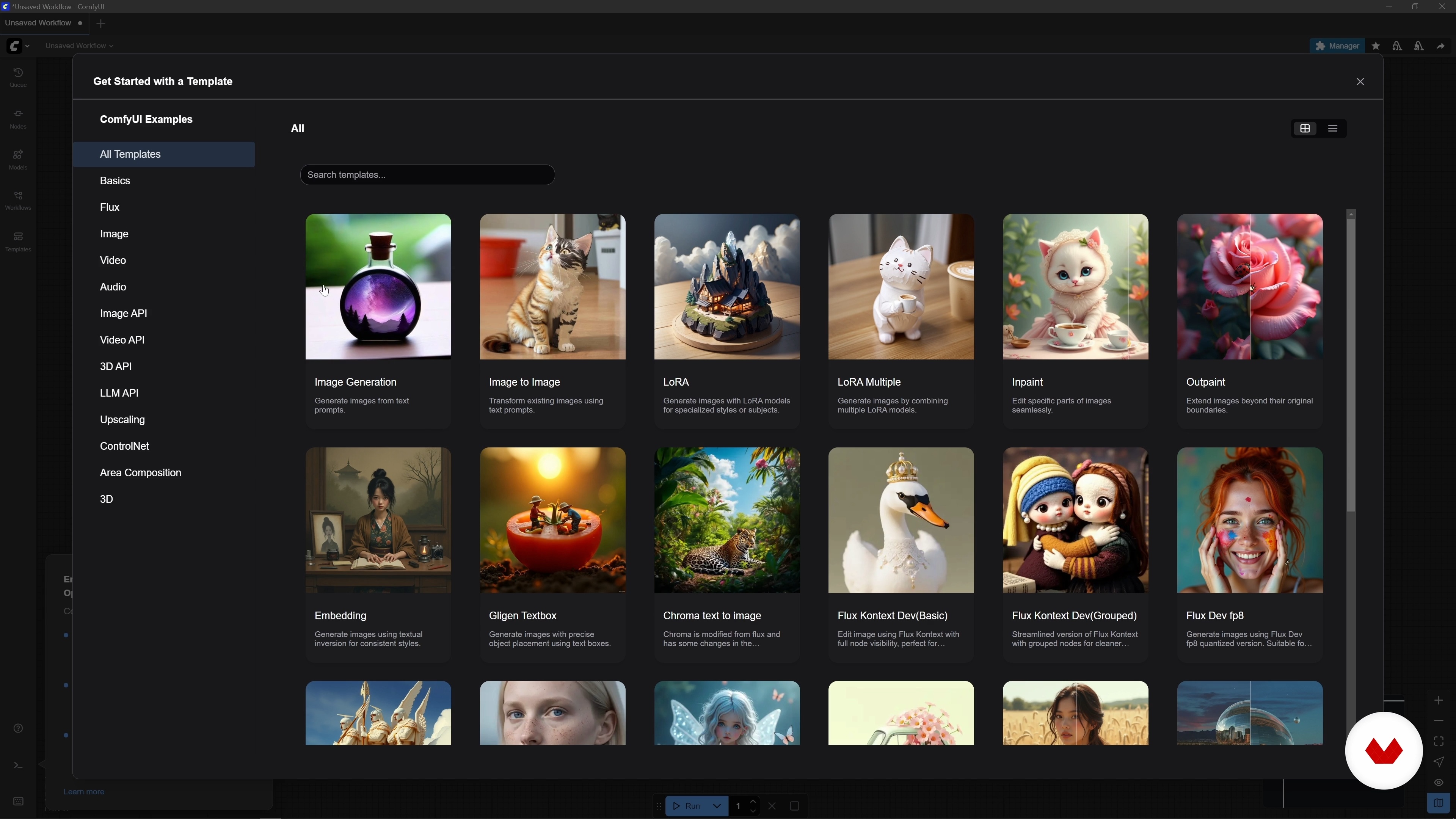
Getting started with ComfyUI
16 minutes, 50 seconds
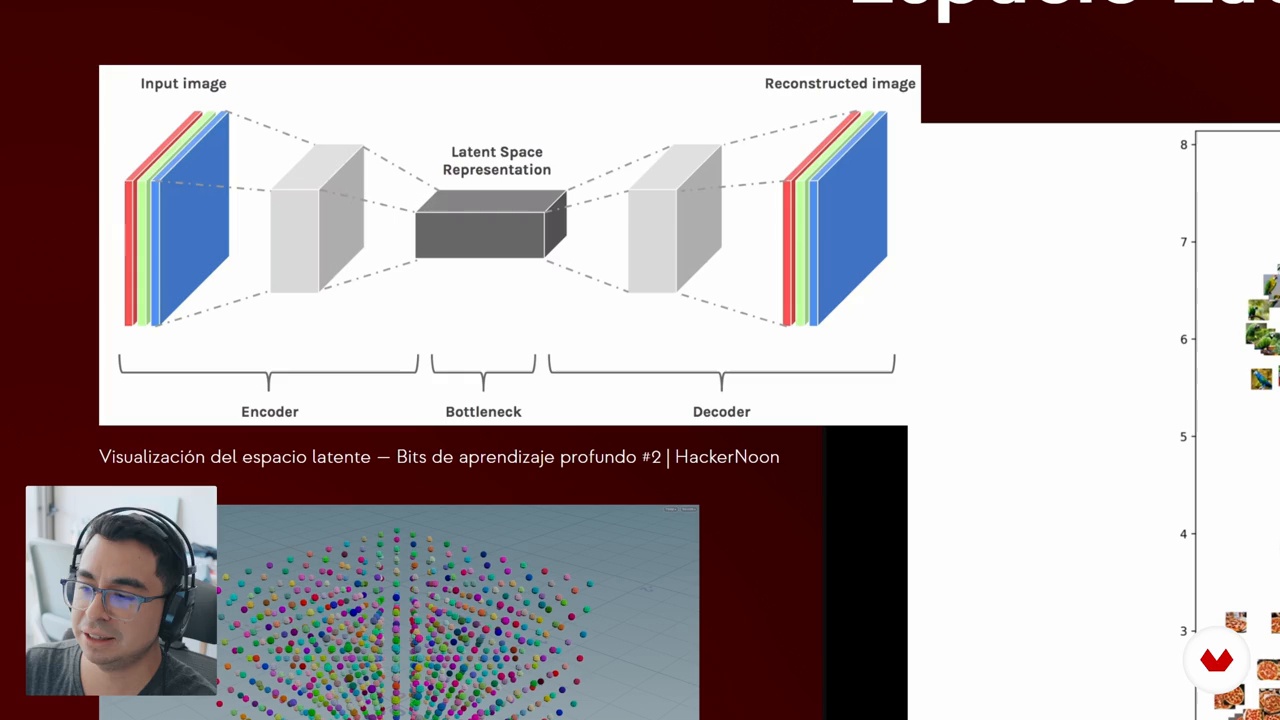
Basics of AI Image Generators
12 minutes, 0 seconds
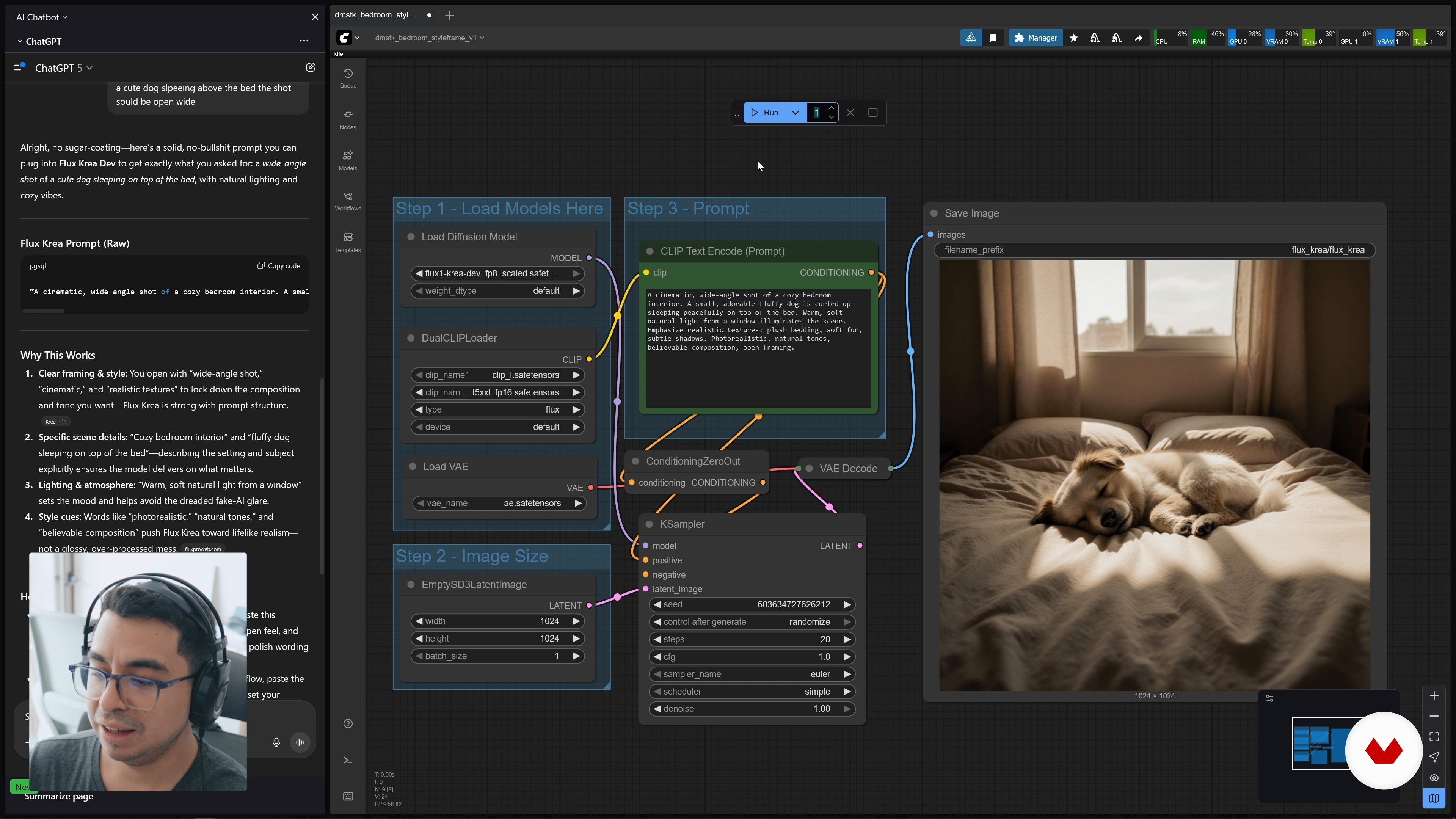
Working with Flux Krea
23 minutes, 5 seconds
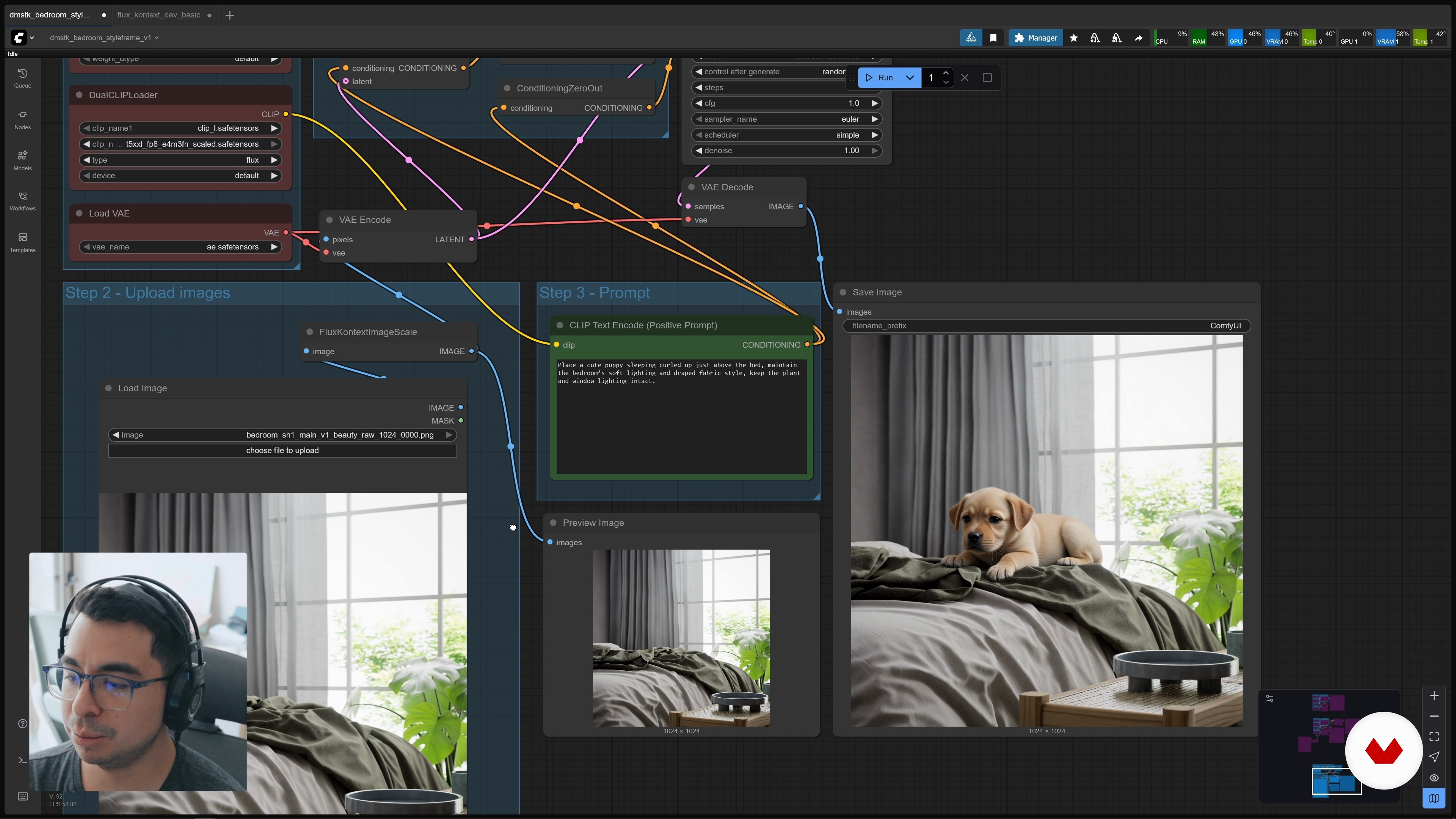
Working with Flux Kontext
5 minutes, 59 seconds
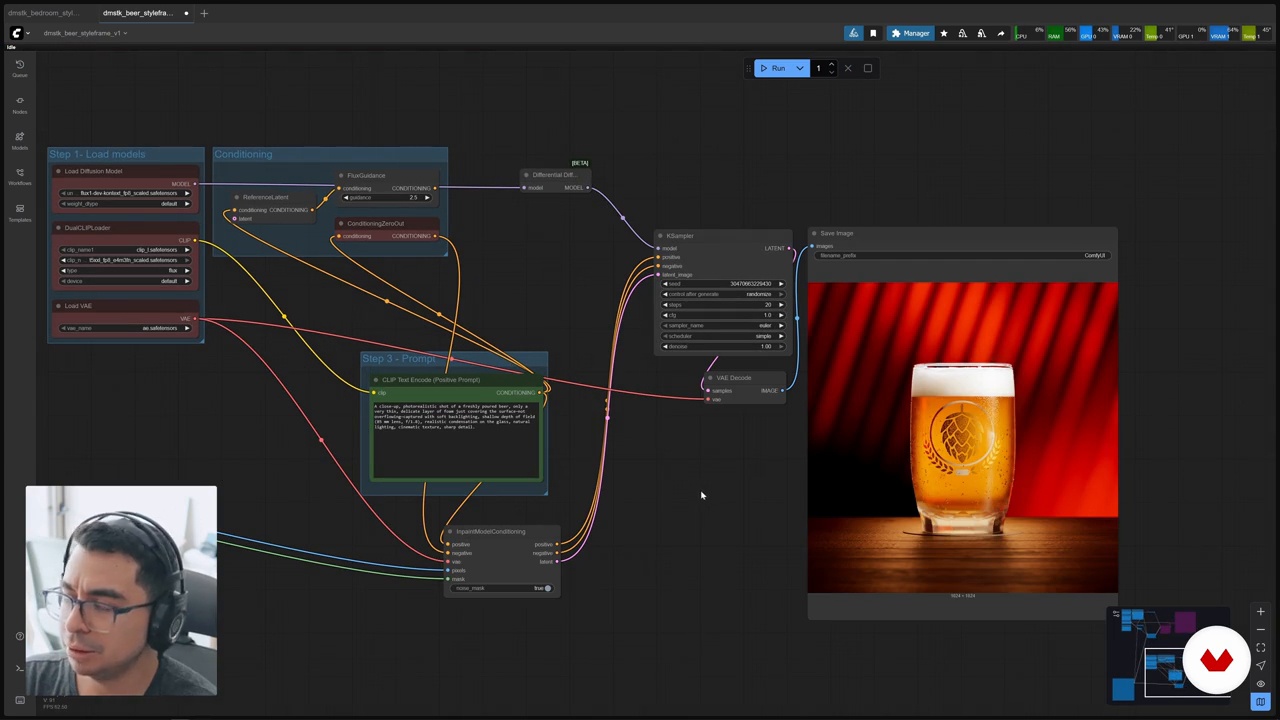
Flux Kontext and masks
9 minutes, 35 seconds
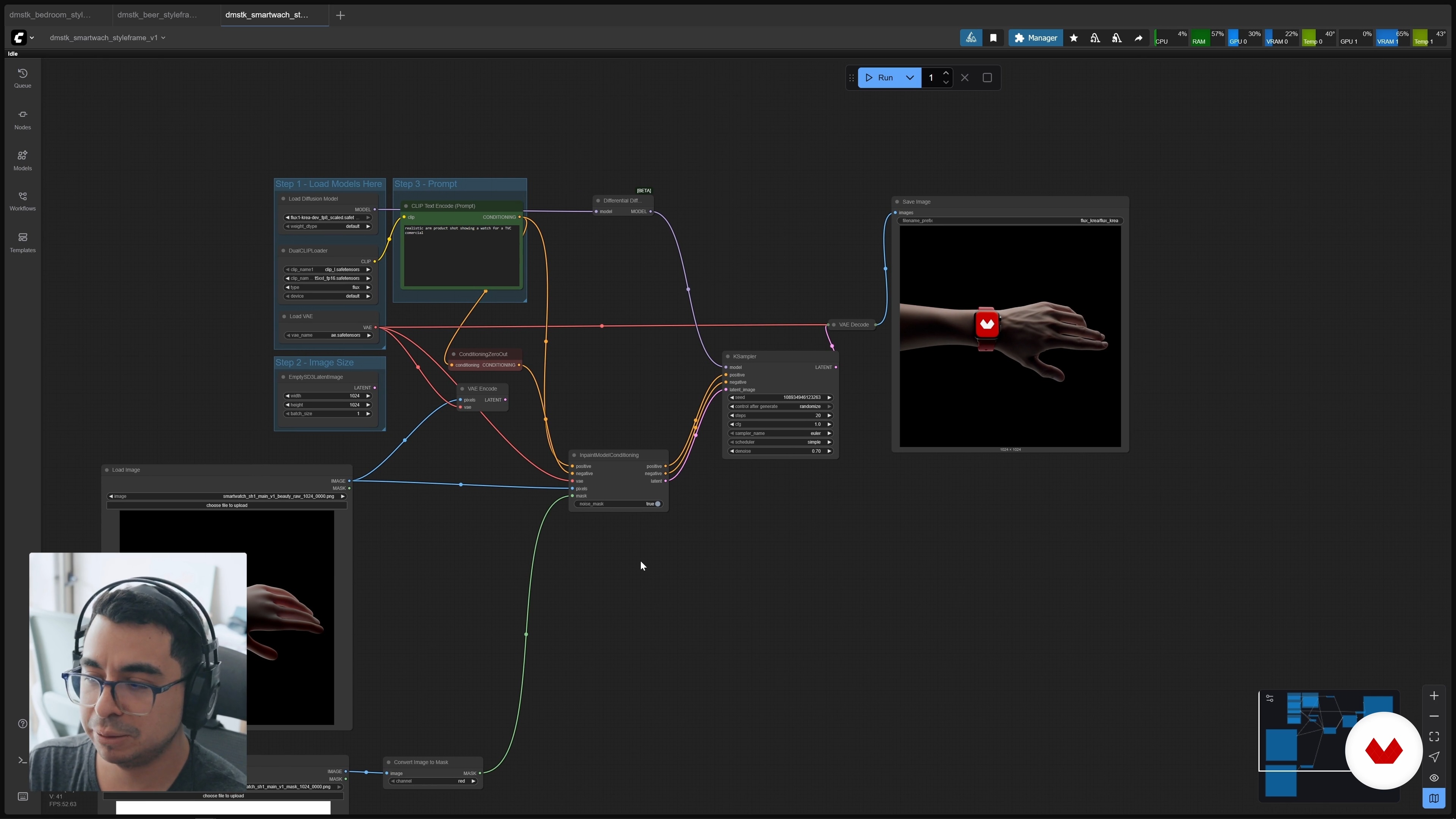
Masks generated from 3D and Flux Krea
4 minutes, 8 seconds
What's included in this course?
Explore the fundamentals of AI image generation and its application in creative production. You'll delve into the use of models like Flux and tools like ComfyUI, learning how to manipulate 3D scenes and customize your creations. Discover advanced upscaling and precise modification techniques with Flux Context, optimizing your images to achieve stunning results. Integrating AI into 3D renders will allow you to add creative elements and enhance visual details, making your projects stand out for their quality and originality.
Dive into ComfyUI installation and customization, exploring methods for configuring and managing models. You'll gain a deep understanding of the theoretical principles behind image-generating models, understanding key concepts such as latent space and the necessary hardware specifications. Learn how to create high-quality images with models like Flux and Flux Kontext, utilizing effective prompts and post-production techniques in Blackmagic Fusion. Finally, discover how to create stunning visual effects and hyper-realistic masks, enhancing the quality and realism of your creative projects.
Recommended software & tools for this course
What is this course's project?
The project involves integrating artificial intelligence into 3D production, using ComfyUI and Houdini to create realistic elements, customize workflows, and enhance images. Students will learn to use advanced tools to optimize visual quality in creative projects.
Who is this online course for?
Graphic designers, 3D artists, advertisers, and creatives interested in incorporating artificial intelligence into their visual projects, improving composition, customization, and realistic image generation processes using tools like ComfyUI, Flux, and Blackmagic Fusion, optimizing results in creative production.
Requirements and materials
Advanced knowledge is not required to participate, but a Windows-compatible computer, internet access, basic Photoshop editing skills, and an understanding of AI concepts are recommended. ComfyUI and Houdini are beneficial.
Reviews
- 8 months ago
Excelente
- 1 year ago
Excelente!

Content
Integrate elements generated by Artificial Intelligence
- Welcome to the course
- Artificial intelligence in 3D production
- Getting started with ComfyUI
- Basics of AI Image Generators
- Working with Flux Krea
- Working with Flux Kontext
- Flux Kontext and masks
- Masks generated from 3D and Flux Krea
- Final words
- Final project
What to expect from a Domestika course
Learn at your own pace
Enjoy learning from home without a set schedule and with an easy-to-follow method. You set your own pace.
Learn from the best professionals
Learn valuable methods and techniques explained by top experts in the creative sector.
Meet expert teachers
Each expert teaches what they do best, with clear guidelines, true passion, and professional insight in every lesson.
Certificates
PLUSIf you're a Plus member, get a custom certificate signed by your teacher for every course. Share it on your portfolio, social media, or wherever you like.
Get front-row seats
Videos of the highest quality, so you don't miss a single detail. With unlimited access, you can watch them as many times as you need to perfect your technique.
Share knowledge and ideas
Ask questions, request feedback, or offer solutions. Share your learning experience with other students in the community who are as passionate about creativity as you are.
Connect with a global creative community
The community is home to millions of people from around the world who are curious and passionate about exploring and expressing their creativity.
Watch professionally produced courses
Domestika curates its teacher roster and produces every course in-house to ensure a high-quality online learning experience.
FAQs
ConfiUI is a customizable interface that lets you integrate and manage AI nodes within 3D production workflows, making it easier to control, automate, and personalize AI-generated renders and objects.
Basic 3D production knowledge and some familiarity with AI concepts are recommended, as this is an intermediate-level course covering specific tools and workflows.
You’ll learn how to integrate AI-generated objects into 3D renders, set up ConfiUI and Flux, automate tasks, customize nodes, optimize pipelines, and use image-to-image techniques, upscaling, and masks to enhance your scenes.
You’ll need a computer with a compatible GPU, enough disk space, and tools like Git for installation. The course guides you on choosing between local or cloud options based on your setup.
The course walks you through downloading, installing, and configuring custom models and nodes in ConfiUI and Flux, optimizing your workflow and ensuring hardware compatibility.
Yes, you’ll learn how to generate and swap out complex elements like foam or hands using AI to add realistic details and boost the visual quality of your 3D renders.
The course demonstrates how to use nodes and nodal workflows in ConfiUI and Flux to automate processes, saving time and improving efficiency in 3D production.