Web Design with Artificial Intelligence: Create Interactive Pages without Code
A course by Andrea MarquezDigital Designer
A course by Andrea Marquez, Digital Designer

Design interactive no-code websites with AI using Wix Studio, UX structure, responsive layout, eCommerce, SEO tools
Design interactive websites without writing code using artificial intelligence and Wix Studio. In this web design course, you will learn step by step how to plan, design, and publish a professional site using no code tools, ideal for designers, illustrators, creatives, and entrepreneurs who want to build an online presence or launch an e commerce project.
You will discover how to explore Wix Studio templates, customize layouts, colors, typography, and animation, and adapt responsive design for mobile, tablet, and desktop. You will also learn to use the Wix AI editor to generate structures and pages through prompts, configure an online store, manage products, payments, and shipping, and connect essential apps such as Google reviews, email marketing, and social media integrations.
Additionally, you will see how to transfer web designs created in Figma to Wix Studio with a plugin, maintaining your visual identity while AI converts your layout into a functional website. You will work with SEO tools built into the platform to optimize keywords, titles, and structure so that your site is better positioned in search engines and supports your digital marketing strategy.
By the end of the course, you will know how to transform your designs and illustrations into live, interactive websites using artificial intelligence, no code workflows, and web design best practices, ready to share with clients, collaborators, or your online community.
What will you learn in this online course?
6 lessons & 2 downloads
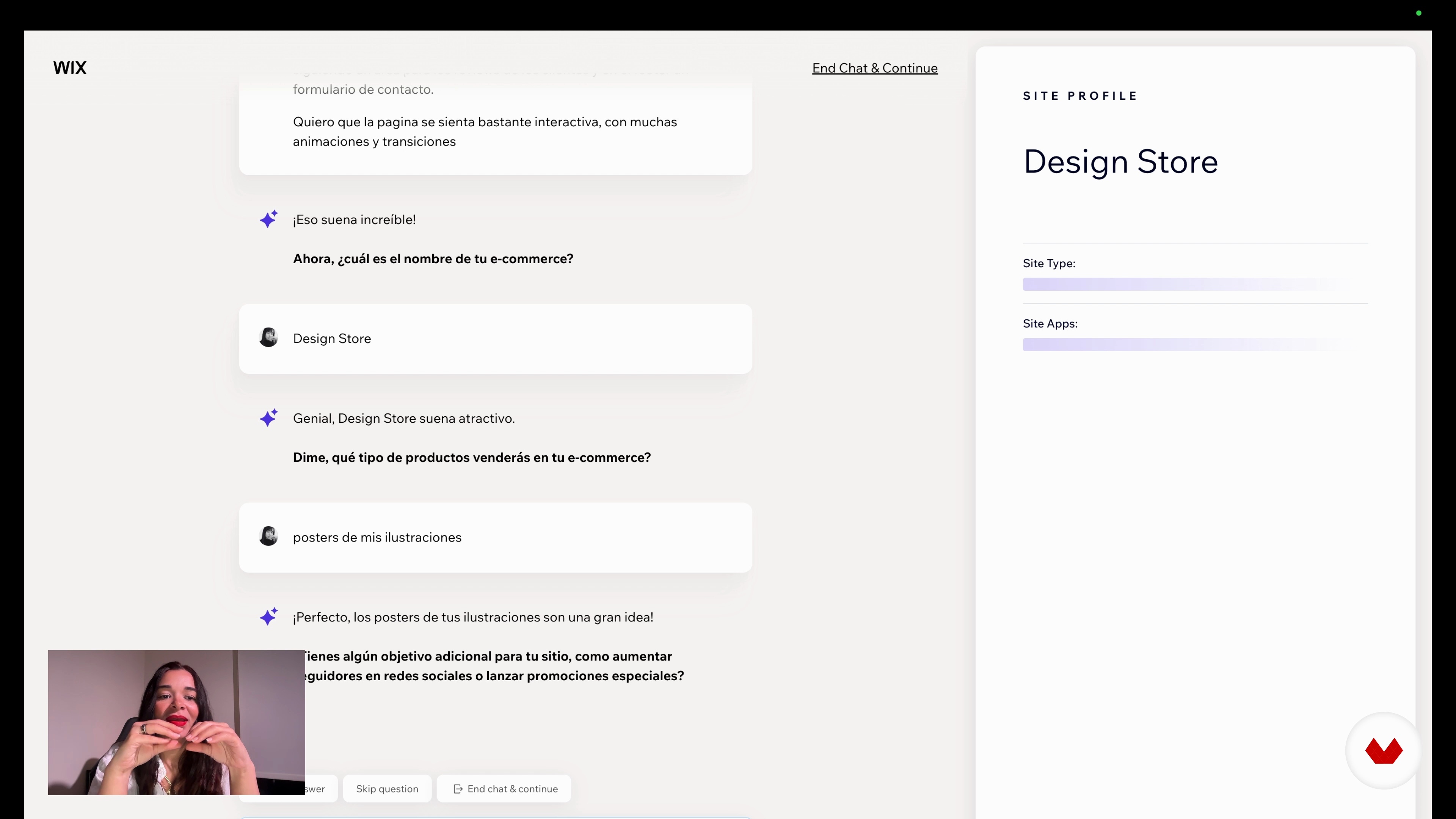
Exploring Wix Studio: Templates, Tools, and Smart Customization
18 minutes, 50 seconds
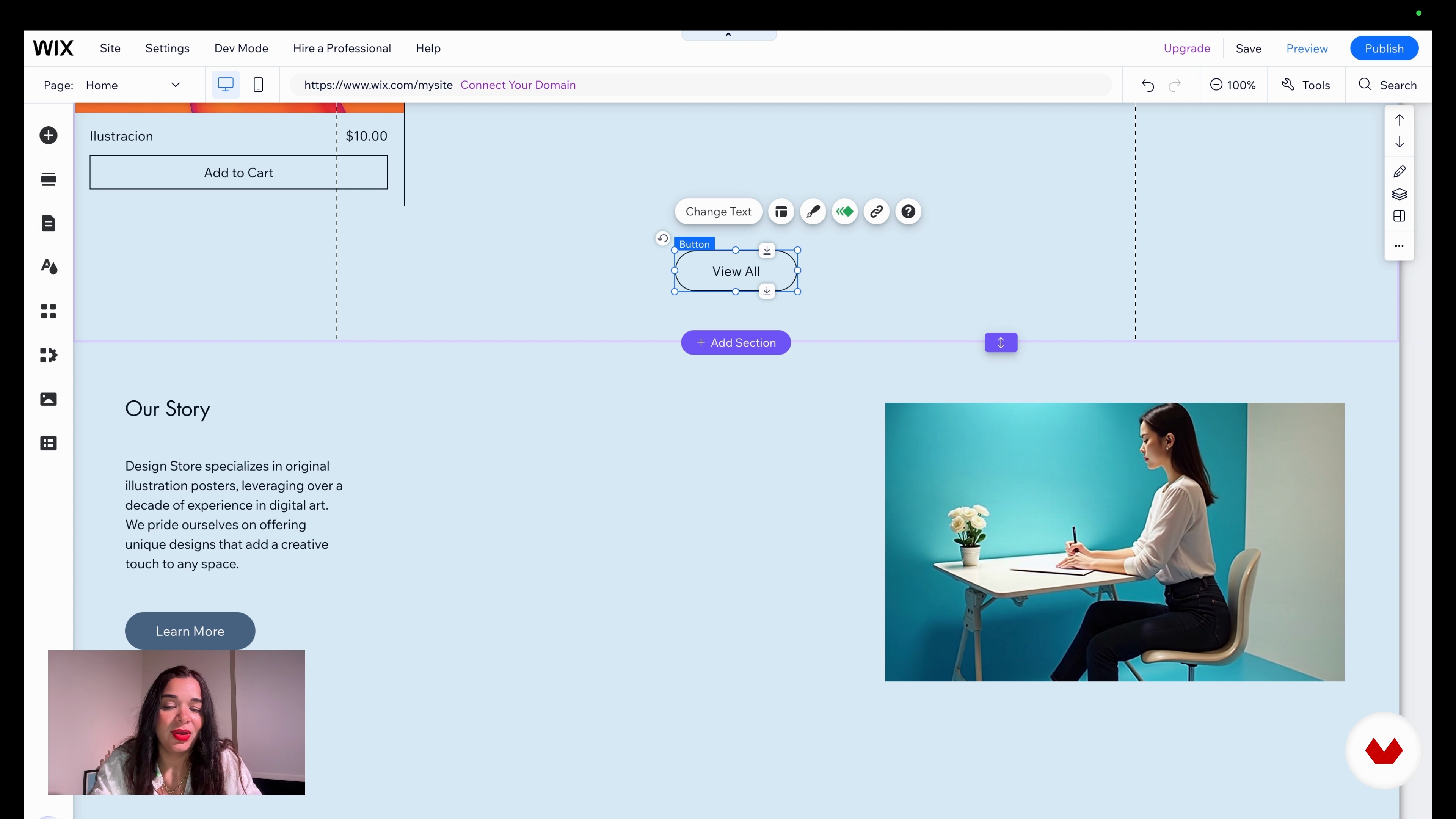
Customizing Your AI Website in Wix Studio
20 minutes, 40 seconds
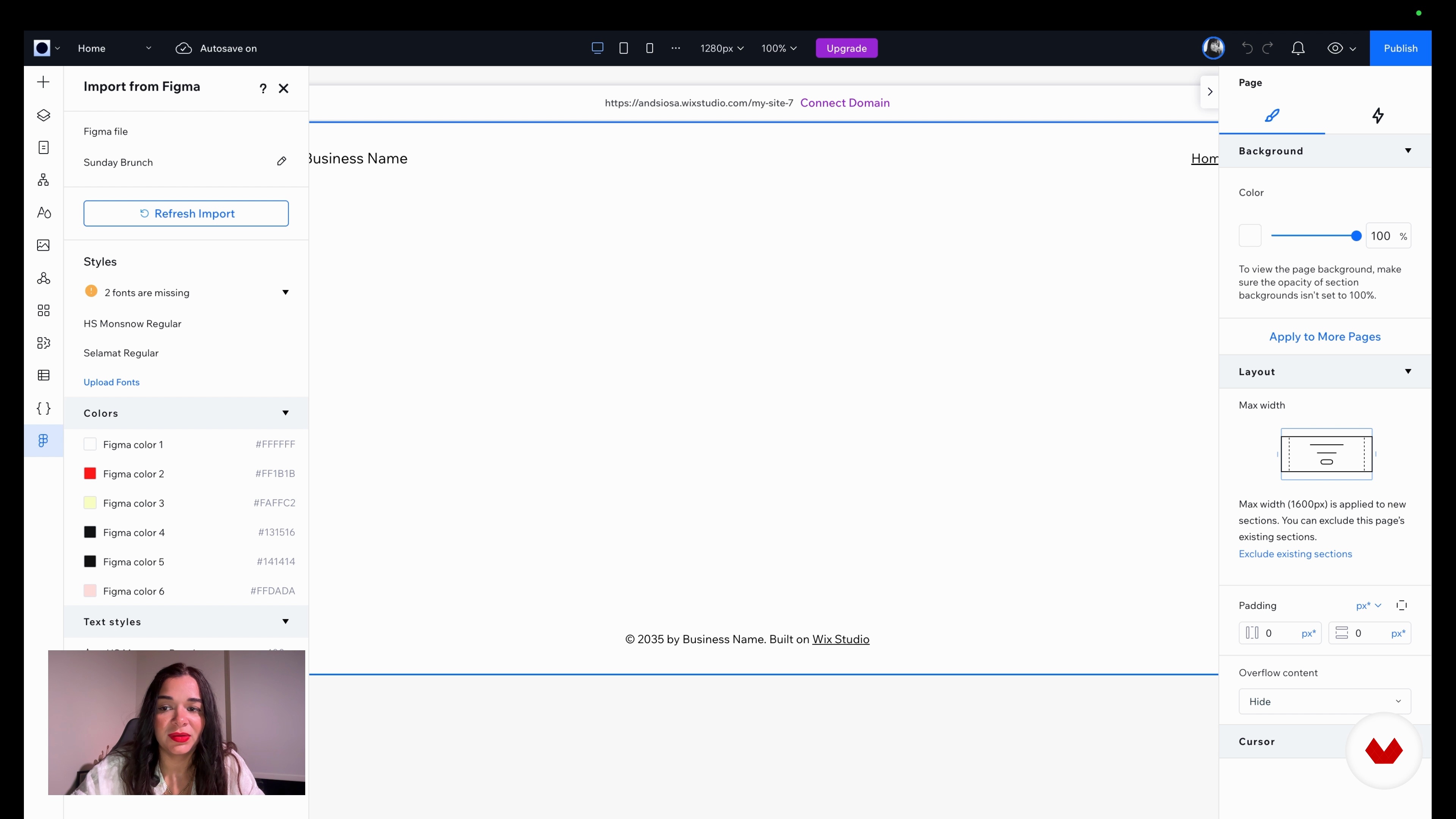
Exporting Your Figma Design to Wix Studio
11 minutes, 59 seconds
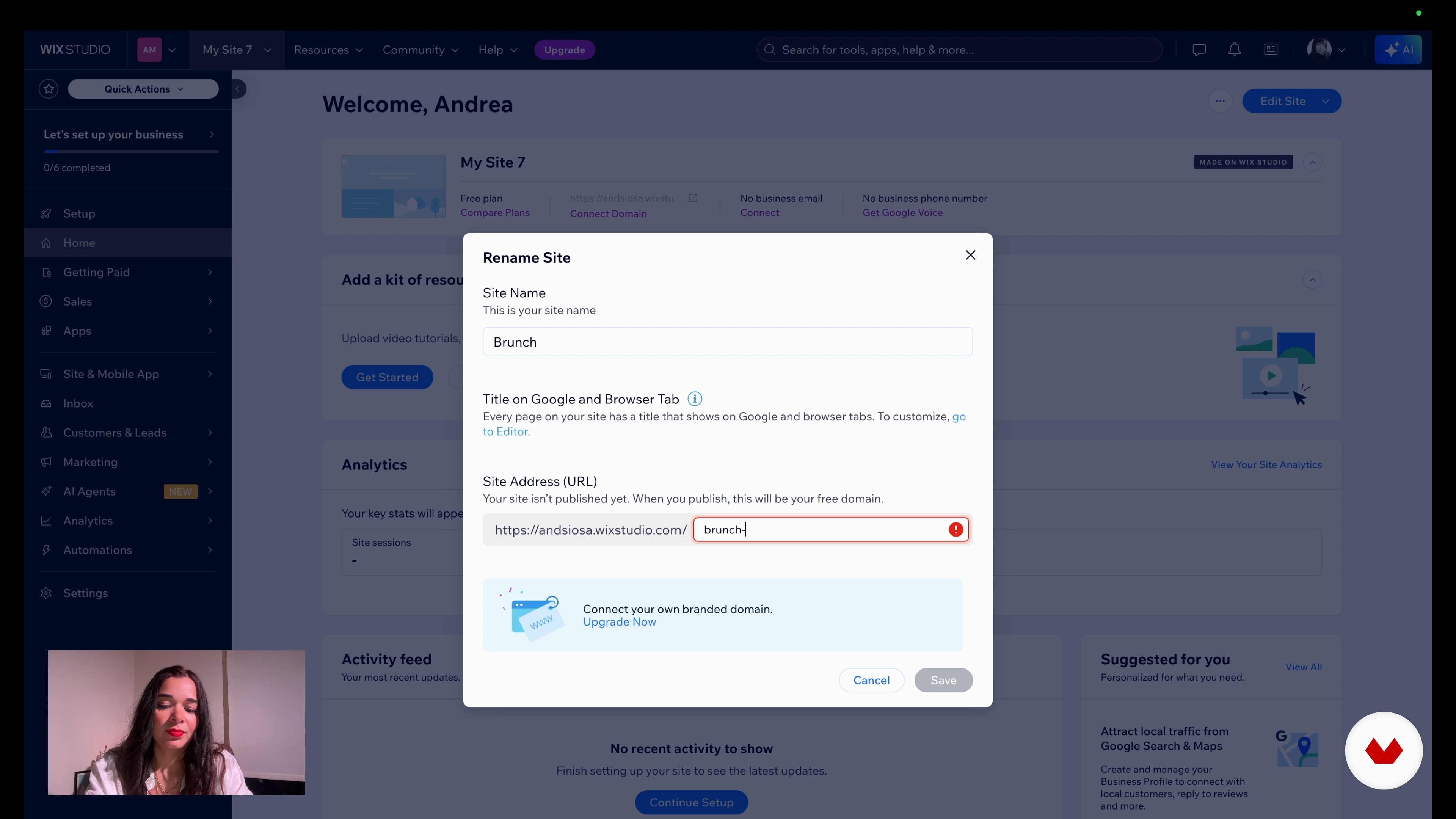
Publishing Your Site and Boosting It with SEO
10 minutes, 21 seconds
What's included in this course?
You will learn how to design a complete interactive website without code using Wix Studio and AI assistants. You will explore templates, layout systems, responsive behavior, global styles, and media libraries, then configure colors, typography, and sections so every page keeps a consistent visual identity. You will also build product collections and inventories, connect store elements, manage carts, and prepare your site structure for e-commerce.
You will transfer custom layouts from Figma into Wix Studio through a plugin, importing styles, frames, and assets while preserving hierarchy. You will experiment with AI to generate layouts, wireframes, and images, then refine content, animations, and microinteractions for desktop, tablet, and mobile. You will configure payment methods, shipping options, marketing tools, SEO checklists, and a free URL so your project can go live and grow as a professional web platform.
Recommended software & tools for this course
Who is this online course for?
People who want to design interactive websites without coding knowledge, creatives interested in no‑code tools and AI, freelance designers, small business owners, and content creators seeking to launch professional, customizable sites quickly and visually.
Requirements and materials
No extensive experience required only curiosity basic computer skills stable internet access Wix Studio account Figma account optional interest in visual design comfort navigating web platforms and managing simple image or text files
Reviews
- 5 months ago
Excelente
- 7 months ago
Hola, fue bastante instructivo y objetivo, eso me gustó. Pues me permitió actualizarme con Wix que es una plataforma que ya conocía y a la vez motivarme para hacer mi portafolio.
- 7 months ago
um curso muito bom

With a Master’s in Digital Animation and a specialization in UX/UI, she has collaborated with internationally recognized brands, exploring the intersection of artificial intelligence, animation, and graphic design. Her innovative approach and passion for technology have positioned her as a leader in modern visual content creation.
Content
Web Design with Artificial Intelligence: Create Interactive Pages without Code
- Generating Your First AI Layout in Wix Studio
- Exploring Wix Studio and Creating Your Account
- Exploring Wix Studio: Templates, Tools, and Smart Customization
- Customizing Your AI Website in Wix Studio
- Exporting Your Figma Design to Wix Studio
- Publishing Your Site and Boosting It with SEO
- Final project
What to expect from a Domestika course
Learn at your own pace
Enjoy learning from home without a set schedule and with an easy-to-follow method. You set your own pace.
Learn from the best professionals
Learn valuable methods and techniques explained by top experts in the creative sector.
Meet expert teachers
Each expert teaches what they do best, with clear guidelines, true passion, and professional insight in every lesson.
Certificates
PLUSIf you're a Plus member, get a custom certificate signed by your teacher for every course. Share it on your portfolio, social media, or wherever you like.
Get front-row seats
Videos of the highest quality, so you don't miss a single detail. With unlimited access, you can watch them as many times as you need to perfect your technique.
Share knowledge and ideas
Ask questions, request feedback, or offer solutions. Share your learning experience with other students in the community who are as passionate about creativity as you are.
Connect with a global creative community
The community is home to millions of people from around the world who are curious and passionate about exploring and expressing their creativity.
Watch professionally produced courses
Domestika curates its teacher roster and produces every course in-house to ensure a high-quality online learning experience.
FAQs
You’ll learn how to create and customize responsive websites without coding, integrate AI, import designs from Figma, set up online stores, personalize templates, manage content, and apply SEO techniques in Wix Studio.
The course is designed for users with intermediate knowledge but requires no coding skills. It’s perfect if you have some basic design or digital platform experience and want to boost your Wix Studio and AI skills.
All you need is a computer with internet access and a free account on Wix Studio and Figma. No prior programming experience is needed.
You’ll learn how to use plugins to transfer designs directly from Figma to Wix Studio, adapting and editing imported elements to achieve a polished, responsive result.
Yes, the course walks you through setting up and customizing an online store, managing inventory, integrating payment methods, handling invoicing, and connecting Printful for physical or digital products.
You’ll discover how to use AI tools to build pages, generate images, customize content, and automate design tasks without coding.
You’ll see how to select, edit, and personalize templates, change fonts, colors, animations, add pre-designed sections, and adapt your site for different devices.