Animate This: Animation workflow with Illustrator and After Effects
A course by Camilo TorresPost-Producer and Motion Artist
A course by Camilo Torres, Post-Producer and Motion Artist

Learn about workflows so you can create animations and motion graphics prepared from Ai and into Ae.
Immerse yourself in the world of UI design with After Effects and Illustrator. Discover plugins and tools that will help you develop motion-sensitive projects using the latest content generation techniques.
What will you learn in this online course?
5 lessons & 1 download
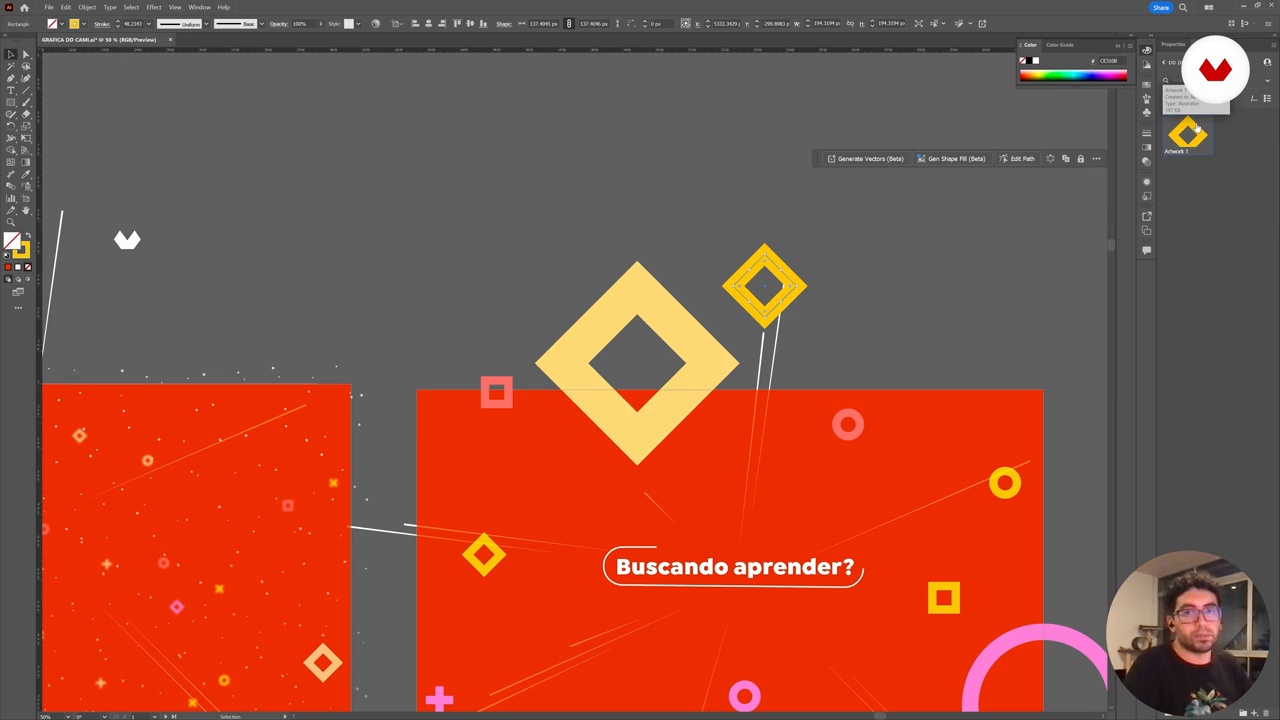
Vector preparation and workflow
11 minutes, 8 seconds
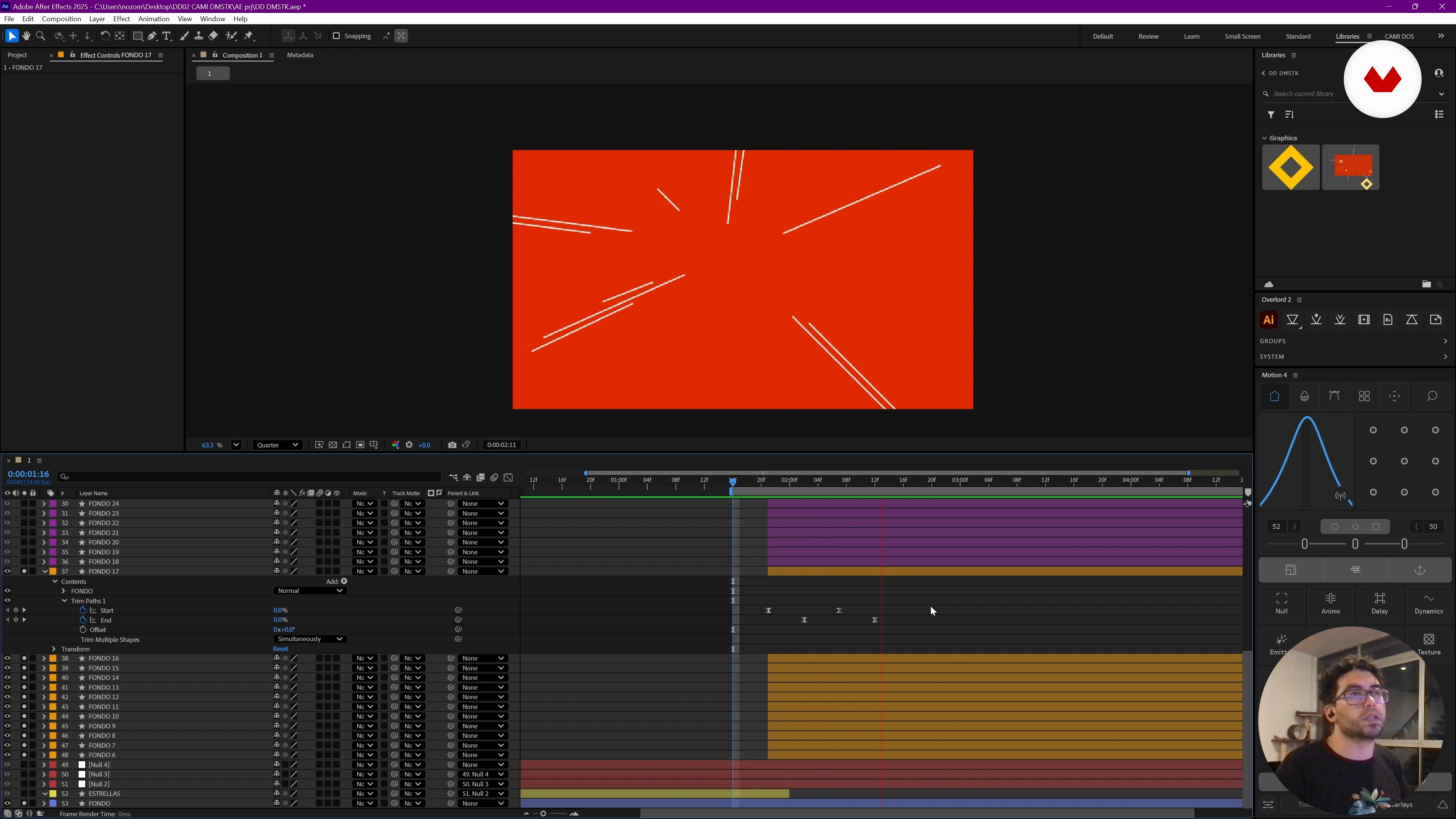
Animating shapes and motion principles in After Effects
26 minutes, 18 seconds
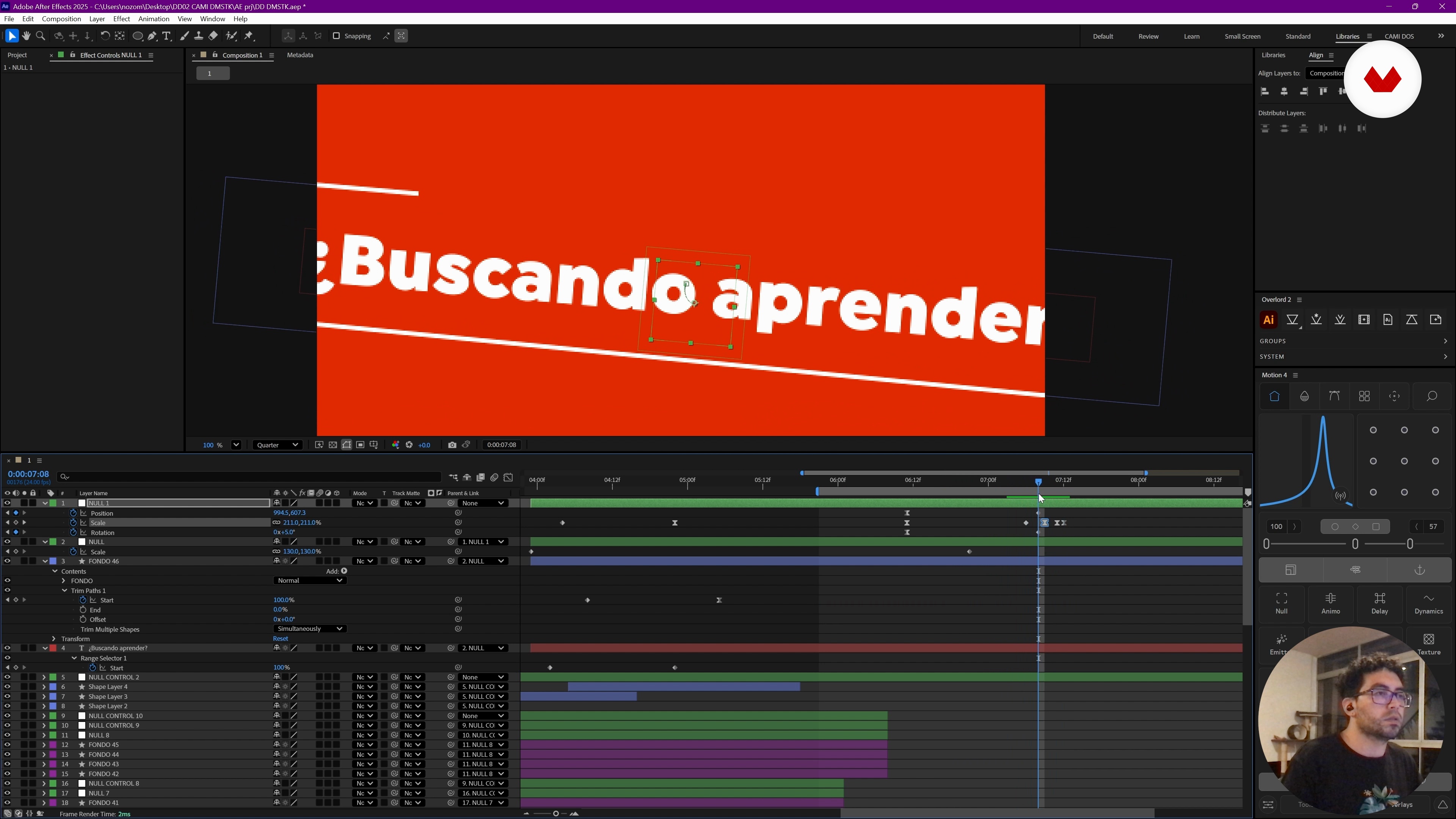
Refinement of animations and advanced techniques
24 minutes, 18 seconds
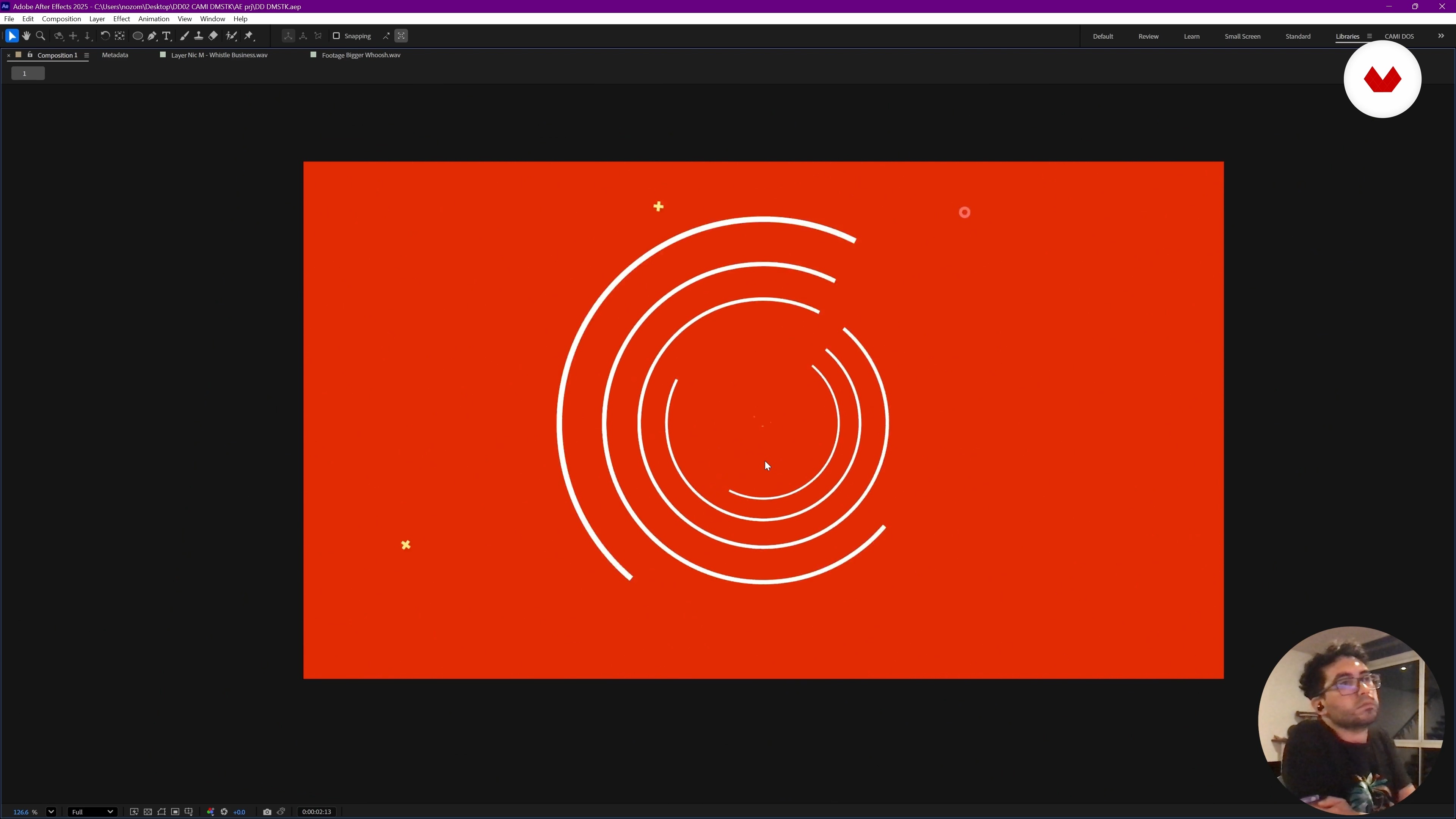
Project closure: music, final details and export
18 minutes, 37 seconds
What's included in this course?
You'll learn to master the workflow between Illustrator and After Effects, focusing on creating fluid and expressive animations. You'll discover how to efficiently transfer shapes, leveraging external libraries and plugins to enrich your motion graphics projects. The instruction goes beyond technique; you'll delve into the fundamental principles of animation, essential for imbuing every movement with intention and purpose. Each lesson will guide you through exploring different tools and techniques so you can create high-impact 10-second animations.
Furthermore, you'll learn the importance of a well-structured script and how tools like ChatGPT can facilitate its creation. Music and sound effects will also play a crucial role, allowing you to enrich your animations with an auditory narrative that complements the visual aspect. By the end, you'll be able to create animations that not only tell stories but also captivate the audience with their dynamism.
Recommended software & tools for this course
What is this course's project?
The course project involves creating a 10-second animation using Illustrator and After Effects. Students will learn to design and move shapes, generate visual scripts with ChatGPT, and apply animation principles to achieve a smooth and professional piece.
Who is this online course for?
Graphic designers and animators looking to streamline their workflow between Illustrator and After Effects will find this course ideal for enhancing their skills. It's also perfect for creatives who want to explore advanced vector animation and design techniques.
Requirements and materials
Extensive prior knowledge is not required, but basic familiarity with Illustrator and After Effects is helpful. A computer with these programs installed and internet access are needed to explore additional resources and useful workflow plugins.
Reviews
- 8 months ago
Muy interesante y práctico.
- 9 months ago
Exelente
- 9 months ago
Interesante los flujos de trabajo.
- 9 months ago
Excelente

Since 2011, Camilo has worked as a Post-Producer at McCann, managing projects from concept to final delivery, collaborating closely with local and international brands and creative teams. His experience has allowed him to optimize workflows and transform creative ideas into effective communication pieces.
Passionate about visual storytelling, Camilo specializes in finding the best ways to “tell stories to the world,” combining creativity, imagination, and cutting-edge digital tools to bring projects that existed only in ideas to life.
Content
Animate This: Animation workflow with Illustrator and After Effects
- Introduction to the workflow between Illustrator and After Effects
- Vector preparation and workflow
- Animating shapes and motion principles in After Effects
- Refinement of animations and advanced techniques
- Project closure: music, final details and export
- Final project
What to expect from a Domestika course
Learn at your own pace
Enjoy learning from home without a set schedule and with an easy-to-follow method. You set your own pace.
Learn from the best professionals
Learn valuable methods and techniques explained by top experts in the creative sector.
Meet expert teachers
Each expert teaches what they do best, with clear guidelines, true passion, and professional insight in every lesson.
Certificates
PLUSIf you're a Plus member, get a custom certificate signed by your teacher for every course. Share it on your portfolio, social media, or wherever you like.
Get front-row seats
Videos of the highest quality, so you don't miss a single detail. With unlimited access, you can watch them as many times as you need to perfect your technique.
Share knowledge and ideas
Ask questions, request feedback, or offer solutions. Share your learning experience with other students in the community who are as passionate about creativity as you are.
Connect with a global creative community
The community is home to millions of people from around the world who are curious and passionate about exploring and expressing their creativity.
Watch professionally produced courses
Domestika curates its teacher roster and produces every course in-house to ensure a high-quality online learning experience.
FAQs
You’ll learn how to create, organize, and animate geometric shapes using Illustrator and After Effects, streamline your workflow, apply animation principles, and use plugins like Overlord to transfer graphics and craft smooth motion graphics.
This course is designed for people with intermediate skills in graphic design or digital animation. Basic knowledge of both Illustrator and After Effects is recommended.
You’ll need access to Adobe Illustrator, After Effects, and preferably the Overlord plugin. A computer with at least 8GB of RAM and an internet connection for downloading resources and plugins is recommended.
Using the Overlord plugin, you can quickly transfer layers, shapes, and vectors from Illustrator to After Effects while preserving structure and editability for advanced animations.
Yes, you’ll learn how to create geometric patterns and backgrounds in Illustrator and animate them in After Effects using techniques like shape layers, repeaters, and advanced effects.
The course covers the Disney principles of animation and techniques to achieve expressive, natural, and smooth movements in your digital compositions.
Yes, the course explains how to edit and sync music and sound effects with key visual events in your animations to achieve professional results.