Edit without limits: AI-powered intelligent audiovisual production workflow
A course by Camilo TorresPost-Producer and Motion Artist
A course by Camilo Torres, Post-Producer and Motion Artist

Redefine your editing style with tools like Premiere Pro, DaVinci Resolve, and AI-powered assistants
You'll redefine your video editing process by exploring cutting-edge tools like Adobe Premiere Pro (including its Beta version), DaVinci Resolve, and AI platforms such as Edi and AutoPod. Throughout the course, you'll discover how to import, sync, and prepare raw footage, generate automatic cuts, optimize audio, apply color and effects, collaborate, and export efficiently. All of this will ensure your projects are not only faster but also more creatively impactful and aligned with the current state of editing.
What will you learn in this online course?
6 lessons & 1 download

What's new in Premiere Pro: efficient editing with smart tools
15 minutes, 48 seconds
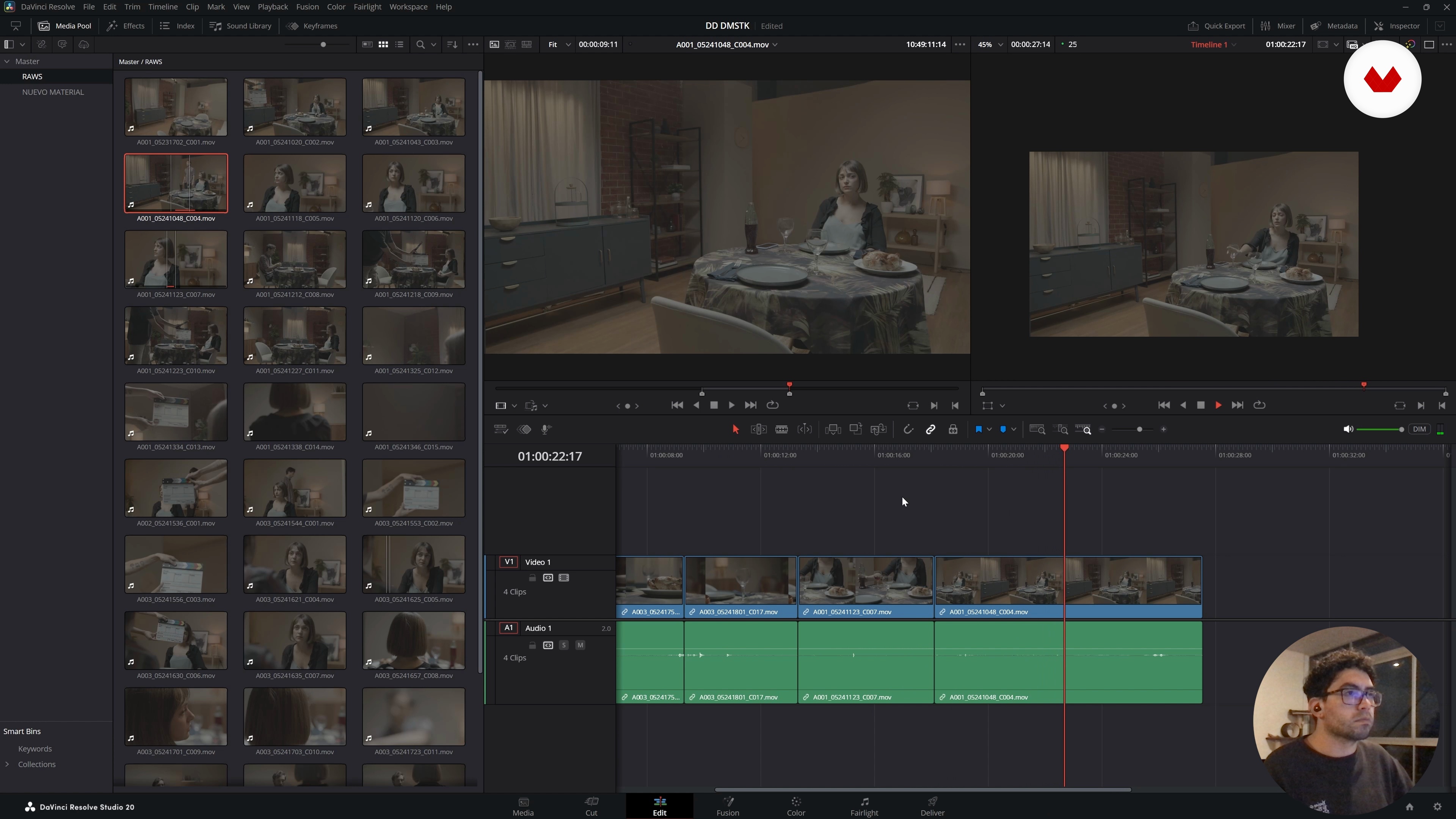
Getting Started with DaVinci Resolve: Editing, Color, and a Complete Workflow
17 minutes, 27 seconds
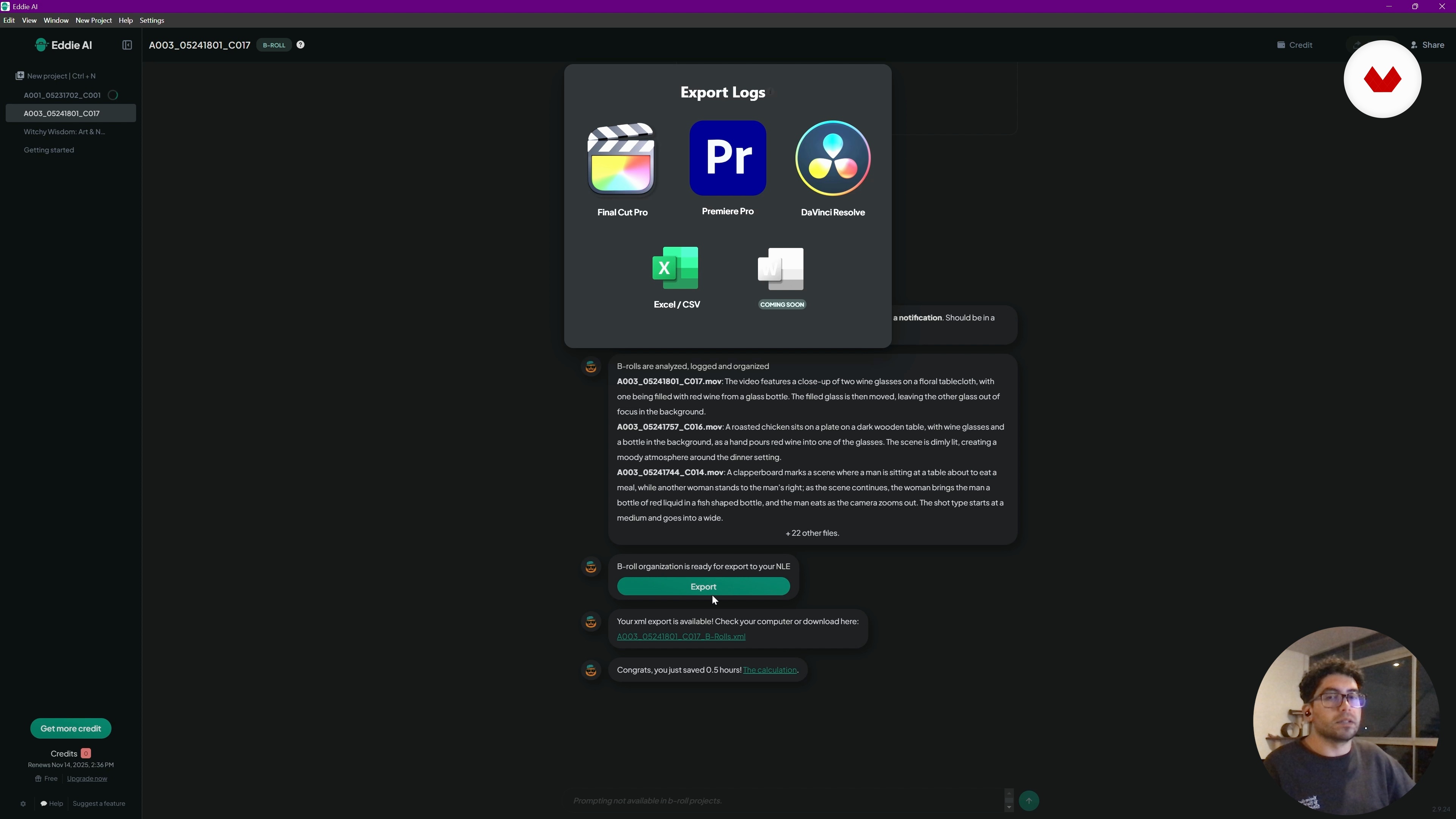
Exploring Eddie: Artificial intelligence applied to editing in Premiere Pro
6 minutes, 31 seconds
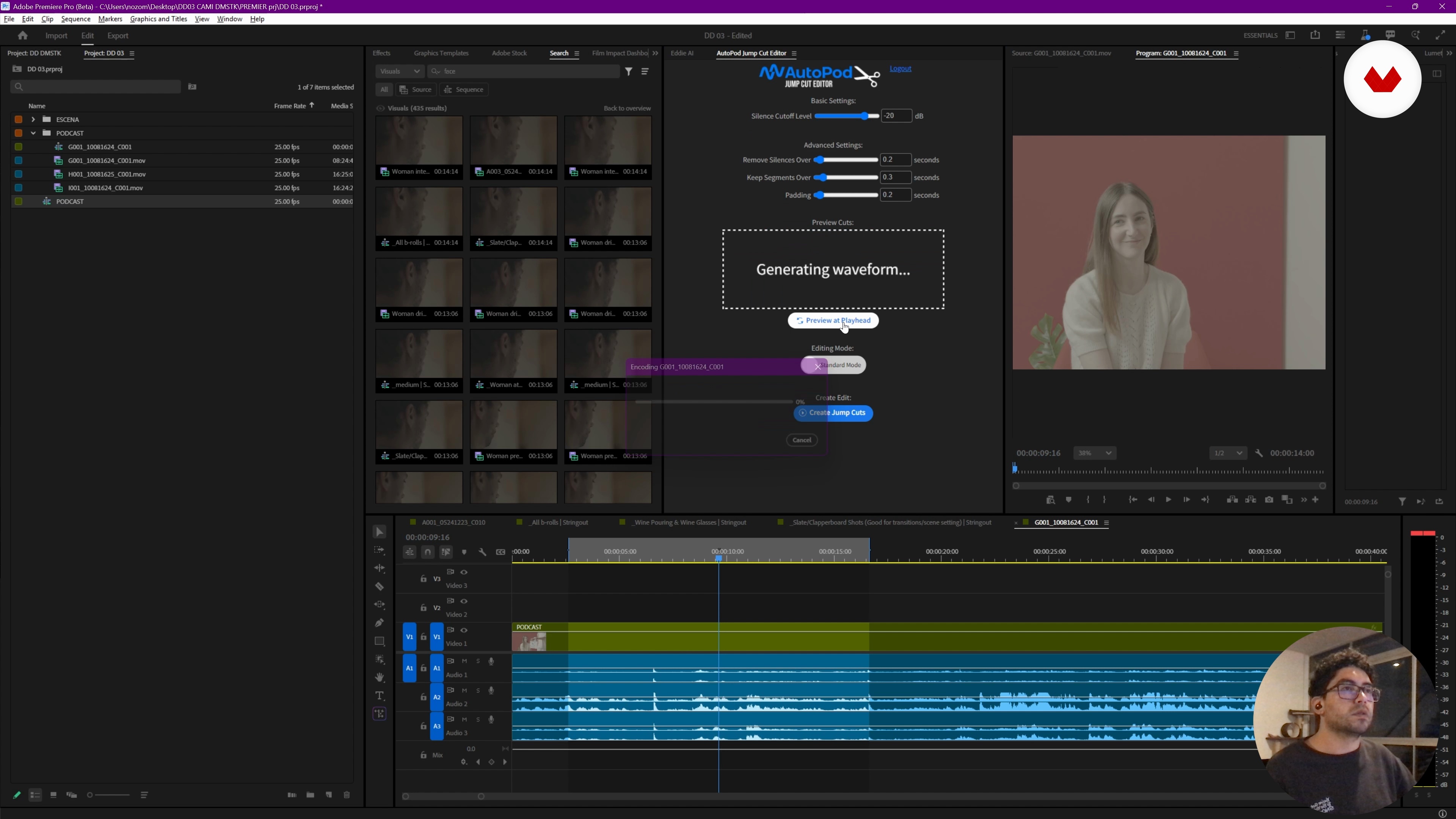
Automating podcast editing with AI in Premiere Pro
16 minutes, 20 seconds
What's included in this course?
Discover how to transform your workflow using innovative tools in Premiere and DaVinci. You'll learn to explore new platforms like EDI and Autopod, optimizing your audiovisual projects. Through an intensive course, you'll discover advanced editing features that will allow you to reimagine your projects and participate more efficiently in each one. This learning will provide added value, both in the final results and in the creative process.
Furthermore, you'll delve into audio synchronization and multi-camera setups for complex projects like podcasts. You'll learn about applications that facilitate management and feedback, ensuring your creations are of the highest quality. This experience will not only equip you with technical skills but also give you a broader perspective on the tools available to enhance every aspect of your audiovisual productions.
Recommended software & tools for this course
What is this course's project?
The project involves exploring multiple tools in Premiere and DaVinci, optimizing workflows with new platforms like EDI and Autopod. The goal is to reshape creative processes, improving efficiency and adding value to audiovisual projects.
Who is this online course for?
Aimed at video editors looking to optimize their workflow with new tools in Premiere and DaVinci. Ideal for those who want to explore innovative solutions, improving skills and efficiency in video editing using advanced technologies and complementary platforms.
Requirements and materials
No extensive prior knowledge is required. You need a computer with Premiere and DaVinci Resolve installed, internet access, and multimedia files to practice with. Basic editing and software skills are recommended to get the most out of the tools.
Reviews
- 4 months ago
Great 5+
- mica_toretPLUS7 months ago
esta muy bueno explica todo claro
- 9 months ago
Excelente

Since 2011, Camilo has worked as a Post-Producer at McCann, managing projects from concept to final delivery, collaborating closely with local and international brands and creative teams. His experience has allowed him to optimize workflows and transform creative ideas into effective communication pieces.
Passionate about visual storytelling, Camilo specializes in finding the best ways to “tell stories to the world,” combining creativity, imagination, and cutting-edge digital tools to bring projects that existed only in ideas to life.
Content
Edit without limits: AI-powered intelligent audiovisual production workflow
- Initial overview: key tools for a new workflow
- What's new in Premiere Pro: efficient editing with smart tools
- Getting Started with DaVinci Resolve: Editing, Color, and a Complete Workflow
- Exploring Eddie: Artificial intelligence applied to editing in Premiere Pro
- Automating podcast editing with AI in Premiere Pro
- Complementary tools for editing and collaboration
- Final project
What to expect from a Domestika course
Learn at your own pace
Enjoy learning from home without a set schedule and with an easy-to-follow method. You set your own pace.
Learn from the best professionals
Learn valuable methods and techniques explained by top experts in the creative sector.
Meet expert teachers
Each expert teaches what they do best, with clear guidelines, true passion, and professional insight in every lesson.
Certificates
PLUSIf you're a Plus member, get a custom certificate signed by your teacher for every course. Share it on your portfolio, social media, or wherever you like.
Get front-row seats
Videos of the highest quality, so you don't miss a single detail. With unlimited access, you can watch them as many times as you need to perfect your technique.
Share knowledge and ideas
Ask questions, request feedback, or offer solutions. Share your learning experience with other students in the community who are as passionate about creativity as you are.
Connect with a global creative community
The community is home to millions of people from around the world who are curious and passionate about exploring and expressing their creativity.
Watch professionally produced courses
Domestika curates its teacher roster and produces every course in-house to ensure a high-quality online learning experience.
FAQs
This course is aimed at intermediate users who already understand basic editing concepts and want to streamline and automate their workflow using advanced tools like Premiere, DaVinci, and AI plugins.
It’s recommended to have basic experience with video editing and software like Premiere Pro or DaVinci Resolve to fully benefit from the advanced content and automations offered in the course.
You’ll learn how to optimize audiovisual workflows, integrate smart tools, automate tasks in Premiere and DaVinci, use AI plugins, organize footage, edit multicam projects, and manage collaborative workflows.
Automation means using AI-powered tools and plugins to handle repetitive tasks like organizing clips, syncing audio and video, automatic cutting, and generating descriptions—saving time and boosting efficiency.
The course teaches you how to connect these platforms to automate editing, simplify collaboration, get feedback, and manage clip reviews in real time, streamlining audiovisual production.
Premiere’s beta versions offer cutting-edge features and tools before official release, letting you experiment with new editing possibilities and optimize your workflow with the latest tech.
Working with logarithmic footage gives you greater flexibility in color correction. You’ll learn how to import and manage these files in Premiere, adjusting color space for professional results.