Product Animation in Vizcom — From Render to Dynamic Presentation
A course by Gerry SolerIndustrial Designer
A course by Gerry Soler, Industrial Designer

Create professional product animation with Vizcom, live render, AI prompts, CMF design, storytelling for industrial design portfolios
Design dynamic product animations in Vizcom and transform static renders into cinematic stories for your portfolio. In this course, you will learn an end‑to‑end workflow that combines industrial design, AI‑assisted sketching, CMF exploration, and video editing to present your concepts with professional quality.
You will start by defining a clear visual direction through a high‑impact mood board, learning how to curate images, materials, colors, and lighting references to guide your design language. Then you will sketch a gaming controller from scratch, using Viscom’s Live Render feature to iterate faster, refine ergonomics, and see real‑time AI product visualization while you draw.
Once the form is defined, you will explore CMF (color, material, and finish) using tools such as Extract Material, Modify, and CMF Variate to recreate aluminum, rubber, plastic, and lighting effects inspired by premium industrial design. You will generate multiple CMF variants targeted to different users and select a flagship version for animation.
Next, you will prepare all the key frames needed for motion design. You will create product renders in different views and compositions, work with portrait and landscape layouts, and plan a storytelling‑driven storyboard for three animations: a CMF‑focused product piece, a more conceptual sequence, and a usage scene inside a domestic space.
You will then dive into Vizcom's Animate tool to connect key frames and generate smooth transitions, rotations, close‑ups, and hovering movements. You will learn how to refine AI‑generated motion, correct glitches, and extract still frames at high resolution for your portfolio, understanding the limits of current AI animation quality and how to work around them.
To wrap up, you will organize and download all your animations, import them into DaVinci Resolve or the video editor of your choice, and polish the final edit. You will discover three core pillars of a strong product animation: visual rhythm and transitions, audio selection and synchronization, and coherent visual identity. You will learn how to cut to the beat, choose royalty‑free music, and adjust color and pacing so that sound, image, and design tell a unified story.
This course is aimed at industrial designers, product designers, 3D artists, motion designers, and creatives who want to integrate AI tools like Viscom, ChatGPT, Gemini, Runway, or Sora into their design and animation workflow. Basic familiarity with digital drawing, rendering, or Photoshop‑style software is recommended, but you do not need advanced 3D or animation skills to follow the lessons.
By the end, you will have a complete product animation project that goes from sketch and AI render to a finished video, ready to showcase in your portfolio, social media, or client presentations.
What will you learn in this online course?
8 lessons & 3 downloads
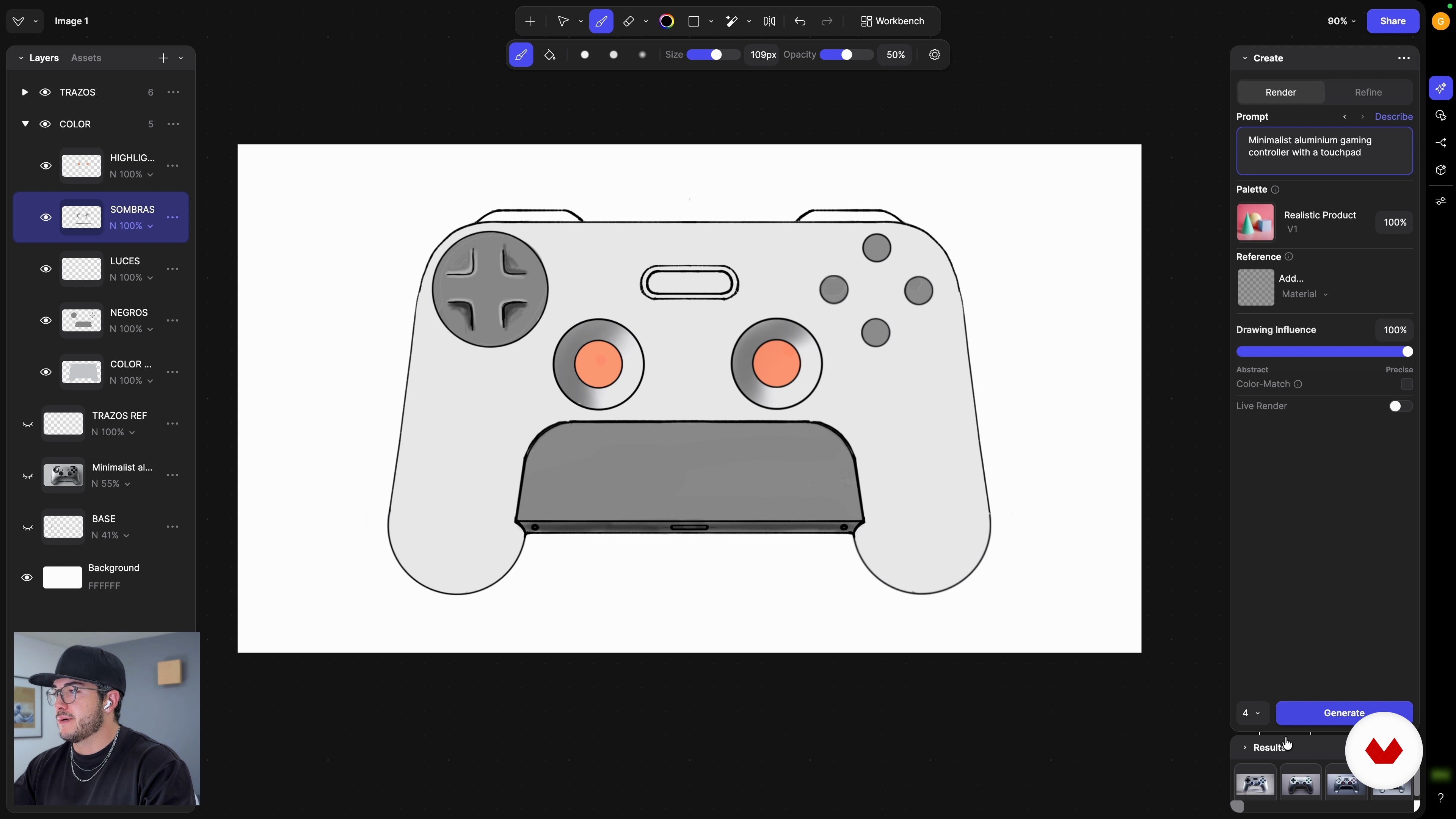
Practical sketching: symmetry and form exploration with Variation
24 minutes, 11 seconds
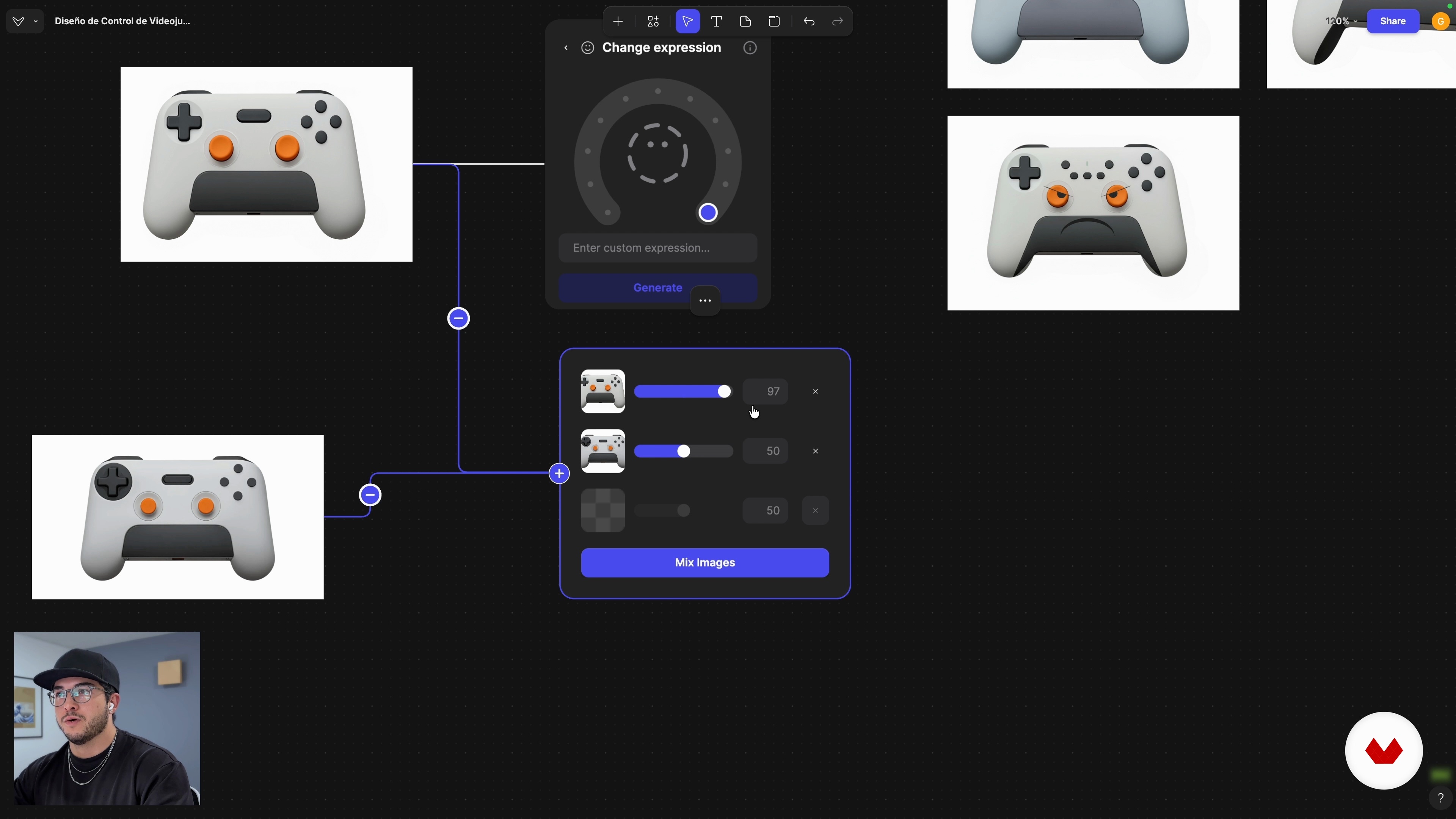
Visual language: Change Expression and refinement with Mix
7 minutes, 43 seconds
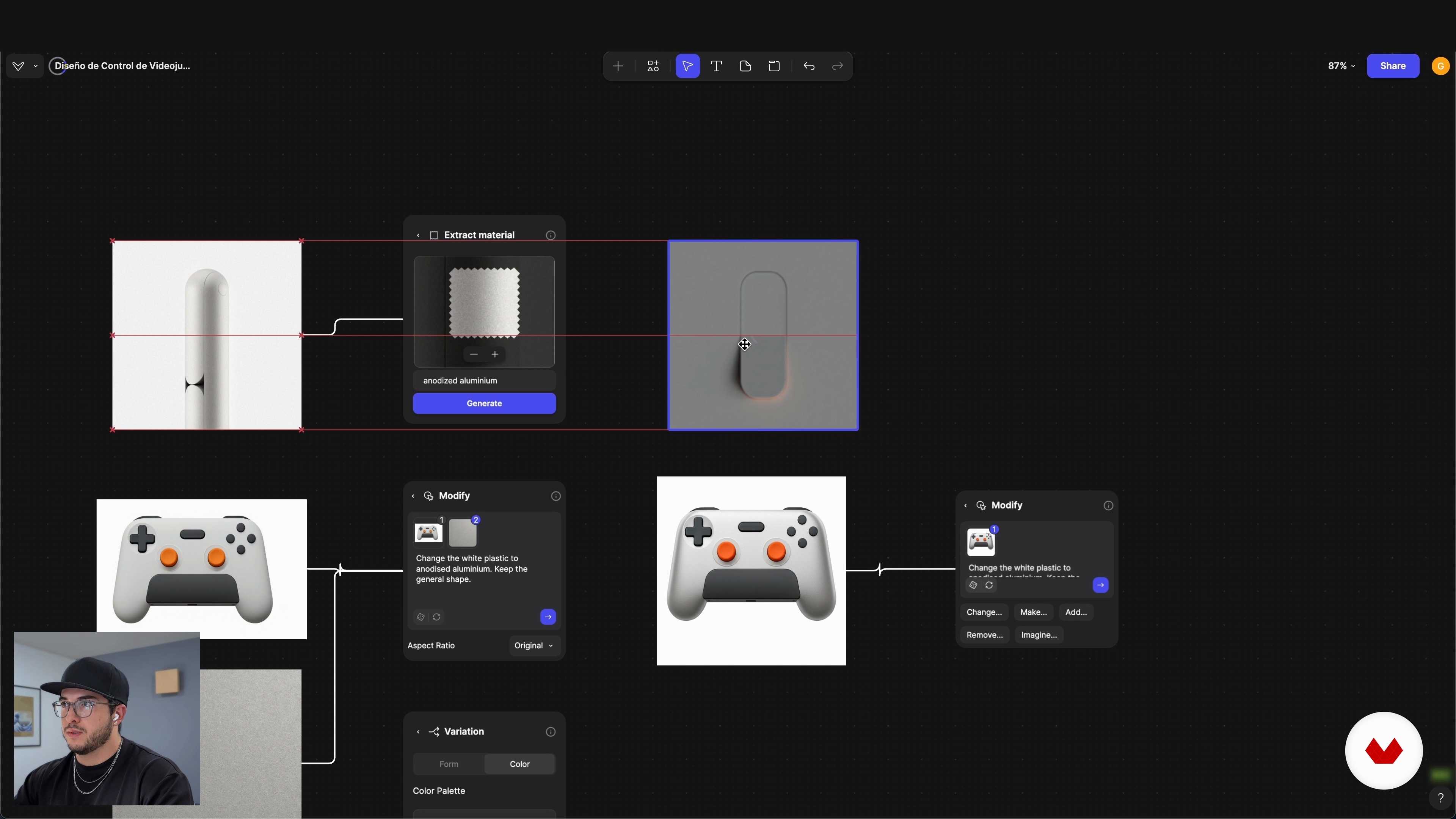
CMF Definition: Modify, Extract Material and Variate CMF
11 minutes, 38 seconds
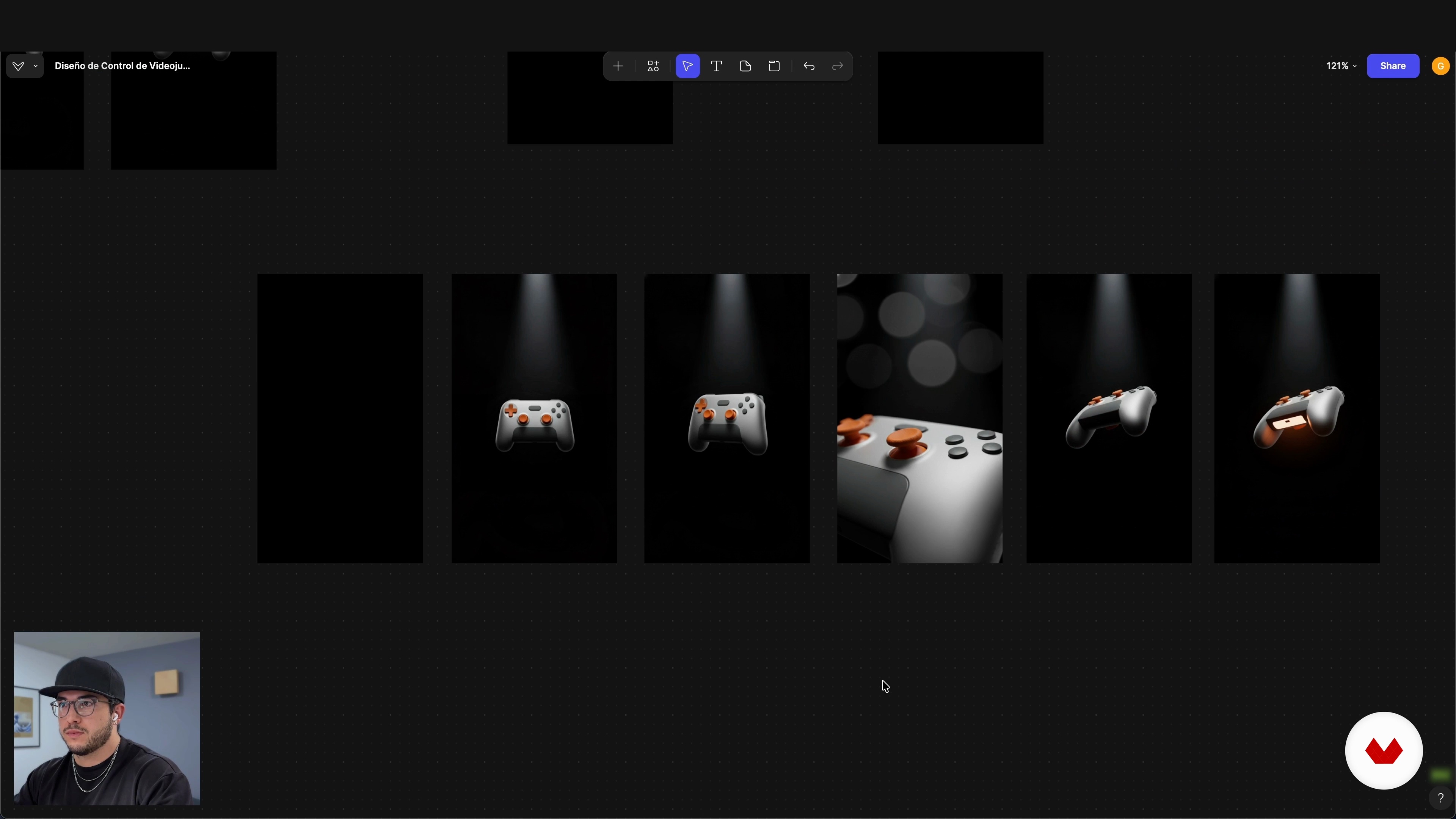
Key views and storyboard: the script for animation
13 minutes, 19 seconds
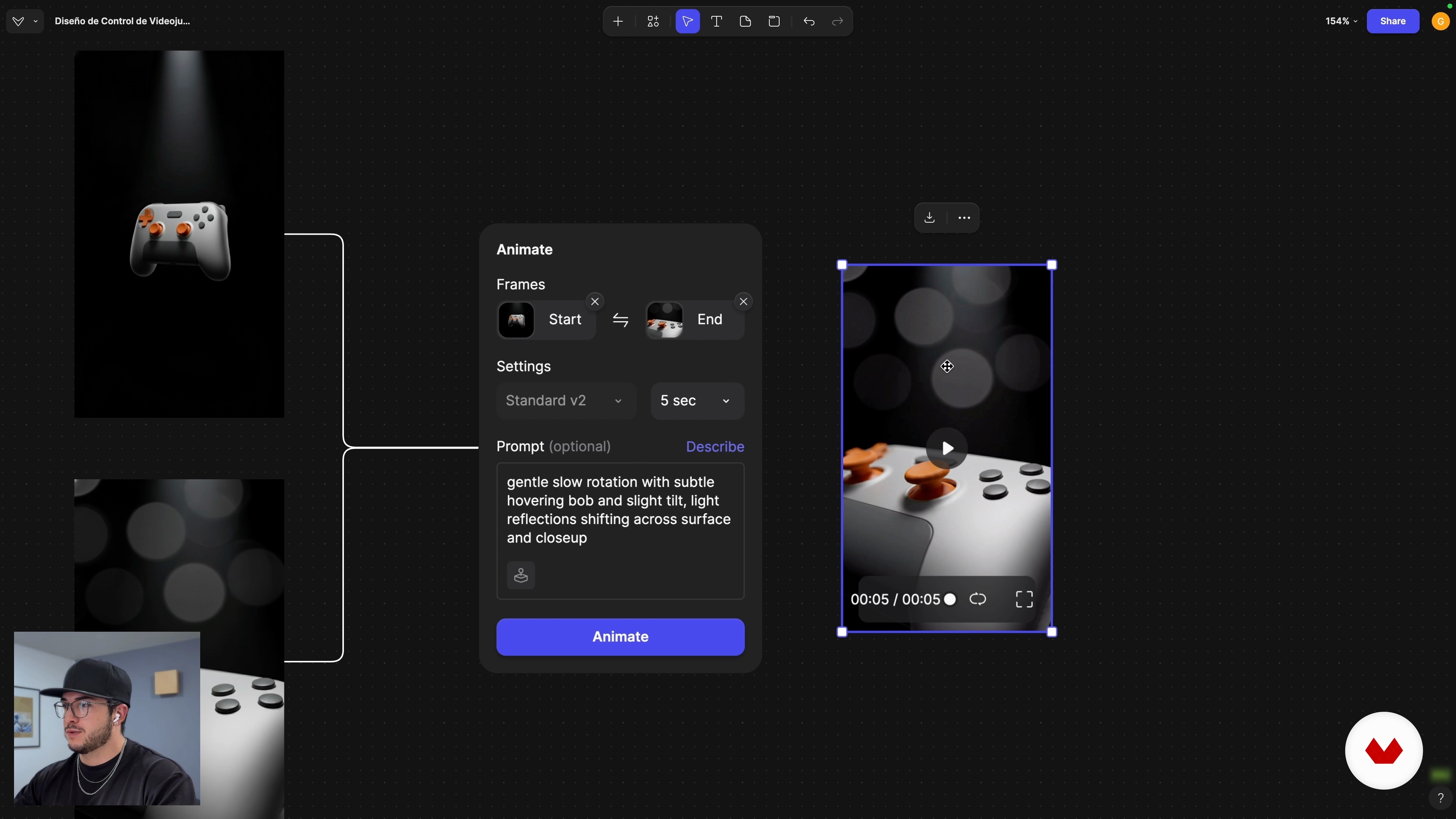
Product animation: frame-to-frame and camera paths
9 minutes, 14 seconds
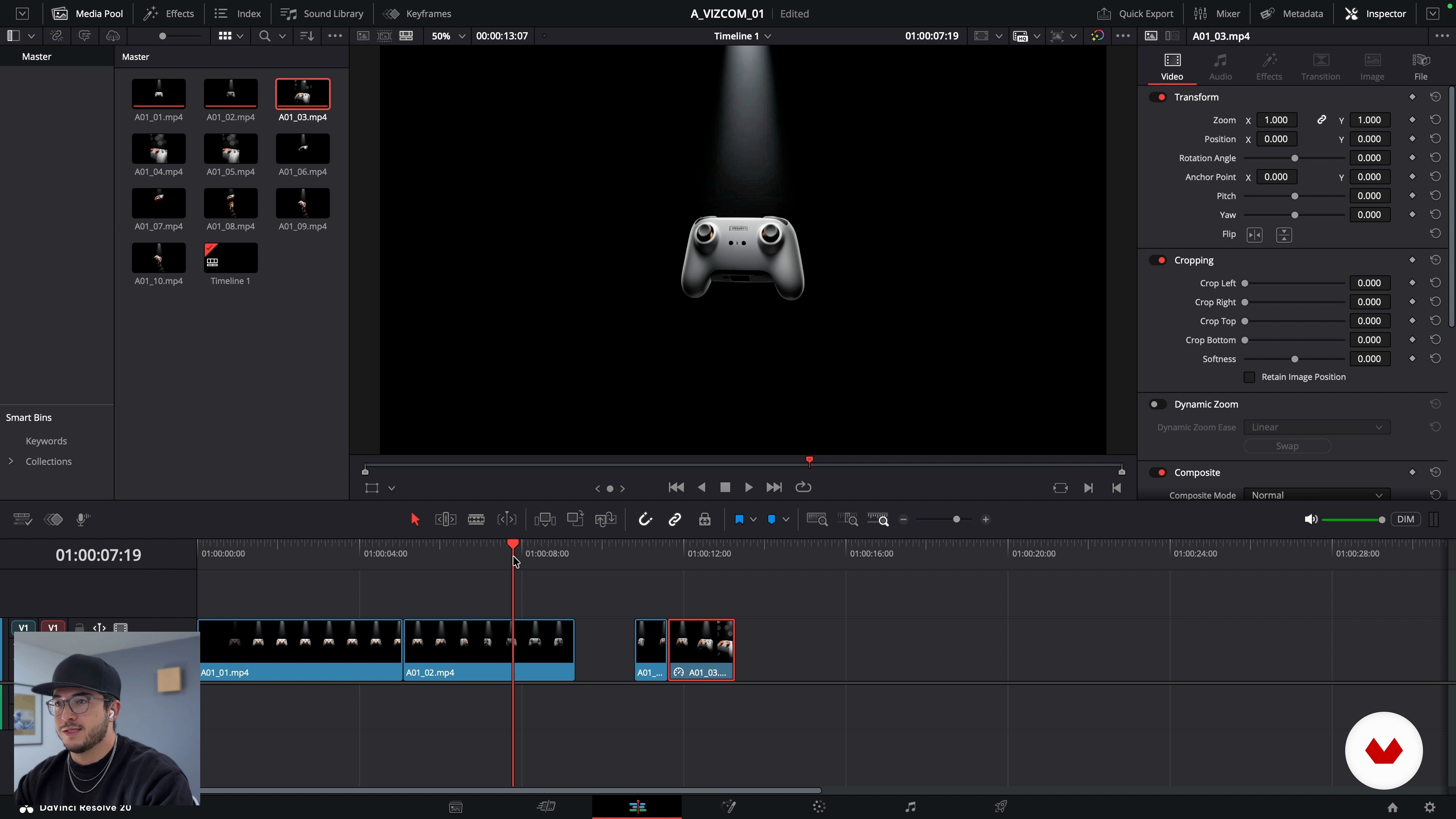
Export and professional presentation: post-production and closing
20 minutes, 31 seconds
What's included in this course?
Learn how to turn static product renders into dynamic stories using Vizcom. Explore from the first sketch of a gaming controller to a polished, animated portfolio piece. Understand how to build a strong mood board, define ergonomic shapes, and guide AI through prompts, Live Render, and variation tools to refine form and visual language.
Develop solid CMF proposals by extracting and remixing materials, colors, and finishes that fit your concept. Generate key frames, plan storyboards, and create AI-based animations that highlight product features, context of use, and personality. Finish by exporting images and videos, organizing timelines in editing software, syncing movement with music, and applying three core pillars of rhythm, audio, and visual coherence for professional presentations.
Recommended software & tools for this course
What is this course's project?
You'll learn to create impactful product animations in Vizcom, exploring everything from sketches to dynamic renders. You'll master modeling, texturing, and animation techniques, generating innovative designs to enrich your portfolio with visually appealing and professional projects.
Who is this online course for?
For industrial design students, junior designers, creative professionals exploring product visualization, and digital artists seeking practical workflows with Viscom and AI to turn static renders into polished, story-driven product animations for portfolios and presentations.
Requirements and materials
No extensive prior knowledge required. Basic understanding of digital drawing or design, curiosity for AI tools, computer capable of running Vizcom or browser version, stable internet connection, optional drawing tablet, video-editing software such as DaVinci Resolve.
Reviews
- 3 months ago
Contenido de valor practico y con mucha aplicación en diseño de producto.

His work integrates research, storytelling, and emerging technologies, including artificial intelligence, to build processes that are both efficient and deeply human. He also shares this approach on Designfulness, his educational YouTube channel, where he helps designers think better, work smarter, and design with purpose.
Gerry is a Mexican–Spanish industrial designer with experience in Mexico, Japan, Denmark, and Sweden, and a graduate of the Master’s in Advanced Product Design at Umeå Institute of Design. His work spans consumer electronics, wearables, robotic systems, and sports-related projects. He currently develops projects from Mexico, creating products and experiences that blend design, technology, and a critical lens that challenges taboos and pushes boundaries.
Content
Product Animation in Vizcom — From Render to Dynamic Presentation
- Introduction
- Preparation and flow
- Practical sketching: symmetry and form exploration with Variation
- Visual language: Change Expression and refinement with Mix
- CMF Definition: Modify, Extract Material and Variate CMF
- Key views and storyboard: the script for animation
- Product animation: frame-to-frame and camera paths
- Export and professional presentation: post-production and closing
- Final project
What to expect from a Domestika course
Learn at your own pace
Enjoy learning from home without a set schedule and with an easy-to-follow method. You set your own pace.
Learn from the best professionals
Learn valuable methods and techniques explained by top experts in the creative sector.
Meet expert teachers
Each expert teaches what they do best, with clear guidelines, true passion, and professional insight in every lesson.
Certificates
PLUSIf you're a Plus member, get a custom certificate signed by your teacher for every course. Share it on your portfolio, social media, or wherever you like.
Get front-row seats
Videos of the highest quality, so you don't miss a single detail. With unlimited access, you can watch them as many times as you need to perfect your technique.
Share knowledge and ideas
Ask questions, request feedback, or offer solutions. Share your learning experience with other students in the community who are as passionate about creativity as you are.
Connect with a global creative community
The community is home to millions of people from around the world who are curious and passionate about exploring and expressing their creativity.
Watch professionally produced courses
Domestika curates its teacher roster and produces every course in-house to ensure a high-quality online learning experience.
FAQs
Vizcom is a digital tool that blends artificial intelligence with sketching to create dynamic product renders and animations, speeding up visualization and presentation for professional portfolios.
Yes, this course is designed for those with intermediate industrial design skills who want to boost their sketching, rendering, and animation abilities using Vizcom and AI tools.
You’ll need basic digital design knowledge, experience handling visual references, and a computer with Vizcom installed. Prior sketching and rendering experience is recommended.
You’ll learn how to turn sketches into dynamic renders and animations, build mood boards, explore form and color variations, tweak AI settings, and polish visual presentations for industrial portfolios.
In Vizcom, Live Render lets you transform sketches into real-time animations using AI. You’ll learn how to adjust settings, blend frames, and create high-quality animated sequences for your portfolio.
Yes, the course covers how to extract and vary materials (CMF), adjust colors with tools like the eyedropper and AI prompts, and modify finishes to tailor your designs.
A mood board is a collection of images that sets the aesthetic and conceptual tone for a project. You’ll learn how to create and organize digital mood boards to inspire and guide your designs.