Generative Advertising Spots with Higgsfield Shots
A course by Carlos DordellyGraphic designer
A course by Carlos Dordelly, Graphic designer

Create AI generative advertising spots with Higgsfield Shots, cinematic design, image editing, video production workflows
Learn to create AI‑generated spots with Higgsfield Shots. The course walks you through turning rough ideas, visual references, and simple prompts into ad‑ready content for social media and digital campaigns.
You’ll get familiar with the Higgsfield ecosystem, how its image and video models differ, and how credits, presets, and templates shape your workflow. In the Image module with NanoBanana Pro, you build a solid visual base by working on product photos, composition, retouching, and upscaling so your assets look clean and consistent.
In Shots, you create alternate angles, story moments, and product variations while keeping a steady visual style across the whole campaign. Cinema Studio lets you apply practical cinematography tools like framing, camera movement, depth of field, and aspect ratios such as 16:9 or 21:9 to produce images ready to animate.
To finish, you bring everything to life with video models like Kling 3.0. You set your start and end frames, tune timing, resolution, and sound, then export AI‑assisted videos you can refine later in software like Photoshop, After Effects, or DaVinci Resolve. It’s a course for designers, content creators, art directors, and filmmakers looking to work generative video into their process.
What will you learn in this online course?
8 lessons & 9 downloads
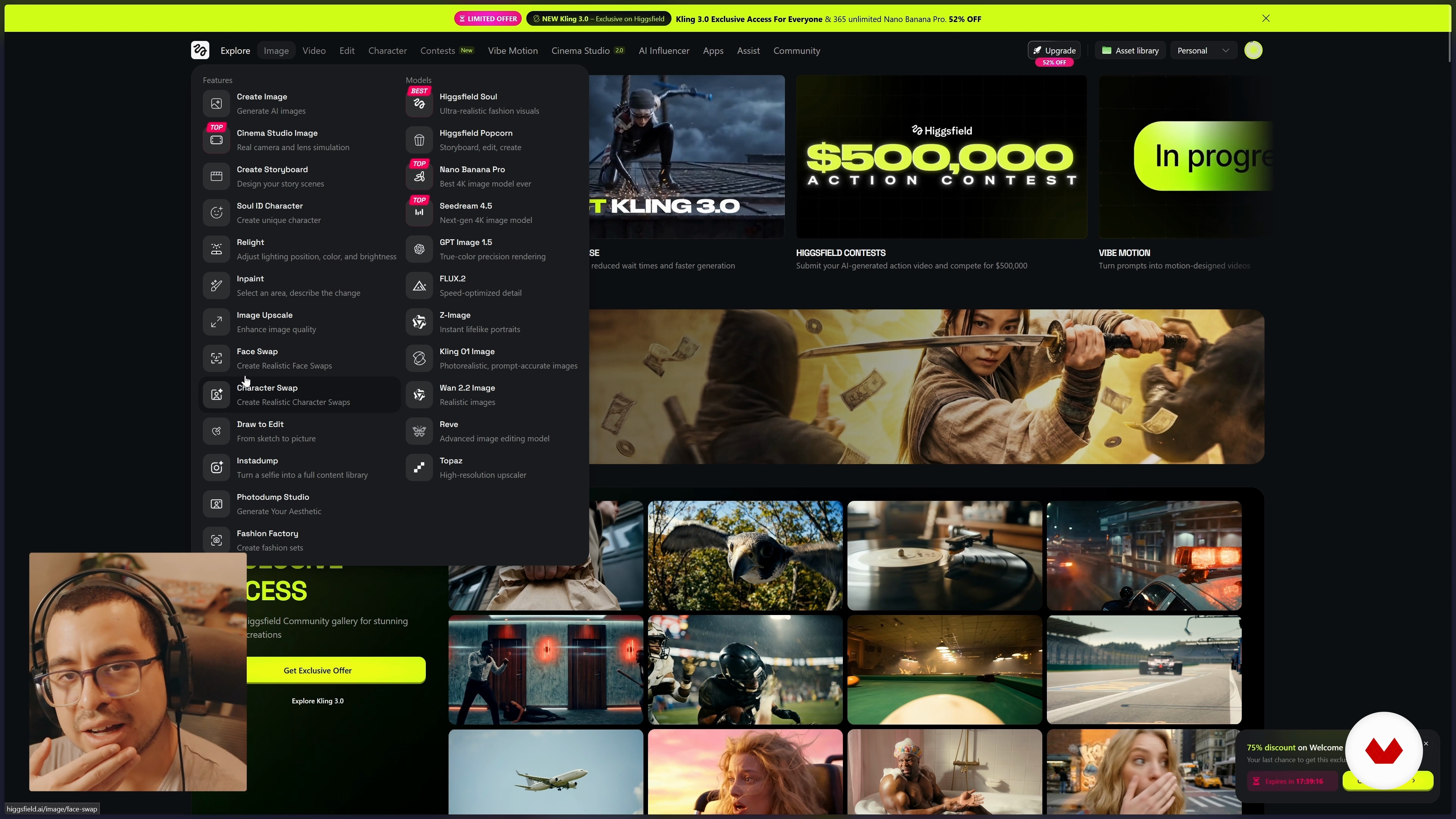
What Higgsfield Is
16 minutes, 53 seconds
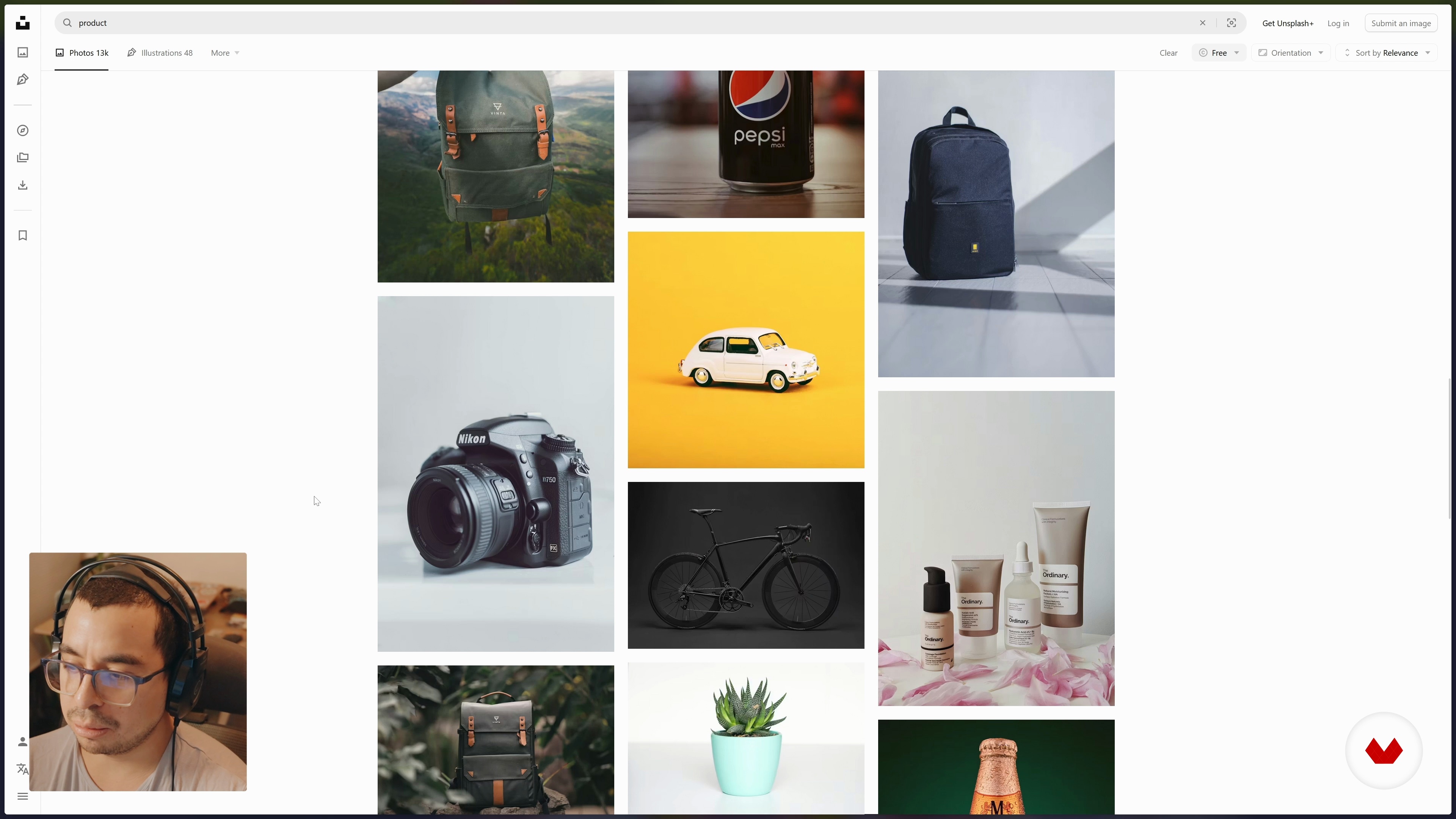
Preparing Your Visual References
9 minutes, 54 seconds
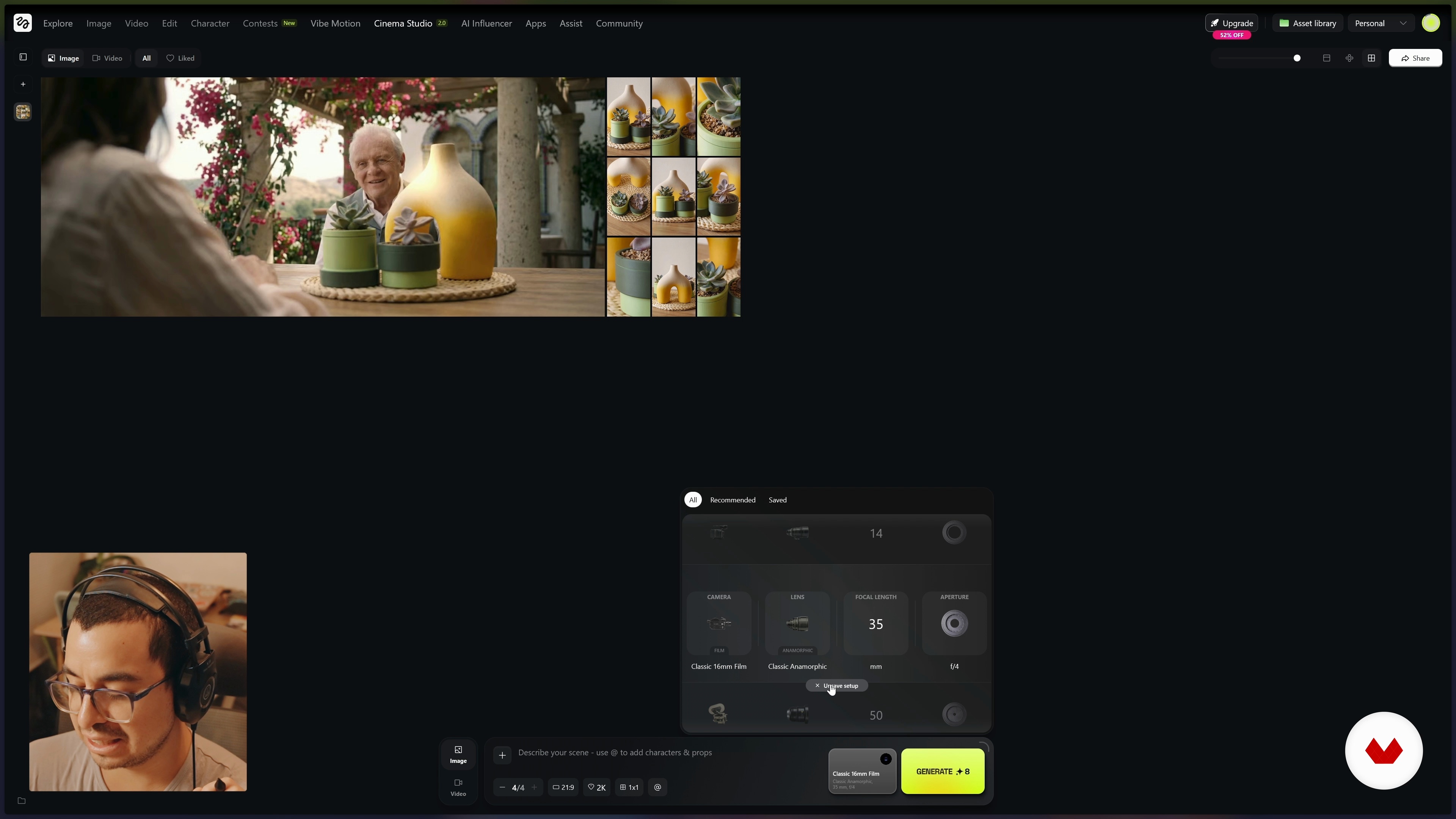
Exploring Cinema Studio
6 minutes, 6 seconds
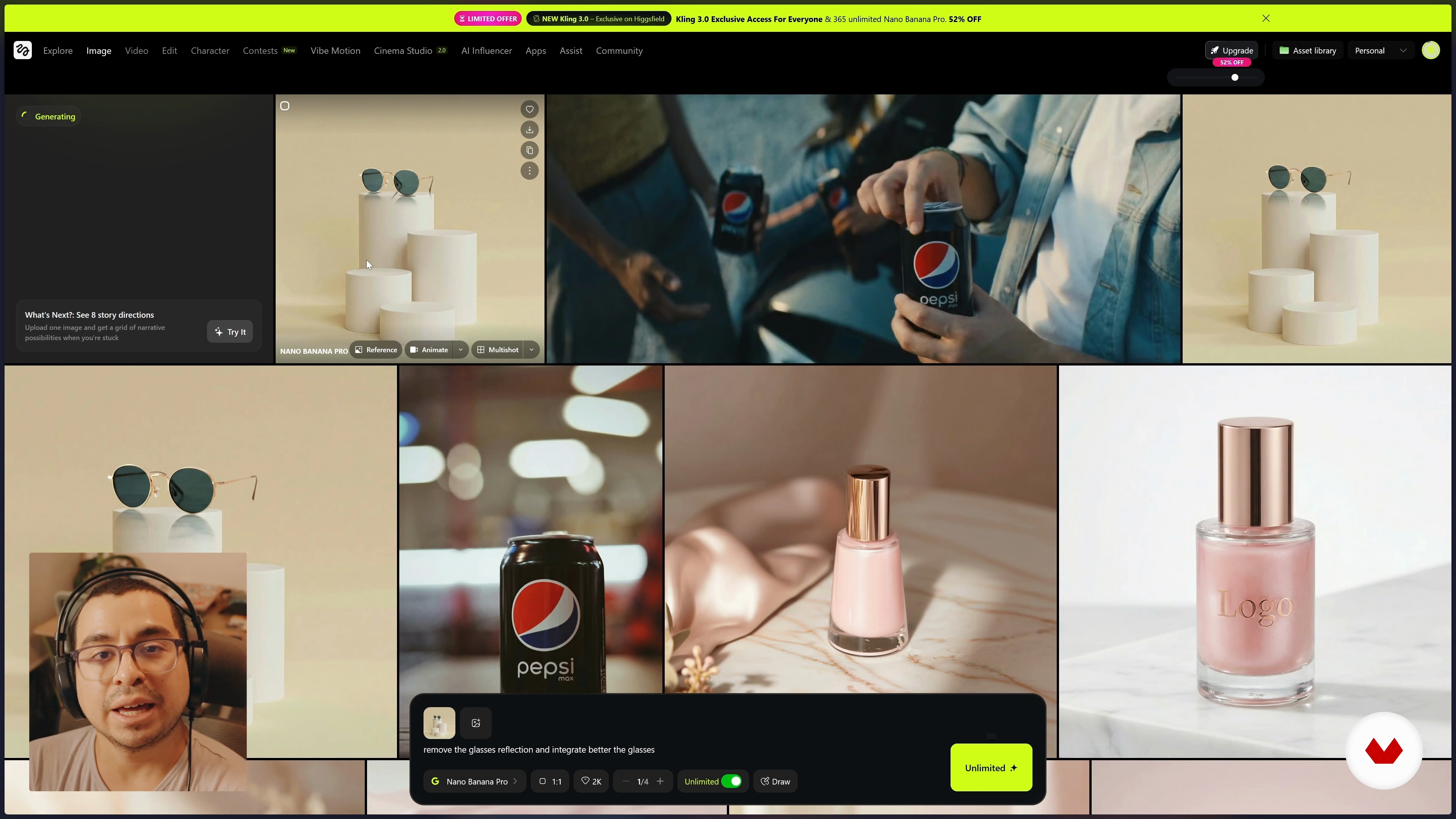
Course Wrap-Up
1 minute, 21 seconds
What's included in this course?
You'll get a clear look at how Higgsfield works day‑to‑day: how its subscription and credit system actually feels in use, and what each image and video model is good at so you can pick the right one without guessing. You'll also learn how to prep your visual references, shape the story you want to tell, and set up mood, framing, and product details so the AI stays consistent throughout a campaign.
You'll create base images with NanoBanana Pro and other models, clean them up, upscale them, and place your product into different settings with straightforward prompts. In Higgsfield Shots, you'll generate variations that fit together naturally for social posts, carousels, or small spots. Then you'll move into Cinema Studio, where you can choose lenses, set camera motion, and dial in the look. To finish, you'll configure and generate videos with different models, build simple sequences, test versions, and export ready‑to‑use dynamic spots.
Recommended software & tools for this course
Who is this online course for?
People making content for a living or for fun: social media managers, advertisers, copywriters, creatives, graphic and motion designers, filmmakers, videographers, and art directors. It’s also a good fit for anyone with basic digital skills who wants to try making AI‑driven video spots for campaigns or social platforms.
Requirements and materials
You only need the basics: knowing your way around a computer, internet access, and a Higgsfield account — a paid plan helps so you don’t run out of credits. Bring some curiosity about AI and a simple idea for the spot. A bit of intuition about framing or lighting is useful, but nothing advanced.
Reviews
- 4 months ago
muy bien
- fandanPLUS5 months ago
Un curso rápido e introductorio de cómo aprovechar al máximo la IA para hacer imágenes y shorts.

Content
Generative Advertising Spots with Higgsfield Shots
- Course introduction
- What Higgsfield Is
- Preparing Your Visual References
- Working in Higgsfield Image
- Getting to Know Higgsfield Shots
- Exploring Cinema Studio
- Creating Videos with Higgsfield
- Course Wrap-Up
- Final project
What to expect from a Domestika course
Learn at your own pace
Enjoy learning from home without a set schedule and with an easy-to-follow method. You set your own pace.
Learn from the best professionals
Learn valuable methods and techniques explained by top experts in the creative sector.
Meet expert teachers
Each expert teaches what they do best, with clear guidelines, true passion, and professional insight in every lesson.
Certificates
PLUSIf you're a Plus member, get a custom certificate signed by your teacher for every course. Share it on your portfolio, social media, or wherever you like.
Get front-row seats
Videos of the highest quality, so you don't miss a single detail. With unlimited access, you can watch them as many times as you need to perfect your technique.
Share knowledge and ideas
Ask questions, request feedback, or offer solutions. Share your learning experience with other students in the community who are as passionate about creativity as you are.
Connect with a global creative community
The community is home to millions of people from around the world who are curious and passionate about exploring and expressing their creativity.
Watch professionally produced courses
Domestika curates its teacher roster and produces every course in-house to ensure a high-quality online learning experience.
FAQs
HiggsFill is an AI-powered tool that lets you quickly create and edit images and videos with a personal touch, making it easy to produce professional visual content for campaigns, commercials, and social media.
Yes, this course is designed for people with intermediate skills—perfect for those who already know the basics of editing and want to dive deeper into using AI to create and enhance visual content.
You’ll need basic image editing skills and access to platforms like Higgsfield. Being an expert isn’t required, but it helps to be comfortable with digital creative tools.
You’ll learn how to generate, edit, and optimize images and videos using HiggsFill and AI models, master preproduction workflows and organization, and choose visual references for effective ad campaigns.
The course teaches you how to use tools like Shots and advanced Higgsfield features to create multiple visual versions of a product, ensuring each image stays consistent and high quality.
Yes, you’ll learn upscaling techniques to boost the resolution and detail of digitally generated images, improving final quality for various formats and uses.
The course covers Cinema Studio, showing you how to tweak cinematic settings, aspect ratios, and camera movements to produce professional, film-like images.