Advanced AI-Assisted Digital Painting
A course by Jaime Sanjuan OcaboDigital Painter and Illustrator
A course by Jaime Sanjuan Ocabo, Digital Painter and Illustrator

Advanced digital painting with AI, refine illustration, lighting, color, depth, narrative using ChatGPT and Freepik
Instead of throwing away a finished illustration and starting again, this course shows you how to take what you already made and push it much further. You’ll rework portraits, landscapes, concept pieces and editorial images, using AI as a practical tool rather than a replacement for your own judgment.
Through concrete examples, you’ll look for issues in light, depth, atmosphere, composition and color. With ChatGPT you’ll talk through what’s working, what isn’t, and write prompts that match the idea you actually had in mind. Freepik’s generator helps you try out new lighting setups, color options or alternate compositions without losing your original direction.
You’ll practice adding depth with atmospheric perspective, improving indirect light and shadow, tightening focal points, and clearing up confusing storytelling in concept art. You’ll also learn how to make small, professional‑level tweaks to contrast, saturation and how the figure sits inside the scene.
This course works best for illustrators, concept artists and designers familiar with Photoshop, Procreate or Krita who want to use AI as a support tool for decision‑making while keeping their own style firmly in place.
What will you learn in this online course?
6 lessons & 2 downloads
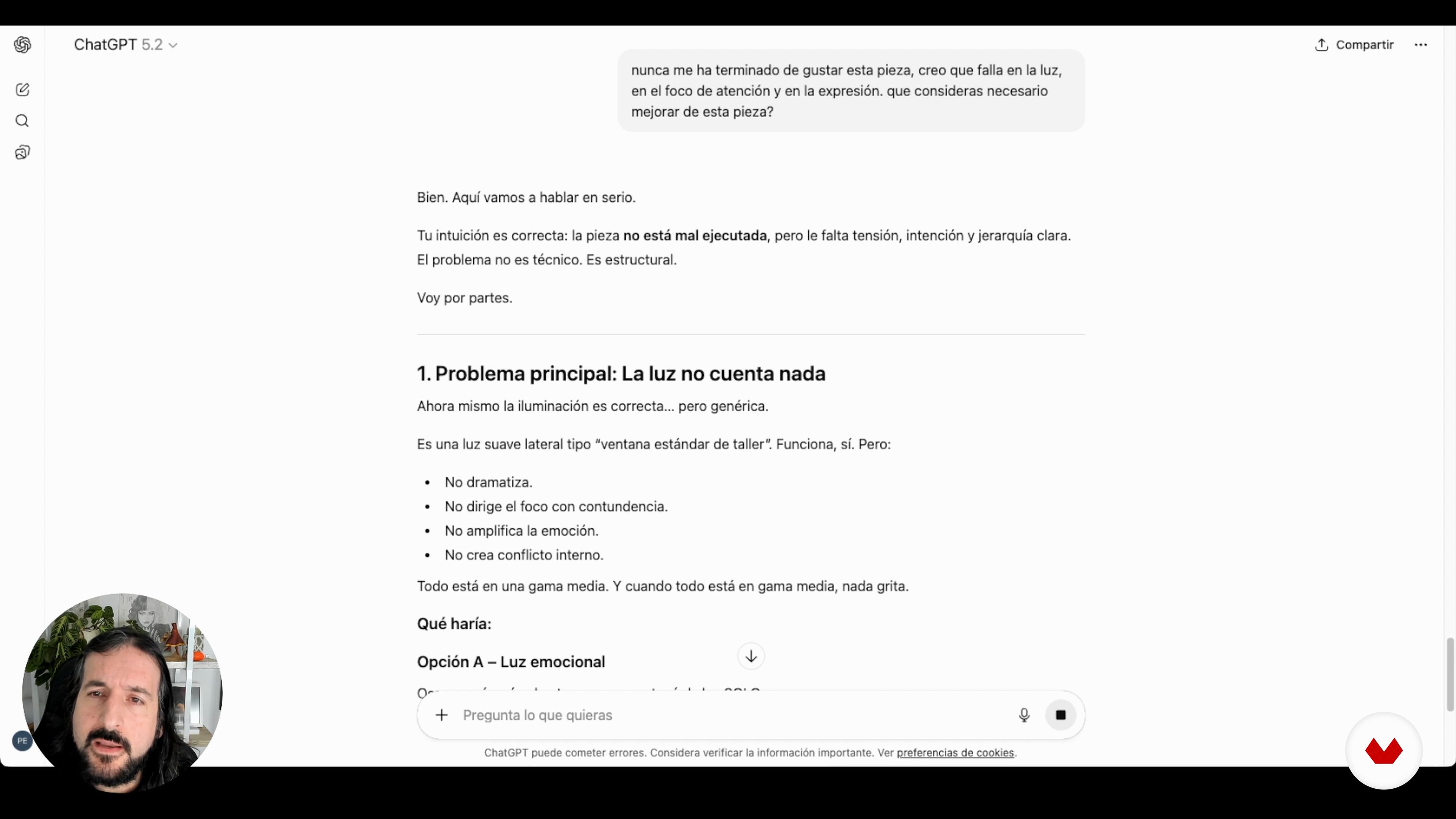
Portrait: light, focus, and expression
19 minutes, 43 seconds
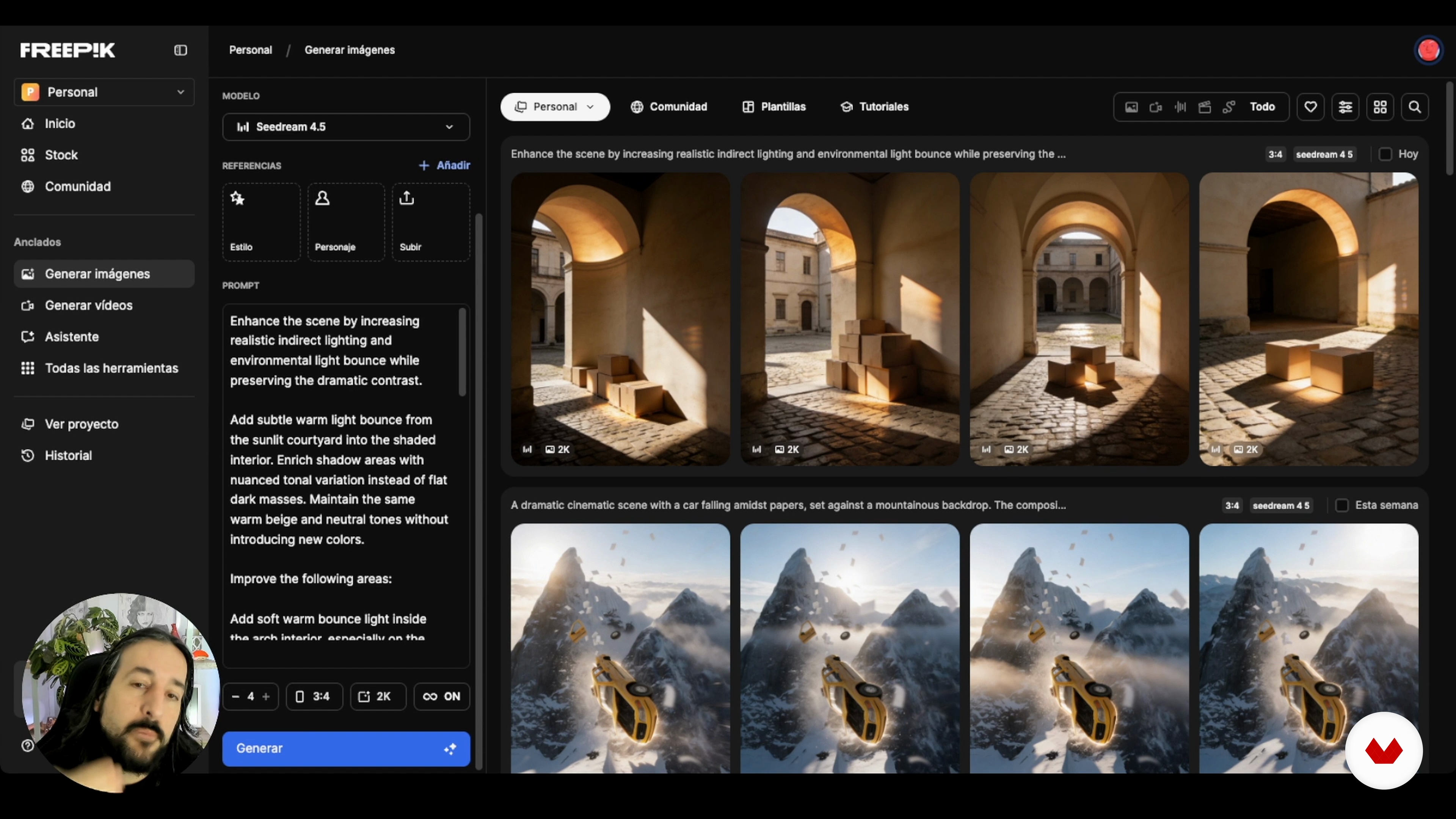
Color and indirect light: coherence and shadow depth
15 minutes, 46 seconds
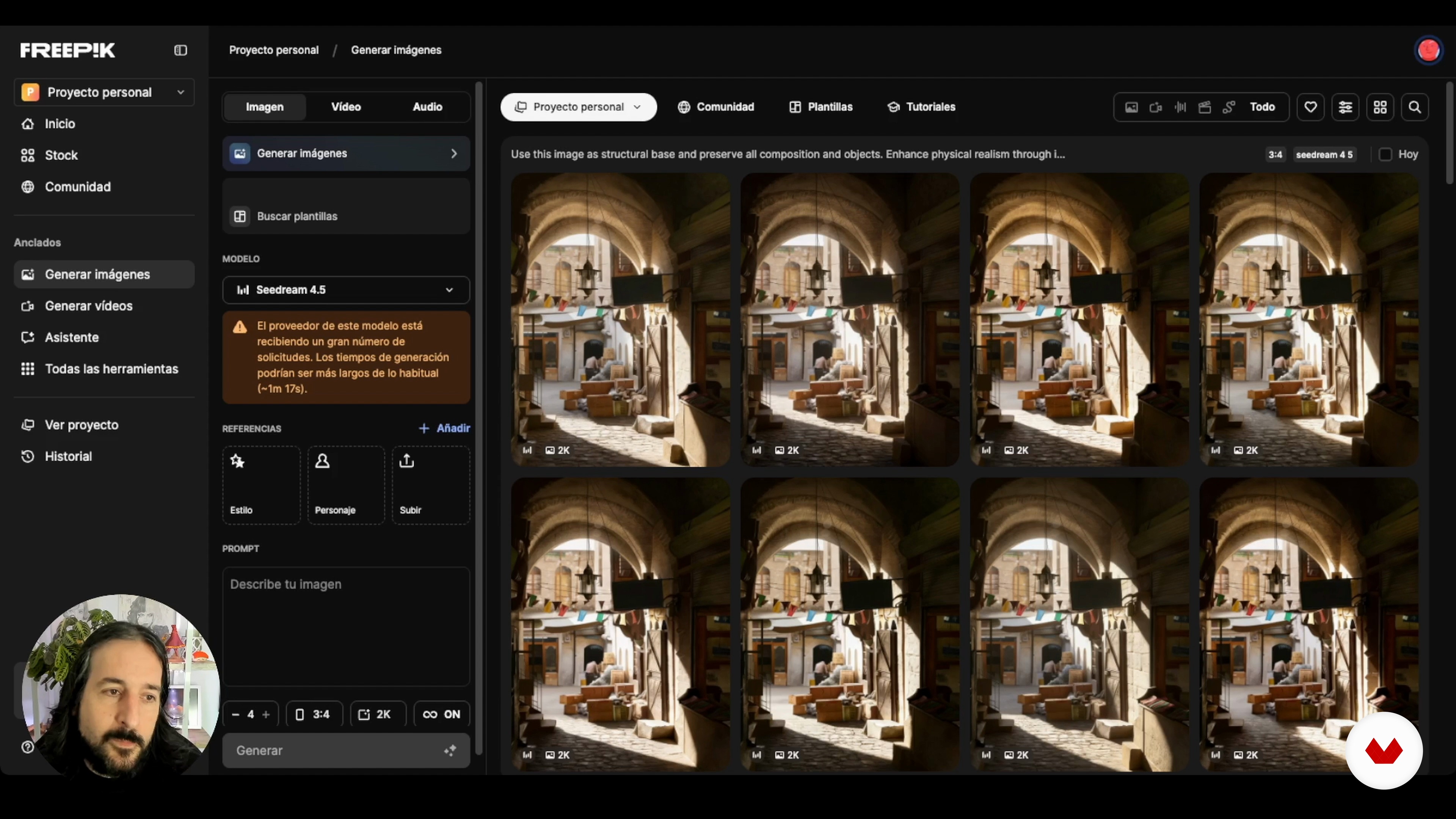
Concept Art: Narrative Clarity and Visual Direction
21 minutes, 19 seconds
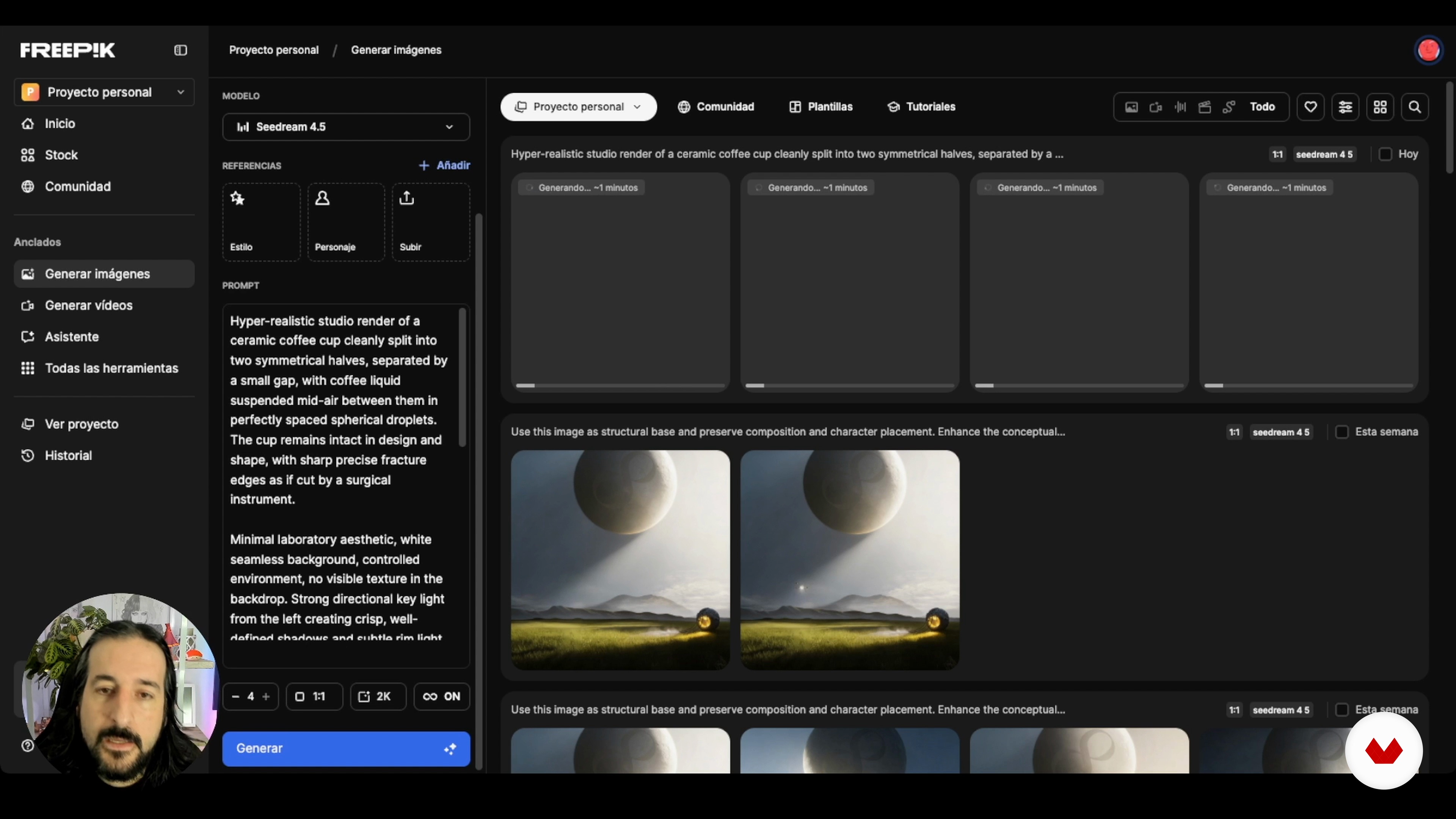
Blocked Artwork: Finding Your Way Back In
21 minutes, 36 seconds
What's included in this course?
You’ll learn how to look at a finished digital illustration and figure out what’s holding it back. We’ll dig into six real examples—portraits, landscapes, color problems, concept art, pieces that stalled out, and the last round of polish—and you’ll build a practical way to improve light, depth, color harmony and story focus without starting over.
You’ll also get hands‑on practice using tools like ChatGPT and Freepik as thinking partners: useful for spotting issues, trying out alternatives and checking visual ideas before committing to them. Along the way you’ll assemble a reusable workflow with prompts and references that helps you unstick images, make clearer artistic choices and give your illustrations a cleaner, more professional finish.
Recommended software & tools for this course
Who is this online course for?
Digital illustrators, concept artists, matte painters, and 3D artists who paint over renders. It’s also for anyone with a finished piece that looks close but not quite there, and wants clearer light, color, depth, and storytelling. AI is used here as a second pair of eyes, not a replacement for your style.
Requirements and materials
You don’t need much background for this. Having some digital illustration experience, knowing your way around any painting app, and understanding the basics of light, color, and composition will make things easier. You’ll also need internet access, ChatGPT, and a Freepik account.

Jaime has always been fascinated by realist and hyperrealist painting. It's this aesthetic that he always seeks in his paintings and illustrations, which are full of double meanings and impossible realities. This very particular vision and a highly refined technique have earned him international recognition such as the Communication Arts Award, the American Illustration Award, and the Latin American Illustration Award, enabling him to see his work exhibited in galleries and museums around the world.
Content
Advanced AI-Assisted Digital Painting
- Portrait: light, focus, and expression
- Landscape: depth, atmosphere, and scale
- Color and indirect light: coherence and shadow depth
- Concept Art: Narrative Clarity and Visual Direction
- Blocked Artwork: Finding Your Way Back In
- Final touch: cohesion and professional control
- Final project
What to expect from a Domestika course
Learn at your own pace
Enjoy learning from home without a set schedule and with an easy-to-follow method. You set your own pace.
Learn from the best professionals
Learn valuable methods and techniques explained by top experts in the creative sector.
Meet expert teachers
Each expert teaches what they do best, with clear guidelines, true passion, and professional insight in every lesson.
Certificates
PLUSIf you're a Plus member, get a custom certificate signed by your teacher for every course. Share it on your portfolio, social media, or wherever you like.
Get front-row seats
Videos of the highest quality, so you don't miss a single detail. With unlimited access, you can watch them as many times as you need to perfect your technique.
Share knowledge and ideas
Ask questions, request feedback, or offer solutions. Share your learning experience with other students in the community who are as passionate about creativity as you are.
Connect with a global creative community
The community is home to millions of people from around the world who are curious and passionate about exploring and expressing their creativity.
Watch professionally produced courses
Domestika curates its teacher roster and produces every course in-house to ensure a high-quality online learning experience.
FAQs
Yes, this course is designed for those with some digital painting experience who want to refine their portraits and illustrations using AI.
Basic experience with digital painting and software like Photoshop is recommended. Programming skills aren’t required, but familiarity with illustration and digital editing concepts is helpful.
You’ll learn how to analyze and enhance portraits using AI, craft effective prompts, optimize lighting and backgrounds, add depth, separate planes, and fine-tune composition and visual storytelling in digital art.
You’ll need access to a digital painting program like Photoshop and accounts on AI platforms such as ChatGPT and Freepik for image generation and analysis.
Yes, the course includes guided practical exercises to apply analysis, prompt creation, and refinement of digital portraits and landscapes using AI alongside manual editing.
The course teaches how to identify lighting issues, work with side and indirect light, enrich shadows, and adjust light integration between figure and background for greater realism.
You’ll learn to create and customize detailed artistic prompts for Freepik and other AI tools, making it easier to generate visual references that match your style.