Productivity with Notion AI for Designers
A course by Mohamed AbdellatifArchitect, Urban Designer and Writer
A course by Mohamed Abdellatif, Architect, Urban Designer and Writer

Build a Notion AI operating system for architecture and interior design studio management, CRM, projects, tasks, and content
Turn Notion into a self-driving operating system for your architecture or interior design practice and let AI handle the repetitive work while you focus on design.
In this course, Muhammad Abdullatif teaches you how to transform Notion 3.0 into a tailored productivity hub using databases, design-friendly views, and Notion AI Agents. Instead of treating Notion like a simple notes app, you will build a connected architecture and interior design management system that centralizes CRM, project tracking, task management, and content creation in one place.
You start by mapping the workflows of a small studio: leads, projects, tasks, and social media content. Then you use Notion AI to generate the core databases, connect them with relations and formulas, and refine them so information flows cleanly between your CRM, project board, and content calendar. You will see how AI can fix formulas, update relations, and create templates for repeatable project pages without needing advanced technical knowledge.
Step by step, you will design a Practice OS where new leads become projects, projects generate tasks, and completed work turns into reusable Instagram or LinkedIn content. You learn how to create useful project templates, gallery views, calendar views, and list views that make your workspace visually clear and easy to navigate. You also explore how Notion AI Agents can support more advanced workflows such as auditing your design operations, suggesting automations, and drafting content based on your existing data.
By the end, you will have a working Notion system customized for architecture and interior design: a CRM that highlights hot leads needing follow-up, a project hub linked to tasks and content, and a content engine that helps you publish consistently. Instead of spending your energy on admin, you will manage your studio with a structured, AI-assisted Notion dashboard designed around the way you actually work.
What will you learn in this online course?
4 lessons & 2 downloads
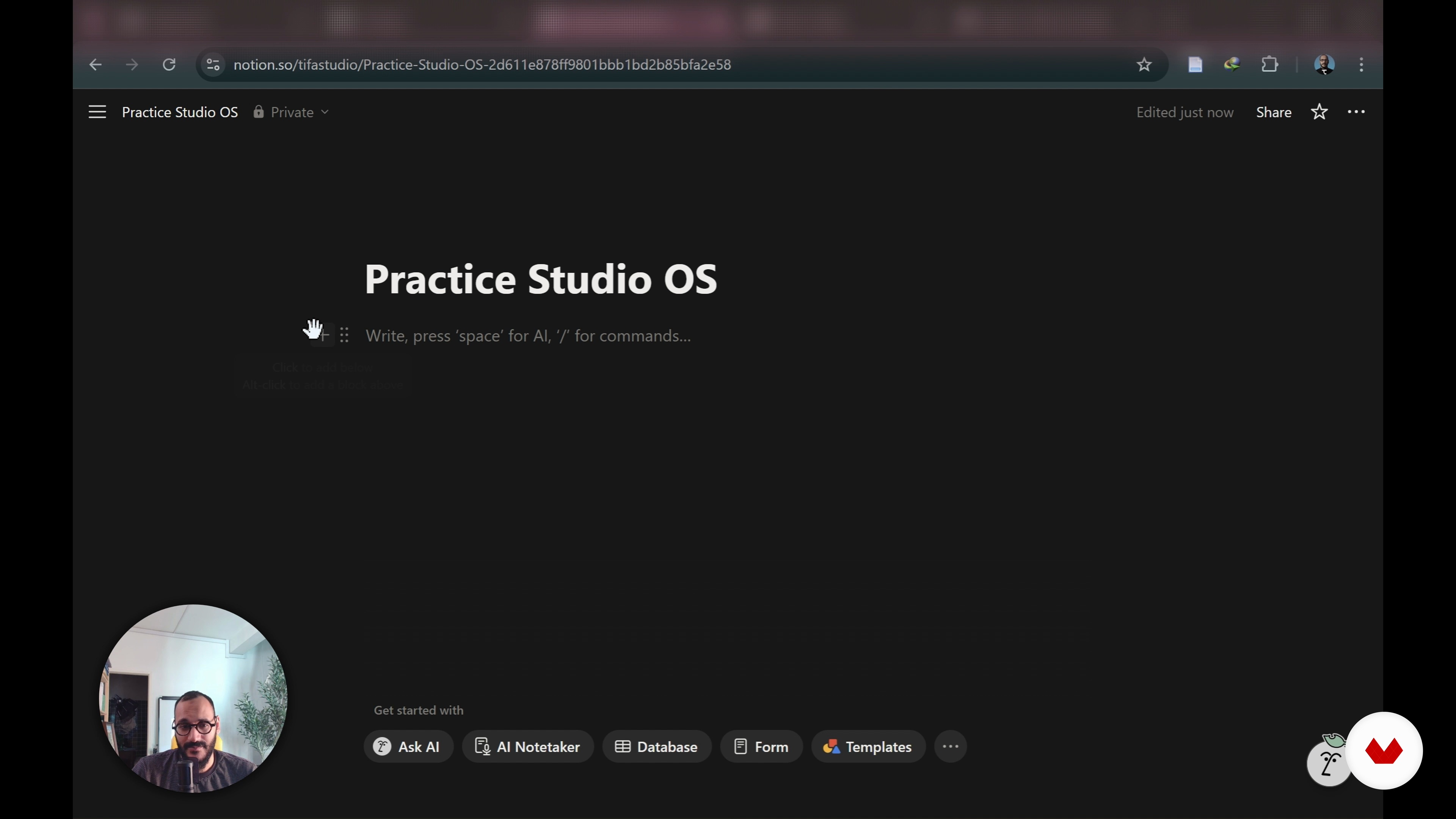
Designing Your Neural Studio Homepage
11 minutes, 35 seconds
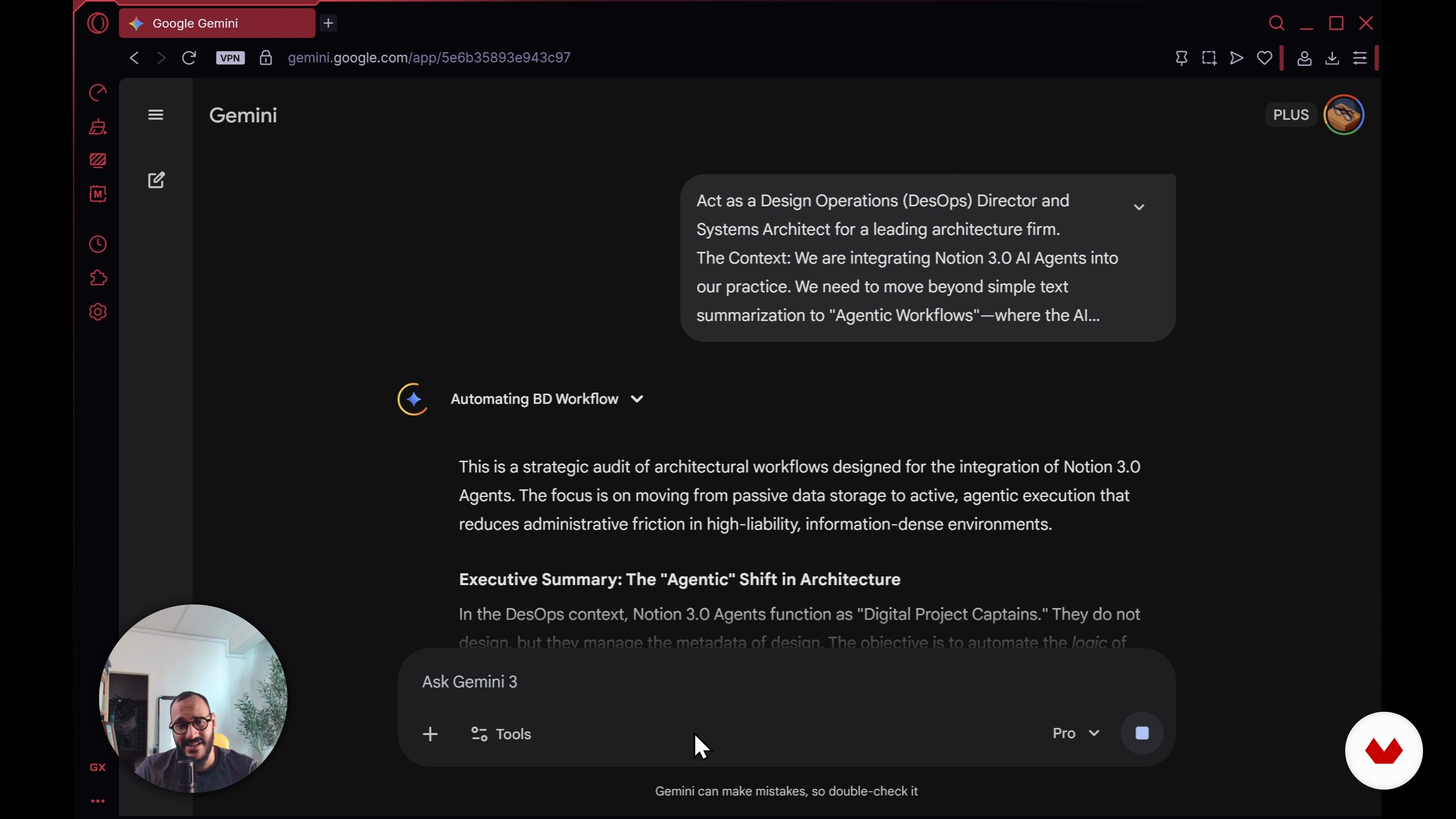
Using the Full Potential of Notion to Integrate AI Agents
6 minutes, 24 seconds
What's included in this course?
Learn how to turn Notion into a self-driving operating system for your design studio. Build a Neural Studio Dashboard step by step, from initial planning to a polished homepage connected to your key databases. Create a complete CRM that tracks lead temperature and keeps client relationships visible. Set up a Project Hub linked to tasks, timelines, and automated site visit logs so project information stays in one place.
Develop an Intelligent Library that reads and interprets your PDF documents to surface key information when you need it. Design a Content Engine that transforms finished projects into ready-to-post marketing and social media assets. Practice with Notion 3.0 Agents and database automations tailored to architecture and interior design workflows. Finish with a reusable operating system template you can adapt to new projects and clients, reducing admin load and supporting a more focused design practice.
Recommended software & tools for this course
Who is this online course for?
Architecture and interior design studio owners seeking smoother operations, freelance designers organizing client work in Notion, creative teams without dedicated managers, professionals upgrading from simple notes to a connected OS, designers exploring Notion AI automations.
Requirements and materials
No extensive prior knowledge required just basic familiarity with Notion pages blocks simple databases a Notion account with AI Agents features stable internet computer or tablet plus a rough idea of how you currently manage projects clients and files.

He holds two master’s degrees in Architecture and Urban Design from Istanbul Technical University and is currently pursuing his PhD at PolyU in Hong Kong. Dedicated to knowledge-sharing, Tifa creates content, workshops, and courses that support architecture students and professionals worldwide. His work particularly focuses on architectural representation and the conceptual phase of the design process, encouraging creativity, critical thinking, and innovative approaches to contemporary practice.
Content
Productivity with Notion AI for Designers
- Introduction and Planning the Practice OS
- Creating the Databases Using AI
- Designing Your Neural Studio Homepage
- Using the Full Potential of Notion to Integrate AI Agents
- Final project
What to expect from a Domestika course
Learn at your own pace
Enjoy learning from home without a set schedule and with an easy-to-follow method. You set your own pace.
Learn from the best professionals
Learn valuable methods and techniques explained by top experts in the creative sector.
Meet expert teachers
Each expert teaches what they do best, with clear guidelines, true passion, and professional insight in every lesson.
Certificates
PLUSIf you're a Plus member, get a custom certificate signed by your teacher for every course. Share it on your portfolio, social media, or wherever you like.
Get front-row seats
Videos of the highest quality, so you don't miss a single detail. With unlimited access, you can watch them as many times as you need to perfect your technique.
Share knowledge and ideas
Ask questions, request feedback, or offer solutions. Share your learning experience with other students in the community who are as passionate about creativity as you are.
Connect with a global creative community
The community is home to millions of people from around the world who are curious and passionate about exploring and expressing their creativity.
Watch professionally produced courses
Domestika curates its teacher roster and produces every course in-house to ensure a high-quality online learning experience.
FAQs
This course is best for users with some foundational Notion knowledge, as it covers intermediate topics like database relations, AI automation, and workflow customization.
You’ll need a Notion account (free or paid), basic internet access, and optionally, access to Notion AI for advanced automation features demonstrated in the course.
You’ll learn to build an integrated Practice OS using Notion, create and connect databases for leads, projects, tasks, and content, and leverage AI for automation and workflow efficiency.
Yes, the course guides you through building a comprehensive CRM in Notion, including tracking leads, automating follow-ups, and connecting leads to projects.
Notion AI is used to automate data entry, reminders, database creation, content drafting, and workflow sequencing, streamlining repetitive admin work and project tracking.
Yes, you’ll master linking leads, projects, tasks, and content databases using relations, rollups, and custom formulas for a fully connected studio management system.
The course includes step-by-step tutorials for automating client onboarding, content pipeline management, and drafting social media posts using Notion AI.