Creative Workflow Systems: Organize Your Design Process with AI
A course by Mars KerrGraphic Designer
A course by Mars Kerr, Graphic Designer

Design efficient creative workflows using Notion, ChatGPT, Kittl and Affinity for organized AI powered design projects
Learn how to design a complete creative workflow system that keeps every design project clear, organized, and easy to repeat. In this course, you will build a practical structure for your entire creative process, from brief to delivery, using AI tools and a custom Notion dashboard.
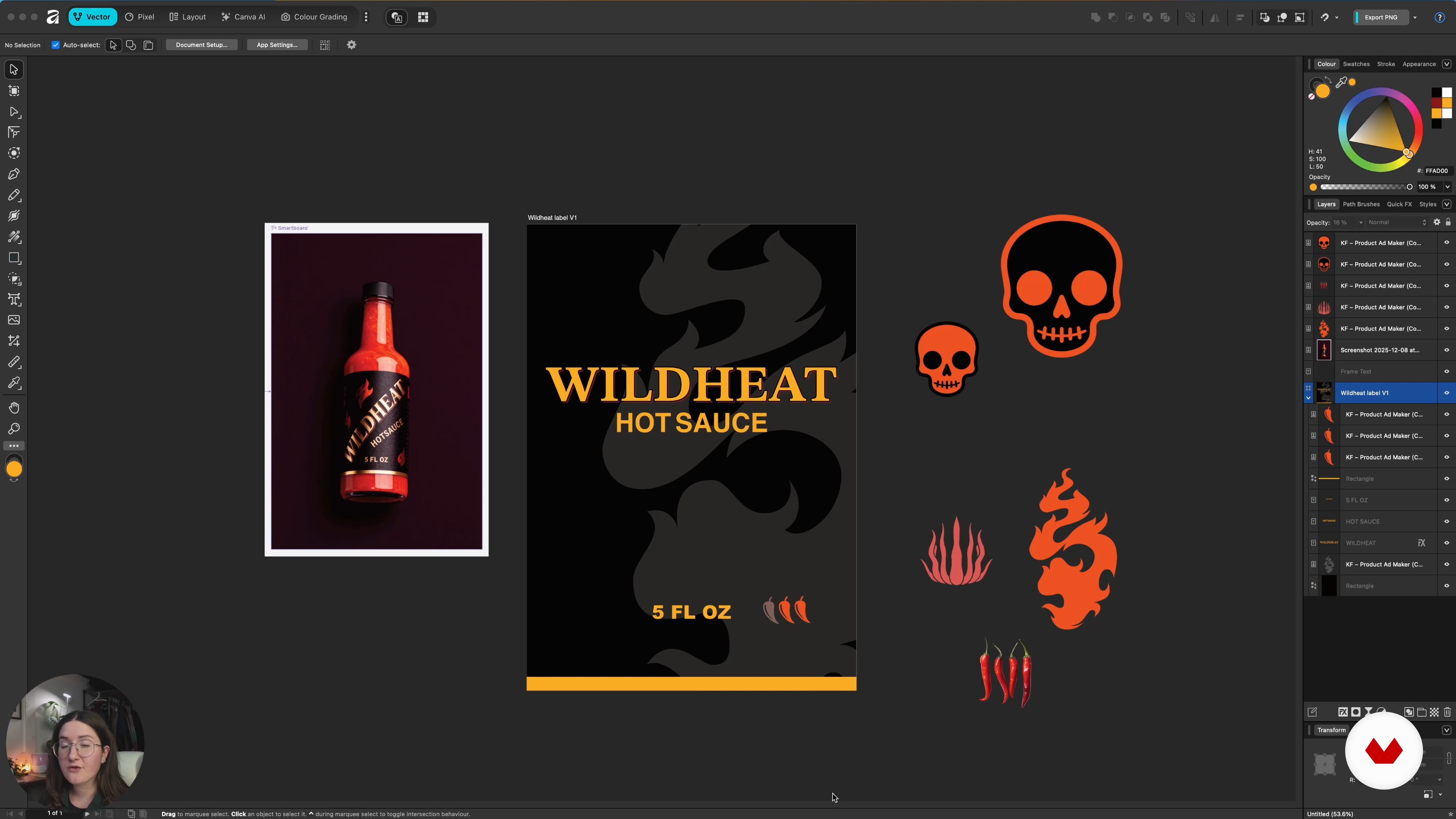
You will discover how to write actionable design briefs, use research to guide decisions, and turn inspiration into focused visual directions. Through hands-on lessons, you will explore idea generation with ChatGPT, organize references and tasks in Notion, test layouts and styles in Kittl, and translate concepts into polished visuals using Affinity, Illustrator, or Photoshop. You will also learn how to manage feedback, track versions, and package final files professionally.
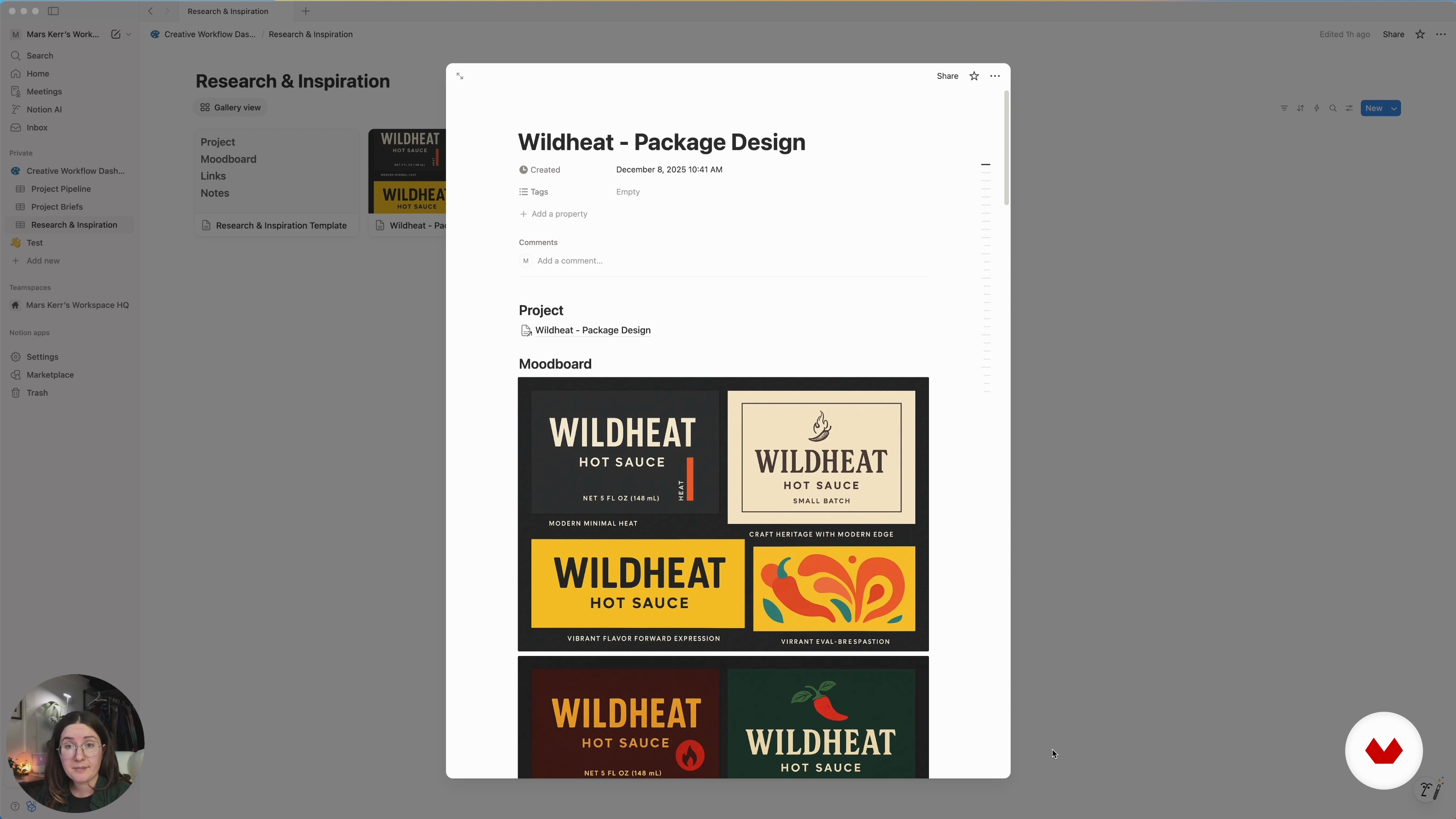
Step by step, you will set up a Notion workflow dashboard that connects project pipelines, design briefs, research, mood boards, source files, rough drafts, and final assets. You will see how AI can support each stage of your design workflow by summarizing research, generating prompts, refining copy, and suggesting visual directions without replacing your personal style.
This course is designed for designers, freelancers, and content creators who want a more efficient and consistent creative process. By the end, you will have a reusable workflow template that you can apply to branding, packaging, digital content, or any design project, making your work more structured, faster to execute, and easier to scale.
What will you learn in this online course?
4 lessons & 3 downloads
Research, Exploration & Concept Development
23 minutes, 51 seconds
Design, Iterate, and Deliver with a Repeatable System
20 minutes, 23 seconds
What's included in this course?
Learn to map a complete creative workflow from brief to delivery, focusing on clarity, structure, repeatability. Understand each stage of a modern design process: project intake, research, visual references, exploration, concept development, design execution, review, and handoff. Discover how healthy systems protect your creativity, reduce chaos, and keep projects moving without constant restarts.
Build a custom Notion dashboard that becomes your project hub, with a pipeline, brief builder, research and inspiration database. Practice using ChatGPT, Notion AI, and Kittl AI for research, idea generation, mood boards, exploration, and copy support. Apply these tools alongside Affinity or your preferred design software to organize files, track versions, manage feedback, and package final assets for clients or personal projects.
Recommended software & tools for this course
Who is this online course for?
Designers, freelancers, content creators, students, and studio owners seeking a clearer creative workflow, better project organization, and simple ways to integrate AI tools into everyday design tasks without losing control of ideas or visual direction.
Requirements and materials
No extensive experience required, just basic design familiarity, comfort using a computer, and access to Notion, ChatGPT, Kittl, plus Affinity or similar design software, with willingness to explore simple AI features and manage files online.
Reviews
- 2 months ago
Lo recomiendo, útil si quieres saber como funciona Notion.
- 2 months ago
EXCELENTE. Totalmente prático.
- 4 months ago
Recomendado
- 6 months ago
ok

Through a practical, systems-focused approach, Mars teaches how to structure offers, communicate value clearly, and build efficient creative workflows that support long-term growth. Their work combines strategy, creativity, and execution, empowering creatives to turn ideas into viable, well-positioned online projects.
Content
Creative Workflow Systems: Organize Your Design Process with AI
- Introduction and the Creative Workflow
- Building Your Workflow Dashboard in Notion
- Research, Exploration & Concept Development
- Design, Iterate, and Deliver with a Repeatable System
- Final project
What to expect from a Domestika course
Learn at your own pace
Enjoy learning from home without a set schedule and with an easy-to-follow method. You set your own pace.
Learn from the best professionals
Learn valuable methods and techniques explained by top experts in the creative sector.
Meet expert teachers
Each expert teaches what they do best, with clear guidelines, true passion, and professional insight in every lesson.
Certificates
PLUSIf you're a Plus member, get a custom certificate signed by your teacher for every course. Share it on your portfolio, social media, or wherever you like.
Get front-row seats
Videos of the highest quality, so you don't miss a single detail. With unlimited access, you can watch them as many times as you need to perfect your technique.
Share knowledge and ideas
Ask questions, request feedback, or offer solutions. Share your learning experience with other students in the community who are as passionate about creativity as you are.
Connect with a global creative community
The community is home to millions of people from around the world who are curious and passionate about exploring and expressing their creativity.
Watch professionally produced courses
Domestika curates its teacher roster and produces every course in-house to ensure a high-quality online learning experience.
FAQs
You will learn how to use Notion to build a centralized dashboard for managing creative projects, including setting up project pipelines, organizing briefs, linking research, and automating task tracking for efficient project management.
Yes, this course is aimed at intermediate designers who want to streamline their creative workflow using AI tools and Notion's project management features.
You should have access to Notion, Kittle, ChatGPT, Affinity, Illustrator, and Photoshop to fully participate in all practical workflow exercises demonstrated in the course.
The course covers using ChatGPT and Notion AI to generate detailed design briefs, organize project requirements, and summarize research, making your brief creation process faster and more effective.
Yes, step-by-step instructions are provided for creating project pipelines, status boards, and custom database views in Notion to track progress and manage multiple projects.
You’ll learn to systematically organize and upload design files and deliverables in Notion, use version control, and integrate asset management for seamless project execution.
The course teaches you how to automate repetitive creative tasks and feedback tracking using Notion’s database features and AI integrations, saving time and reducing manual work.