Weekly Design Challenges: Build a Strong Portfolio Through Structured Briefs
A course by Mars KerrGraphic Designer
A course by Mars Kerr, Graphic Designer

Graphic design challenges for branding, packaging, poster layout, and menu design to build a strong portfolio fast
Weekly Design Challenges: Build a Strong Portfolio Through Structured Briefs is a deep dive course for designers who want consistent, practical projects instead of passive tutorials. Guided by Mars Creates, you work through four real-world graphic design briefs that help you build a polished, diverse portfolio while sharpening your workflow.
Each week focuses on a different project type and set of skills. You design a minimalist branding sheet for Nova Brew, complete with logo, color palette, typography and mockups. You create bold packaging design for a hydration drink, learning layout, hierarchy and dieline fundamentals. You build a modern, typographic event poster using grids, Swiss-inspired composition and strong hierarchy. Finally, you design a clean restaurant menu that trains your eye for typography, spacing and legibility.
Throughout the course, you practice interpreting design briefs, defining audience and tone, and making fast, confident visual decisions. You can follow Mars step by step or push each brief in your own direction, experimenting with style, color and layout. The tools are flexible: you can design in Affinity, Illustrator, Photoshop, InDesign or similar software, and you will see how to turn each piece into realistic mockups using Kittl and other resources.
By the end, you will have four finished pieces ready for your portfolio that showcase branding, packaging, poster design and editorial layout. More importantly, you will have a repeatable process for tackling design briefs, from concept to presentation, that you can apply to client projects, agency work or personal case studies.
What will you learn in this online course?
5 lessons & 6 downloads
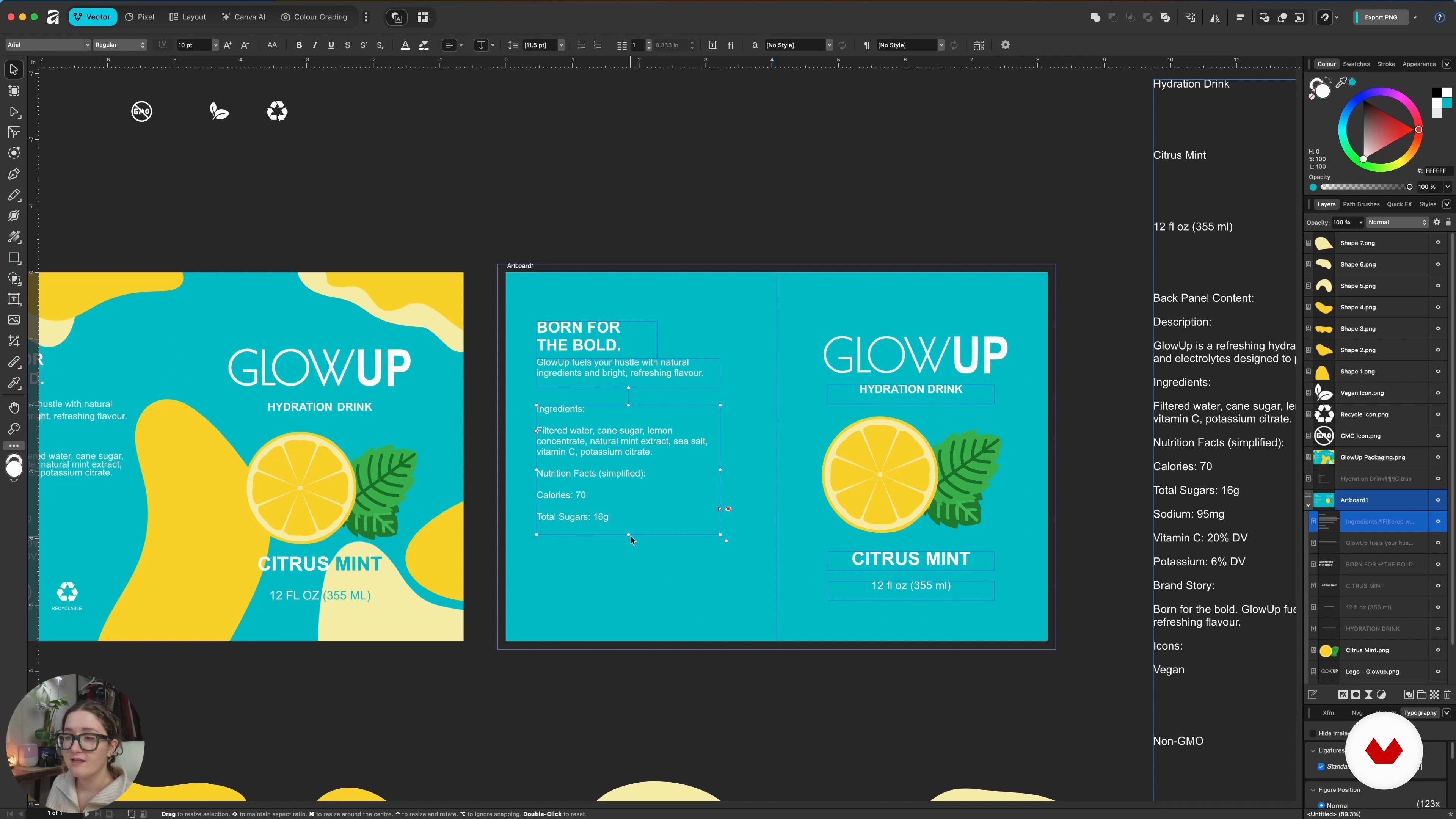
Week 2: Design a bold packaging for the Glo Up hydration drink
14 minutes, 26 seconds
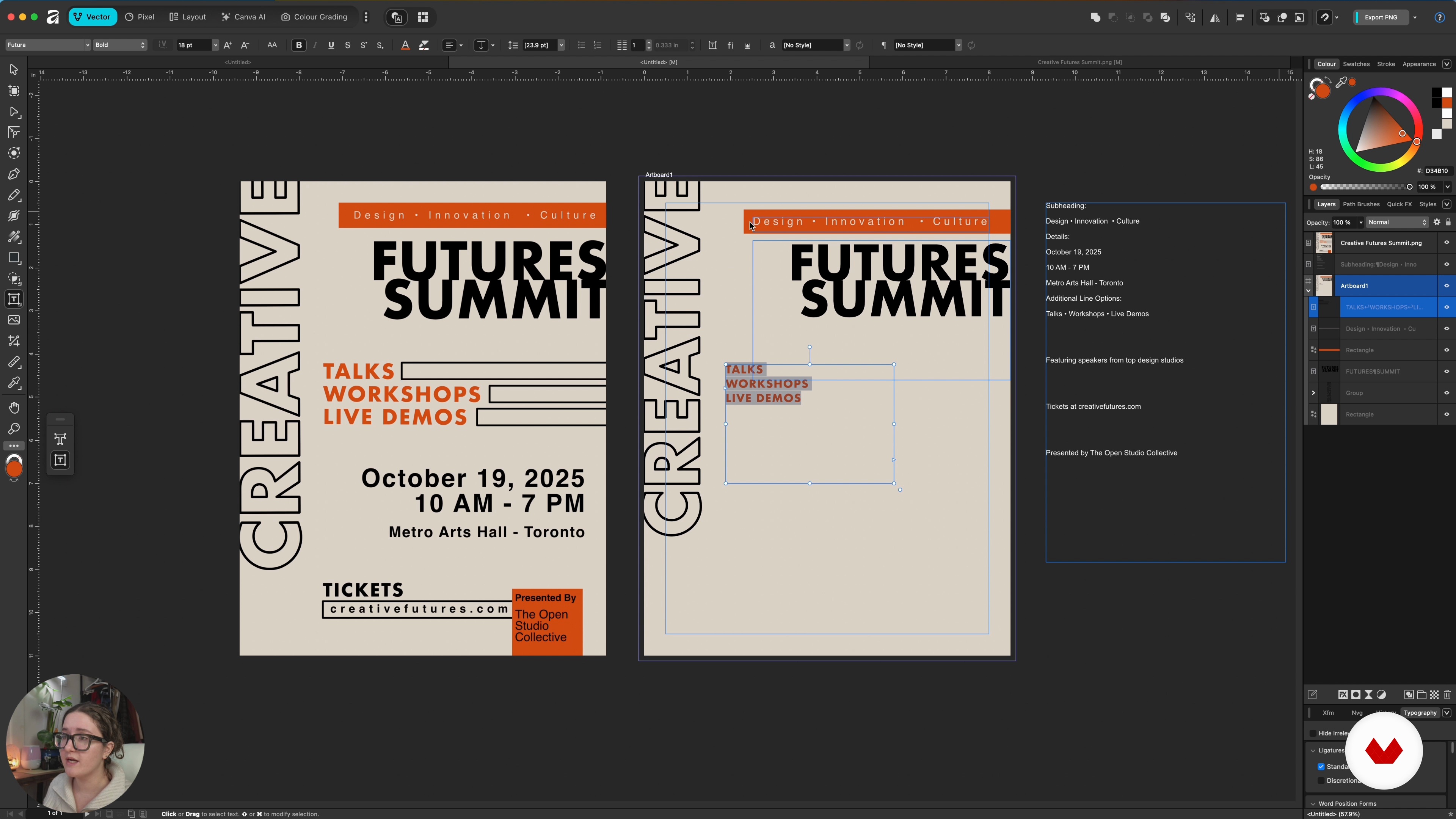
Week 3: Design a modern event poster with strong typographic hierarchy
14 minutes, 5 seconds
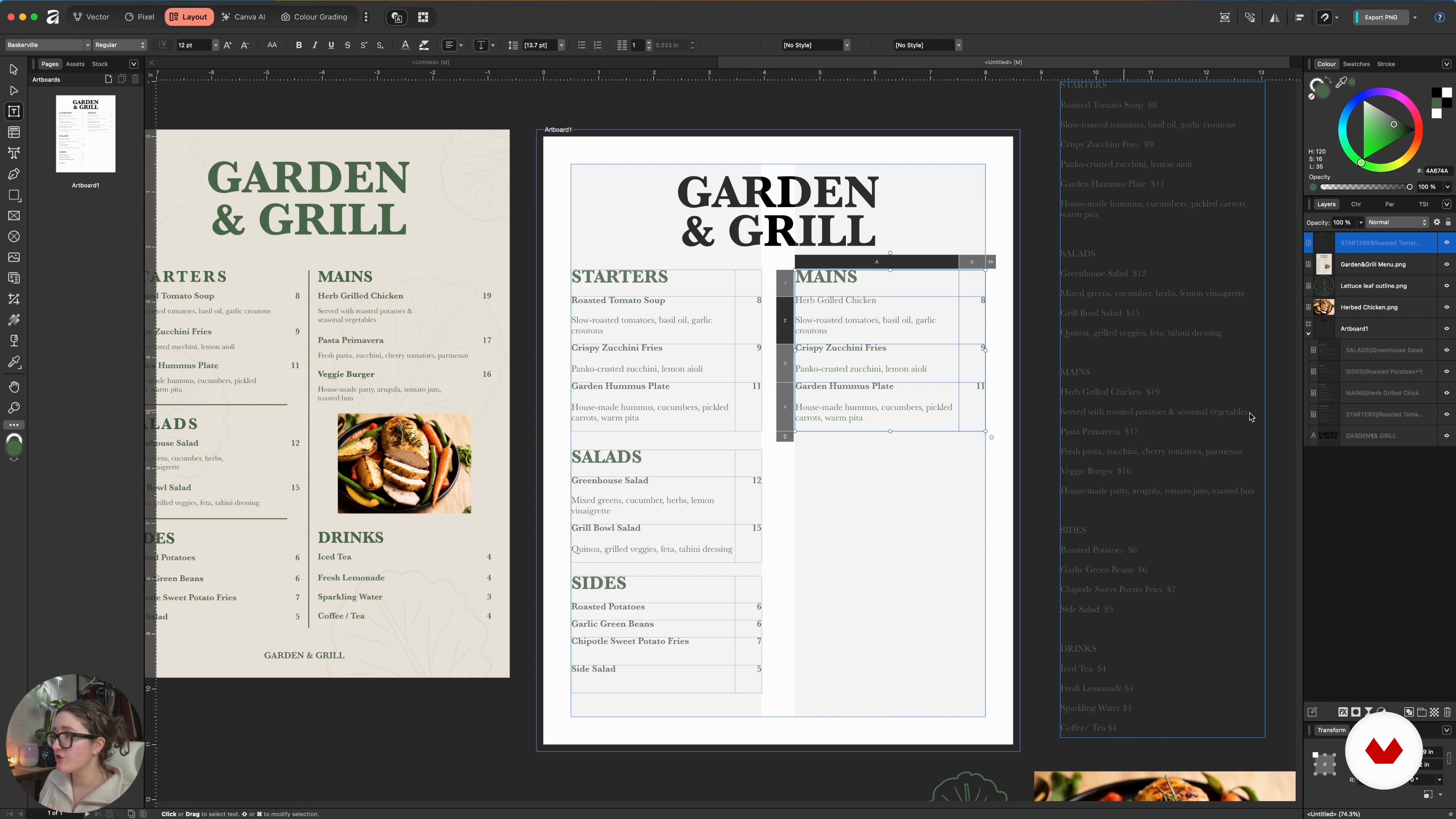
Week 4: Design and present your Garden and Grill menu
17 minutes, 36 seconds
What's included in this course?
Learn how to interpret real-world design briefs, define purpose, audience, tone, and deliverables, then turn tight timelines into focused creative decisions. Practice thinking like a professional designer through four structured challenges that train creative problem-solving, fast decision-making, and visual range, always with portfolio-ready outcomes in mind.
Create a one-page brand identity for a coastal-inspired coffee roastery, vibrant packaging for a hydration drink, a modern typographic event poster, and a clear, text-heavy restaurant menu. Develop cohesive color palettes, typography systems, and layouts, build mockups using tools like Kittl, and leave with four polished pieces plus a repeatable process you can apply to future client or agency projects.
Recommended software & tools for this course
Who is this online course for?
Aspiring or early-career designers seeking steady portfolio growth through weekly, real-world briefs, including graphic, UI/UX, product, and multidisciplinary creatives who enjoy learning by doing and want structure for consistent practice.
Requirements and materials
No extensive experience required; you only need basic familiarity with any graphic design software, a general grasp of visual fundamentals, and access to a computer with internet, plus enough time weekly to complete short, focused challenges.
Reviews
- 2 months ago
good. i like briefs
- entzanaa1218PLUS5 months ago
Me parece un curso excelente para quienes buscamos ampliar nuestro portafolio o simplemente perfeccionar nuestras habilidades. He disfrutado profundamente el proceso detrás de cada proyecto, ya que cada uno representa un reto creativo y una oportunidad para crecer.

Through a practical, systems-focused approach, Mars teaches how to structure offers, communicate value clearly, and build efficient creative workflows that support long-term growth. Their work combines strategy, creativity, and execution, empowering creatives to turn ideas into viable, well-positioned online projects.
Content
Weekly Design Challenges: Build a Strong Portfolio Through Structured Briefs
- Course Overview and How Weekly Briefs Will Build Your Portfolio
- Week 1: Design the identity of Nova Brew in a quick branding challenge
- Week 2: Design a bold packaging for the Glo Up hydration drink
- Week 3: Design a modern event poster with strong typographic hierarchy
- Week 4: Design and present your Garden and Grill menu
- Final project
What to expect from a Domestika course
Learn at your own pace
Enjoy learning from home without a set schedule and with an easy-to-follow method. You set your own pace.
Learn from the best professionals
Learn valuable methods and techniques explained by top experts in the creative sector.
Meet expert teachers
Each expert teaches what they do best, with clear guidelines, true passion, and professional insight in every lesson.
Certificates
PLUSIf you're a Plus member, get a custom certificate signed by your teacher for every course. Share it on your portfolio, social media, or wherever you like.
Get front-row seats
Videos of the highest quality, so you don't miss a single detail. With unlimited access, you can watch them as many times as you need to perfect your technique.
Share knowledge and ideas
Ask questions, request feedback, or offer solutions. Share your learning experience with other students in the community who are as passionate about creativity as you are.
Connect with a global creative community
The community is home to millions of people from around the world who are curious and passionate about exploring and expressing their creativity.
Watch professionally produced courses
Domestika curates its teacher roster and produces every course in-house to ensure a high-quality online learning experience.
FAQs
Yes, this course is designed for intermediate-level graphic designers who want to expand their skills and create portfolio-ready projects in branding, packaging, poster, and menu design.
You’ll need access to design software like Affinity Designer or similar, and mockup tools such as Kittle. Experience with basic design software is recommended for best results.
You’ll learn to interpret design briefs, create brand kits, design packaging, posters, and menus, apply minimalist principles, and present polished mockups for portfolio use.
Yes, the course provides step-by-step guidance on creating realistic packaging and product mockups using Kittle, including die line setup and adding bleeds.
Absolutely. The course teaches you to design a cohesive brand identity sheet, create a minimal logo in Affinity Designer, and assemble a professional one-page brand kit.
You’ll develop a systematic approach to analyzing briefs, extracting key information, and applying it to your projects to meet specific branding and communication goals.
Yes, all projects are portfolio-focused, allowing you to showcase a range of branding, packaging, poster, and menu design work to potential employers or clients.