Create a Professional Design Brief with AI for design projects
A course by Gerry SolerIndustrial Designer
A course by Gerry Soler, Industrial Designer

Design workflow with AI using NotebookLM and Gemini to turn vague client requests into professional design briefs
Turn chaotic client requests into a clear, professional design brief using AI as a strategic ally. In this online course, industrial designer Gerry Soler guides you through a complete workflow that connects design thinking, research and documentation with tools like NotebookLM and Gemini in Google Docs.
You will learn how to analyze a vague email, detect pain points and constraints, structure a context document, and anchor your research to curated sources. Through the UrbanRoot case study, you will create a benchmark of competing products, run deep research on 2026 design trends, user habits in small apartments and sustainable materials, and translate insights into a solid design direction, CMF and formal language.
Finally, you will assemble a design brief with a clean editorial layout, ready to export and present to clients or teams, and use video and audio overviews to communicate the project efficiently. This course is ideal for product, industrial, UX, graphic and innovation professionals who want to integrate artificial intelligence into their research and briefing process while maintaining creative control and strategic clarity.
What will you learn in this online course?
7 lessons & 7 downloads
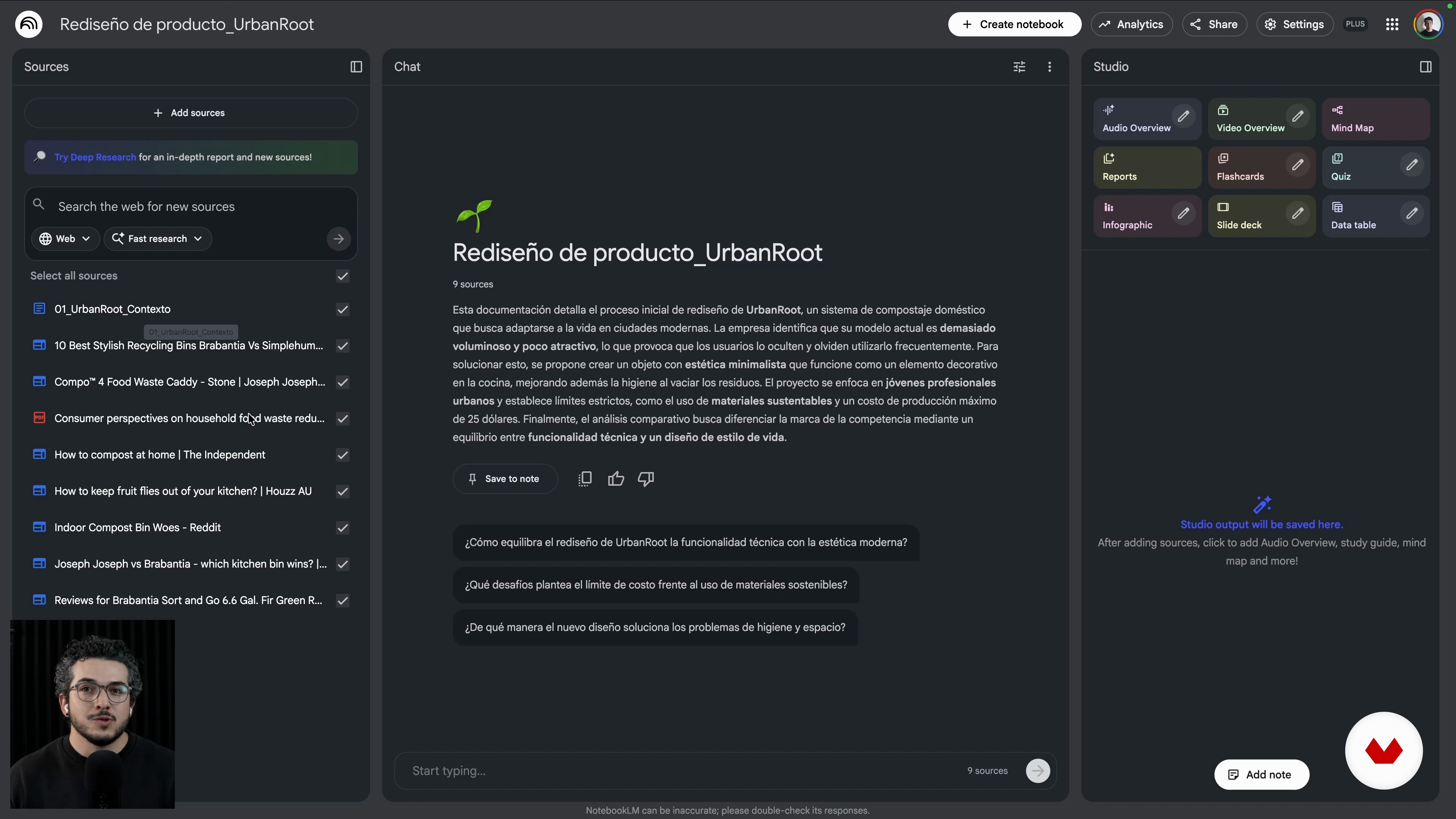
Set Up NotebookLM and Run the Benchmark
10 minutes, 15 seconds
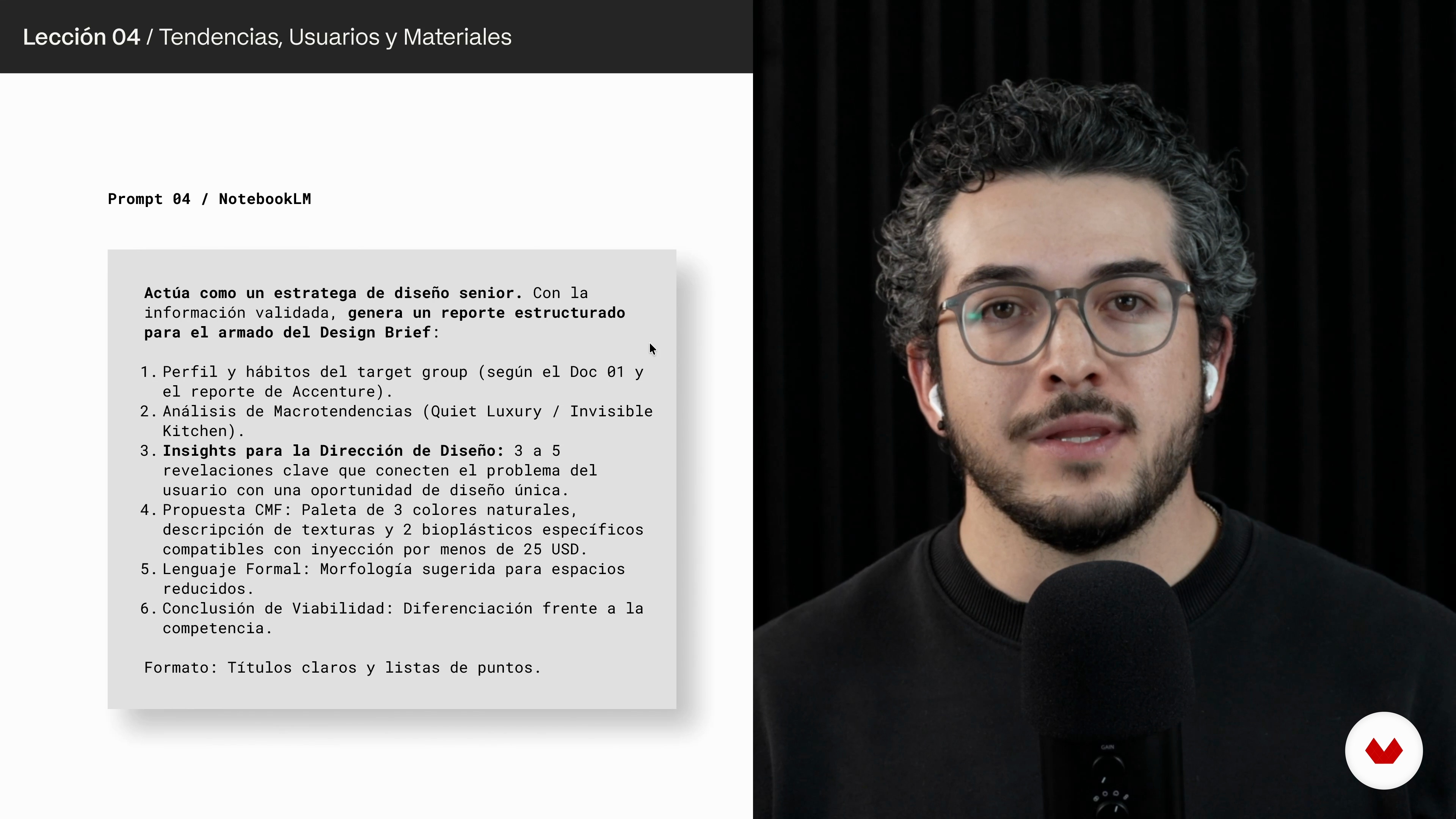
Deep Research: Trends, Users, and Materials 2026
10 minutes, 12 seconds
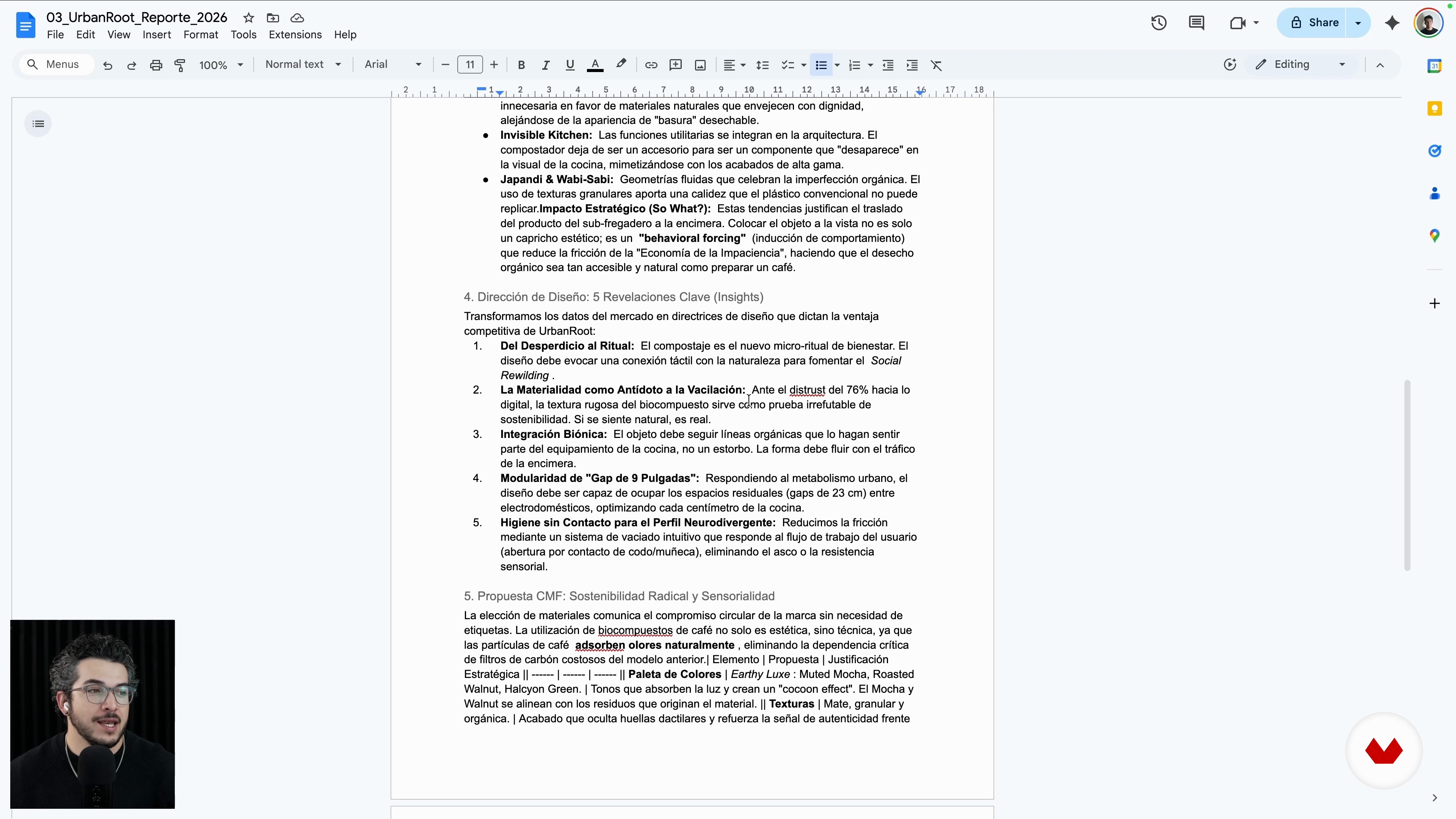
Define the Design Direction of the Project
5 minutes, 40 seconds
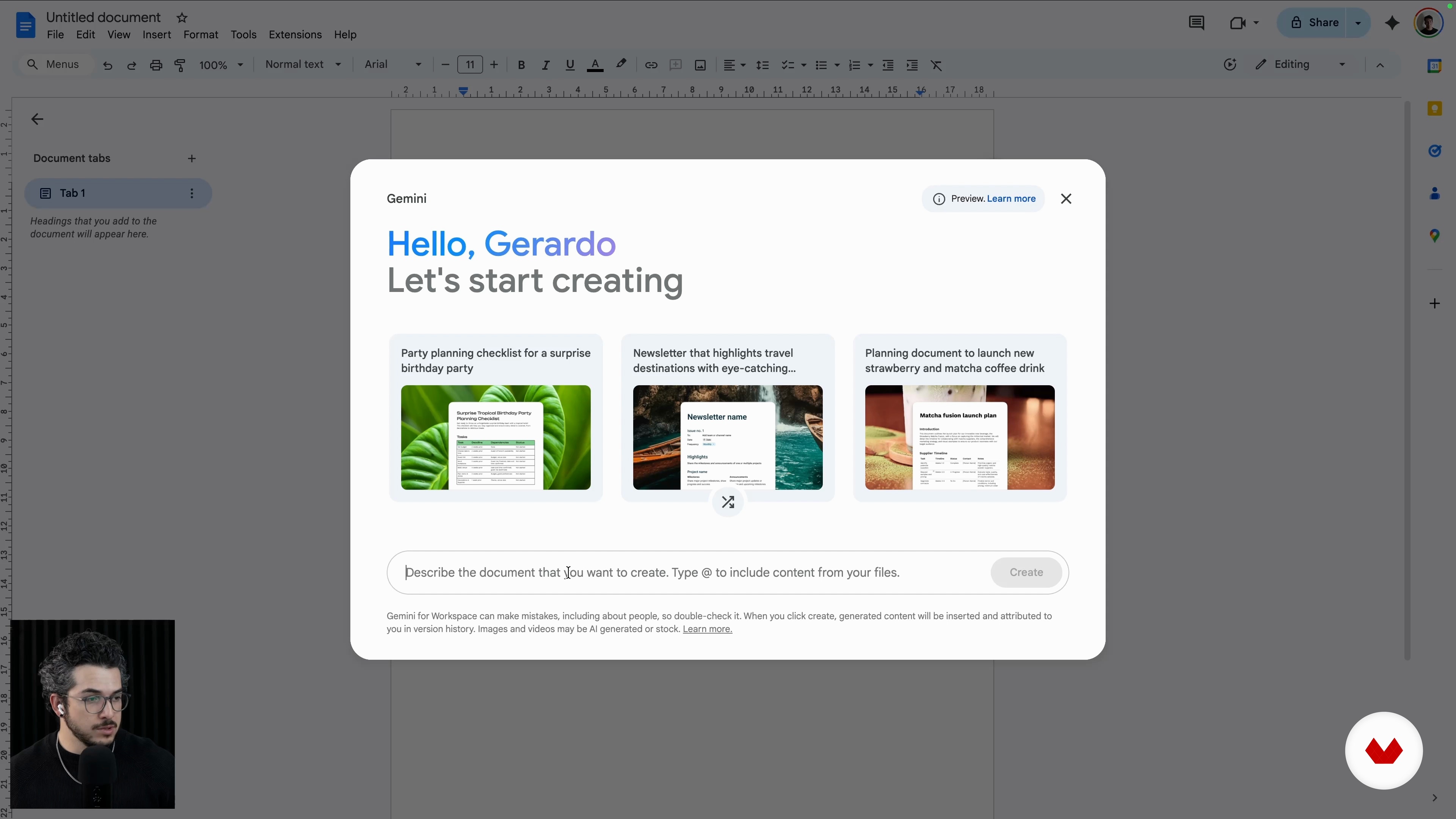
Assemble the Design Brief With Gemini in Docs
6 minutes, 10 seconds
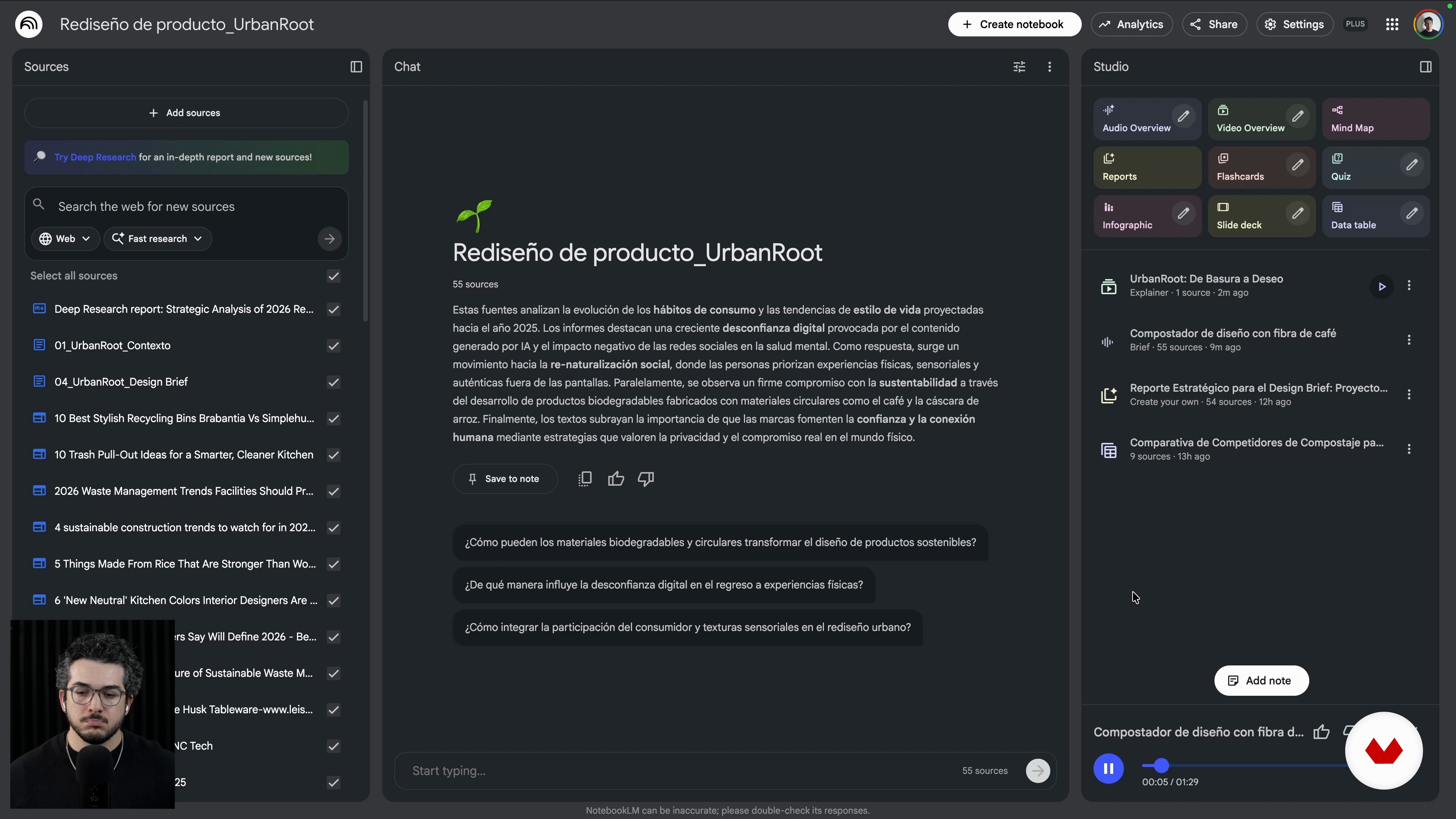
Communicate the Project With Video and Audio Overview
10 minutes, 53 seconds
What's included in this course?
You will learn to turn a vague client email into a clear, professional design brief grounded in real constraints and user needs. You will practice dissecting pain points, extracting design limitations, framing debrief questions and organizing everything into a clean Context Document ready for AI. You will then configure NotebookLM, research competitors and trends, curate reliable sources and build comparative tables that highlight opportunities for your project.
You will go deeper using Deep Research to connect 2026 trends, urban habits and low-cost biocomposites for products under a strict budget. You will translate that research into a solid Design Direction, with criteria for form, materiality and user experience. You will assemble the final brief with Gemini in Google Docs, defining structure, tone, CMF guidelines and roadmap. You will also use Video and Audio Overview to turn your brief into clear stories for clients and teams, leaving with a reusable workflow for future projects.
Recommended software & tools for this course
Who is this online course for?
Designers in product, experience, UX or graphics facing vague client emails, freelancers or small studios needing structured briefs, innovation professionals working with trends, benchmarks and documentation seeking to integrate AI into early project stages
Requirements and materials
Basic design background any discipline project experience with clients Google account for NotebookLM Google Docs Sheets cloud document handling no extensive prior knowledge of AI generative tools required curiosity to experiment with structured workflows
Reviews
- 6 months ago
El curso me gustó mucho. Conciso y completamente aplicable, pude implementarlo en mi flujo de trabajo perfectamente y los resultados fueron muy buenos. Gracias por tu conocimiento Gerry!. Recomendadísimo!

His work integrates research, storytelling, and emerging technologies, including artificial intelligence, to build processes that are both efficient and deeply human. He also shares this approach on Designfulness, his educational YouTube channel, where he helps designers think better, work smarter, and design with purpose.
Gerry is a Mexican–Spanish industrial designer with experience in Mexico, Japan, Denmark, and Sweden, and a graduate of the Master’s in Advanced Product Design at Umeå Institute of Design. His work spans consumer electronics, wearables, robotic systems, and sports-related projects. He currently develops projects from Mexico, creating products and experiences that blend design, technology, and a critical lens that challenges taboos and pushes boundaries.
Content
Create a Professional Design Brief with AI for design projects
- Introduction and Course Objective
- Analyze the Client Request
- Set Up NotebookLM and Run the Benchmark
- Deep Research: Trends, Users, and Materials 2026
- Define the Design Direction of the Project
- Assemble the Design Brief With Gemini in Docs
- Communicate the Project With Video and Audio Overview
- Final project
What to expect from a Domestika course
Learn at your own pace
Enjoy learning from home without a set schedule and with an easy-to-follow method. You set your own pace.
Learn from the best professionals
Learn valuable methods and techniques explained by top experts in the creative sector.
Meet expert teachers
Each expert teaches what they do best, with clear guidelines, true passion, and professional insight in every lesson.
Certificates
PLUSIf you're a Plus member, get a custom certificate signed by your teacher for every course. Share it on your portfolio, social media, or wherever you like.
Get front-row seats
Videos of the highest quality, so you don't miss a single detail. With unlimited access, you can watch them as many times as you need to perfect your technique.
Share knowledge and ideas
Ask questions, request feedback, or offer solutions. Share your learning experience with other students in the community who are as passionate about creativity as you are.
Connect with a global creative community
The community is home to millions of people from around the world who are curious and passionate about exploring and expressing their creativity.
Watch professionally produced courses
Domestika curates its teacher roster and produces every course in-house to ensure a high-quality online learning experience.
FAQs
You’ll learn how to analyze client requests, identify needs and constraints, structure professional briefs, and use AI tools like Gemini and NotebookLM to organize, research, and present design projects efficiently.
Yes, this course is designed for people with basic to intermediate design knowledge who want to deepen their understanding of briefing methodologies and leverage AI tools to streamline their workflow.
No prior experience with Gemini or NotebookLM is needed. The course guides you step-by-step through setting up and using these tools within the design process.
All you need is a computer with internet access and active accounts for Google Drive, Google Docs, and access to Gemini and NotebookLM. All software is free or freemium.
AI helps analyze information, spot gaps, organize data, compare competitors, and generate professional documents faster, enabling more informed design decisions that align with client expectations.
A professional brief is a structured document that defines the project’s goals, limitations, needs, and context, aligning client and designer expectations to avoid mistakes and unnecessary revisions.
Yes, you’ll learn how to research current trends, analyze competitor benchmarking, and synthesize key insights to support innovative, market-aligned design proposals.