Advanced Artificial Intelligence Video Generation
A course by Ramón IborraGenerative Artificial Intelligence Consultant and Educator
A course by Ramón Iborra, Generative Artificial Intelligence Consultant and Educator

Advanced AI video generation, character consistency, camera movement, multishot prompting for coherent cinematic sequences
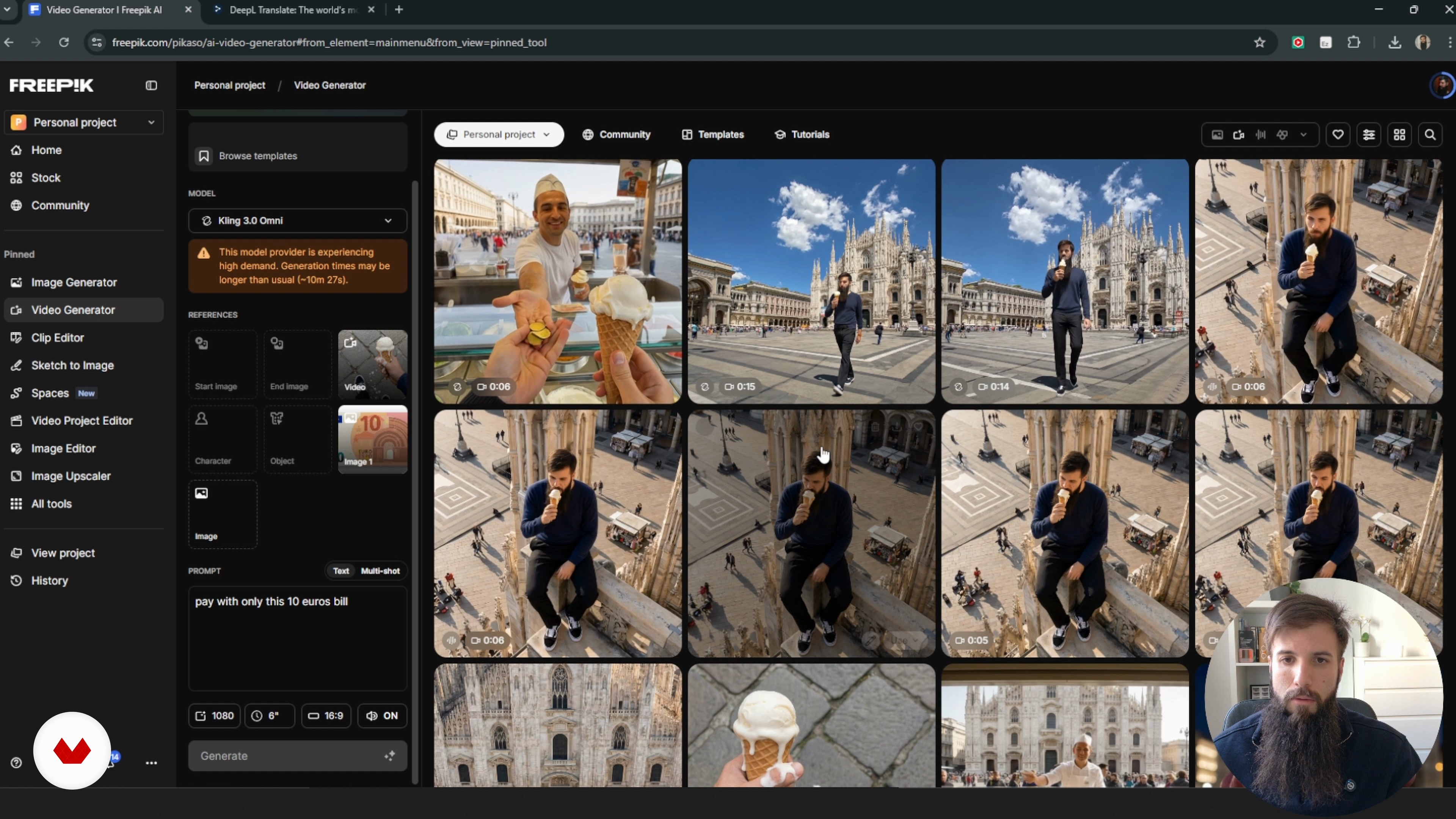
This course shows you how to make polished AI‑driven videos without losing control of the look, the characters or the story you want to tell. Everything is hands‑on: you’ll use Freepik’s AI tools, image and video generators, reference models, multishot setups and upscalers.
You’ll learn how to keep a character’s appearance consistent, match lighting from shot to shot, shape the environment and guide the camera through a scene made with tools like Groq, Kling or MiniMax/Hailuo. ChatGPT helps you fine‑tune prompts when you need something specific.
The project you build starts with generating images, fixing what doesn’t look right in Photoshop or Photopea, turning those images into short clips and pulling everything together in CapCut. Along the way you’ll learn how to deal with odd model outputs, perspective glitches, scale issues and tricky transitions. You’ll also practice directing simple moves like POV shots, push‑ins, tilts and orbits.
It’s a practical course for filmmakers, motion designers, visual artists and anyone who wants to bring generative video into real client work, fiction pieces or social content.
What will you learn in this online course?
7 lessons & 6 downloads
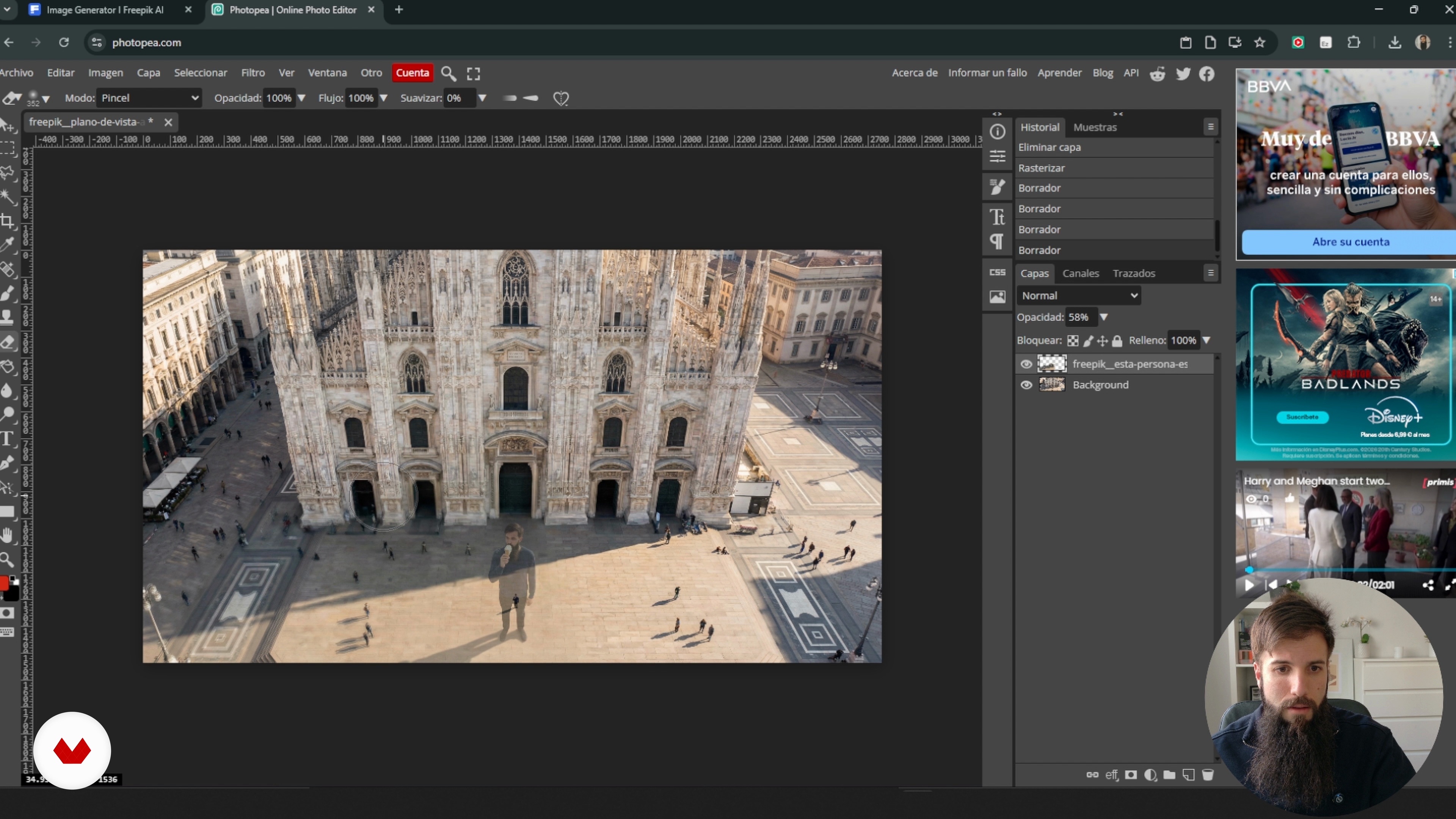
Scale and professional iteration
6 minutes, 52 seconds
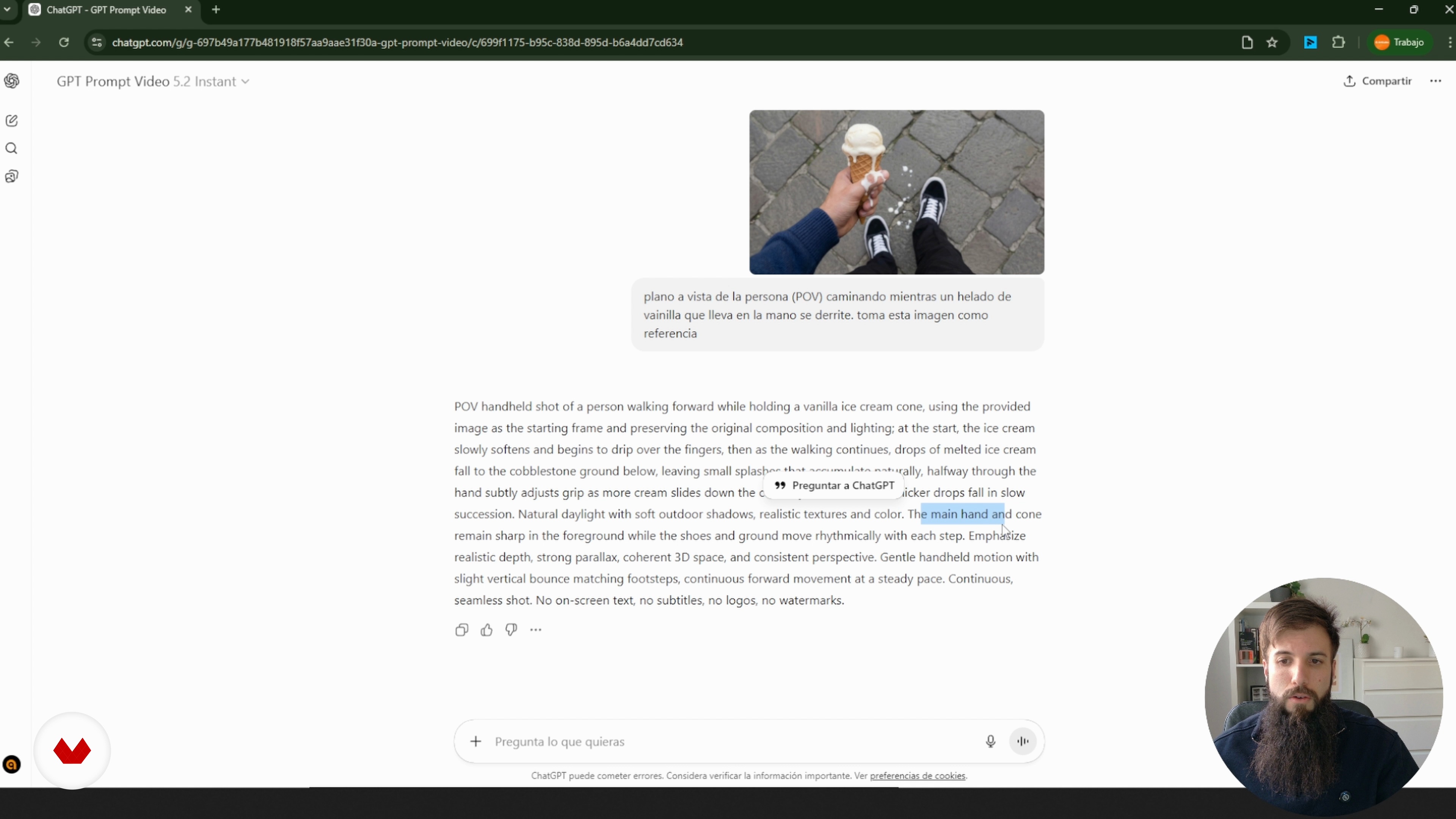
Technical Narrative Prompting
6 minutes, 18 seconds
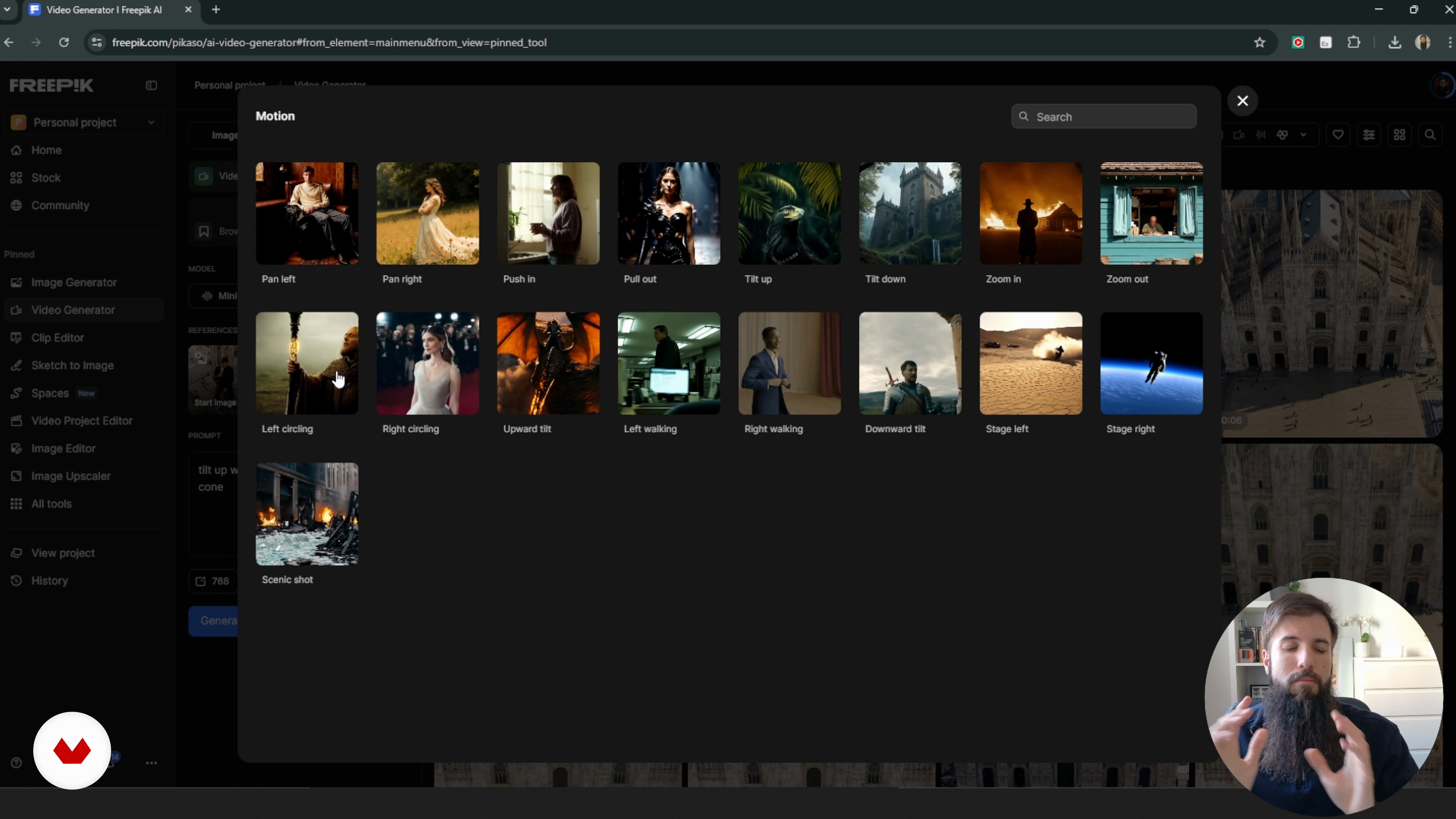
Camera and Motion Models
11 minutes, 53 seconds
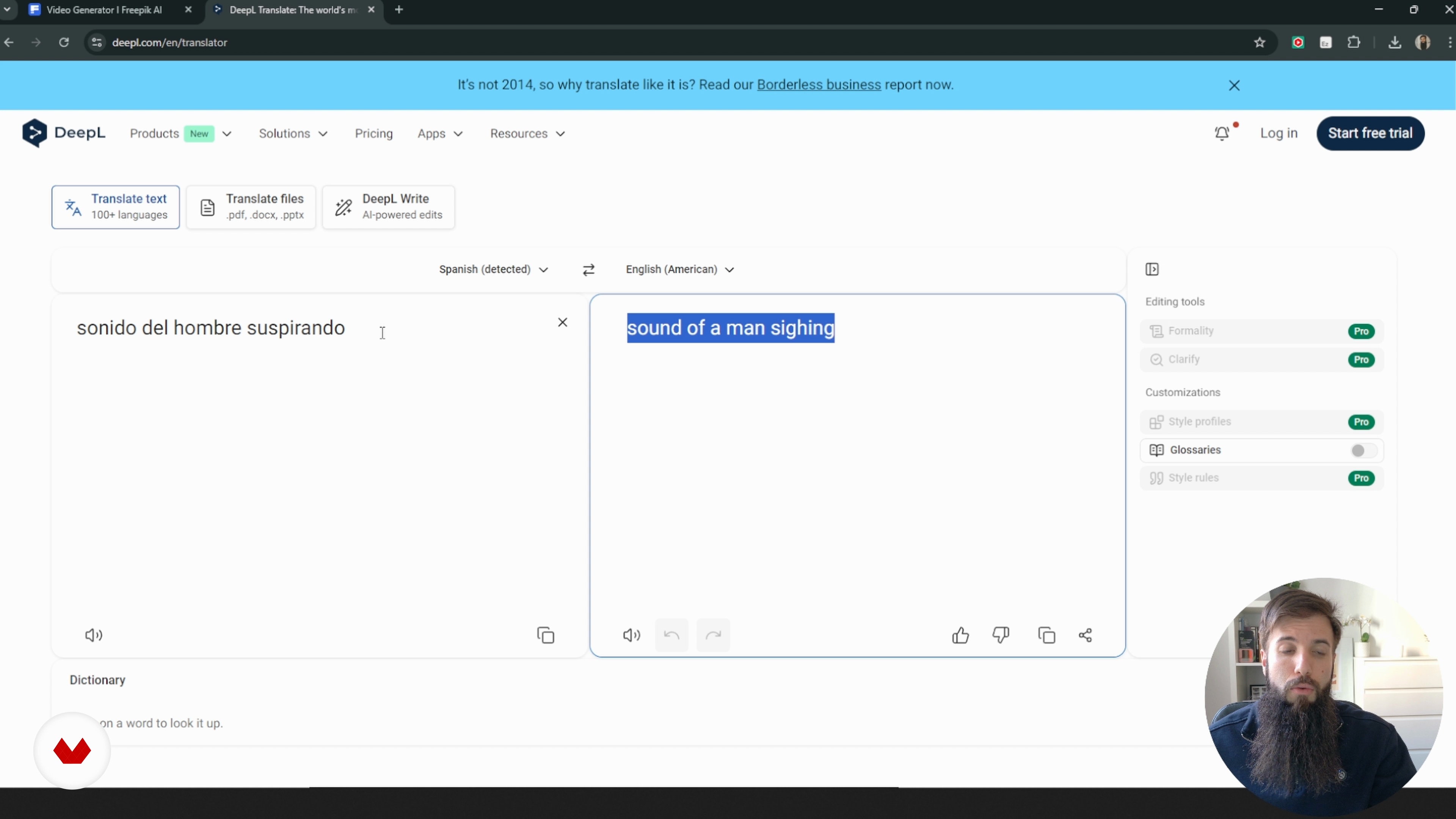
Complex Sequences With Multi‑Shot
7 minutes, 41 seconds
Final editing and iteration
18 minutes, 19 seconds
What's included in this course?
You'll learn how to create AI‑generated video with a professional eye: keeping characters consistent from shot to shot, avoiding strange spatial jumps, and shaping scenes that feel like they belong in the same story. We'll talk about the uncanny valley in video and how to spot the usual troublemakers — odd lighting, warped props, and backgrounds that don't match — then use solid references to keep identity, wardrobe, and locations steady.
You'll build a practical workflow that mixes reference‑based image generation, clear prompting, camera planning, and multi‑shot tools. You'll work with models like Grok, MiniMax/Hailuo, and Kling, clean up scenes by hand when needed, upscale your best takes, and piece everything together in an iterative edit you can use for real branding, narrative, or digital‑content projects.
Recommended software & tools for this course
Who is this online course for?
People who already make videos or visuals — or are just starting out — and want to bring AI into their workflow. If you care about telling a clear story, keeping your characters consistent, and having real control over how the camera moves through a scene, this course is for you.
Requirements and materials
You don’t need much beforehand — just a basic sense of how shots and cuts work, some casual experience with image or video tools, and a bit of curiosity about generative AI. A computer with steady internet and access to Freepik, ChatGPT, and CapCut or a similar app is enough.
Reviews
- 13 days ago
Curso perfecto para entender el proceso de realizar vídeos coherentes con ia. Un poco breve.
- 26 days ago
Un buen curso para iniciar
- 1 month ago
BUEN CURSO
- 3 months ago
Buen Curso, lo recomiendo 100%.
- 3 months ago
Para mí, el curso es extraordinario, repleto de análisis y una profunda reflexión sobre diversos aspectos, enfoques, dinámicas, etc. Un curso fantástico. Ramón Iborra es un especialista de primer nivel, una persona verdaderamente inspiradora.

His approach combines strategy, practical application, and a critical perspective on technology, aiming to make AI a true ally in professional development. In his courses, he shares clear methodologies and real case studies to implement solutions efficiently and adapt them to each creative context.
Content
Advanced Artificial Intelligence Video Generation
- Consistency and narrative coherence
- Character and environment control
- Scale and professional iteration
- Technical Narrative Prompting
- Camera and Motion Models
- Complex Sequences With Multi‑Shot
- Final editing and iteration
- Final project
What to expect from a Domestika course
Learn at your own pace
Enjoy learning from home without a set schedule and with an easy-to-follow method. You set your own pace.
Learn from the best professionals
Learn valuable methods and techniques explained by top experts in the creative sector.
Meet expert teachers
Each expert teaches what they do best, with clear guidelines, true passion, and professional insight in every lesson.
Certificates
PLUSIf you're a Plus member, get a custom certificate signed by your teacher for every course. Share it on your portfolio, social media, or wherever you like.
Get front-row seats
Videos of the highest quality, so you don't miss a single detail. With unlimited access, you can watch them as many times as you need to perfect your technique.
Share knowledge and ideas
Ask questions, request feedback, or offer solutions. Share your learning experience with other students in the community who are as passionate about creativity as you are.
Connect with a global creative community
The community is home to millions of people from around the world who are curious and passionate about exploring and expressing their creativity.
Watch professionally produced courses
Domestika curates its teacher roster and produces every course in-house to ensure a high-quality online learning experience.
FAQs
Yes, the course is designed for people with basic experience in AI image or video generation who want to deepen their skills in advanced visual and narrative coherence techniques.
You should have basic knowledge of generative AI and be familiar with editing tools like Photoshop or Photopea. Having access to AI image and video generation platforms is recommended.
You’ll learn how to analyze and fix visual and narrative consistency errors, create advanced prompts, maintain character coherence, integrate reference images, and optimize AI-generated audiovisual sequences.
The course dives into techniques for achieving visual and narrative coherence in AI-generated images and videos, covering prompts, digital editing, visual references, and AI model control.
You’ll learn to spot unrealistic details and use structured prompts, lighting adjustments, and character control to reduce the 'uncanny valley' effect in AI videos.
You’ll work with tools like Photoshop, Photopea, and CapCut, learning how to combine images, adjust curves, remove elements, and enhance the visual quality of AI-generated content.
The course shows how to use reference images, detailed prompts, and techniques like LoRA to keep character traits and identity consistent across sequences.