Smart Branding Strategy with Claude
A course by Ramón IborraGenerative Artificial Intelligence Consultant and Educator
A course by Ramón Iborra, Generative Artificial Intelligence Consultant and Educator

Design a complete branding system using Claude AI, Canva templates, Freepik visuals for logo, colors, typography, mockups
This course walks you through building a full brand identity with AI, starting with the first notes of a brief and ending with a clean, share‑ready branding document. It’s hands‑on: you mix strategy, design work, and AI tools to create a visual system that actually feels usable.
You’ll use Claude or ChatGPT as your thinking partner while you shape the concept, positioning, voice, typography choices, and color direction. After that, you’ll pull everything together in a Canva template and organize the logo, text hierarchy, color styles, and layout rules for digital and print.
You’ll also make images, mockups, and textures in Freepik that match the kind of brand you’re building—cosmetic, product, editorial, lifestyle, whatever you're working on. You’ll try out prompts for logos, packaging layouts, background photos, and art direction so the whole system hangs together.
By the end, you’ll have a clear, practical branding document in Canva with a logo, type, colors, images, and mockups you can send to clients or teammates without needing pro design software.
What will you learn in this online course?
7 lessons & 4 downloads
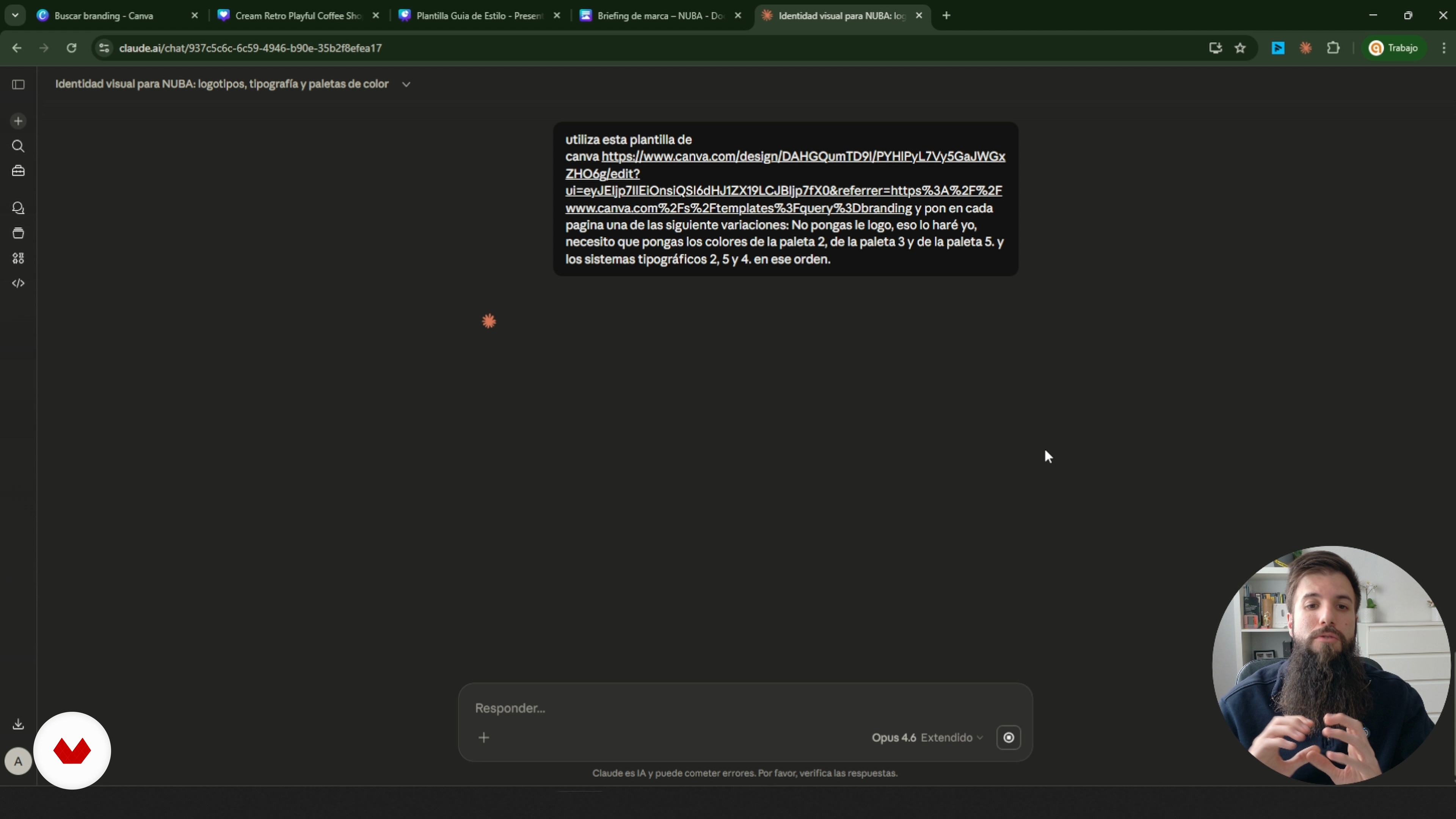
Bringing the Direction into Canva
4 minutes, 20 seconds
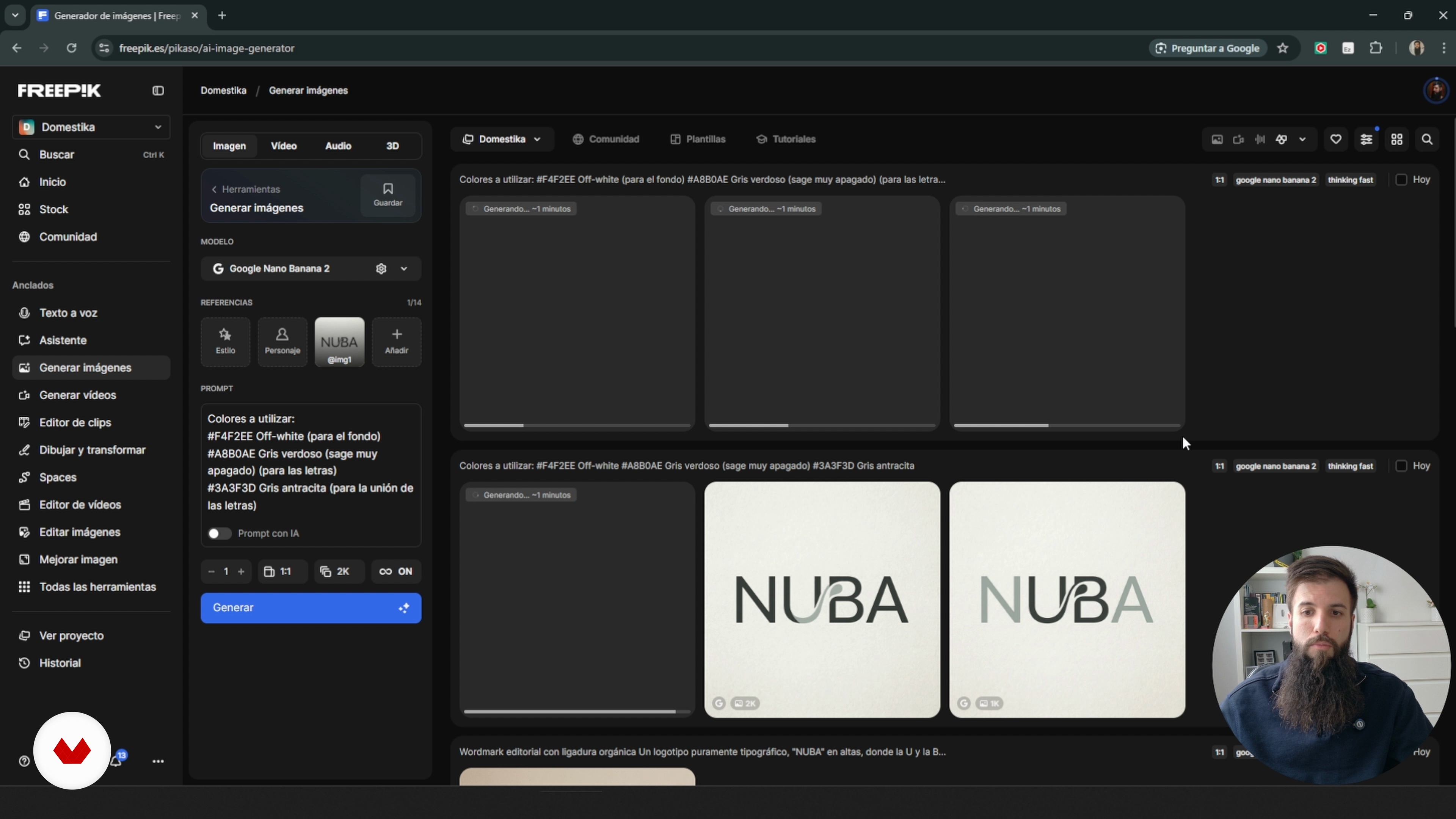
Shaping the Logo With Freepik
8 minutes, 48 seconds
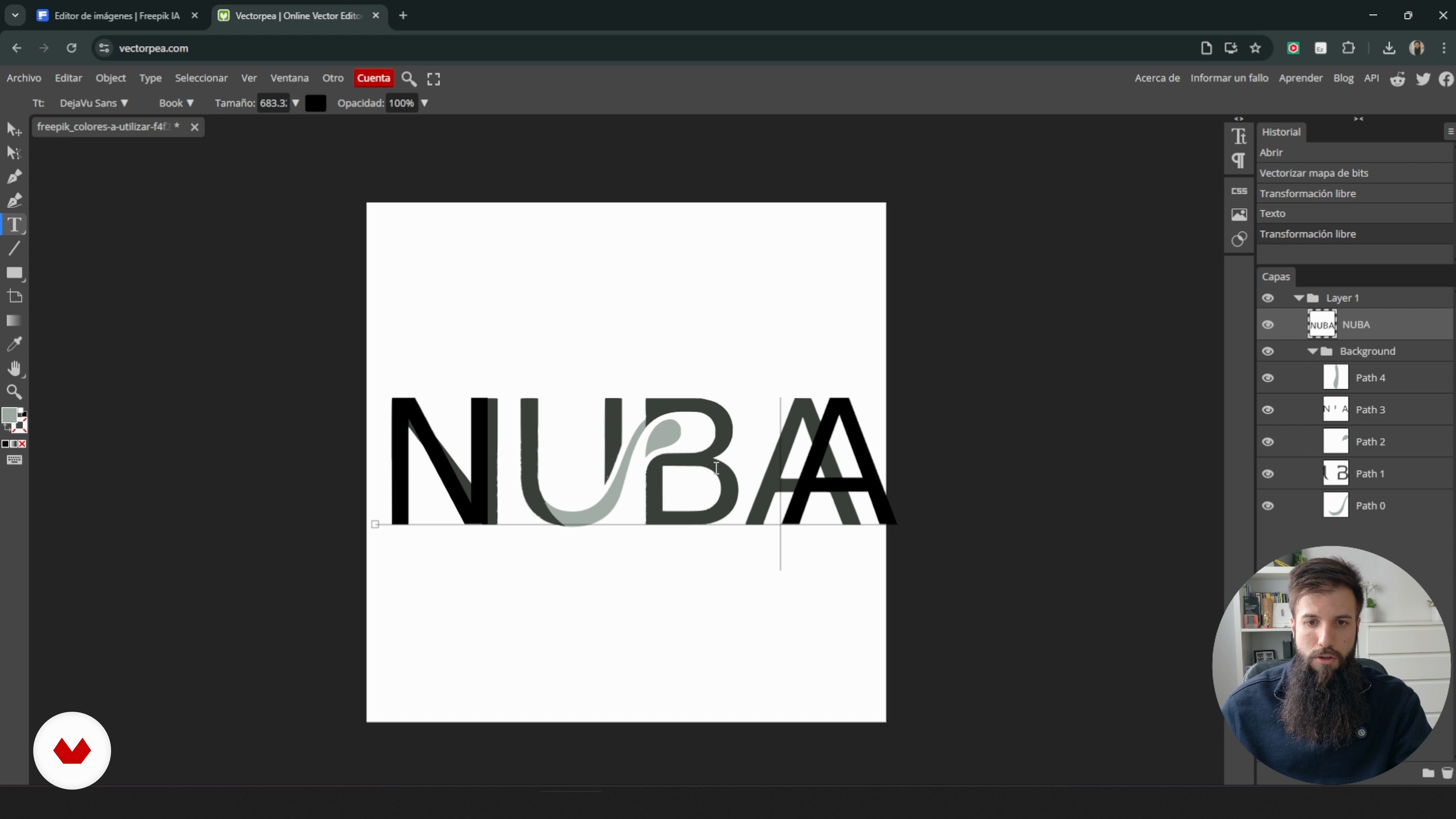
Creating and Refining the Logo
5 minutes, 19 seconds
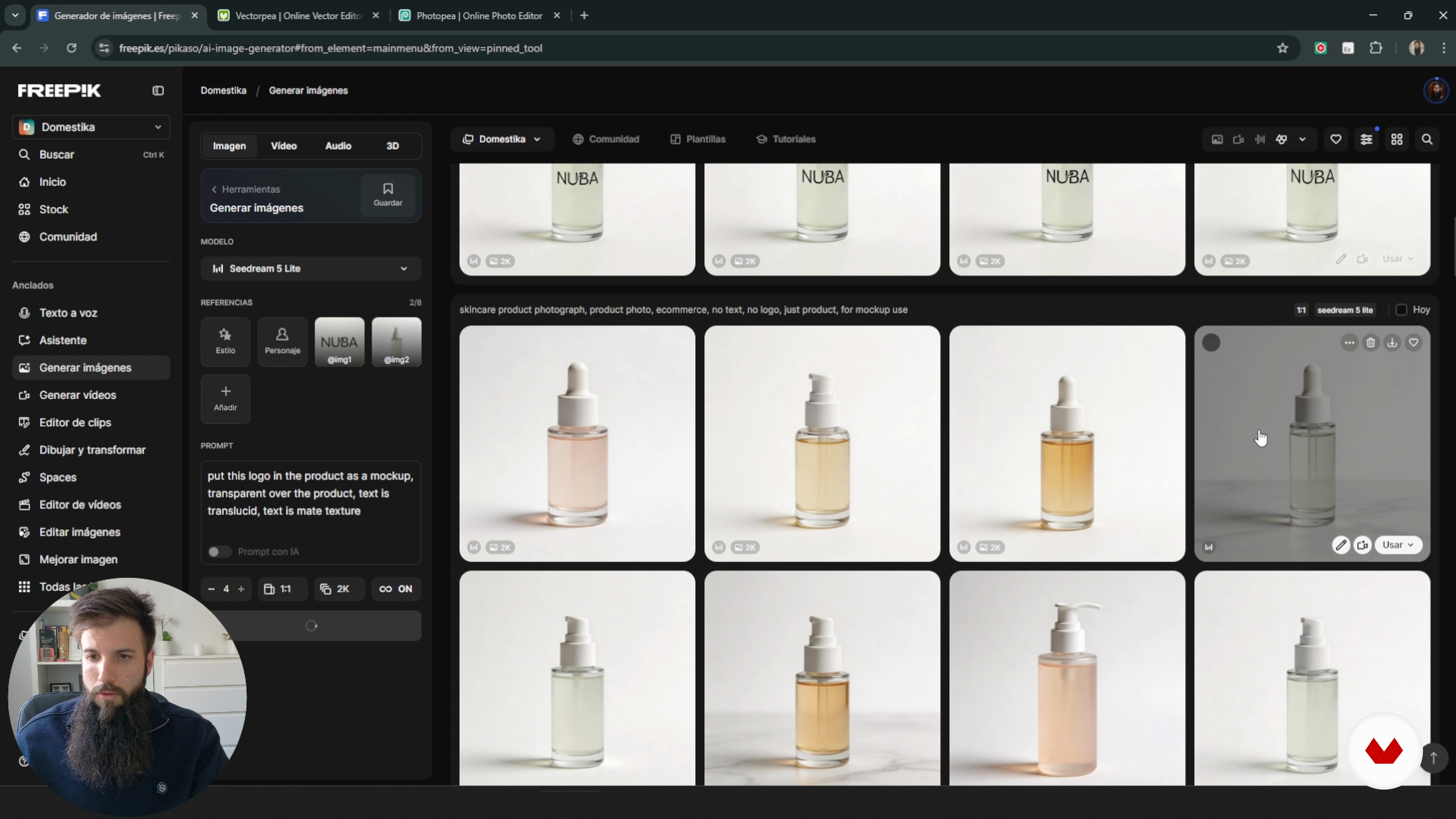
Designing Mockups With Freepik
12 minutes, 50 seconds
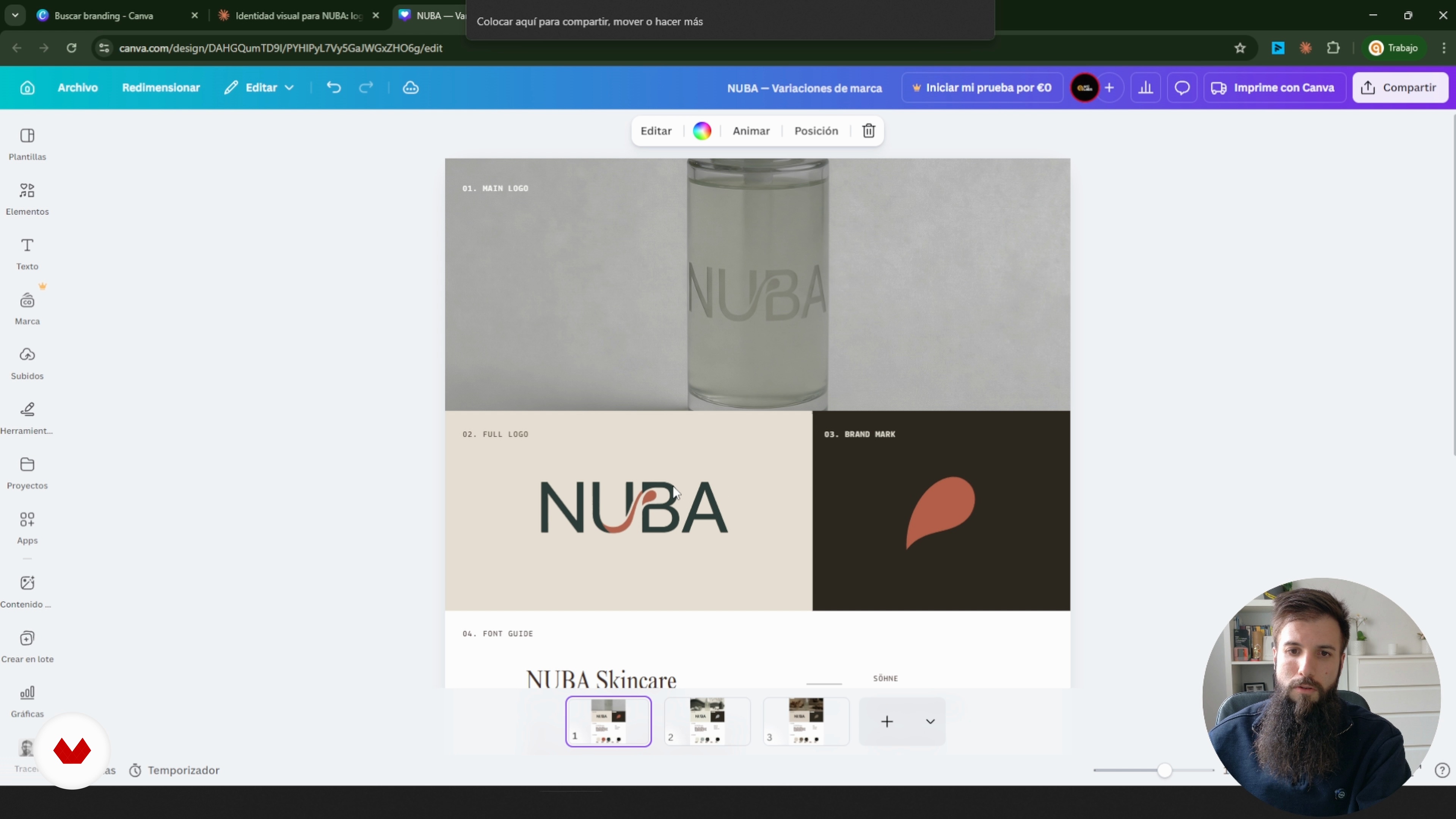
Final brand system and presentation
9 minutes, 59 seconds
What's included in this course?
You’ll learn how to put together a full brand identity using simple tools and some help from AI. We’ll start with the basics: shaping the strategy behind a brand and turning a client brief into concrete visual choices. You’ll try out Claude or ChatGPT to sketch logo ideas, pick typefaces, build color palettes, settle on a tone of voice, and explore different visual directions. Along the way, you’ll practice writing prompts that actually give you useful results instead of random noise.
You’ll also organize every decision inside a Canva branding template so your work doesn’t stay scattered across notes and files. You’ll use Freepik to generate images and graphic elements, design and refine a logo, vectorize it, test color variations, and place it on realistic mockups. By the end, you’ll have a clean, ready-to-use branding document in Canva with fonts, colors, a logo, images, and applications you can present or hand off.
Recommended software & tools for this course
What is this course's project?
The project involves designing the complete visual identity of a fictional brand using artificial intelligence. Students will create a coherent branding system with typography, color palette, logo, mockups, and ready-to-implement applications.
Projects by course students


Who is this online course for?
For designers, creatives, marketers, freelancers, and small business owners who want to create steadier, better-looking visual identities with help from AI tools like Claude, Canva, and Freepik—without needing deep design experience.
Requirements and materials
You don’t need any deep design or branding background. Just basic computer and internet skills, plus accounts on Canva, Freepik, and an AI assistant like Claude or ChatGPT to work through the exercises and create the visual identity document.
Reviews
- 10 days ago
Muy regular
- 11 days ago
Está muy bien explicado
- vargas171PLUS22 days ago
se aprende mucho, buena explicación y buen contenido
- gustavo_ig61PLUS1 month ago
muito bom e prático. Dá para usar o mesmo conhecimento para várias áreas.
- 1 month ago
Muy interesante el curso, se explica todo de manera muy clara y sencilla lo que hace que se facilite el aprendizaje.

His approach combines strategy, practical application, and a critical perspective on technology, aiming to make AI a true ally in professional development. In his courses, he shares clear methodologies and real case studies to implement solutions efficiently and adapt them to each creative context.
Content
Smart Branding Strategy with Claude
- Kicking off the intelligent branding strategy
- Building the strategic base in Canva
- Bringing the Direction into Canva
- Shaping the Logo With Freepik
- Creating and Refining the Logo
- Designing Mockups With Freepik
- Final brand system and presentation
- Final project
What to expect from a Domestika course
Learn at your own pace
Enjoy learning from home without a set schedule and with an easy-to-follow method. You set your own pace.
Learn from the best professionals
Learn valuable methods and techniques explained by top experts in the creative sector.
Meet expert teachers
Each expert teaches what they do best, with clear guidelines, true passion, and professional insight in every lesson.
Certificates
PLUSIf you're a Plus member, get a custom certificate signed by your teacher for every course. Share it on your portfolio, social media, or wherever you like.
Get front-row seats
Videos of the highest quality, so you don't miss a single detail. With unlimited access, you can watch them as many times as you need to perfect your technique.
Share knowledge and ideas
Ask questions, request feedback, or offer solutions. Share your learning experience with other students in the community who are as passionate about creativity as you are.
Connect with a global creative community
The community is home to millions of people from around the world who are curious and passionate about exploring and expressing their creativity.
Watch professionally produced courses
Domestika curates its teacher roster and produces every course in-house to ensure a high-quality online learning experience.
FAQs
You’ll learn how to create and automate a brand’s visual identity using artificial intelligence, design style guides, logos, color palettes, and mockups, as well as edit and customize resources in Canva, Freepik, and Cloud.
The course is intermediate level; it’s recommended to have basic knowledge of graphic design or branding to get the most out of the content and digital tools presented.
You’ll need a computer with internet access and free accounts on Canva, Freepik, Vectorpea, and an AI tool like Claude or Seedream 5 Lite.
You’ll learn how to extract and organize information from meetings using AI, generating structured briefs tailored to client and brand needs.
Yes, the course teaches you how to create, customize, vectorize, and export professional logos using Canva, Freepik, and other digital tools.
A style guide is a document that defines a brand’s visual elements. You’ll learn how to generate it automatically with AI and design it in Canva, including color palettes, logos, and fonts.
Yes, you’ll learn how to select, justify, and apply color palettes using hex codes and integrate them across different design platforms.