Creating Assets for Video Games with AI
A course by Ramón IborraGenerative Artificial Intelligence Consultant and Educator
A course by Ramón Iborra, Generative Artificial Intelligence Consultant and Educator

Create video game assets with AI, designing sprites, backgrounds, UI and animations for coherent 2D game art
Learn how to create the visual art for a 2D game using AI tools and online graphic resources. In this course you’ll work with sprites, backgrounds, UI pieces and simple animations to put together a full set of game-ready assets.
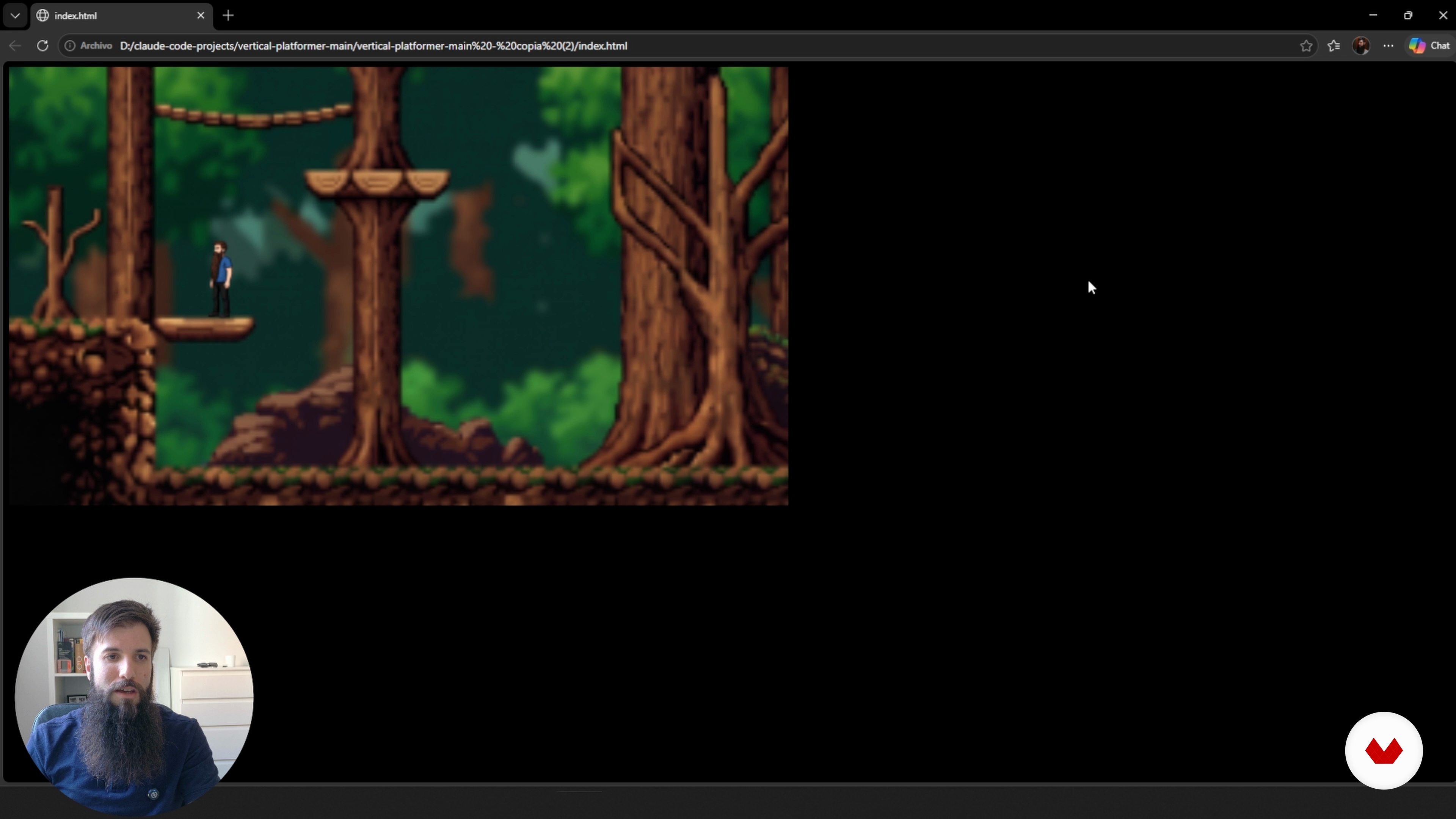
You’ll choose a visual style, design pixel‑art characters, platforms, environments and interface icons, and tweak each piece so they feel like they belong together. Using a small vertical‑platformer project as the base, you’ll swap out the original graphics with your own while keeping the scale and readability intact.
With tools like Freepik, NanoBanana2 and Photopea, you’ll learn how to generate, edit and polish assets quickly, including variations for actions such as idle, run, jump and fall. By the end, you’ll have a clear workflow you can reuse in future projects.
What will you learn in this online course?
7 lessons & 7 downloads
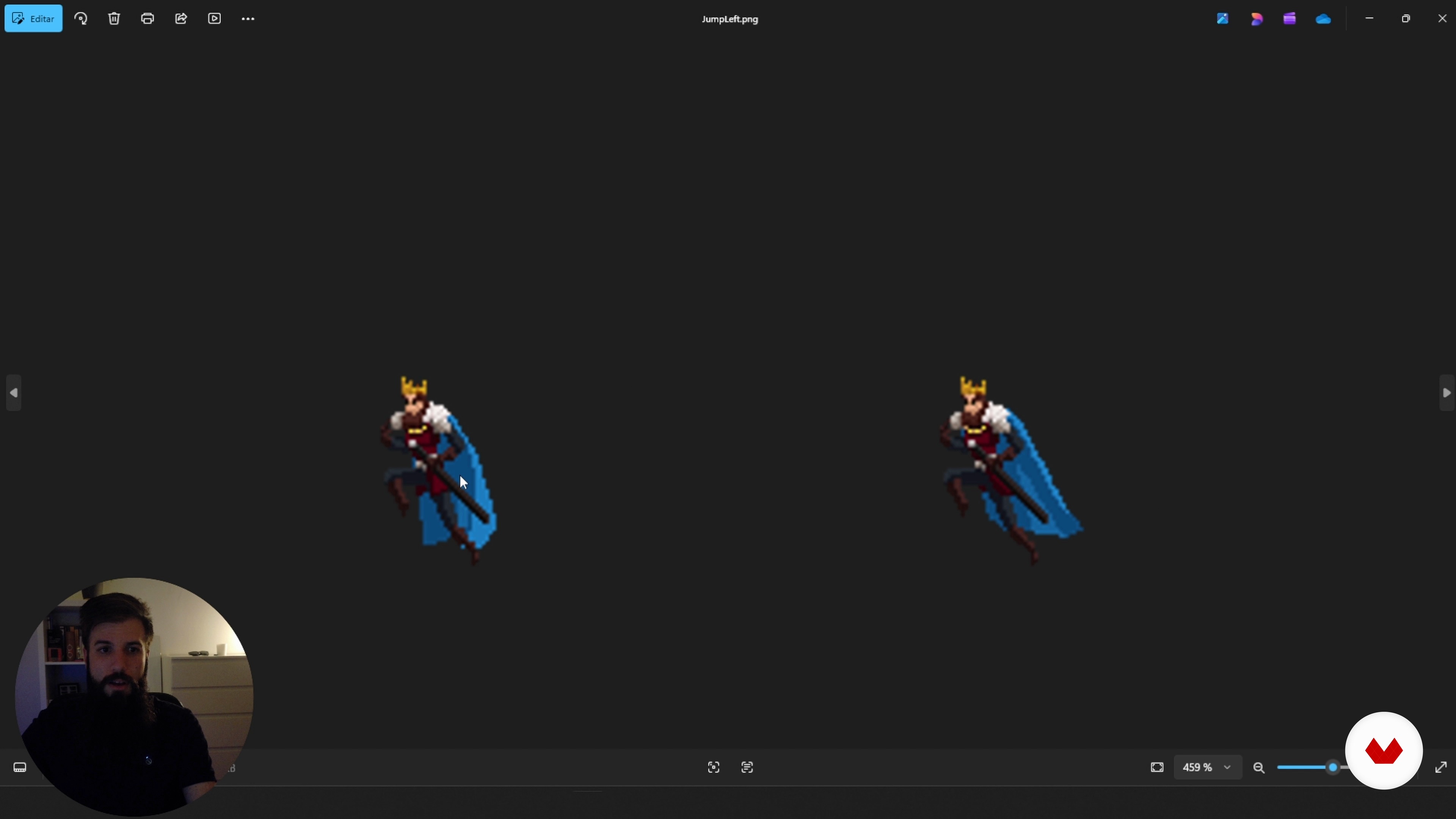
Designing backgrounds and environments
6 minutes, 35 seconds
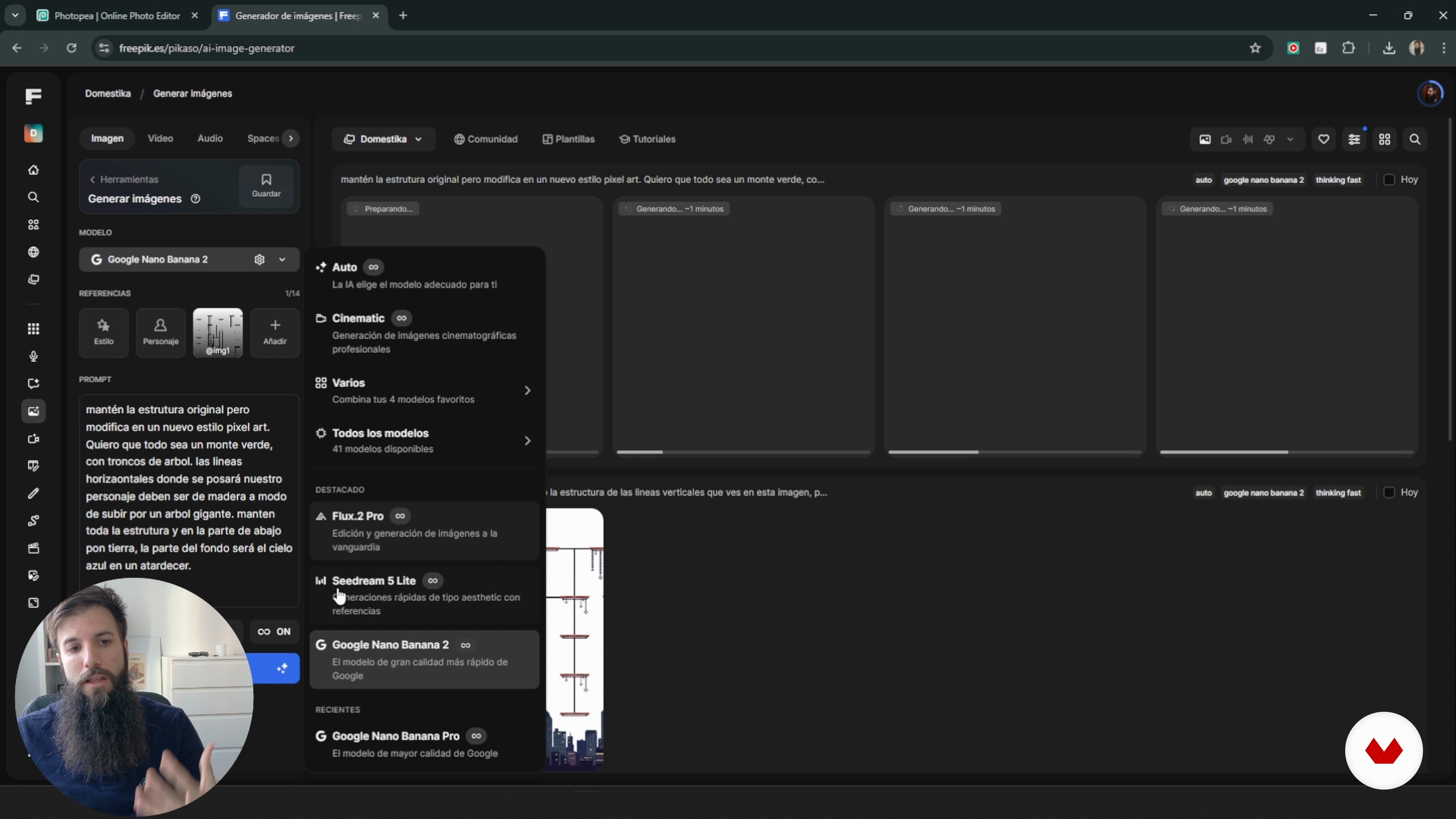
Creating Sprites With AI and Freepik
18 minutes, 3 seconds
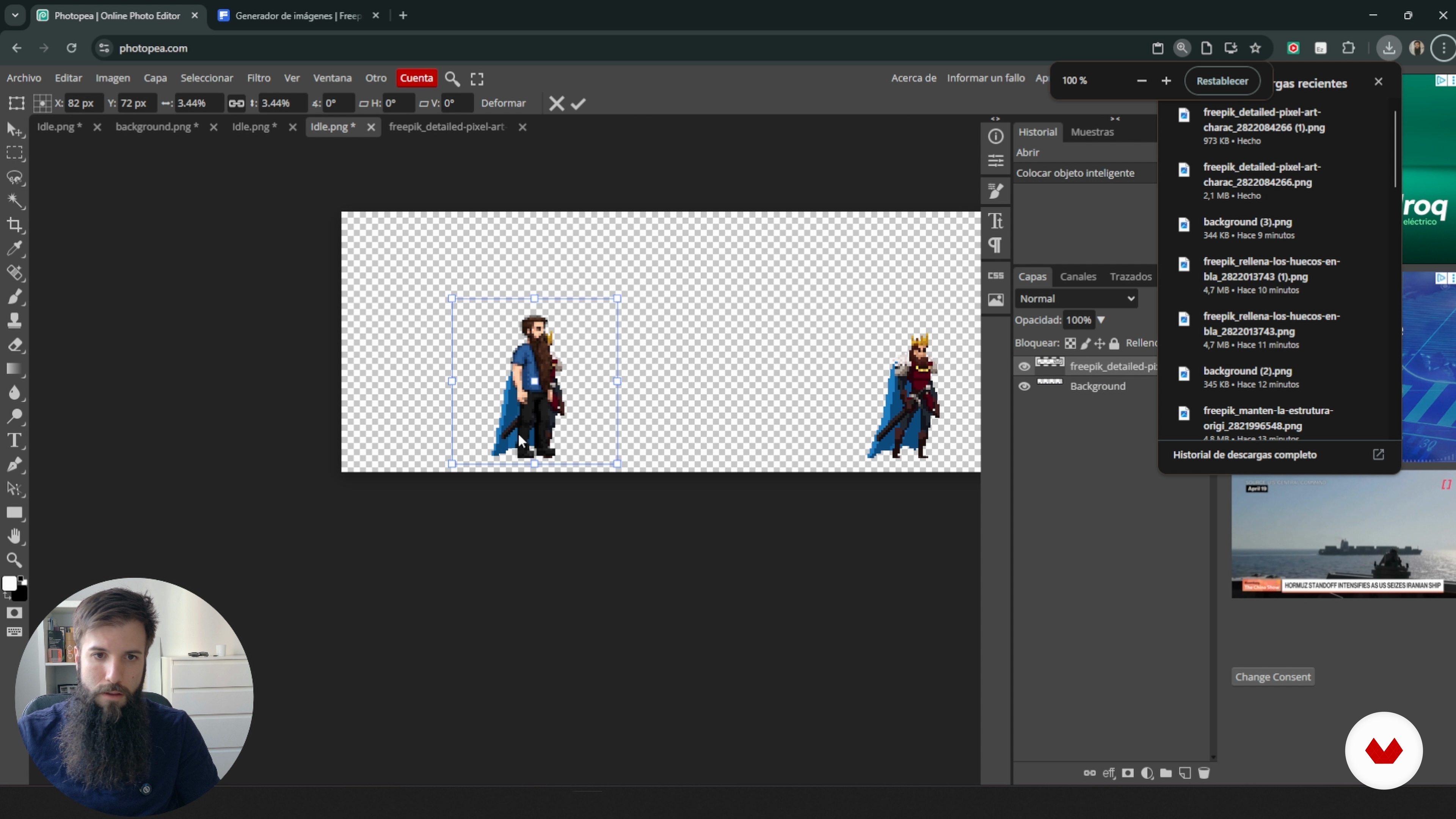
Variations and basic animations
13 minutes, 37 seconds
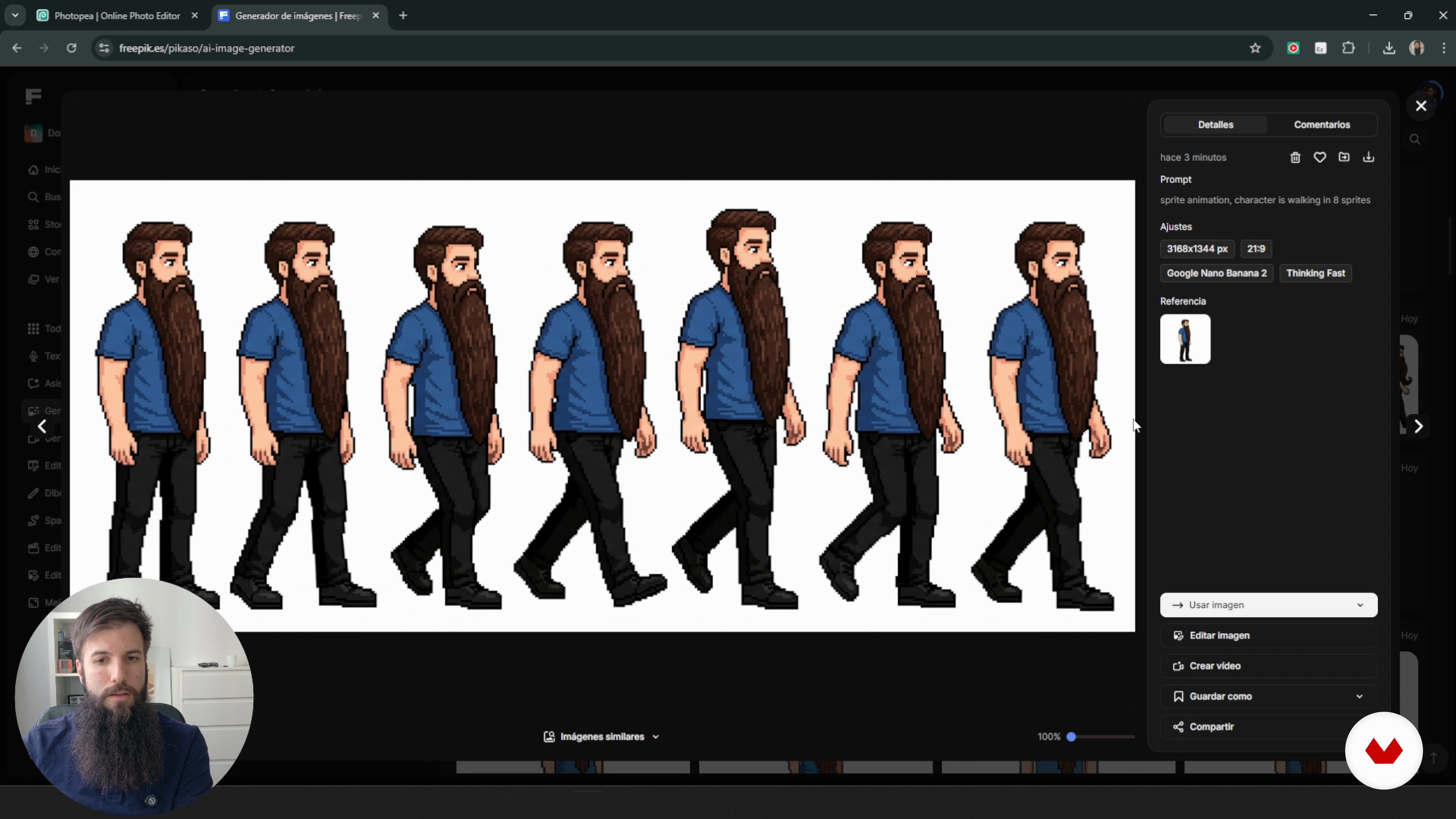
Integrating Assets Into the Project
10 minutes, 5 seconds
Final Test
2 minutes, 16 seconds
What's included in this course?
You’ll figure out what visual pieces a 2D game actually needs and how each one shapes the way the game feels. We’ll talk sprites, backgrounds, UI bits and simple animations, then narrow that list down to what your own project really has to include. From there, you’ll sketch out a visual direction—style, colors, shapes, level of detail, lighting, contrast—so the whole game looks like it belongs together.
Then you’ll jump into practice. You’ll create backgrounds, scenes, characters and interactive objects with AI and Freepik, shaping everything to fit a vertical platformer that’s already built. You’ll put together sprite sheets with different states, make quick walk, jump and fall loops and keep each silhouette clean even at small sizes. You’ll tidy up your files, match resolutions and scale, replace the artwork in the project and test until the new visuals feel right in‑game.
Recommended software & tools for this course
Who is this online course for?
Anyone who took the teacher’s first course and wants to push their game‑art skills further, plus 2D artists, designers, indie devs, and small teams looking for a simple, reliable way to make reusable, visually consistent game assets
Requirements and materials
You don’t need a big background for this. If you’ve played around with 2D games and know your way around a simple image editor like Photopea or Photoshop, you’re good. Being curious about AI image tools helps. Having touched a 2D game engine before makes things easier, but it’s not required.

His approach combines strategy, practical application, and a critical perspective on technology, aiming to make AI a true ally in professional development. In his courses, he shares clear methodologies and real case studies to implement solutions efficiently and adapt them to each creative context.
Content
Creating Assets for Video Games with AI
- What Assets a Game Needs
- Defining a Visual Direction
- Designing backgrounds and environments
- Creating Sprites With AI and Freepik
- Variations and basic animations
- Integrating Assets Into the Project
- Final Test
- Final project
What to expect from a Domestika course
Learn at your own pace
Enjoy learning from home without a set schedule and with an easy-to-follow method. You set your own pace.
Learn from the best professionals
Learn valuable methods and techniques explained by top experts in the creative sector.
Meet expert teachers
Each expert teaches what they do best, with clear guidelines, true passion, and professional insight in every lesson.
Certificates
PLUSIf you're a Plus member, get a custom certificate signed by your teacher for every course. Share it on your portfolio, social media, or wherever you like.
Get front-row seats
Videos of the highest quality, so you don't miss a single detail. With unlimited access, you can watch them as many times as you need to perfect your technique.
Share knowledge and ideas
Ask questions, request feedback, or offer solutions. Share your learning experience with other students in the community who are as passionate about creativity as you are.
Connect with a global creative community
The community is home to millions of people from around the world who are curious and passionate about exploring and expressing their creativity.
Watch professionally produced courses
Domestika curates its teacher roster and produces every course in-house to ensure a high-quality online learning experience.
FAQs
You’ll learn how to create, edit, and customize characters, backgrounds, and animations for games using AI tools like Freepeek, Nano Banana 2, and Fotopea, along with pixel art techniques. The course also covers asset integration, visual consistency, and workflow optimization.
This course is aimed at people with basic knowledge of design or games, but you don’t need to be an expert. Prior experience with image editing or pixel art is recommended to get the most out of it.
You’ll need access to Freepeek, Nano Banana 2, Fotopea, and similar graphic editing tools. An internet connection is also recommended for AI features and downloadable resources.
Artificial intelligence lets you create original characters and backgrounds using prompts and generative models, making it easier to personalize and adapt visual assets for games while saving time and creative effort.
Yes, the course teaches how to build frame-by-frame animations using Fotopea and other tools, covering sequencing, editing, and exporting sprites and game characters.
Freepeek is a tool for editing and customizing pixel art backgrounds, allowing you to modify scenes, adjust visual layers, and create unique backgrounds tailored to your game’s aesthetic.
Yes, you’ll learn how to tweak, edit, and adapt AI-generated assets to keep visual and color harmony, integrating them seamlessly with your project’s style.