Introduction to Icon Design
A course by Hermes MazaliArt Director
A course by Hermes Mazali, Art Director

Learn about the processes and techniques behind icon design for branding projects
Icons are small design elements that can have a huge impact as functional elements. For a designer, it means condensing a large amount of information into its minimum expression. Needless to say, this can often be immensely challenging. Art director and branding specialist Hermes Mazali is passionate about icons and always tries to integrate these elements into his branding projects.
In this online course, Hermes teaches you a methodology to create your own family of icons. Learn about the advantages of using a grid in your sketches and designs, as well as how to plan your project, from the initial concept to exporting the icons for different applications.
What will you learn in this online course?
21 lessons & 18 downloads

What are we going to do in this course
1 minute, 1 second
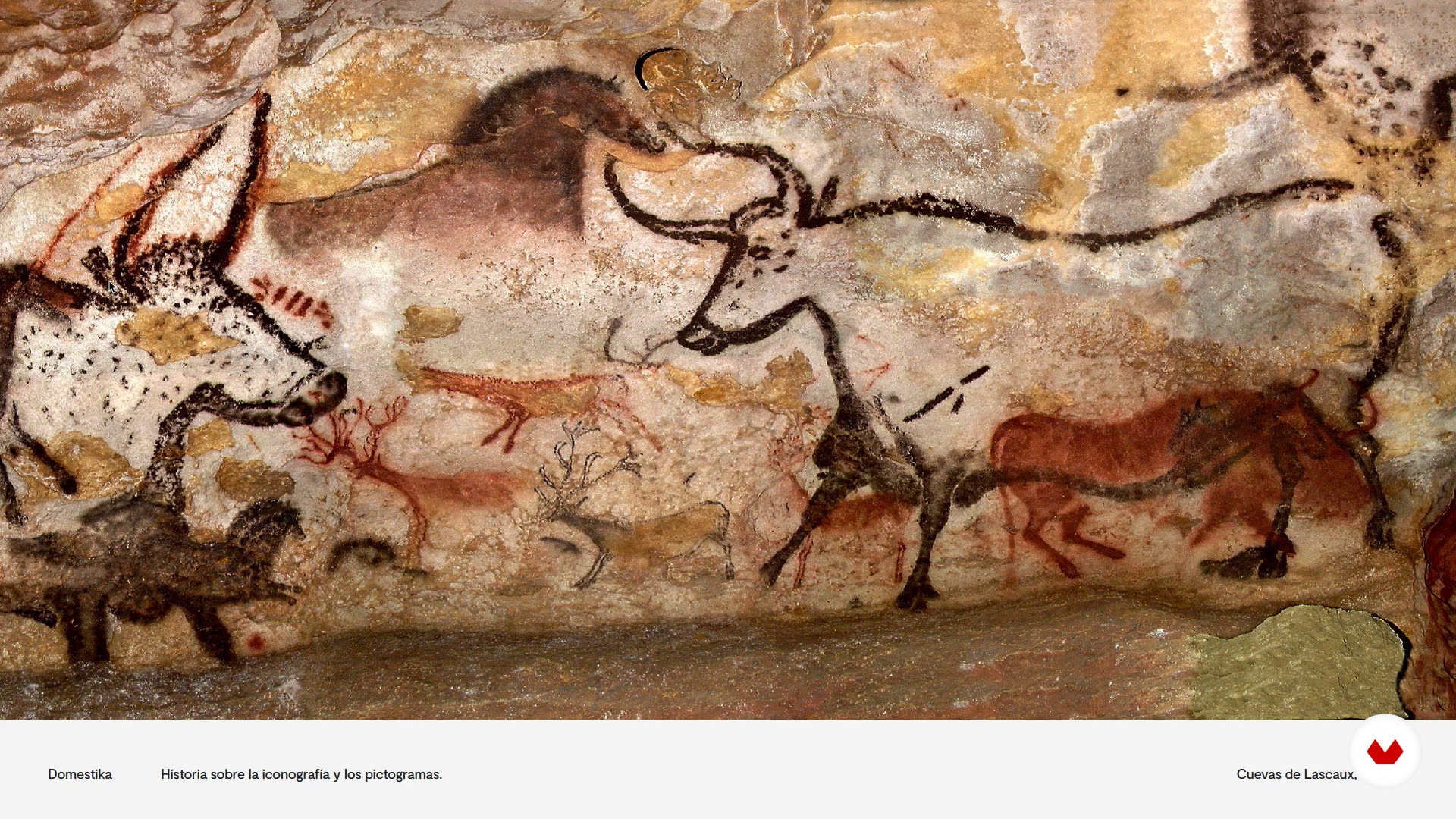
History of iconography and pictograms
7 minutes, 8 seconds
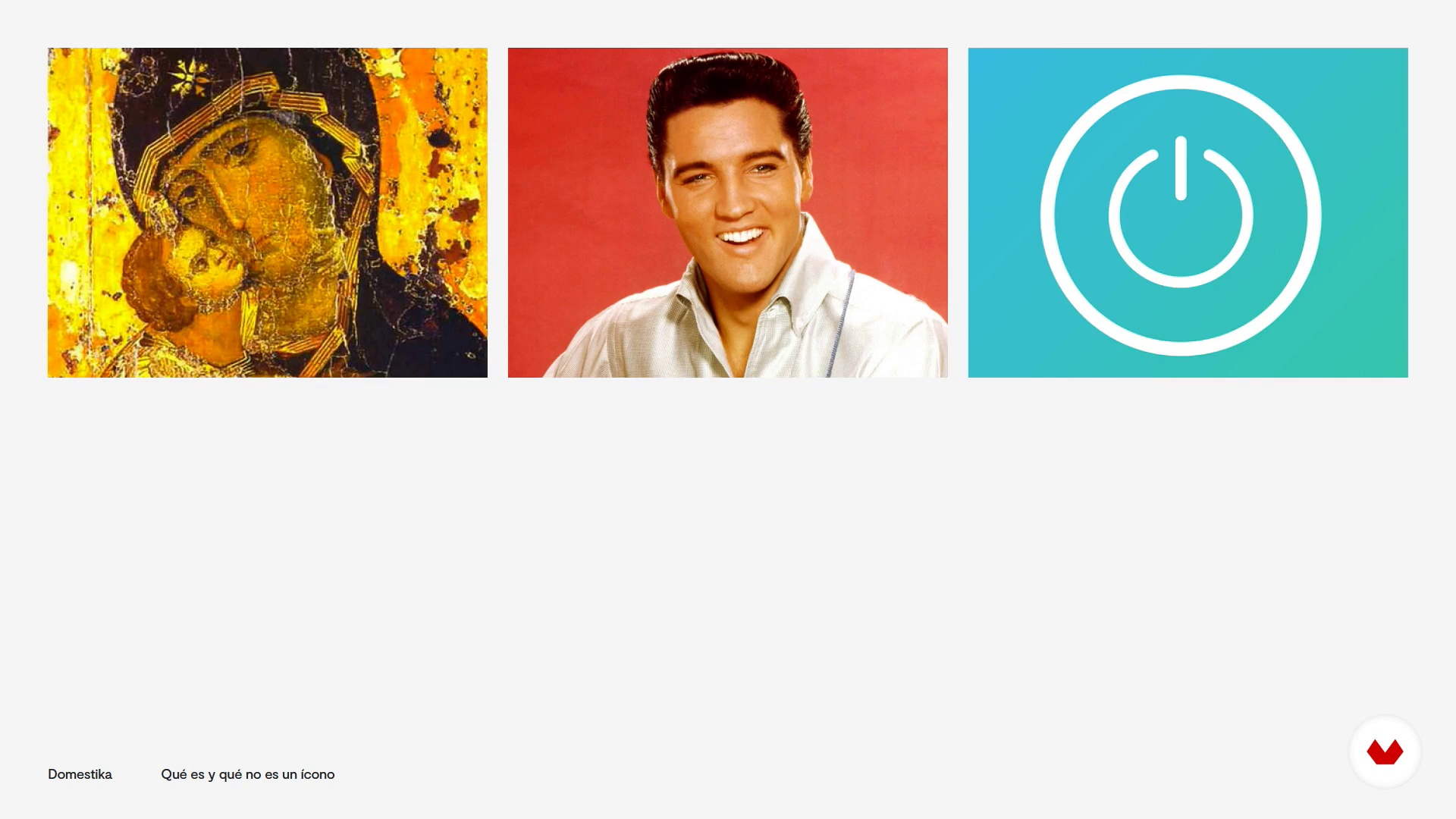
What is and what is not an icon
4 minutes, 20 seconds
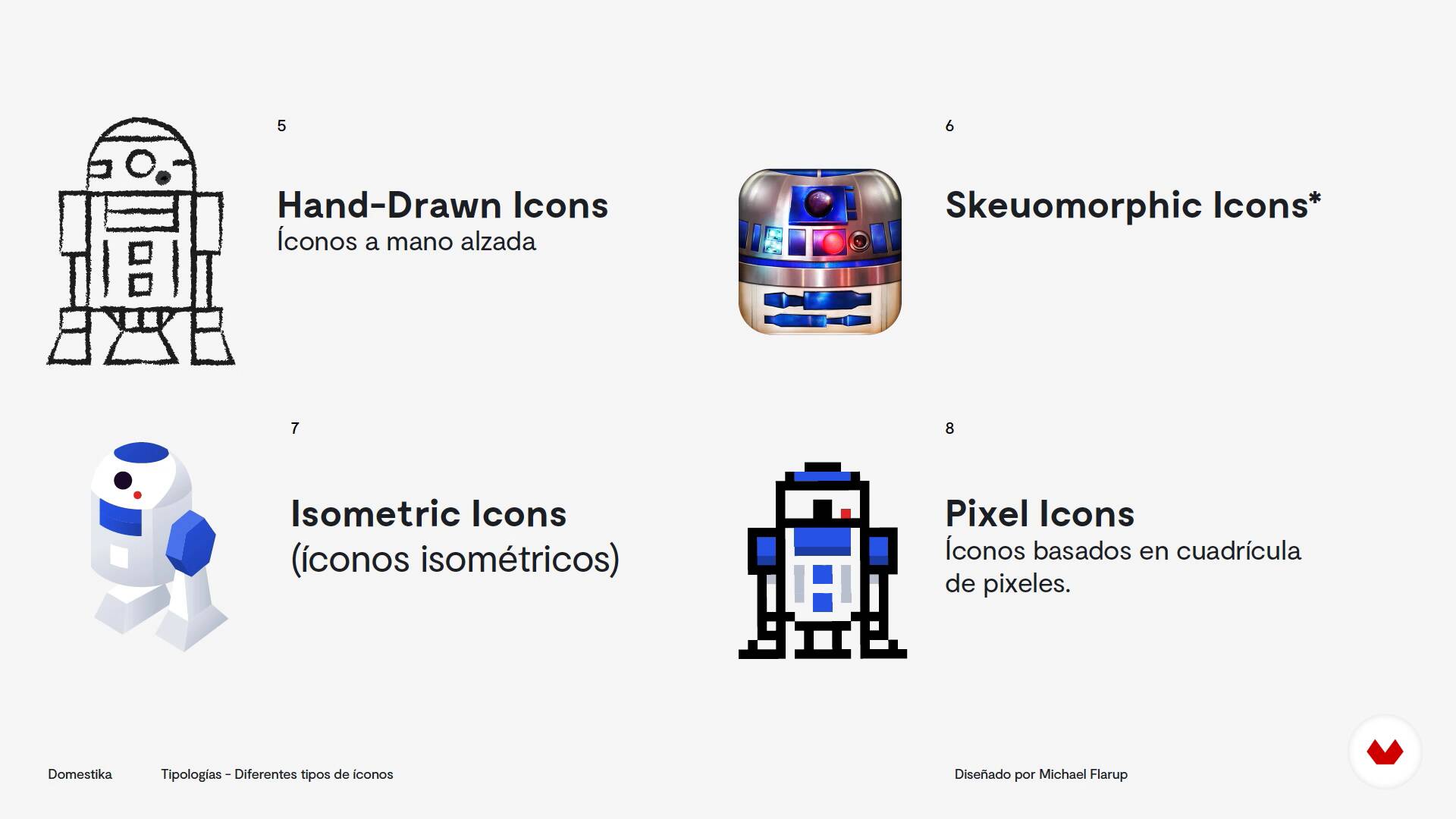
Types of Icons
5 minutes, 28 seconds
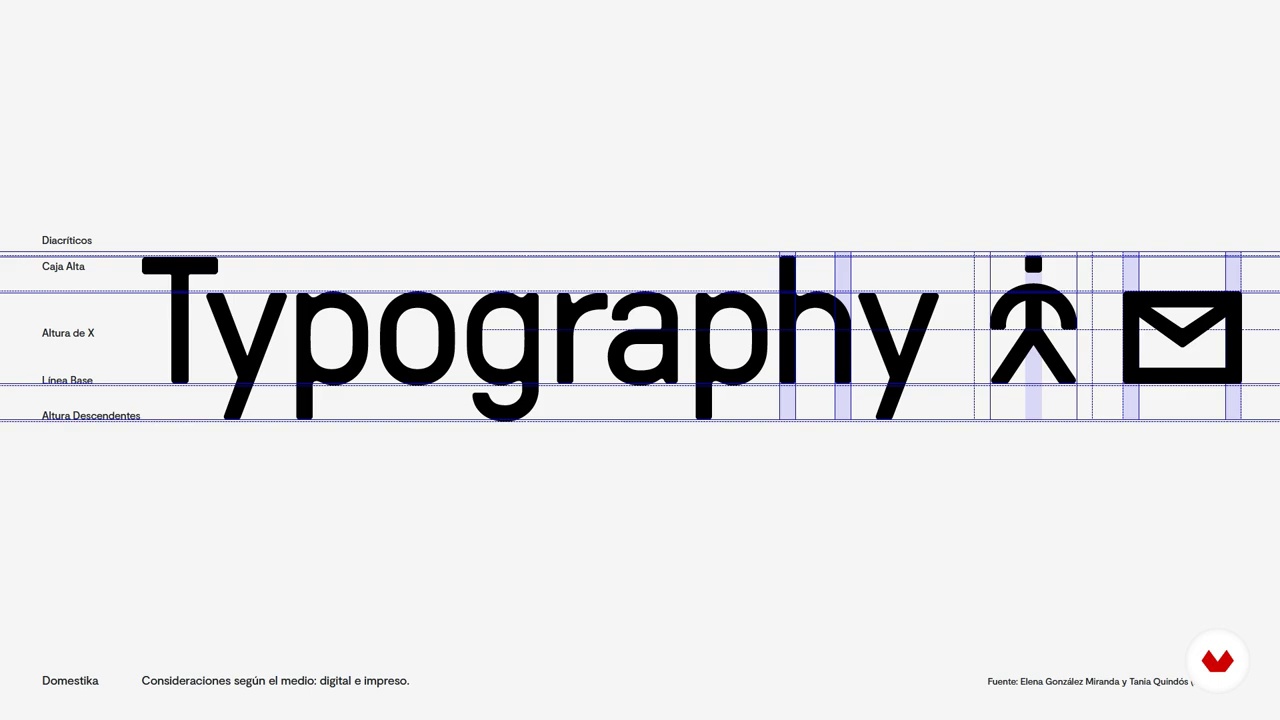
Considerations according to the medium: digital and printed
5 minutes, 13 seconds
Self-commissioning and definition of objectives
5 minutes, 48 seconds
What's included in this course?
Start by getting to know Hermes as he tells you more about himself, his career as a graphic designer, his preferences, and his specialties within the sector. He also shares his creative inspirations with you.
Find out where icons come from and how they've evolved into what we know today before looking at what they really are and how they differ from pictograms. Explore the different types of icons out there and common style variations, taking note of key considerations that apply when you are designing for digital or print mediums.
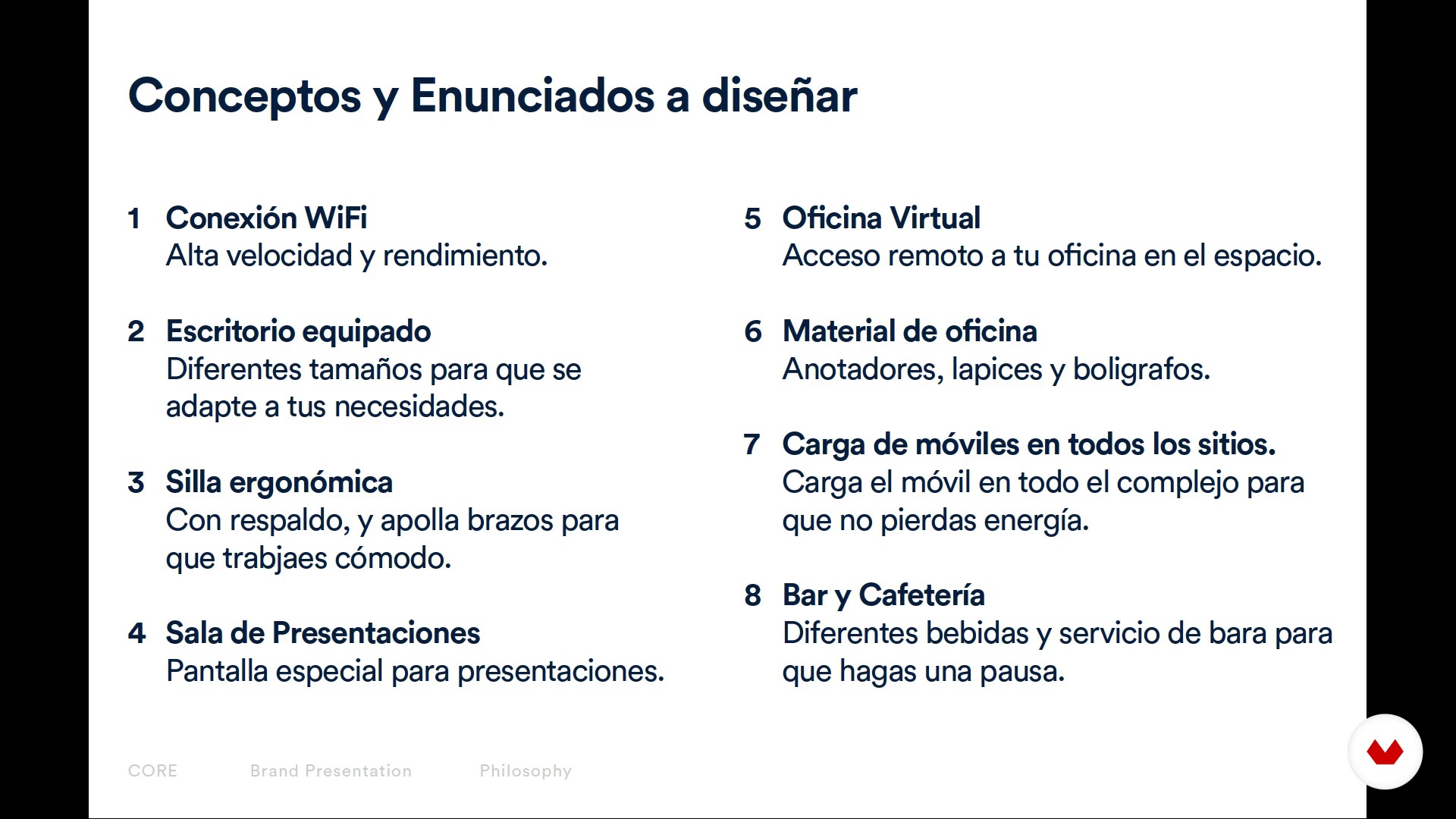
Begin the conceptual stage of your project (signage and icons for a specific space) by setting your objectives and planning it out in three phases: definition, development, and reviewing. Then create a concept map and a visual mood board.
Continue with the design and production process by drawing your first sketches on paper. Once the first icons have been defined, learn about how to adhere to proportions and concepts and how to maintain a sense of coherence. Brighten up your family of icons by applying color using Illustrator's color swatches.
To wrap things up, complete your designs and learn how to adapt them to their final purpose before exporting them in different resolutions and formats.
Recommended software & tools for this course
What is this course's project?
Create an icon proposal for a specific project. Start by carrying out a personality analysis and making a brand manual and graphic charter to create a relevant style. Then, design a family of icons to be used in both print and digital formats.
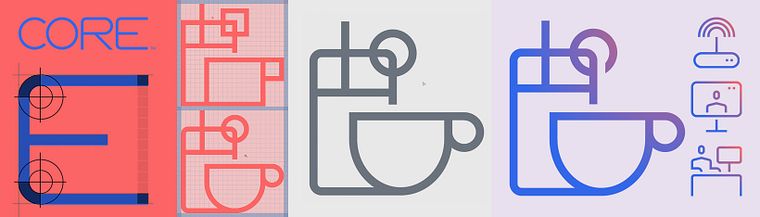
Projects by course students


Who is this online course for?
Anyone who wants to dive into the world of icon design. This course is great for both professional designers and graphic and multimedia design students.
Requirements and materials
To take this course, you just need a good dose of creativity, curiosity, and passion.
As for materials, you need a notebook and a pencil or pen to jot down and sketch your ideas, as well as a computer with a vector design program installed, preferably Adobe Illustrator.

Reviews
- 13 days ago
Um curso objetivo, atendeu a minha expectativa.
- lucasgarrigadisgPLUS6 months ago
Excelente curso, muy bien explicado !
- 7 months ago
Buen curso, explica ciertas cosas técnicas y secretos para una correcta ejecución.
- 11 months ago
Curso rápido e objetivo, ensina a montar uma grade no Illustrator para que os ícones possam ser construídos de maneira uniforme. Como é um assunto muito específico na parte de design gráfico, vale a pena comprar este curso.
- 1 year ago
Bem organizado, objetivo, e muito útil. Adorei!

He is a founding partner of Atemporal Agency, a small design agency where he works in art direction, photography, web design, logos, and icon design. However, he also works as a freelancer for a range of agencies, brands, and start-ups from different countries.
Content
- U1
Presentation
- Presentation
- Influences
- What are we going to do in this course
- U2
Introduction to the world of icons
- History of iconography and pictograms
- What is and what is not an icon
- Types of Icons
- Considerations according to the medium: digital and printed
- U3
Conceptual process
- Self-commissioning and definition of objectives
- Project planning
- Conceptual map
- Moodboard
- U4
Design process (Production)
- Sketches and approach to graphic style
- The grid and the importance of it
- Grid creation and style definition
- Icon system design I
- Icon System Design II
- Icon System Design III
- Color
- Optical settings
- U5
Tips and final tips
- Tips to adapt the icons to small sizes
- Formats suitable for exporting icons
- FP
Final project
- Introduction to icon design
What to expect from a Domestika course
Learn at your own pace
Enjoy learning from home without a set schedule and with an easy-to-follow method. You set your own pace.
Learn from the best professionals
Learn valuable methods and techniques explained by top experts in the creative sector.
Meet expert teachers
Each expert teaches what they do best, with clear guidelines, true passion, and professional insight in every lesson.
Certificates
PLUSIf you're a Plus member, get a custom certificate signed by your teacher for every course. Share it on your portfolio, social media, or wherever you like.
Get front-row seats
Videos of the highest quality, so you don't miss a single detail. With unlimited access, you can watch them as many times as you need to perfect your technique.
Share knowledge and ideas
Ask questions, request feedback, or offer solutions. Share your learning experience with other students in the community who are as passionate about creativity as you are.
Connect with a global creative community
The community is home to millions of people from around the world who are curious and passionate about exploring and expressing their creativity.
Watch professionally produced courses
Domestika curates its teacher roster and produces every course in-house to ensure a high-quality online learning experience.
FAQs
You’ll learn how to conceptualize, design, and export consistent digital icons tailored to various formats, media, and brand needs—applying grids, synthesis techniques, and customization for branding, interfaces, and signage.
This is an intermediate-level course; basic graphic design knowledge and familiarity with digital tools like Illustrator are recommended to get the most out of it.
You’ll need a computer with vector design software (preferably Adobe Illustrator), internet access, sketching materials like paper and pencil, and an interest in visual identity and iconography.
You’ll learn to create cohesive icon families customized to a brand’s identity, applying principles of visual consistency, grids, color, and cross-platform adaptation.
A grid is a guiding structure that ensures proportion, alignment, and consistency among icons, making it easier to create visually uniform and functional icon sets across any medium.
The course teaches how to export icons in formats like SVG, PNG, and PDF, adjusting resolution, color mode, and size according to the medium to ensure quality and compatibility.
An icon conveys simple, universal concepts through visual shorthand, while a pictogram represents actions or objects more literally—both help users quickly understand information.