Interface Design with Sketch
A course by Javier CuelloUX Designer
A course by Javier Cuello, UX Designer

Learn to design brilliant apps in a quick and easy way
With the birth of new ways to consume content, new ways of designing it have also emerged. Sketch is an app for Mac which enables an easier design process for app interfaces or websites and is one of the most used tools to carry out this type of project around the globe.
Javier “Simón” Cuello, designer specialized in interfaces for mobile devices, teaches how to use Sketch from scratch, including best practices that he frequently uses in his own design process.
What will you learn in this online course?
19 lessons & 22 downloads
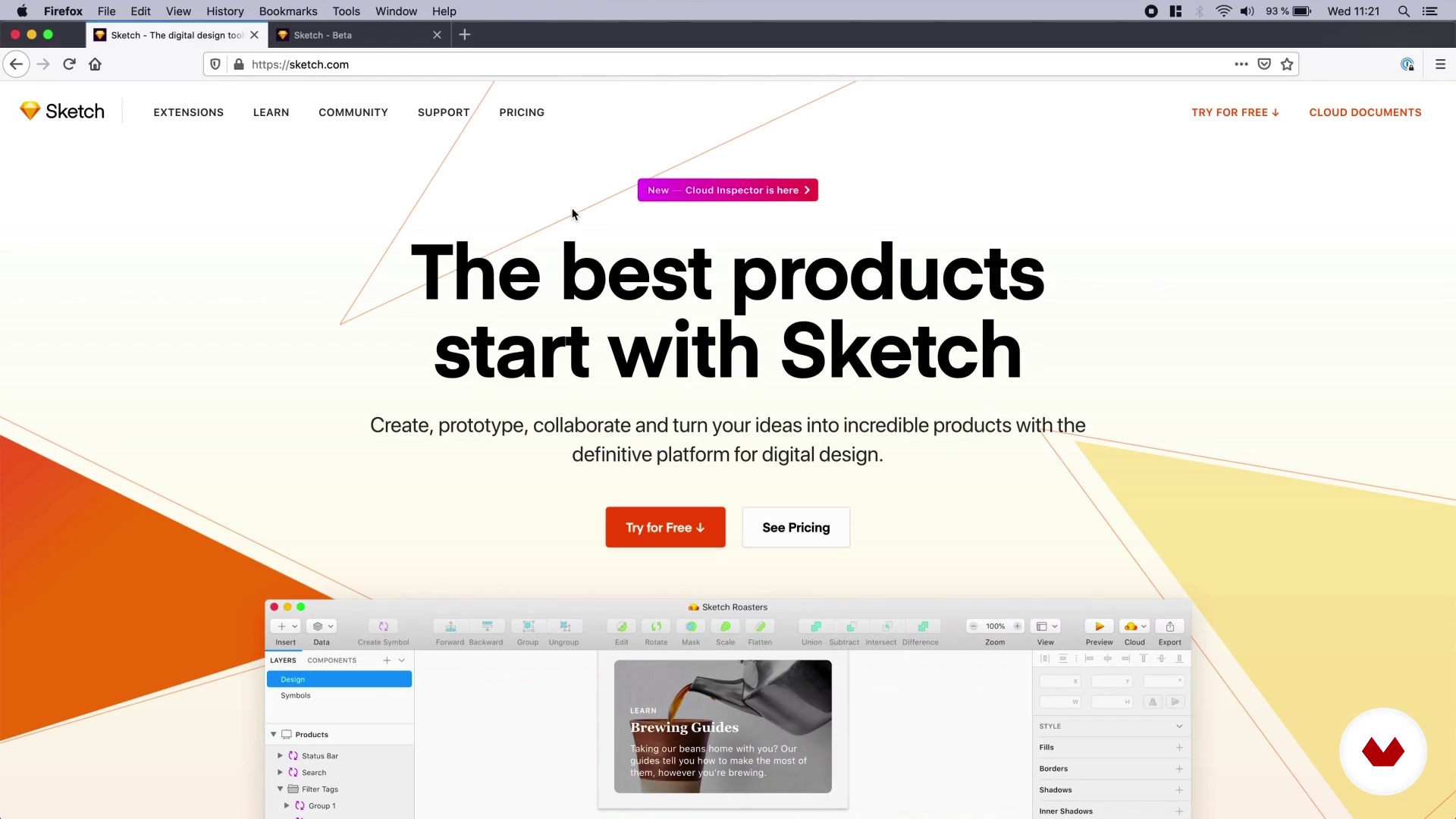
Understanding the basics
4 minutes, 21 seconds
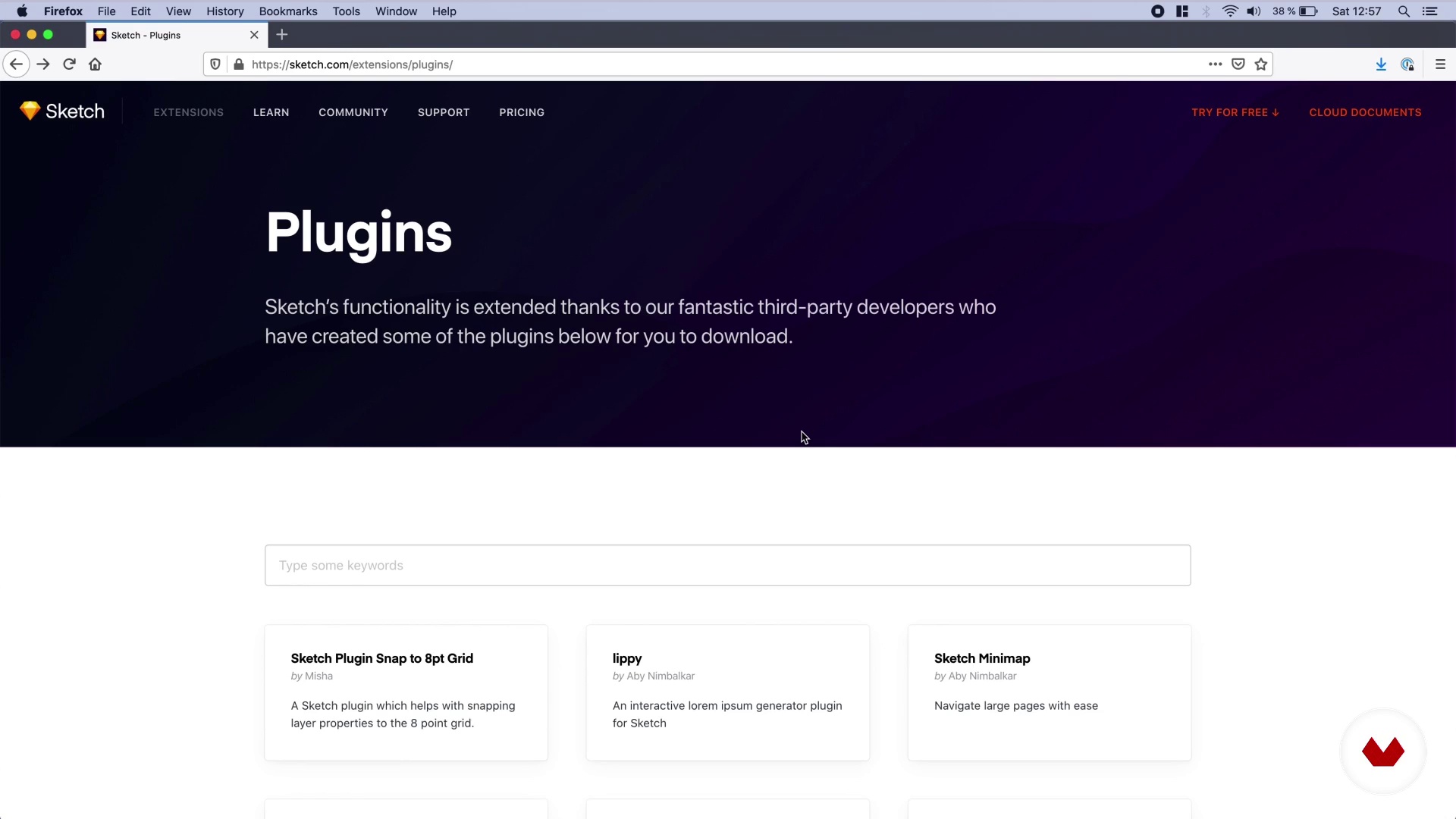
Plugins
4 minutes, 1 second
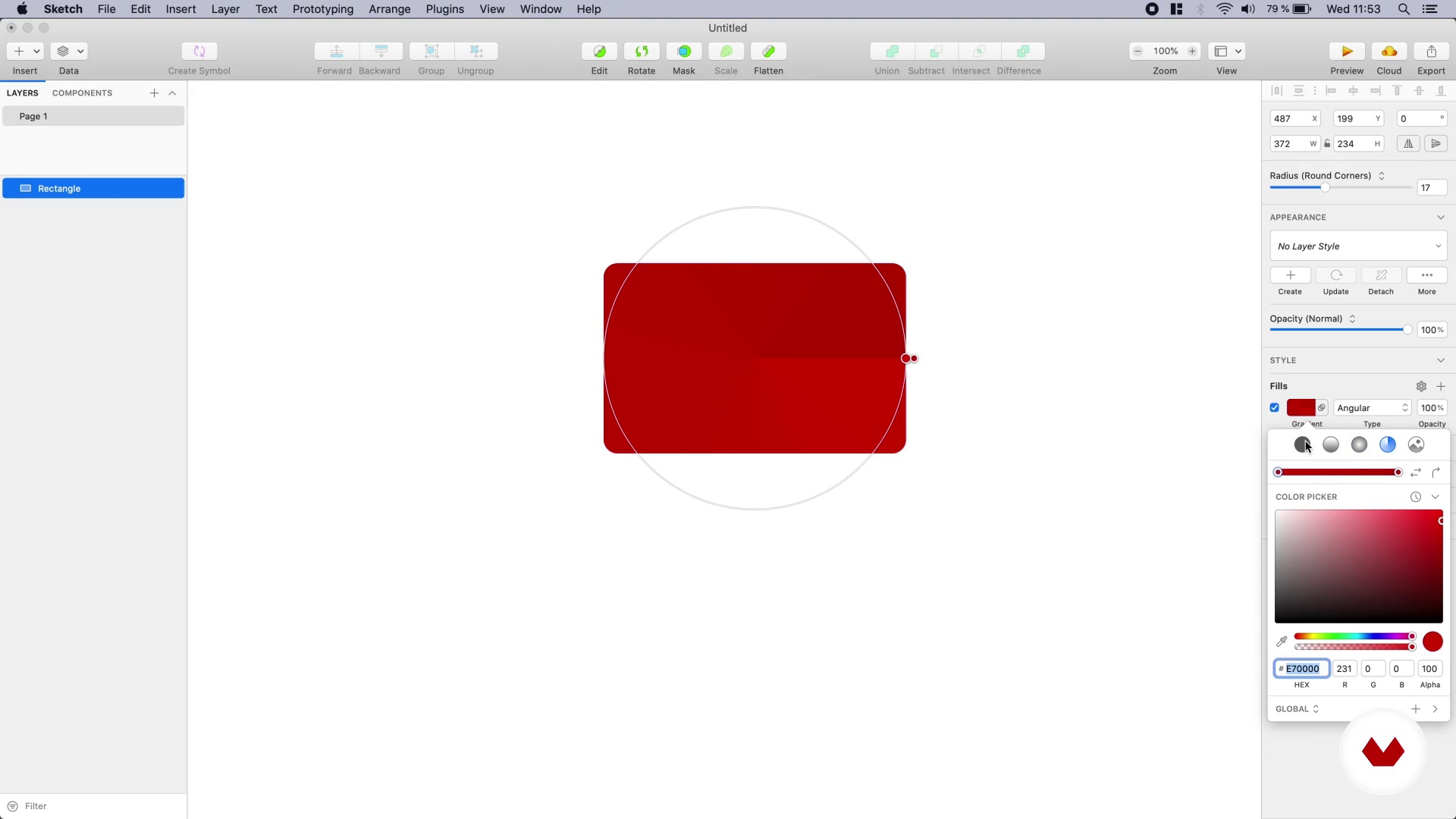
Shapes
5 minutes, 46 seconds
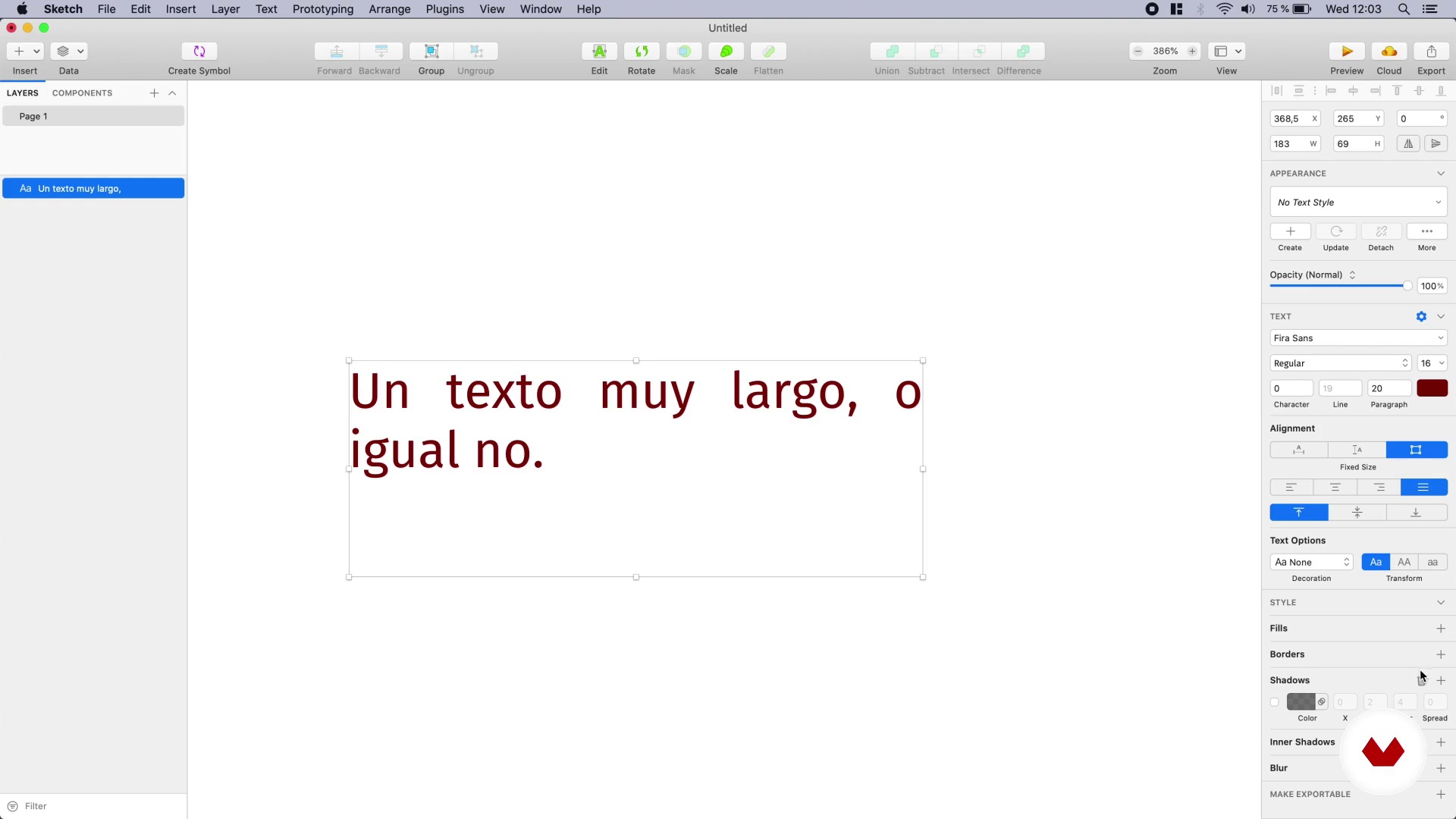
Texts
3 minutes, 50 seconds
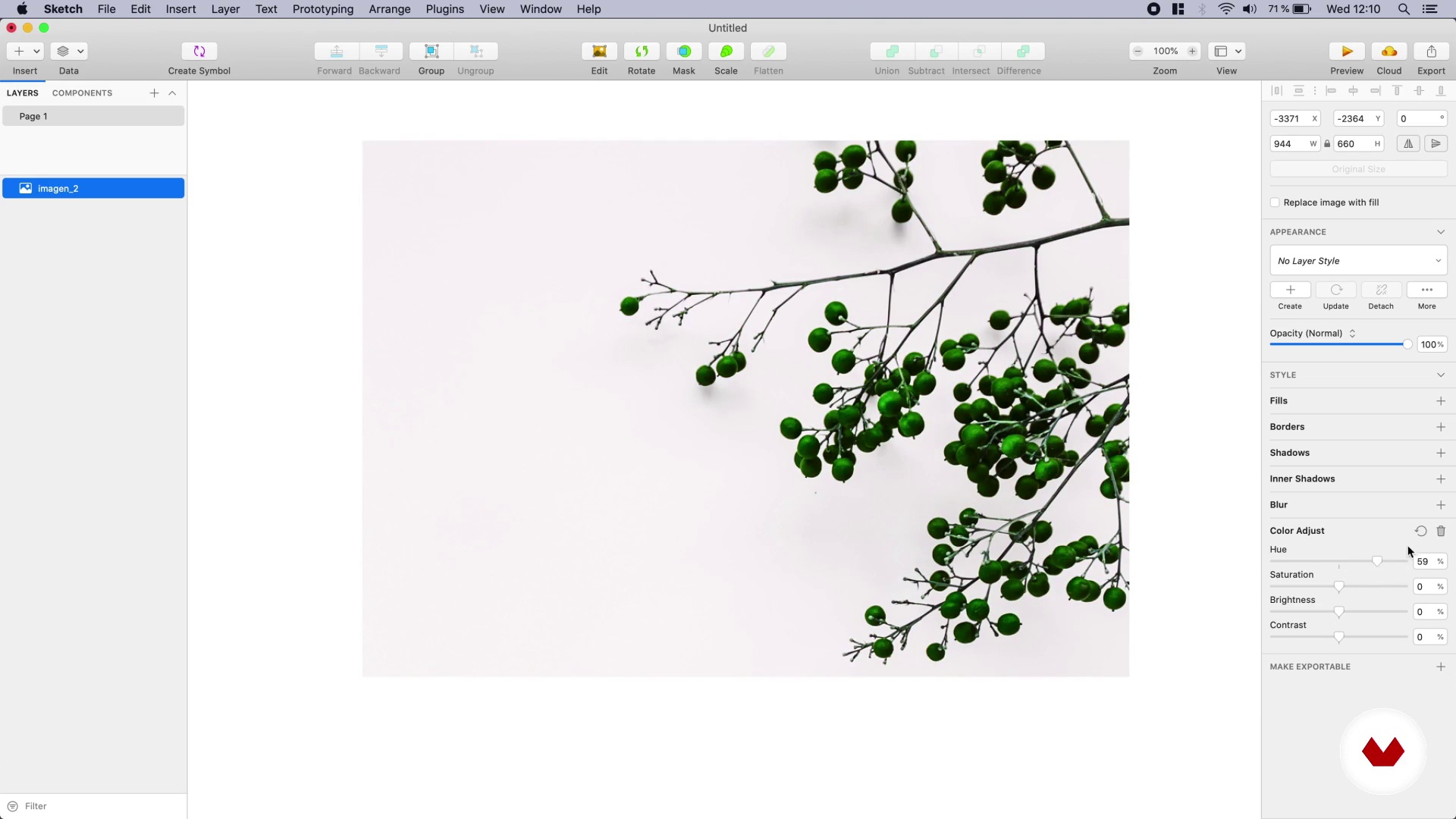
Images
3 minutes, 50 seconds
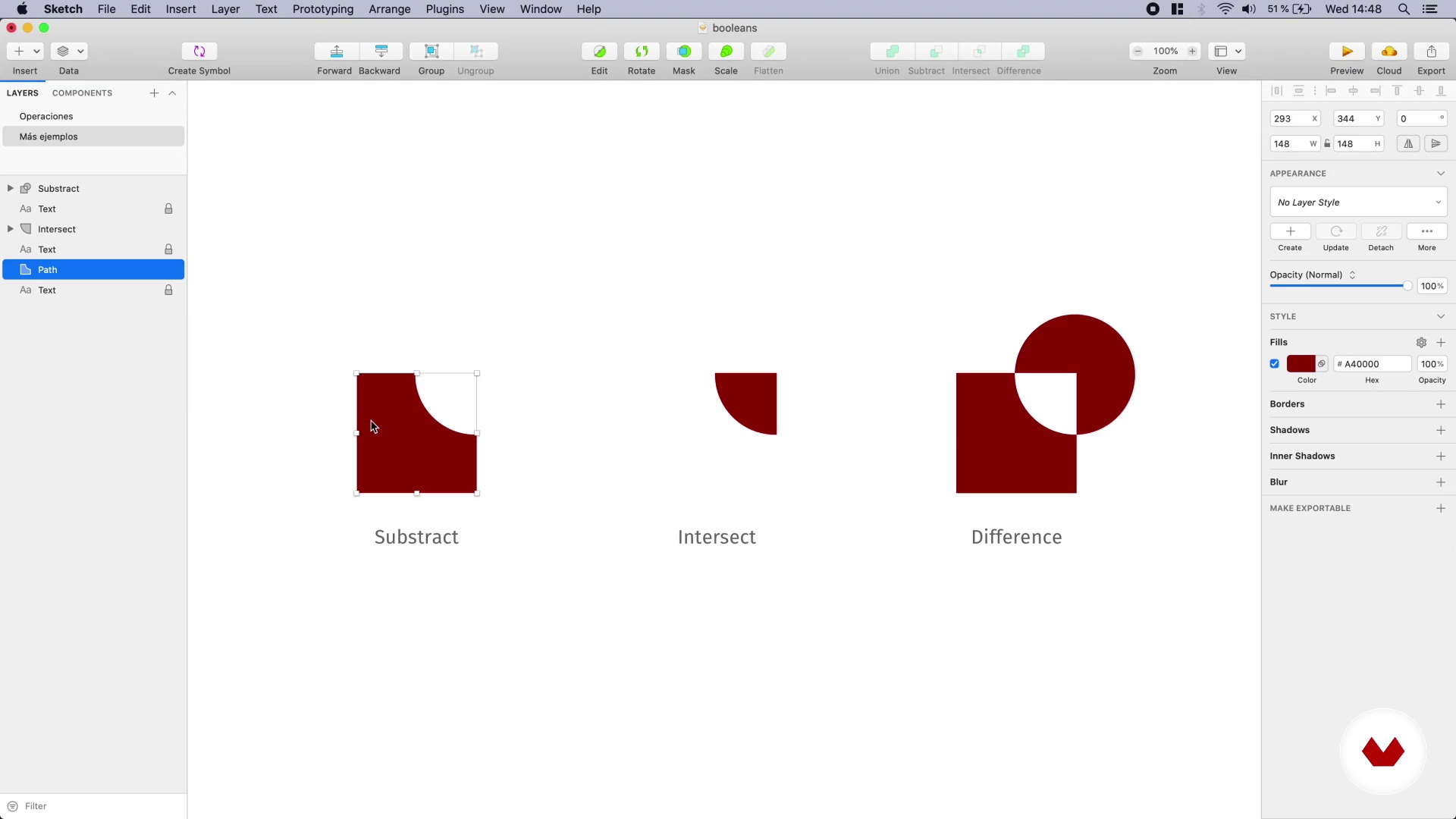
Operations with forms
2 minutes, 50 seconds
What's included in this course?
Start the course by getting to know Javier’s work, his influences, and graphic references.
Next, dive into the world of Sketch, a program specializing in interface design for web sites, and mobile apps. Javier starts with the basic elements of the software, such as plugins shapes, text, and images.
Once you have understood how Sketch works, move on to working on shape functions, editing vectors, managing styles, groups, symbols, and masks. Design the wireframes of your first interface.
Complete the wireframes with a more polished look, including real data in the interface. Learn best practices and tricks along the way.
Learn how to export images, share your designs, and interactive prototypes with programmers and other members of your team.
Finally, see how to use shared libraries to always have your updated designs available, using a master file with the common interface elements.
Recommended software & tools for this course
What is this course's project?
Design a mobile-first website that includes a home screen, and another with photos, lists, and real information.
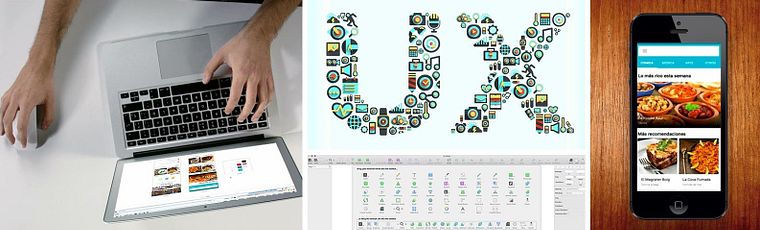
Projects by course students


Who is this online course for?
For designers that want to learn how to use Sketch to incorporate the software to their design process, to create interfaces fast and effectively. The course is specially designed for those who aren’t afraid to leave their everyday software and move on to using Sketch to create more appealing designs in a shorter space of time.
Requirements and materials
No previous knowledge is necessary, you’ll learn how to use Sketch from scratch. If you’re already familiar with other design software, the course may be easier for you to follow.
As for materials, you’ll need a Mac computer and Sketch (version 64 or later). If you have a more recent version, you'll be able to follow the content without any issues.

Reviews
- 3 years ago
Muy bueno
- 4 years ago
Me esta gustando mucho
- 4 years ago
Buen curso, entretenido, dinámico y completo.
- 4 years ago
Curso completo e direto, ensina tudo o que você precisa saber para iniciar seu projeto.
- 4 years ago
Me encanta este curso, tenía conocimiento previo sobre Sketch, pero con este curso he aprendido y resuelto muchas dudas que tenía.

Something that is always reflected in his work is the constant strive for improvement in seemingly invisible details, which makes a digital project shine in the concept of user experience.
Content
- U1
Introduction
- Presentation
- Influences
- U2
Getting to know Sketch
- Understanding the basics
- Plugins
- Shapes
- Texts
- Images
- U3
Working with shapes and styles
- Operations with forms
- Editing vectors
- Style management
- Groups and symbols
- More expensive
- U4
Designing the interface
- Artboards
- Designing wireframes
- Designing wireframes (part II)
- Visual design
- U5
Exporting and sharing
- Preparing the images
- Communicating your designs to the team
- Shared libraries
- FP
Final project
- Interfaces Design with Sketch
What to expect from a Domestika course
Learn at your own pace
Enjoy learning from home without a set schedule and with an easy-to-follow method. You set your own pace.
Learn from the best professionals
Learn valuable methods and techniques explained by top experts in the creative sector.
Meet expert teachers
Each expert teaches what they do best, with clear guidelines, true passion, and professional insight in every lesson.
Certificates
PLUSIf you're a Plus member, get a custom certificate signed by your teacher for every course. Share it on your portfolio, social media, or wherever you like.
Get front-row seats
Videos of the highest quality, so you don't miss a single detail. With unlimited access, you can watch them as many times as you need to perfect your technique.
Share knowledge and ideas
Ask questions, request feedback, or offer solutions. Share your learning experience with other students in the community who are as passionate about creativity as you are.
Connect with a global creative community
The community is home to millions of people from around the world who are curious and passionate about exploring and expressing their creativity.
Watch professionally produced courses
Domestika curates its teacher roster and produces every course in-house to ensure a high-quality online learning experience.
FAQs
Sketch is a digital design tool focused on creating user interfaces for mobile apps and websites, allowing you to design, prototype, and efficiently export graphic assets.
It’s not for absolute beginners; it’s aimed at those with basic digital design knowledge who want to deepen their skills in Sketch for mobile interfaces.
You’ll need a Mac with Sketch installed, basic digital design skills, and internet access to download resources and recommended plugins during the course.
You’ll learn how to use Sketch to create interfaces, wireframes, interactive prototypes, organize assets, manage plugins, and export developer-ready graphics.
Sketch is specifically built for interfaces and prototyping, offering faster, more efficient workflows than general-purpose tools like Photoshop or Fireworks.
Yes, it includes creating interactive prototypes that simulate user navigation and flow within a mobile app.
Yes, you’ll learn to prepare and export optimized graphic assets using slices and presets to streamline development.